4k Videography Cameras
Capture stunning, ultra-high definition footage with our range of 4K videography cameras. Whether you're a professional filmmaker or an aspiring content creator, these cutting-edge cameras offer unrivaled image quality and clarity that will take your videos to the next level. With their advanced features and superior performance, you'll be able to capture every detail with breathtaking precision. Explore our selection of 4K videography cameras and unleash your creativity like never before.
Sort





Why detailed footage depends on more than resolution
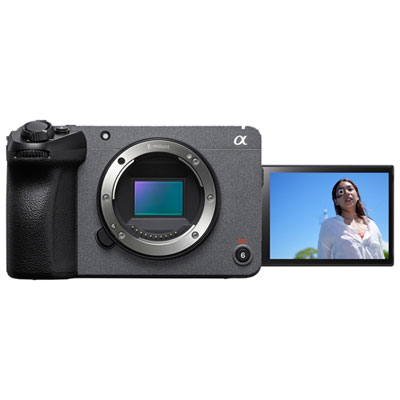
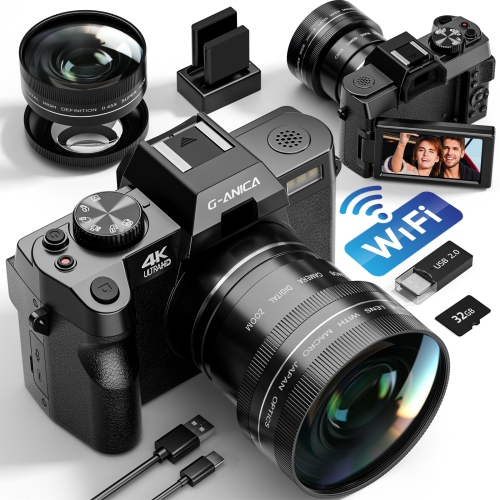
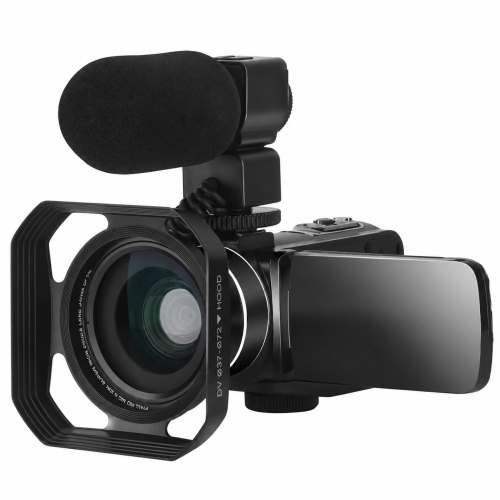
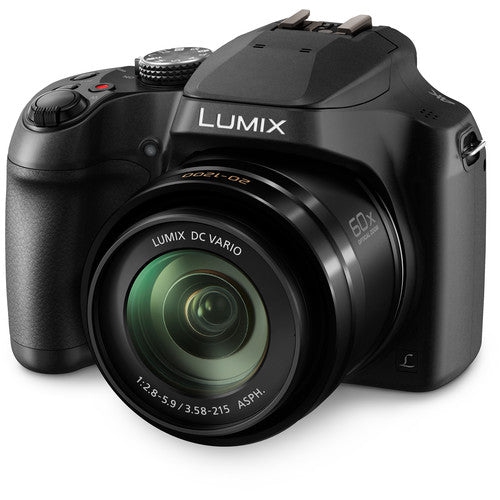
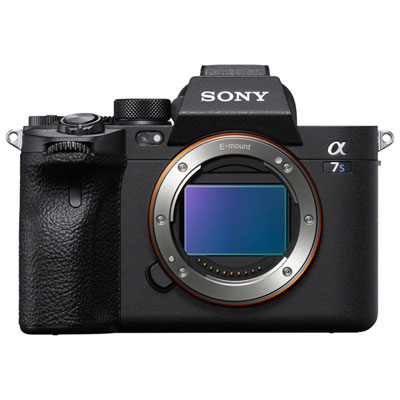
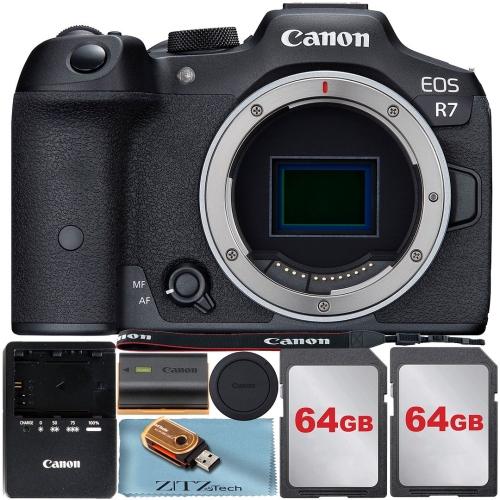
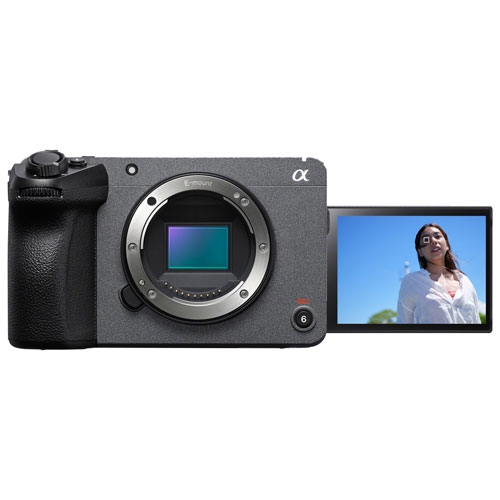
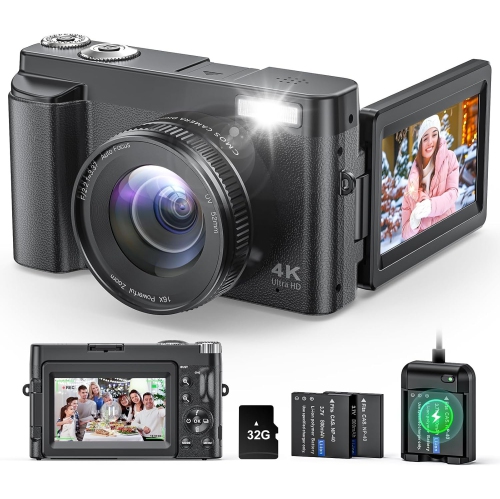
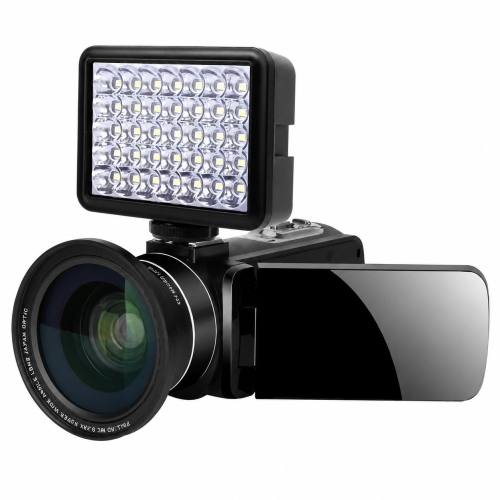
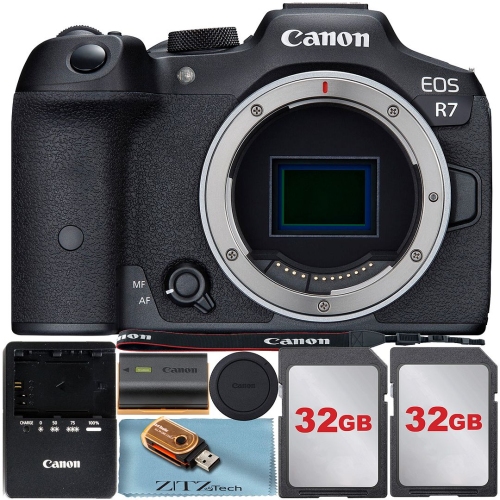
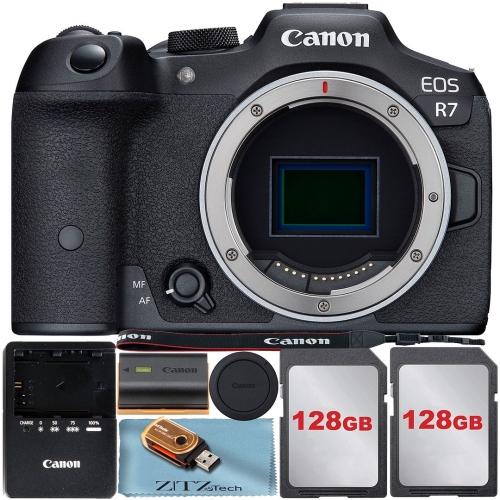
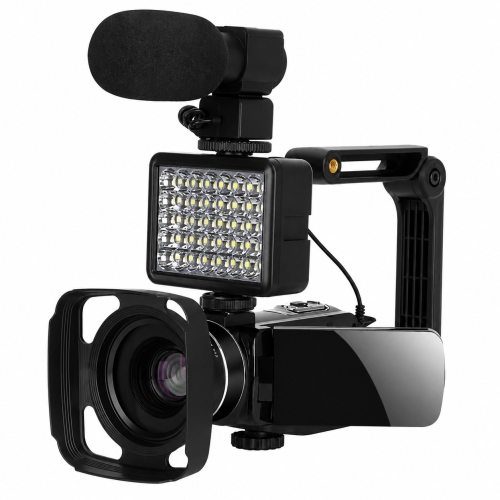
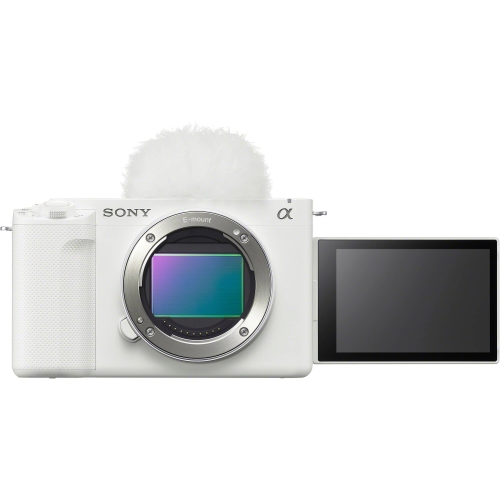
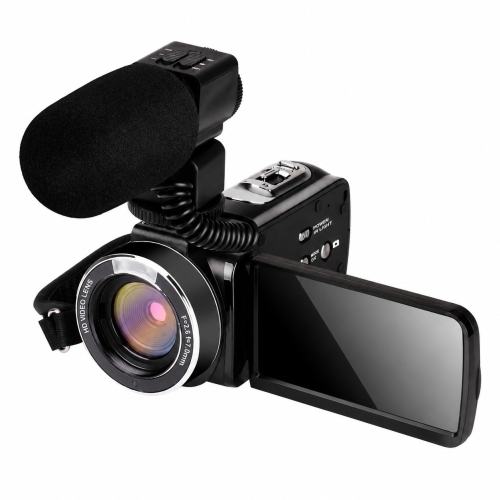
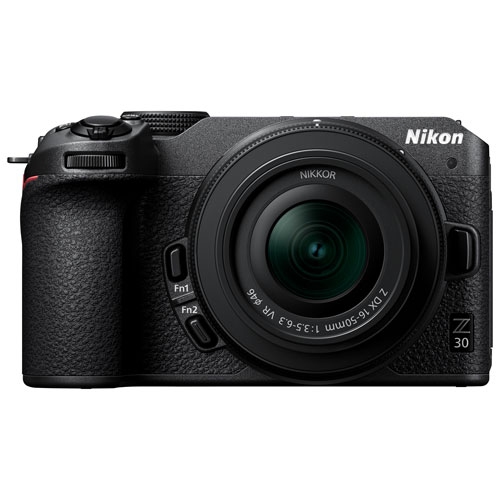
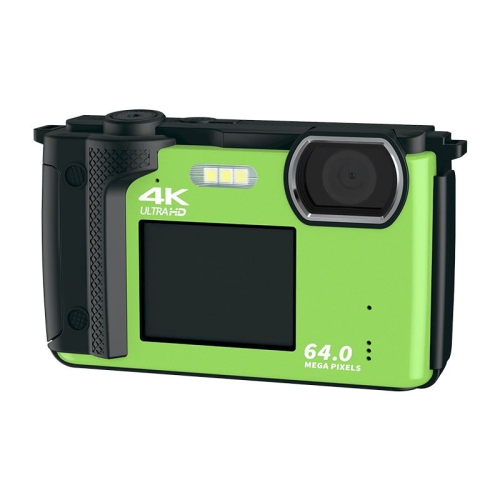
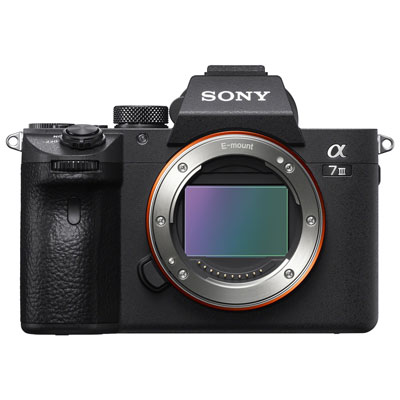
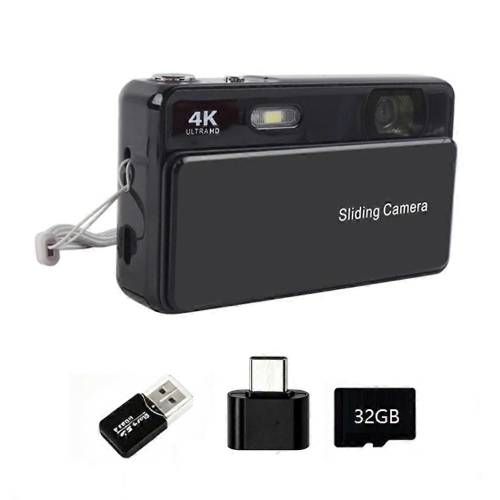
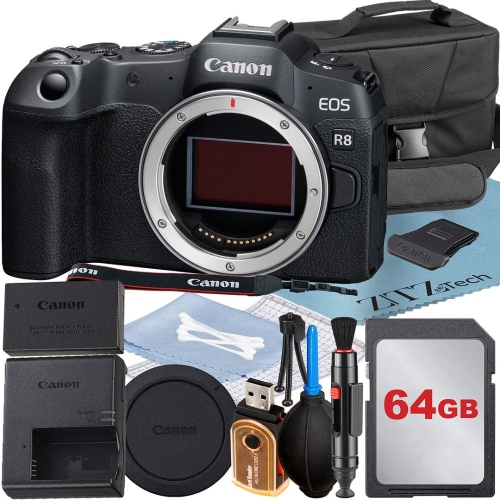
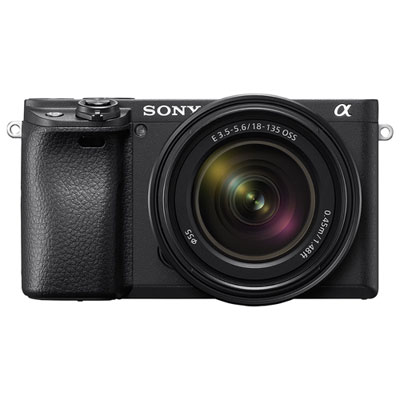
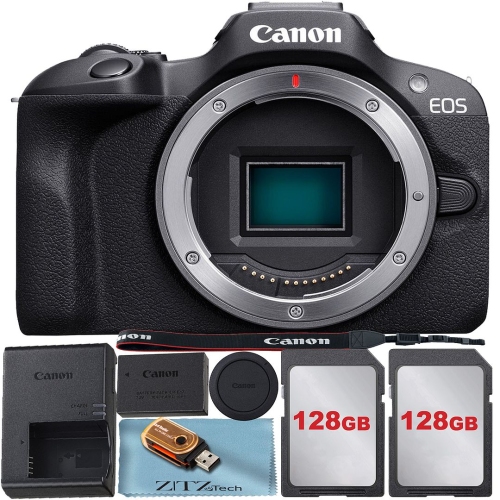
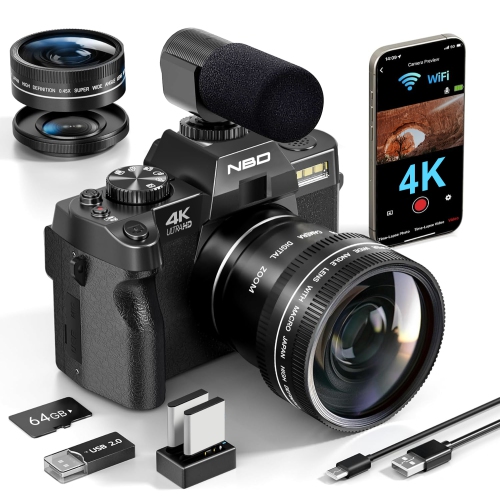
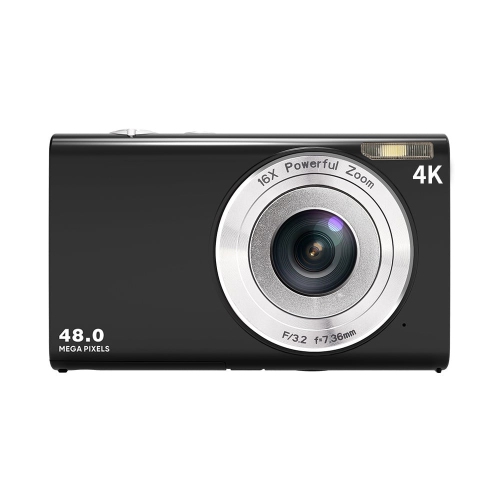
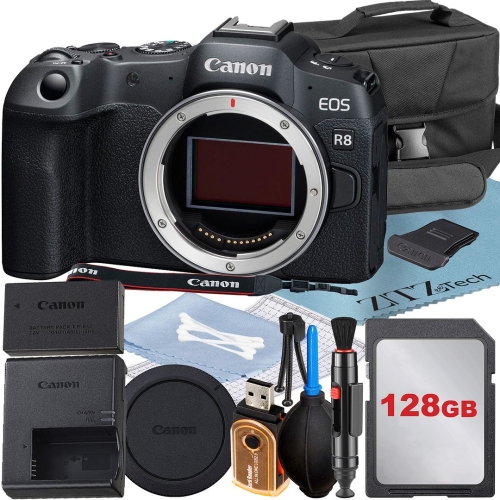
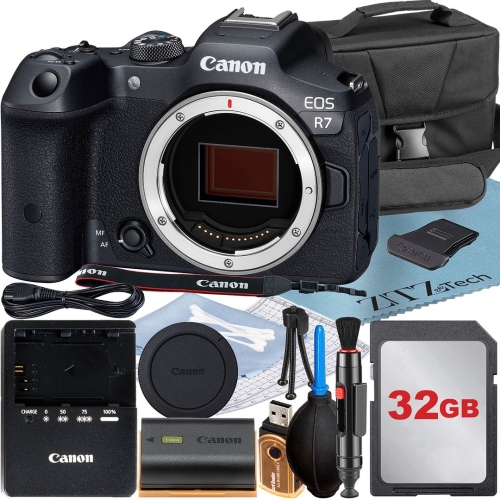
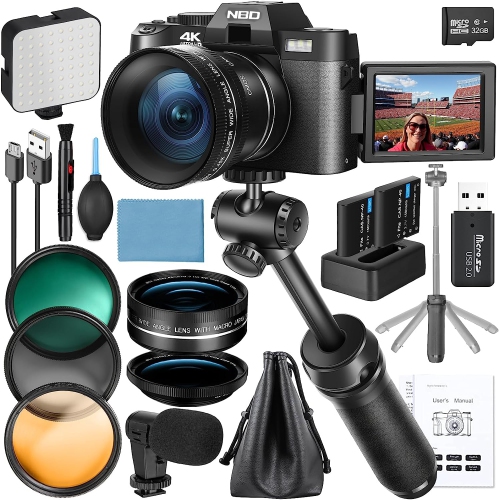
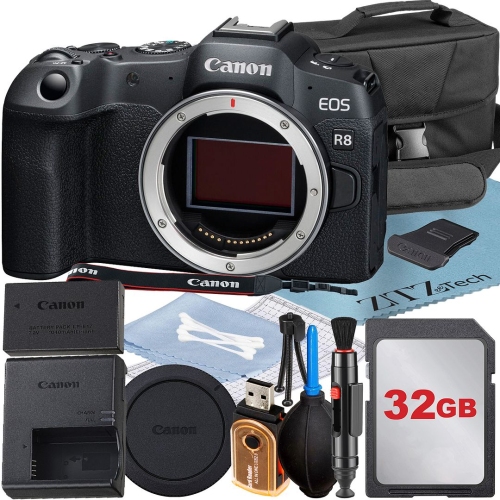
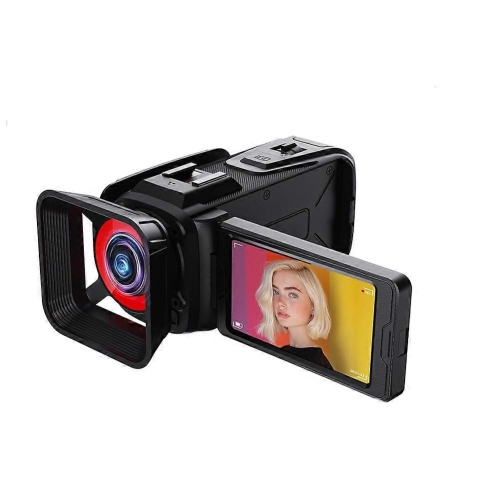
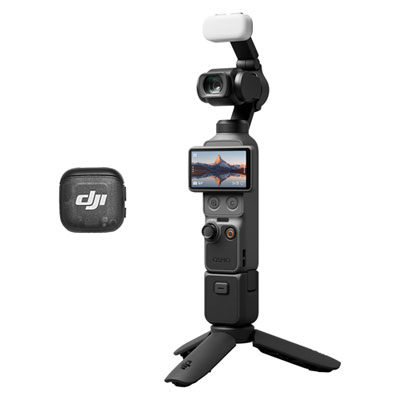
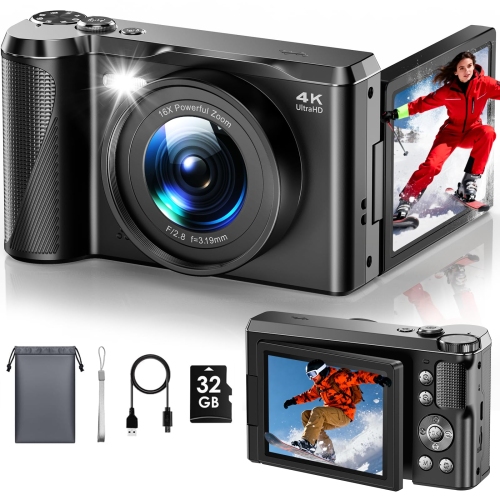
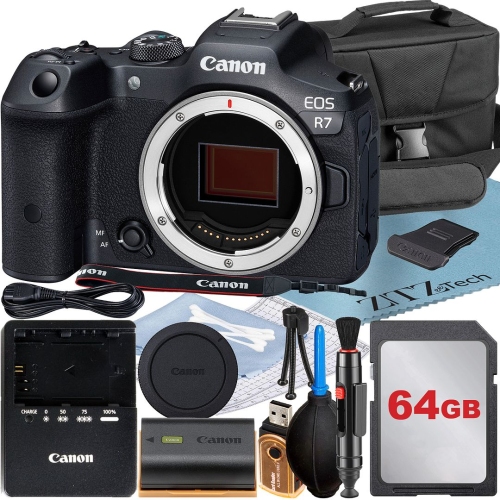
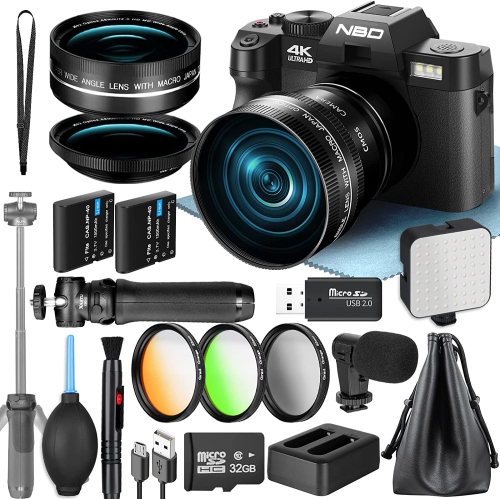
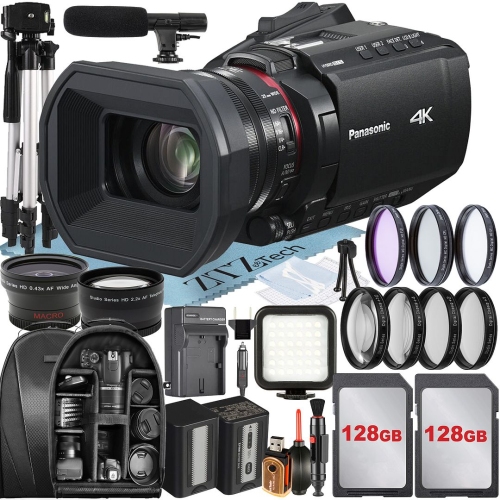
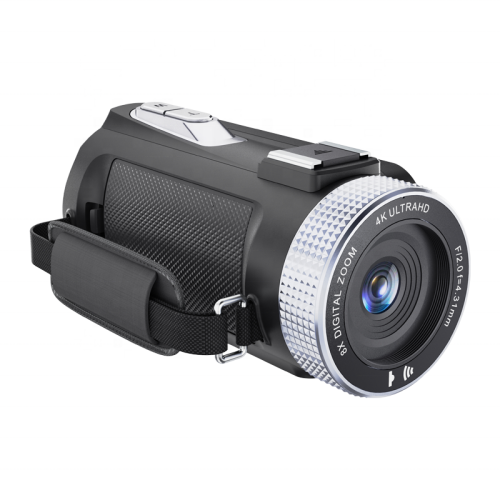
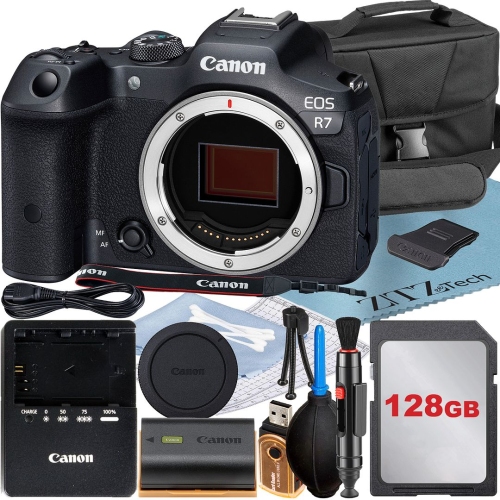
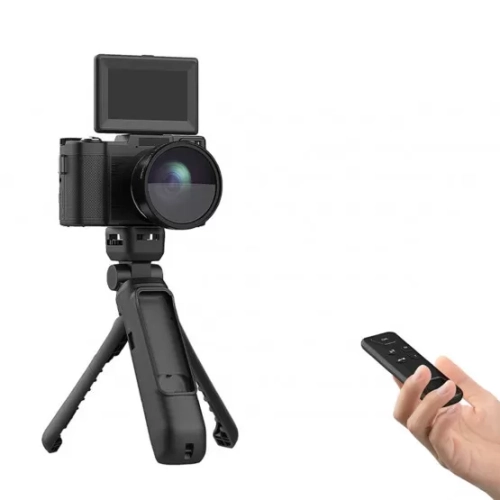
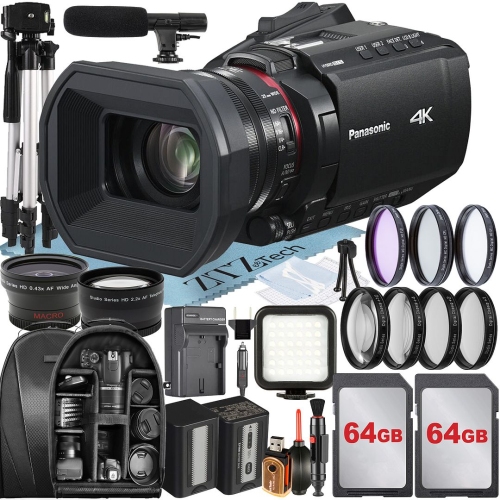
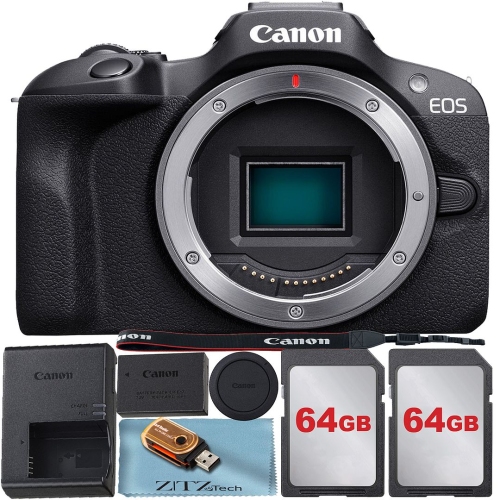
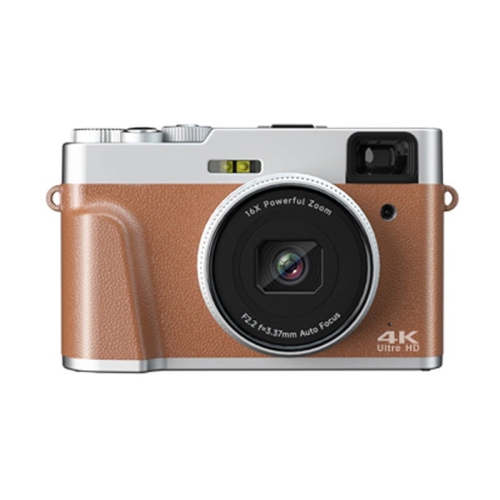
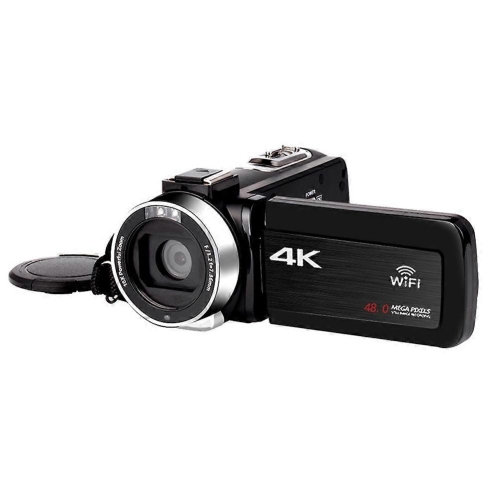
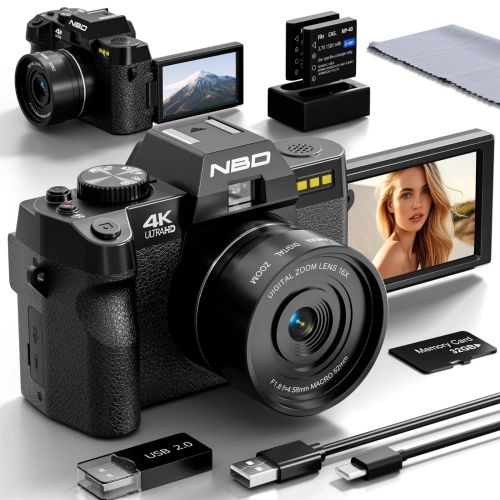
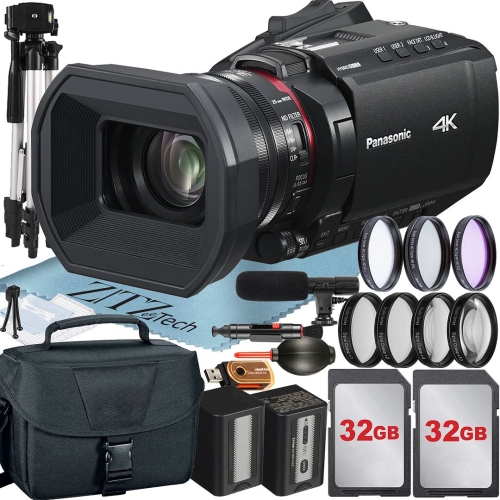
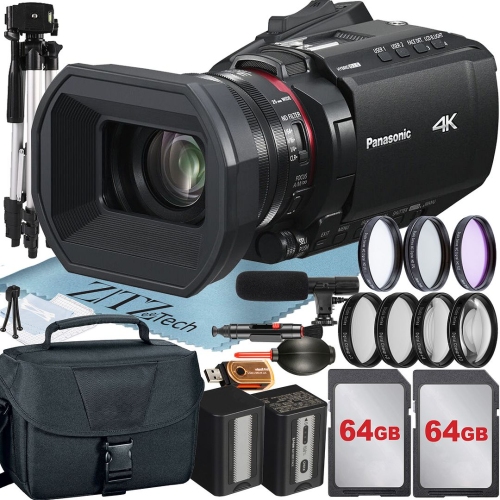
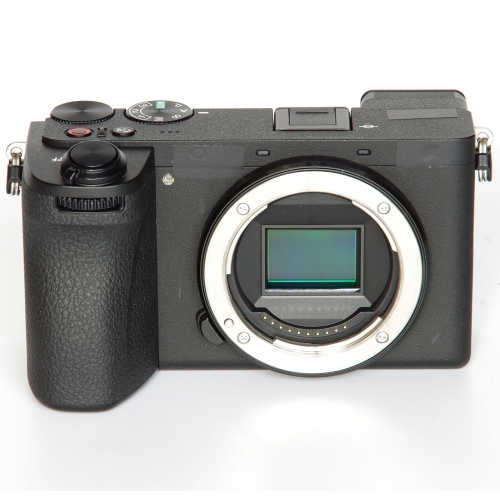
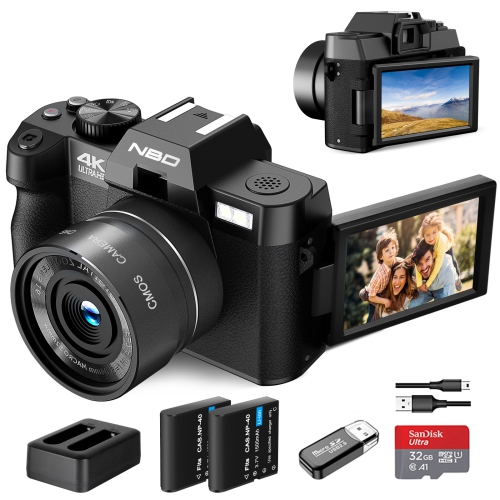
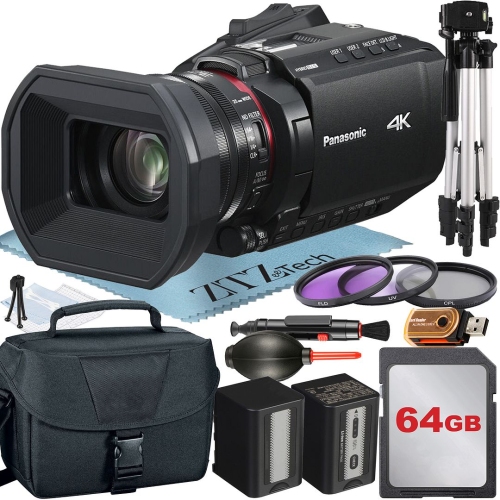
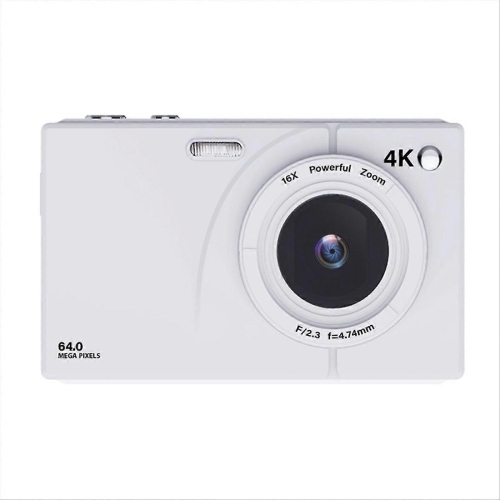
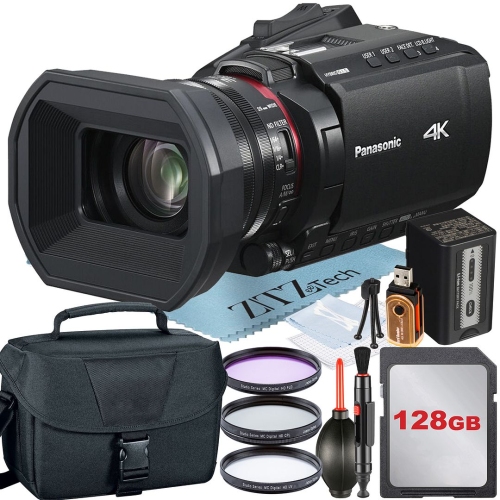
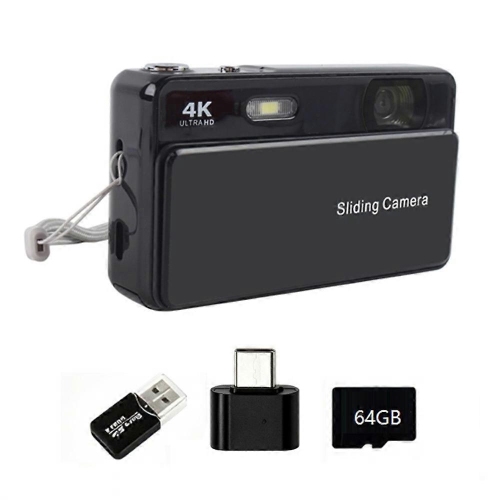
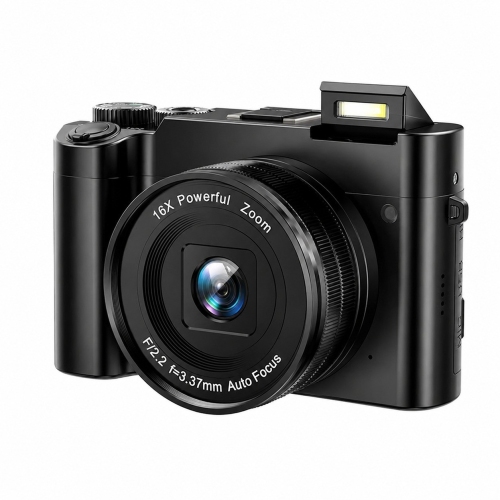
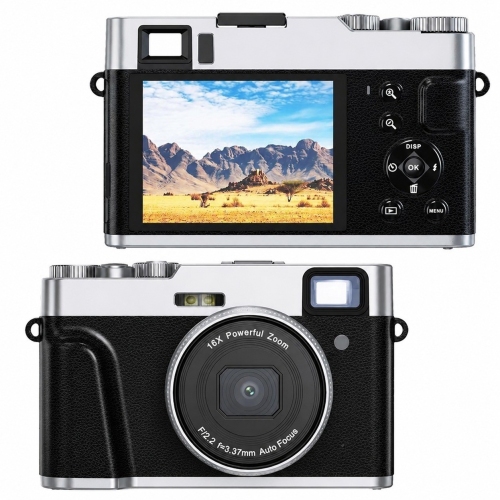
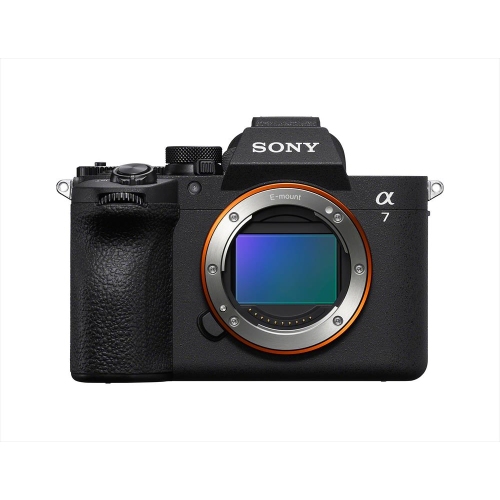
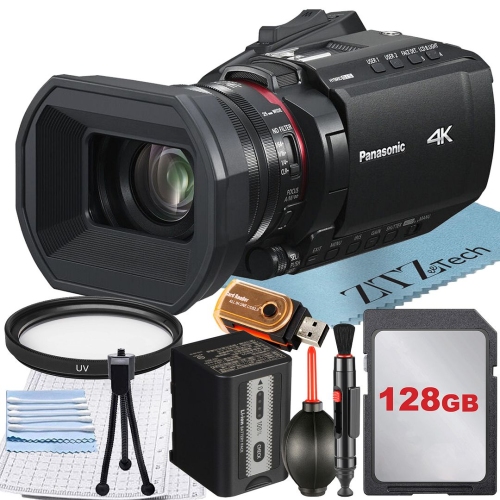
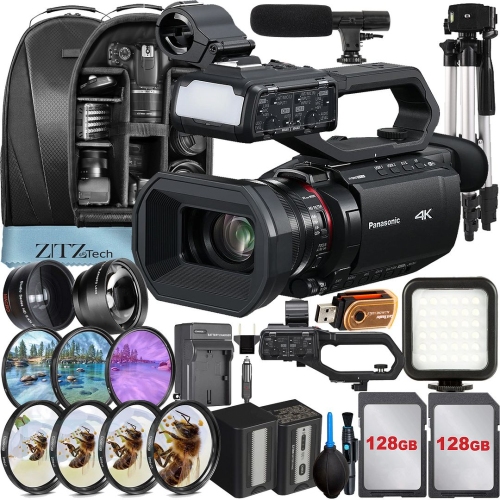
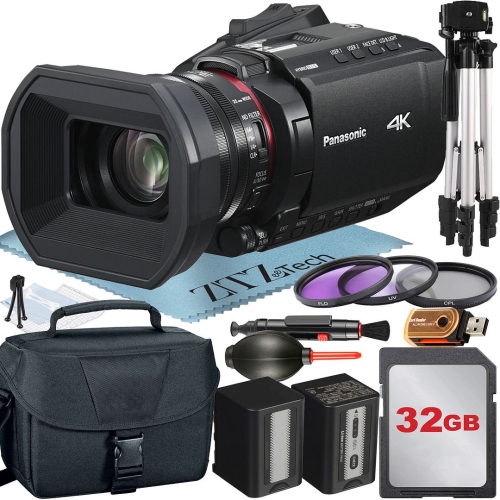
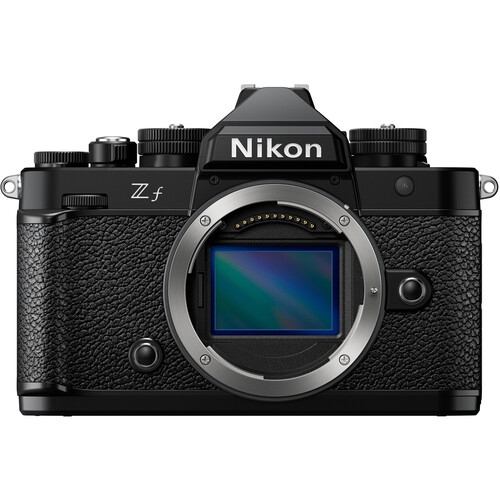
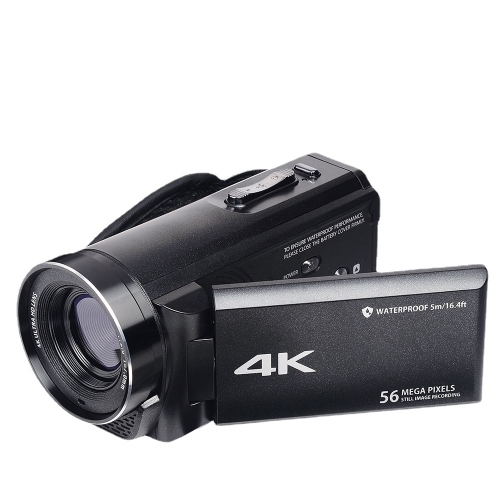
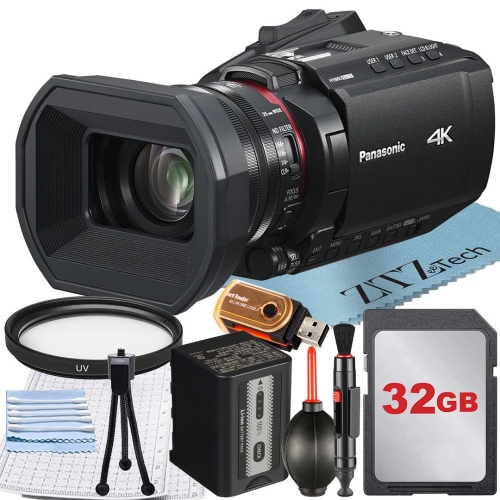
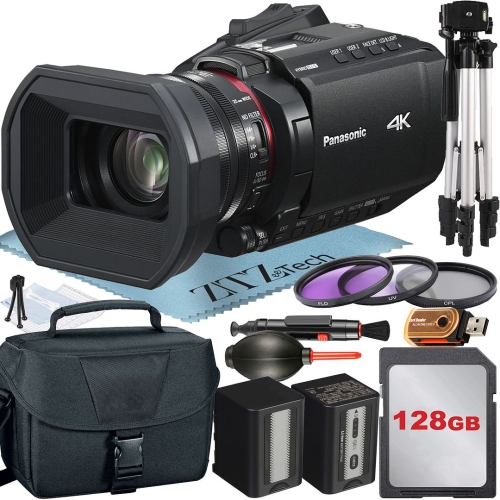
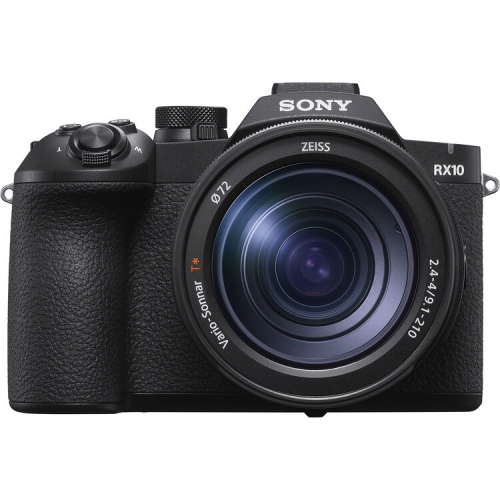
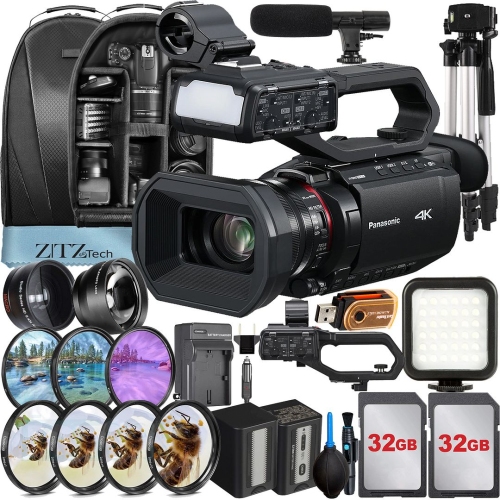
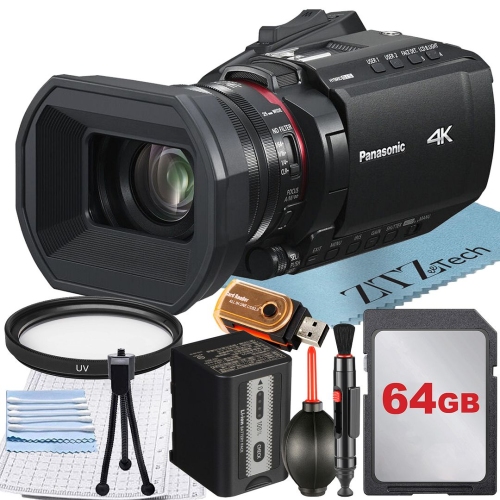
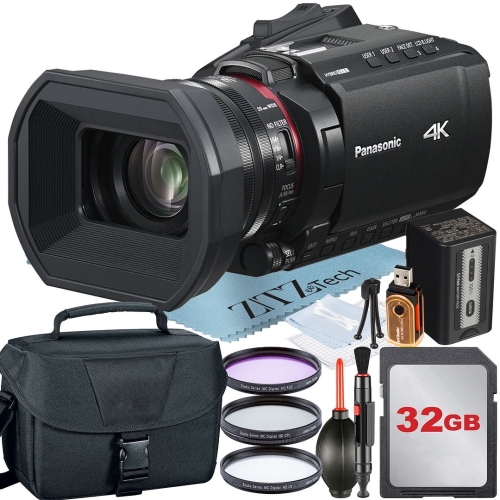
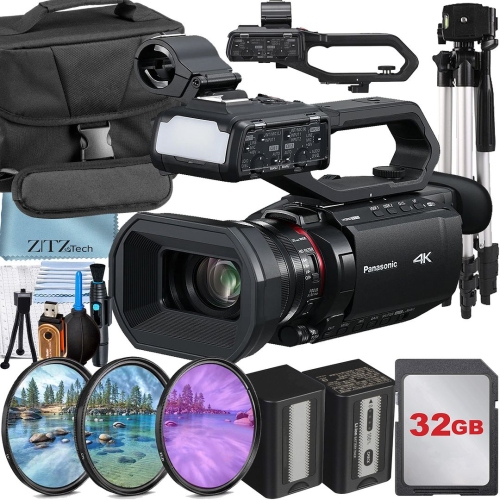
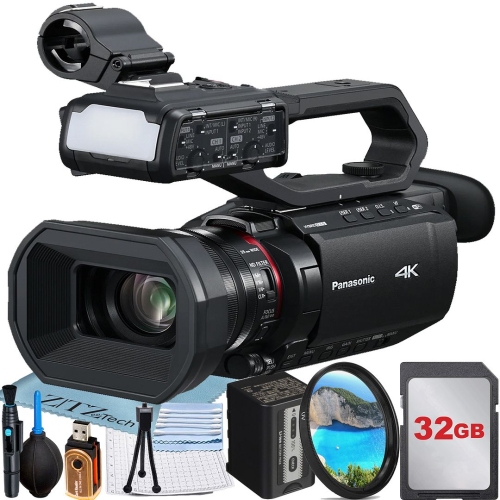
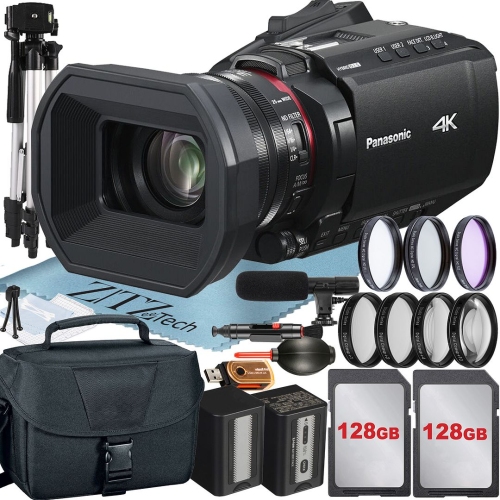
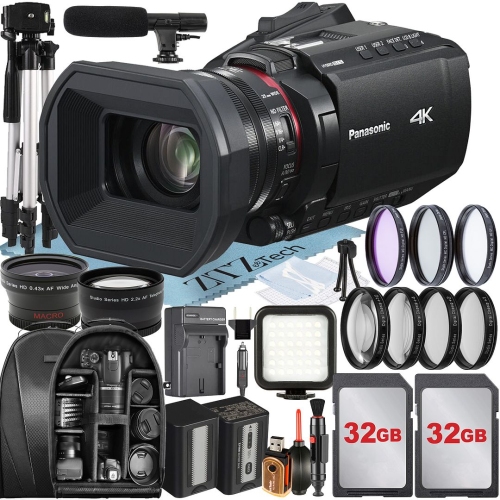
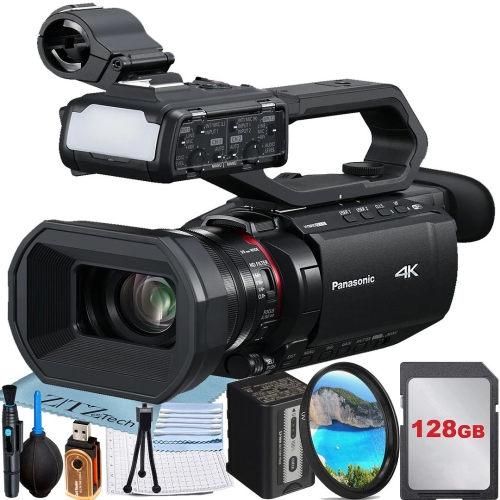
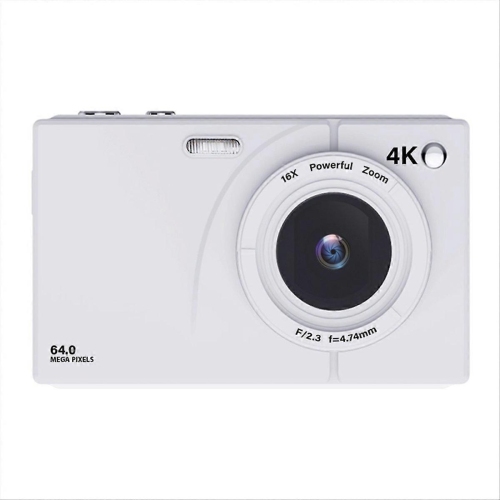
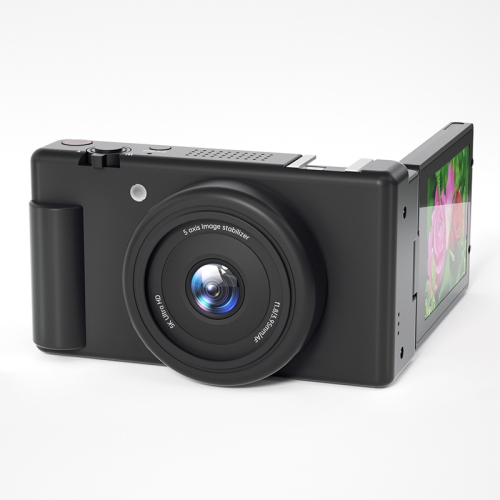
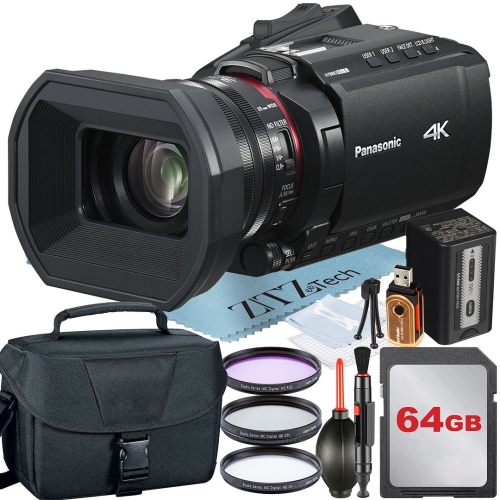
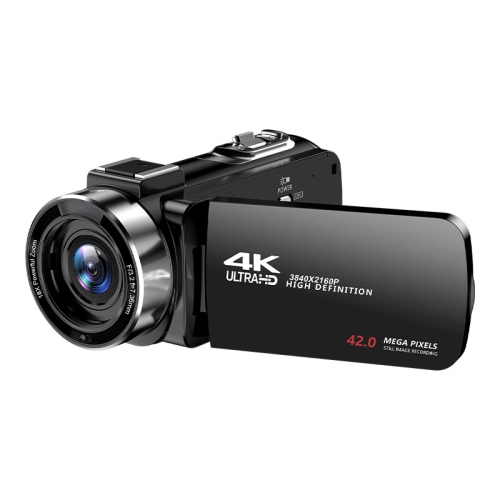
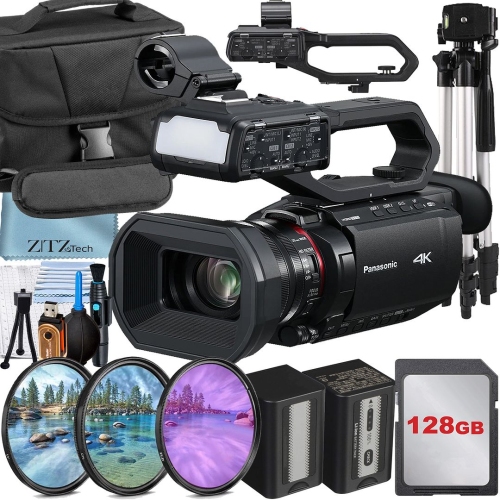
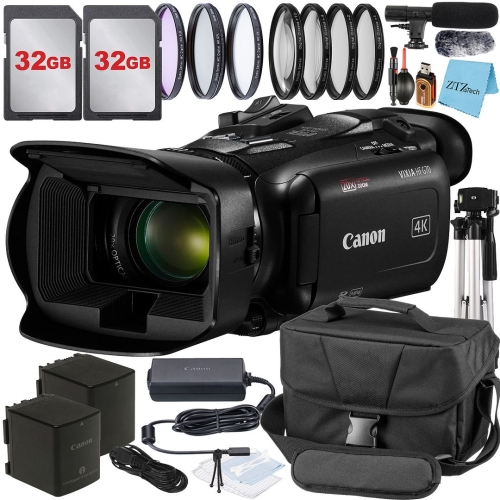
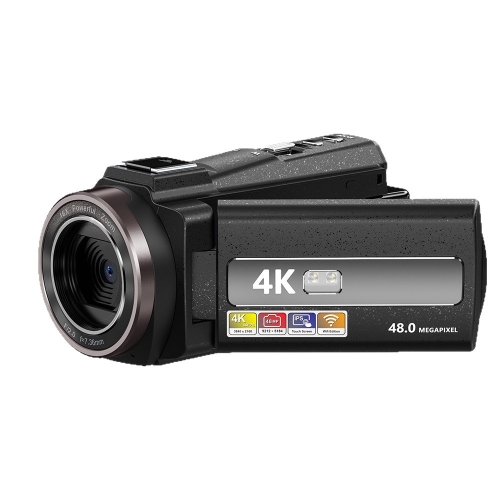
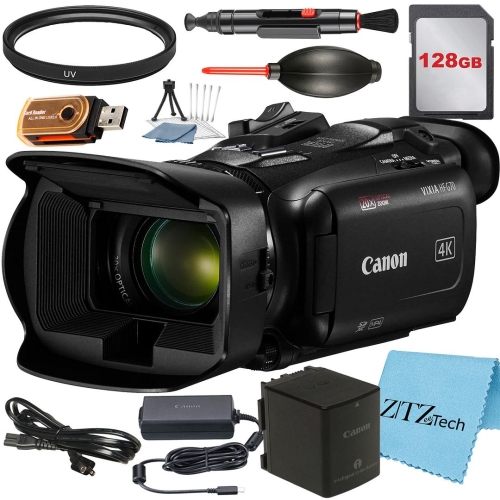
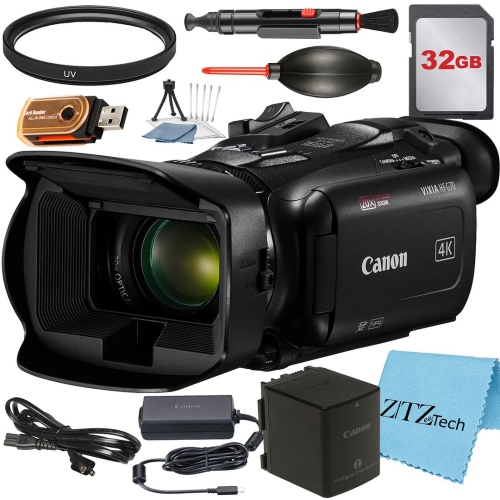
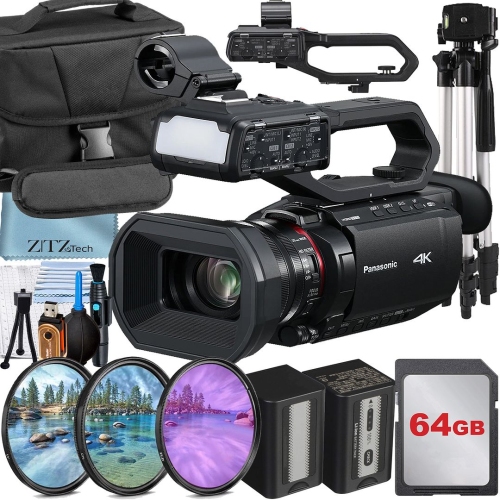
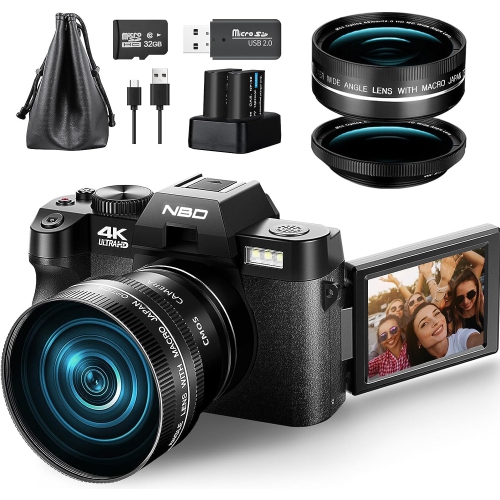
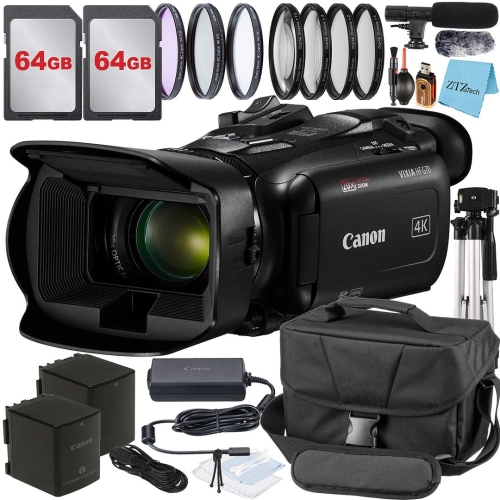
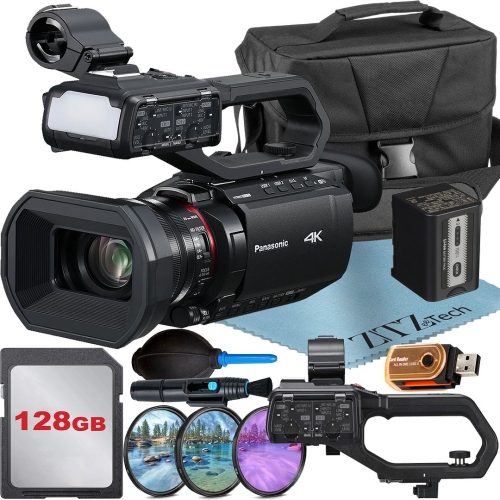
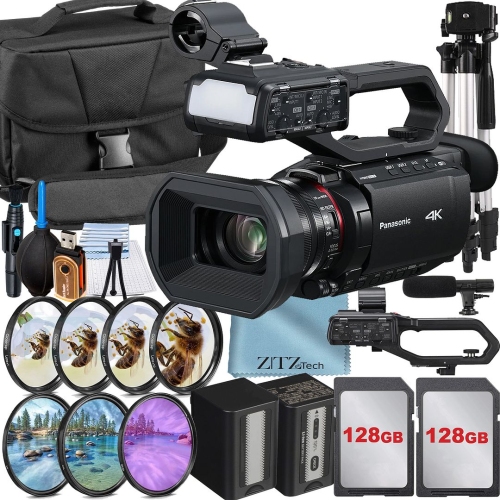
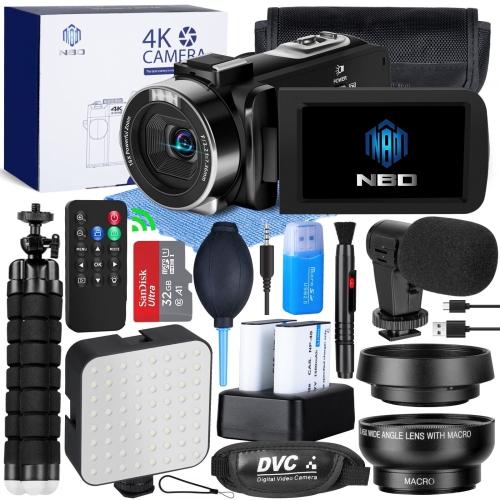
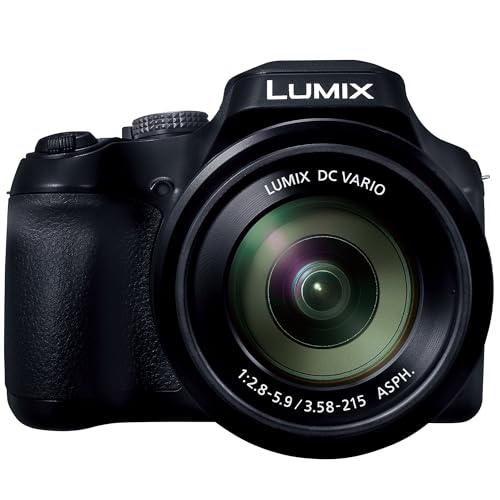
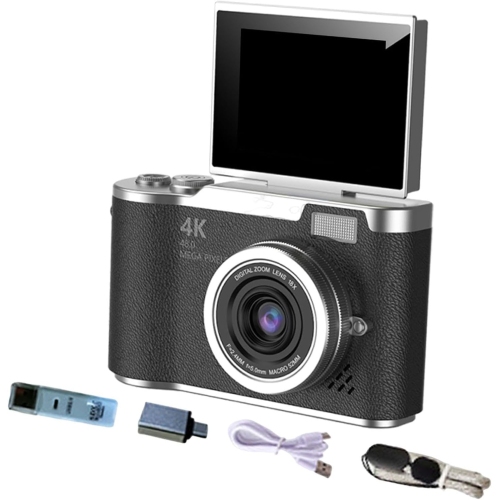
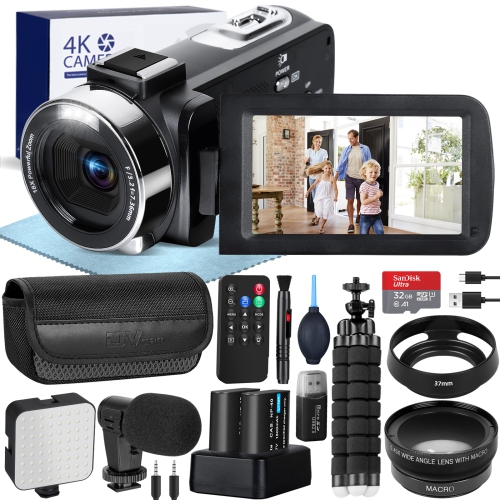
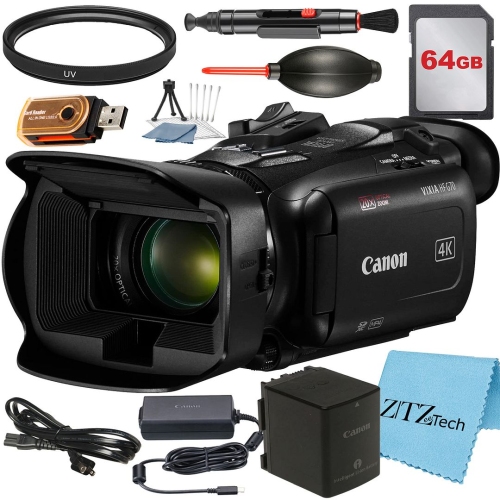
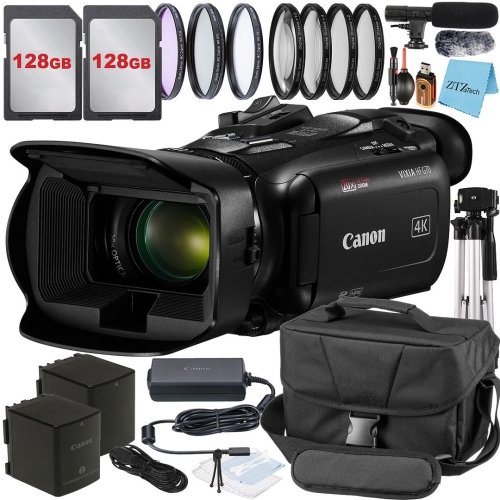
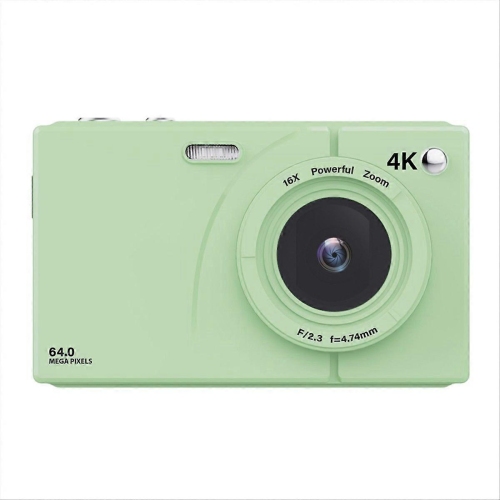
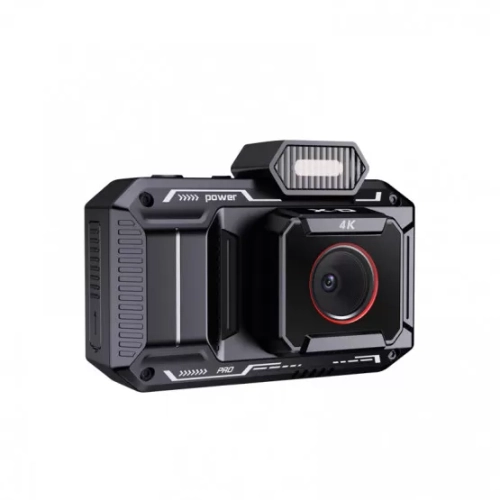
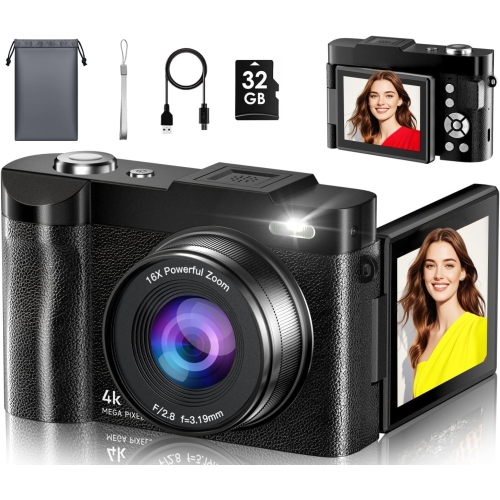
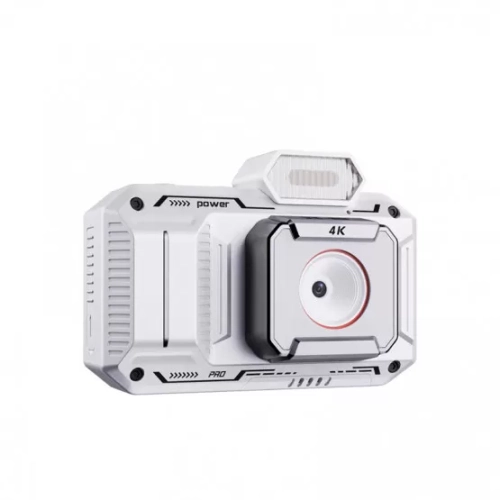
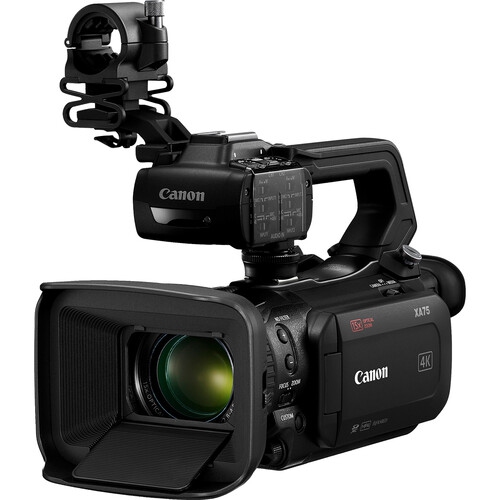
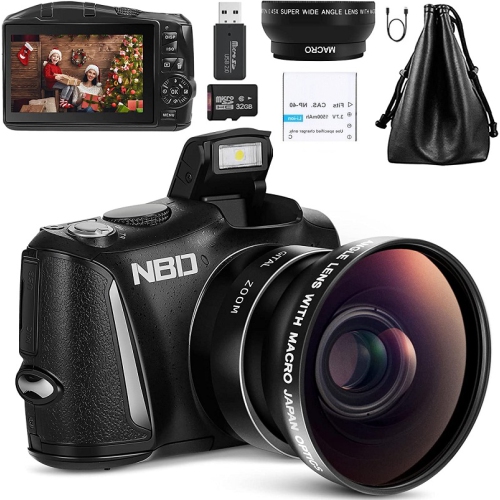
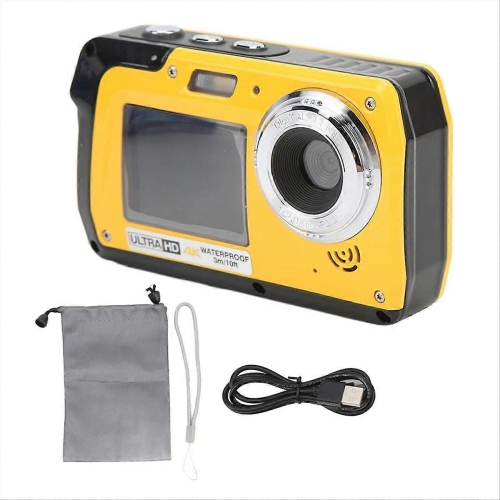
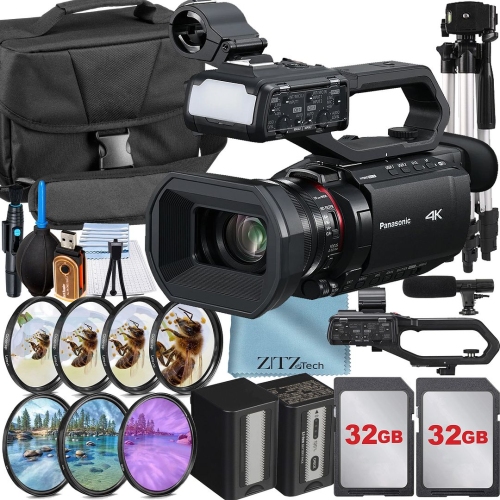
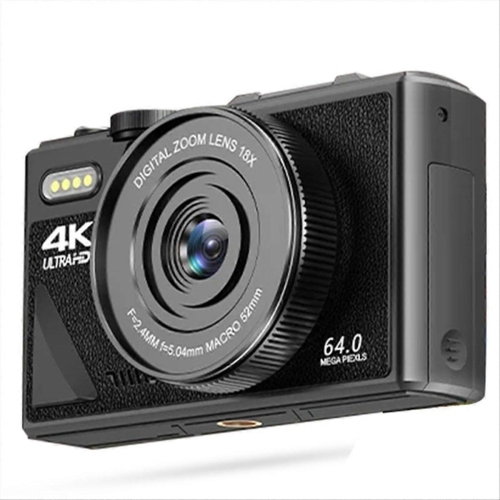
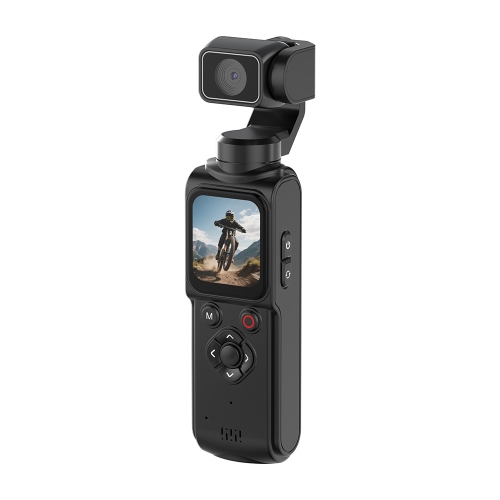
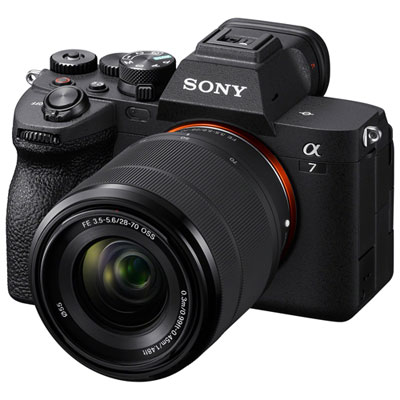
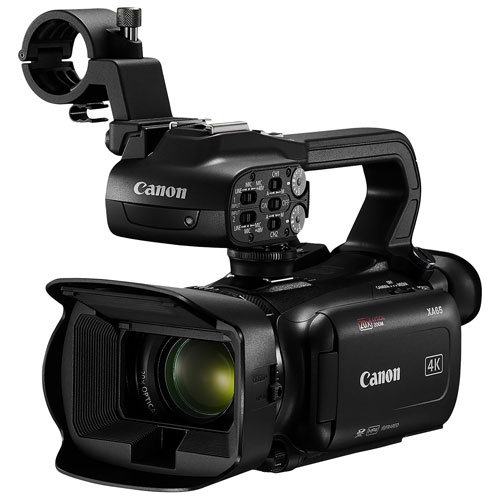
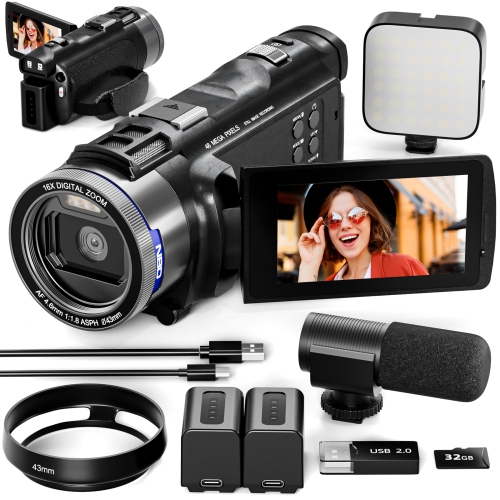
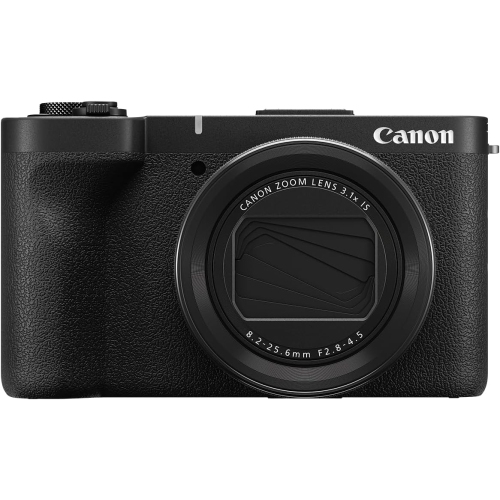
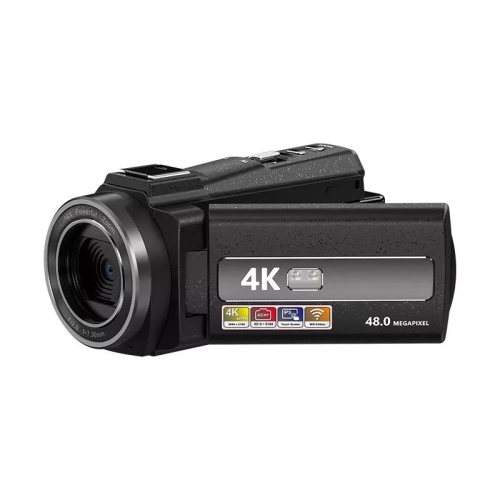
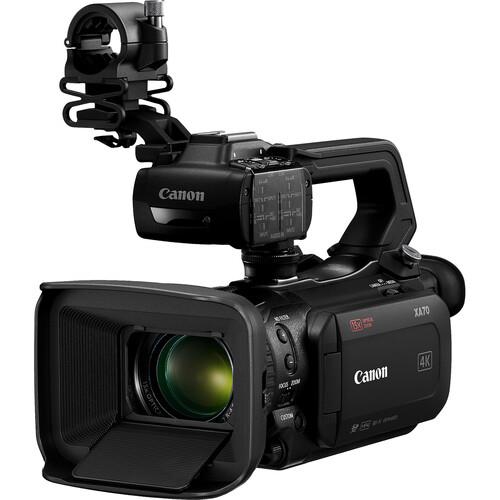
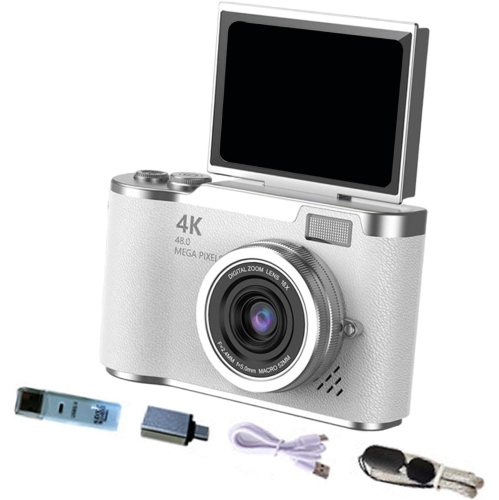
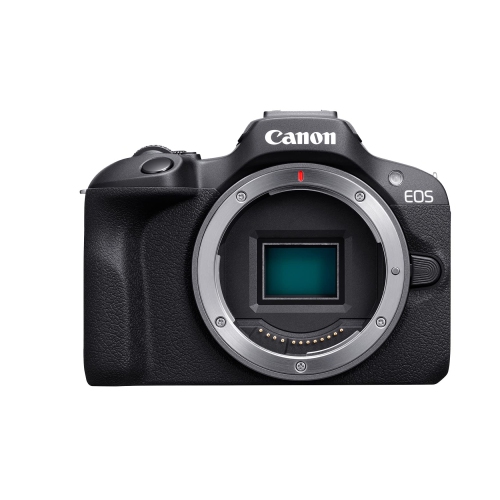
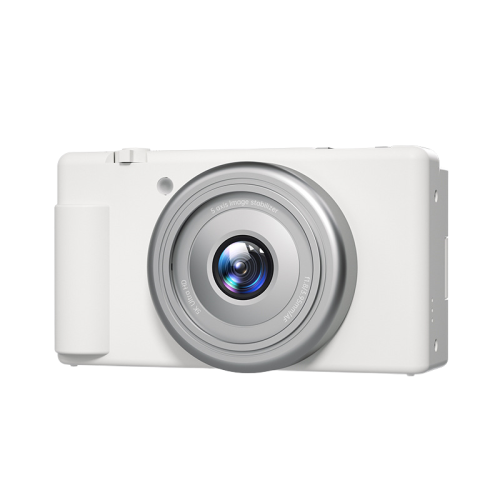
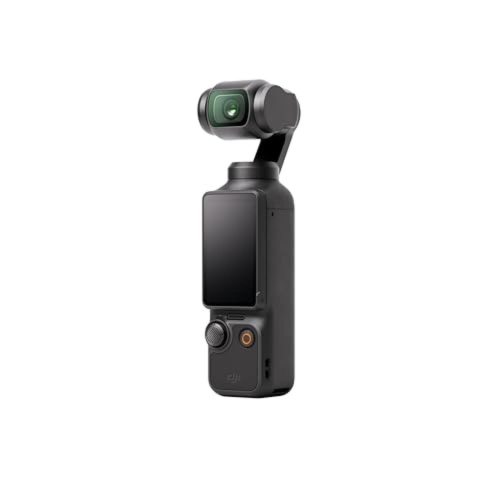
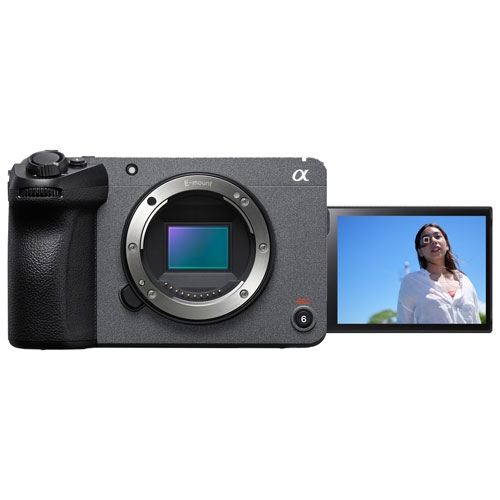
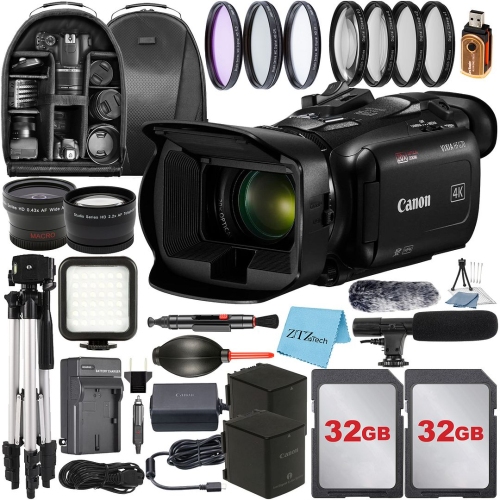
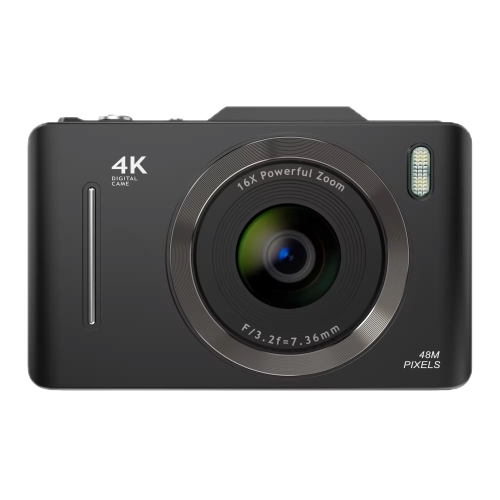
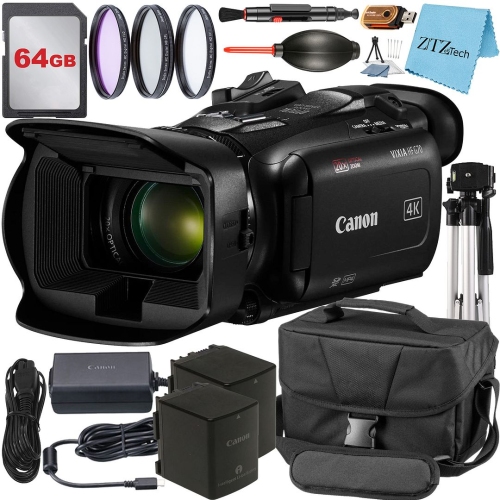
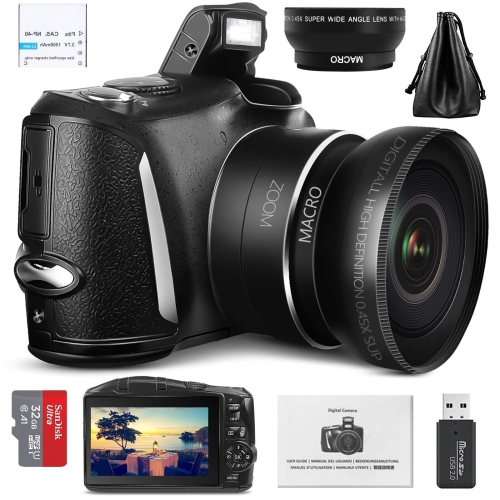
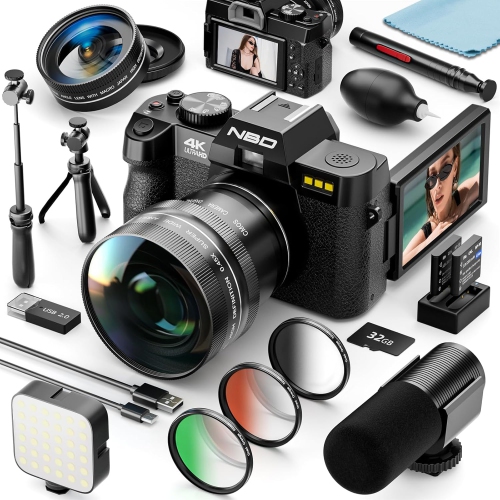
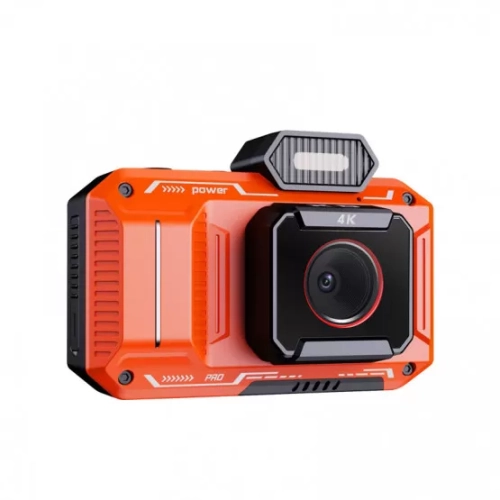
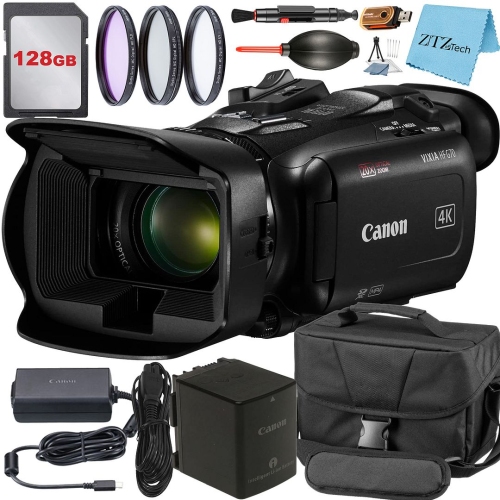
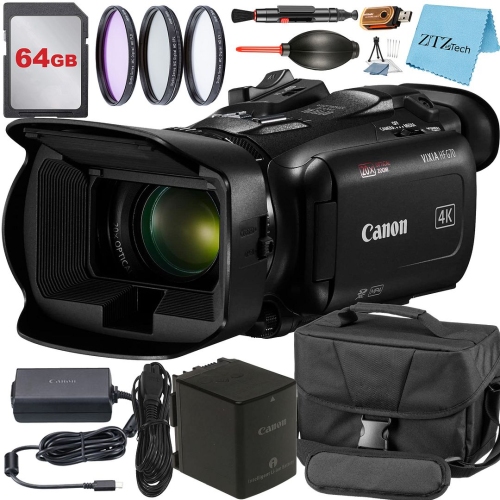
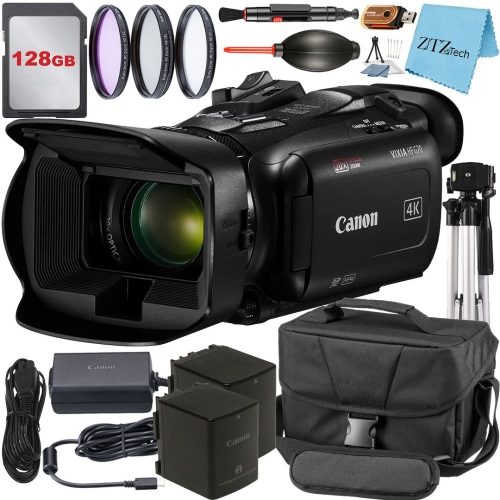
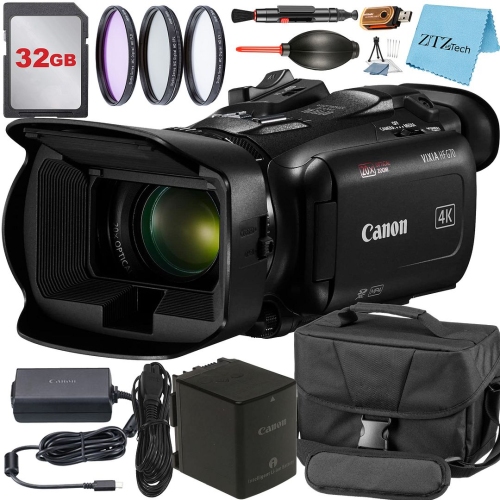
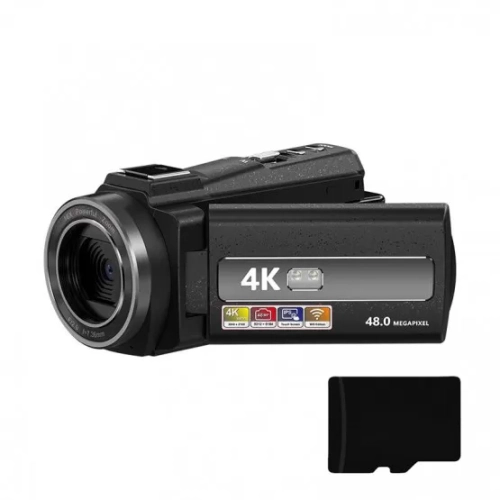
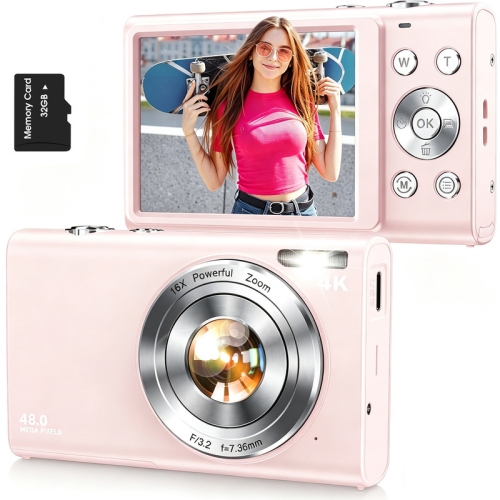
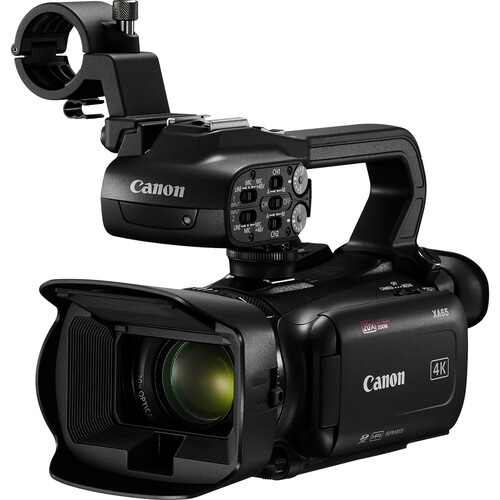
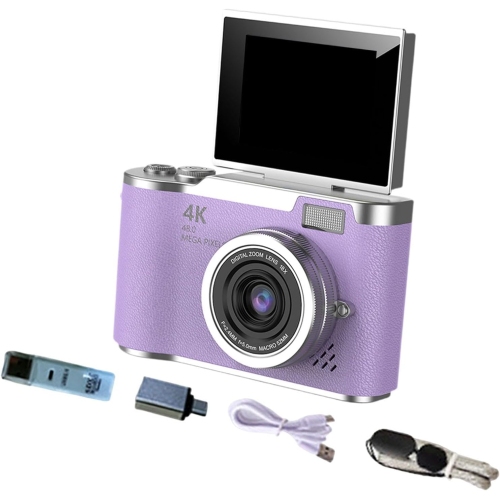
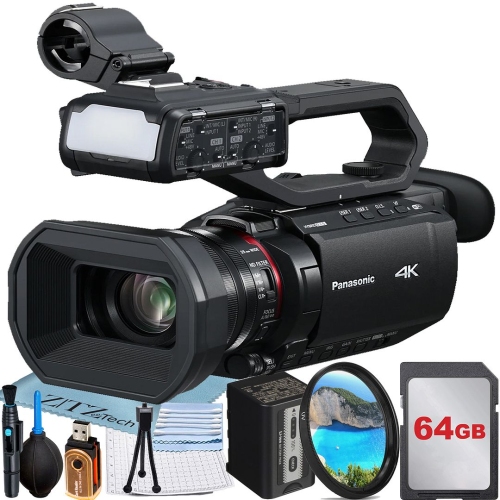
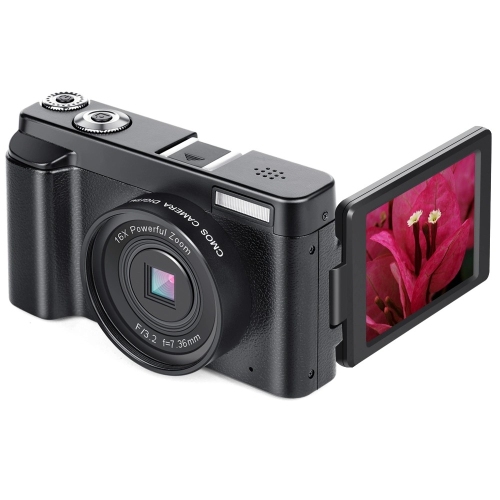
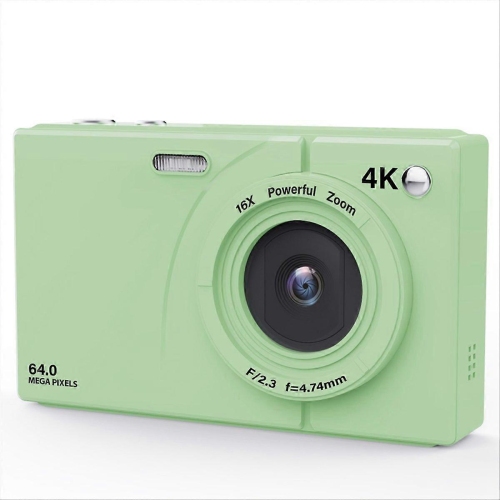
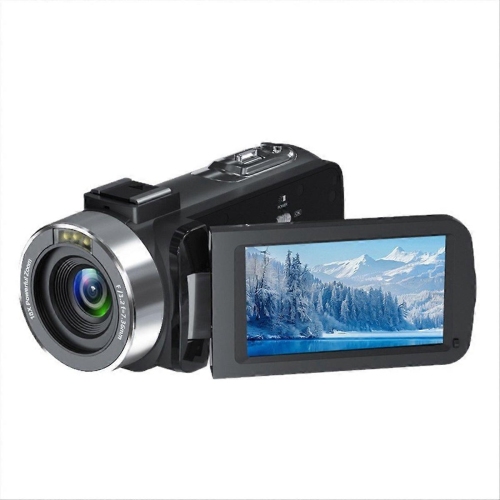
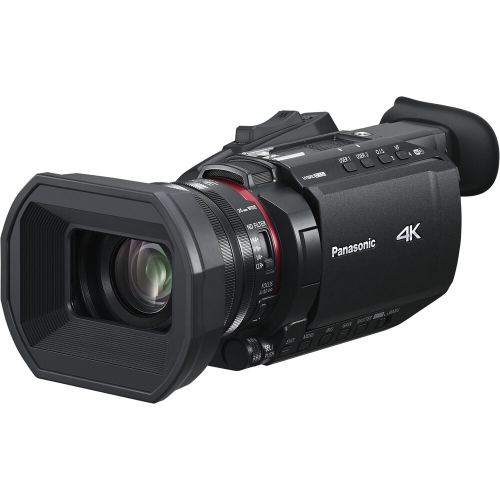
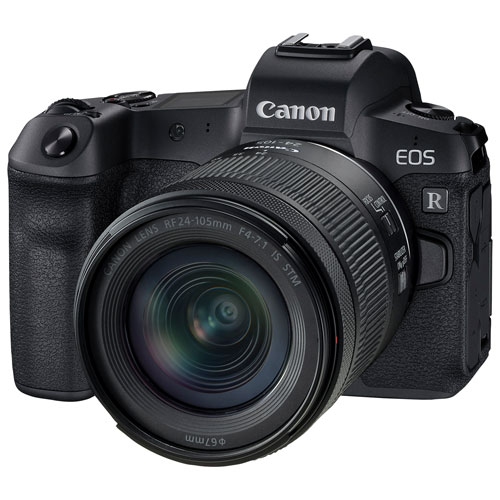
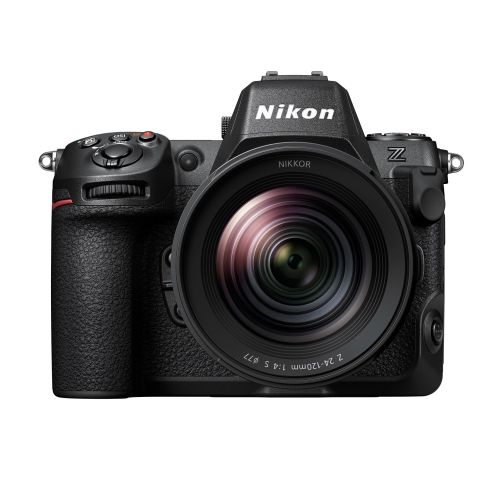
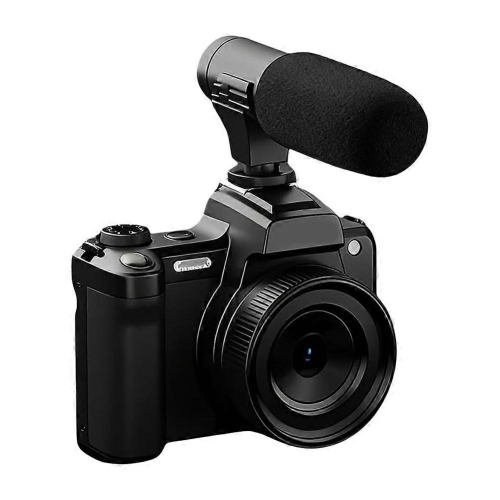
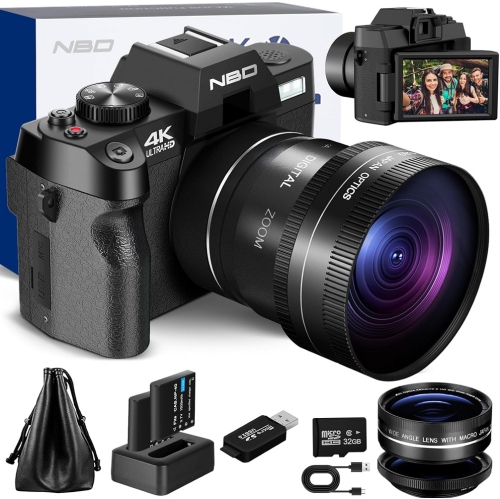
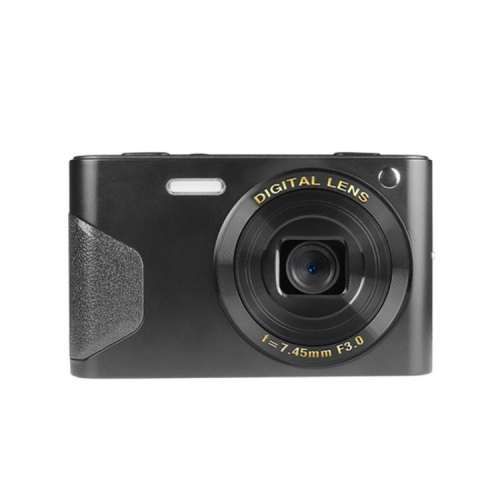
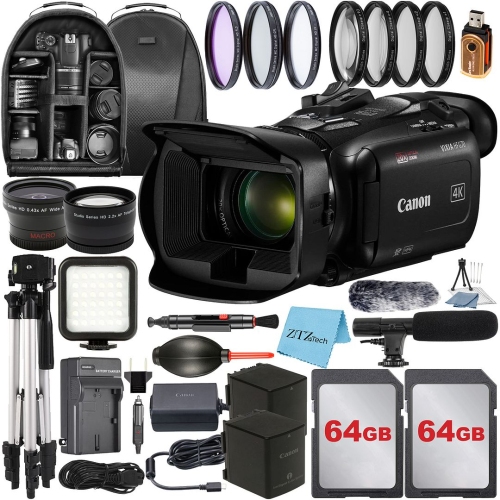
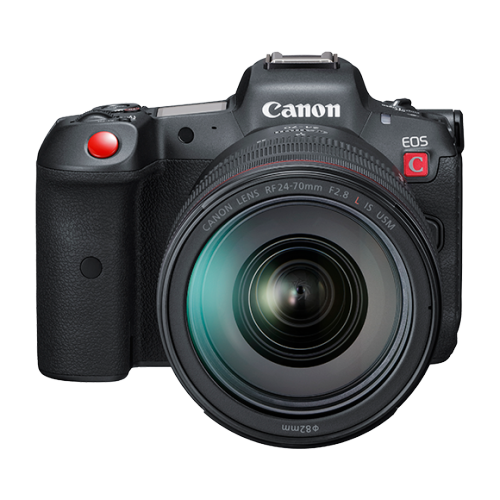
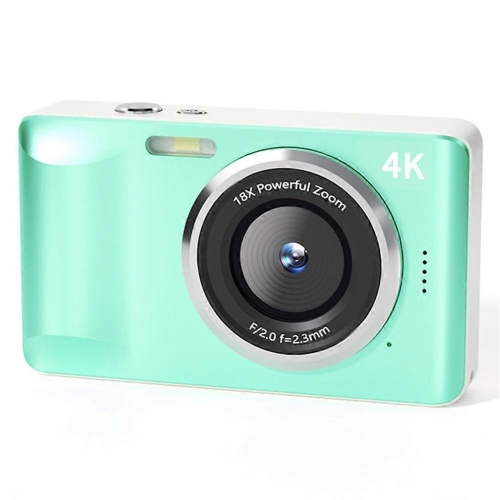
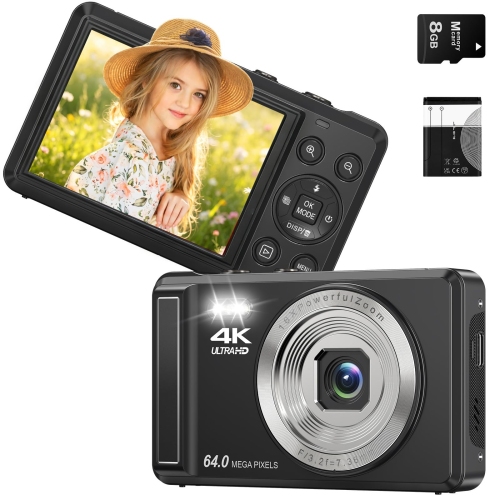
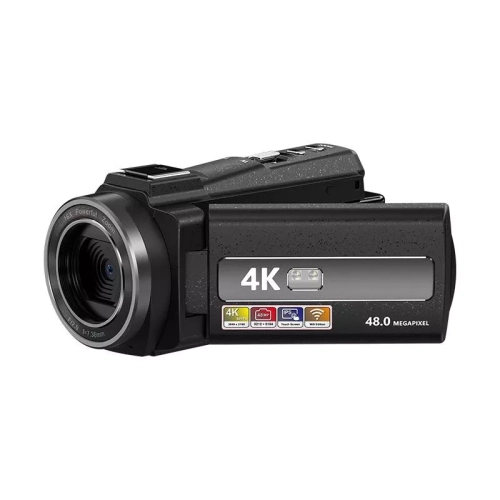
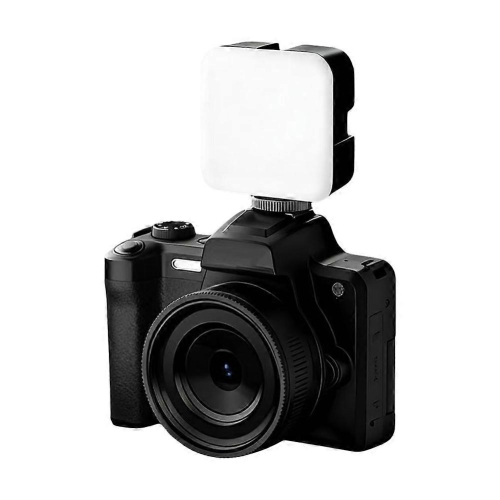
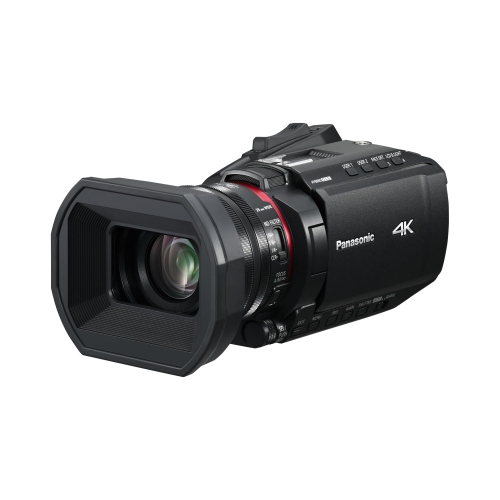
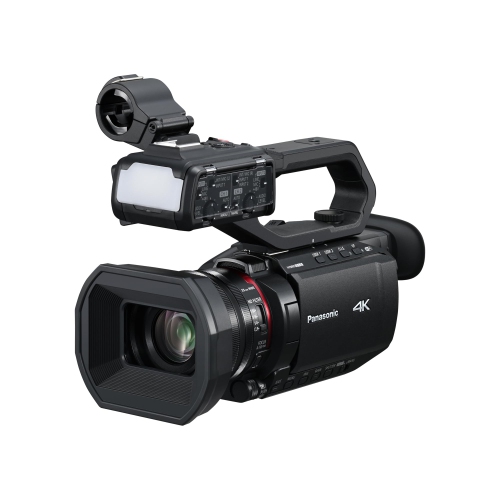
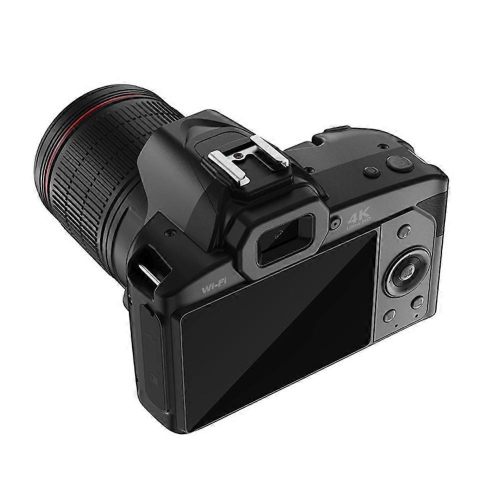
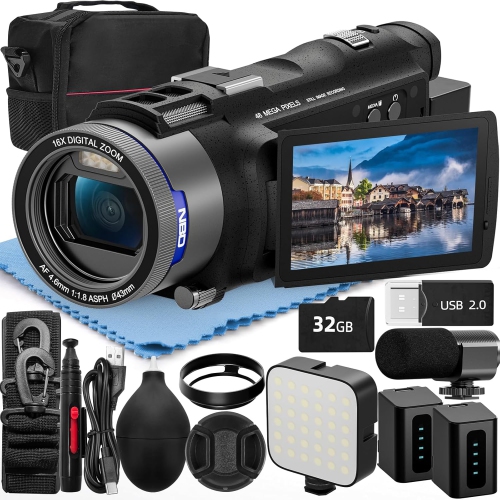
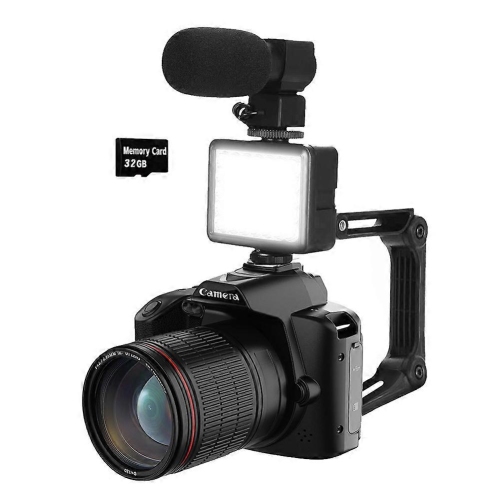
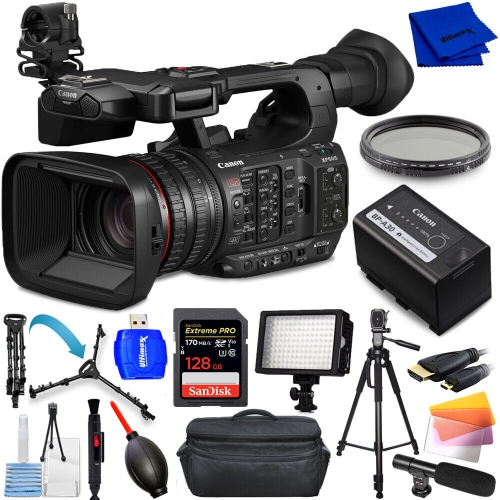
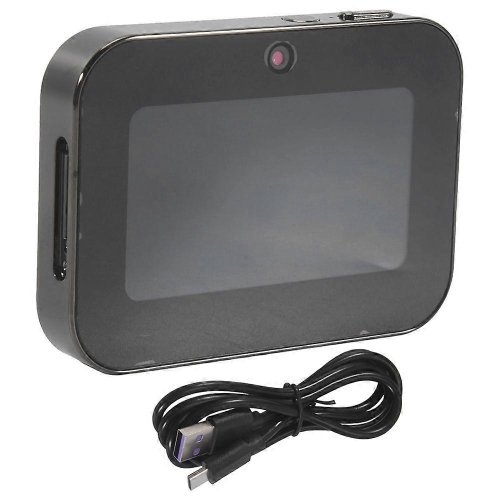
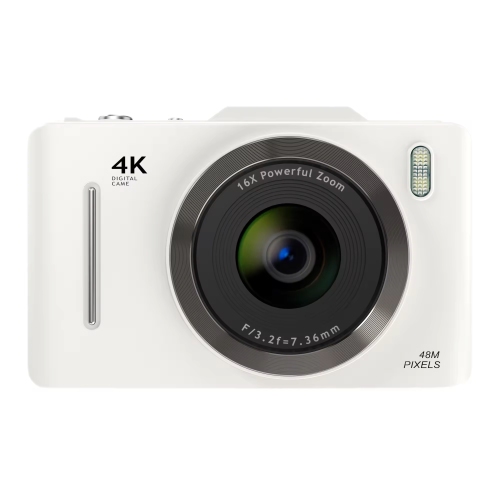
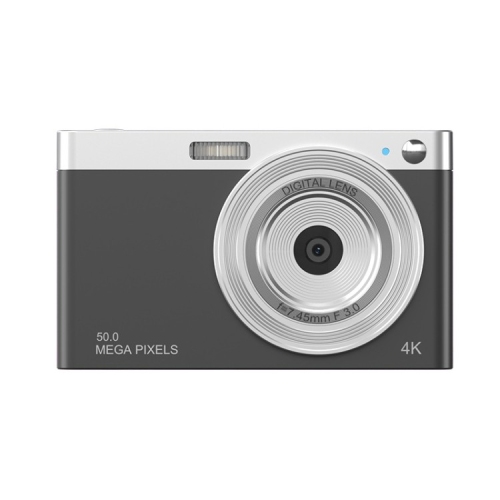
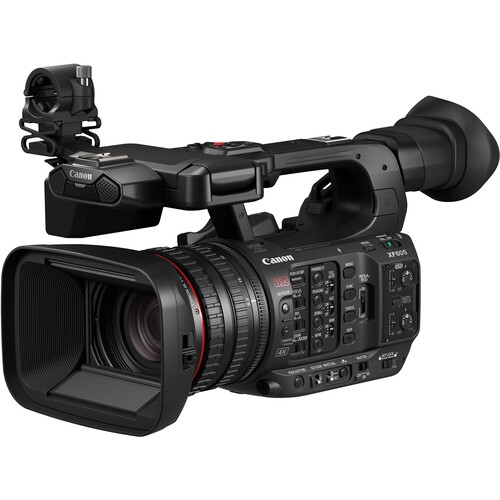
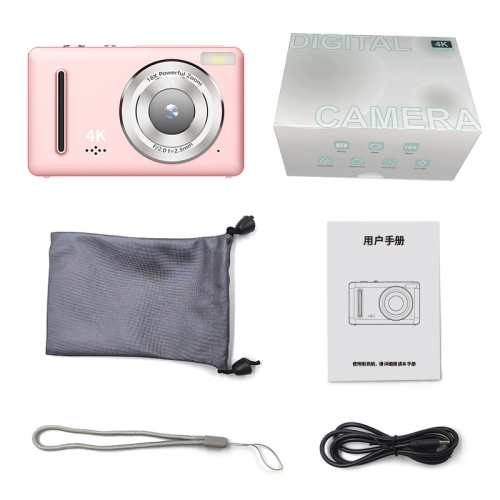
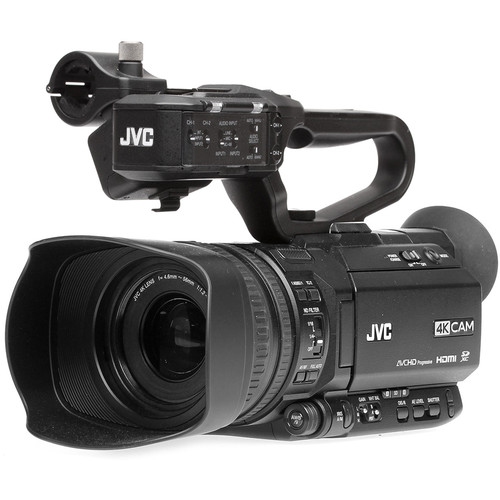
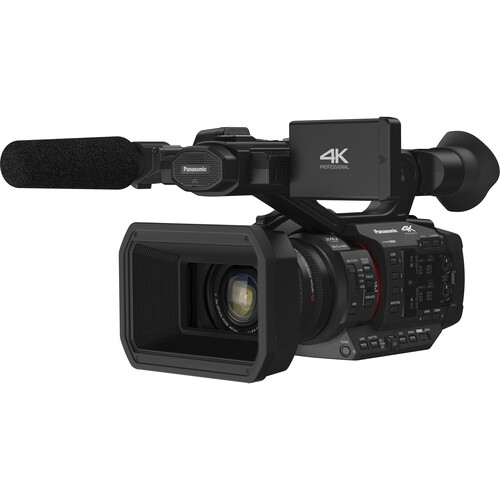
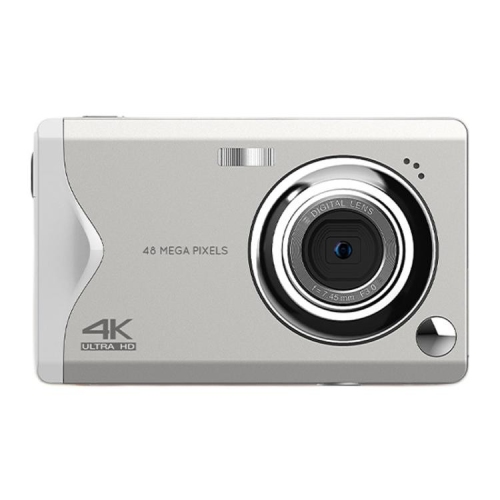
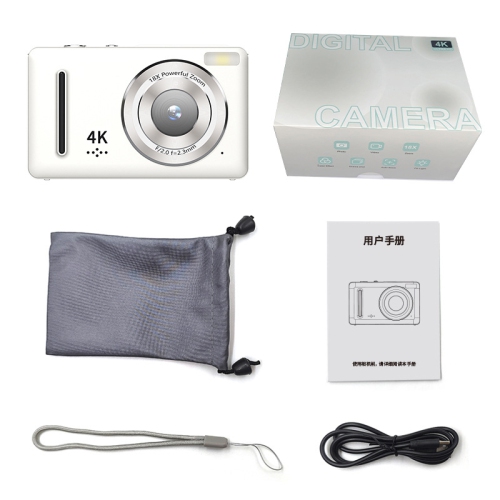
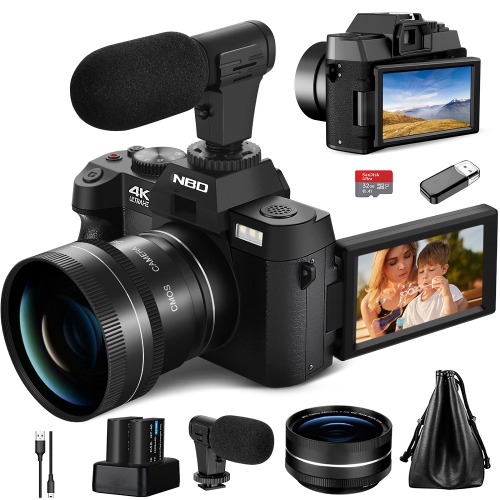
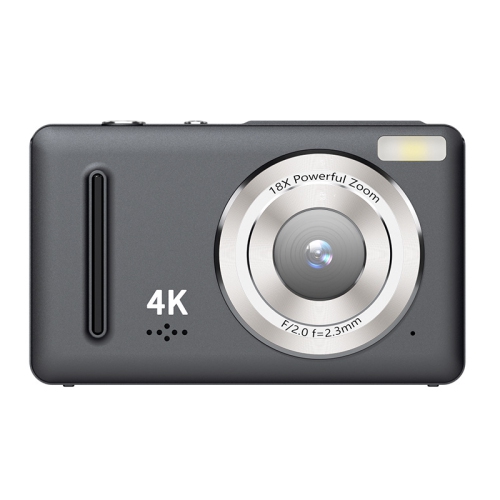
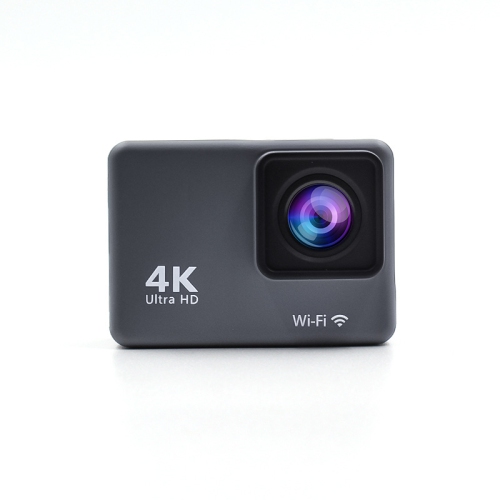
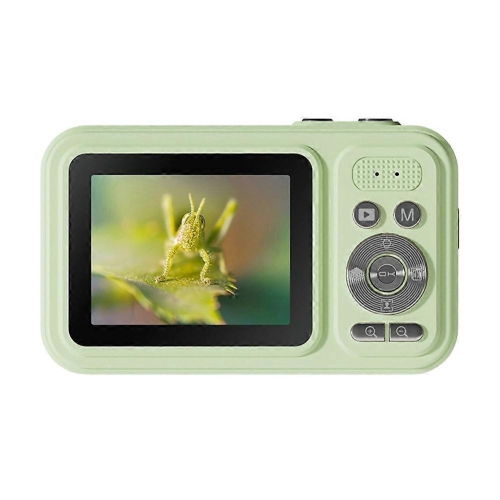
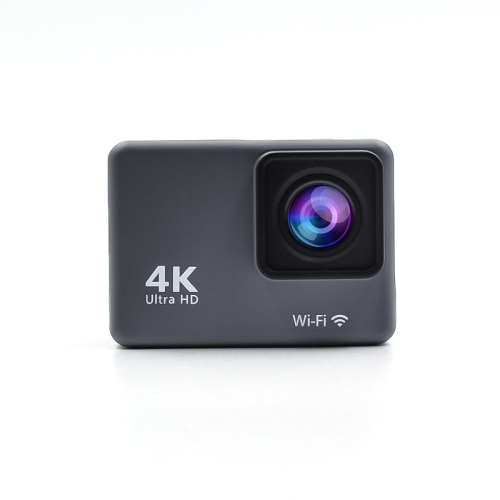
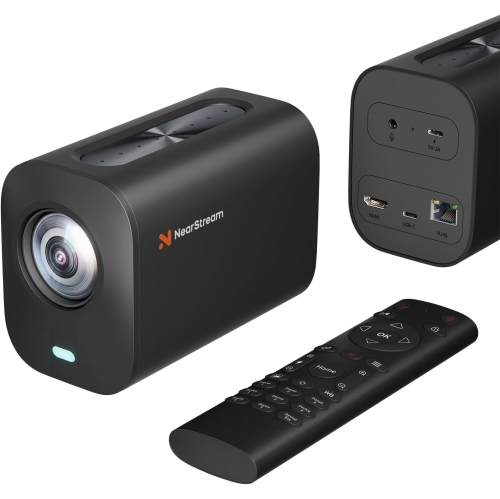
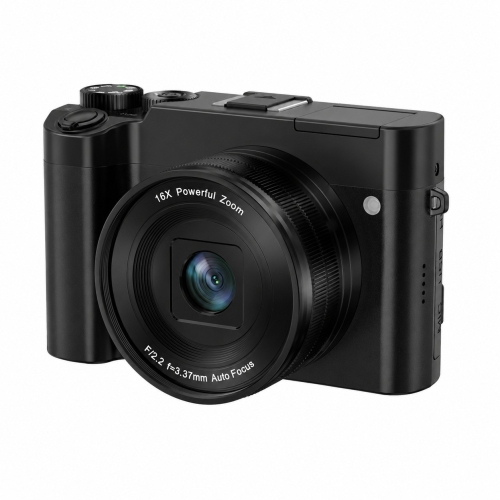
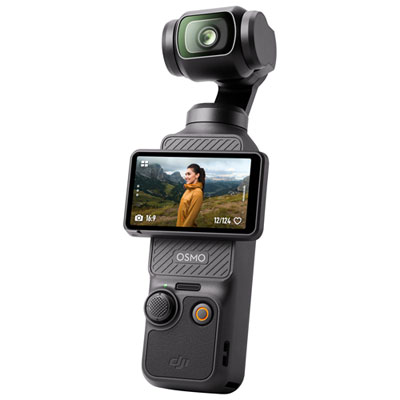
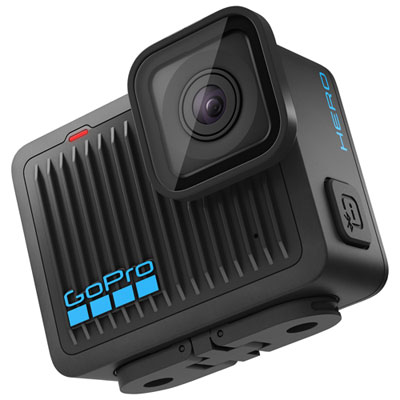
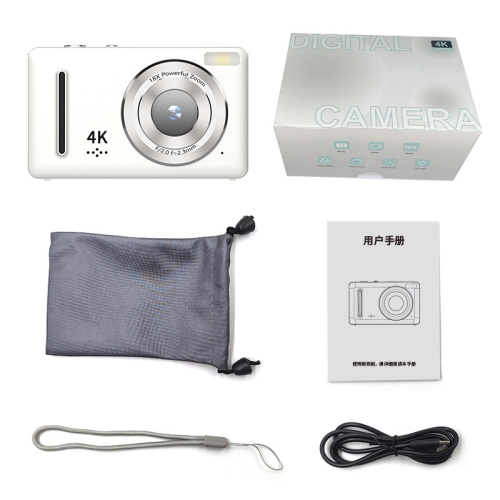
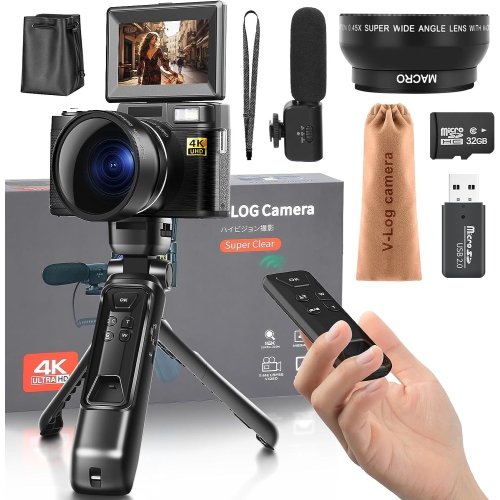
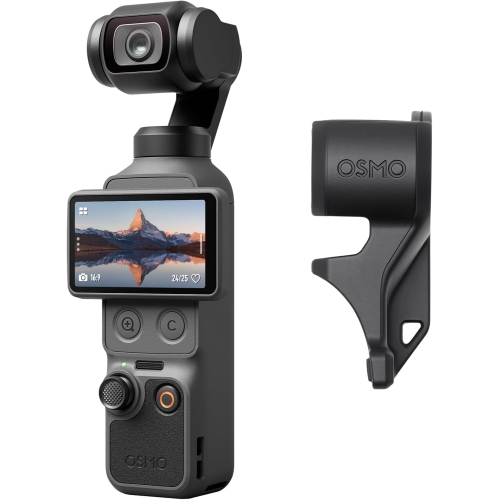
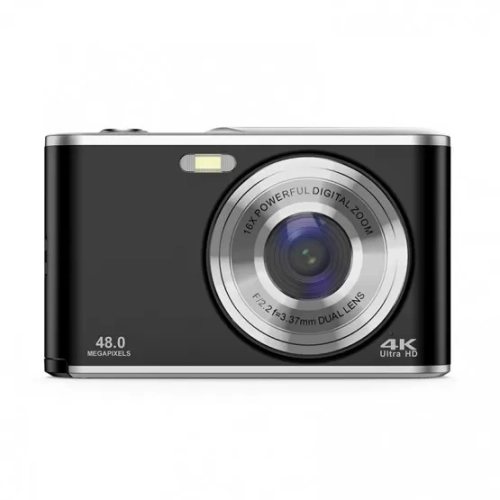
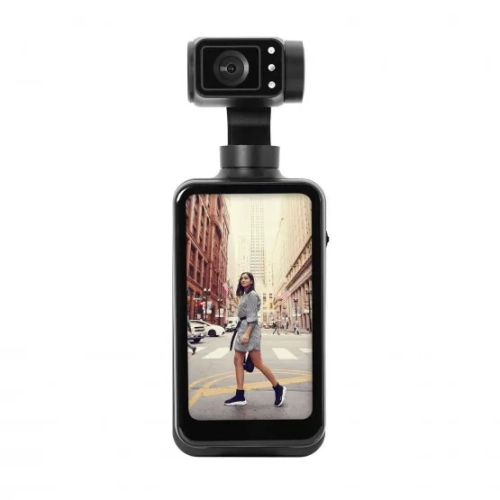
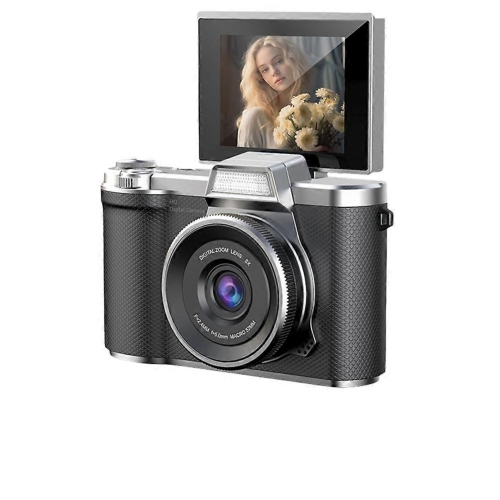
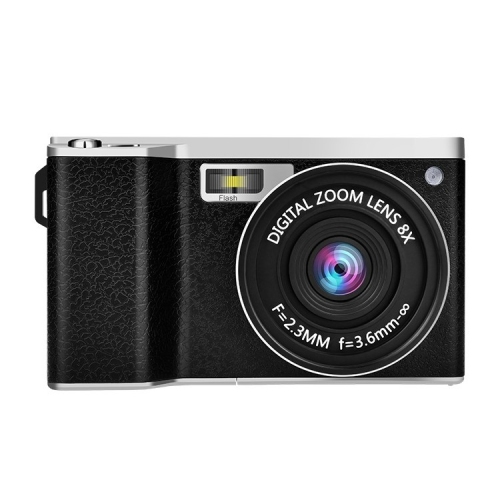
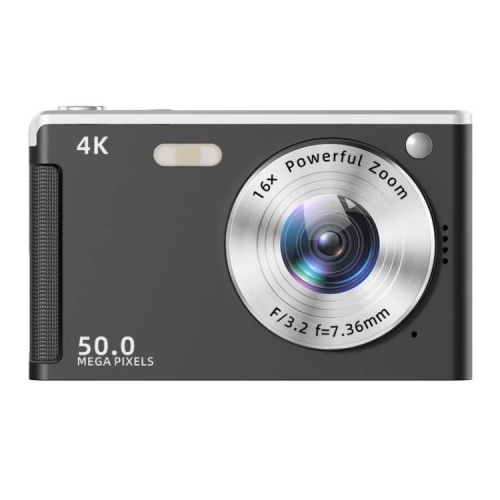
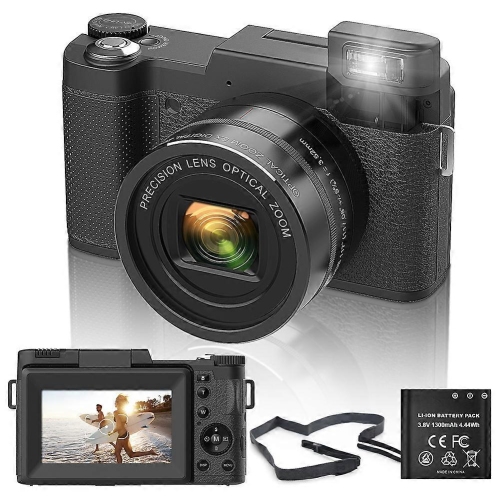
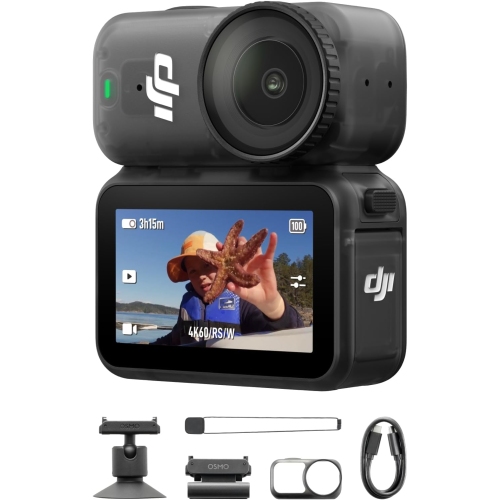
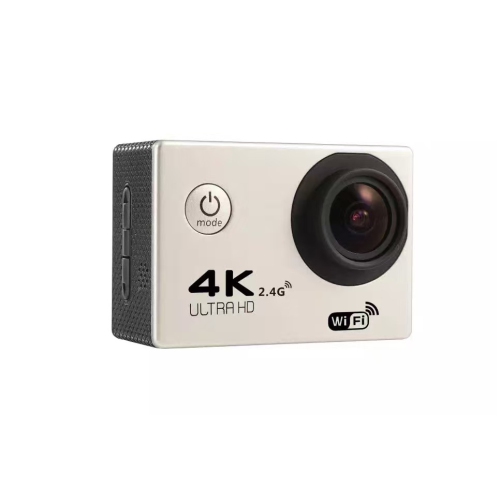
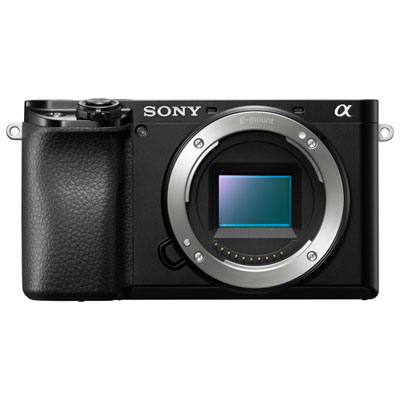
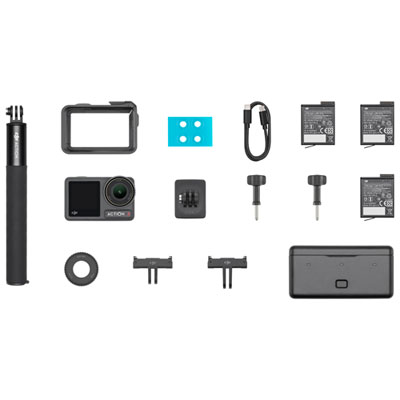
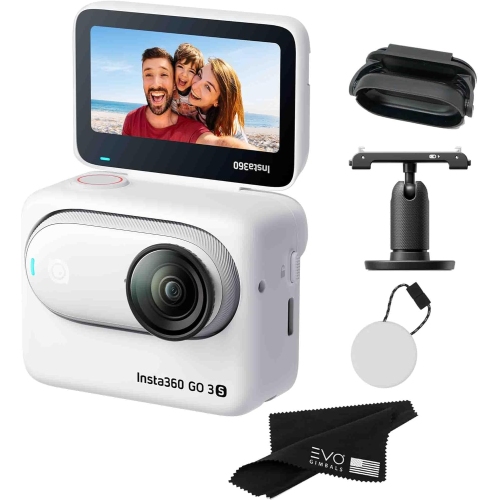
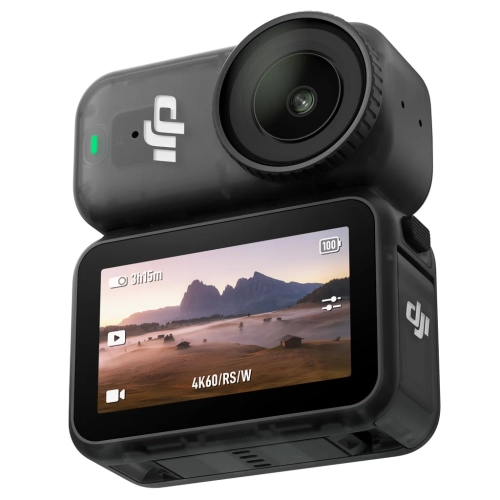
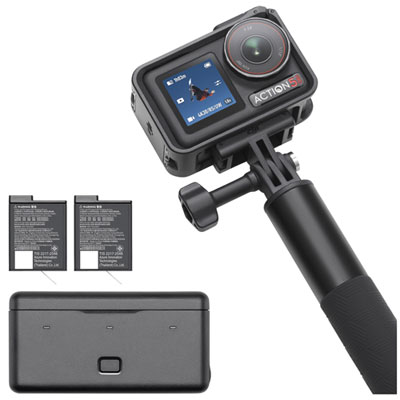
4K videography cameras capture detailed footage for everything from family milestones and travel diaries to interviews, documentaries, and independent films. Most consumer 4K video uses a resolution of 3840 × 2160 pixels, also called Ultra HD, which provides four times the pixel count of Full HD. Some cameras also support the wider DCI 4K format at 4096 × 2160 pixels. That extra detail can make textures, faces, and distant subjects look more defined on a compatible display, while giving editors room to crop or straighten footage intended for a Full HD project. Resolution is only part of the picture, though: sensor performance, lens quality, autofocus, stabilization, and recording settings all shape the finished video. Different camera styles suit different ways of working. Compact vlogging cameras keep a small setup manageable when filming at arm’s length, while pocket-sized cameras with integrated gimbals can help smooth handheld movement. Traditional camcorders often combine a built-in zoom lens, a comfortable hand strap, and accessible controls for extended event coverage. Mirrorless cameras offer interchangeable lenses and, depending on the model, advanced video tools alongside still photography features. Cinema and studio cameras place greater emphasis on production workflows, external connections, and hands-on control, sometimes requiring additional equipment to complete the setup. Action cameras serve another purpose, pairing small bodies with mounting options for activities where a conventional handheld camera would be awkward. A camera used to film a cooking demonstration needs a clear view of the work surface and dependable focus, whereas one following a dancer across a room benefits from responsive subject tracking and suitable lens coverage. For creators whose work centres on scripted scenes, controlled lighting, and interchangeable lenses, 4K cameras for filmmaking offer a related category to explore. The most useful format is the one that fits the actual shoot, whether that means discreet handheld footage, a fixed interview angle, or a more elaborate production with separate sound and lighting.
The way a camera records 4K matters as much as the resolution listed in its specifications. Frame rates of 24 or 30 frames per second are common for everyday storytelling, interviews, and narrative projects, while 60 frames per second can give movement a smoother appearance or allow slower playback on a lower-frame-rate timeline. Cameras that support 4K at 120 frames per second can provide more pronounced slow motion, but that setting may introduce a sensor crop, change autofocus behaviour, or omit audio, depending on the model. Higher frame rates also generally call for more light when paired with the faster shutter speeds commonly used for natural-looking motion. Sensor size influences field of view, depth of field, and low-light performance, although a larger sensor alone does not guarantee better results. A bright lens can help with dim indoor scenes, while a wide-angle lens makes it easier to include both a presenter and their surroundings. Optical zoom changes framing through the lens; digital zoom generally crops or enlarges the image and can reduce visible detail. For handheld footage, optical or in-body stabilization can reduce small shakes, while electronic stabilization may crop the frame. Walking shots can still benefit from a gimbal, and a tripod remains useful for locked-off interviews or overhead demonstrations. Autofocus with face or eye detection can help keep a moving presenter sharp, but manual focus controls are valuable when filming through foreground objects or deliberately shifting attention between subjects. Colour tools also vary. Ten-bit recording can preserve finer tonal gradations than eight-bit recording and offer more flexibility during editing, while log profiles are designed for colour grading rather than an immediately finished look. Standard picture profiles often suit simpler workflows. Rolling shutter performance, highlight handling, and the detail retained in shadows further distinguish cameras that share the same headline resolution. Together, these characteristics affect how convincingly a camera captures a quick pan, a bright window behind a speaker, or the subtle colour changes across a face.
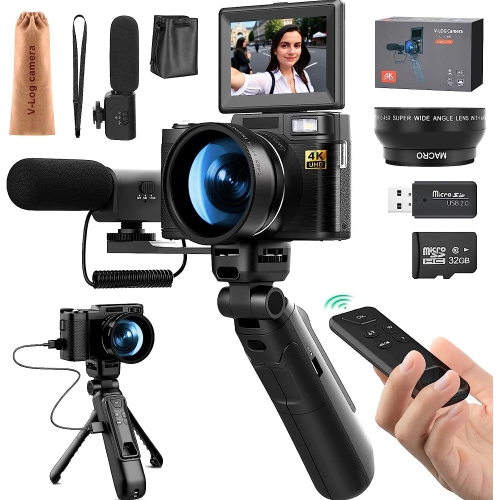
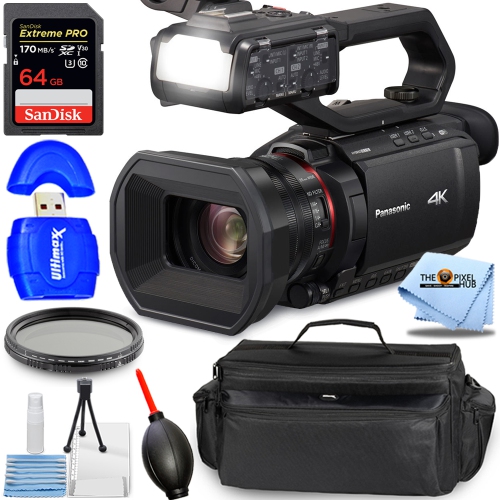
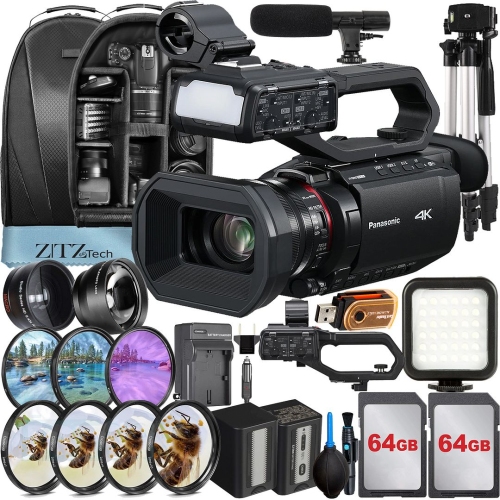
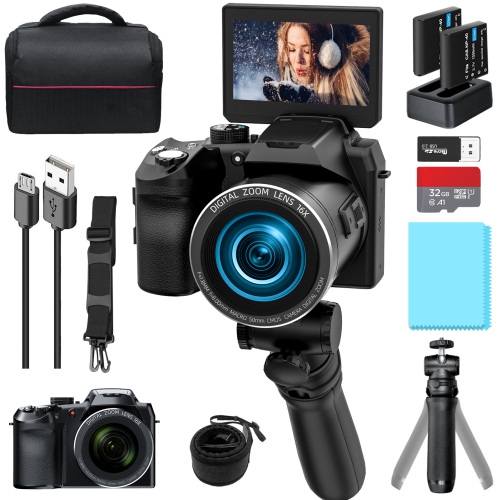
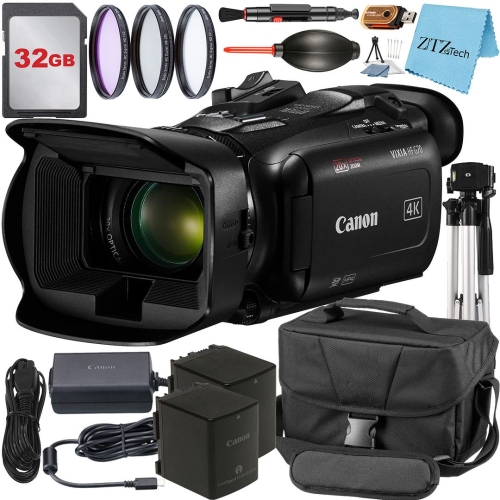
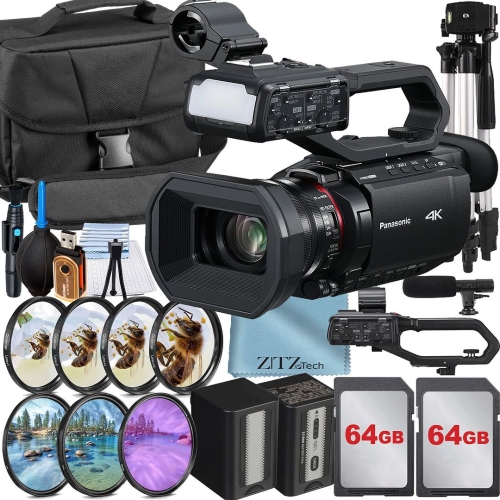
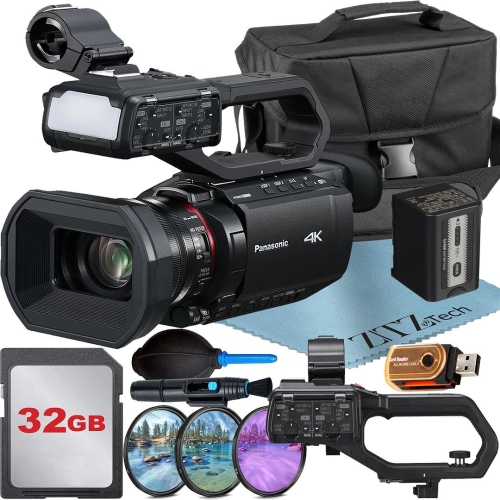
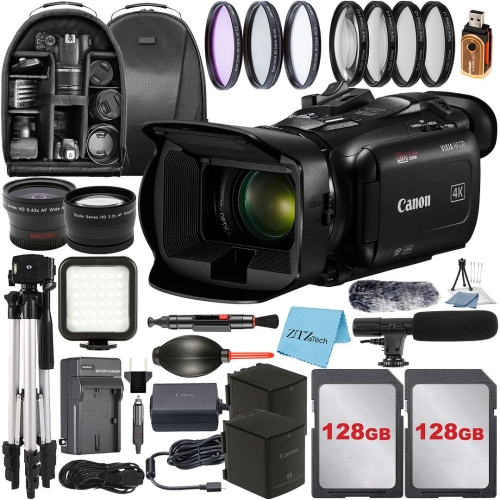
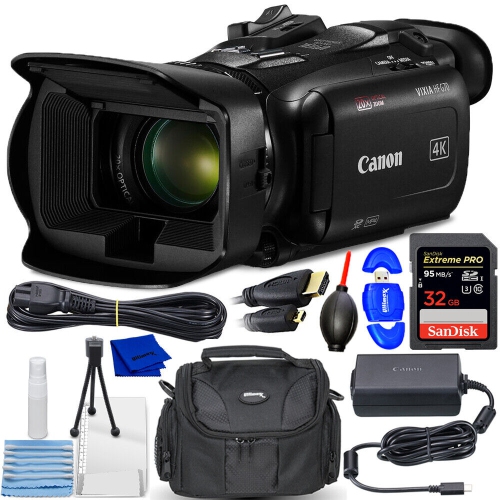
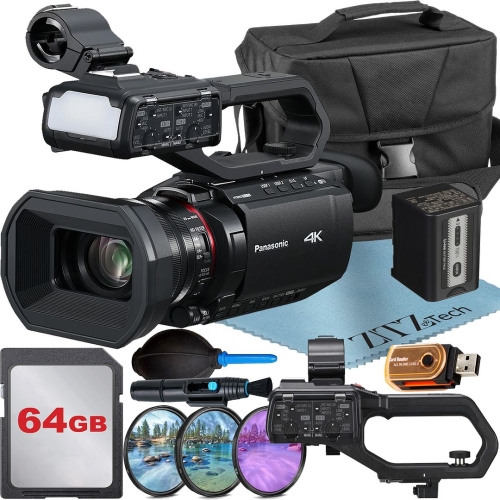
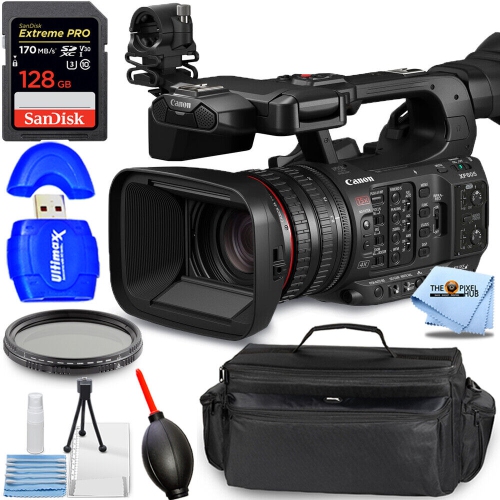
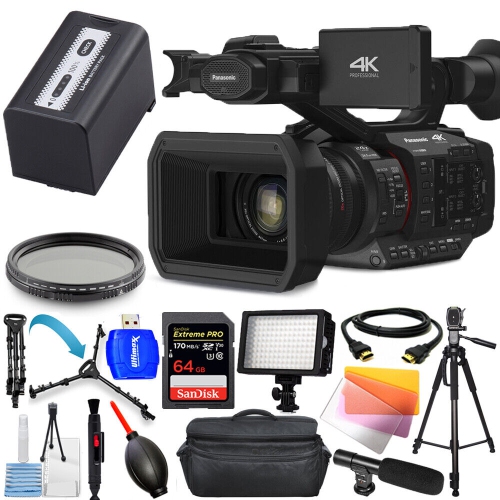
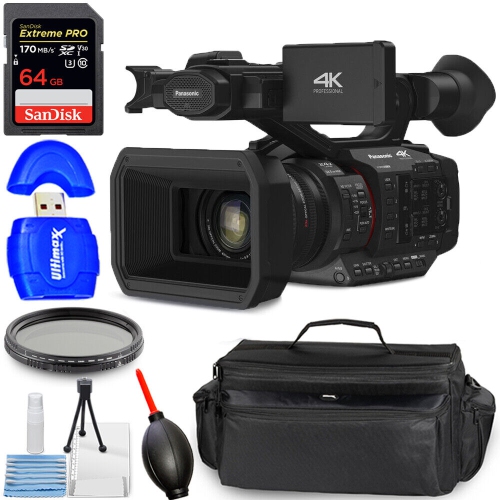
A practical 4K video setup also depends on sound, handling, storage, and the equipment around the camera. Built-in microphones are convenient for casual clips, but a microphone input makes it possible to position a separate microphone closer to a speaker for clearer dialogue. A headphone connection allows sound monitoring during recording, helping reveal clothing rustle, background hum, or an unexpectedly quiet voice before the take is finished. For solo creators, an articulating screen can make framing easier from in front of the lens, while a clear recording indicator provides reassurance that a take has started. Grip shape, button placement, and the combined weight of the body and lens influence comfort during longer handheld sessions. A small body may fit neatly into a day bag, yet feel less balanced with a large lens attached. Reinforced composite bodies and metal-alloy construction offer different balances of weight and rigidity; thoughtful handling and protective storage remain important regardless of the material. A padded bag, a securely attached strap, and lens caps help protect equipment between shoots. A hand-operated blower and clean lens cloth are useful for routine lens care, following the manufacturer’s cleaning guidance. Recording duration deserves attention for lectures, performances, and interviews, since battery capacity, file settings, and model-specific limits can affect uninterrupted capture. Higher-bitrate 4K formats produce larger files and need memory cards with the sustained write performance specified by the camera manufacturer. Editing those files also places demands on computer storage and processing power; proxy files can make more complex projects easier to handle. Supported external power options, spare batteries, suitable mounting threads, and reliable video outputs can all matter when a camera becomes part of a larger setup. Wireless features such as Wi-Fi may simplify remote control or file transfer, though supported functions differ between models. For a student filmmaker, aspiring videographer, or family member receiving a camera as a gift, compatibility with existing lenses, microphones, and editing tools can be just as meaningful as advanced specifications. A well-matched camera supports both the footage being made and the person behind it, from the first carefully framed interview to a collection of finished projects.
The way a camera records 4K matters as much as the resolution listed in its specifications. Frame rates of 24 or 30 frames per second are common for everyday storytelling, interviews, and narrative projects, while 60 frames per second can give movement a smoother appearance or allow slower playback on a lower-frame-rate timeline. Cameras that support 4K at 120 frames per second can provide more pronounced slow motion, but that setting may introduce a sensor crop, change autofocus behaviour, or omit audio, depending on the model. Higher frame rates also generally call for more light when paired with the faster shutter speeds commonly used for natural-looking motion. Sensor size influences field of view, depth of field, and low-light performance, although a larger sensor alone does not guarantee better results. A bright lens can help with dim indoor scenes, while a wide-angle lens makes it easier to include both a presenter and their surroundings. Optical zoom changes framing through the lens; digital zoom generally crops or enlarges the image and can reduce visible detail. For handheld footage, optical or in-body stabilization can reduce small shakes, while electronic stabilization may crop the frame. Walking shots can still benefit from a gimbal, and a tripod remains useful for locked-off interviews or overhead demonstrations. Autofocus with face or eye detection can help keep a moving presenter sharp, but manual focus controls are valuable when filming through foreground objects or deliberately shifting attention between subjects. Colour tools also vary. Ten-bit recording can preserve finer tonal gradations than eight-bit recording and offer more flexibility during editing, while log profiles are designed for colour grading rather than an immediately finished look. Standard picture profiles often suit simpler workflows. Rolling shutter performance, highlight handling, and the detail retained in shadows further distinguish cameras that share the same headline resolution. Together, these characteristics affect how convincingly a camera captures a quick pan, a bright window behind a speaker, or the subtle colour changes across a face.
A practical 4K video setup also depends on sound, handling, storage, and the equipment around the camera. Built-in microphones are convenient for casual clips, but a microphone input makes it possible to position a separate microphone closer to a speaker for clearer dialogue. A headphone connection allows sound monitoring during recording, helping reveal clothing rustle, background hum, or an unexpectedly quiet voice before the take is finished. For solo creators, an articulating screen can make framing easier from in front of the lens, while a clear recording indicator provides reassurance that a take has started. Grip shape, button placement, and the combined weight of the body and lens influence comfort during longer handheld sessions. A small body may fit neatly into a day bag, yet feel less balanced with a large lens attached. Reinforced composite bodies and metal-alloy construction offer different balances of weight and rigidity; thoughtful handling and protective storage remain important regardless of the material. A padded bag, a securely attached strap, and lens caps help protect equipment between shoots. A hand-operated blower and clean lens cloth are useful for routine lens care, following the manufacturer’s cleaning guidance. Recording duration deserves attention for lectures, performances, and interviews, since battery capacity, file settings, and model-specific limits can affect uninterrupted capture. Higher-bitrate 4K formats produce larger files and need memory cards with the sustained write performance specified by the camera manufacturer. Editing those files also places demands on computer storage and processing power; proxy files can make more complex projects easier to handle. Supported external power options, spare batteries, suitable mounting threads, and reliable video outputs can all matter when a camera becomes part of a larger setup. Wireless features such as Wi-Fi may simplify remote control or file transfer, though supported functions differ between models. For a student filmmaker, aspiring videographer, or family member receiving a camera as a gift, compatibility with existing lenses, microphones, and editing tools can be just as meaningful as advanced specifications. A well-matched camera supports both the footage being made and the person behind it, from the first carefully framed interview to a collection of finished projects.
Top selling and popular products
-
 Your price for this item is $199.99
 -
 Your price for this item is $859.99
 -
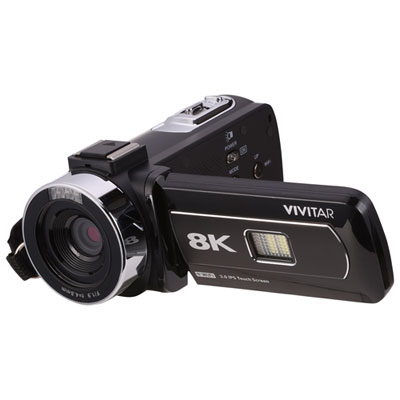 Your price for this item is $249.99
 -
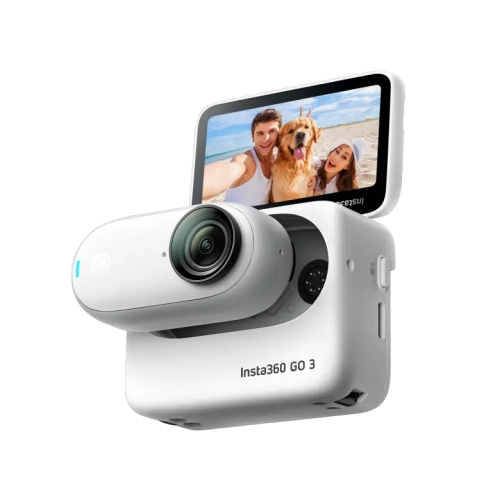 Your price for this item is $522.37
 -
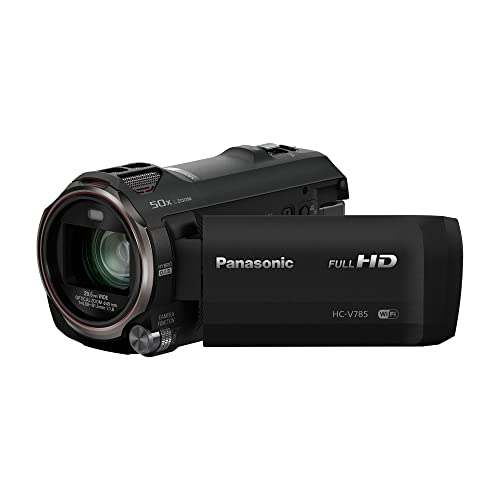 Your price for this item is $839.98
 -
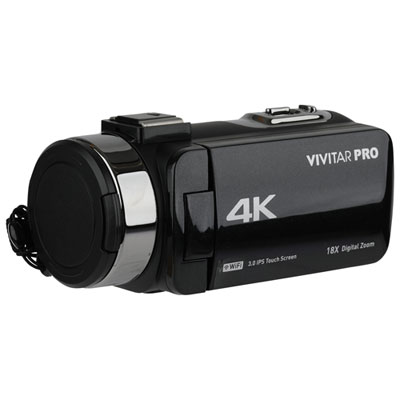 Your price for this item is $199.99
 -
 Your price for this item is $679.97
 -
 Your price for this item is $69.99
Discover more categories related to 4k Videography Cameras
Top Collections:
Pokemon Centers, Best Cameras for Sports Photography, Kindle Devices, Samsung Galaxy Phones, Canon G7X Cameras, Pokémon 30th Celebration Cards, Refurbished Apple Laptops, iPhone 15 Apple, Laptops for Students, Budget Smartphones
Some products may be subject to Environmental Handling Fees
(EHF) depending on your province.
Learn more about EHFs.