Entry Level Mirrorless Cameras for Video
Are you an aspiring videographer looking to make your mark in the world of content creation? Look no further! Our selection of entry-level mirrorless cameras for video is the perfect starting point for capturing stunning visuals and telling compelling stories. With their lightweight design, advanced features, and affordable price points, these cameras are a game-changer for beginners who want to dive into the exciting world of videography. Whether you're shooting vlogs, short films, or documenting your travels, our entry-level mirrorless cameras will help you bring your vision to life with incredible clarity and versatility.
Sort
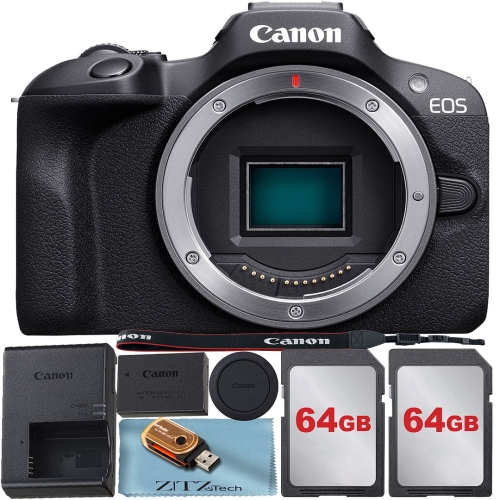
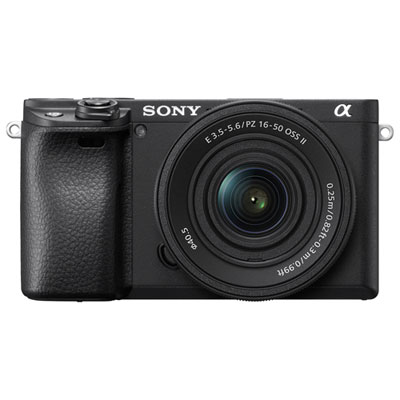
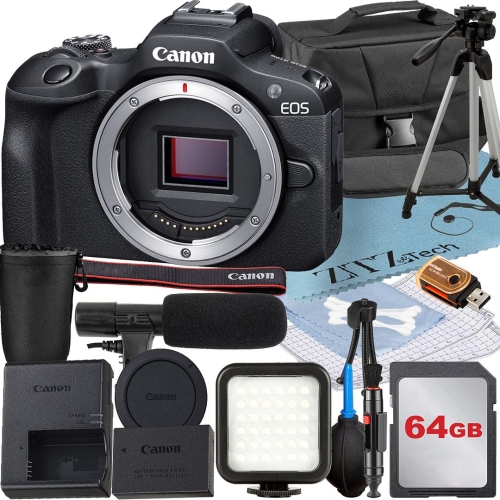
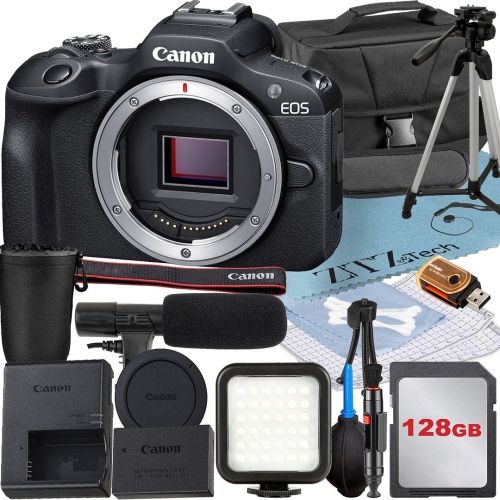
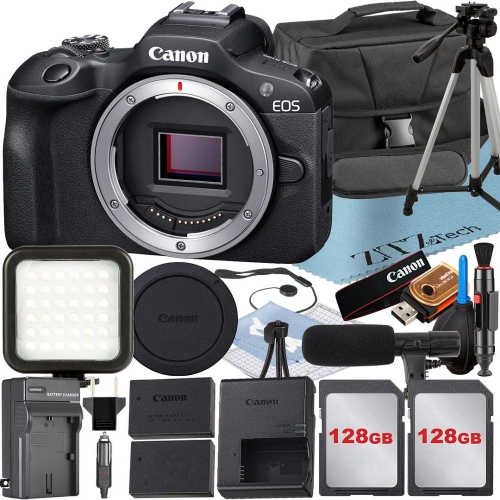
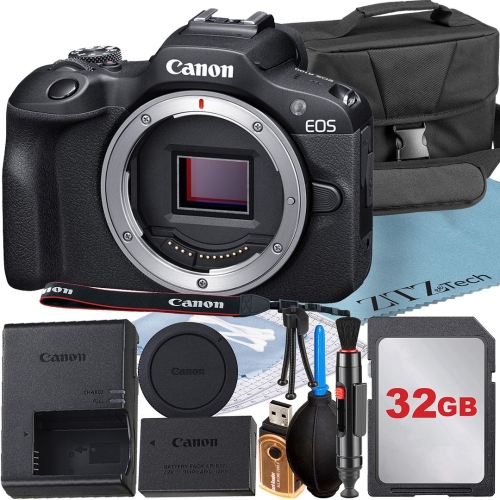
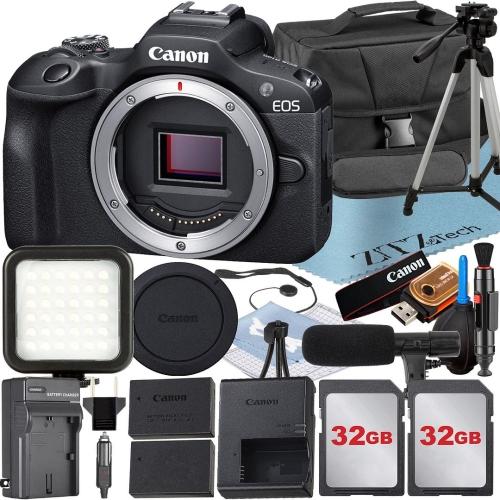
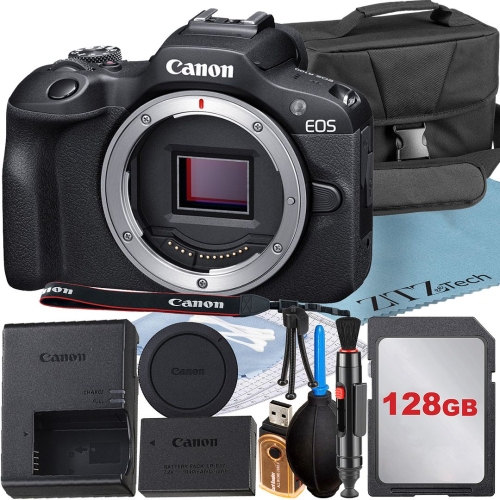
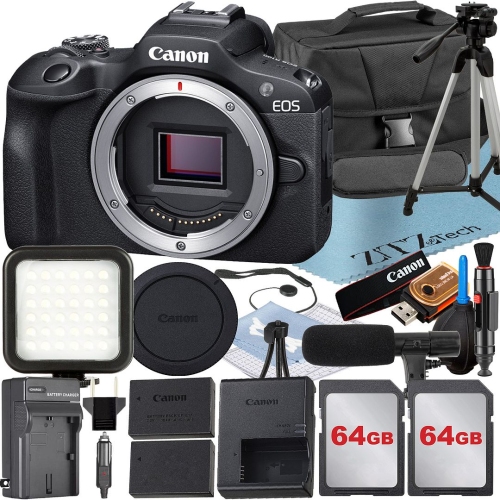
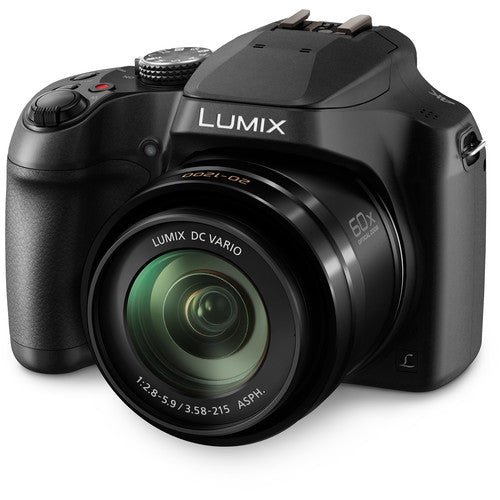
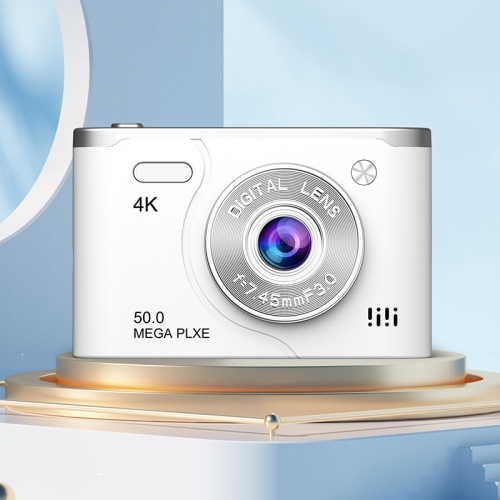
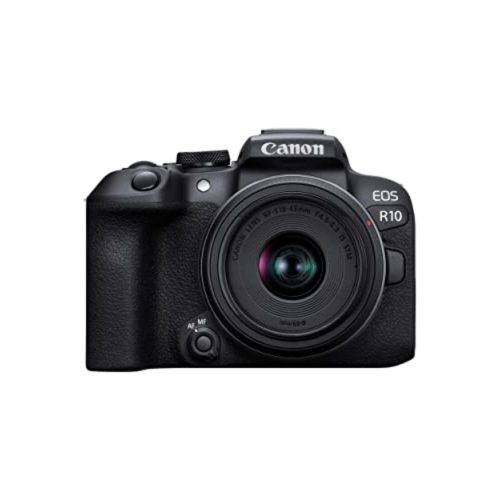
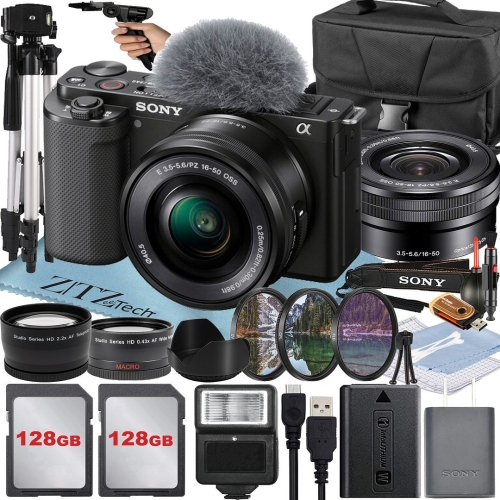

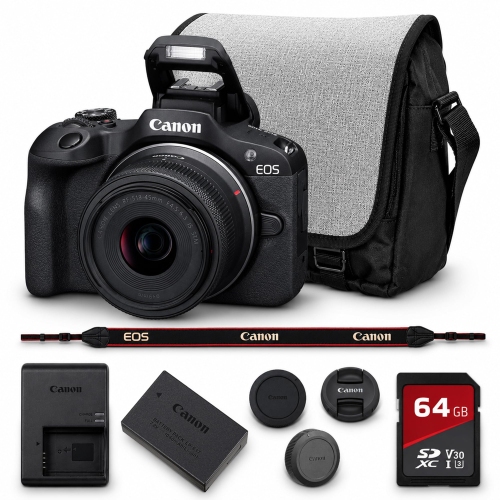
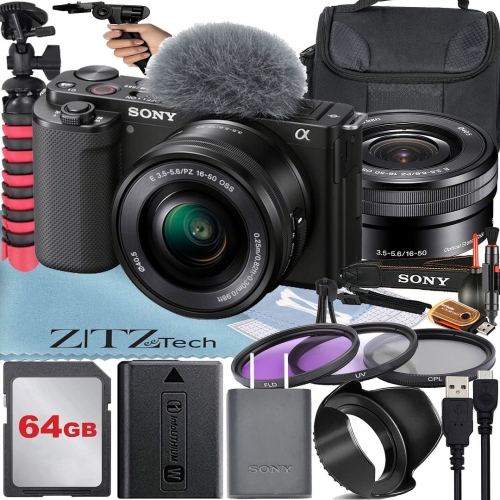
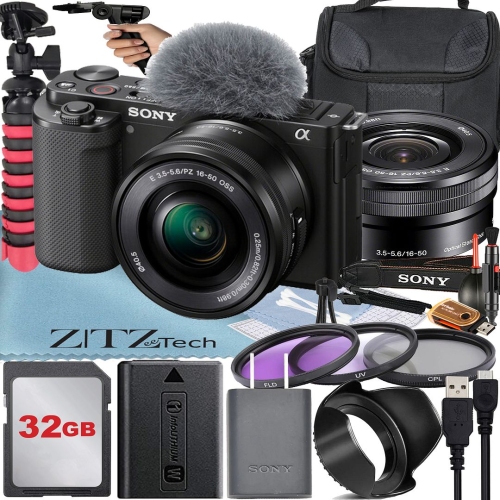
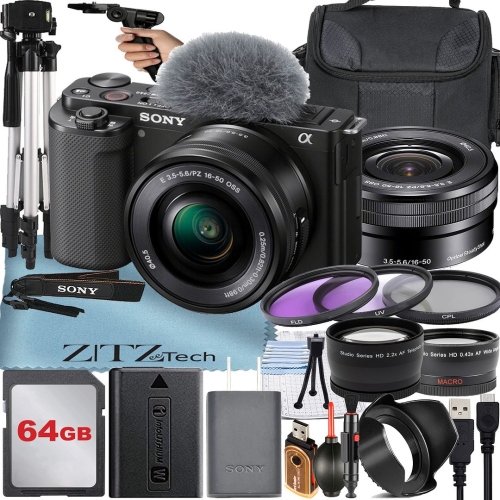
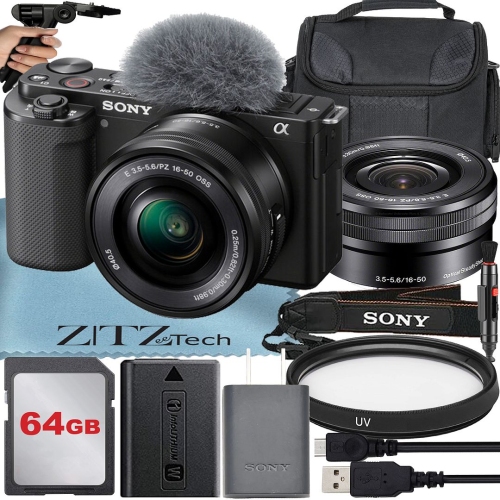
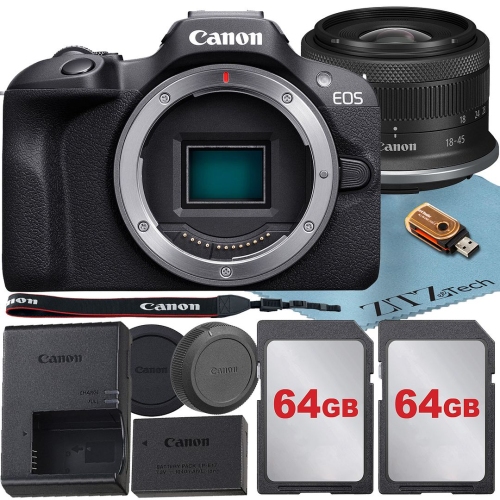
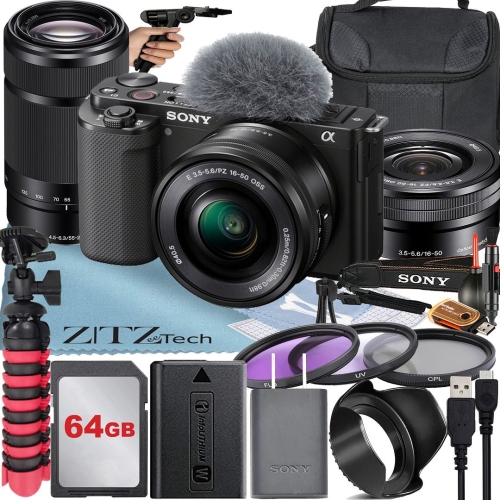
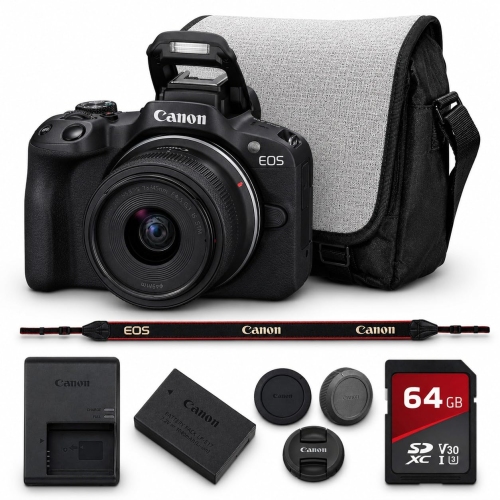
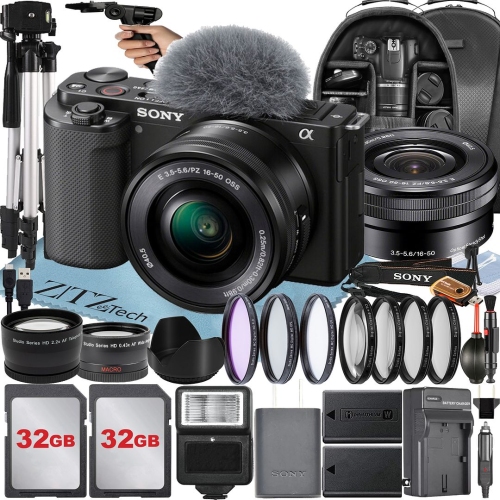
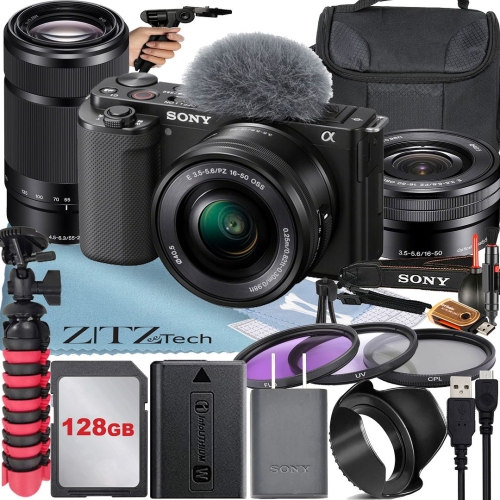
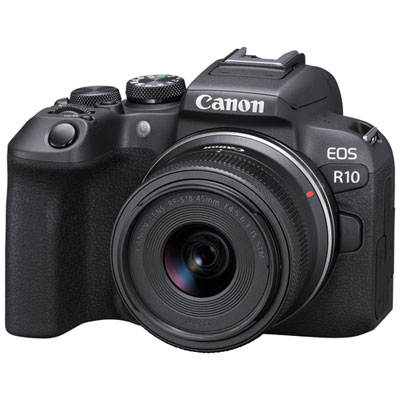
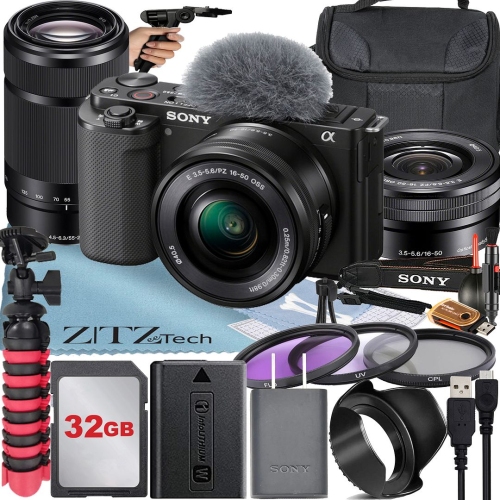
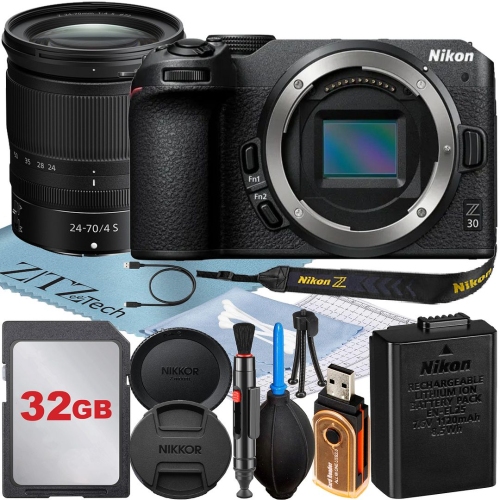
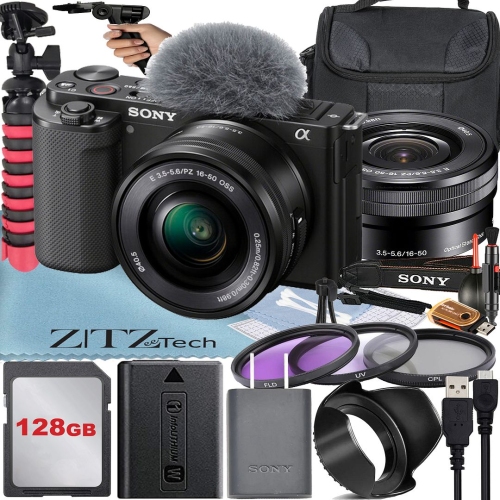
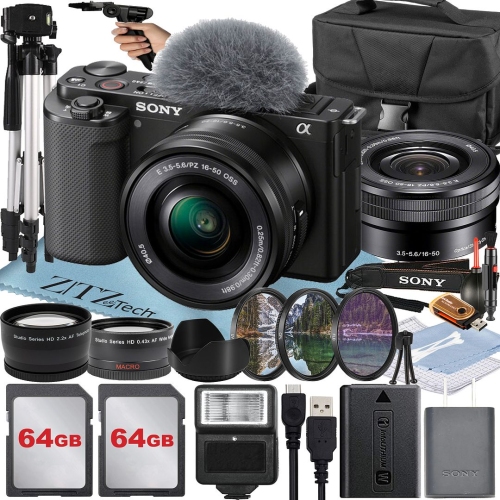
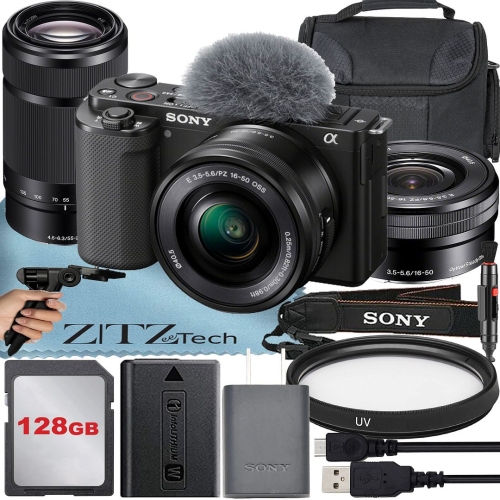
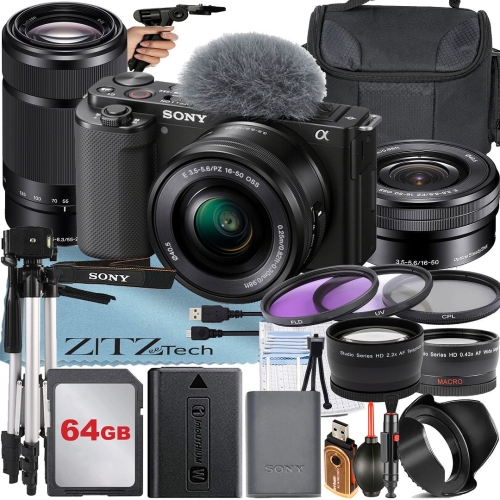
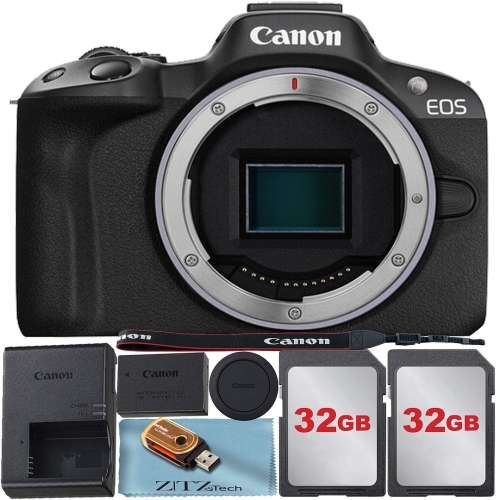
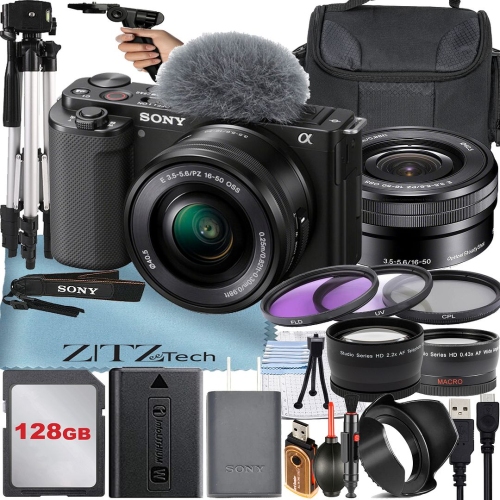
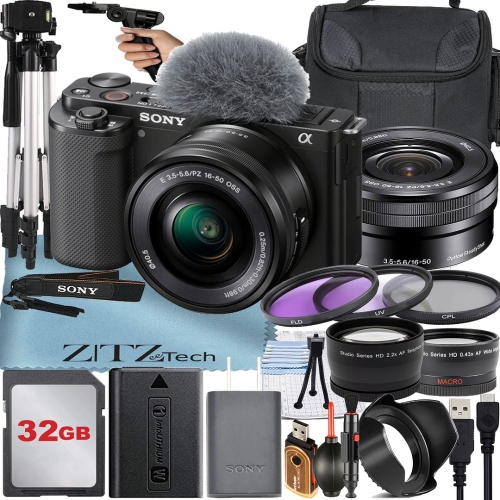
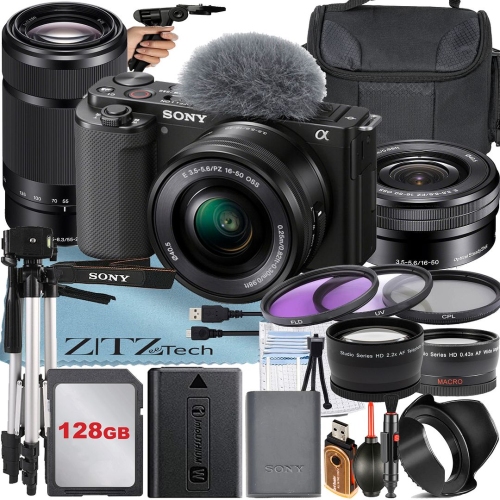
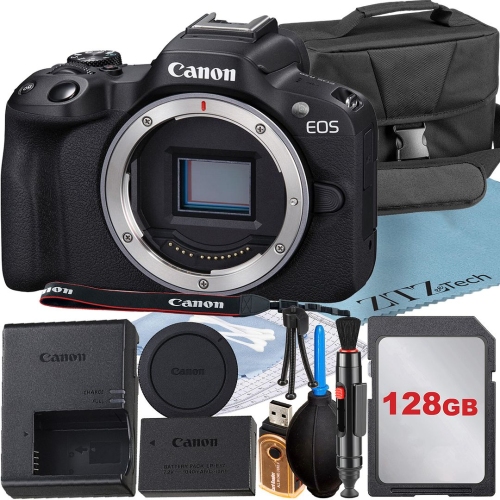
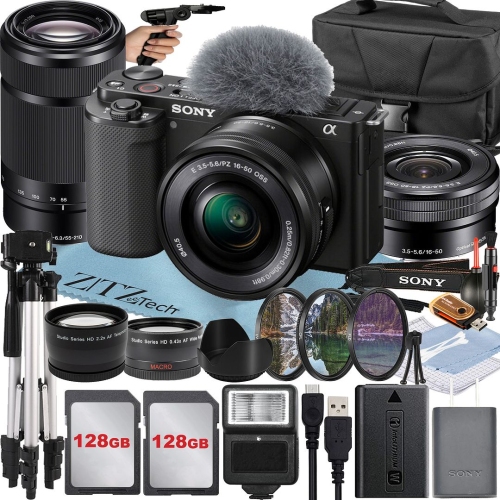
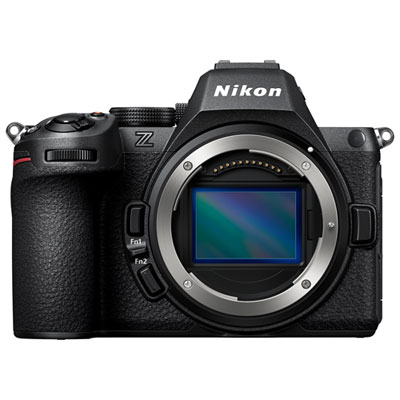
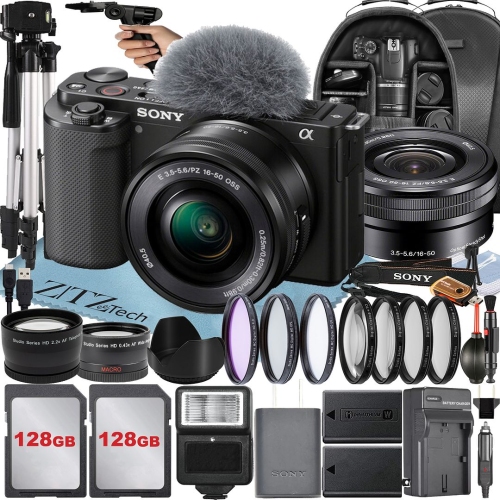
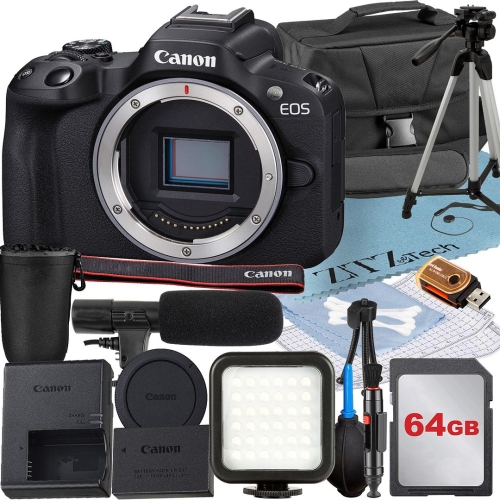
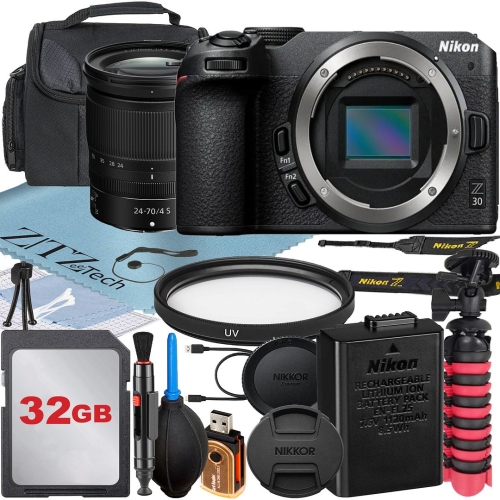
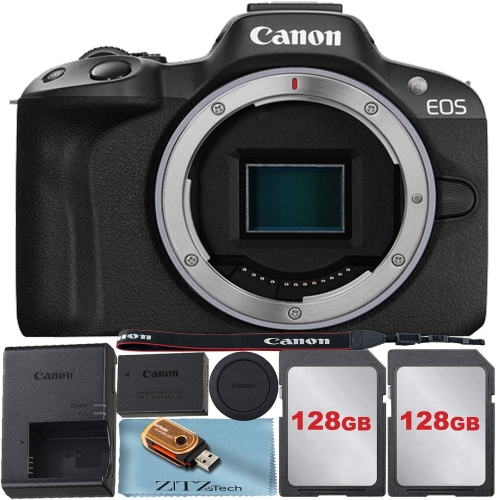
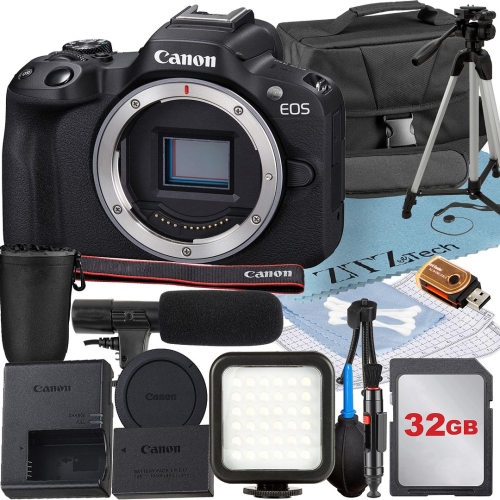
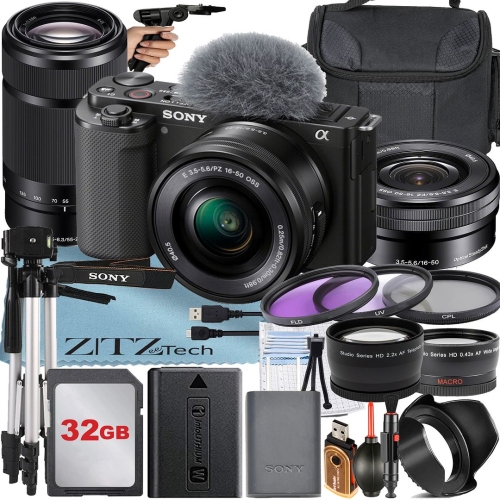
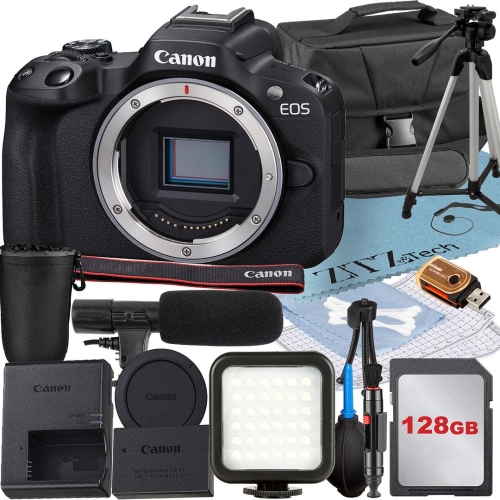
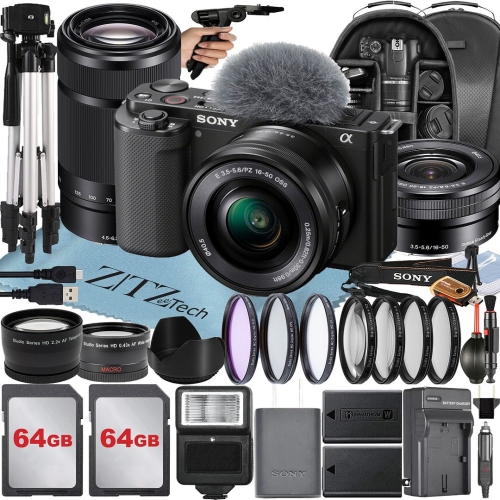
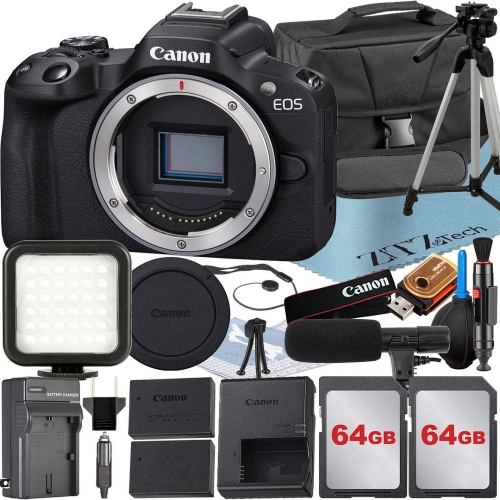
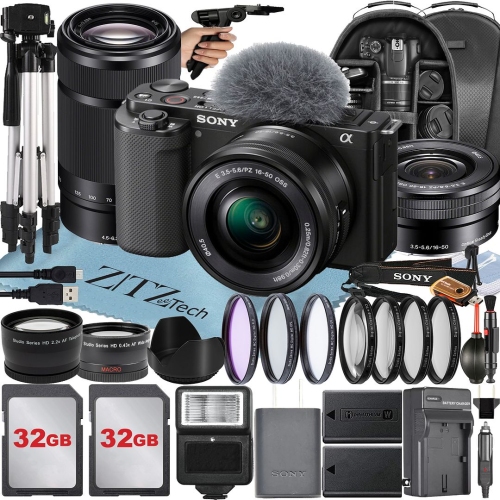
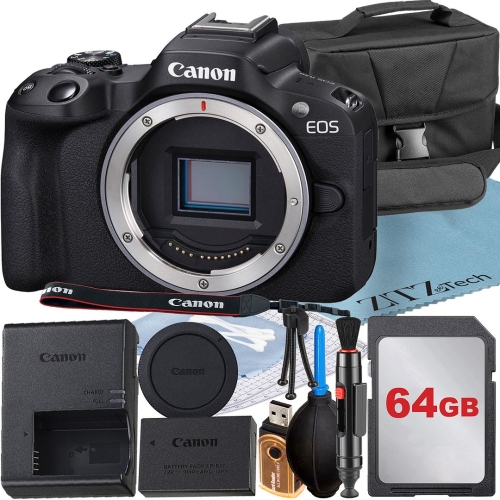
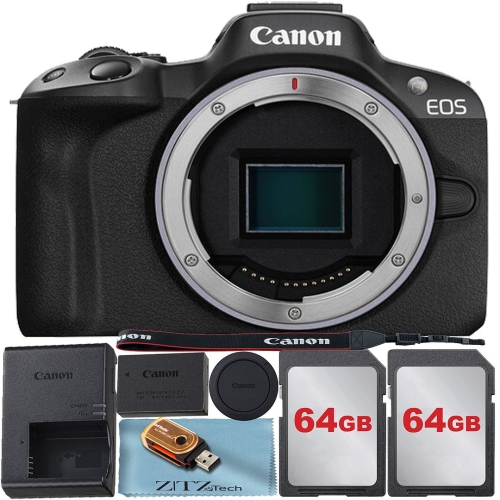
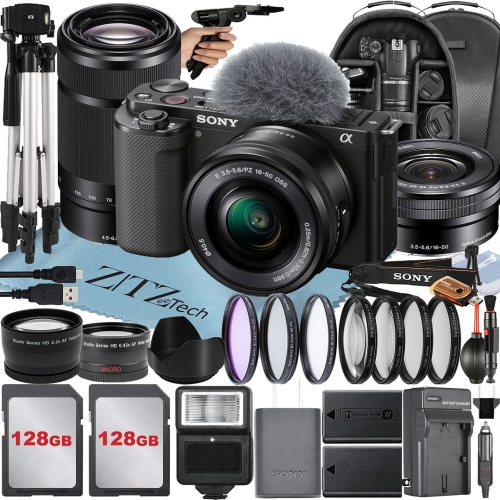
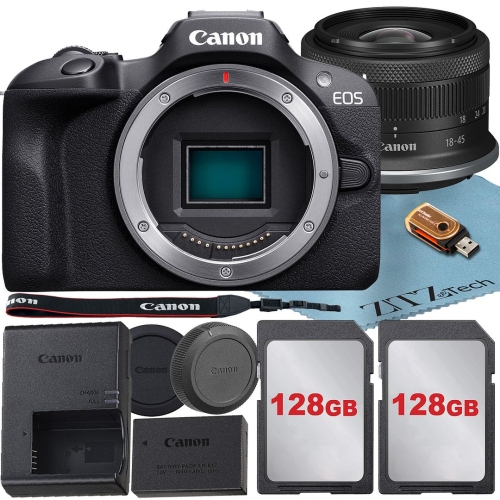
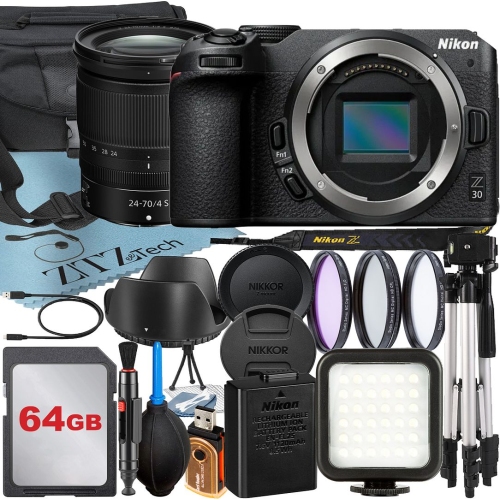
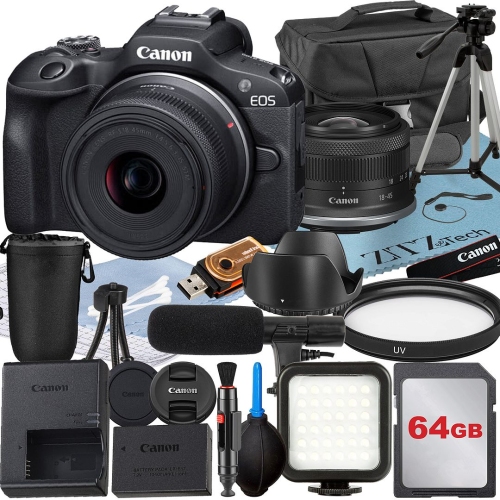
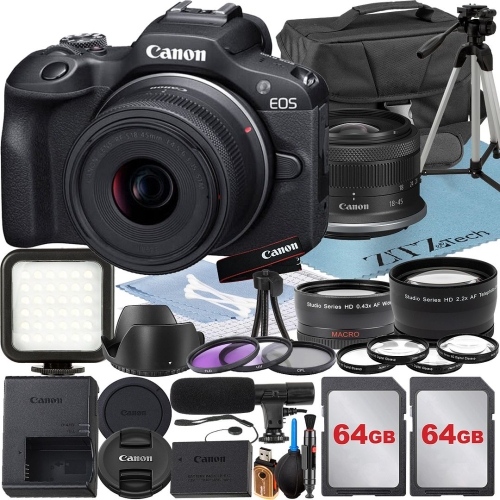
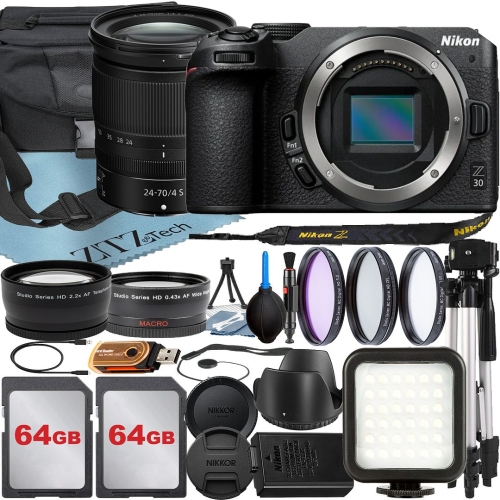
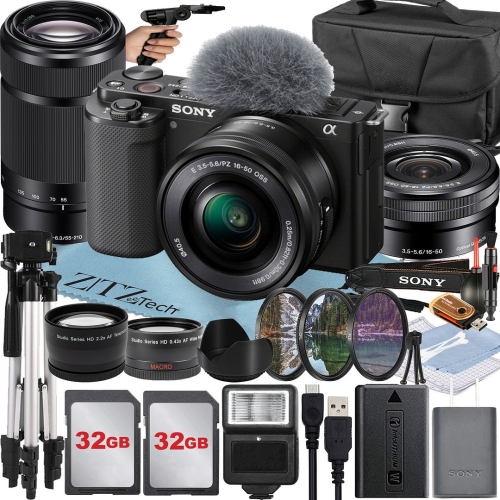
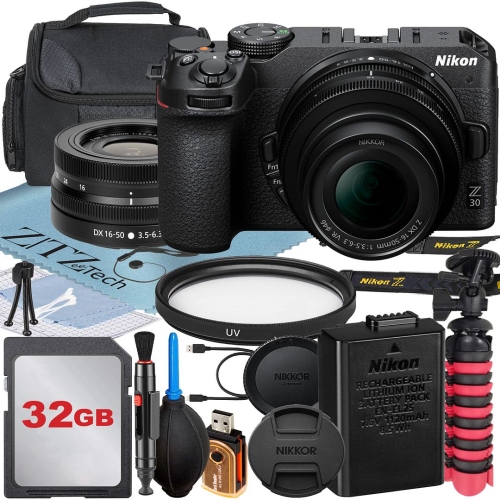
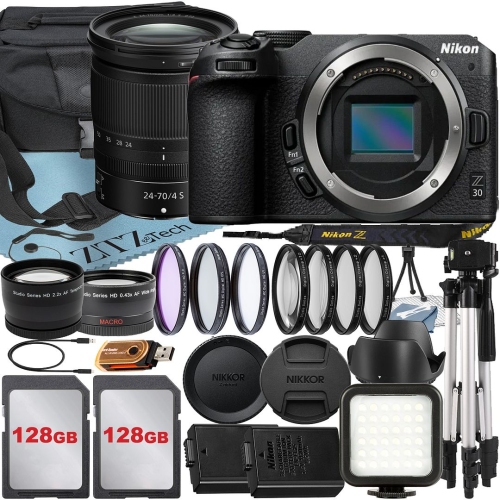
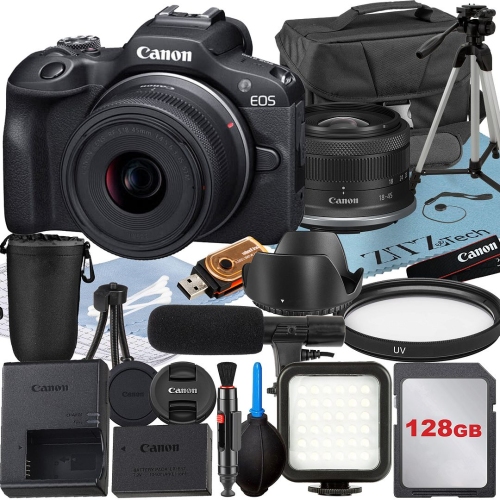
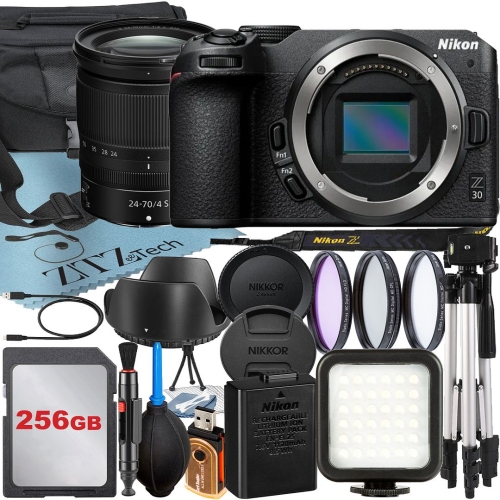
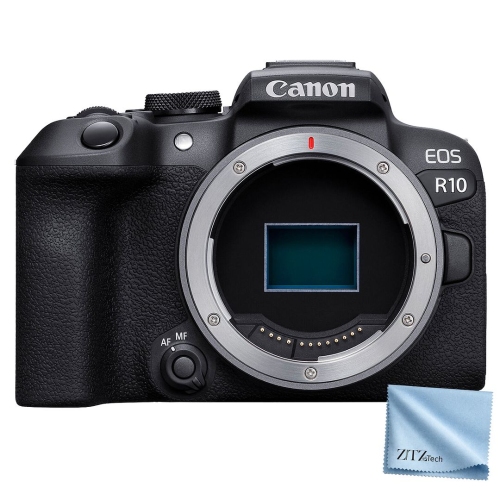
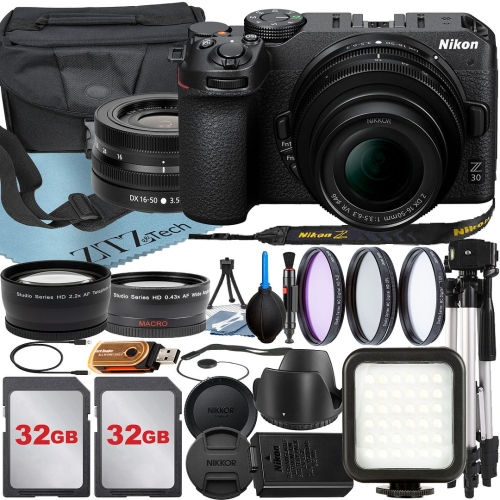
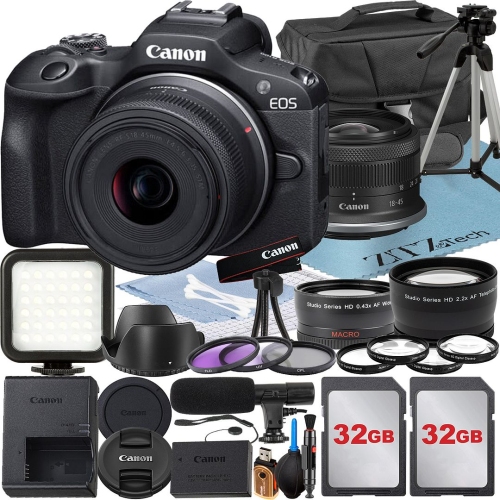
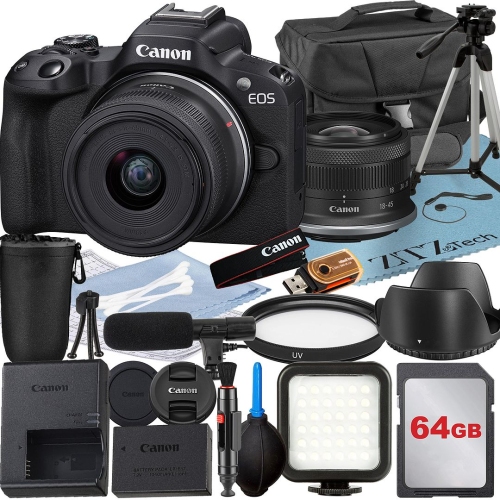
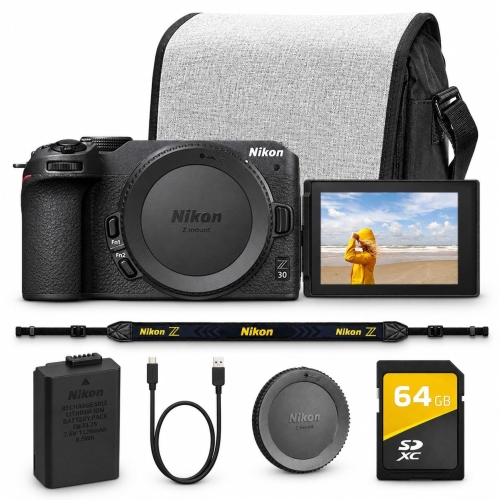
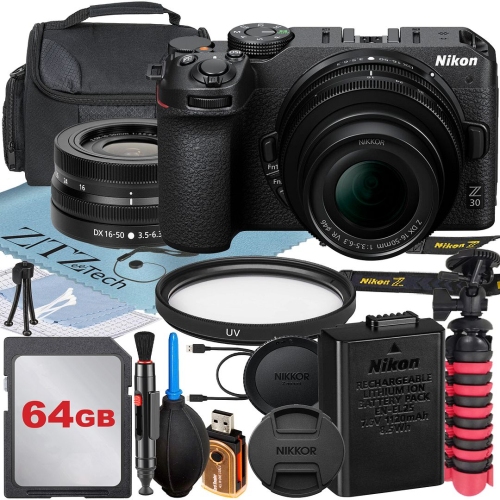
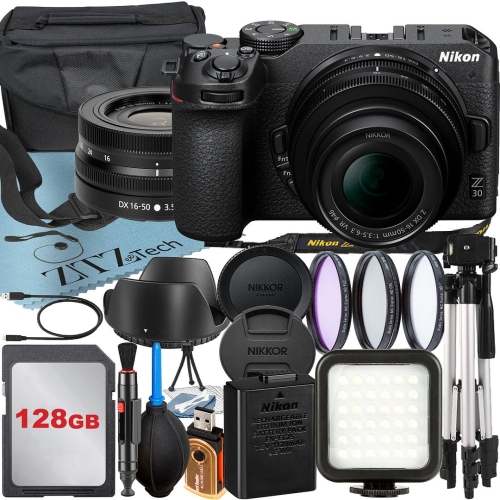
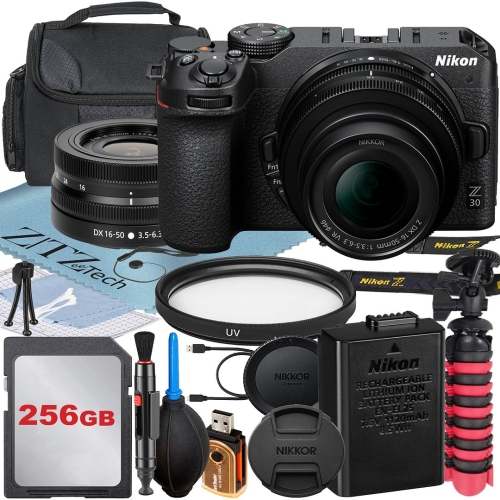
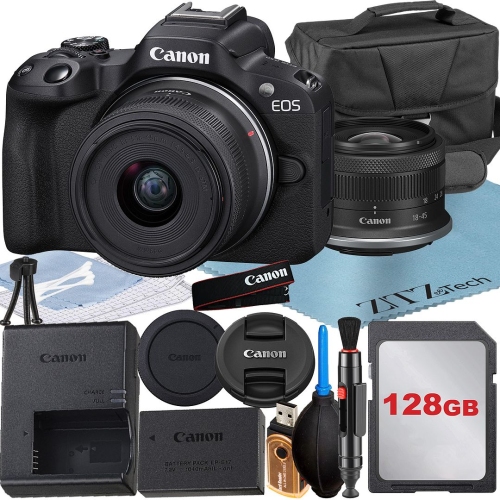
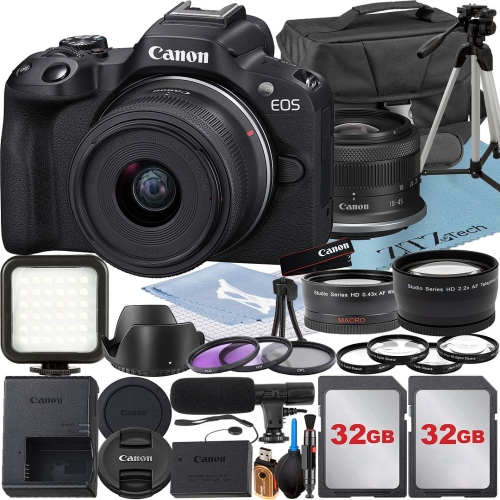
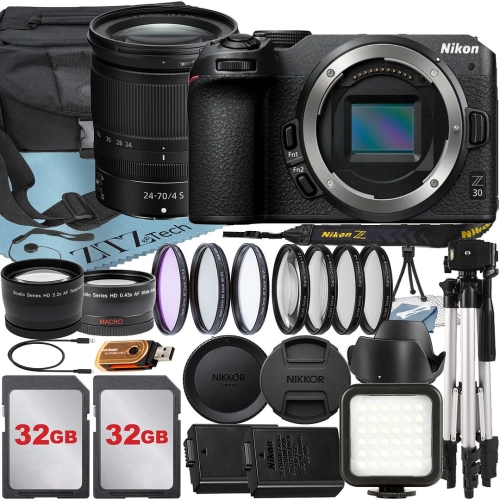
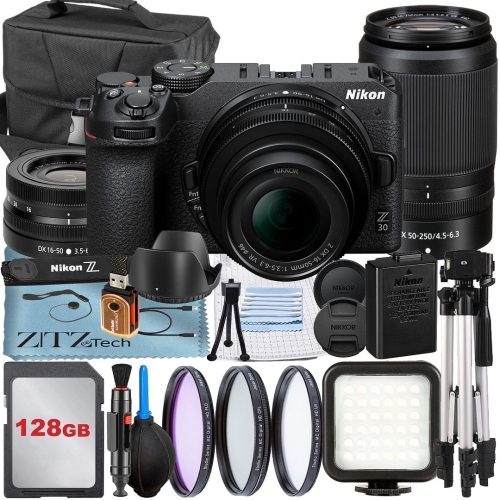
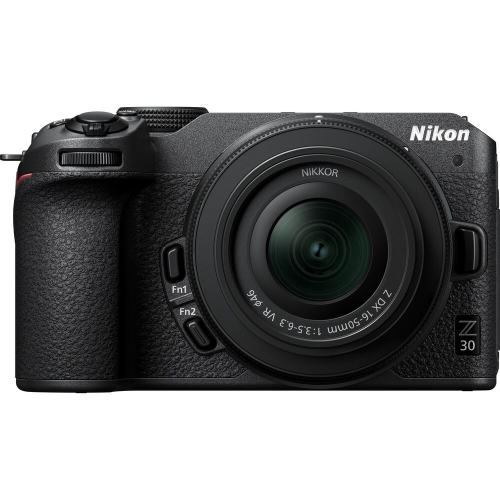
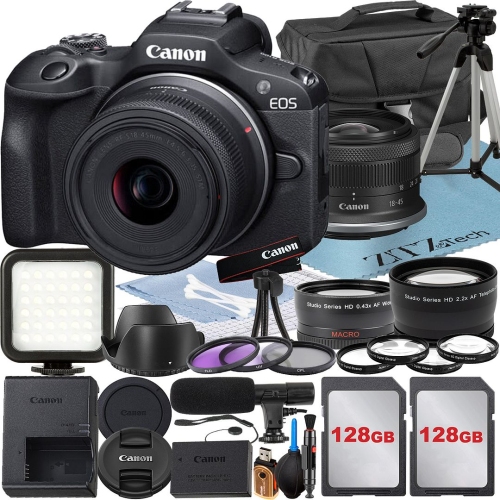
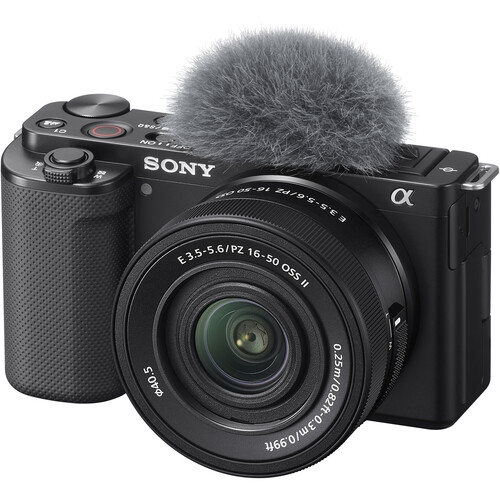
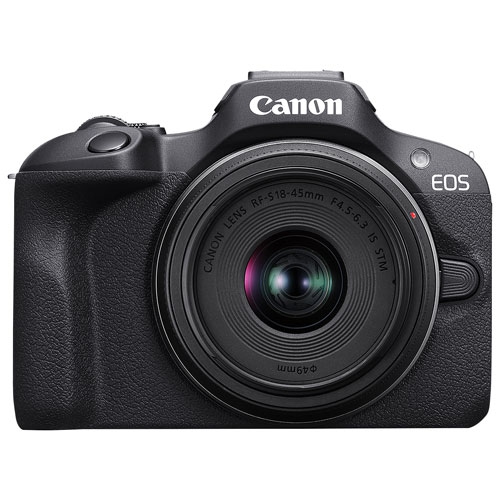
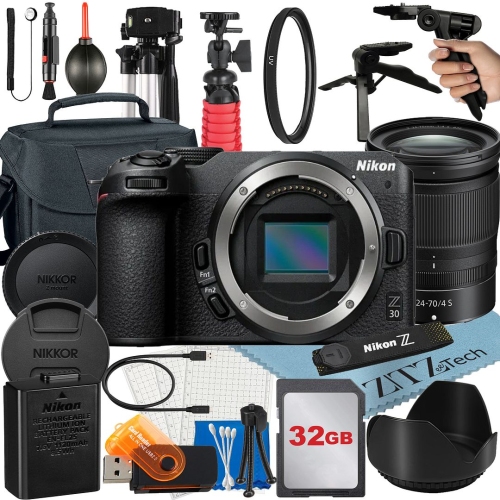
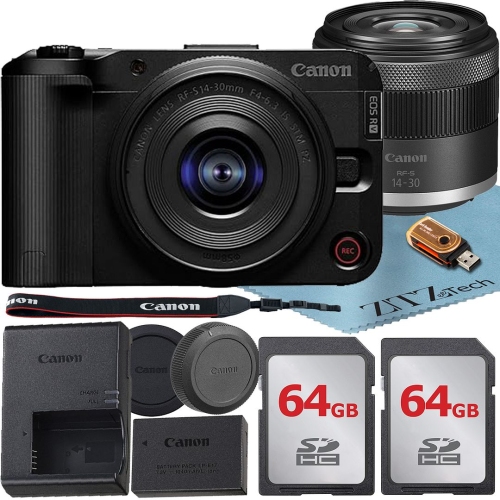
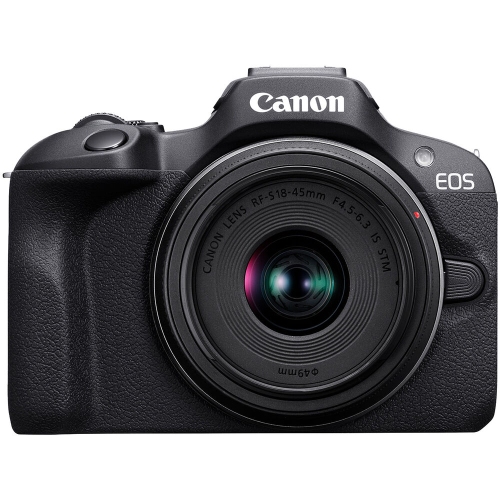
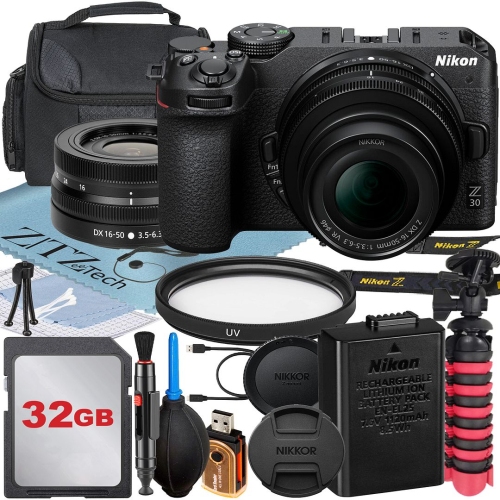
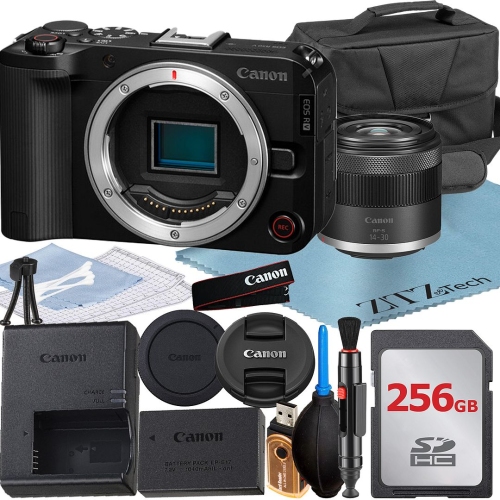
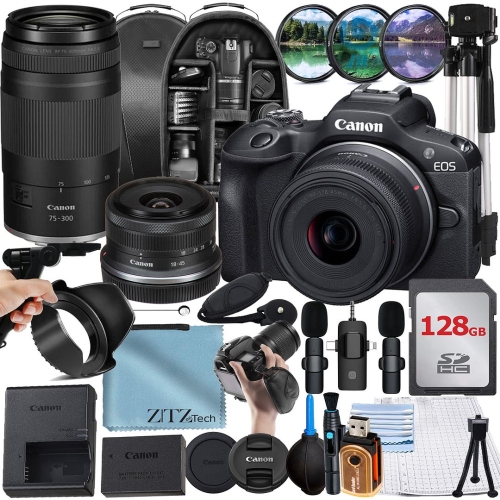
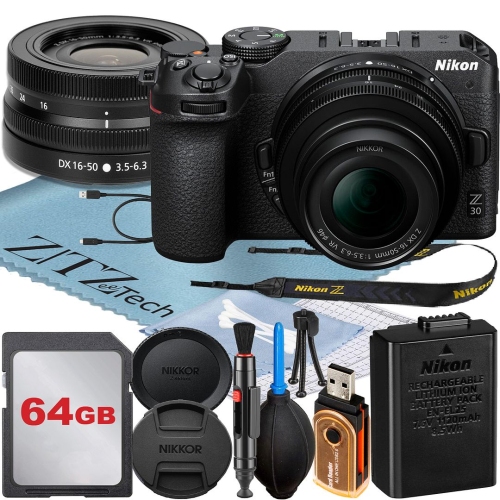
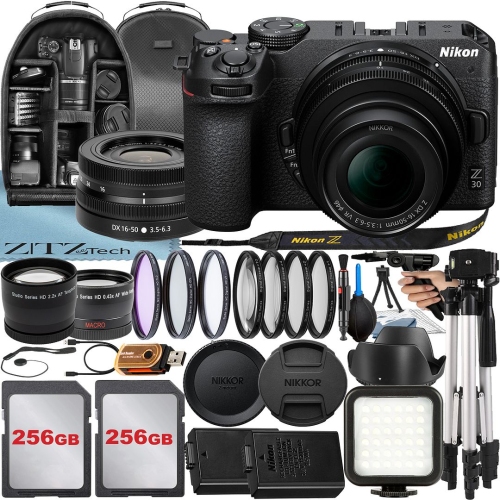
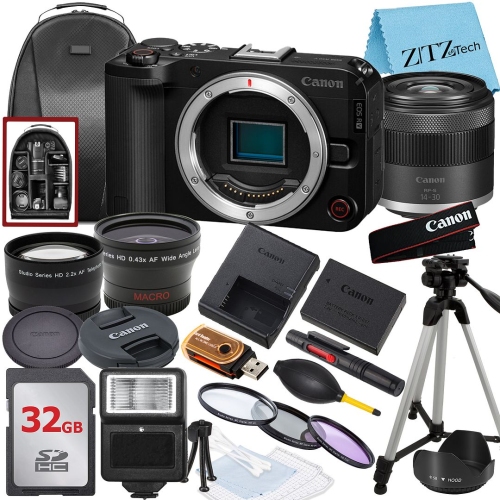
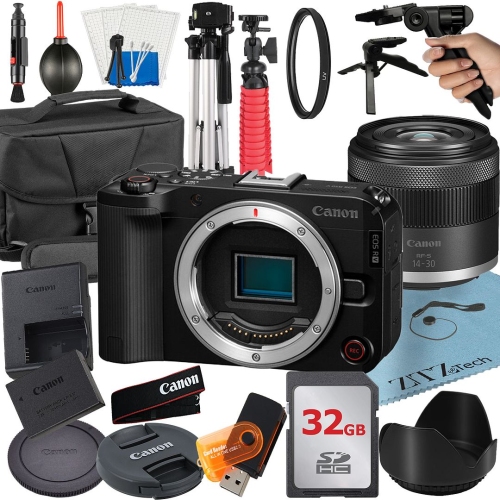
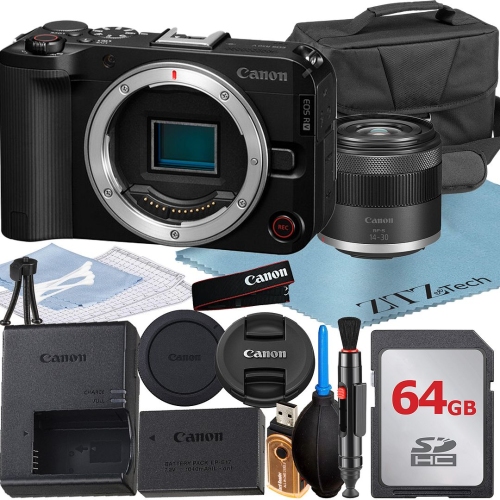
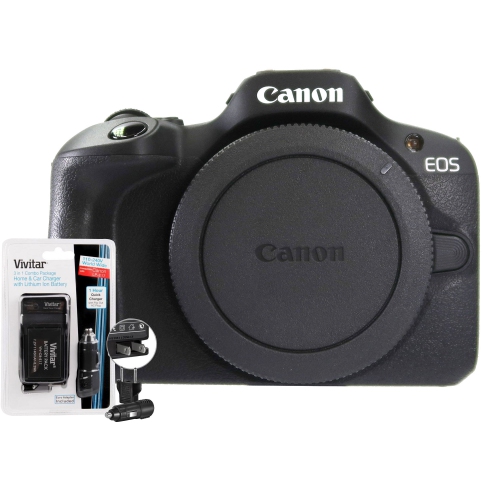
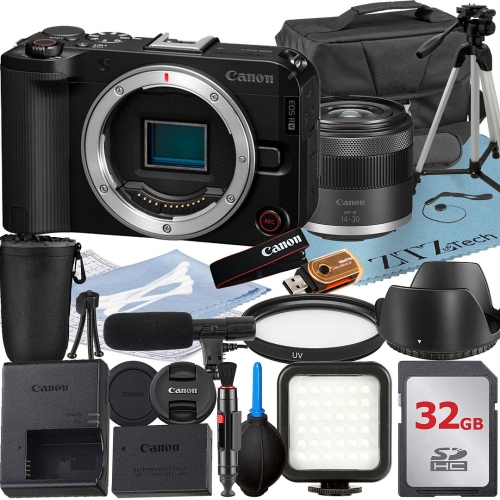
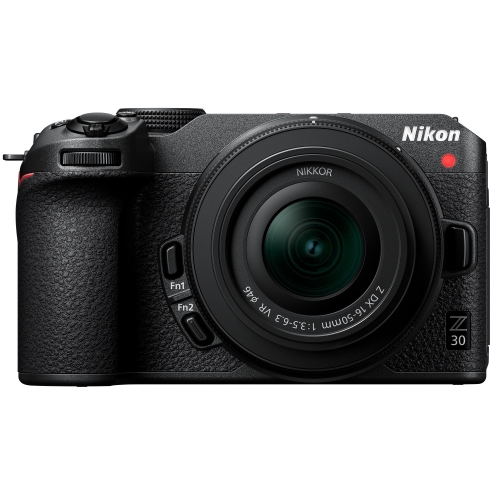
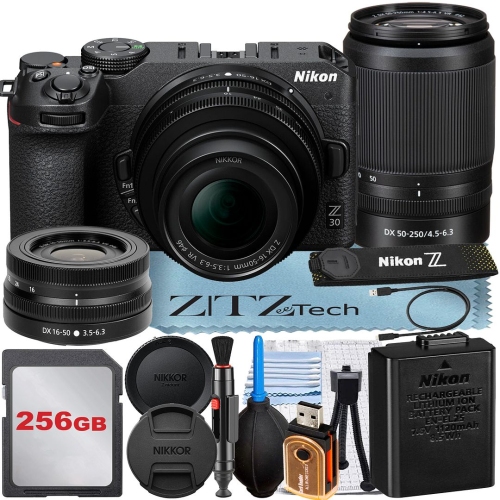
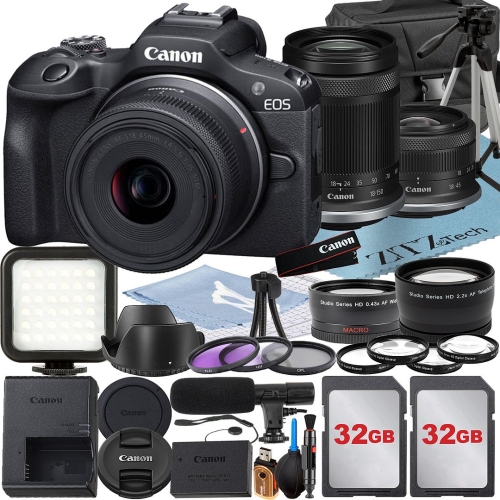
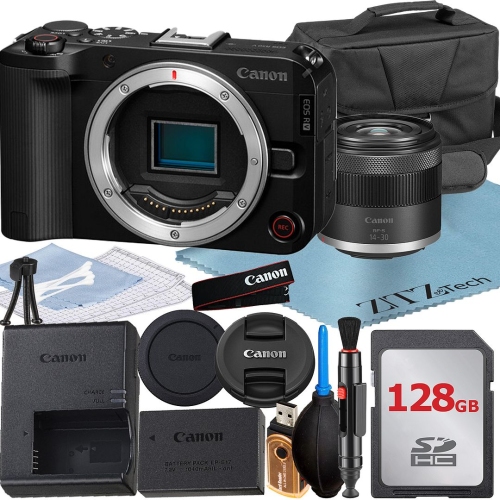
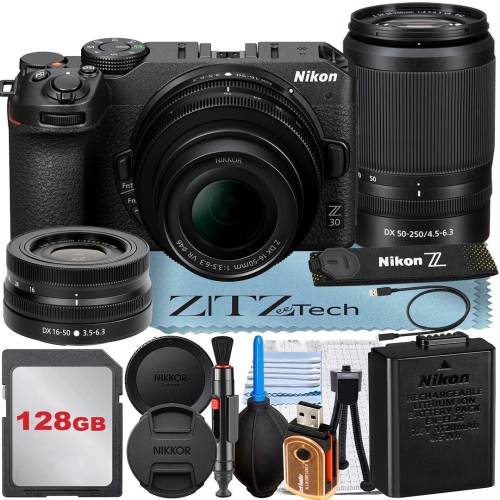
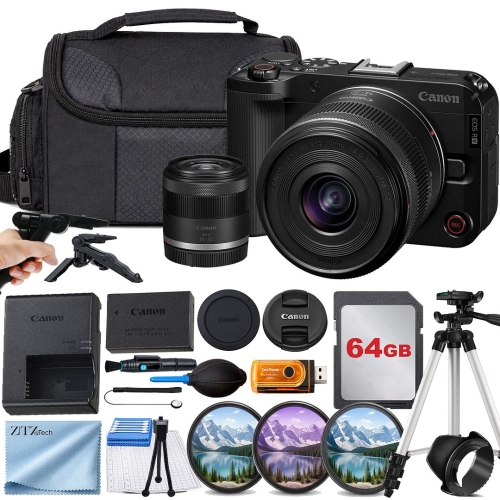
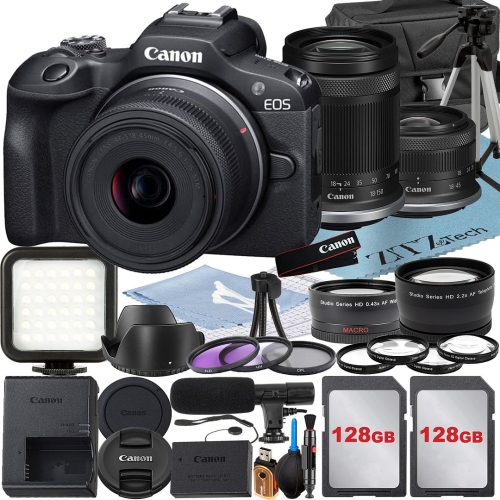
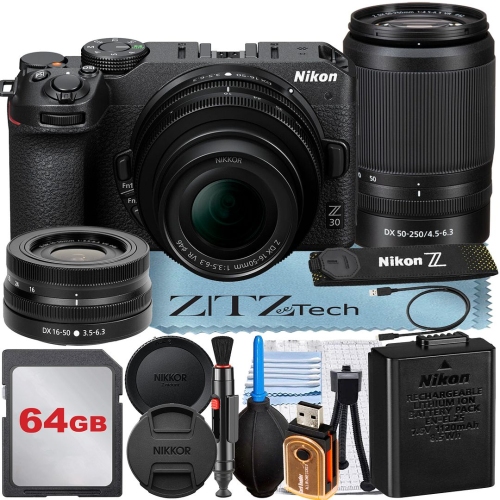
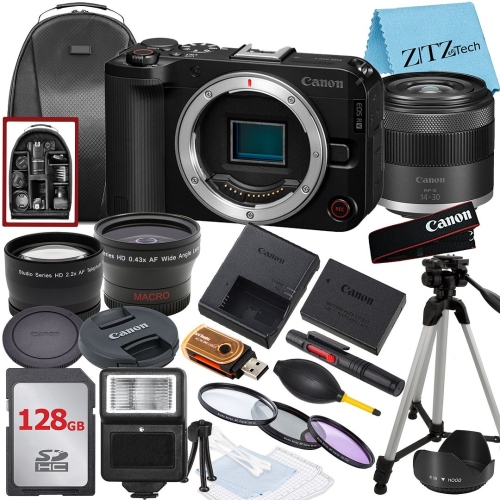
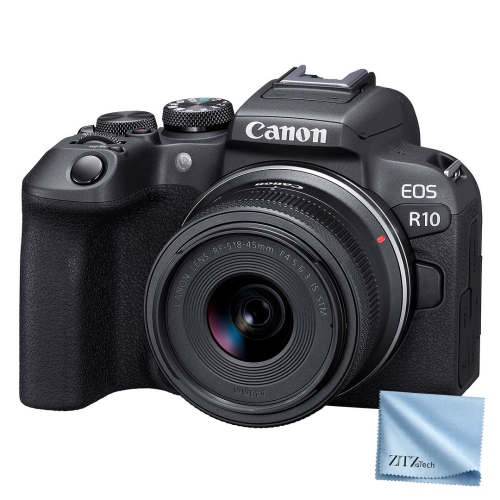
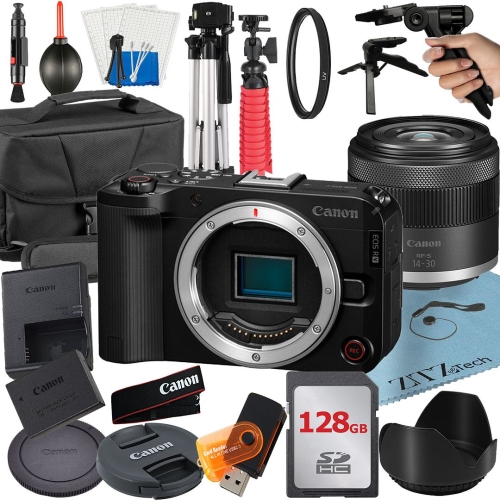
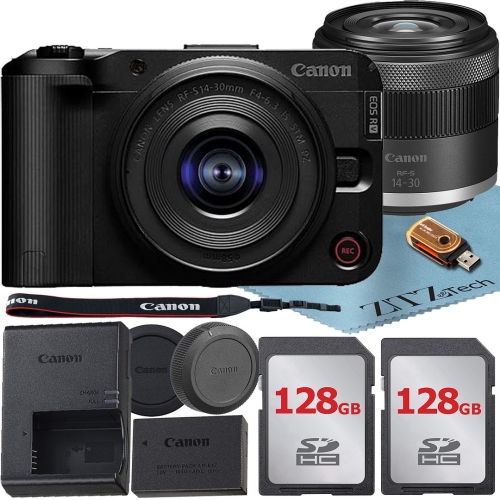
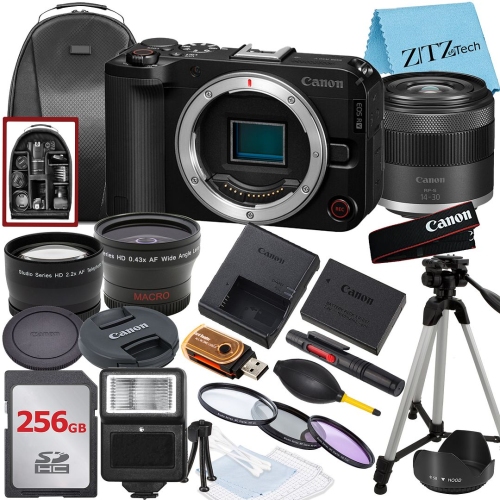
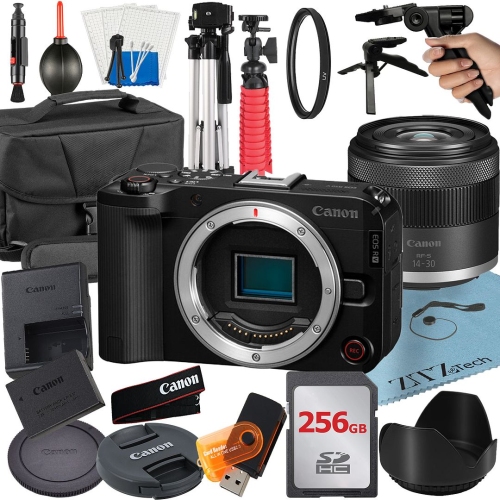
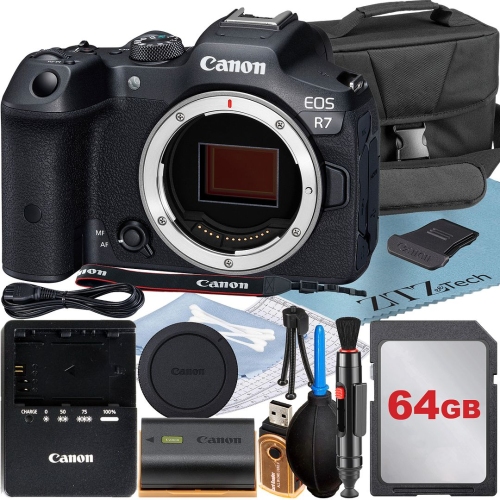
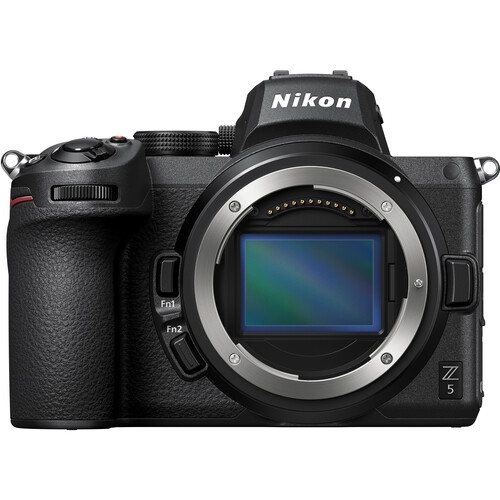
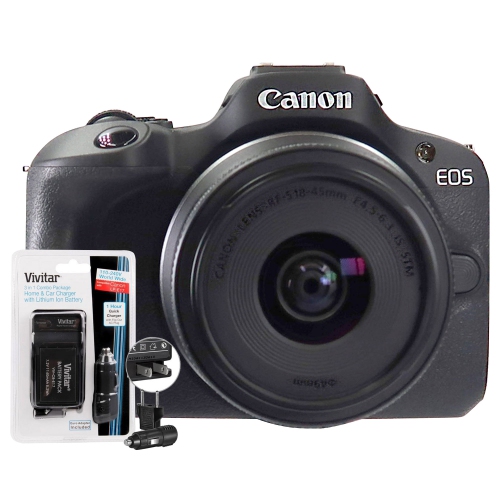
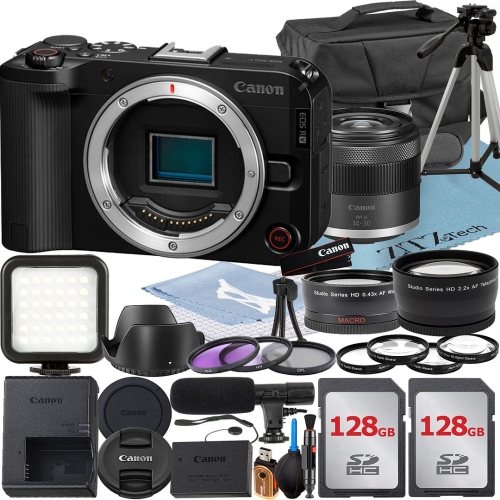
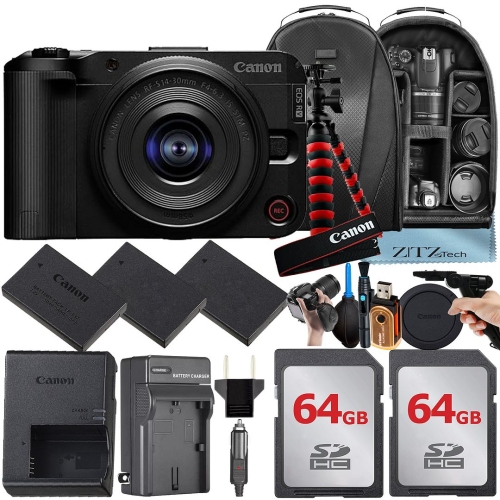
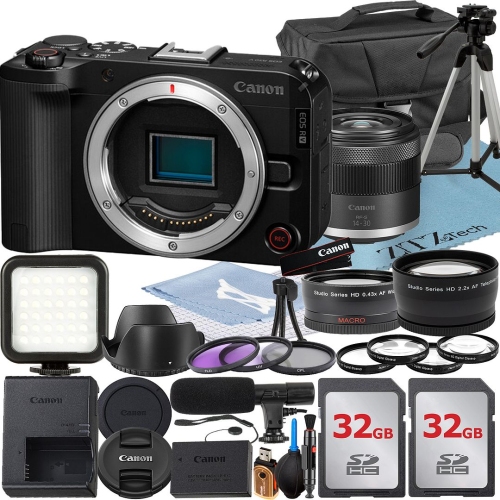
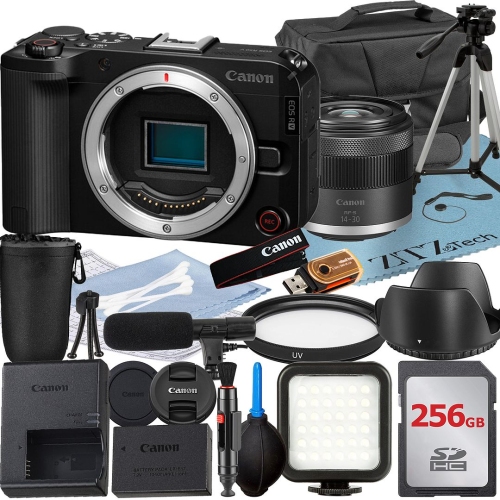
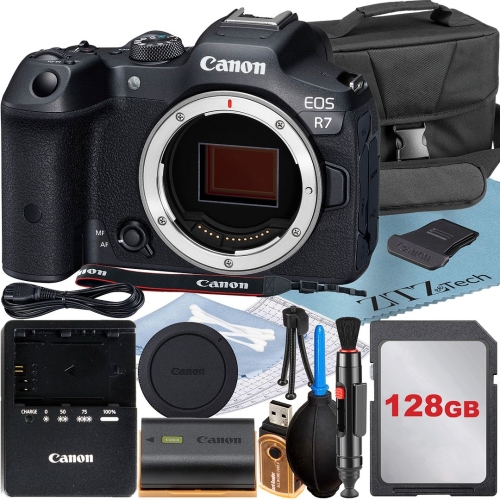
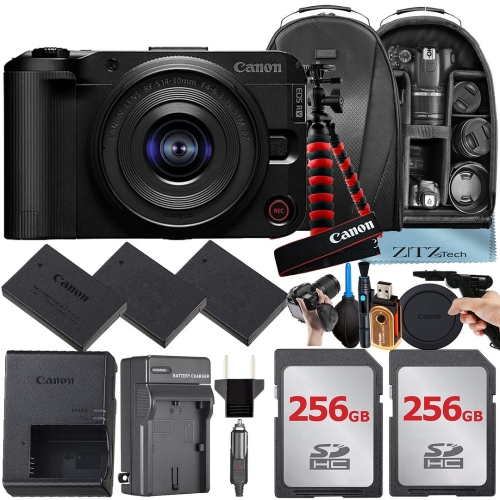
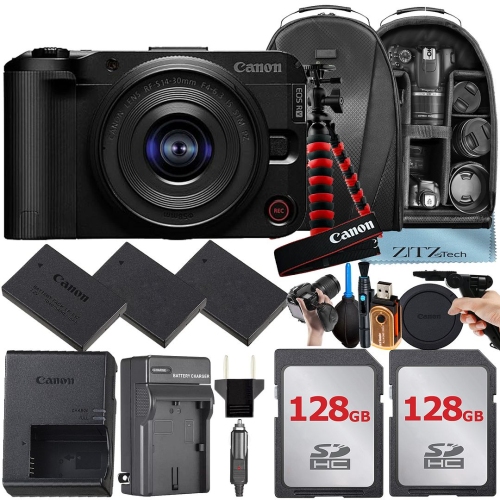
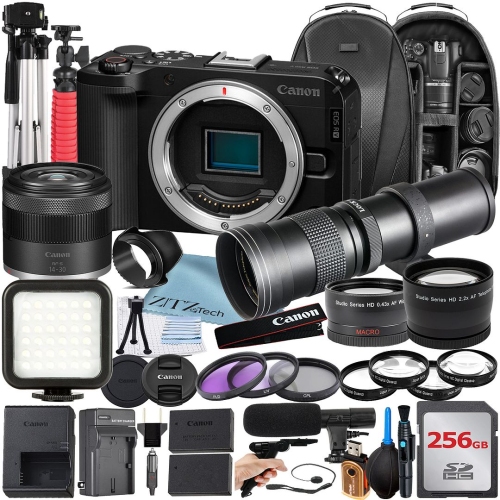
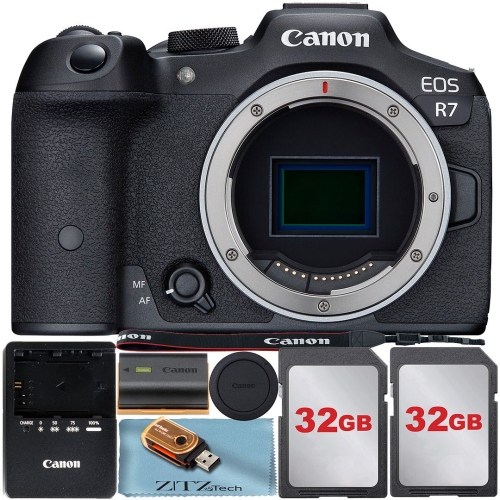
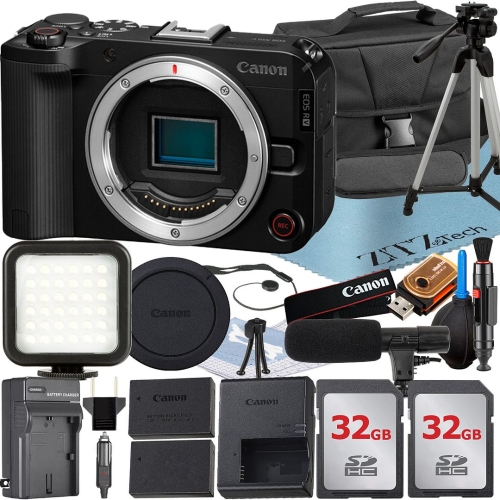
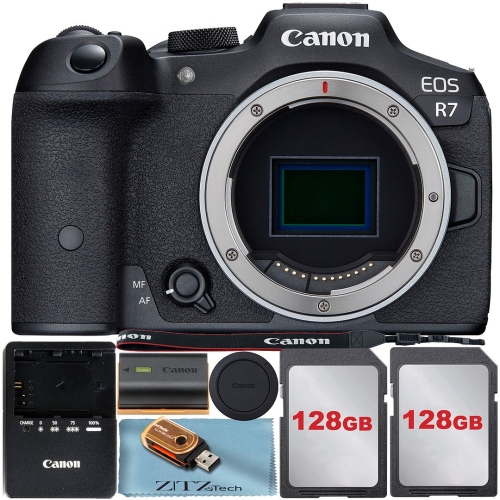
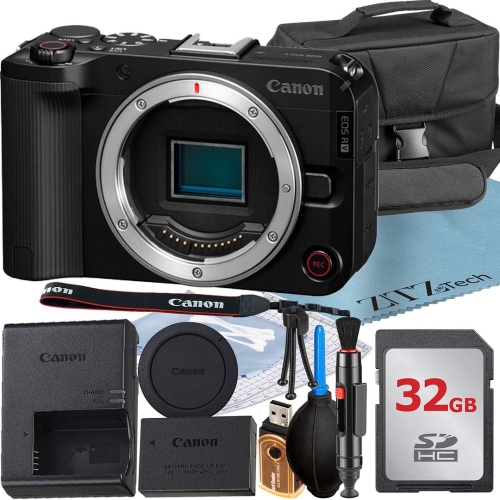
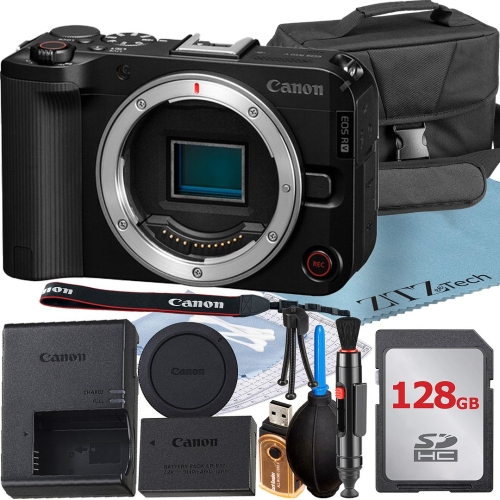
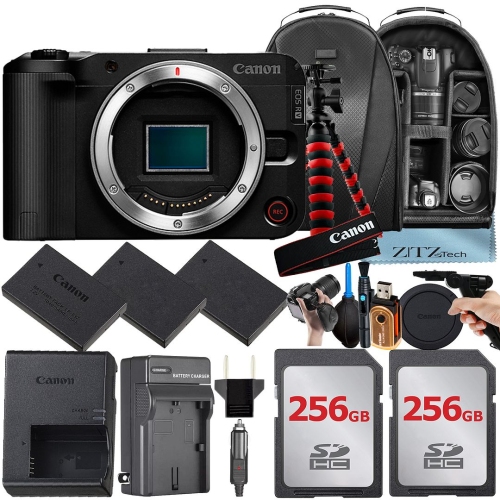
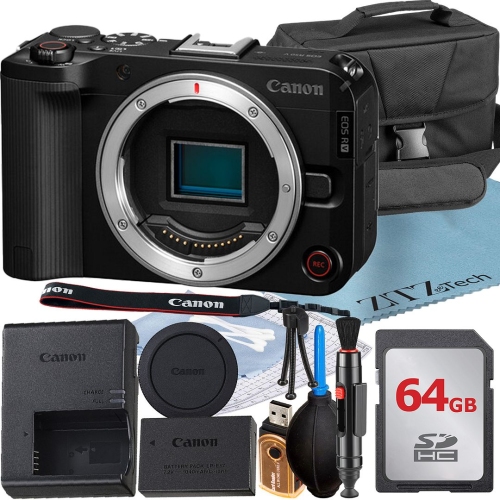
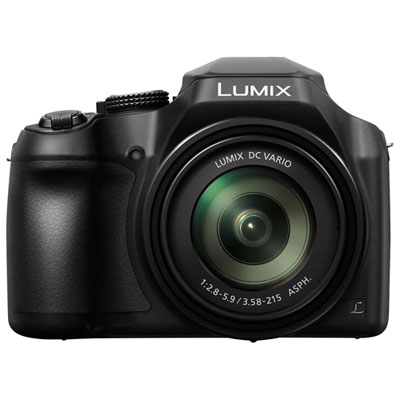
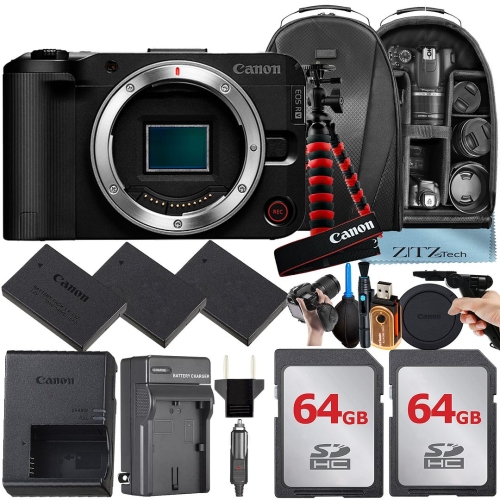
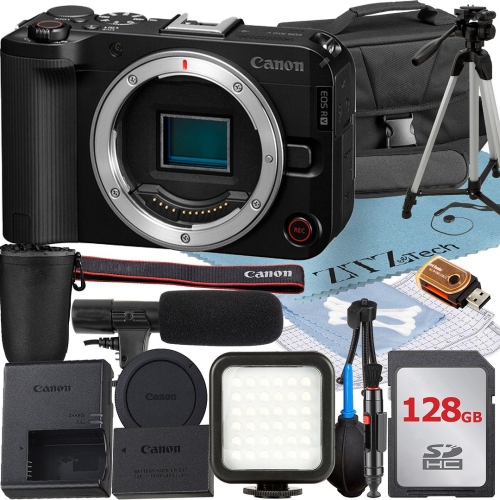
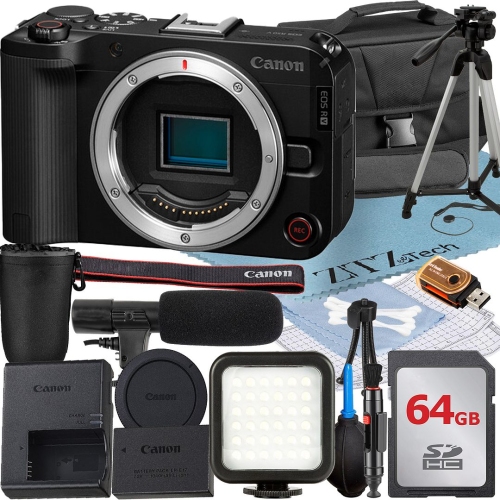
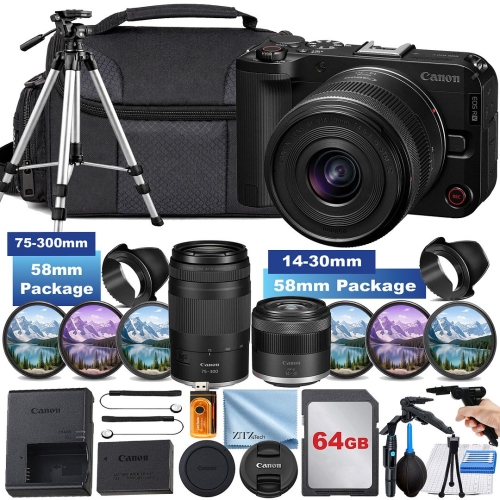
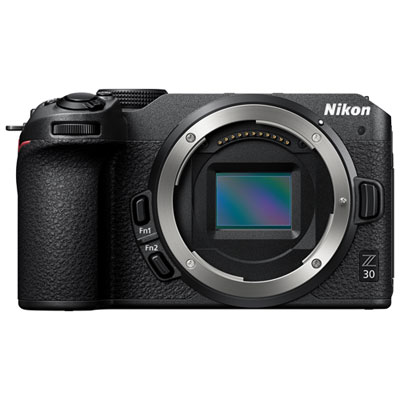
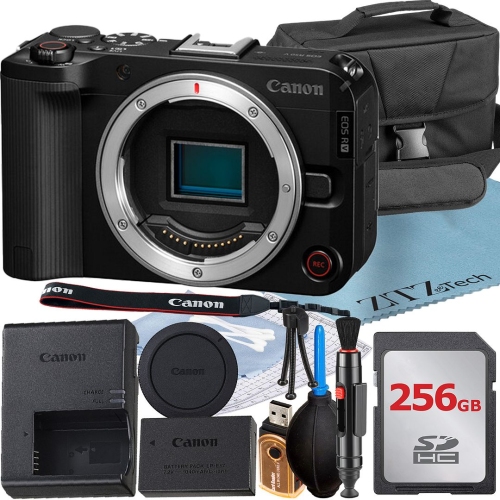
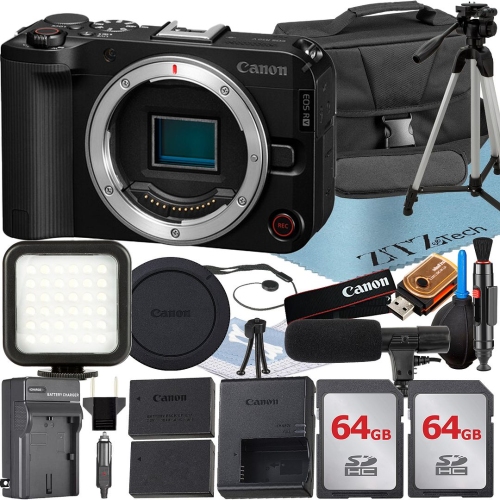
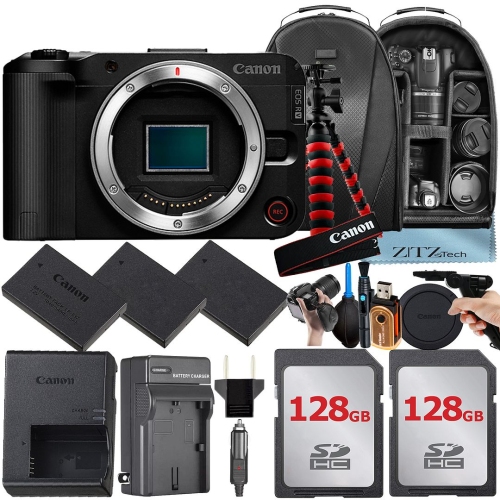
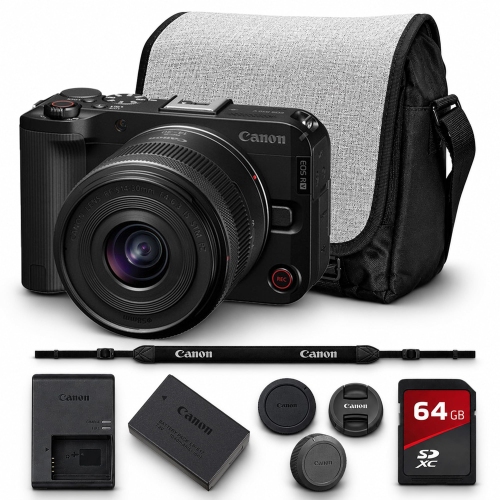
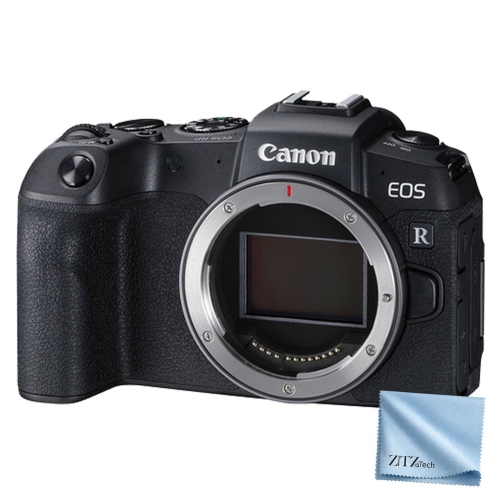
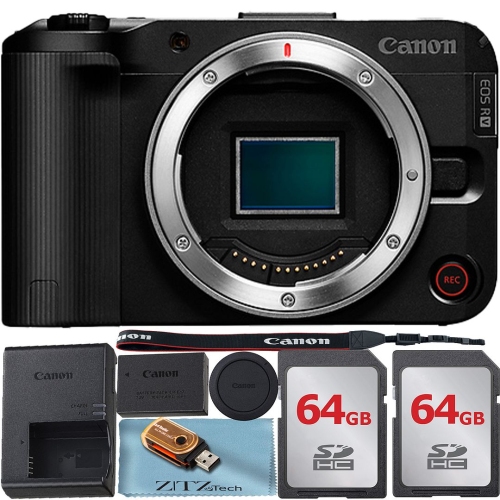
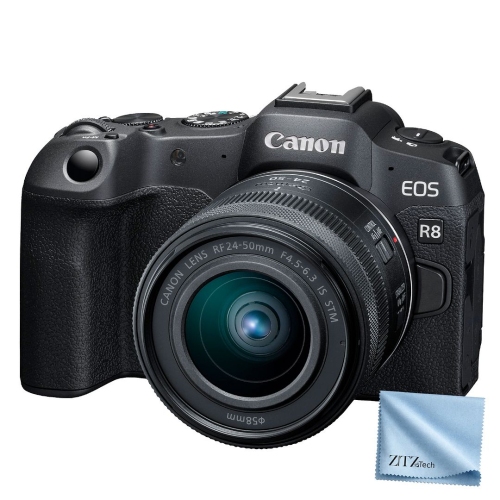
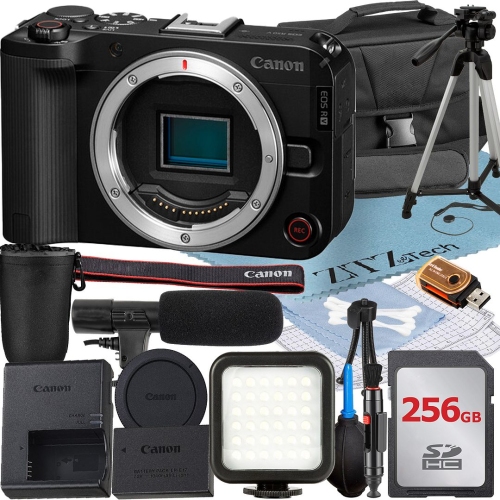
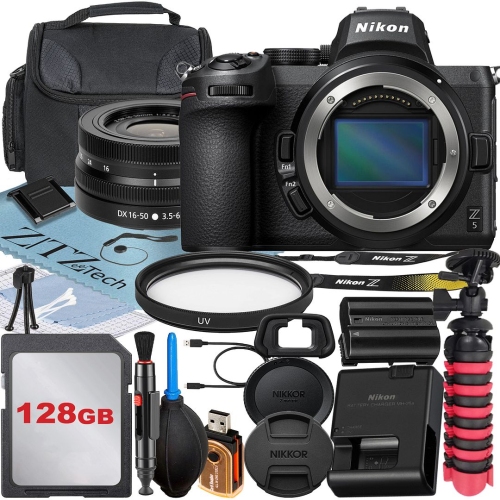
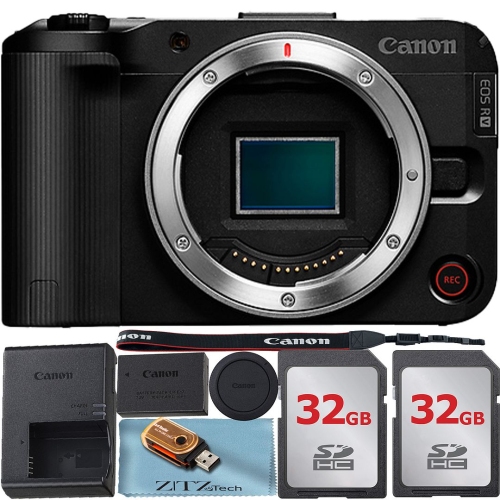
Why your first video setup needs more than 4K
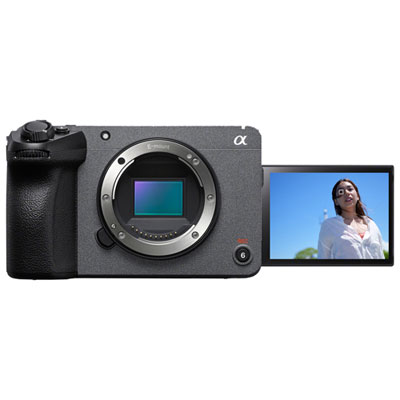
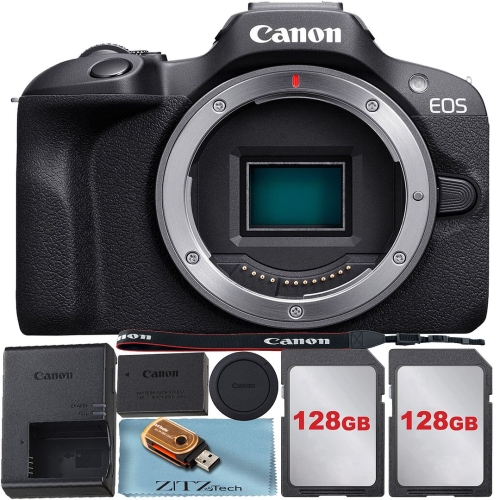
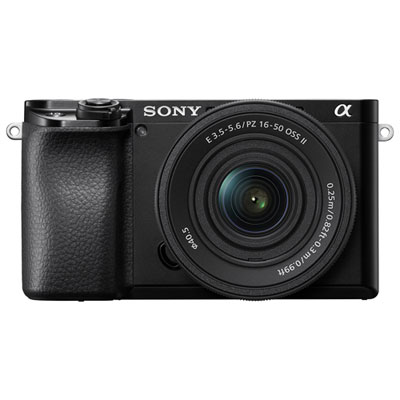
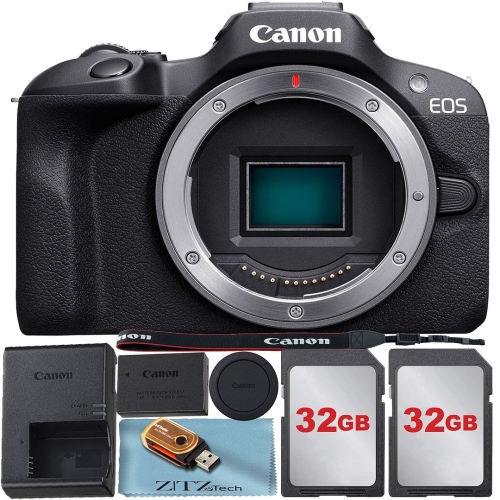
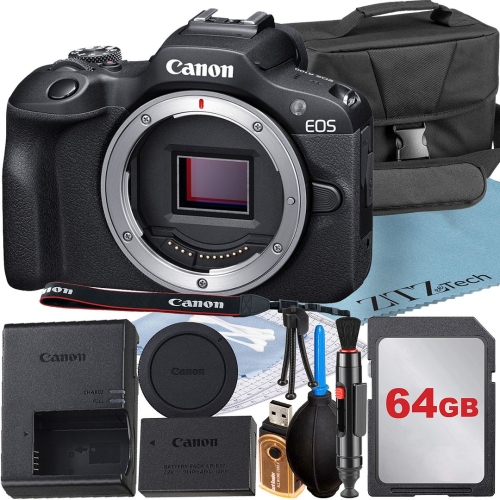
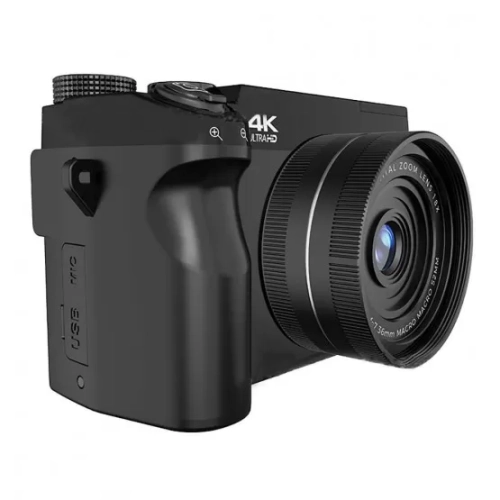
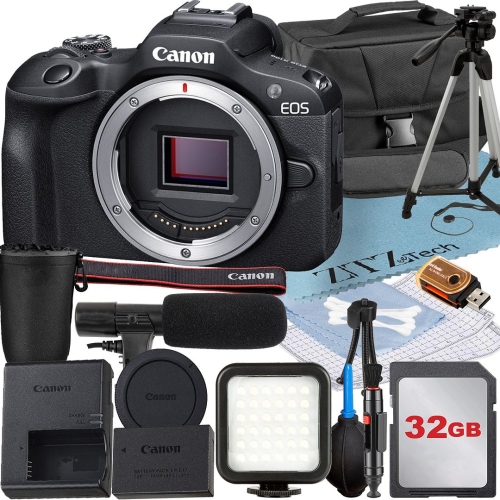
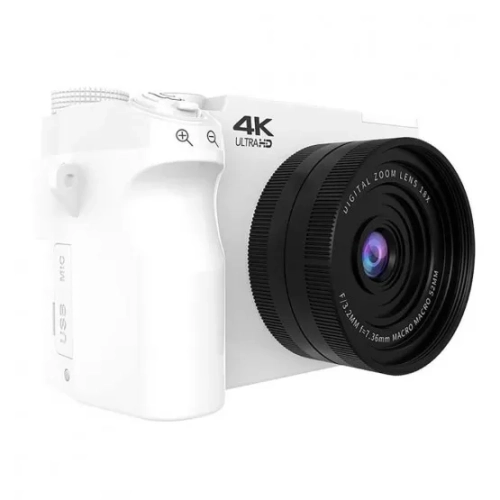
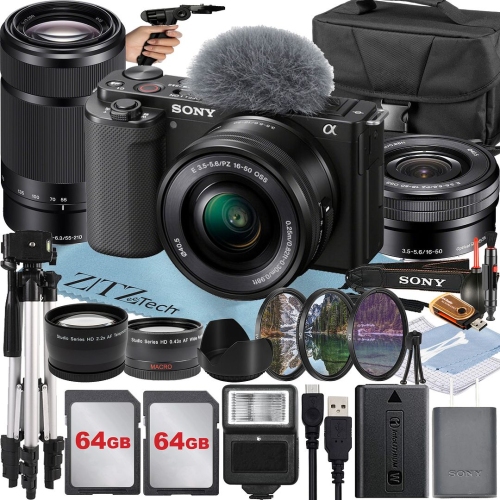
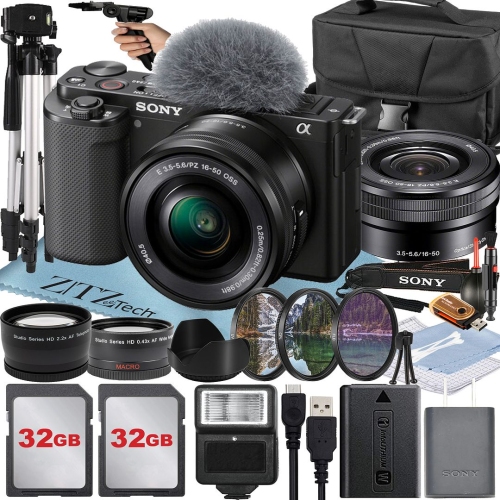
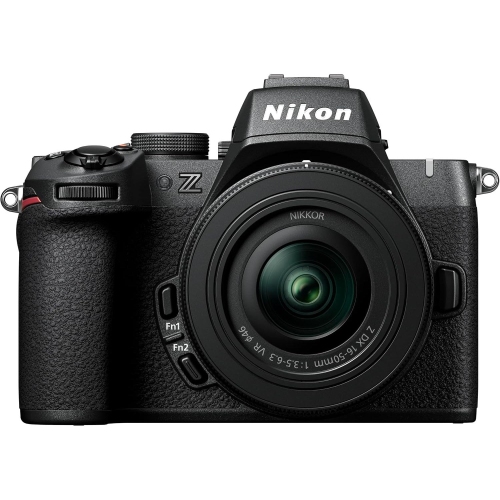
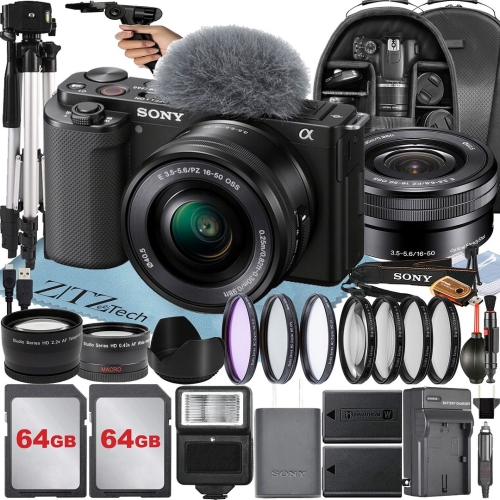
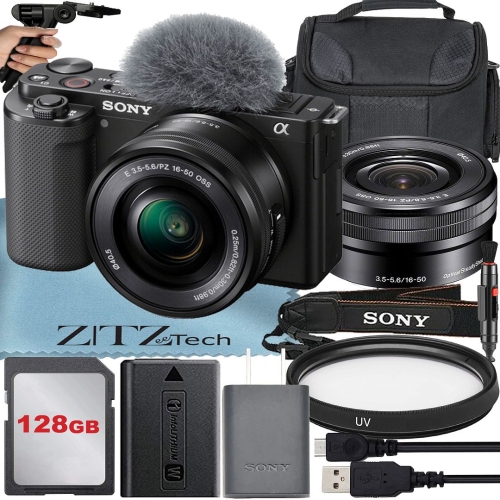
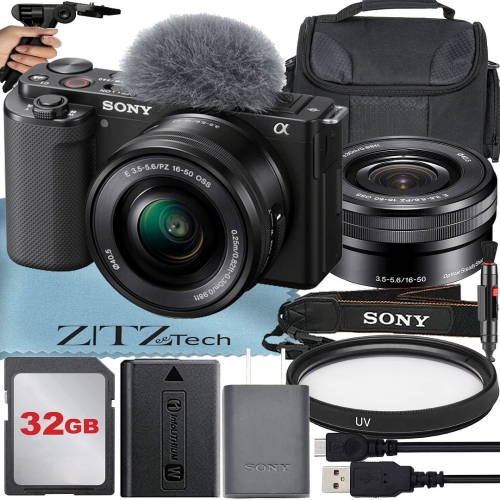
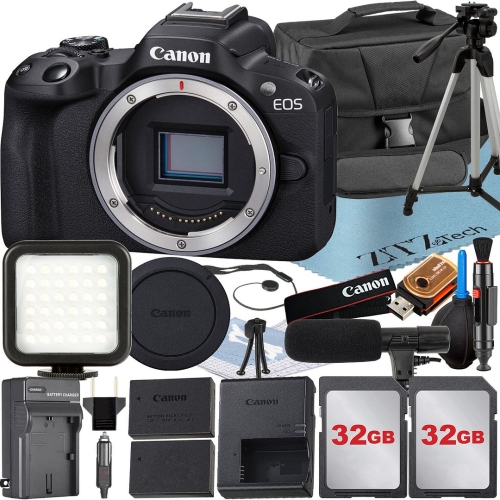
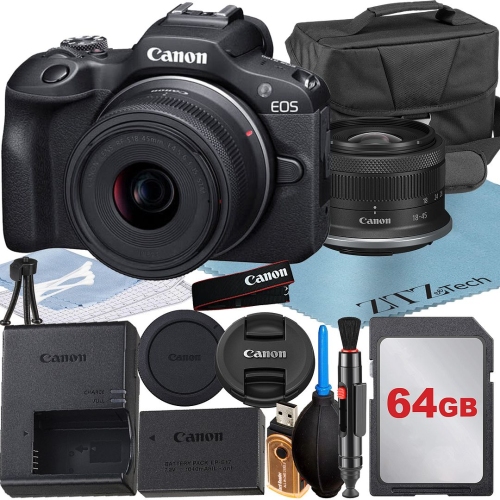
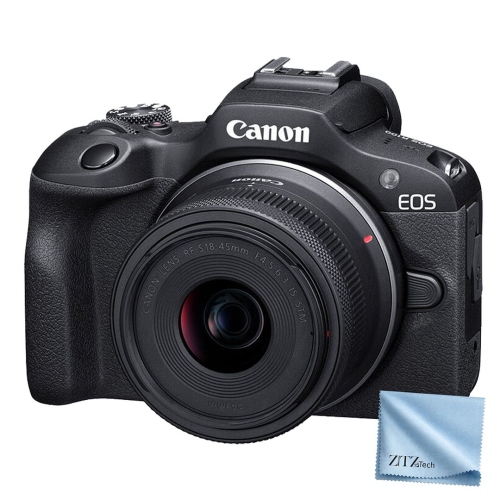
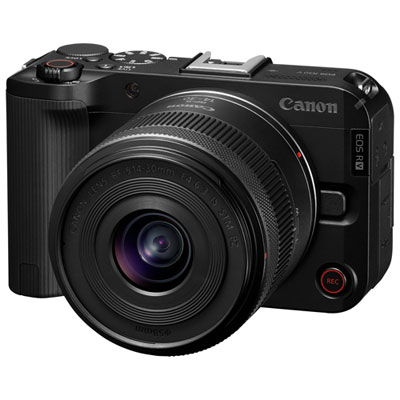
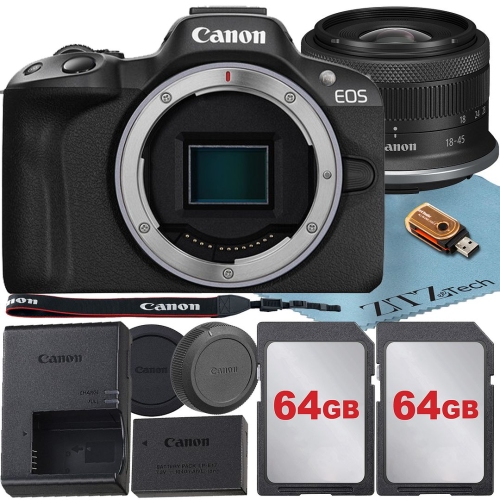
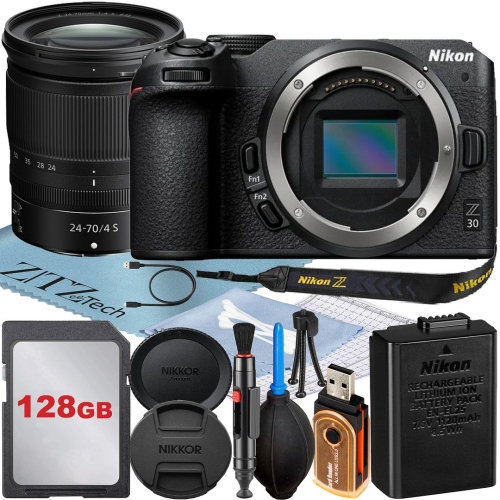
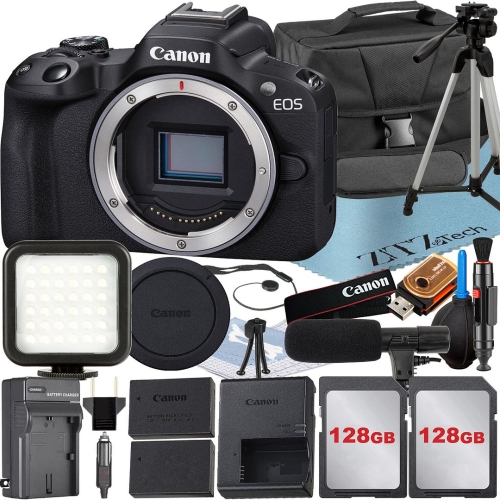
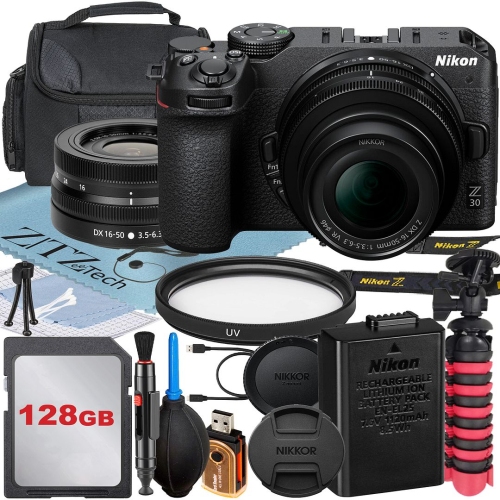
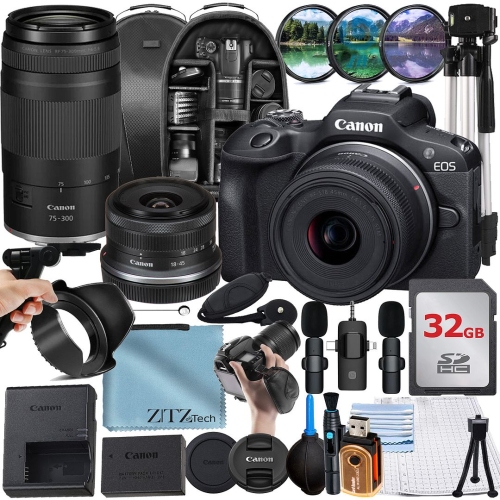
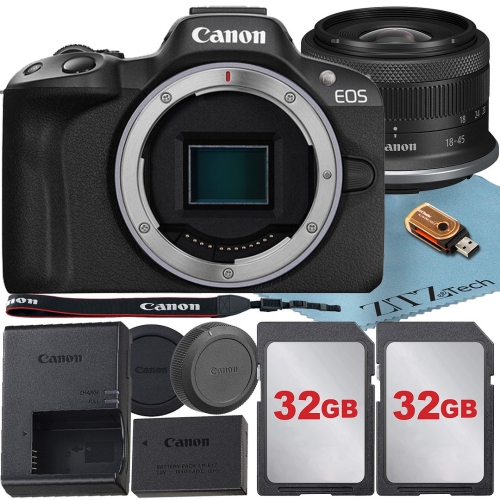
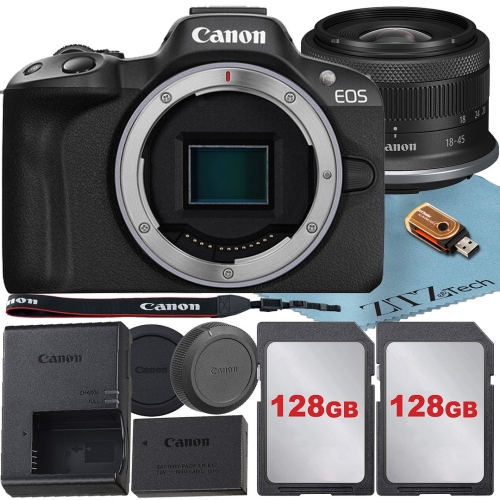
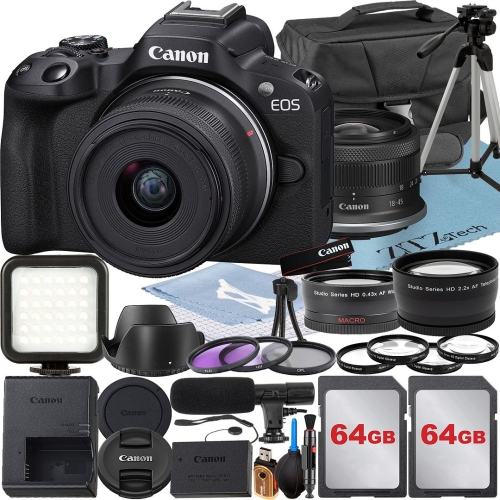
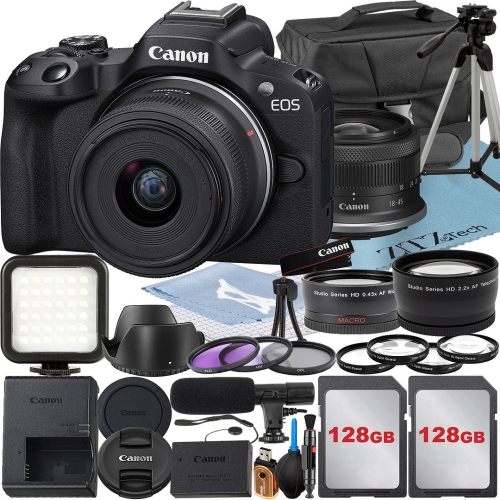
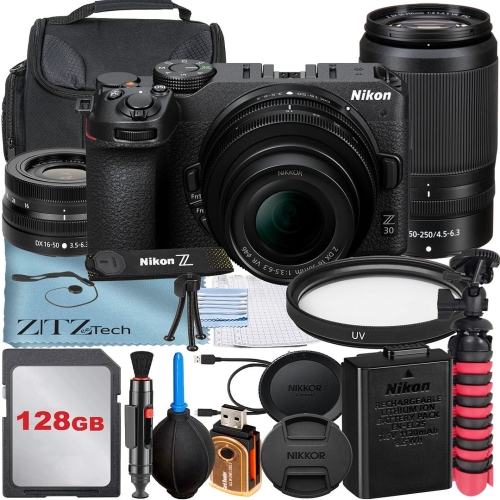
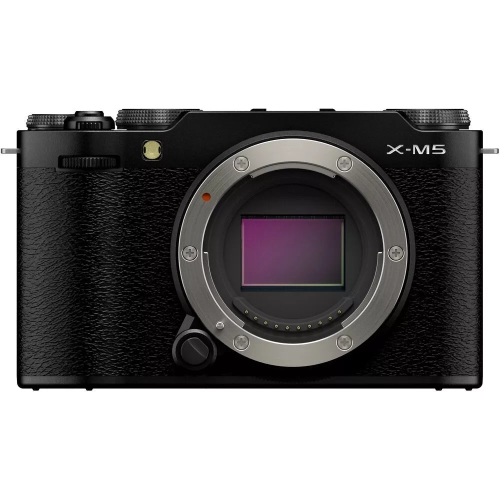
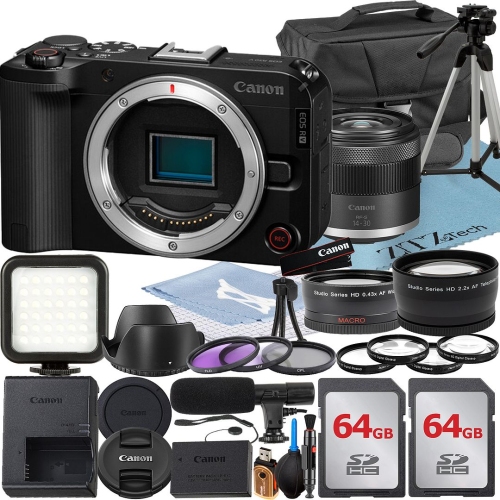
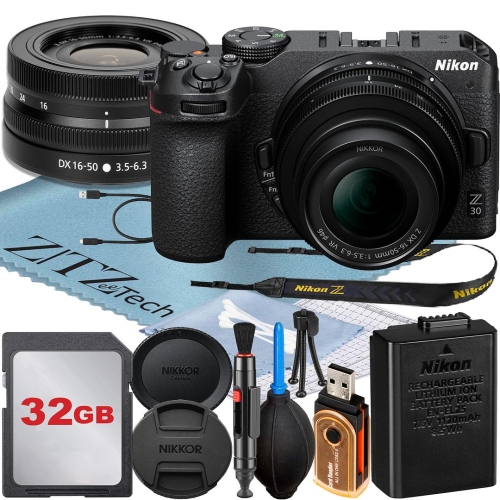
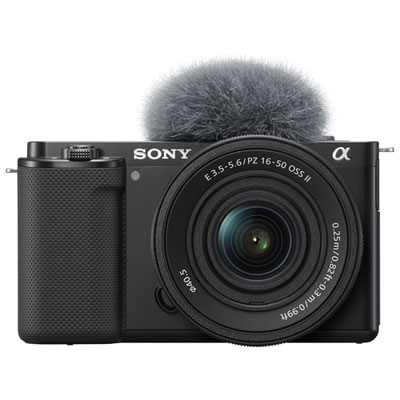
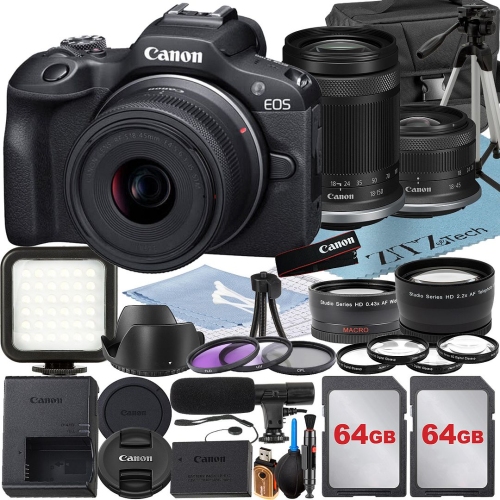
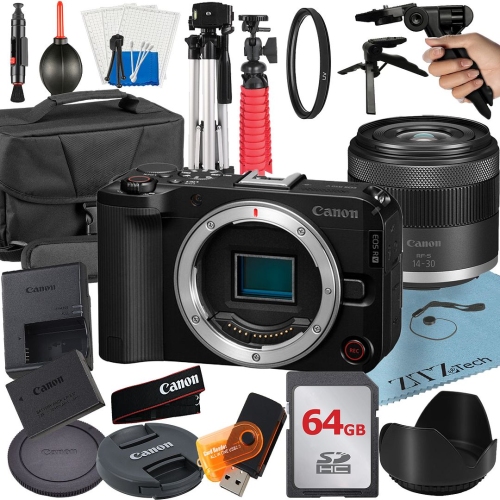
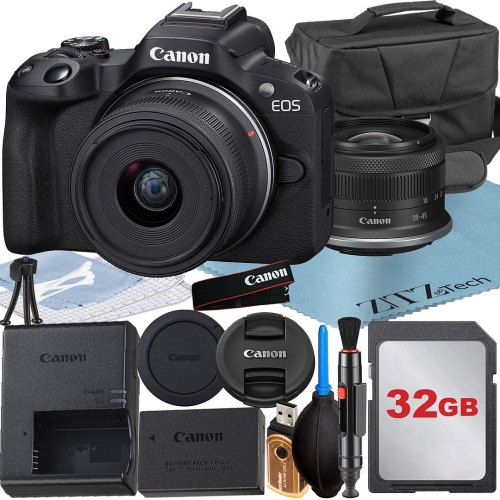
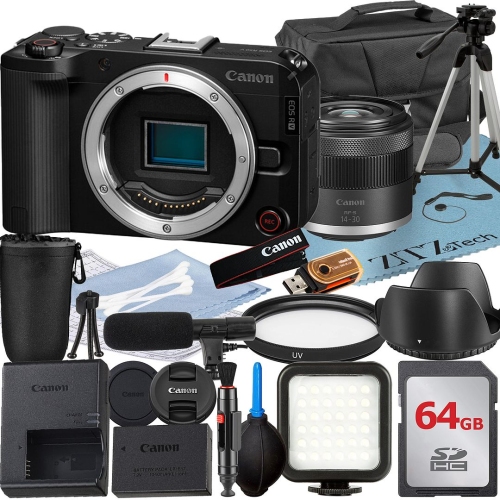
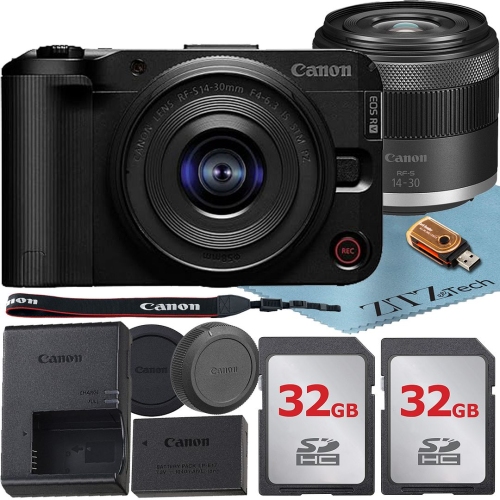
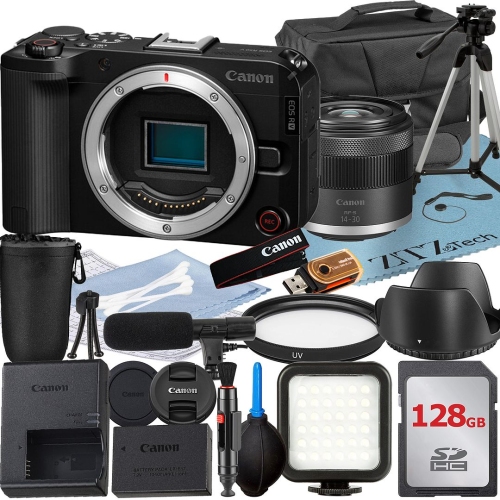
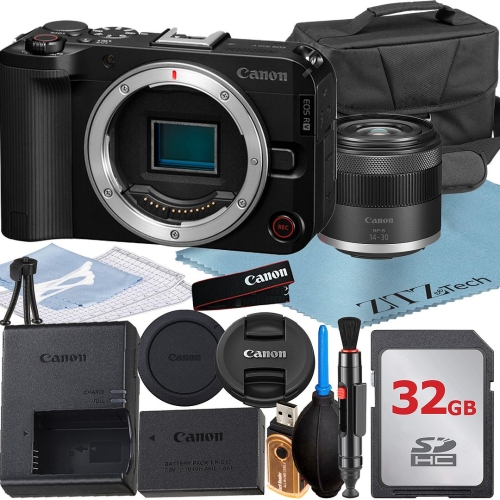
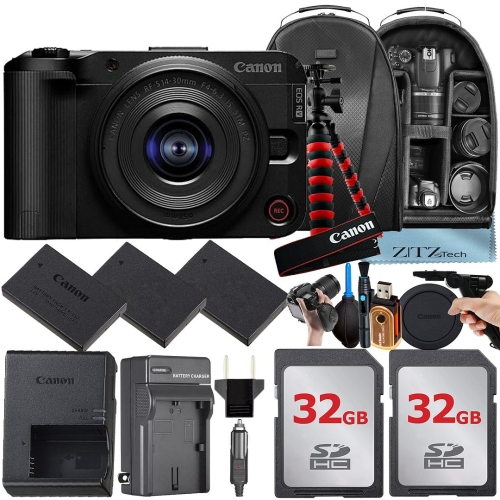
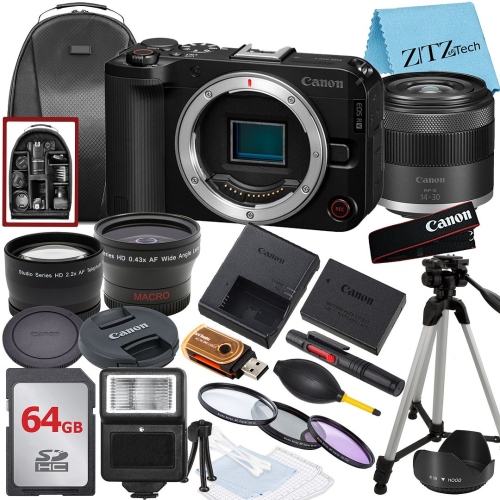
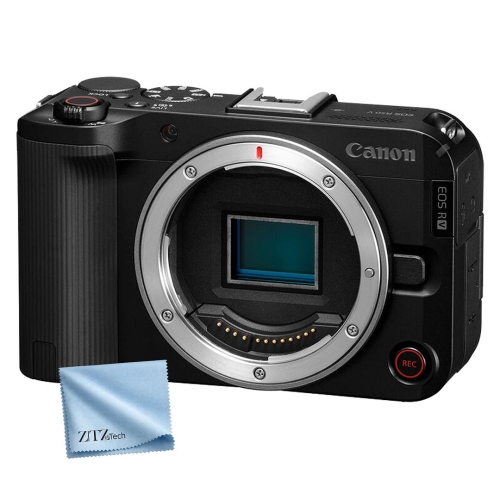
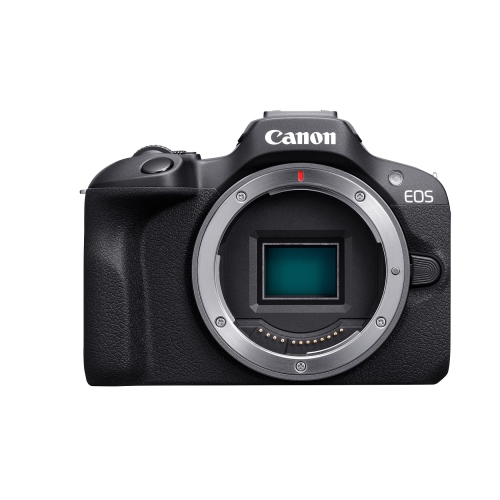
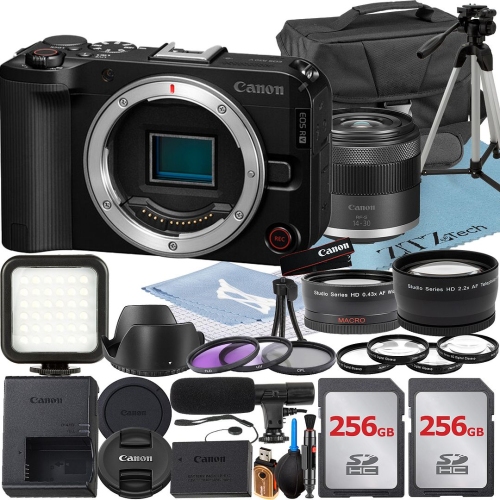
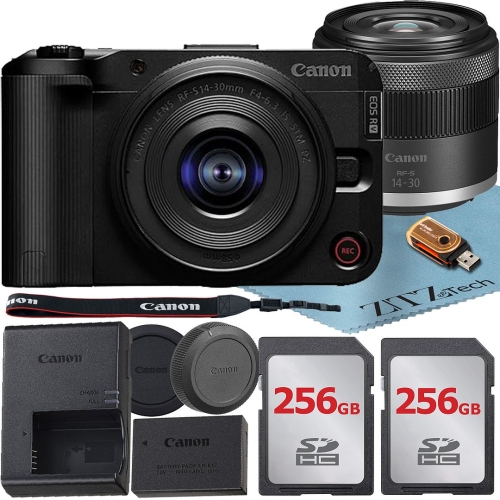
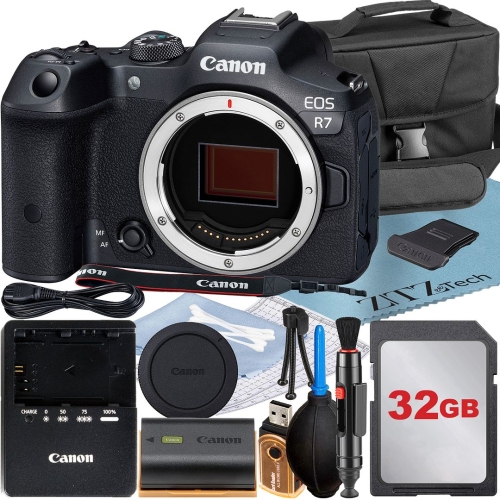
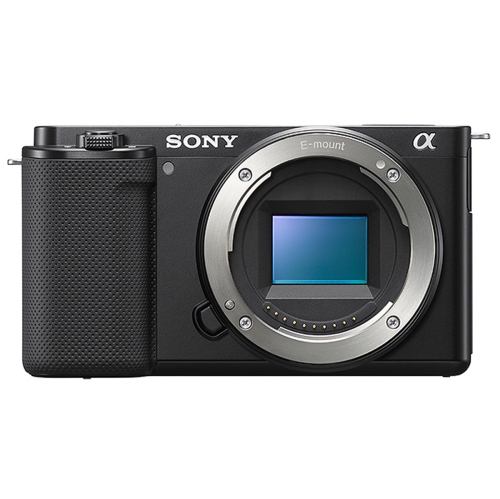
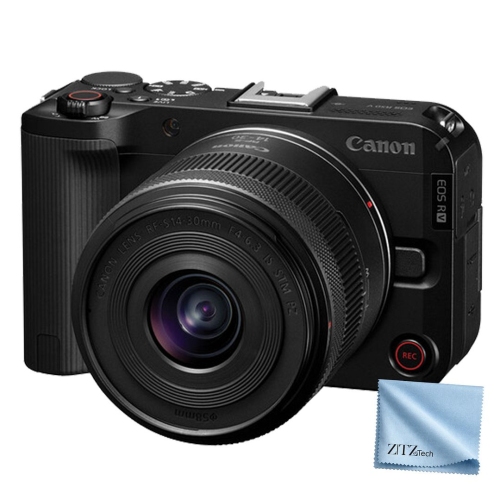
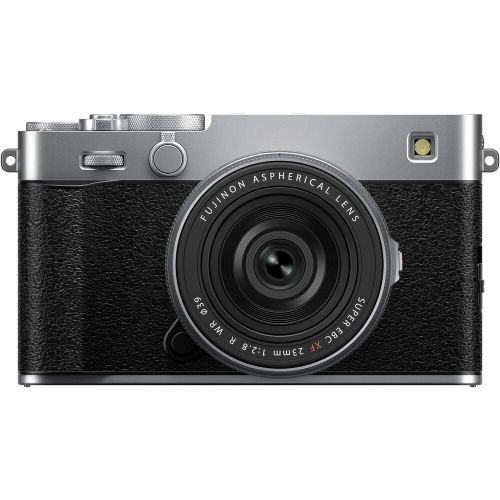
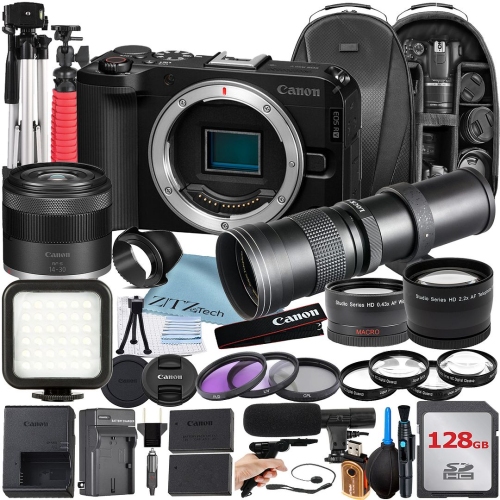
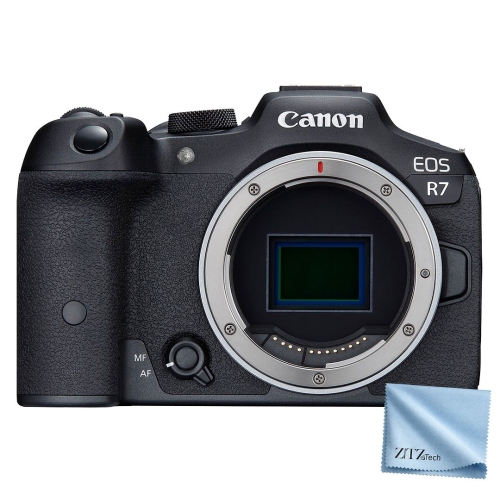
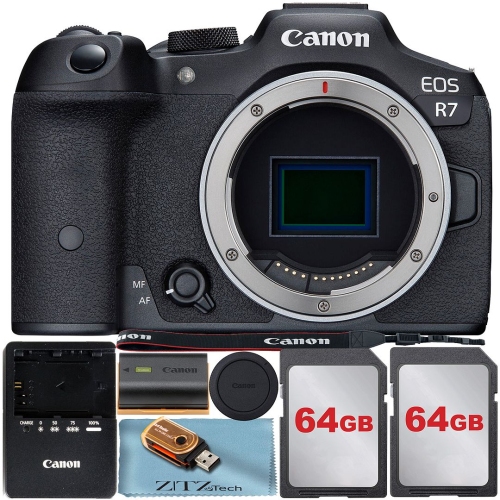
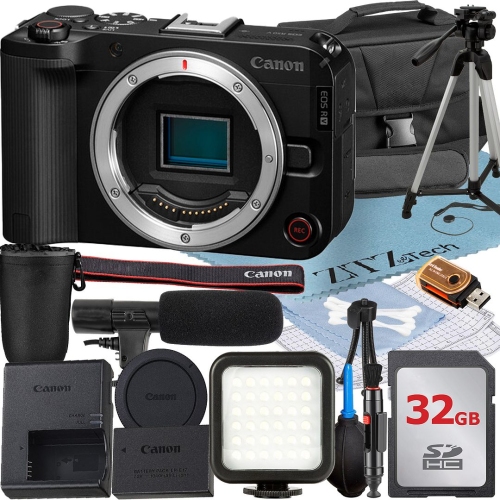
Entry-level mirrorless cameras for video offer interchangeable lenses, hands-on controls, and room to develop filming skills without requiring a professional setup. For everyday recording, useful features include dependable continuous autofocus, clear 4K capture, a screen that is easy to see while filming, and an input for an external microphone. These features serve different purposes: autofocus helps keep a face sharp, a movable screen makes framing easier, and microphone support gives spoken audio more attention than a built-in microphone alone can provide. A beginner recording cooking demonstrations may value a screen that faces forward and focus that moves smoothly between a face and a plate. Someone filming dance practice needs reliable subject tracking and enough space in the frame to capture full-body movement. Mirrorless cameras show the scene electronically through a screen or, on models equipped with one, a viewfinder, making it easier to judge brightness and colour before recording. Sensor size matters, but it is only part of the picture. APS-C and Micro Four Thirds cameras can both suit beginner video projects, with results also depending on the lens, lighting, and recording settings. A lens with a wider maximum aperture can help in dim interiors and create a softer background, while a compact zoom offers flexibility for switching between a room-wide shot and a closer view. Lens compatibility deserves attention because each camera uses a particular mount, and not every lens fits every body. Focal length also looks different across sensor formats. For handheld vlogs or filming at a desk, a sufficiently wide view helps include both the person and their surroundings without placing the camera awkwardly far away. For craft demonstrations, close-focusing ability may matter more. The strongest starting point is a camera-and-lens combination that suits the distance, movement, and subject of the videos being made, rather than a body chosen on resolution alone.
Video quality involves more than a 4K label. Resolution describes image detail, while frame rate influences how movement looks and how footage can be used during editing. Common recording rates such as 24 or 30 frames per second suit many interviews, personal videos, and online presentations. Where supported, 60 frames per second can provide smoother movement or footage that can be slowed down on a lower-frame-rate editing timeline. Higher frame rates may bring trade-offs, including a tighter field of view or different autofocus capabilities, so the details of each recording mode matter. Some cameras create oversampled 4K footage by capturing a higher-resolution image and reducing it to 4K, which can produce crisp detail. Others apply a crop in certain modes, making a wide-angle lens especially useful when filming at arm’s length. Continuous autofocus with face or eye detection can reduce the need to adjust focus manually, although performance still depends on lighting, subject movement, and the lens. A person stepping towards the camera during a presentation benefits from a different focusing approach than a stationary object on a tabletop. Stabilization is similarly practical rather than universal. Depending on the camera and lens, it may be optical, in-body, electronic, or a combination; electronic stabilization can narrow the frame. A tripod remains valuable for interviews and overhead demonstrations, while handheld walking footage may need additional support for a steadier result. Quick pans can reveal rolling-shutter distortion on some cameras, so controlled movements often look cleaner. Audio deserves equal attention: a microphone positioned near the speaker can make dialogue clearer than one across the room, and a headphone output, when included, helps monitor sound during recording. Manual audio levels are useful for avoiding harsh distortion from loud voices. Recording duration, battery endurance, supported memory-card speeds, and file sizes also affect a session. A long tutorial places different demands on a camera than a series of short clips, and compatible cards help recording keep pace with the selected video format.
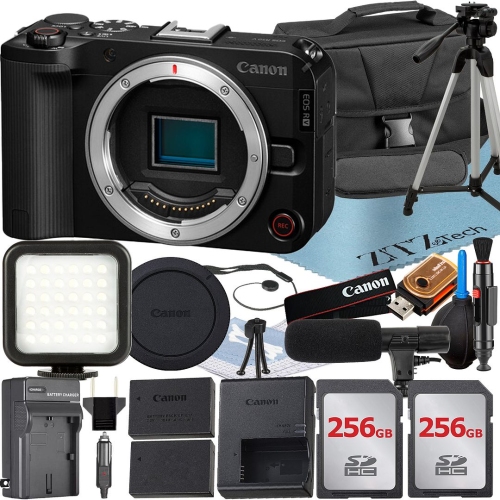
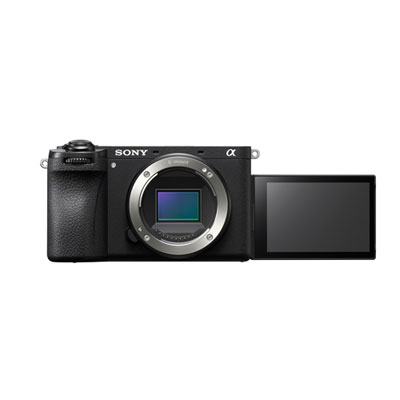
Comfort and handling become important once a camera is used regularly. A grip that feels secure, accessible recording controls, and a screen that moves into a useful position can make filming less distracting, particularly when the same person is both presenter and camera operator. Side-opening screens are helpful for checking framing from in front of the lens, but cables and mounting accessories can affect how freely they move. A compact body can be convenient for carrying between locations, though the attached lens, microphone, and support equipment determine the size and weight of the complete setup. Camera bodies commonly use engineered plastics, metal components, or a combination of materials; construction quality, secure controls, and careful handling matter more than appearance alone. A padded bag protects the body and lens during transport, while lens caps help prevent scratches when equipment is packed away. Dust, fingerprints, and repeated lens changes call for sensible care. A clean microfibre cloth is appropriate for routine exterior cleaning, and lens-cleaning tools should be used according to their instructions. Sensor cleaning requires particular care and may be better handled by a qualified service provider. Keeping the lens mount protected and storing equipment in a clean, dry place supports reliable use. Connections also shape the recording experience: USB features, HDMI output, microphone sockets, and wireless transfer capabilities vary, and a camera’s suitability for streaming depends on its supported connection method and compatible software. For projects that may grow beyond a first camera, Best Mirrorless Cameras for Video offers a broader range of video-focused options. Entry-level models can suit students making short films, small-business owners recording demonstrations, musicians capturing performances, and families preserving everyday moments. They can also make thoughtful gifts for someone developing an interest in video, especially when the choice accounts for lenses or accessories they already own. A manageable setup with dependable focus, usable sound connections, and comfortable controls gives a new creator more freedom to concentrate on the story, whether that is a carefully arranged tabletop scene or a conversation captured in one take.
Top selling and popular products
-
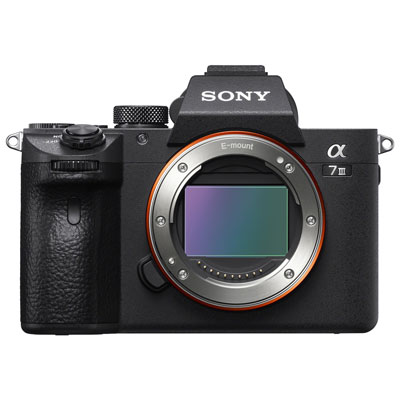 Your price for this item is $1799.99
-
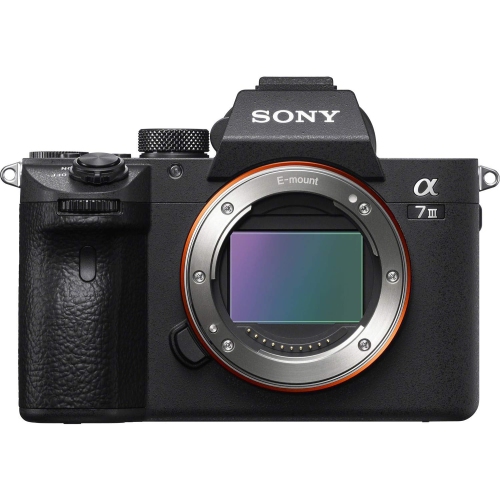 Your price for this item is $1899
-
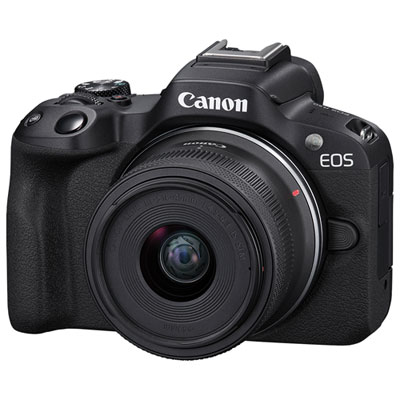 Your price for this item is $949.99
-
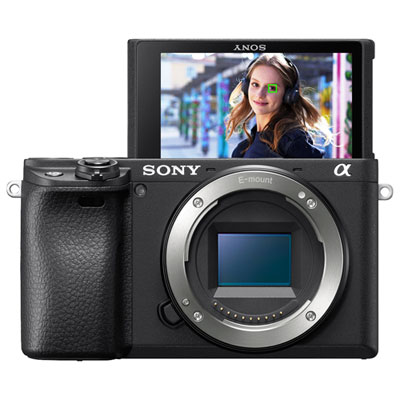 Your price for this item is $1049.99
-
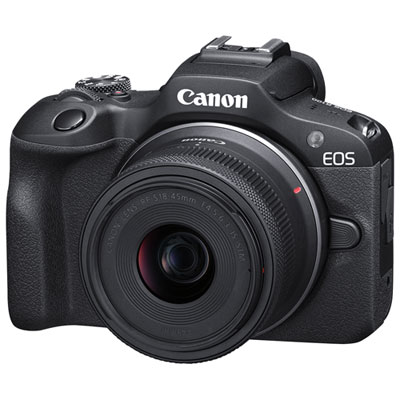 Your price for this item is $599.99
-
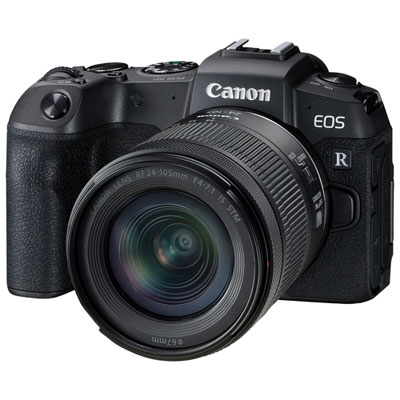 Your price for this item is $1299.99
-
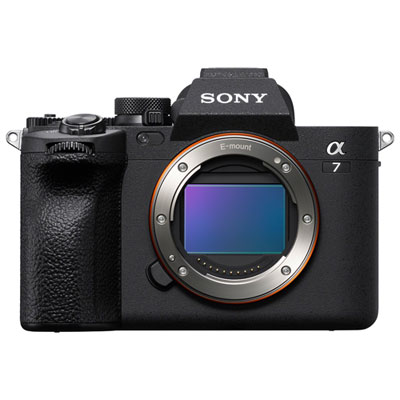 Your price for this item is $2699.99
-
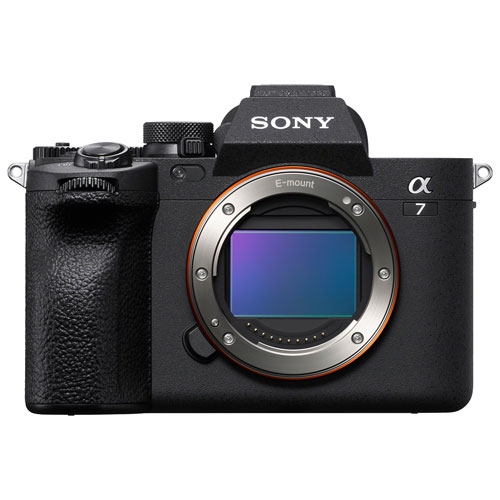 Your price for this item is $2469.99
Discover more categories related to Entry Level Mirrorless Cameras for Video
Top Collections:
Best Black Friday Deals This Year, Best Black Friday Deals On Electronics, Kindle Devices, Pokemon Centers, Best Black Friday Deals On Apple Products, Best Cameras for Sports Photography, Dyson Airwrap, Pokémon 30th Celebration Cards, Apple iPhone 17 Pro, Canon G7X Cameras
Some products may be subject to Environmental Handling Fees
(EHF) depending on your province.
Learn more about EHFs.