Studio Cameras
Capture every moment with professional-grade studio cameras. Whether you're a seasoned photographer or just starting to explore the world of photography, our wide selection of studio cameras will help you take your creativity to new heights. From high-resolution sensors and advanced autofocus systems to intuitive controls and exceptional image quality, these cameras are designed to deliver stunning results. Discover the perfect studio camera that suits your needs and unleash your artistic vision with Best Buy Canada.
Sort
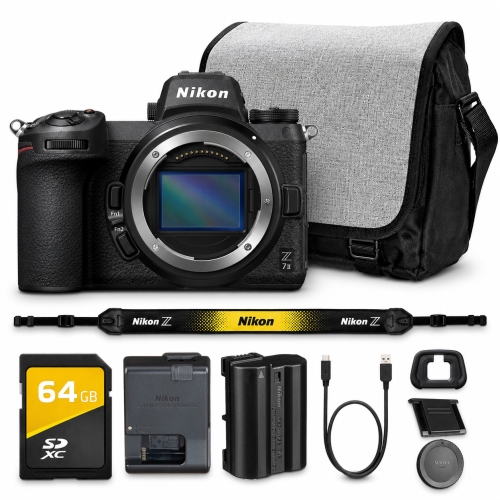
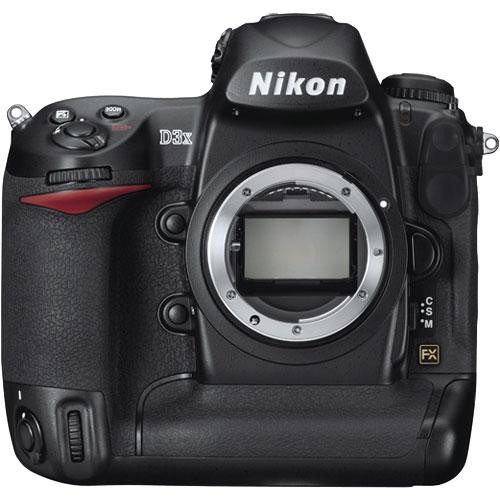
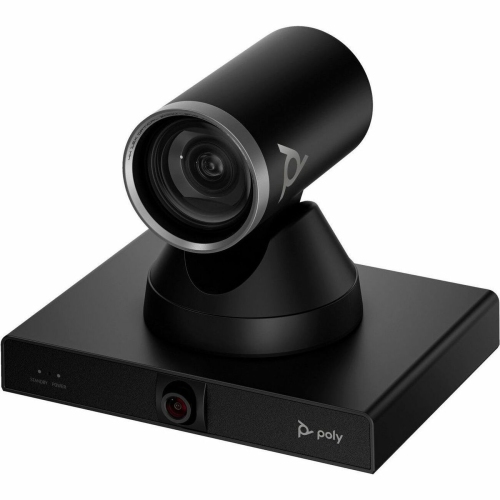
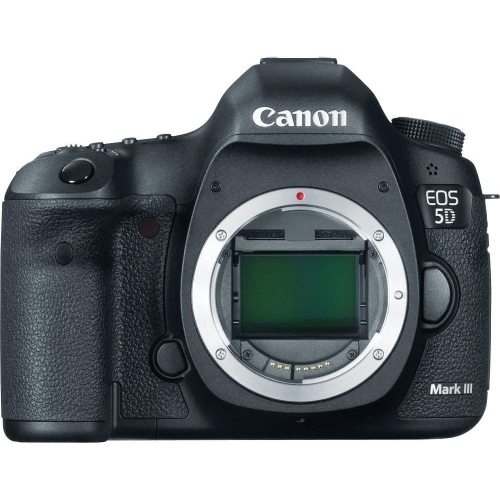
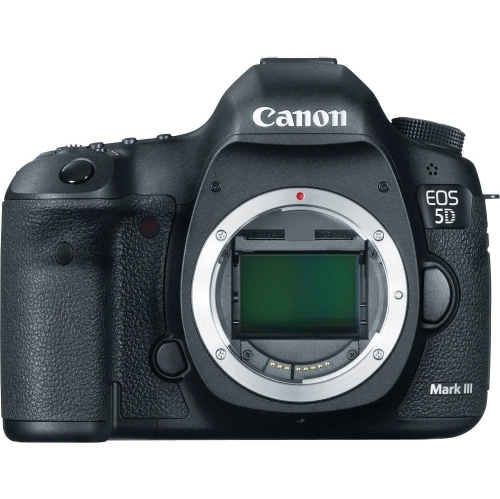
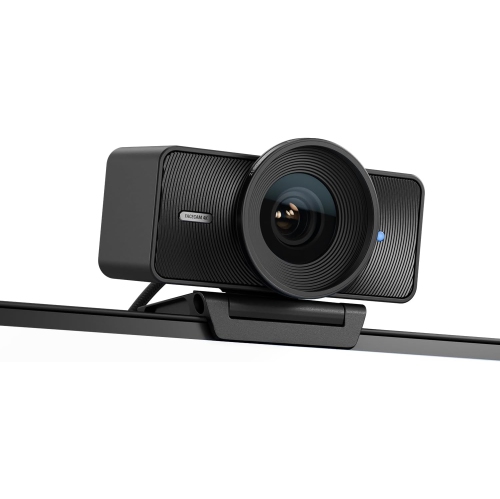
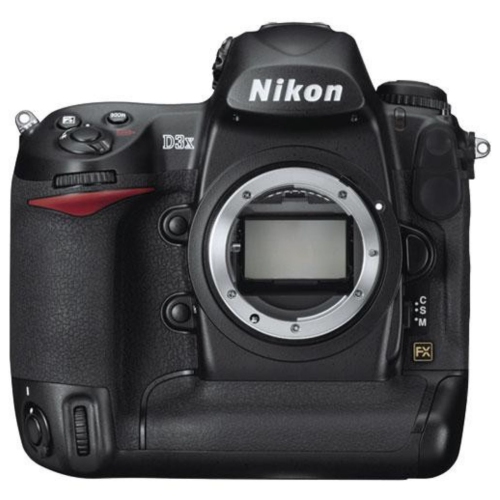
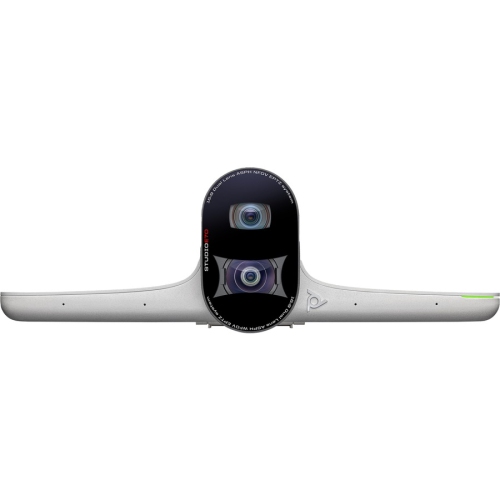
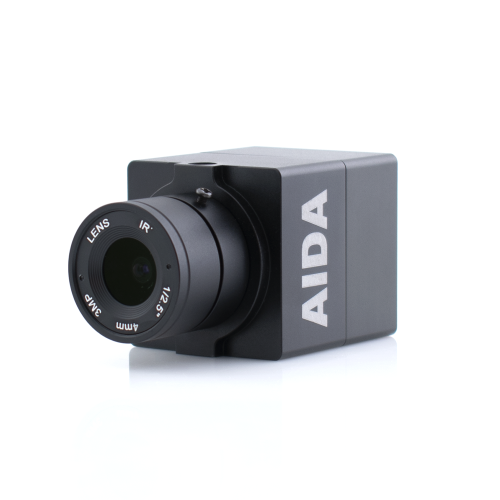
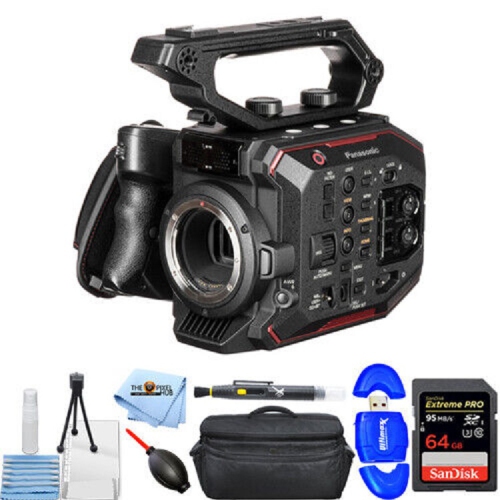
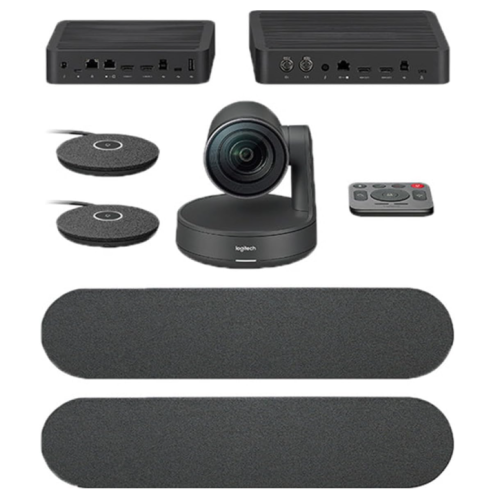
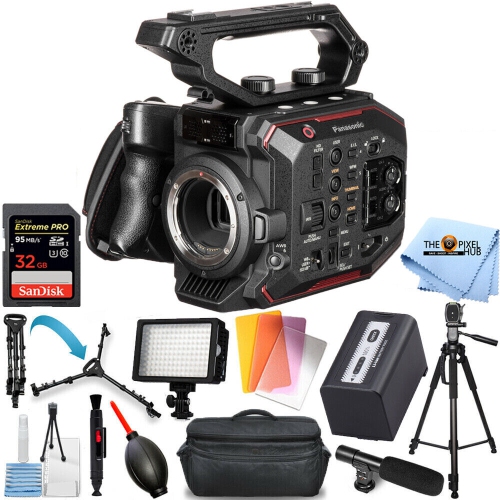
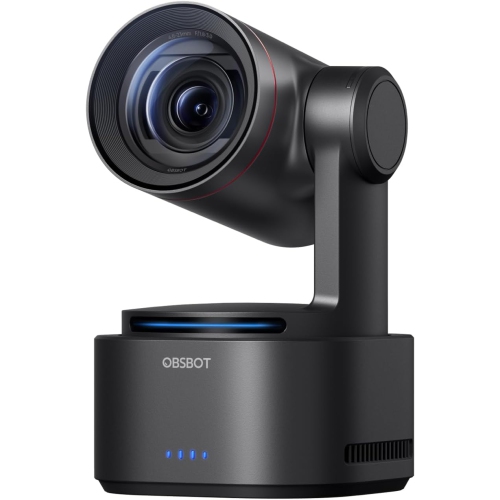
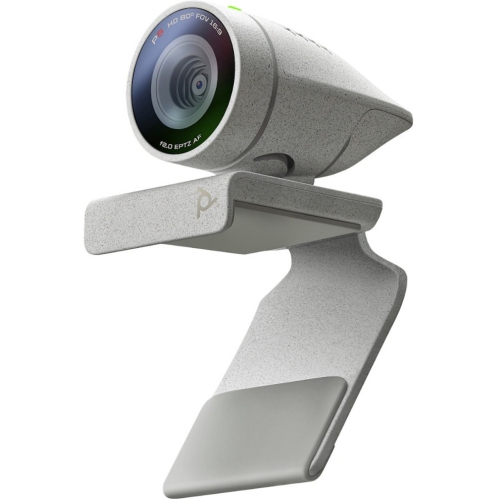
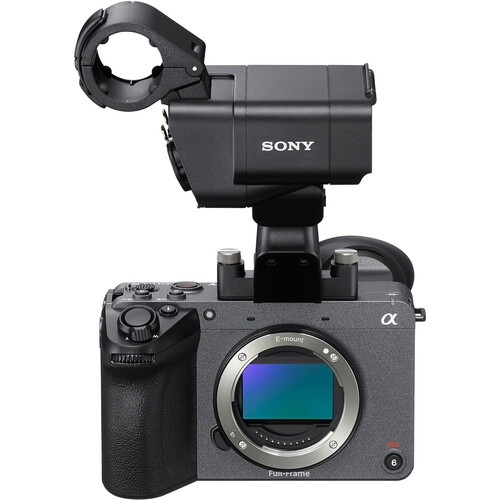
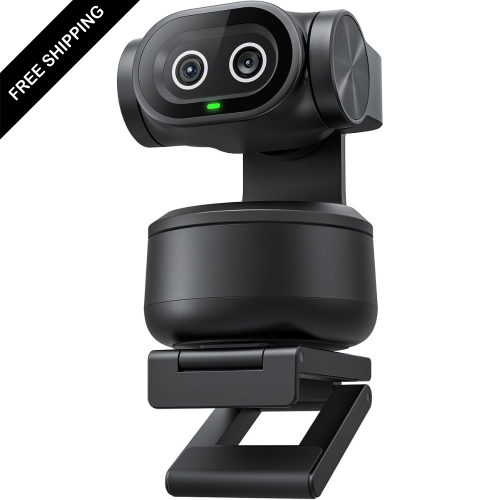
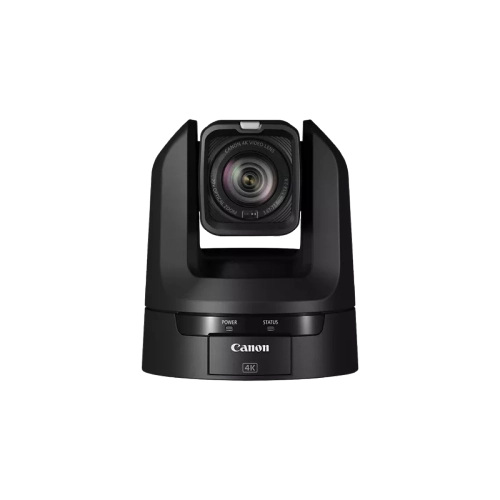
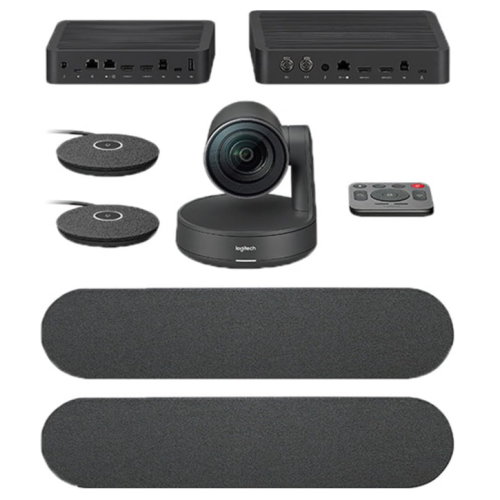
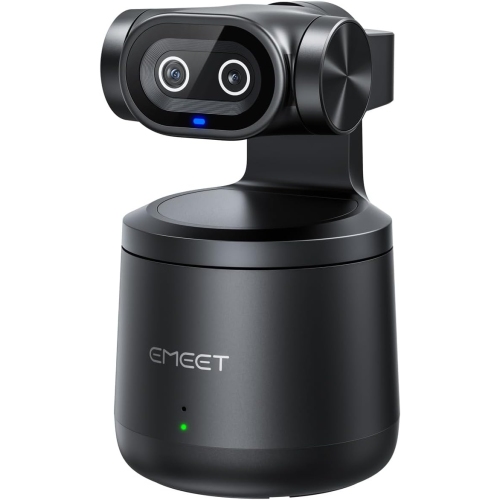
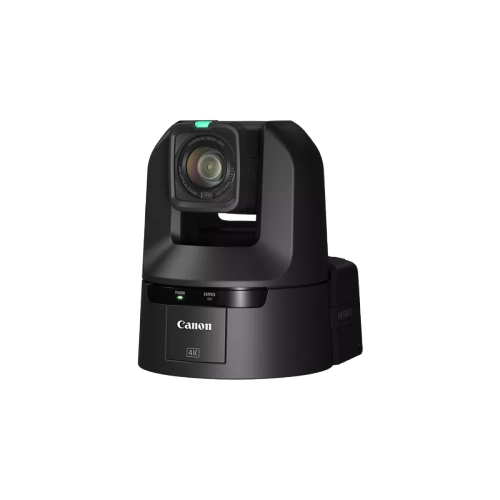
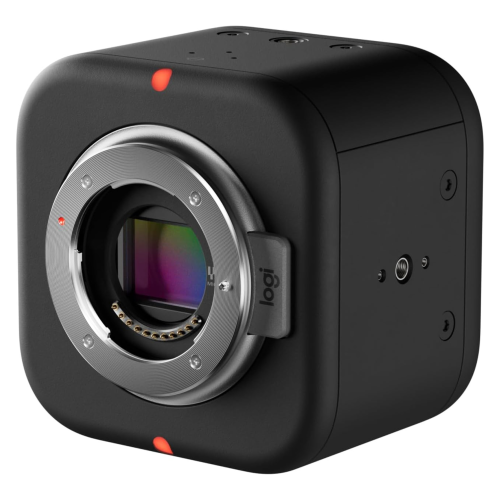
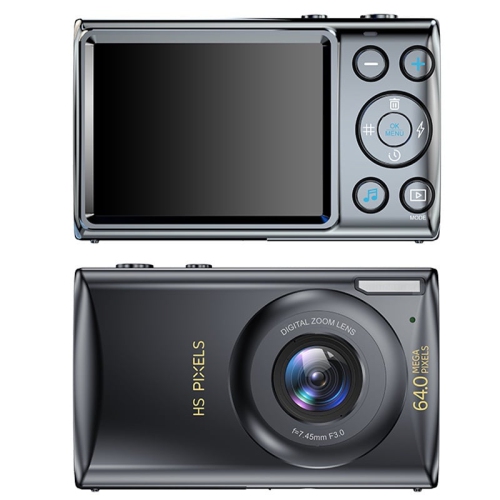
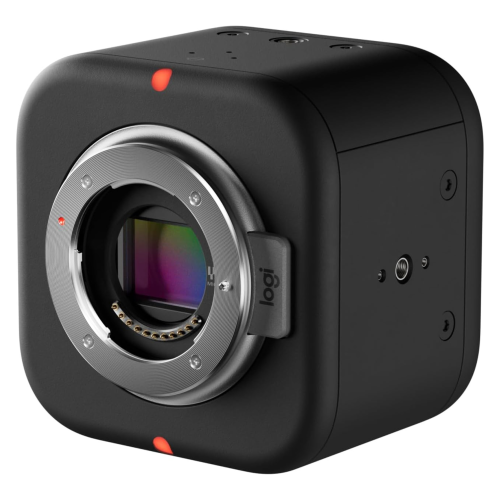
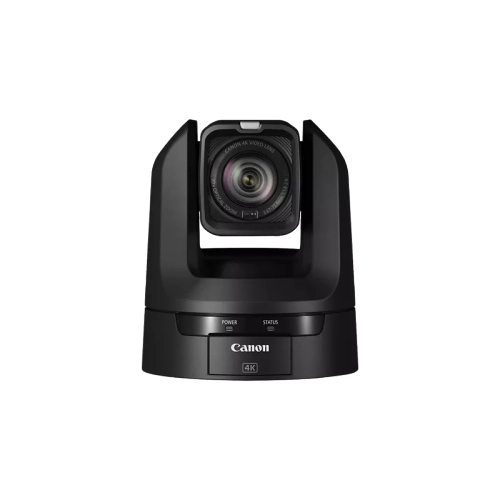
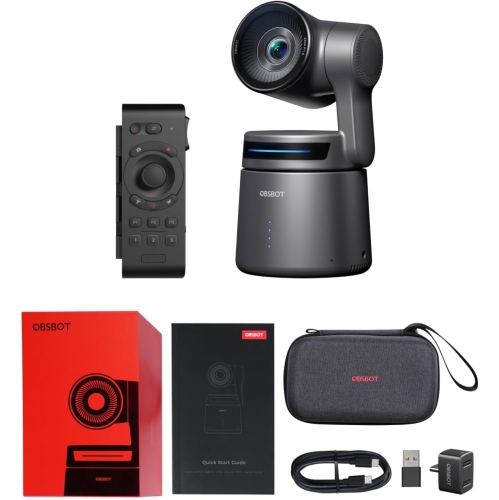
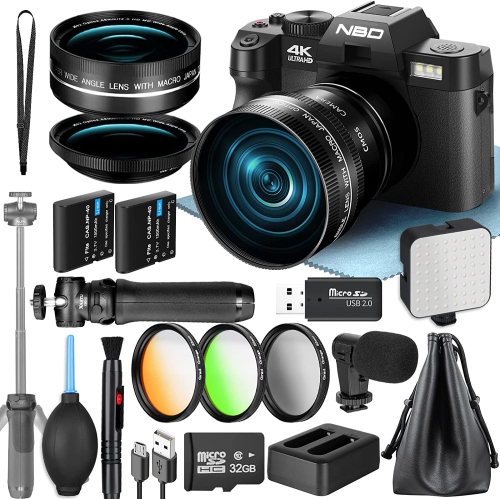
The camera features behind a coordinated live production
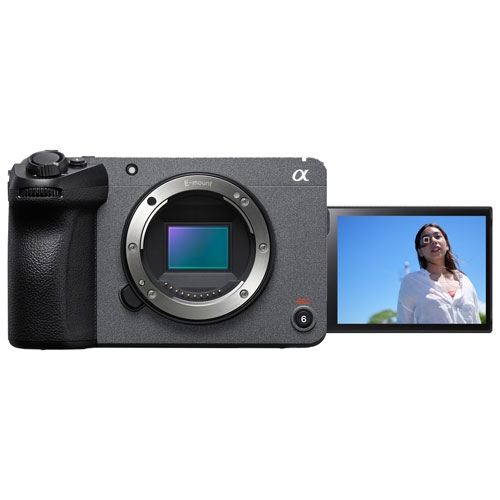
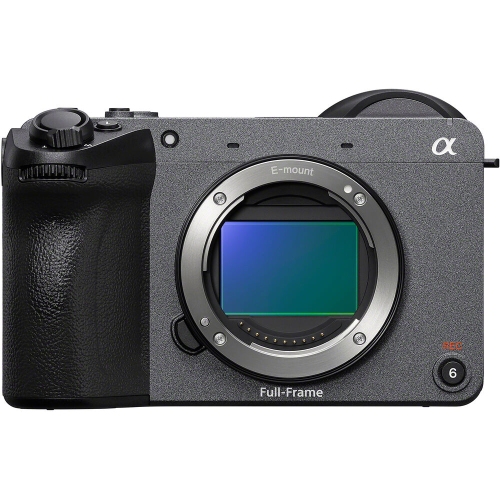
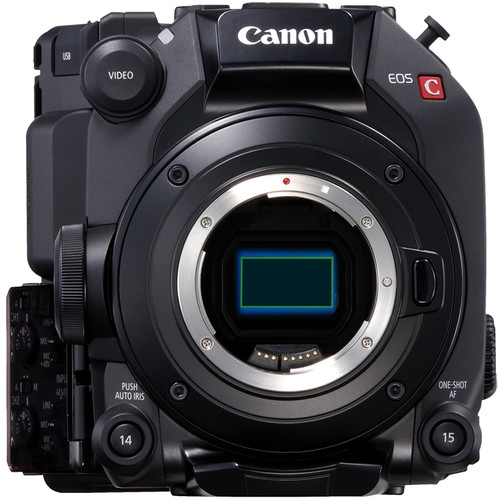
Studio cameras are video cameras designed for controlled production spaces, including television studios, live streaming rooms, podcast sets, and multi-camera broadcast setups. They are often installed permanently or mounted for recurring productions, with features that support extended operation, clear monitoring, and coordination between camera operators and a production team. Unlike a camera chosen mainly for travel photography, a studio camera is usually part of a larger system: its video signal may feed a switcher, recorder, streaming device, or control room rather than simply being saved inside the camera. Internal recording capabilities vary, so the recording method is an important distinction between camera types. Large viewfinders or built-in displays can make it easier to judge framing and focus while a presenter moves across a set. On compatible systems, tally lights indicate which camera is selected for the live program, while talkback lets an operator hear instructions without interrupting the audience’s audio. Remote camera control can also allow a technician to adjust supported settings from a central position. These capabilities are useful when one camera holds a wide shot, another follows a speaker, and a third captures close-ups of a demonstration. Studio cameras suit broadcasters, video production teams, educators, businesses, and creators whose work benefits from repeatable framing and a dependable live video feed. A recorded interview, an instructional session, or a tabletop presentation can each call for a different balance of size, lens flexibility, and operator controls. Compact bodies can fit into tighter mounting positions, while larger configurations may provide more accessible controls and a more comfortable viewing position for an operator. The term can also appear in searches for commercial photography equipment, but dedicated broadcast-style studio cameras and still-photography cameras serve different priorities. For portrait or product photography that also includes occasional video, a hybrid camera may be more appropriate; for coordinated live production, connections, monitoring, and control features often matter as much as the image itself.
Image quality in a studio depends on the relationship between the camera, lens, lighting, and set, not just the resolution printed in a specification. Sensor size influences lens choice, field of view, and depth of field, with formats such as Micro Four Thirds and Super 35 appearing in some studio camera systems. A larger sensor can support a softly blurred background with the right lens and aperture, but shallow depth of field also makes accurate focus more demanding when a subject leans forward or changes position. An interview set may benefit from gentle background separation, while an instructional demonstration may need both the presenter’s hands and the object on the table to stay sharp. Interchangeable lens mounts offer flexibility, provided the lens is compatible with the camera and any required electronic functions. Zoom range, minimum focusing distance, and focus behaviour can be particularly relevant to close-up demonstrations and sets with limited space. A lens that frames a head-and-shoulders shot comfortably across a room may not be suitable for a camera mounted just above a work surface. Autofocus capabilities vary, and some production settings favour manual focus or an operator-controlled lens for predictable movement between subjects. Resolution and frame rate also need to match the intended output and the rest of the production system. A detailed image can be valuable for showing fine textures or small components, while compatible frame rates help keep multiple camera feeds consistent. Matching white balance, exposure, and colour settings across cameras reduces distracting changes when a program cuts from one angle to another. Lighting quality remains essential: balanced illumination can keep faces clear, preserve detail in darker clothing, and reduce harsh reflections on glossy surfaces. Screens and certain light sources can introduce flicker or banding, making compatible camera settings and suitable lighting important. Built-in neutral density filters, where included, offer another way to manage exposure without changing the intended aperture. These details matter on a polished presentation set, but they are equally useful in a modest recording room where consistent results save time between sessions.
Connections and physical compatibility determine how smoothly a studio camera fits into an existing workspace. HDMI, SDI, and Ethernet connections support different production arrangements, and their capabilities vary by camera. SDI is common in broadcast workflows and uses locking connectors suited to installed cable runs, while HDMI can work well in smaller setups with compatible equipment. Ethernet-based connections may support video, control, talkback, or power on certain systems, but a network port does not automatically provide every function. Single-cable operation requires compatible cameras, receiving equipment, and power arrangements. Cable type, supported video format, and connection distance all affect the complete signal path, especially when a camera is positioned away from the production desk. Audio deserves the same attention as the picture. Some cameras offer professional microphone inputs and monitoring controls, while other setups send sound through a separate mixer or audio interface. A presenter’s voice should remain clear as camera angles change, and a multi-device production needs an audio path that stays synchronized with the video. Physical fit includes the camera’s weight with its lens attached, the mounting connection, and enough clearance to reach ports and controls. A stable support helps prevent movement during a close-up, while suitable cable routing reduces strain on connectors and keeps walkways clear. Housing materials, control construction, and cooling design vary; durability is better judged through the demands of repeated handling and long recording sessions than through appearance alone. Ventilation openings need clearance, and a fixed installation should still allow access for cleaning, adjustments, and maintenance. Lens surfaces benefit from appropriate optical cleaning supplies, while unused ports and exposed lens mounts need protection from dust. For shared spaces such as a classroom, meeting room, or production centre, accessible controls and a repeatable setup can make operation easier for different users. Complementary Studio Equipment can support lighting, sound capture, mounting, and signal management around the camera. A well-matched studio camera becomes part of a working production system, helping the people on screen stay clearly framed and the team behind the scenes maintain consistent results.
Image quality in a studio depends on the relationship between the camera, lens, lighting, and set, not just the resolution printed in a specification. Sensor size influences lens choice, field of view, and depth of field, with formats such as Micro Four Thirds and Super 35 appearing in some studio camera systems. A larger sensor can support a softly blurred background with the right lens and aperture, but shallow depth of field also makes accurate focus more demanding when a subject leans forward or changes position. An interview set may benefit from gentle background separation, while an instructional demonstration may need both the presenter’s hands and the object on the table to stay sharp. Interchangeable lens mounts offer flexibility, provided the lens is compatible with the camera and any required electronic functions. Zoom range, minimum focusing distance, and focus behaviour can be particularly relevant to close-up demonstrations and sets with limited space. A lens that frames a head-and-shoulders shot comfortably across a room may not be suitable for a camera mounted just above a work surface. Autofocus capabilities vary, and some production settings favour manual focus or an operator-controlled lens for predictable movement between subjects. Resolution and frame rate also need to match the intended output and the rest of the production system. A detailed image can be valuable for showing fine textures or small components, while compatible frame rates help keep multiple camera feeds consistent. Matching white balance, exposure, and colour settings across cameras reduces distracting changes when a program cuts from one angle to another. Lighting quality remains essential: balanced illumination can keep faces clear, preserve detail in darker clothing, and reduce harsh reflections on glossy surfaces. Screens and certain light sources can introduce flicker or banding, making compatible camera settings and suitable lighting important. Built-in neutral density filters, where included, offer another way to manage exposure without changing the intended aperture. These details matter on a polished presentation set, but they are equally useful in a modest recording room where consistent results save time between sessions.
Connections and physical compatibility determine how smoothly a studio camera fits into an existing workspace. HDMI, SDI, and Ethernet connections support different production arrangements, and their capabilities vary by camera. SDI is common in broadcast workflows and uses locking connectors suited to installed cable runs, while HDMI can work well in smaller setups with compatible equipment. Ethernet-based connections may support video, control, talkback, or power on certain systems, but a network port does not automatically provide every function. Single-cable operation requires compatible cameras, receiving equipment, and power arrangements. Cable type, supported video format, and connection distance all affect the complete signal path, especially when a camera is positioned away from the production desk. Audio deserves the same attention as the picture. Some cameras offer professional microphone inputs and monitoring controls, while other setups send sound through a separate mixer or audio interface. A presenter’s voice should remain clear as camera angles change, and a multi-device production needs an audio path that stays synchronized with the video. Physical fit includes the camera’s weight with its lens attached, the mounting connection, and enough clearance to reach ports and controls. A stable support helps prevent movement during a close-up, while suitable cable routing reduces strain on connectors and keeps walkways clear. Housing materials, control construction, and cooling design vary; durability is better judged through the demands of repeated handling and long recording sessions than through appearance alone. Ventilation openings need clearance, and a fixed installation should still allow access for cleaning, adjustments, and maintenance. Lens surfaces benefit from appropriate optical cleaning supplies, while unused ports and exposed lens mounts need protection from dust. For shared spaces such as a classroom, meeting room, or production centre, accessible controls and a repeatable setup can make operation easier for different users. Complementary Studio Equipment can support lighting, sound capture, mounting, and signal management around the camera. A well-matched studio camera becomes part of a working production system, helping the people on screen stay clearly framed and the team behind the scenes maintain consistent results.
Top selling and popular products
-
 Your price for this item is $79.99
 -
 Your price for this item is $123.44
 -
 Your price for this item is $27.98
 -
 Your price for this item is $48.49
 -
 Your price for this item is $149.99
 -
 Your price for this item is $249.99
 -
 Your price for this item is $49.99
 -
 Your price for this item is $34.99
Discover more categories related to Studio Cameras
Top Collections:
Pokemon Centers, Best Cameras for Sports Photography, Kindle Devices, Samsung Galaxy Phones, Canon G7X Cameras, Pokémon 30th Celebration Cards, Refurbished Apple Laptops, iPhone 15 Apple, Laptops for Students, Budget Smartphones
Some products may be subject to Environmental Handling Fees
(EHF) depending on your province.
Learn more about EHFs.