Black Mice
If you're looking for a mouse that's as comfortable to use as it is stylish, the black mouse is your best bet. These mice are available in both wired and wireless models, and come in a variety of shapes and sizes.
Sort


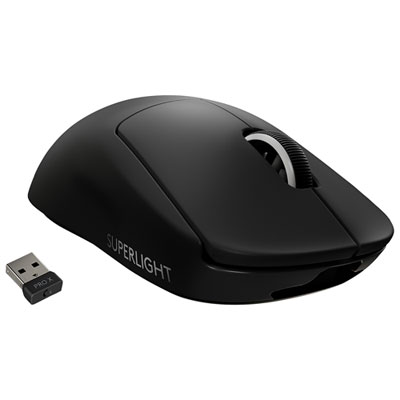
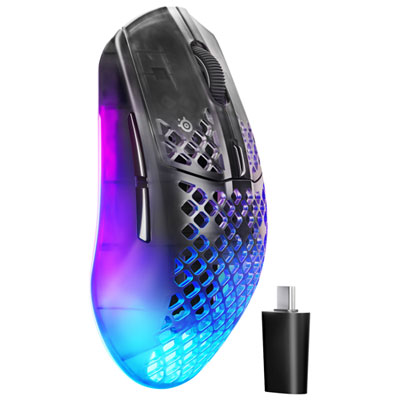
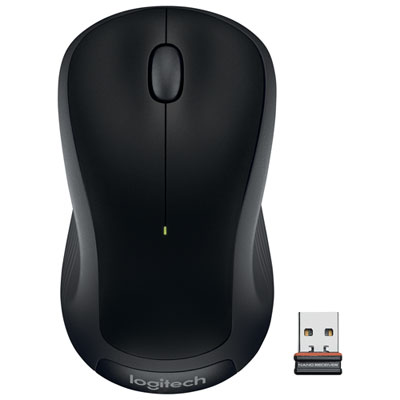
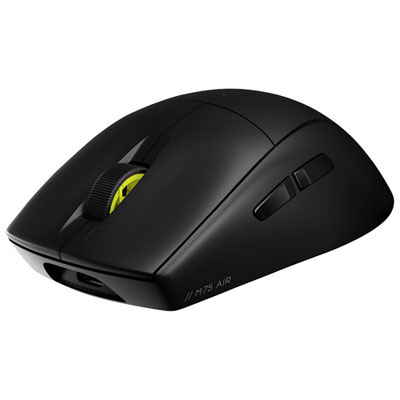

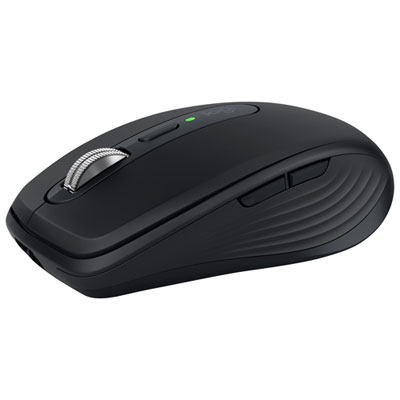
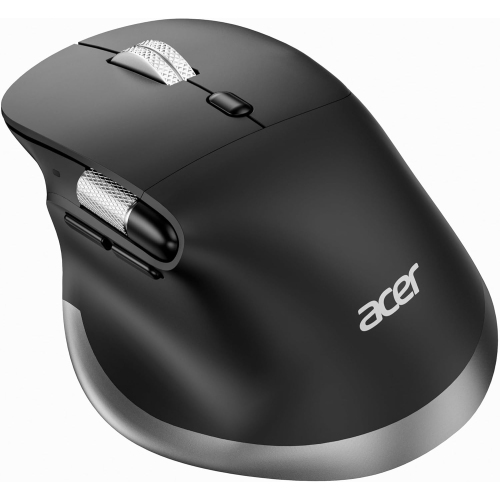
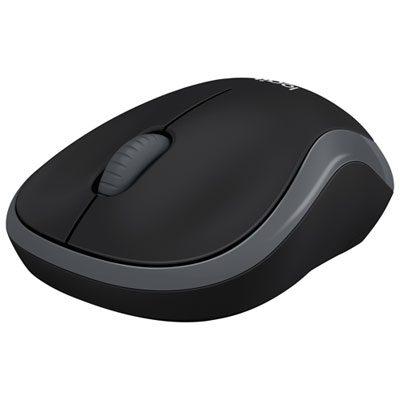
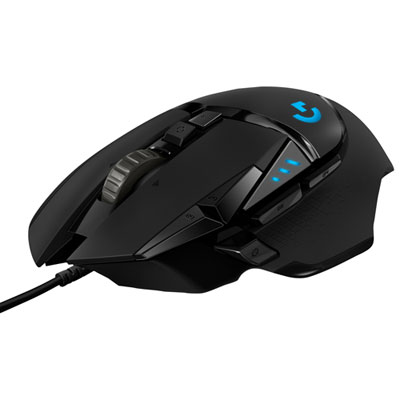





















































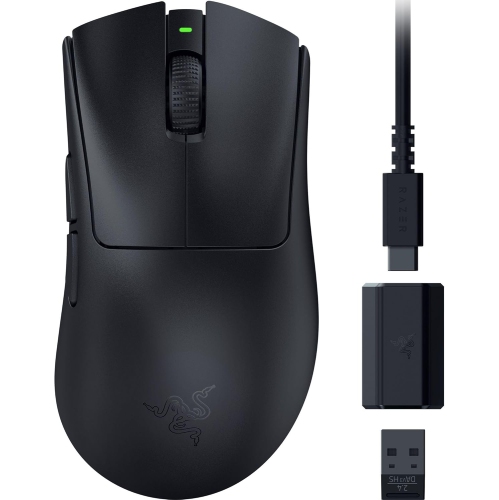
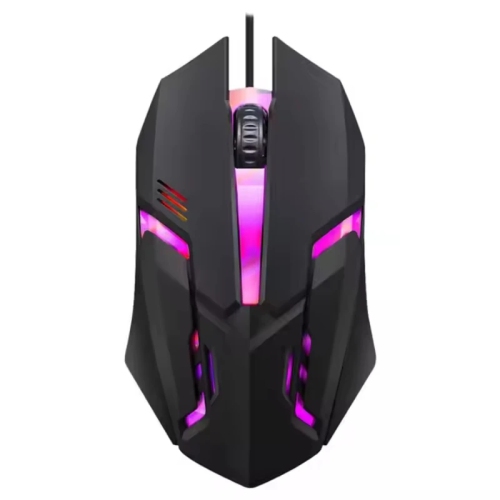

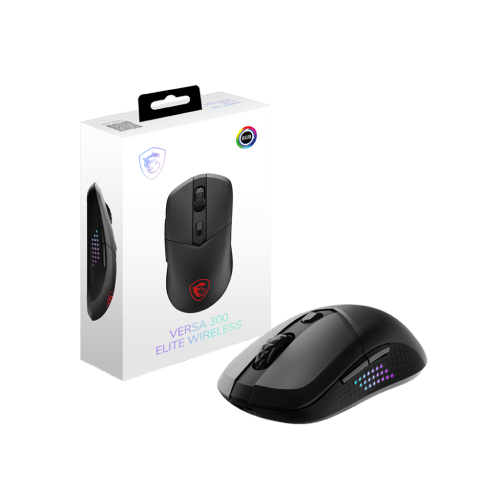
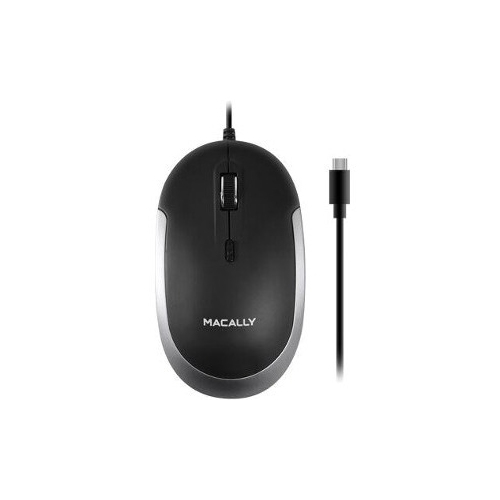













The mouse details that matter beyond the finish
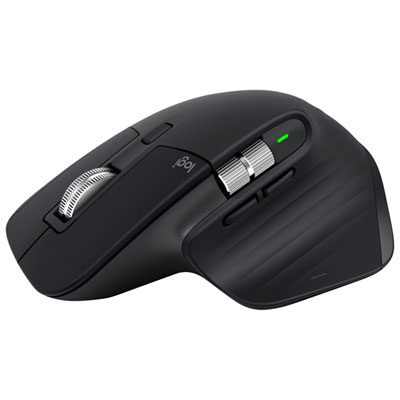
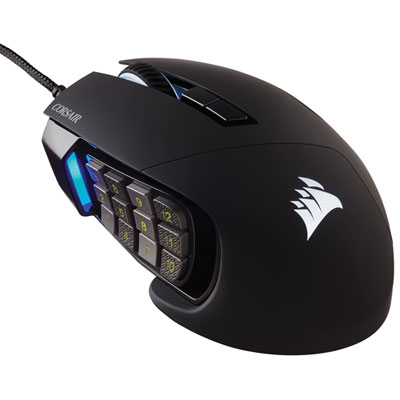
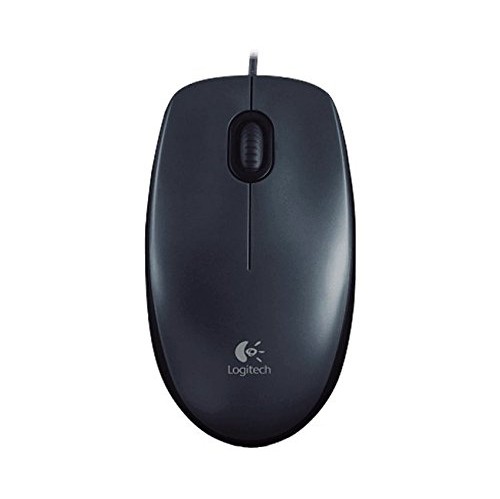
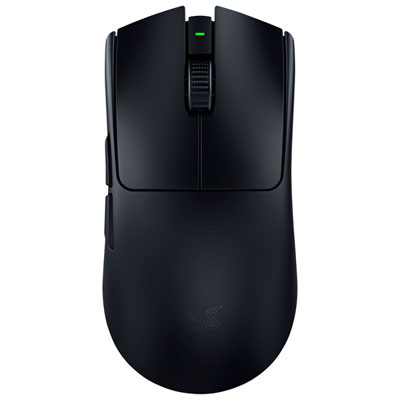
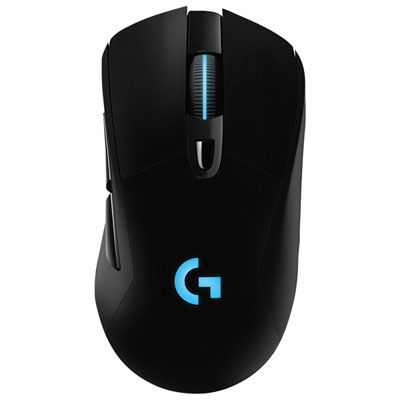
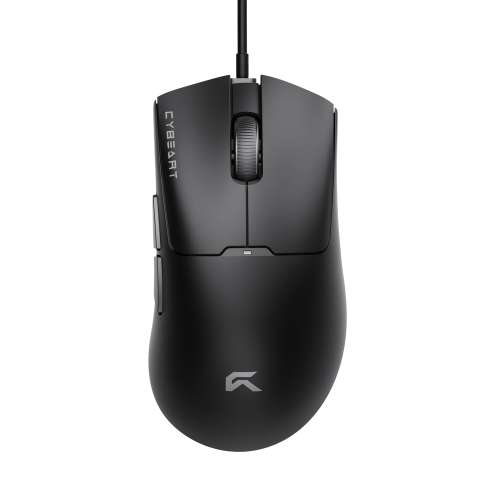
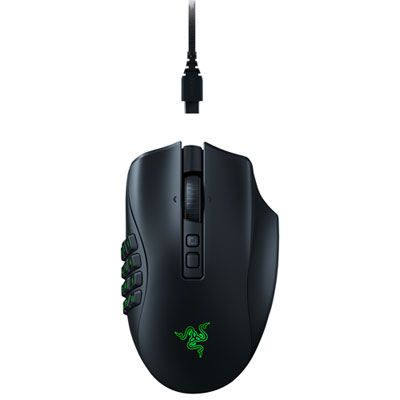
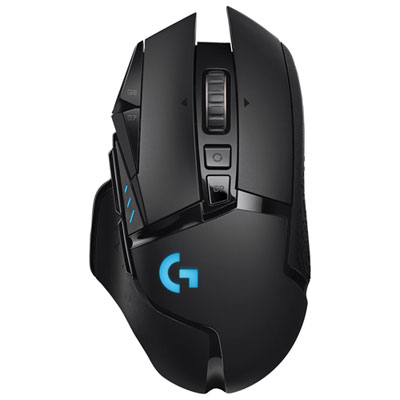
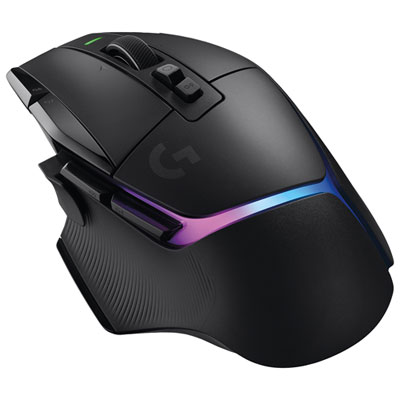
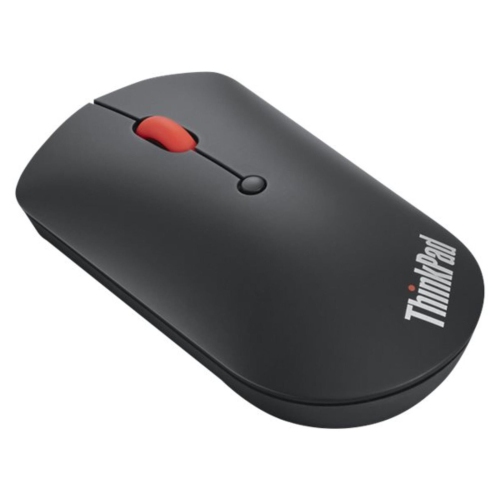
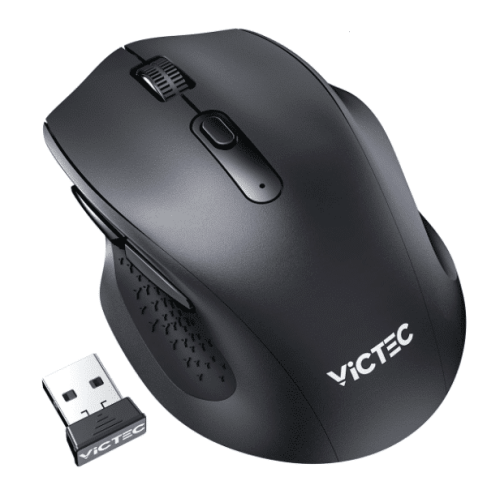
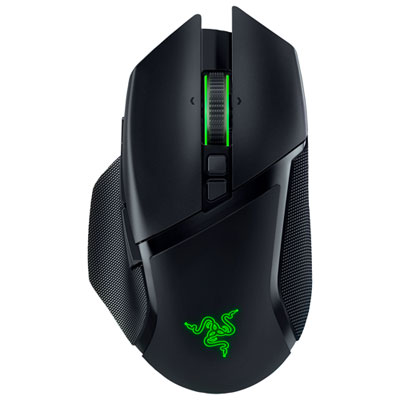
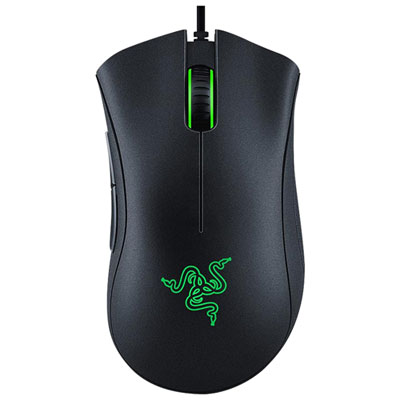
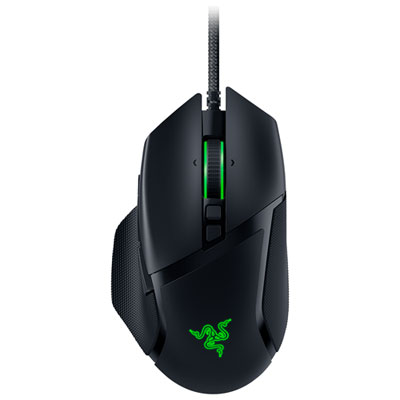
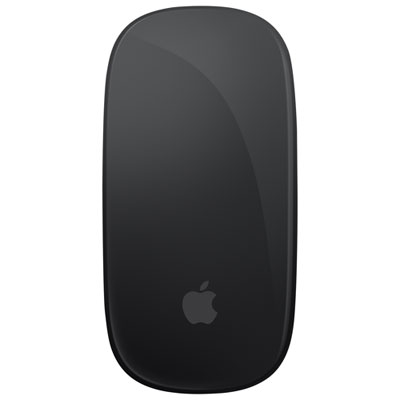
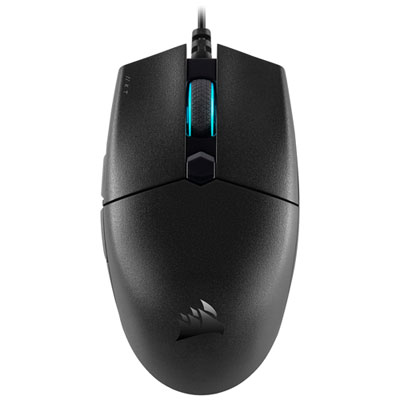
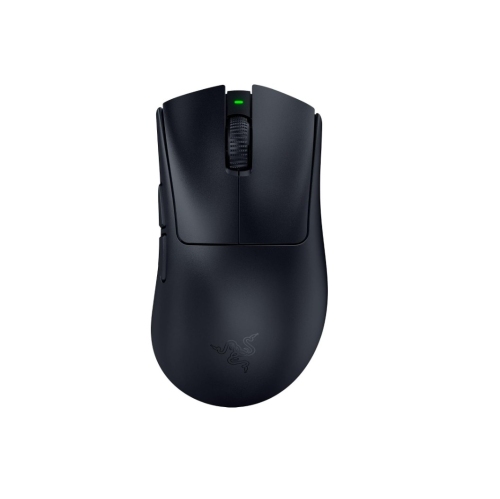
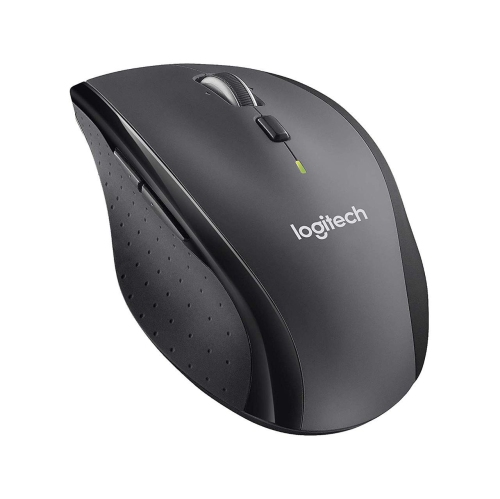
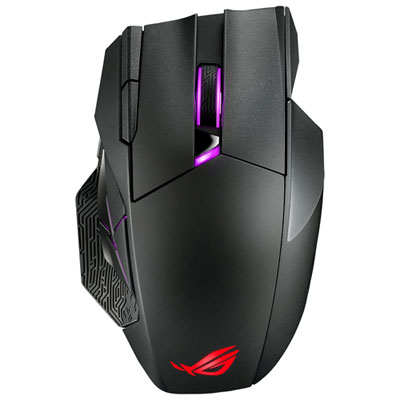
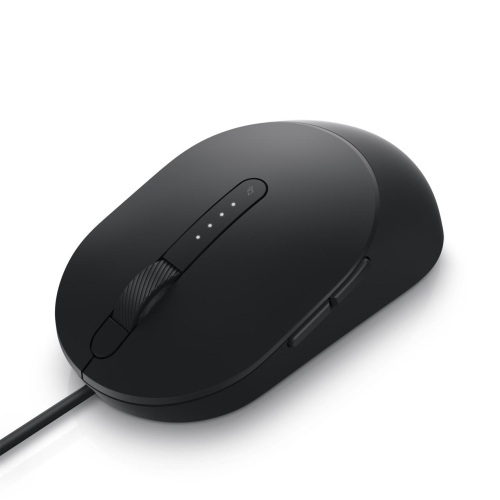
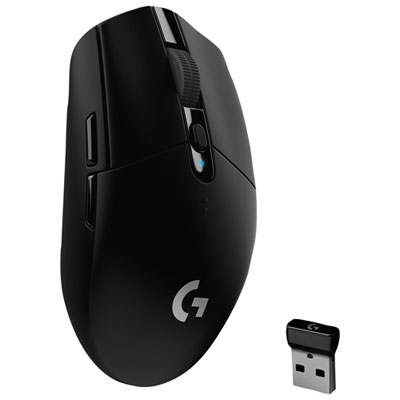
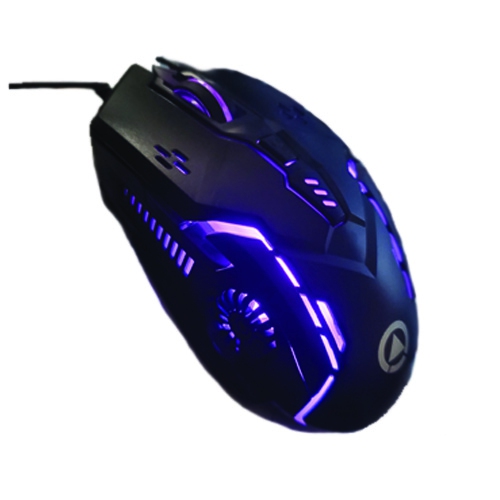
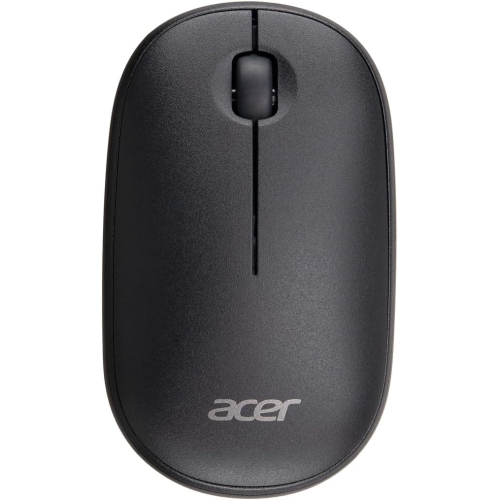
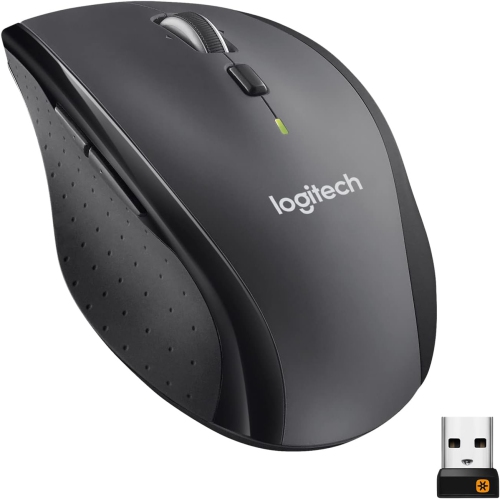
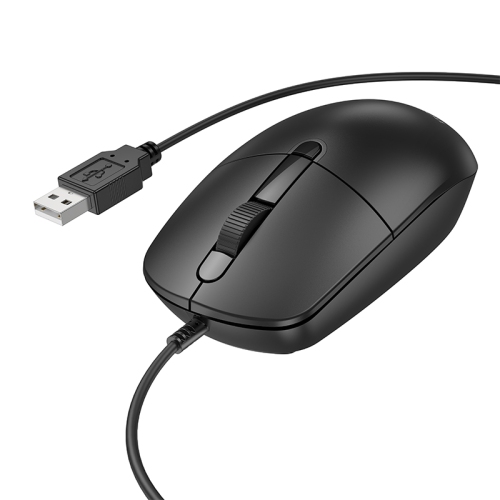
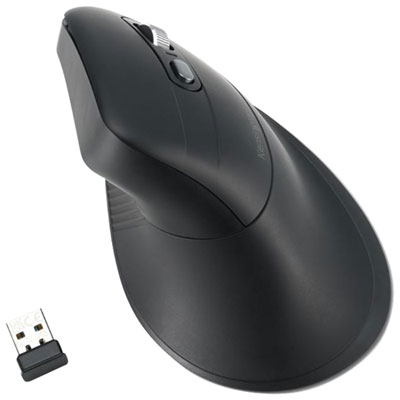
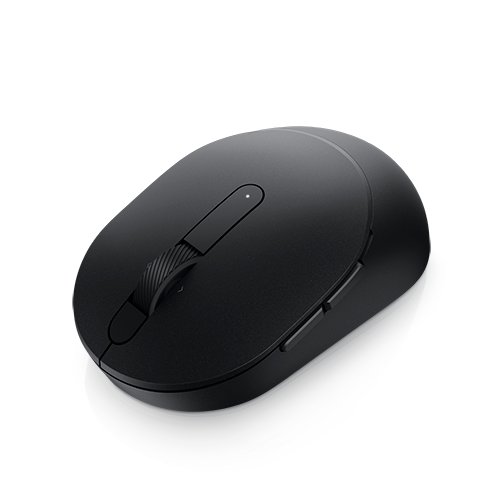
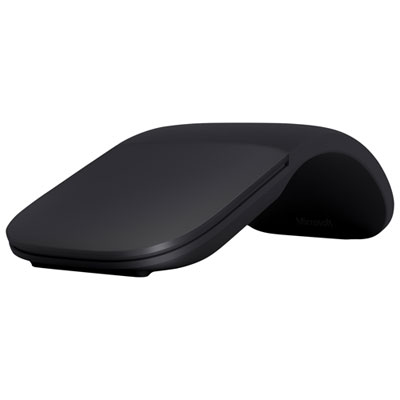
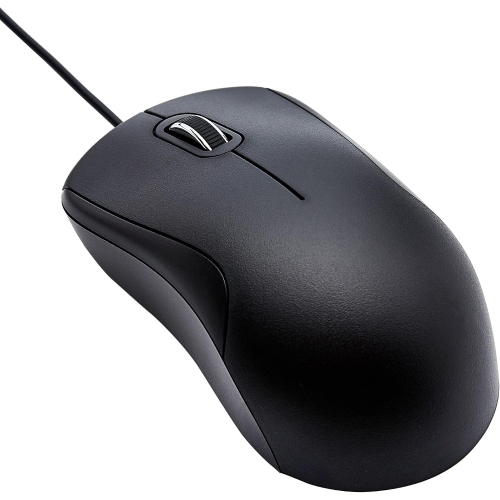
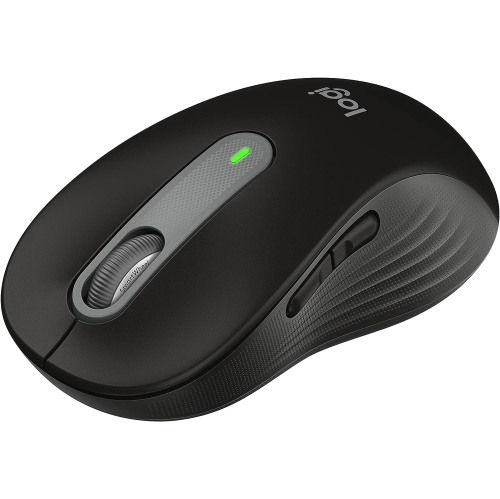
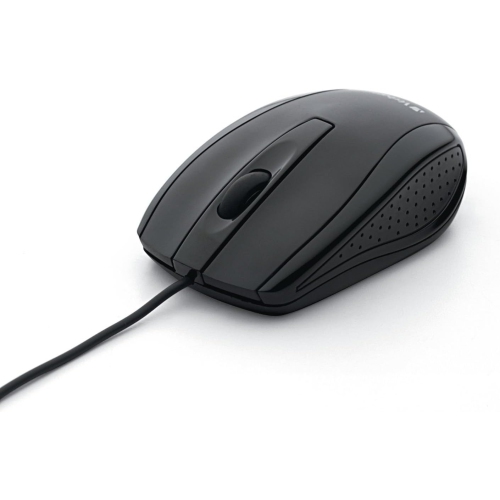
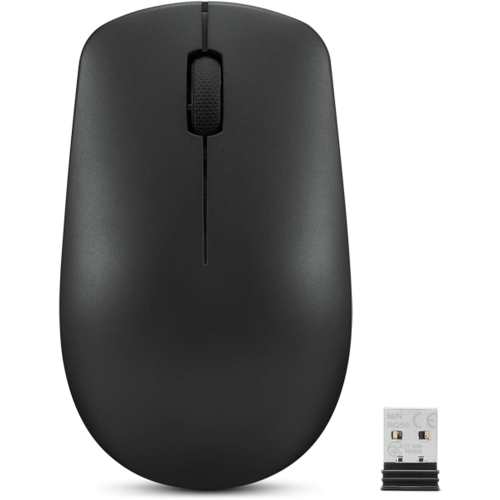
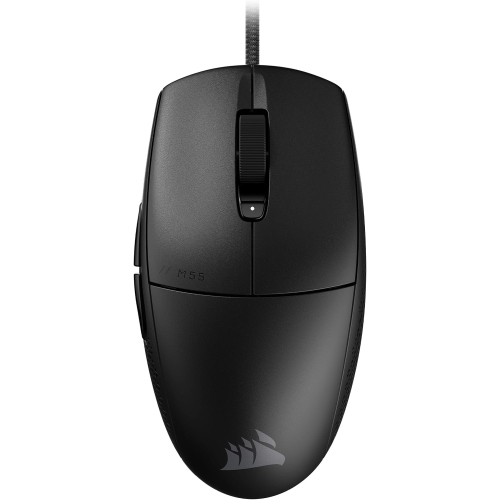
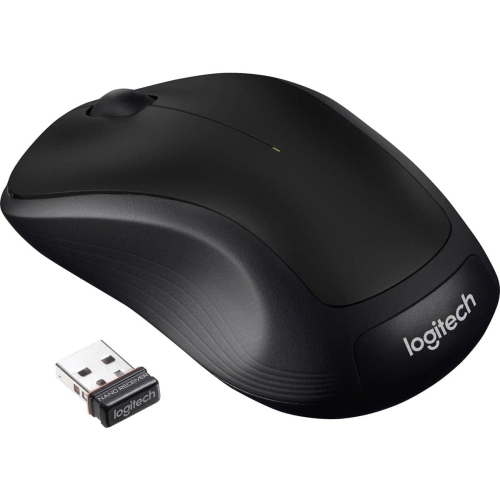
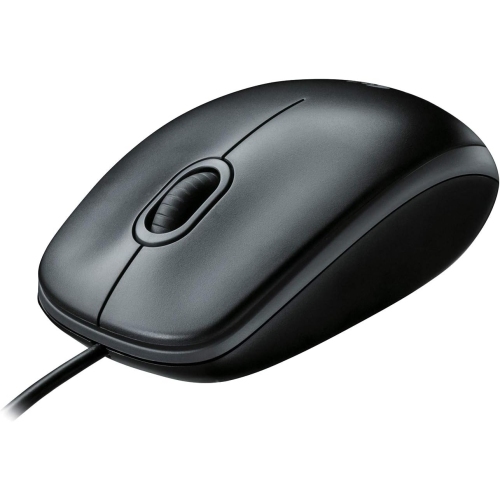
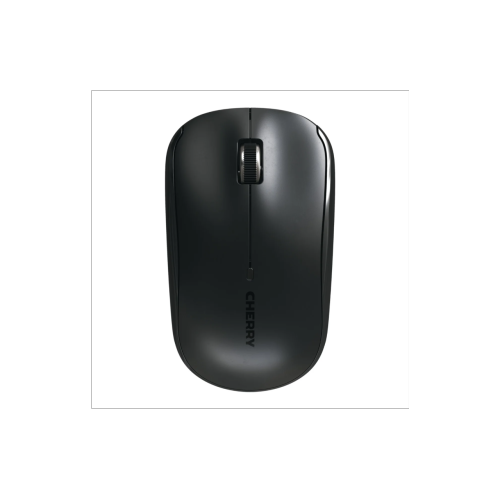
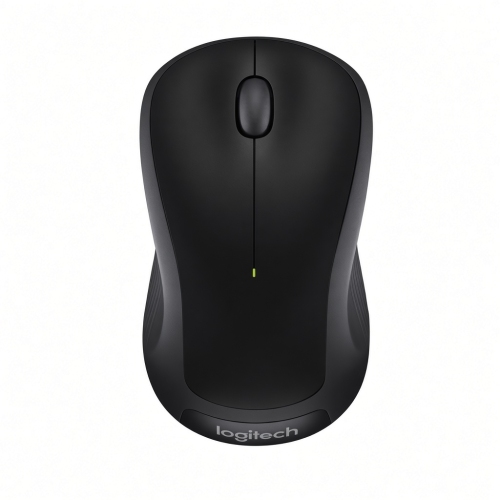
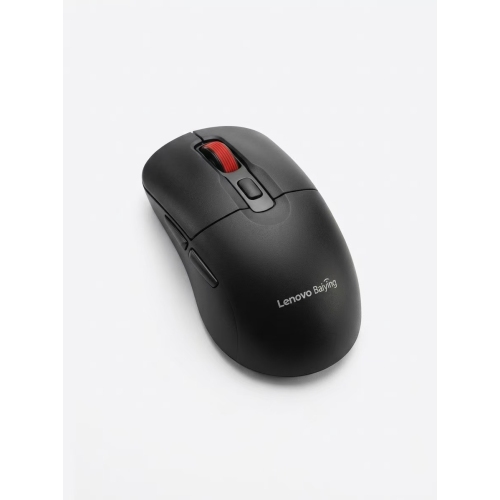
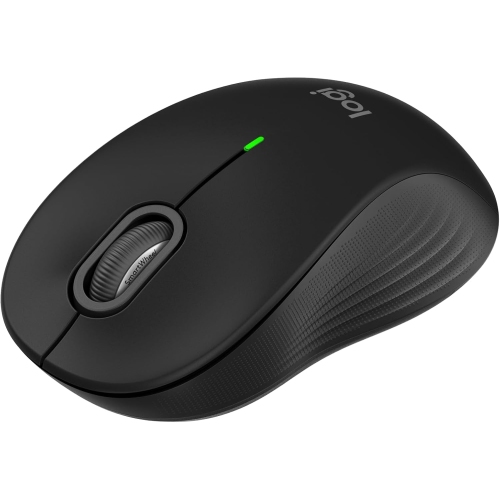
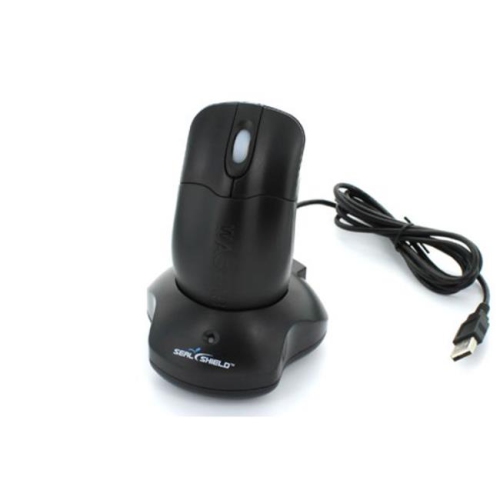
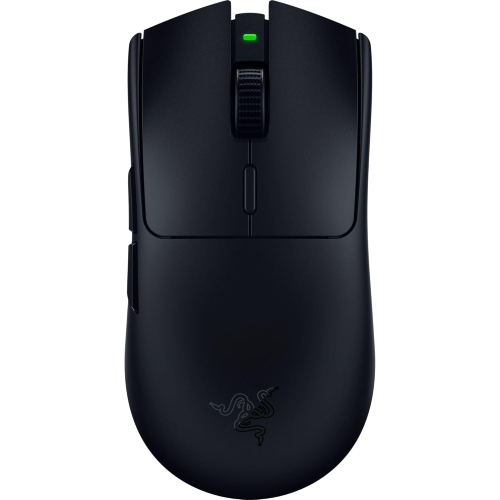
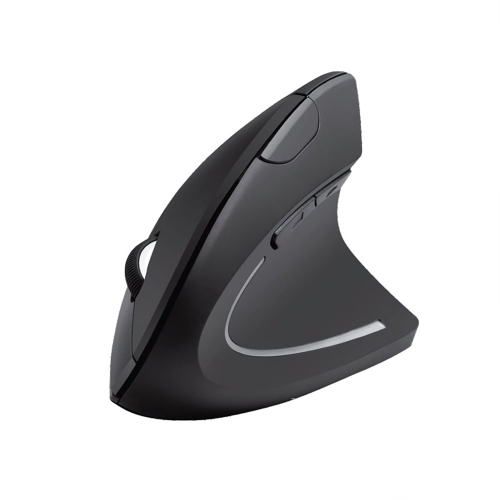
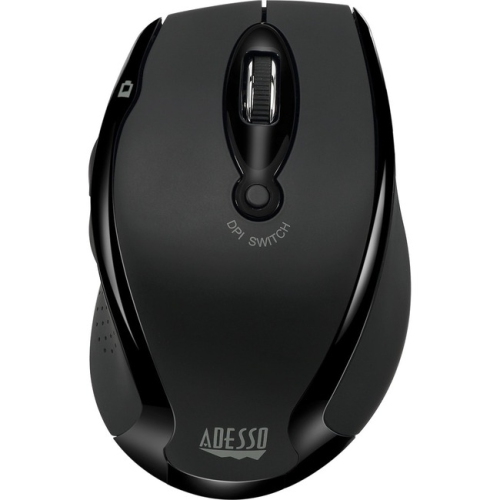
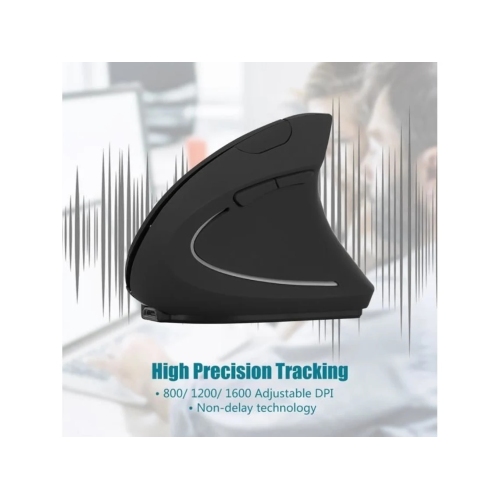
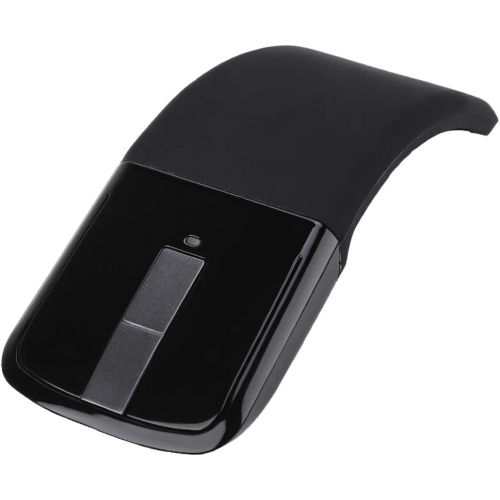
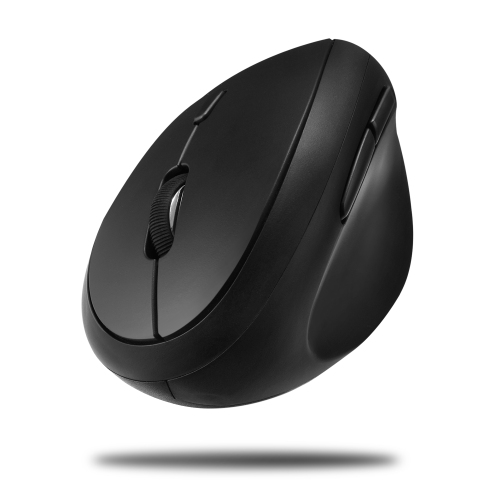
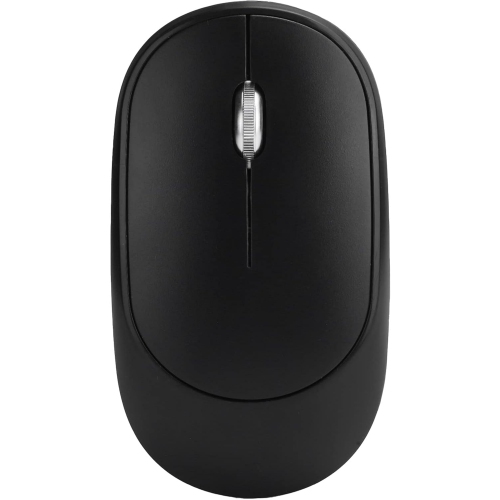
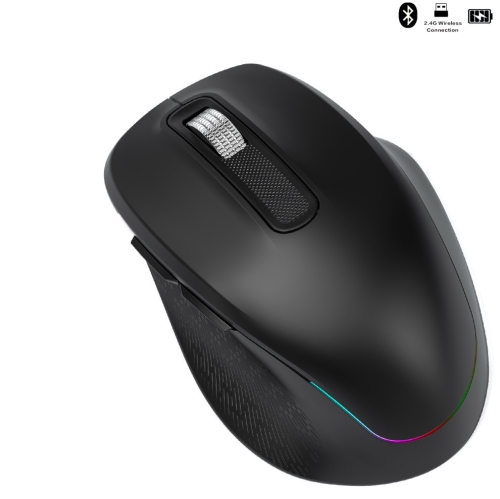
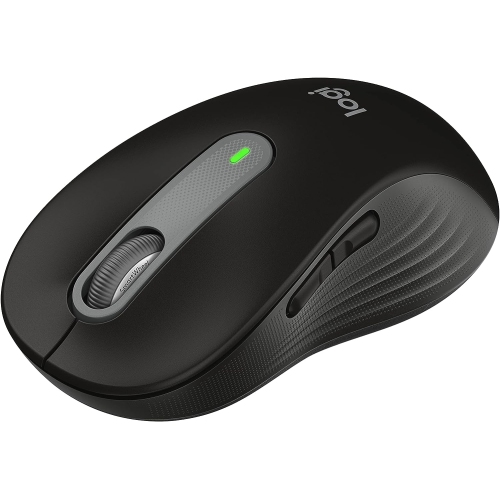
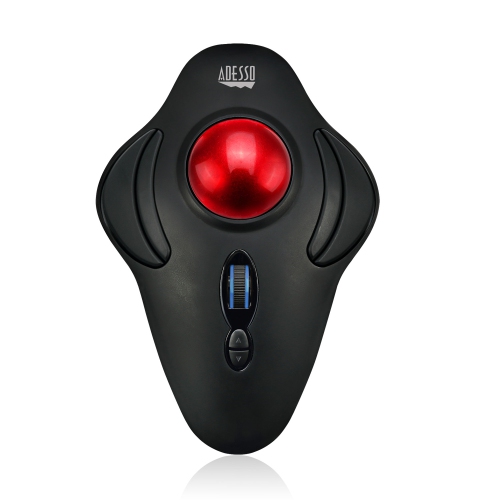
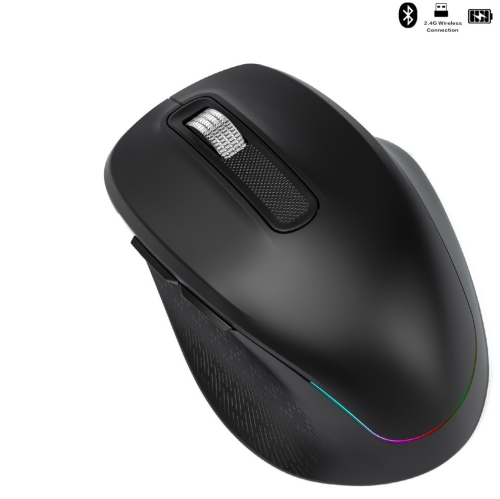
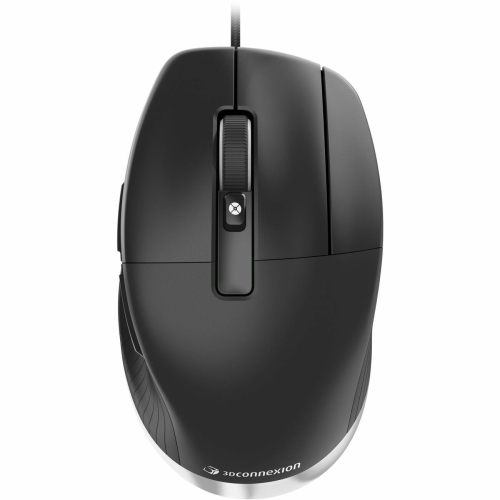
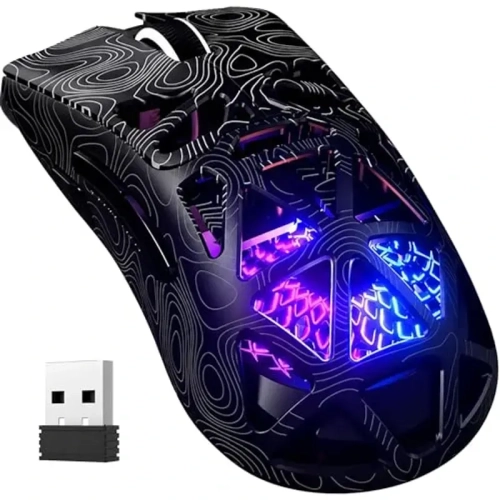
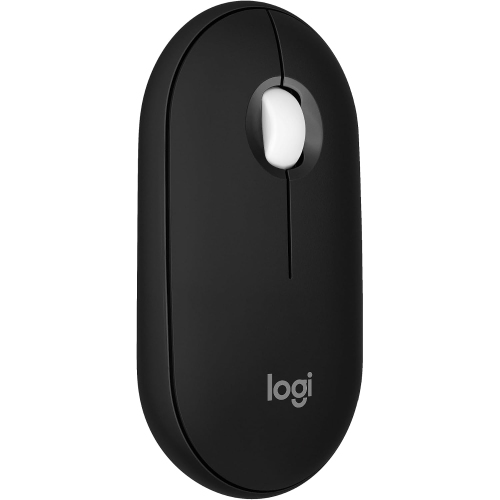
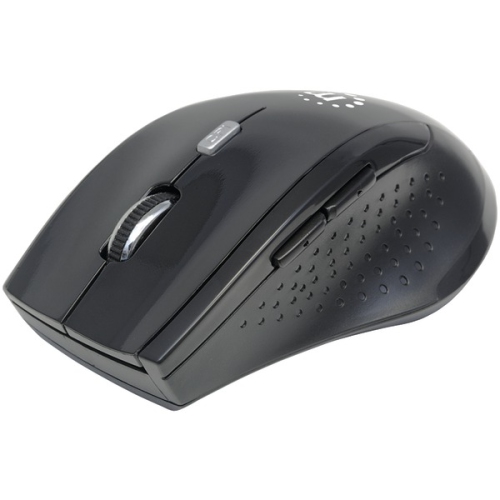
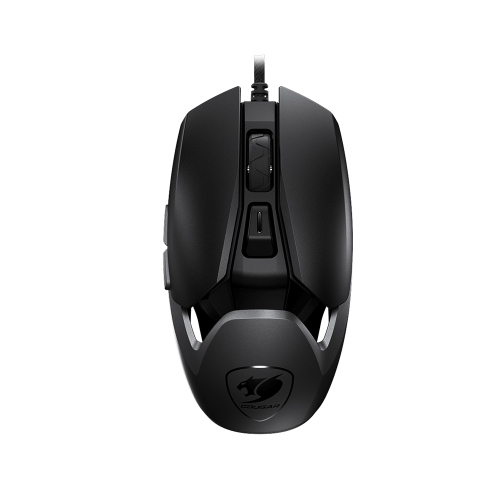
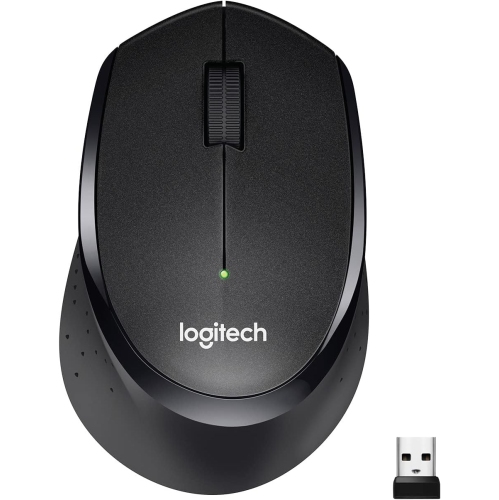
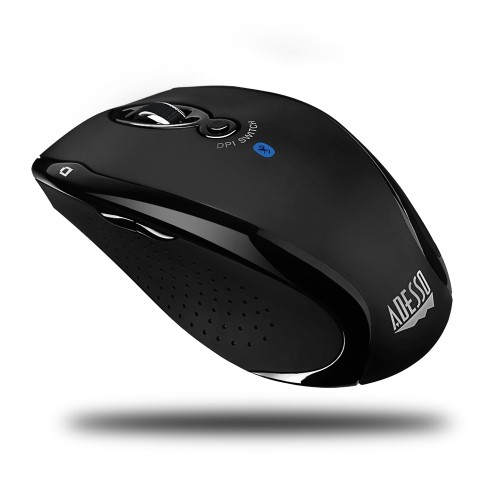
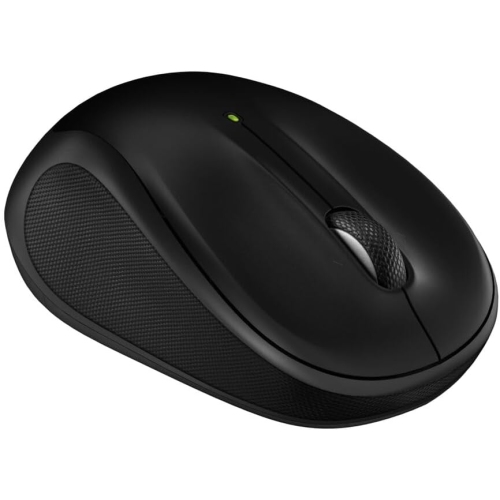
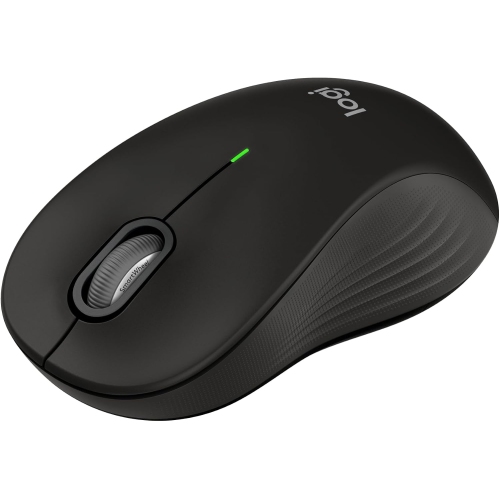
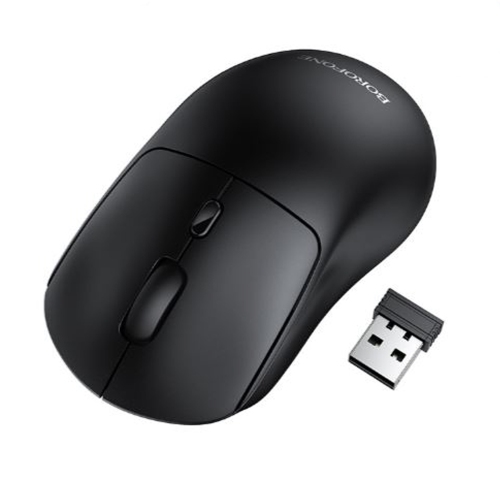
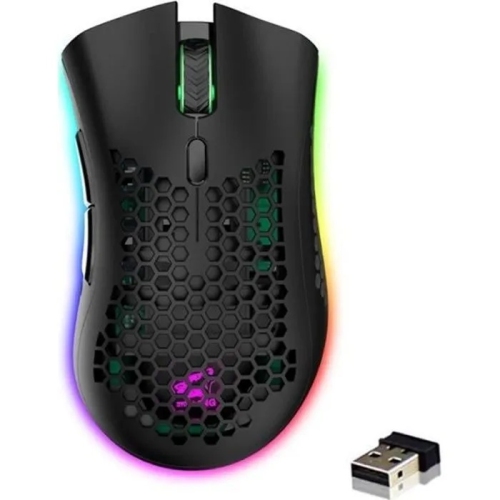
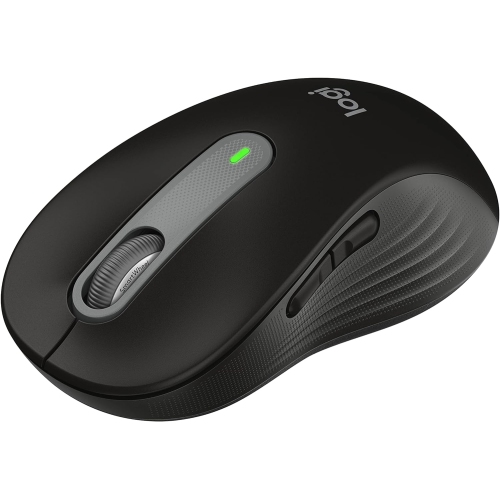
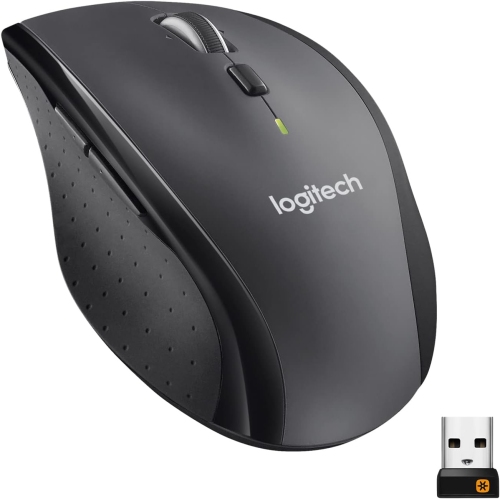
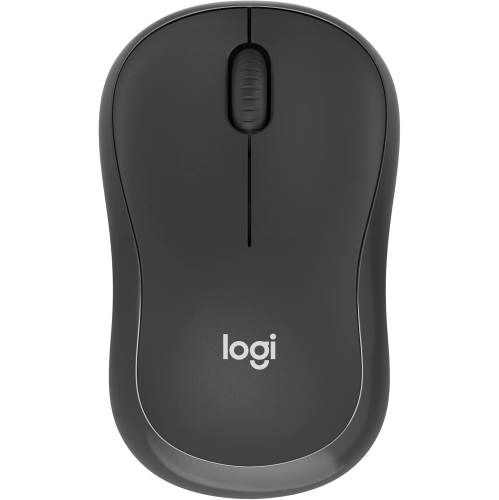
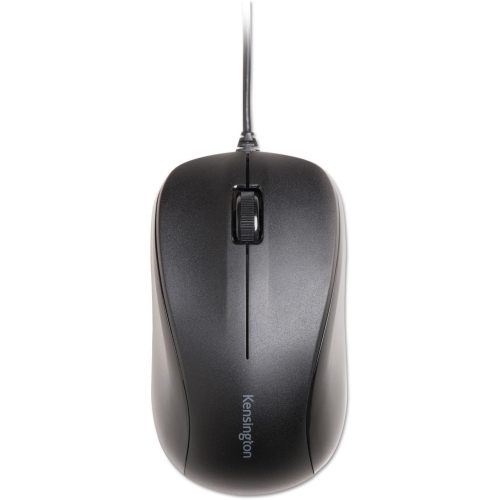
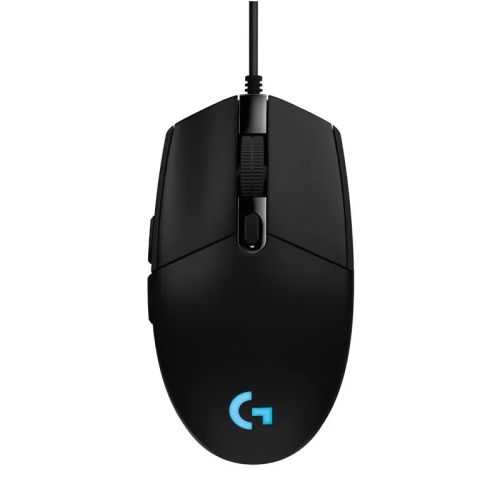
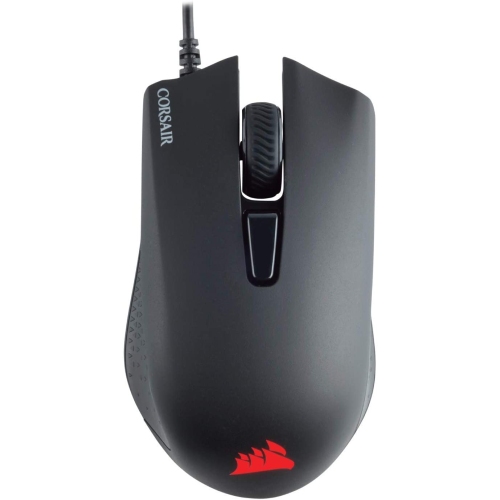
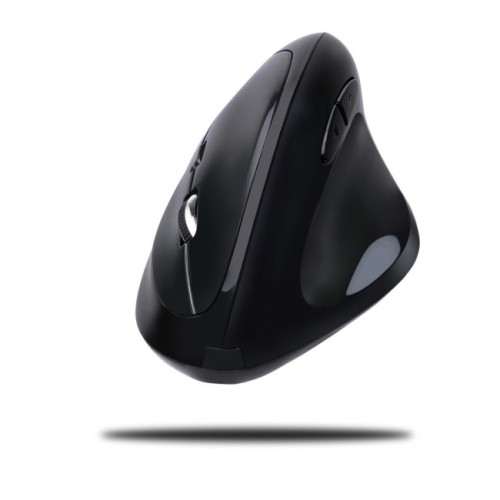
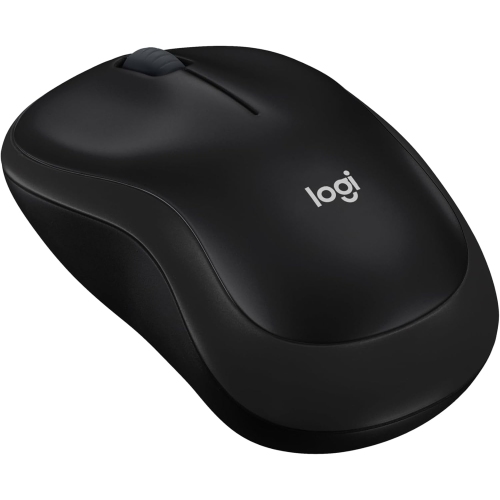
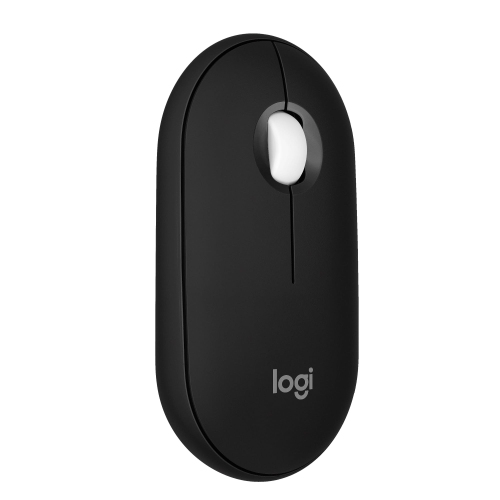
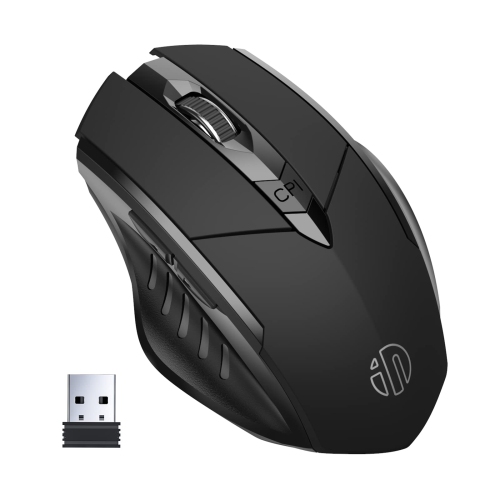
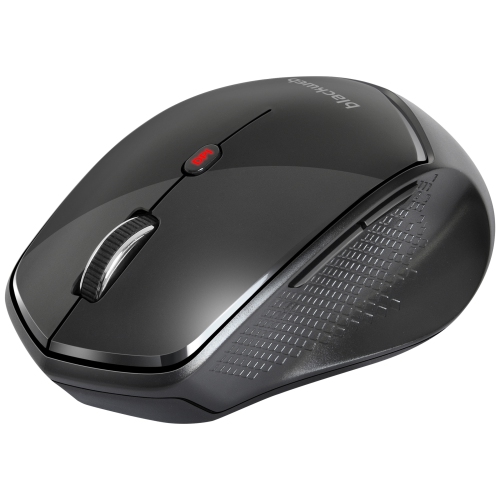
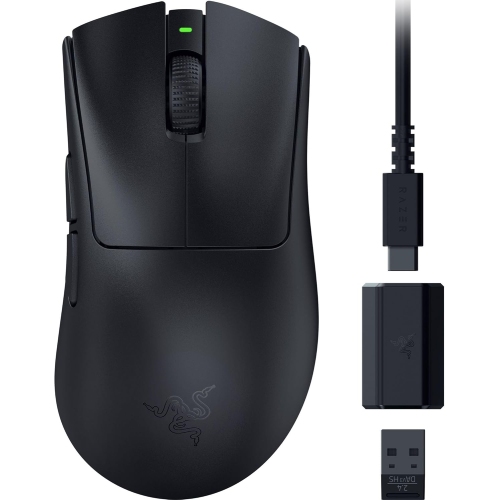
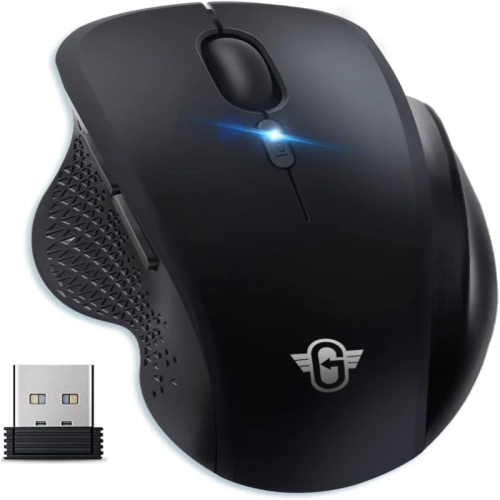
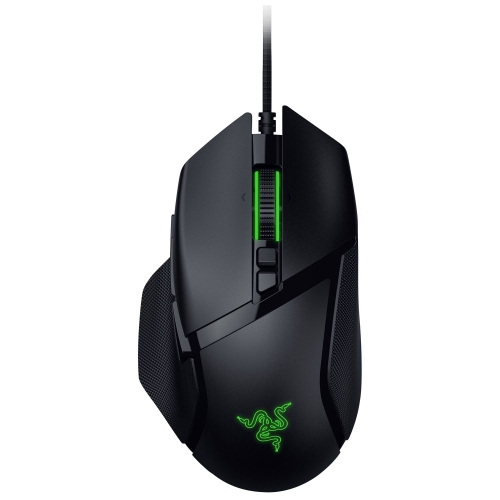
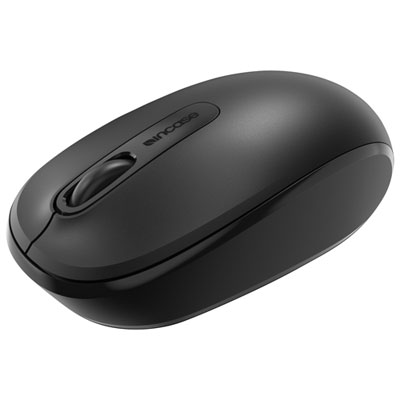
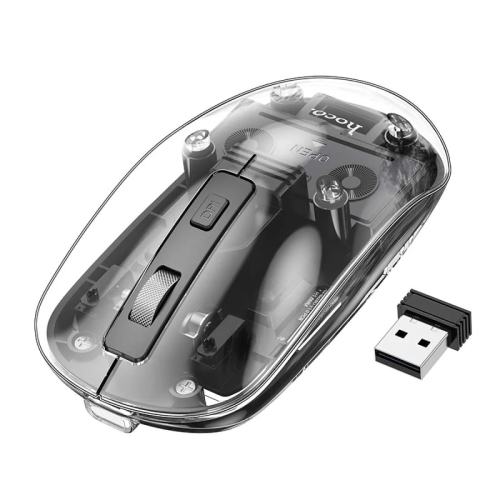
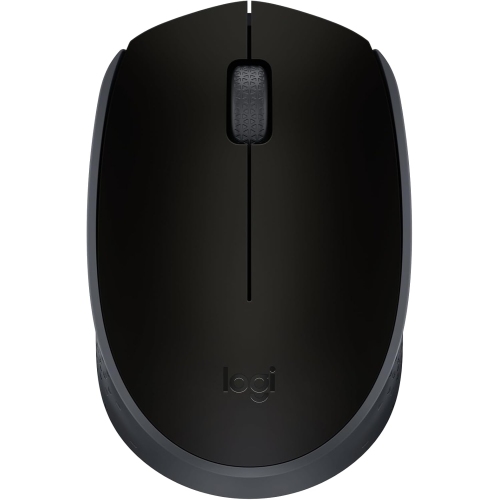
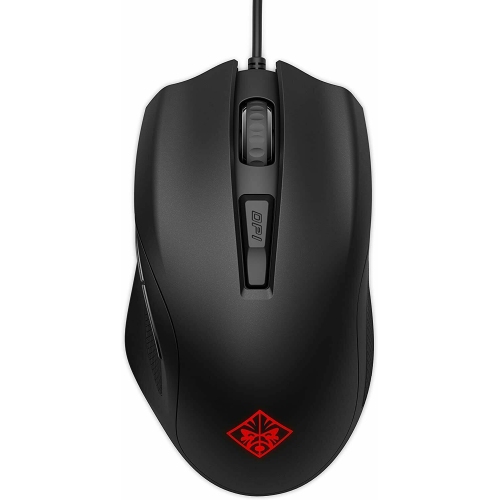
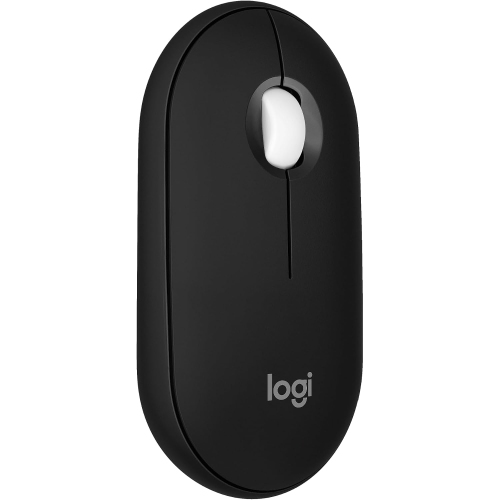
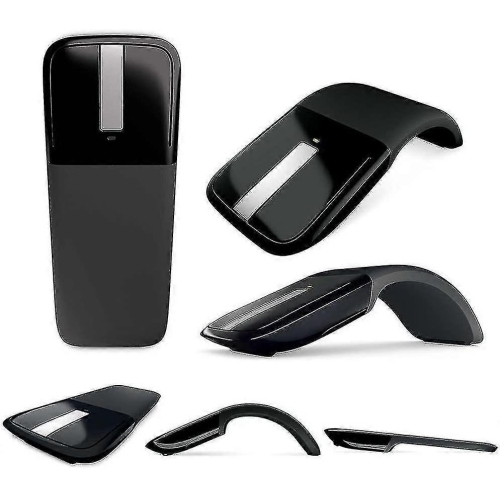
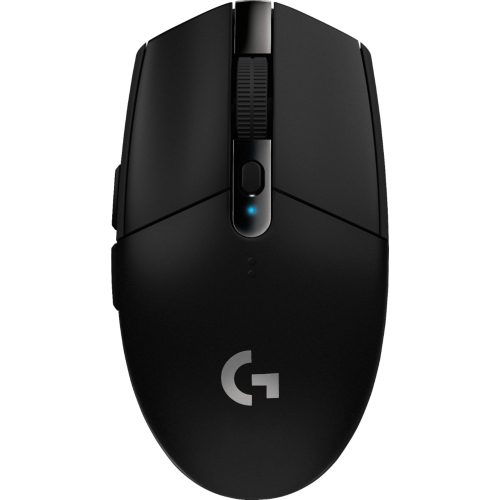
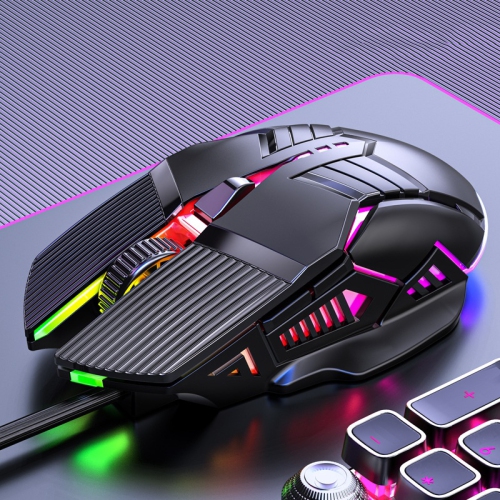
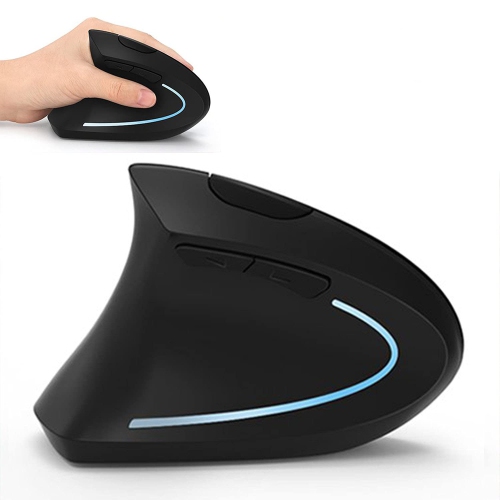
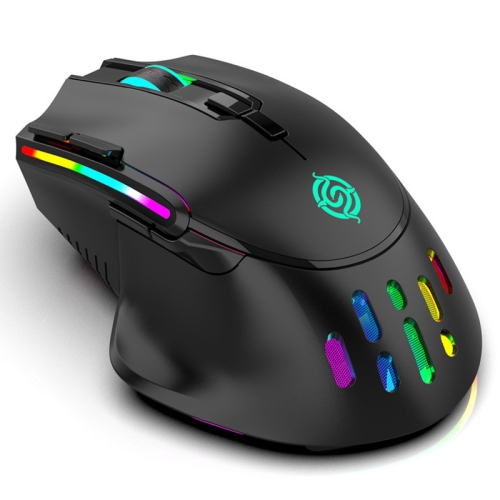
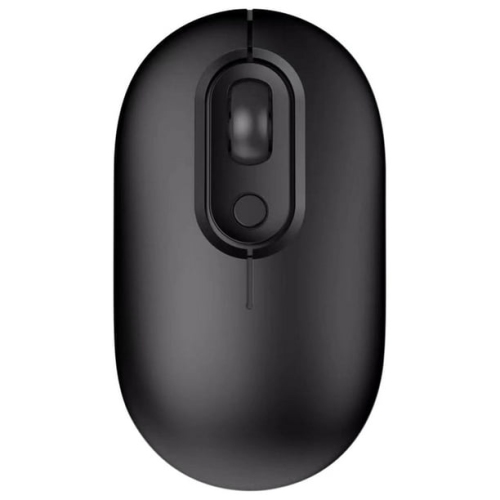
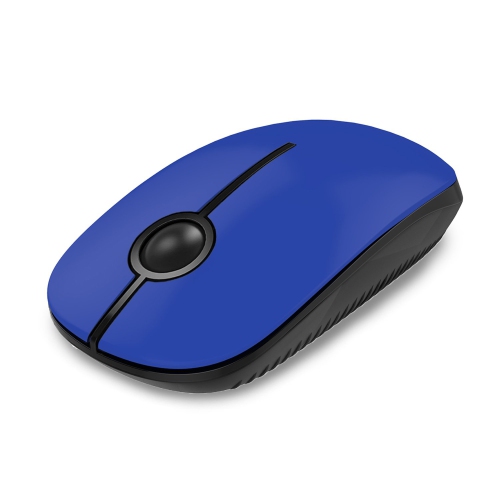
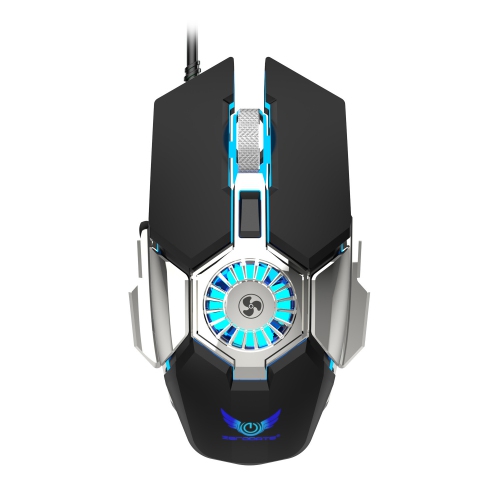
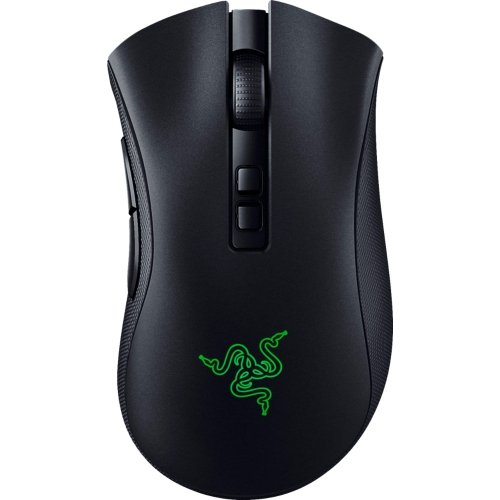
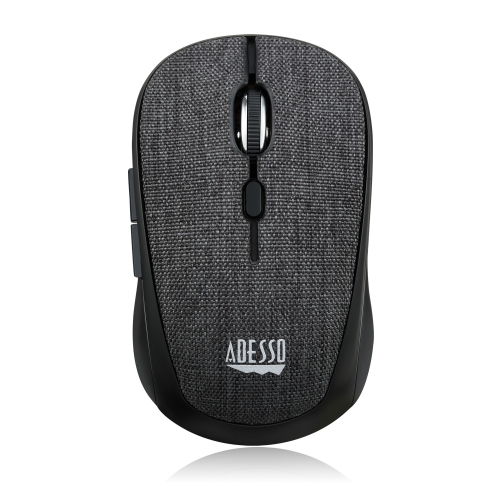
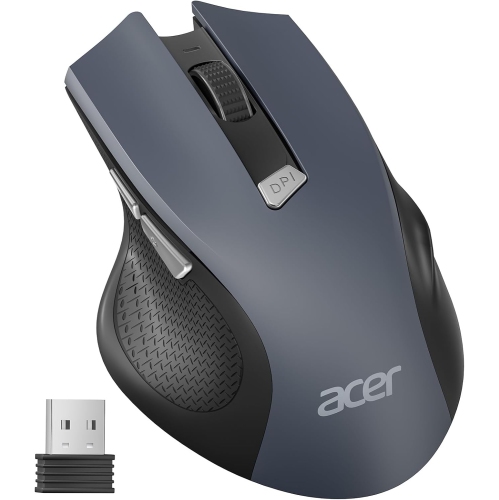
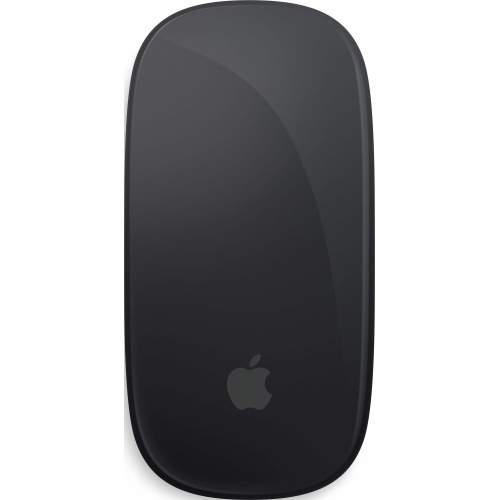
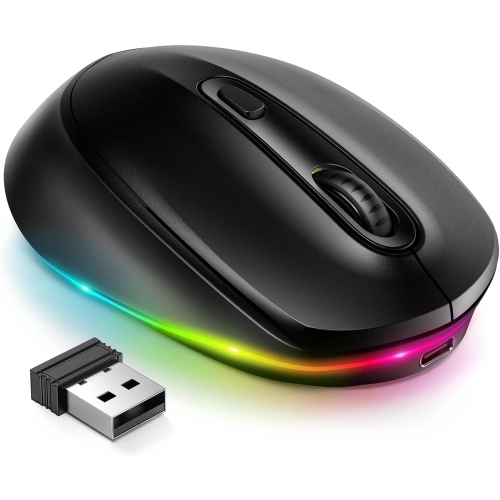
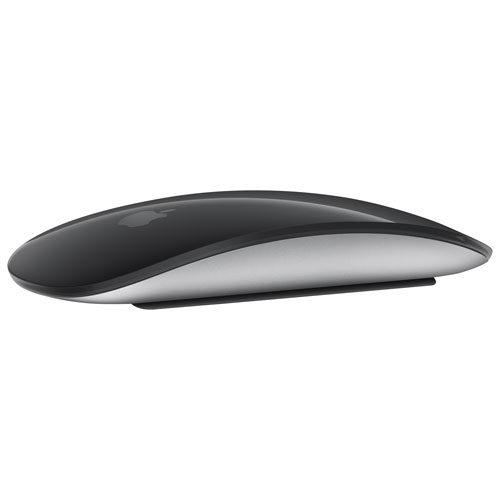
Black mice are computer peripherals used to move a cursor, select text, navigate applications, and control games on a laptop or desktop computer. In this setting, “black” describes the mouse’s exterior colour rather than a different type of technology: black computer mice can be wired or wireless, compact or full-sized, and designed for everyday tasks, detailed creative work, or gaming. Their dark finish pairs easily with keyboards, monitors, desk mats, and other desktop accessories, making them a practical choice for a coordinated workspace without drawing attention away from the screen. A matte shell has a subdued appearance, while glossy panels catch more light and may show fingerprints more readily. Most mouse bodies use moulded plastic, sometimes with textured side panels or rubberized grips to help fingers stay in place. The feel of those surfaces matters during a long spreadsheet session or an evening of gaming, particularly where the thumb and fingertips rest. Shape and size also make a noticeable difference. A compact mouse fits neatly into a laptop bag and can suit smaller hands, but someone with larger hands may find a fuller shape more comfortable for extended use. Palm-grip users tend to rest much of the hand on the shell, while claw and fingertip grips involve different contact points and can favour different profiles. Sculpted right-handed designs provide a defined thumb position; symmetrical designs may accommodate either hand, although side-button placement can still favour one side. Vertical designs position the hand at a more upright angle and offer another option for people who prefer that posture. No single shape suits every person, and comfort depends on the combination of hand size, grip, desk height, and how far the mouse sits from the keyboard. For students moving between study spaces, home-office users working through documents, and households sharing a computer, these everyday details often matter more than appearance alone.
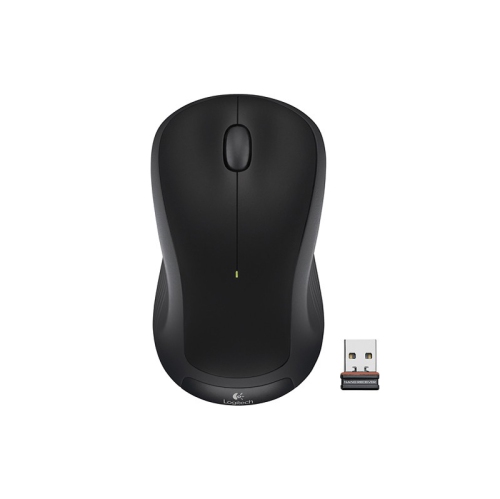
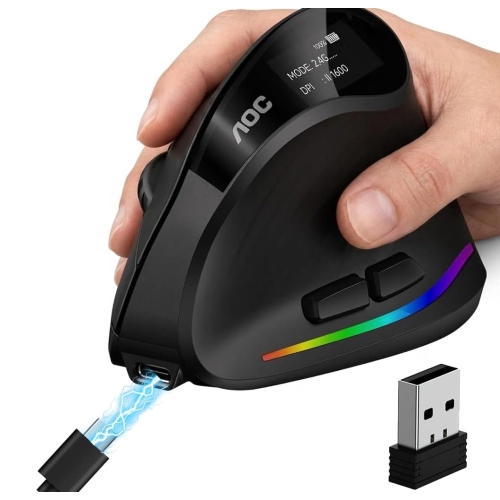
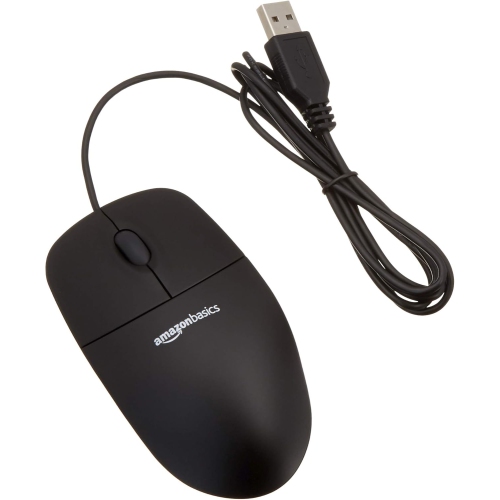
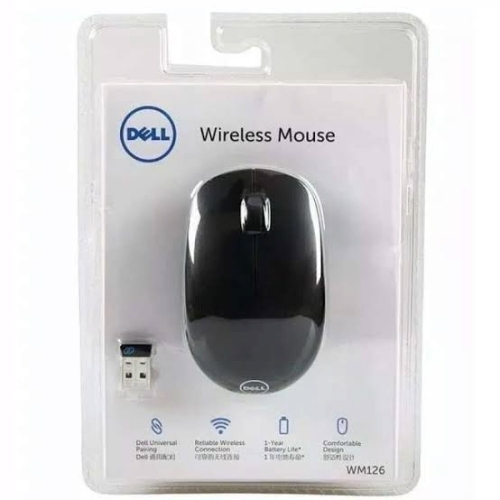
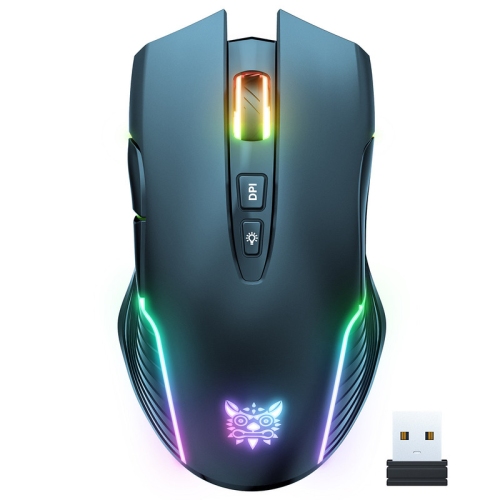
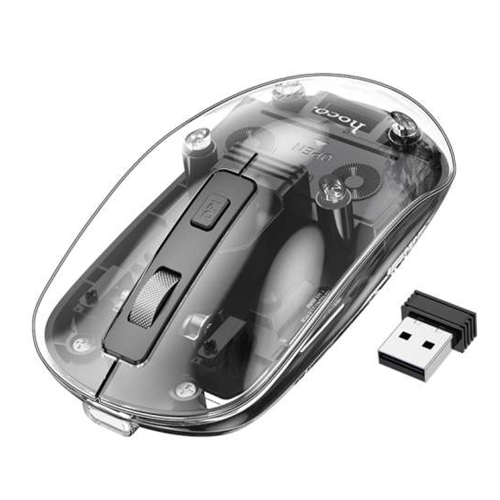
Connection type determines how a black mouse fits into a computer setup. A wired mouse draws power through its cable and does not need battery changes or charging, making it straightforward for a desk where the computer stays in one place. Cable length and routing deserve attention, especially when a desktop tower sits beneath the work surface or a monitor stand interrupts the path. Wireless mice remove that cable from the desk and typically connect through Bluetooth or a USB receiver. Bluetooth can leave a USB port free, while a receiver-based connection requires a compatible port and somewhere safe to store the receiver during travel. Some designs support more than one connection method or let users switch between paired devices, which can be useful when moving from a work laptop to a personal computer. Compatibility varies, so operating-system support, connector type, and any software requirements are worth checking, particularly for programmable controls. Wireless power arrangements also differ: some mice use replaceable batteries, while others have an internal battery that charges through a cable. Battery life depends on the design and usage, and lighting or high-performance settings can increase power consumption. For general browsing and office work, predictable tracking, comfortable clicks, and an easy-to-use scroll wheel are central features. A wheel with distinct steps can help move through a document a little at a time, while a free-spinning mode can make lengthy pages easier to traverse. Horizontal scrolling can be helpful with wide spreadsheets or editing timelines when supported by the mouse and application. Quiet-click designs may suit shared study areas or a desk beside a sleeping household member, although quieter buttons do not necessarily mean every control is silent. Adjustable sensitivity, often expressed as DPI, changes how far the pointer moves in response to hand movement. Higher settings are not automatically better; a setting that feels controlled on the actual screen is more useful than an impressive number alone.
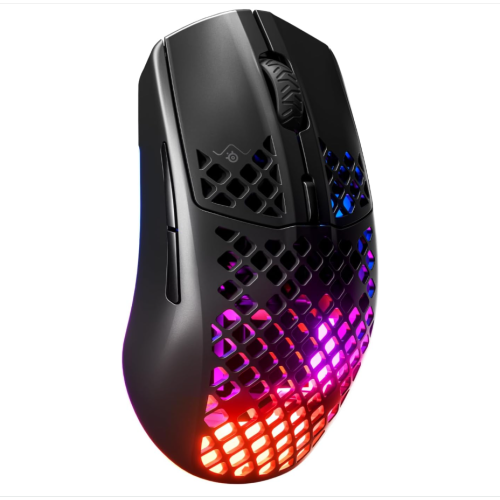
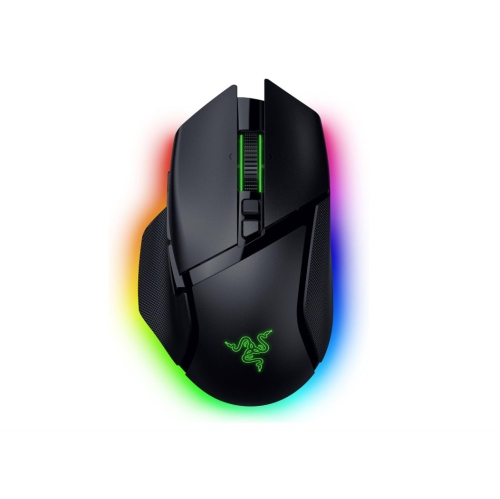
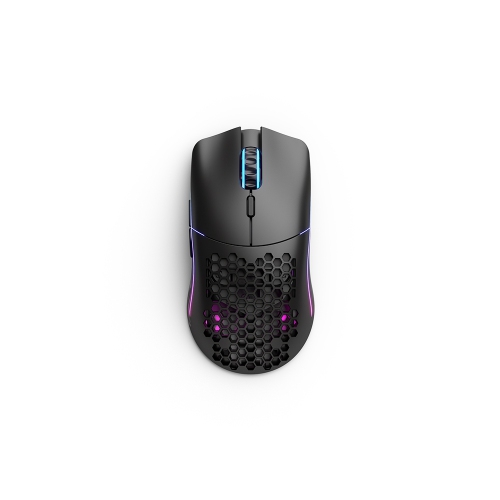
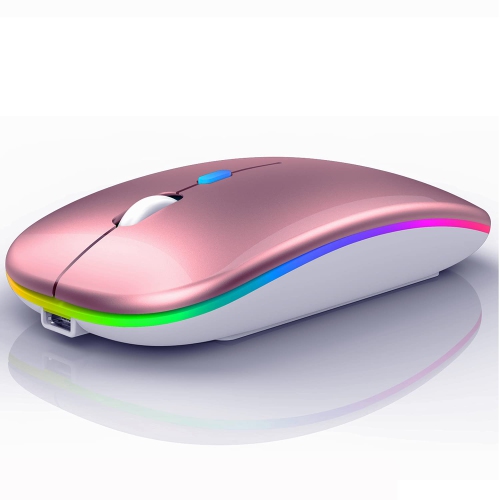
For gaming and precision-focused work, weight, sensor behaviour, button layout, and glide become more noticeable. A lighter mouse can feel easier to reposition during broad movements, while some users prefer a heavier body that feels more substantial under the hand. Consistent tracking helps with everything from selecting a small detail in a photo to following fast movement in a game. Programmable buttons can put frequently used commands within thumb reach, provided the required software works with the computer, but crowded controls may be less appealing to someone who wants a simple layout. Black housings can also provide a contrasting backdrop for illuminated accents. For a desk setup with a visible lighting element, LED Mice offer a related style to consider; lighting controls and effects vary by design. Whatever the intended use, the surface beneath the mouse affects the experience. A clean, even mouse pad provides a consistent area for tracking and can help protect the glide feet underneath, while glass or highly reflective desks may require a sensor specifically designed for those surfaces. Dust, crumbs, and hair near the sensor or feet can interfere with smooth movement. Routine care is usually simple: disconnect or switch off the mouse, follow its cleaning directions, and wipe the exterior with a soft cloth, keeping moisture out of openings. Harsh cleaners and abrasive scrubbing can damage finishes or grip materials. For a wired design, leaving some slack in the cable and avoiding tight bends near the connector helps reduce strain. During travel, a separate pouch can keep buttons from being pressed against other accessories and prevent the cable from tangling around chargers. Durability depends on the whole construction, including switches, the scroll mechanism, grip surfaces, and feet, rather than colour or weight alone. As a gift, a black mouse can be useful for a student, remote worker, or gamer, especially when the recipient’s hand preference, computer connections, and daily routines are known. A familiar shape for everyday use or a travel-friendly design for someone who carries a laptop can make a more thoughtful match than extra features they are unlikely to use.
Connection type determines how a black mouse fits into a computer setup. A wired mouse draws power through its cable and does not need battery changes or charging, making it straightforward for a desk where the computer stays in one place. Cable length and routing deserve attention, especially when a desktop tower sits beneath the work surface or a monitor stand interrupts the path. Wireless mice remove that cable from the desk and typically connect through Bluetooth or a USB receiver. Bluetooth can leave a USB port free, while a receiver-based connection requires a compatible port and somewhere safe to store the receiver during travel. Some designs support more than one connection method or let users switch between paired devices, which can be useful when moving from a work laptop to a personal computer. Compatibility varies, so operating-system support, connector type, and any software requirements are worth checking, particularly for programmable controls. Wireless power arrangements also differ: some mice use replaceable batteries, while others have an internal battery that charges through a cable. Battery life depends on the design and usage, and lighting or high-performance settings can increase power consumption. For general browsing and office work, predictable tracking, comfortable clicks, and an easy-to-use scroll wheel are central features. A wheel with distinct steps can help move through a document a little at a time, while a free-spinning mode can make lengthy pages easier to traverse. Horizontal scrolling can be helpful with wide spreadsheets or editing timelines when supported by the mouse and application. Quiet-click designs may suit shared study areas or a desk beside a sleeping household member, although quieter buttons do not necessarily mean every control is silent. Adjustable sensitivity, often expressed as DPI, changes how far the pointer moves in response to hand movement. Higher settings are not automatically better; a setting that feels controlled on the actual screen is more useful than an impressive number alone.
For gaming and precision-focused work, weight, sensor behaviour, button layout, and glide become more noticeable. A lighter mouse can feel easier to reposition during broad movements, while some users prefer a heavier body that feels more substantial under the hand. Consistent tracking helps with everything from selecting a small detail in a photo to following fast movement in a game. Programmable buttons can put frequently used commands within thumb reach, provided the required software works with the computer, but crowded controls may be less appealing to someone who wants a simple layout. Black housings can also provide a contrasting backdrop for illuminated accents. For a desk setup with a visible lighting element, LED Mice offer a related style to consider; lighting controls and effects vary by design. Whatever the intended use, the surface beneath the mouse affects the experience. A clean, even mouse pad provides a consistent area for tracking and can help protect the glide feet underneath, while glass or highly reflective desks may require a sensor specifically designed for those surfaces. Dust, crumbs, and hair near the sensor or feet can interfere with smooth movement. Routine care is usually simple: disconnect or switch off the mouse, follow its cleaning directions, and wipe the exterior with a soft cloth, keeping moisture out of openings. Harsh cleaners and abrasive scrubbing can damage finishes or grip materials. For a wired design, leaving some slack in the cable and avoiding tight bends near the connector helps reduce strain. During travel, a separate pouch can keep buttons from being pressed against other accessories and prevent the cable from tangling around chargers. Durability depends on the whole construction, including switches, the scroll mechanism, grip surfaces, and feet, rather than colour or weight alone. As a gift, a black mouse can be useful for a student, remote worker, or gamer, especially when the recipient’s hand preference, computer connections, and daily routines are known. A familiar shape for everyday use or a travel-friendly design for someone who carries a laptop can make a more thoughtful match than extra features they are unlikely to use.
Top selling and popular products
-
 Your price for this item is $29.99
-
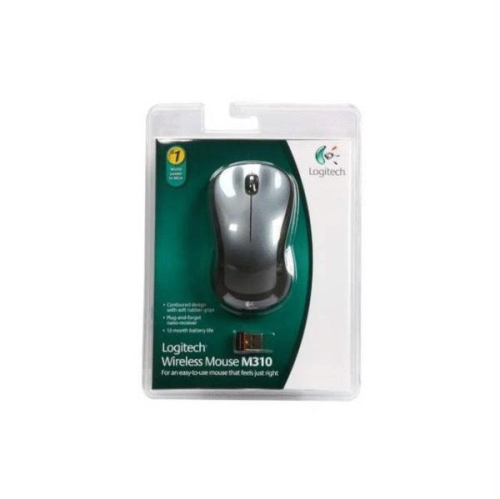 Your price for this item is $50.44
-
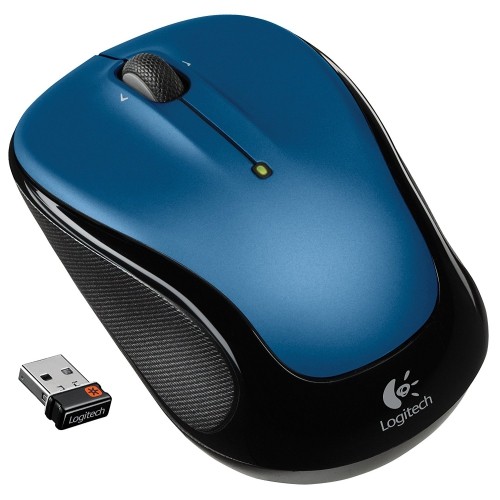 Your price for this item is $39.99
-
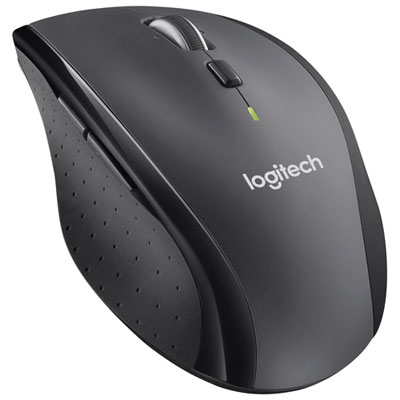 Your price for this item is $49.99
-
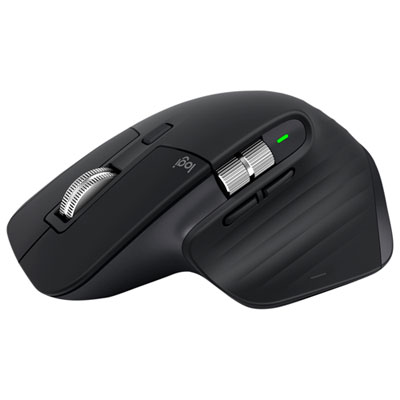 Your price for this item is $159.97
-
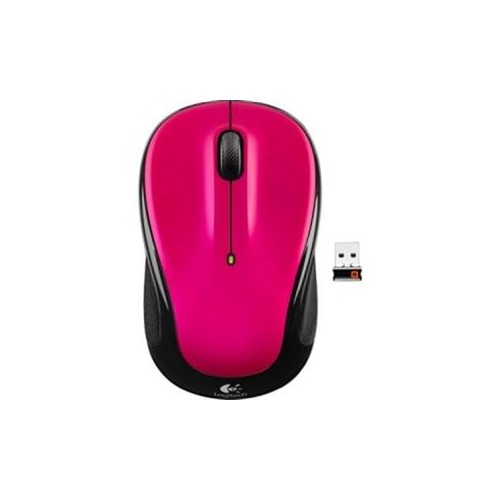 Your price for this item is $64.68
-
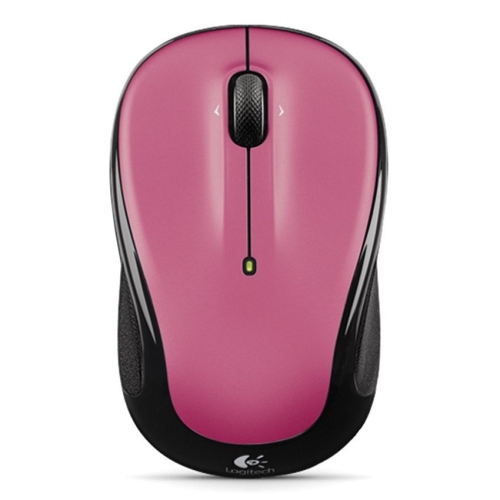 Your price for this item is $48.68
-
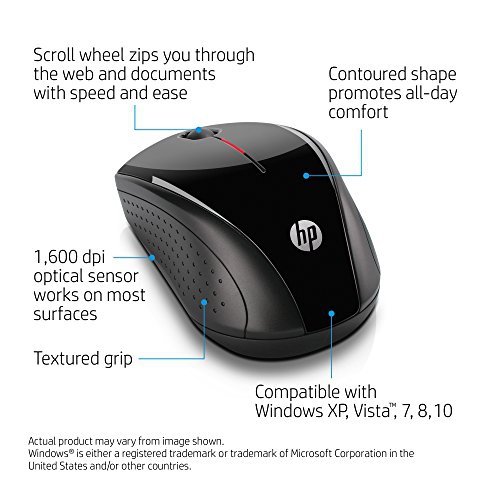 Your price for this item is $31
Discover more categories related to Black Mice
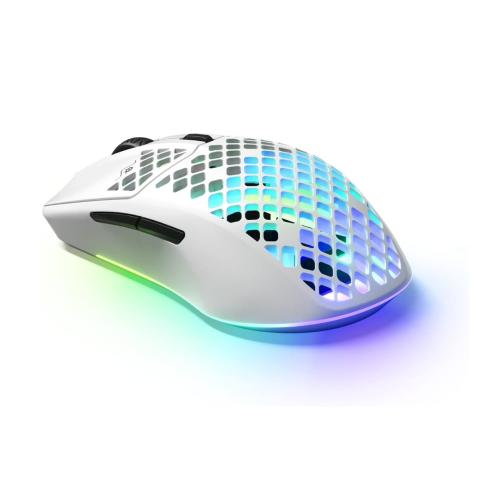

Top Collections:
Best Black Friday Deals This Year, Best Black Friday Deals On Electronics, Kindle Devices, Pokemon Centers, Best Black Friday Deals On Apple Products, Best Cameras for Sports Photography, Dyson Airwrap, Pokémon 30th Celebration Cards, Apple iPhone 17 Pro, Canon G7X Cameras
Some products may be subject to Environmental Handling Fees
(EHF) depending on your province.
Learn more about EHFs.