Adjustable Gaming Mice
If you're a gamer, you know the importance of a good mouse. A good mouse can make the difference between winning and losing, and it can also help you improve your skills. The best gaming mice are designed to be lightweight, with grips that keep them from sliding around on your desk as you move them back and forth. They also have programmable buttons and adjustable settings that allow you to customize how you play. Here are some of our favorites.
Sort
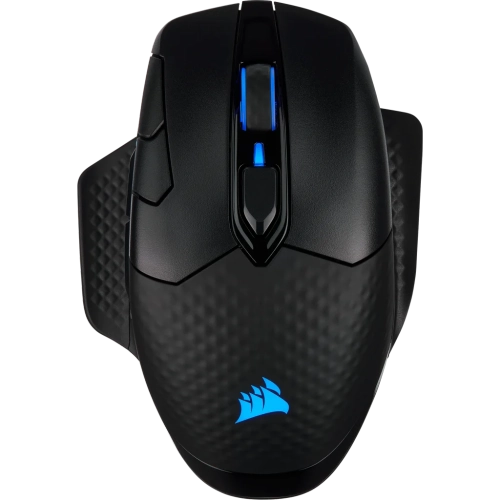
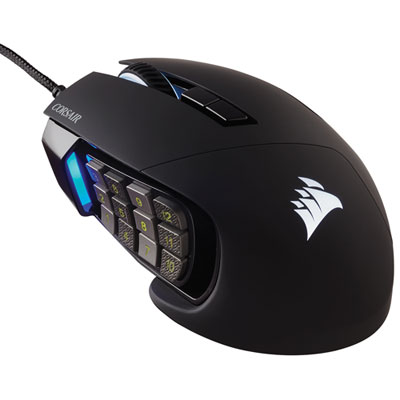
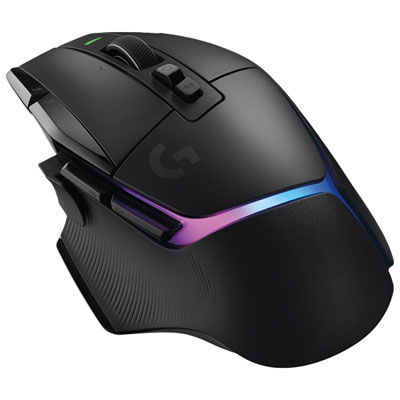
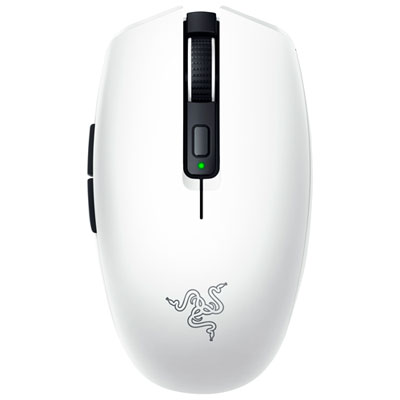
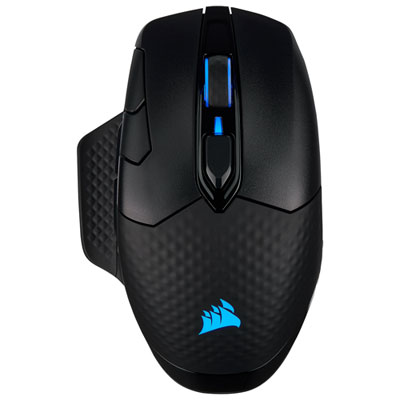
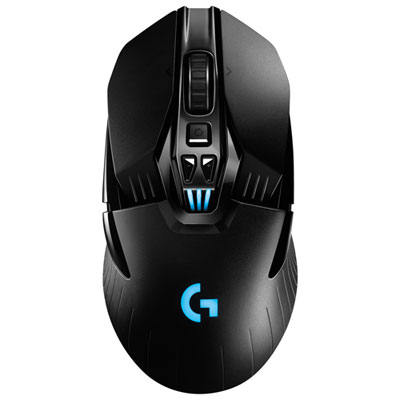
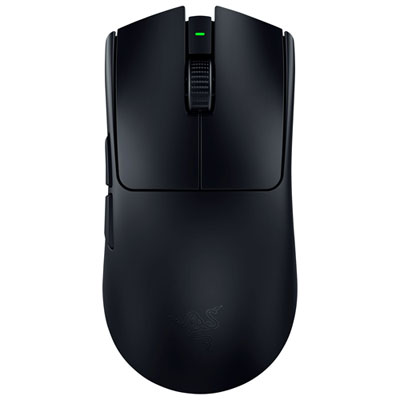
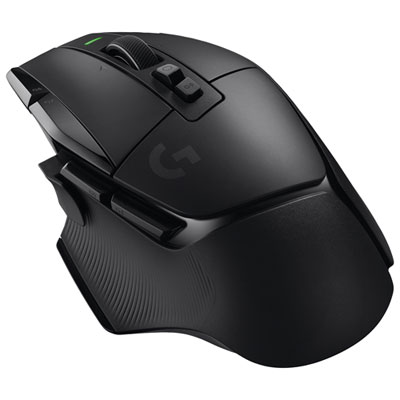
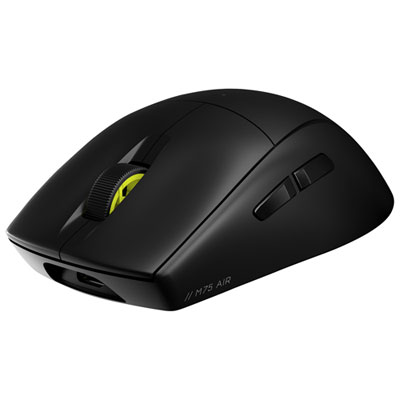
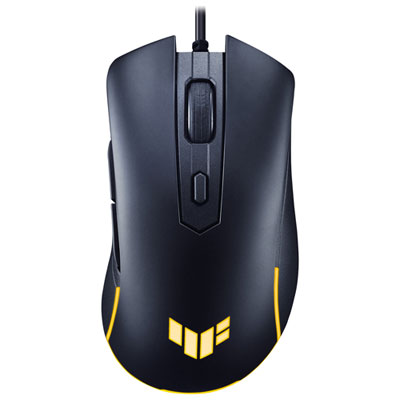
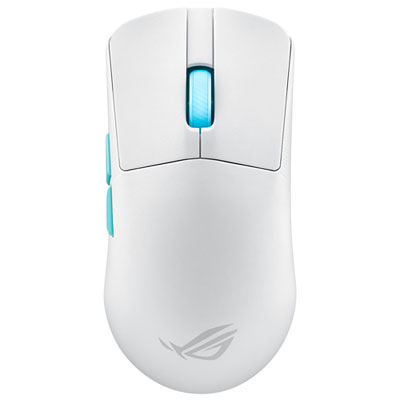
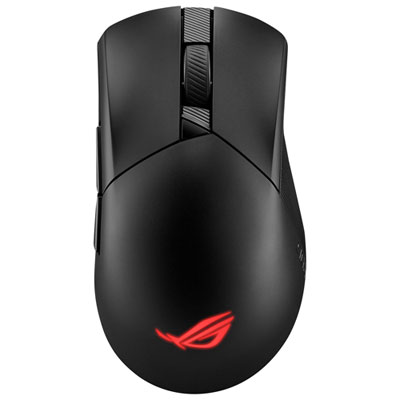
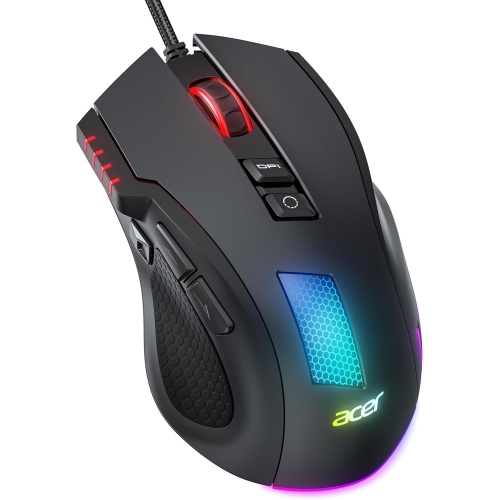
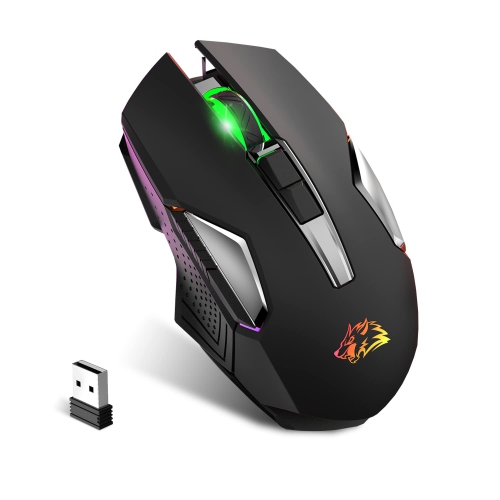

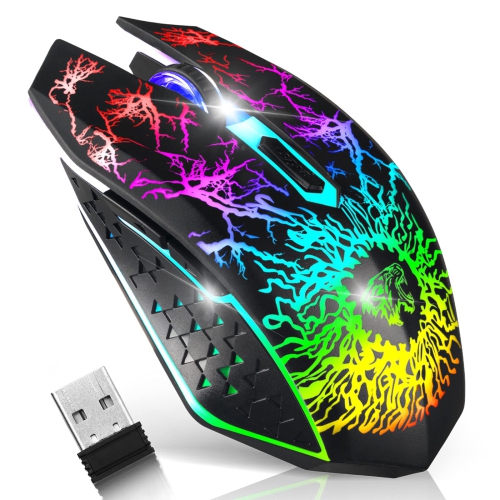



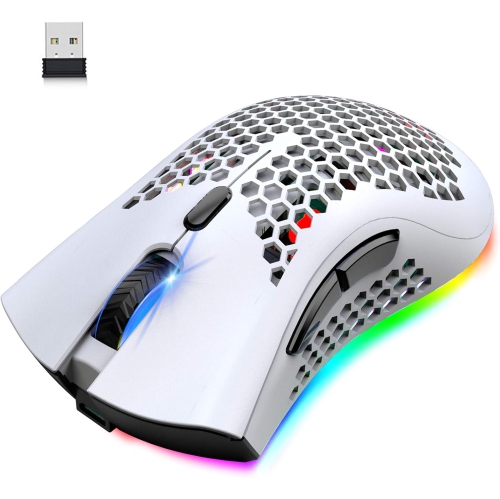
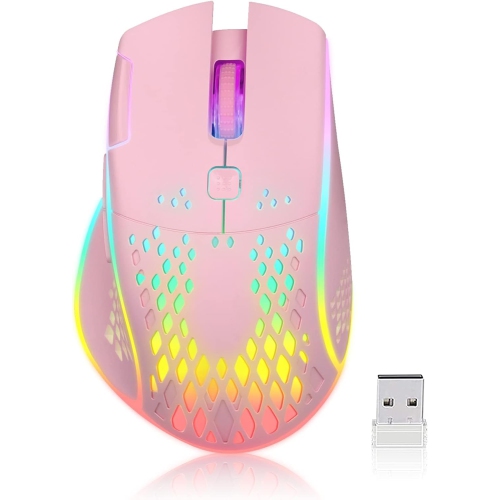
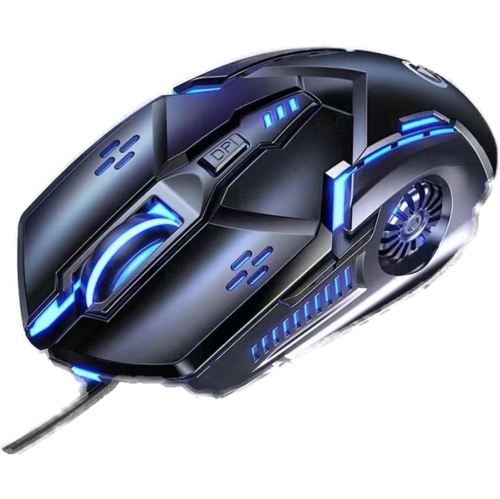
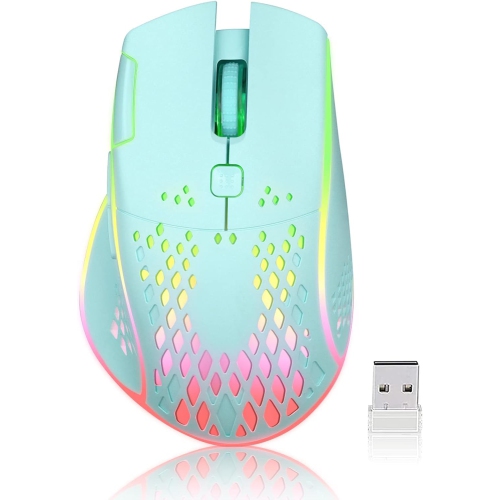
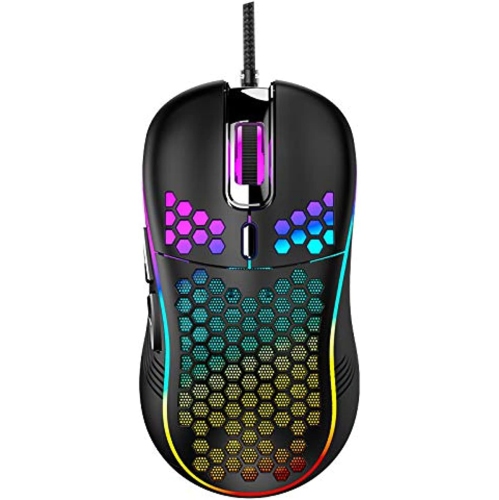
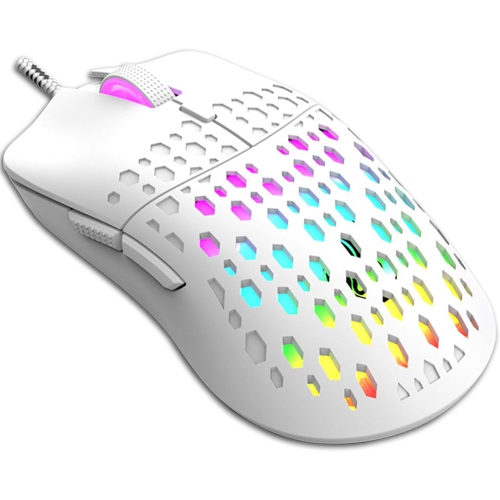
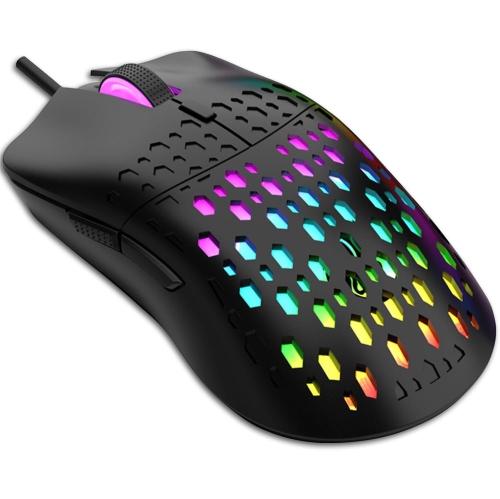
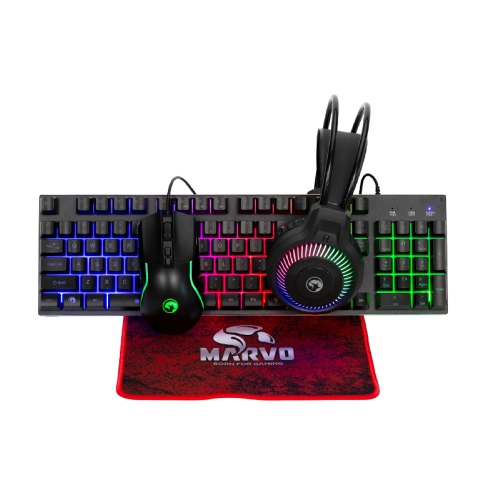
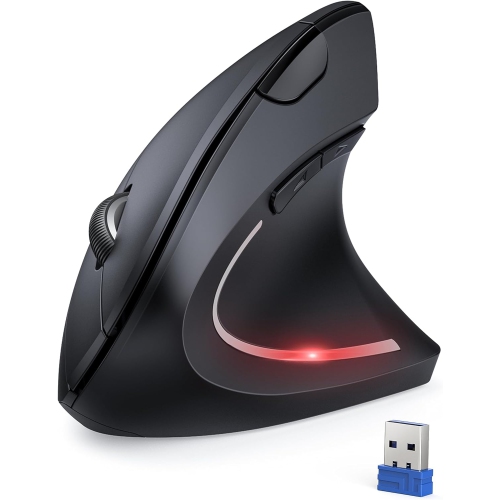
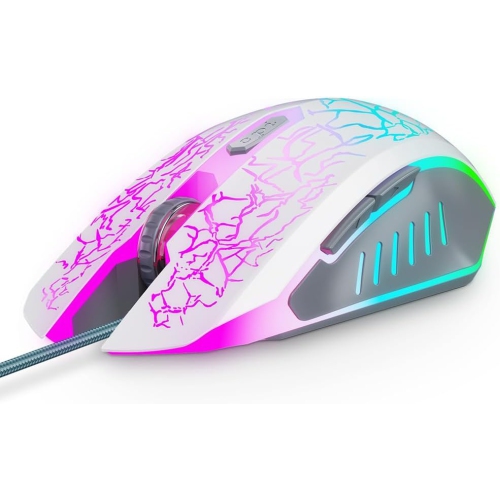
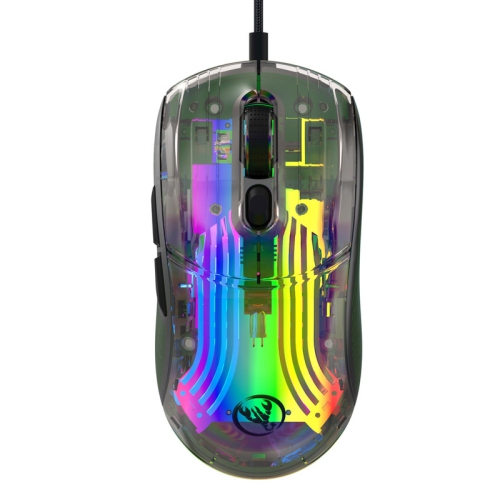
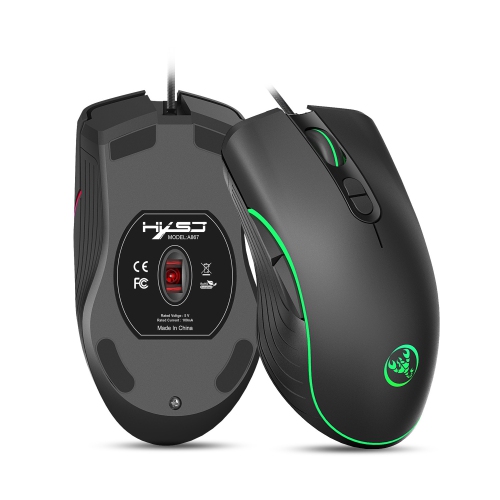
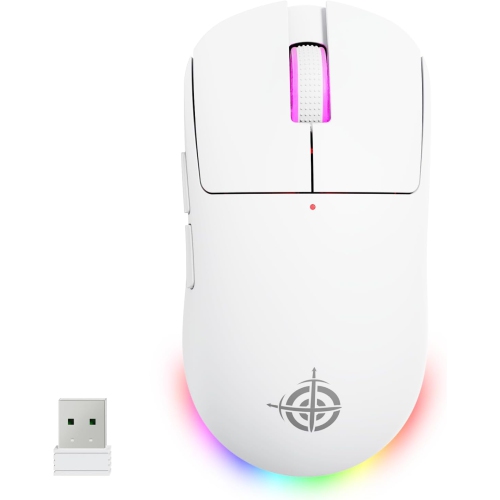
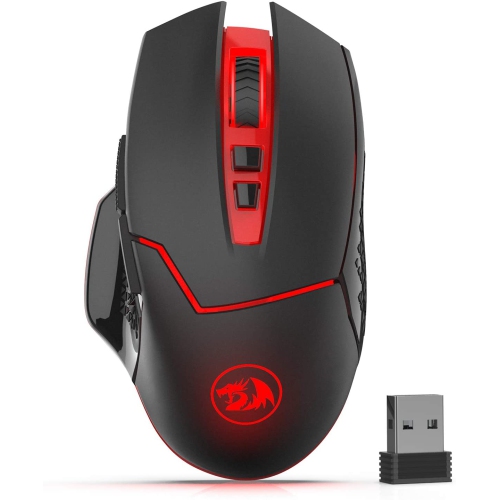

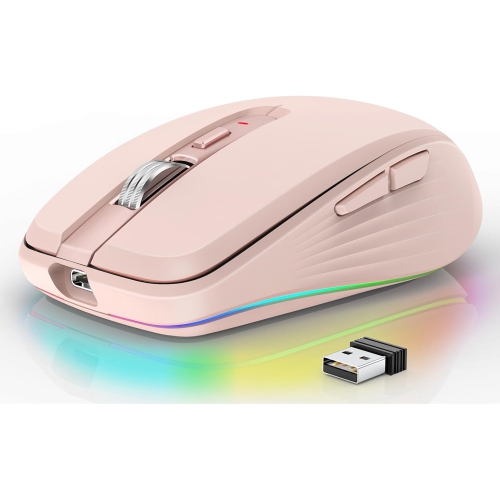
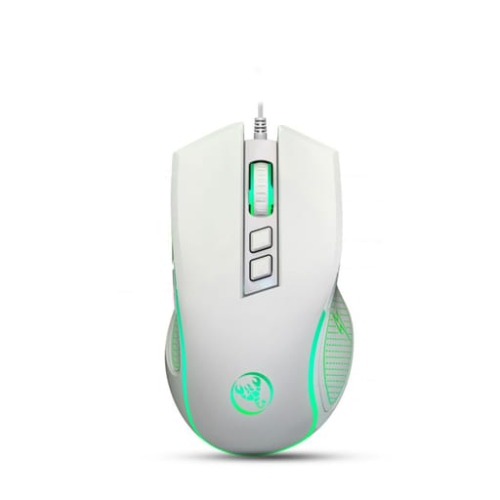


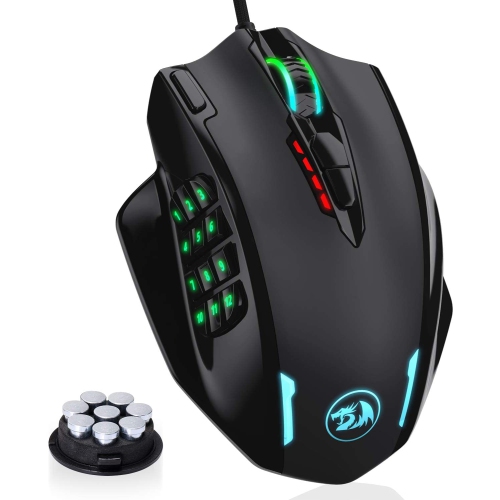
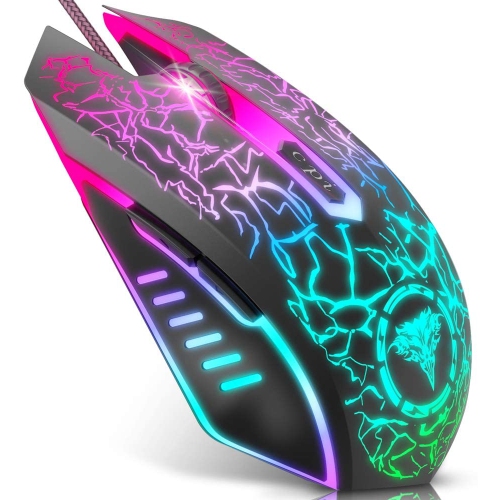
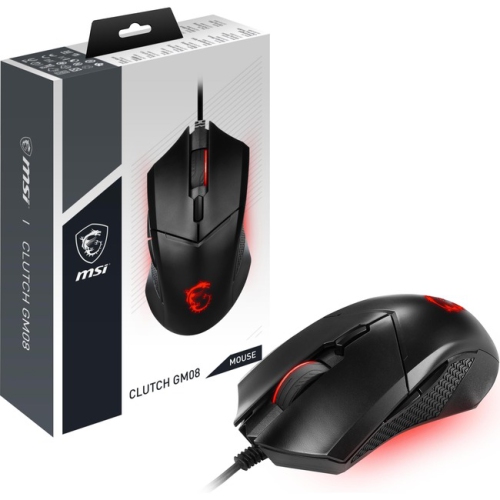
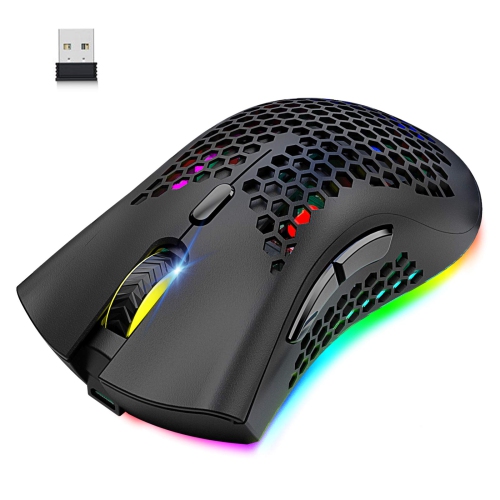
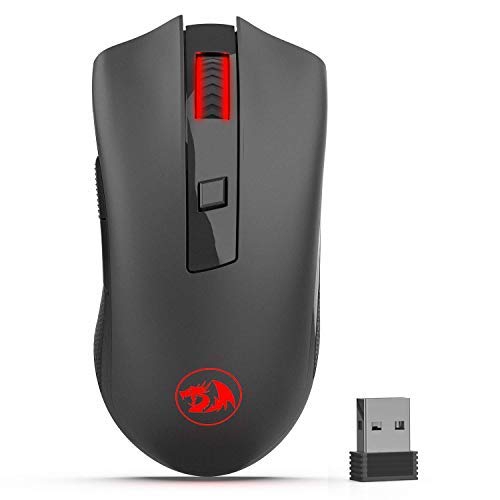
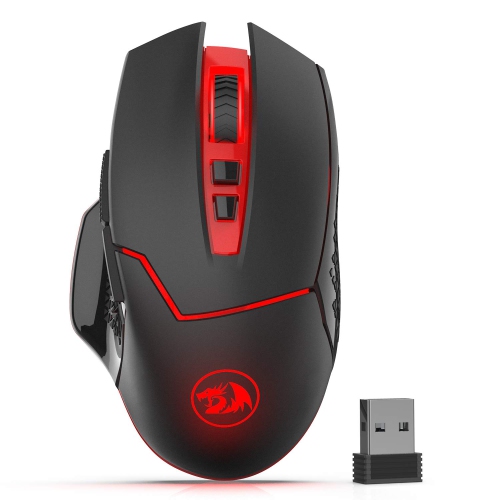
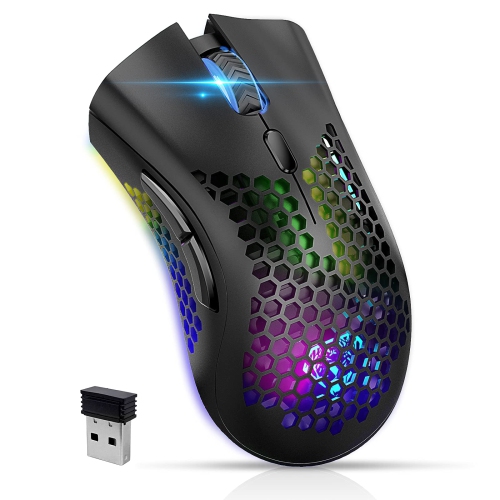
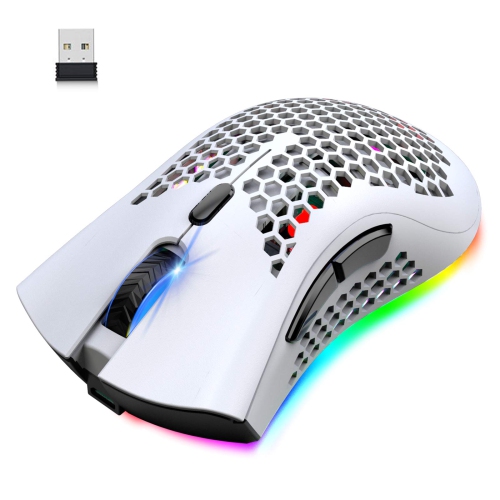
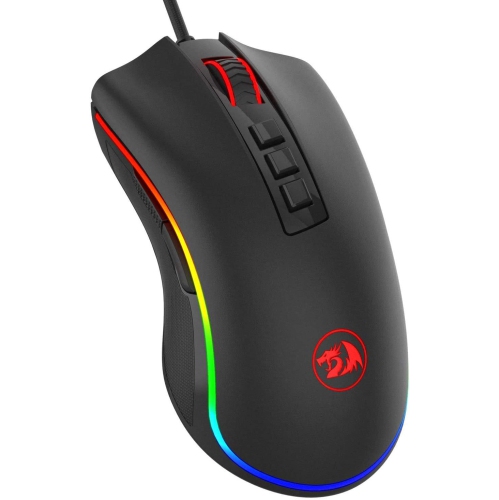
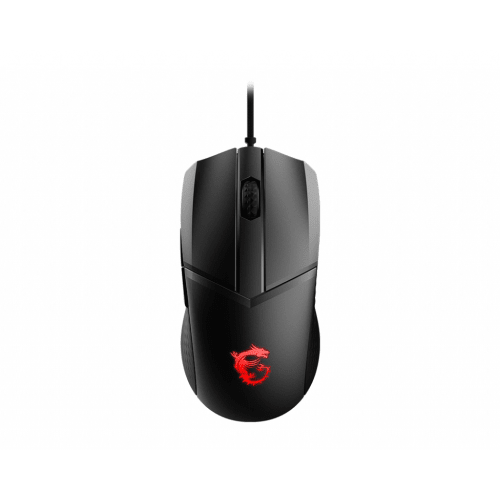
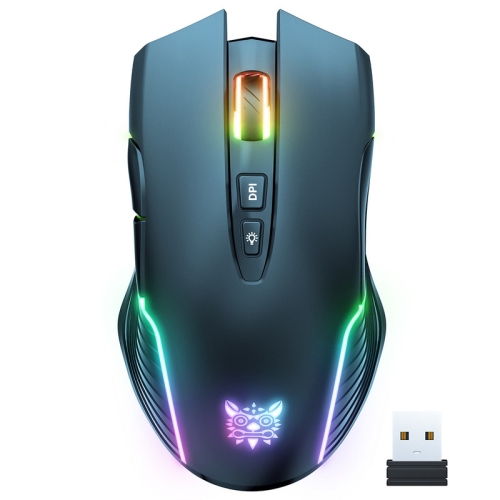
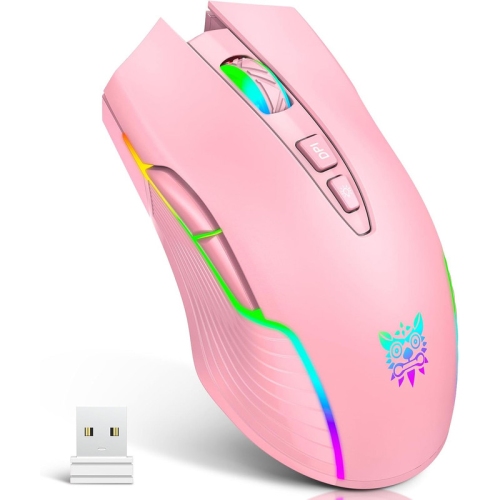
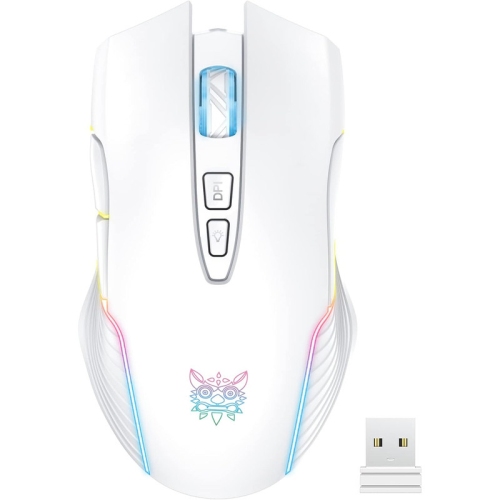
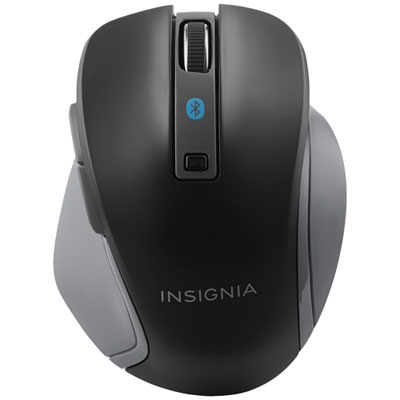
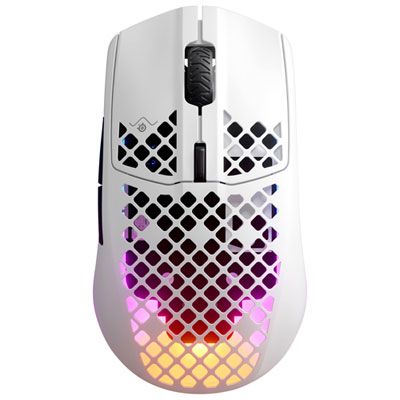
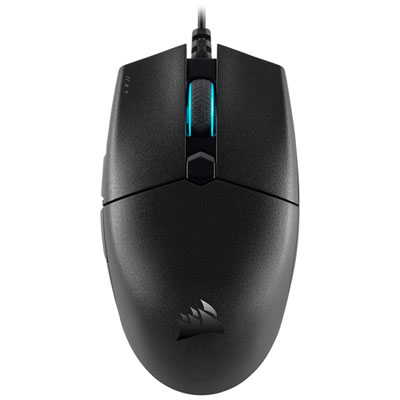
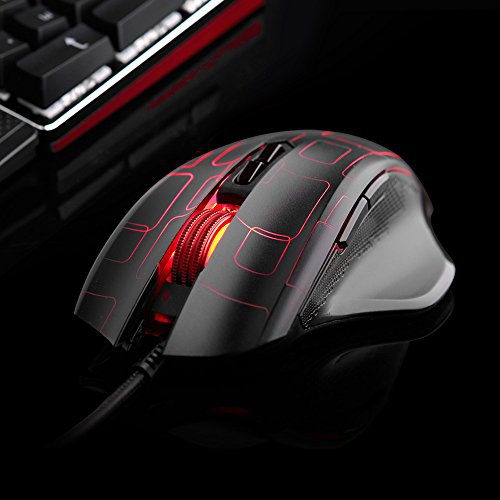
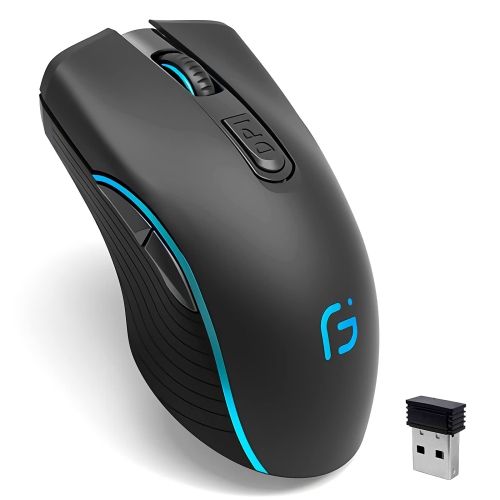
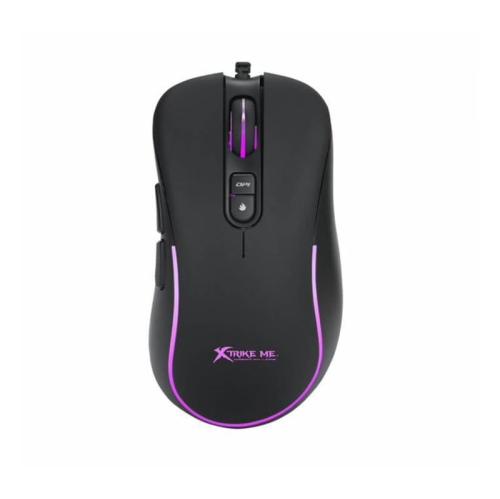
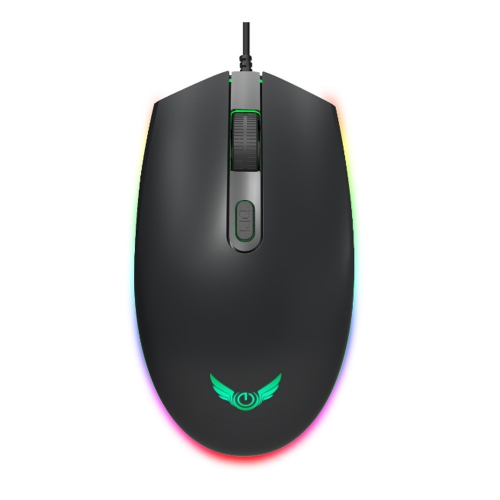
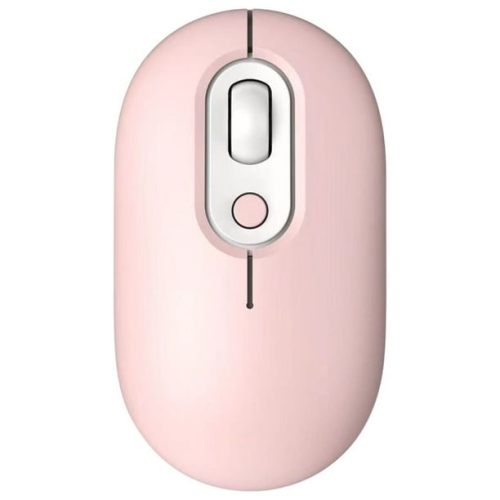
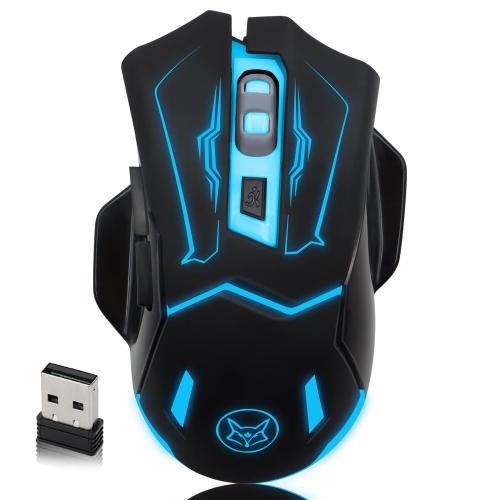
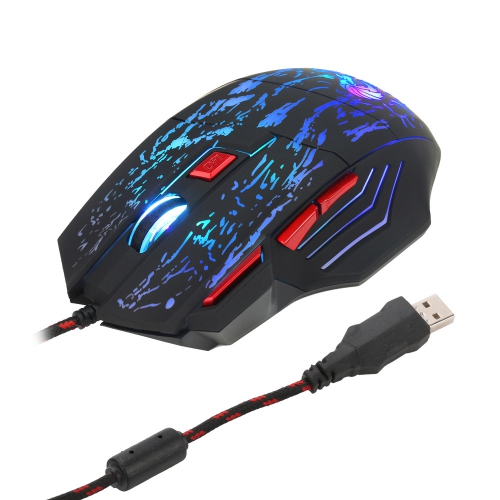
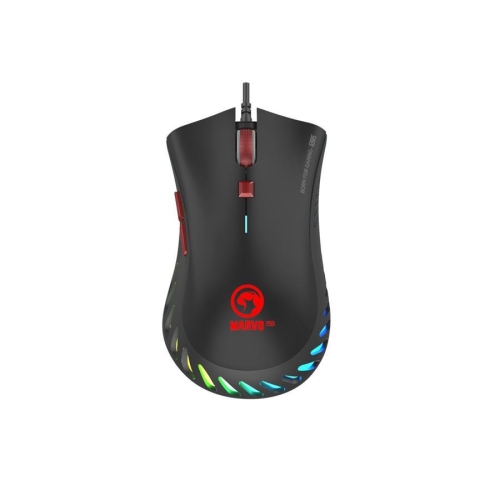
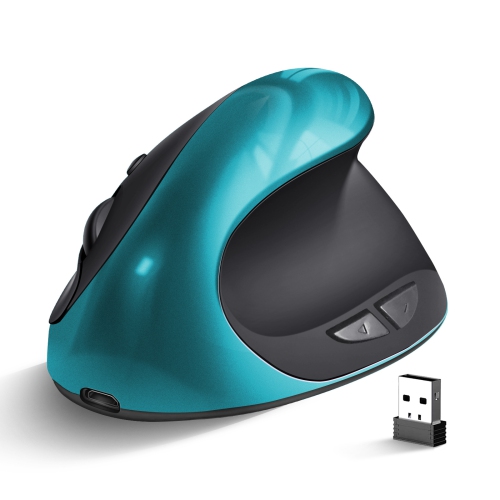
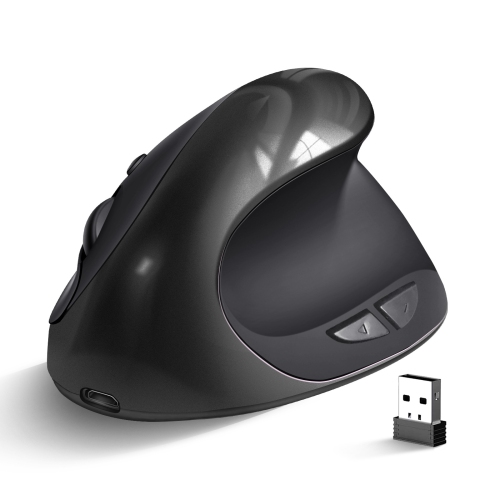

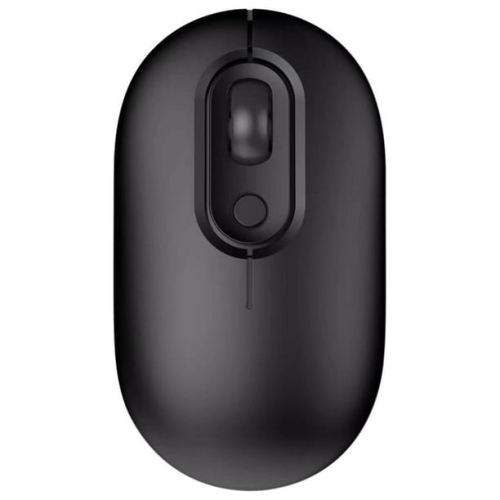
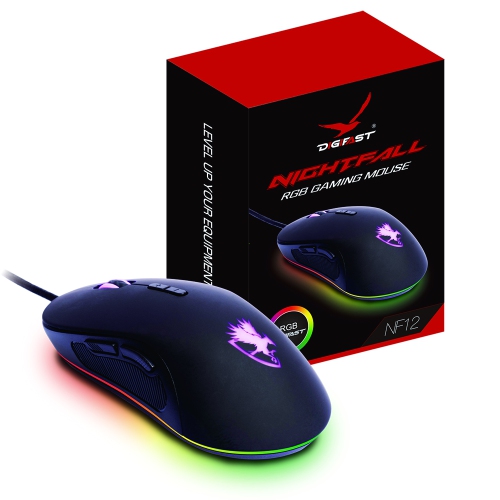
How physical fit and software settings shape your play
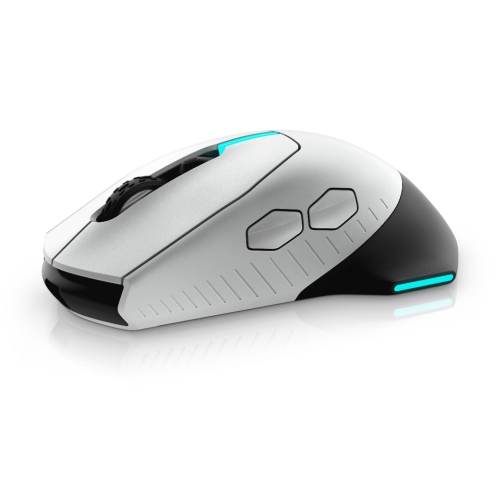
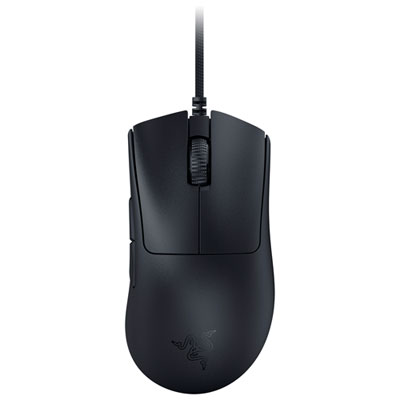
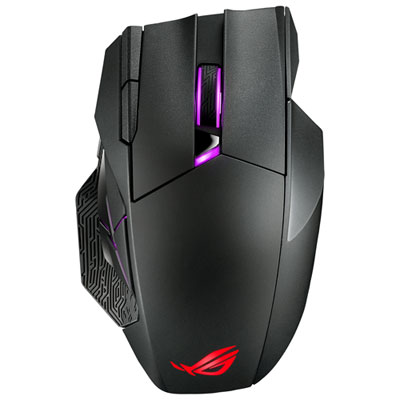
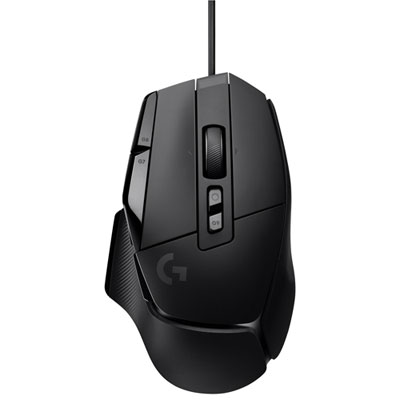
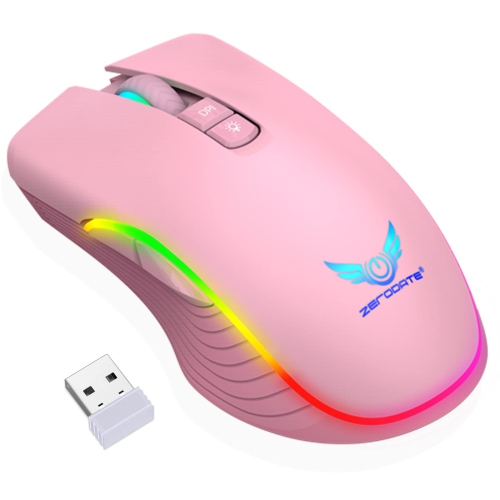
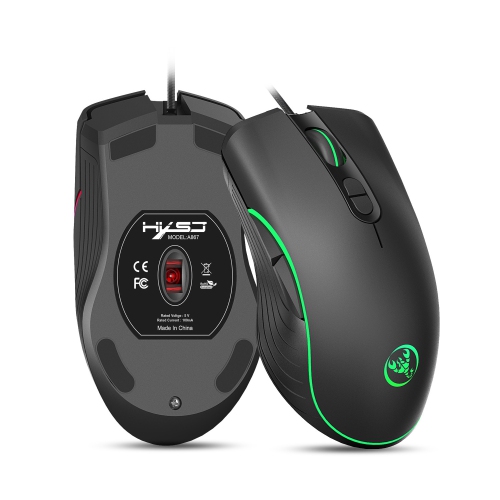
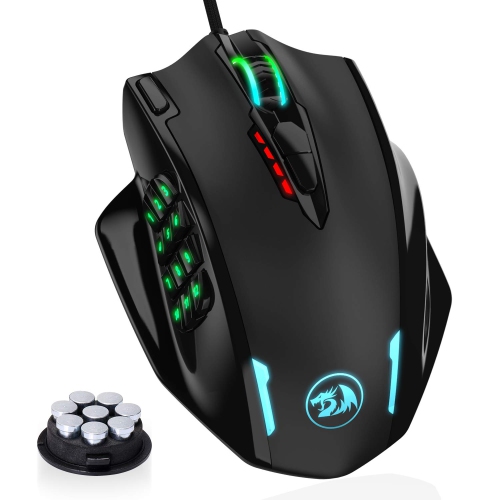
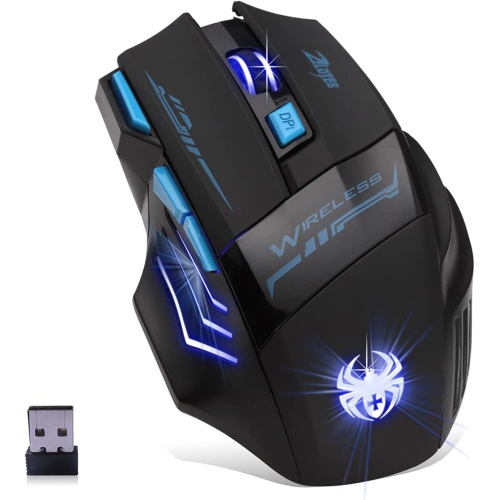
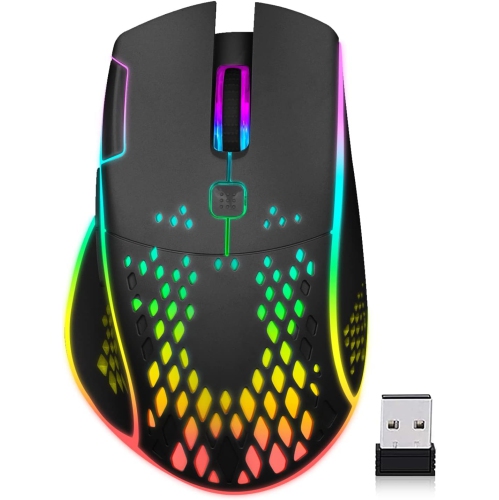
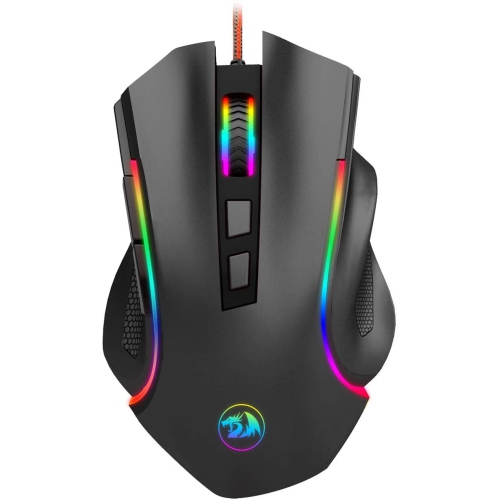
Adjustable gaming mice let players fine-tune how a mouse feels and responds, with features that may include removable weights, interchangeable side plates, adjustable palm supports, programmable buttons, or selectable scroll-wheel resistance. The type of adjustment varies by design: some mice focus on physical fit and balance, while others offer more control over sensitivity, button assignments, and saved profiles. Physical adjustments change how the mouse sits in the hand or moves across a mouse pad; software settings change how movement and clicks translate into actions on screen. That distinction matters during everyday play. A player making broad, low-sensitivity sweeps in a first-person shooter may prefer a lighter setup with plenty of room to reposition the mouse, while someone managing abilities in a role-playing game may value a secure thumb rest and several easy-to-reach side buttons. Removable weights can alter overall mass and, depending on their placement, shift the balance towards the front or rear. Interchangeable panels may change the grip surface, button layout, or support along the side of the hand. On designs with adjustable scroll resistance, a firmer, notched feel can help distinguish individual steps when cycling through equipment, while a freer-spinning mode can make long documents easier to navigate between games. Not every adjustable gaming mouse includes all these features, and more adjustment does not automatically mean a better fit. The useful options are the ones that address a real preference, such as a little more support beneath the palm or a thumb button that no longer requires stretching. These mice suit a range of players, from newcomers settling into their preferred controls to experienced competitors seeking a repeatable setup. They can also make thoughtful gifts for someone who enjoys personalizing a gaming desk, particularly when the recipient’s handedness, preferred grip, and connection requirements are known. For a shared computer, physical adjustments and saved settings can help different users establish a familiar feel, although swapping parts takes more effort than switching a software profile.
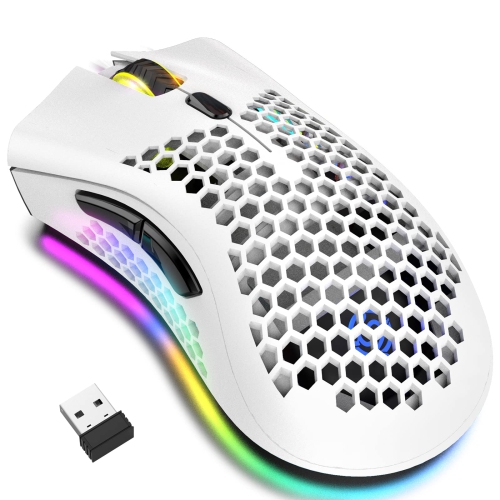
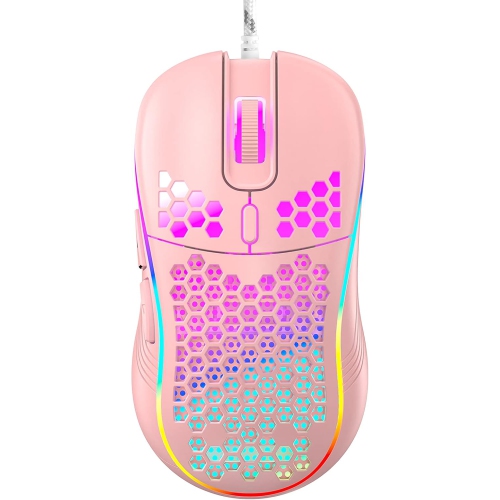
Fit depends on the relationship between hand size, grip style, and the shape of the shell, rather than on a single measurement. A palm grip places much of the hand against the mouse and often benefits from a supportive rear section, while claw and fingertip grips leave more space beneath the palm and rely more heavily on finger control. An adjustable palm rest or body length can help position that support, but the main buttons still need to fall comfortably beneath the fingers. Side controls should be reachable without twisting the hand or squeezing the shell to keep it steady. Right-handed contours, left-handed layouts, and symmetrical shapes are not interchangeable in practice; even a symmetrical body may have thumb buttons on only one side. Players interested in both customizable fit and supportive contours may also find relevant options among Ergonomic Mice for Gaming. Comfort remains personal, and an adjustable design cannot guarantee relief from discomfort or replace breaks and a well-positioned desk setup. Materials contribute to the feel as much as shape does. Rigid plastic shells can provide a lightweight structure, textured surfaces add grip, and rubberized sections offer a softer point of contact for the thumb or fingers. Perforated shells reduce material in the body but have more openings where dust can collect. Smooth mouse feet, often made from low-friction materials such as PTFE, affect glide, although the mouse pad’s surface also plays a substantial role. A soft cloth pad and a hard pad can make the same weight setting feel quite different. For players who frequently lift and reset the mouse, secure side panels and firmly retained weights matter more than the number of possible configurations. Adjustment mechanisms should hold their position during ordinary movement, with no distracting looseness beneath the palm. Practical durability also includes the condition of the feet, grip surfaces, cable, and buttons, since these are the parts that receive repeated contact through gaming, browsing, and work.
Control settings add another layer of personalization to adjustable gaming mice. DPI, commonly used to describe mouse sensitivity, determines how far the pointer moves in response to physical movement; a higher number is not inherently more accurate or better for gaming. A lower setting can leave room for controlled arm movements, while a higher setting may suit smaller desk spaces or quick navigation across a large display. In-game sensitivity works alongside the mouse setting, so a familiar feel depends on both. Selectable DPI stages can make it convenient to move between tasks, and a dedicated sensitivity button may allow a temporary change for precise aiming where supported. Programmable buttons can place frequently used commands under the thumb, but their usefulness depends on game support, software compatibility, and any rules that apply to competitive play. Onboard memory, when included, can retain certain settings without requiring the configuration software to remain open; the number of profiles and the settings stored vary. Wired connections avoid battery charging, while wireless designs allow movement without cable drag. With wireless mice, battery life depends on factors such as lighting, polling rate, and connection mode, and a dedicated USB receiver may behave differently from Bluetooth. Higher polling rates can send movement updates more frequently, but their practical benefit depends on the computer, game, and display, and they may increase power use. Everyday ownership is simpler when charging ports, switches, and removable parts are easy to access. For routine care, follow the manufacturer’s cleaning directions, disconnect or switch off the mouse, and use a soft cloth without allowing liquid into seams or sensor openings. Dust around panel joints and weight compartments can be removed gently, while spare weights and side plates are best kept together in a small case. Worn feet or grip pads may be replaceable on some designs, helping preserve the intended glide and hold. Whether used for competitive matches, relaxed exploration, or a desk that doubles as a workspace, a well-matched adjustable gaming mouse makes its controls easy to reach and its movement predictable without demanding constant changes.
Fit depends on the relationship between hand size, grip style, and the shape of the shell, rather than on a single measurement. A palm grip places much of the hand against the mouse and often benefits from a supportive rear section, while claw and fingertip grips leave more space beneath the palm and rely more heavily on finger control. An adjustable palm rest or body length can help position that support, but the main buttons still need to fall comfortably beneath the fingers. Side controls should be reachable without twisting the hand or squeezing the shell to keep it steady. Right-handed contours, left-handed layouts, and symmetrical shapes are not interchangeable in practice; even a symmetrical body may have thumb buttons on only one side. Players interested in both customizable fit and supportive contours may also find relevant options among Ergonomic Mice for Gaming. Comfort remains personal, and an adjustable design cannot guarantee relief from discomfort or replace breaks and a well-positioned desk setup. Materials contribute to the feel as much as shape does. Rigid plastic shells can provide a lightweight structure, textured surfaces add grip, and rubberized sections offer a softer point of contact for the thumb or fingers. Perforated shells reduce material in the body but have more openings where dust can collect. Smooth mouse feet, often made from low-friction materials such as PTFE, affect glide, although the mouse pad’s surface also plays a substantial role. A soft cloth pad and a hard pad can make the same weight setting feel quite different. For players who frequently lift and reset the mouse, secure side panels and firmly retained weights matter more than the number of possible configurations. Adjustment mechanisms should hold their position during ordinary movement, with no distracting looseness beneath the palm. Practical durability also includes the condition of the feet, grip surfaces, cable, and buttons, since these are the parts that receive repeated contact through gaming, browsing, and work.
Control settings add another layer of personalization to adjustable gaming mice. DPI, commonly used to describe mouse sensitivity, determines how far the pointer moves in response to physical movement; a higher number is not inherently more accurate or better for gaming. A lower setting can leave room for controlled arm movements, while a higher setting may suit smaller desk spaces or quick navigation across a large display. In-game sensitivity works alongside the mouse setting, so a familiar feel depends on both. Selectable DPI stages can make it convenient to move between tasks, and a dedicated sensitivity button may allow a temporary change for precise aiming where supported. Programmable buttons can place frequently used commands under the thumb, but their usefulness depends on game support, software compatibility, and any rules that apply to competitive play. Onboard memory, when included, can retain certain settings without requiring the configuration software to remain open; the number of profiles and the settings stored vary. Wired connections avoid battery charging, while wireless designs allow movement without cable drag. With wireless mice, battery life depends on factors such as lighting, polling rate, and connection mode, and a dedicated USB receiver may behave differently from Bluetooth. Higher polling rates can send movement updates more frequently, but their practical benefit depends on the computer, game, and display, and they may increase power use. Everyday ownership is simpler when charging ports, switches, and removable parts are easy to access. For routine care, follow the manufacturer’s cleaning directions, disconnect or switch off the mouse, and use a soft cloth without allowing liquid into seams or sensor openings. Dust around panel joints and weight compartments can be removed gently, while spare weights and side plates are best kept together in a small case. Worn feet or grip pads may be replaceable on some designs, helping preserve the intended glide and hold. Whether used for competitive matches, relaxed exploration, or a desk that doubles as a workspace, a well-matched adjustable gaming mouse makes its controls easy to reach and its movement predictable without demanding constant changes.
Top selling and popular products
-
 Your price for this item is $59.99
 -
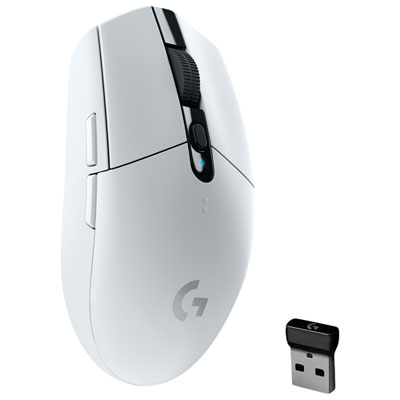 Your price for this item is $69.99
 -
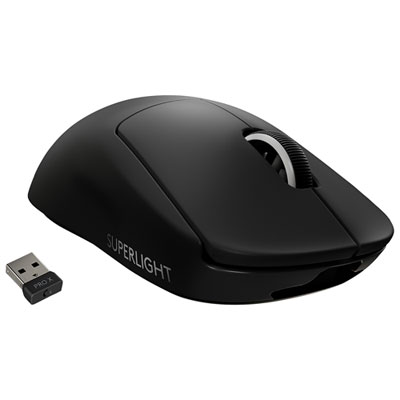 Your price for this item is $199.99
 -
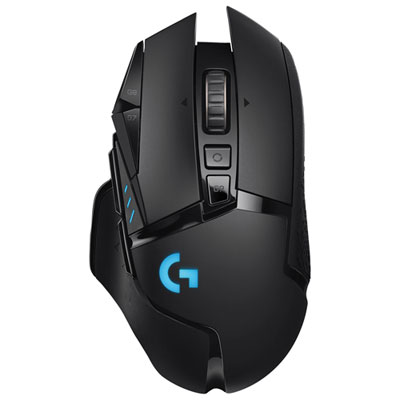 Your price for this item is $149.99
 -
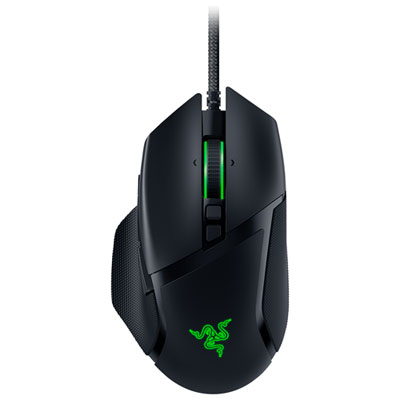 Your price for this item is $47.99
 -
 Your price for this item is $39.99
 -
 Your price for this item is $95.98
 -
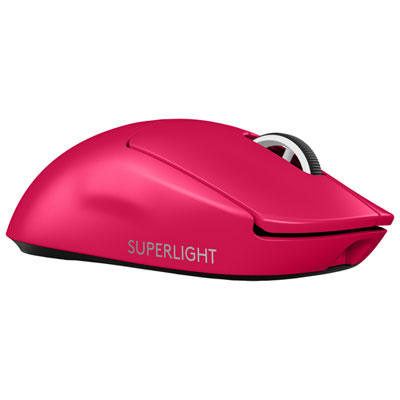 Your price for this item is $219.99
Discover more categories related to Adjustable Gaming Mice

Top Collections:
Pokemon Centers, Kindle Devices, Best Budget Office Chairs, Apple iPhones 16, Best Laptops for Writers, iPhone 15 Apple, Canon G7X Cameras, Refurbished Apple Laptops, Alarm Clock, Motorola Razr Phones
Some products may be subject to Environmental Handling Fees
(EHF) depending on your province.
Learn more about EHFs.