Keyboards With Hotkeys
Enhance your productivity and streamline your workflow with a keyboard equipped with convenient hotkeys. Designed to make your computing experience more efficient, this collection of keyboards offers a range of customizable shortcuts at your fingertips. From multimedia controls to one-touch access to frequently used applications, these keyboards are perfect for professionals, gamers, and anyone seeking to simplify their daily tasks. Explore our selection of keyboards with hotkeys and discover the perfect companion for your computer setup.
Sort

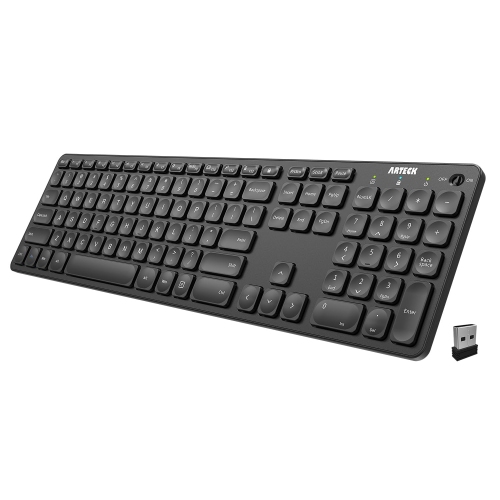
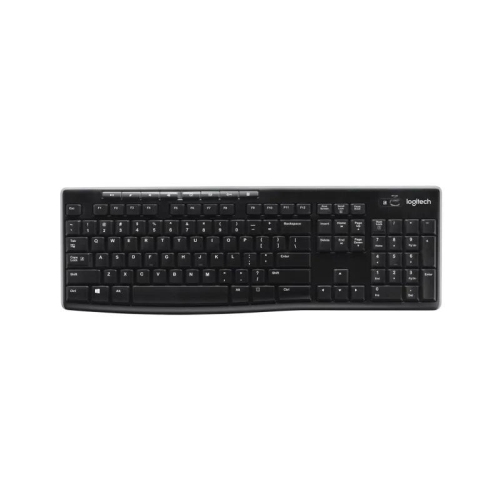
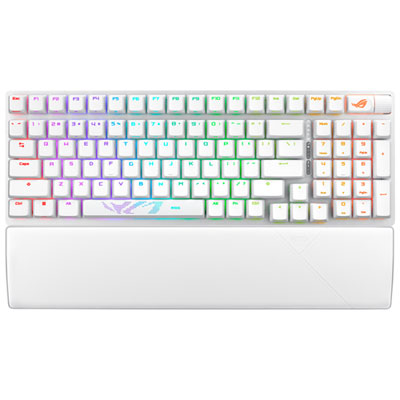
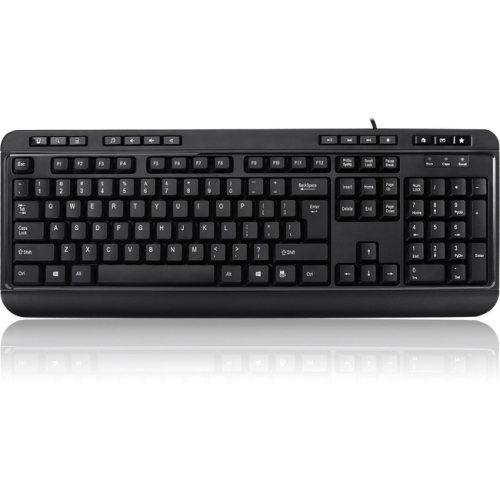
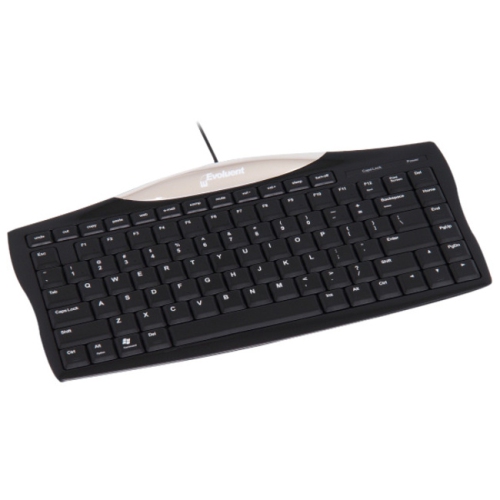
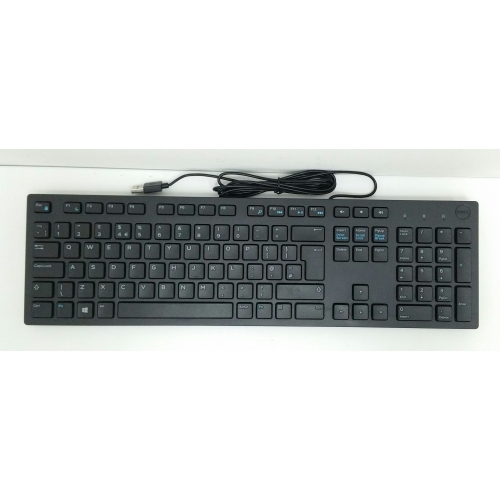
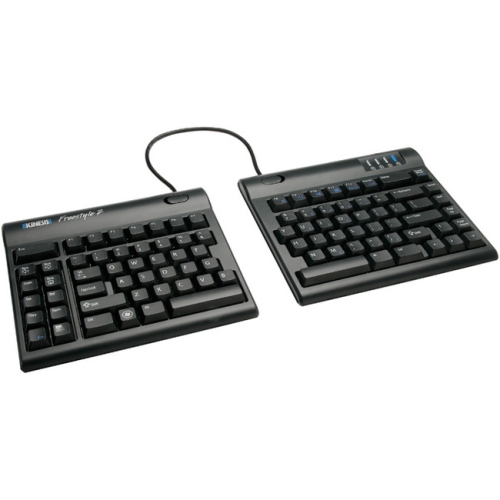
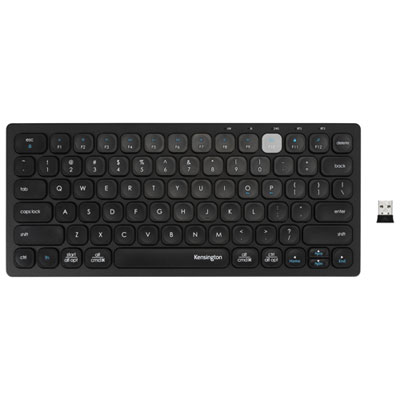
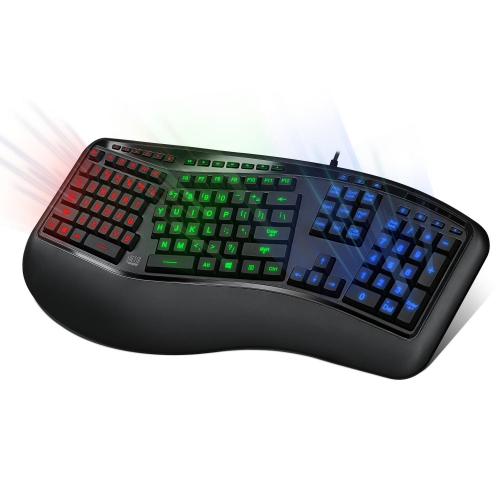
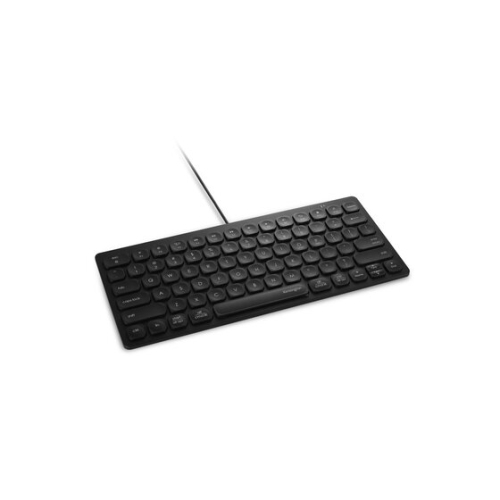
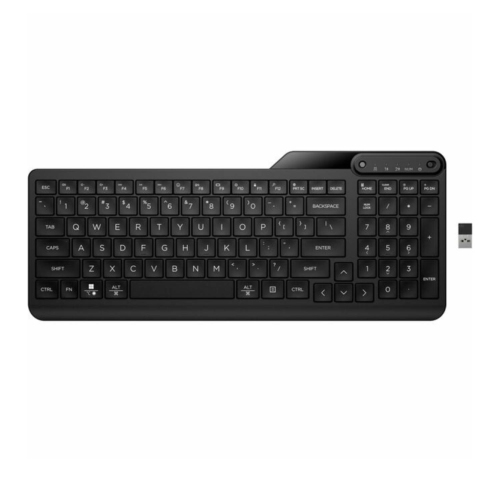
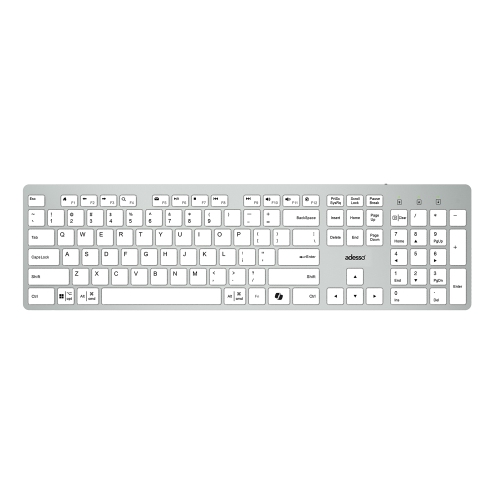
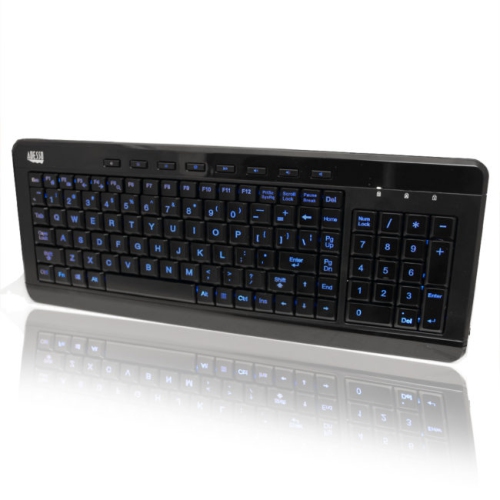

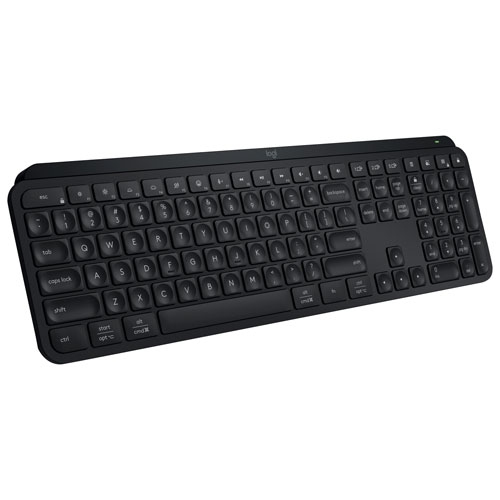
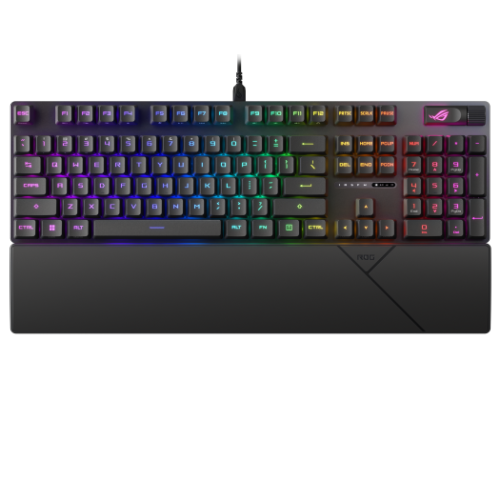
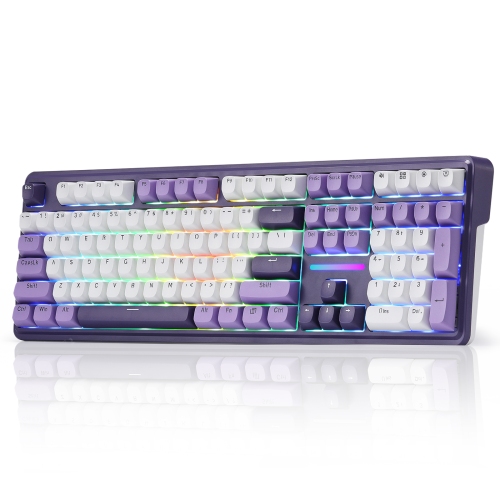
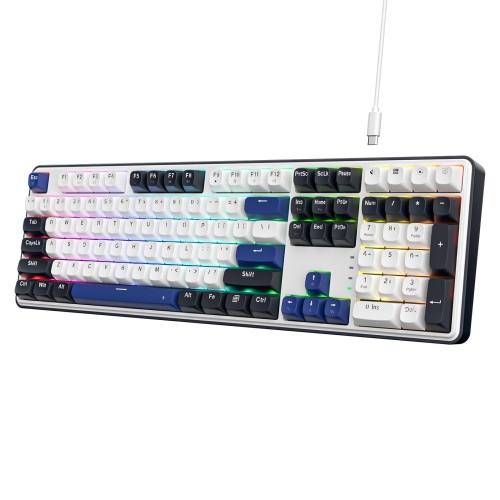
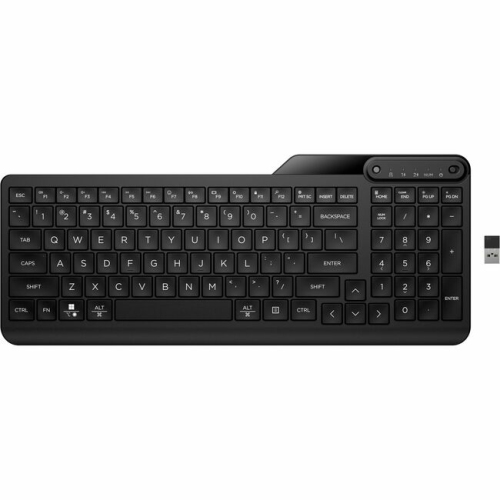
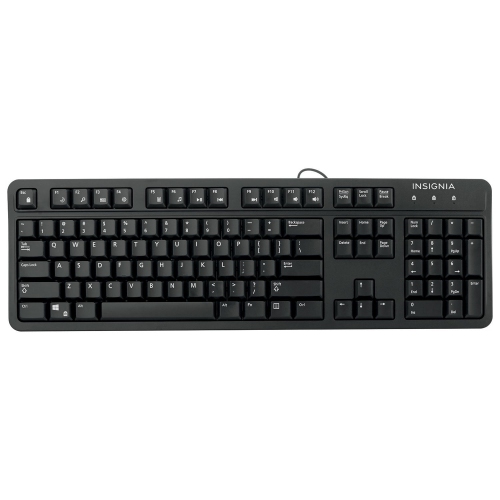
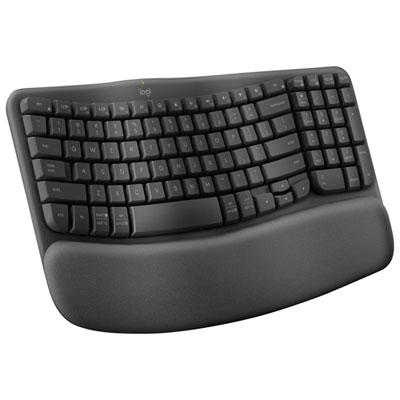
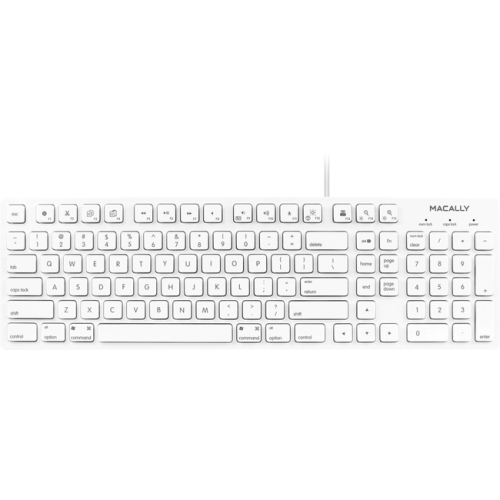
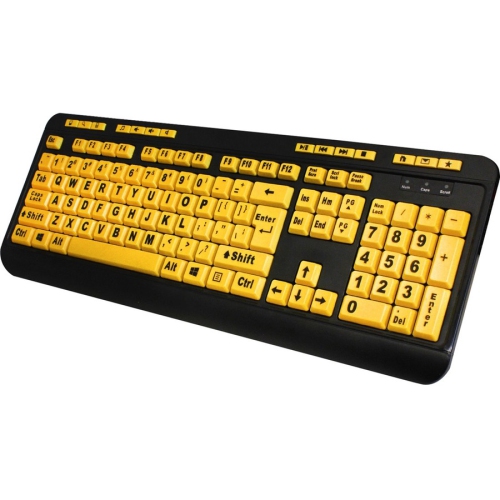
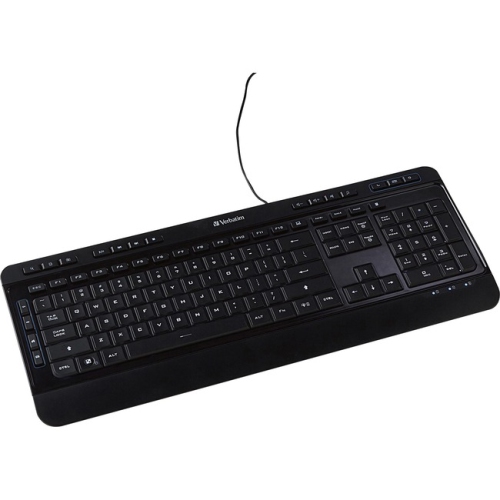
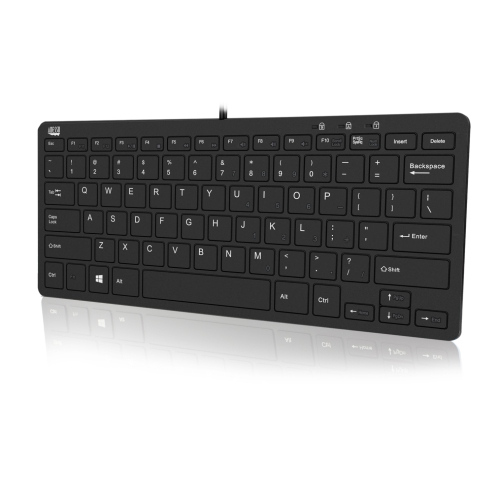
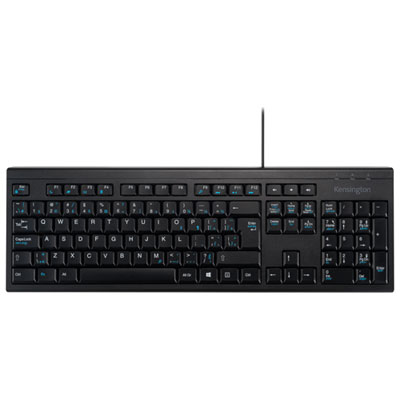
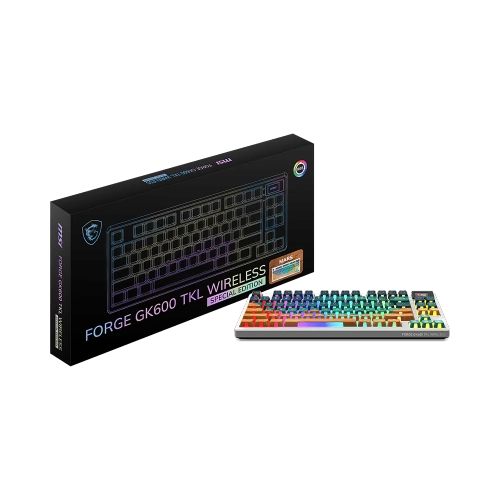
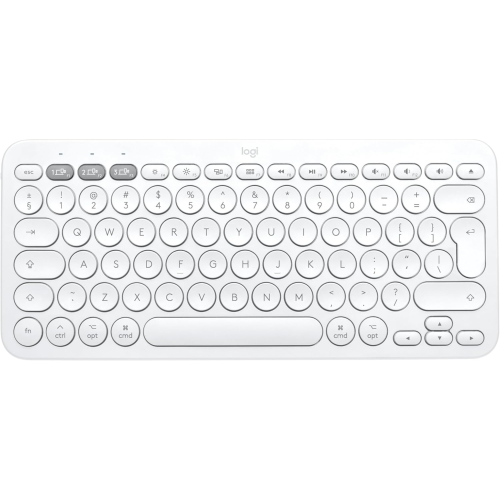
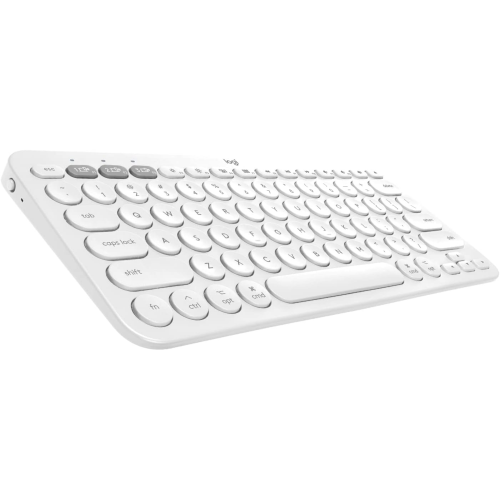

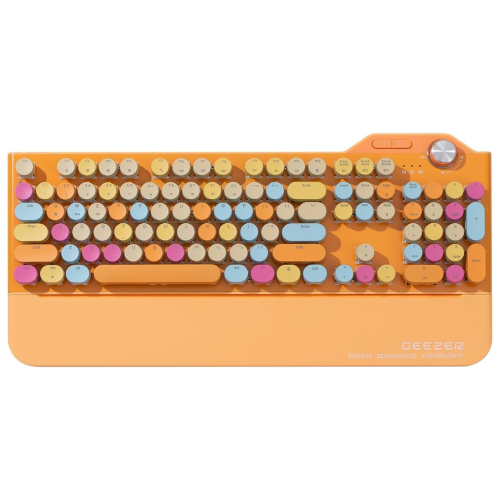
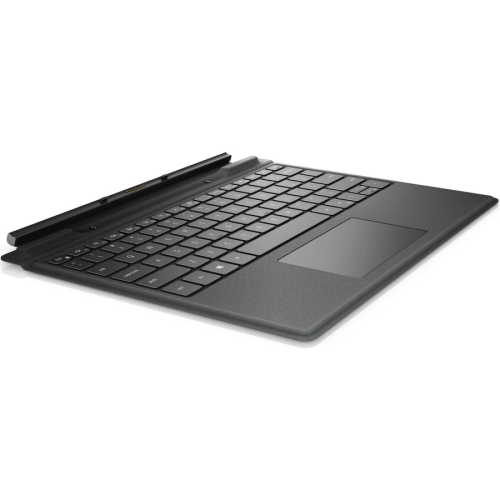
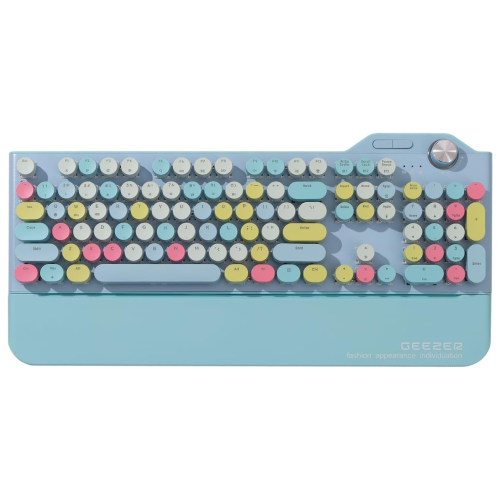
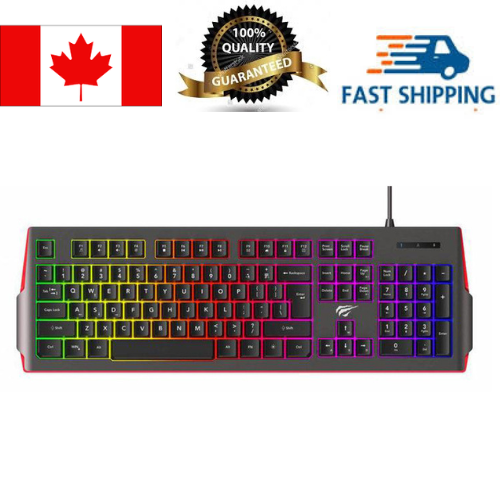
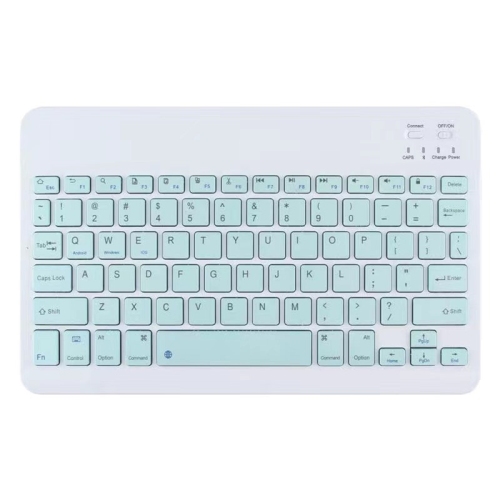
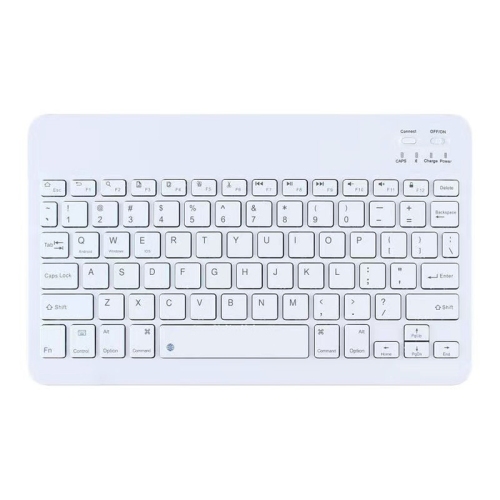
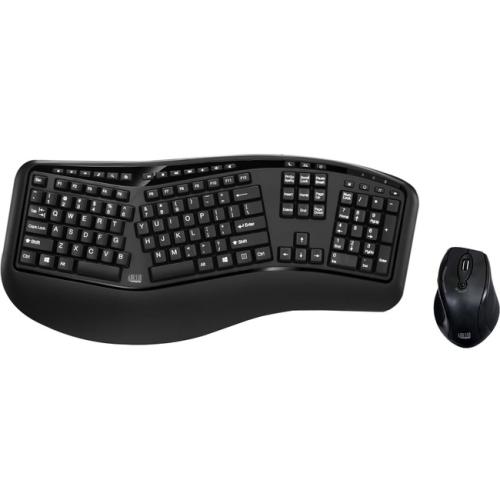
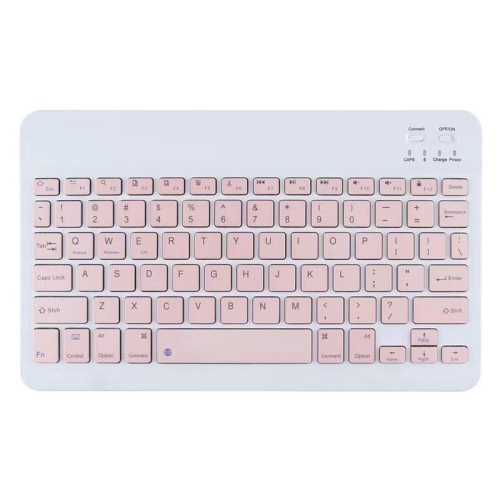
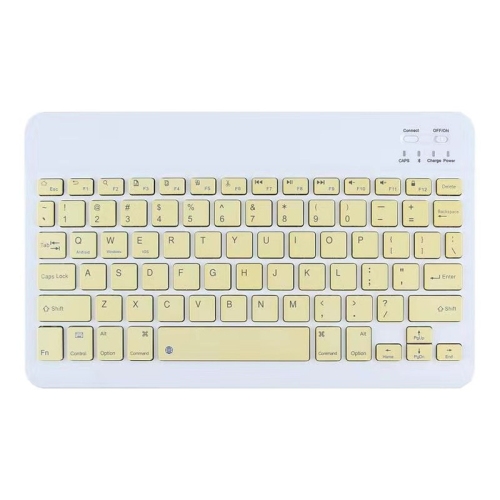
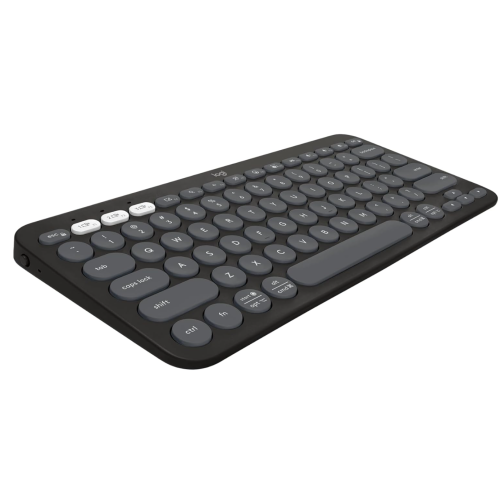
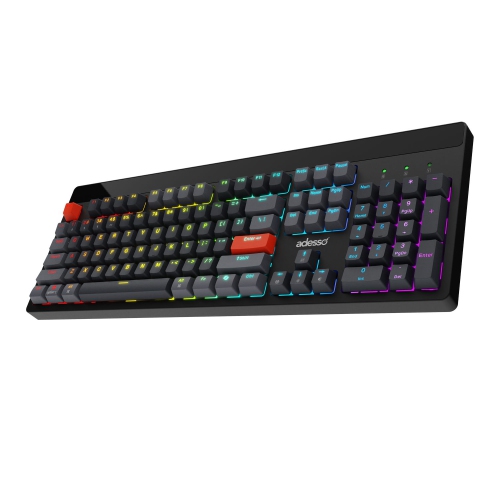

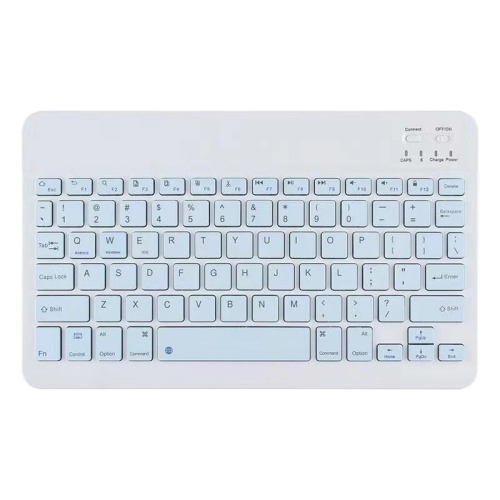
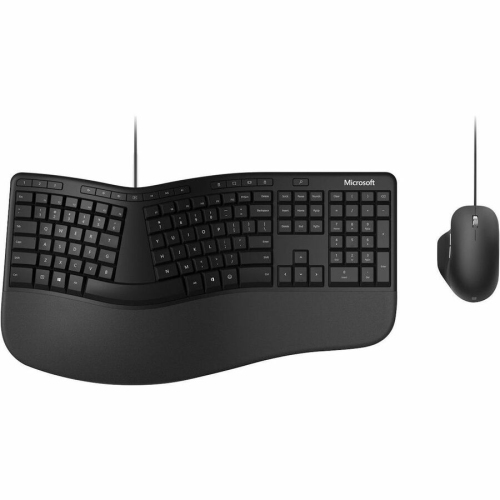
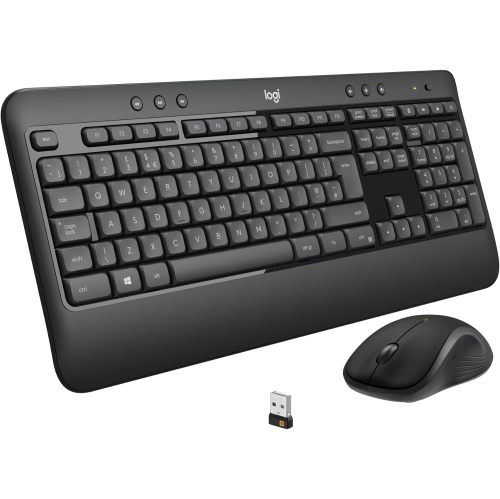
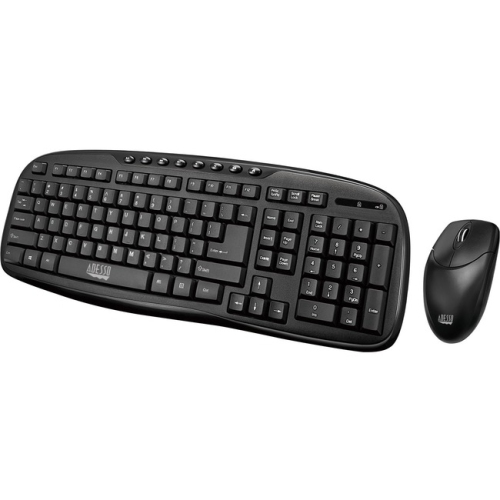
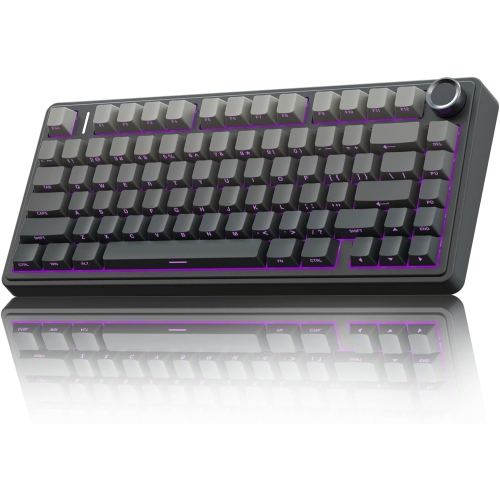


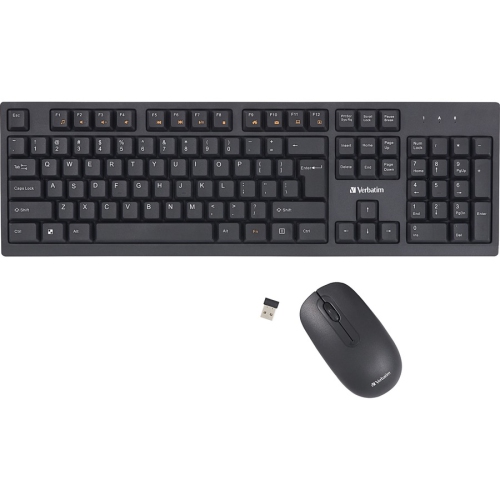
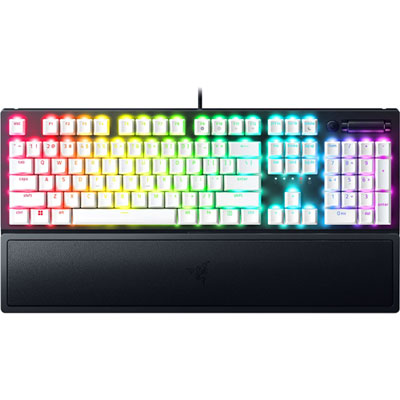
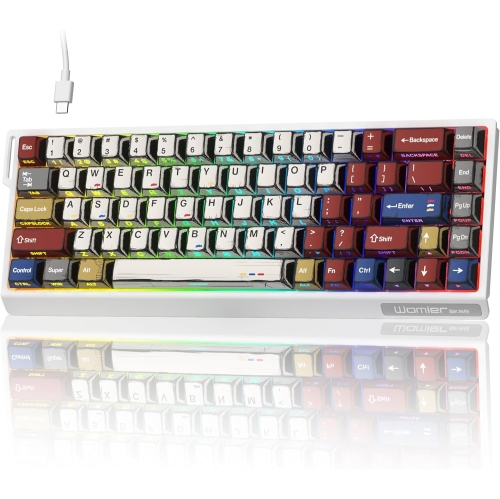
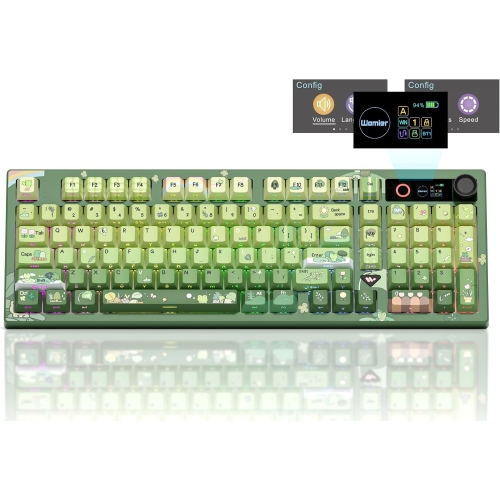
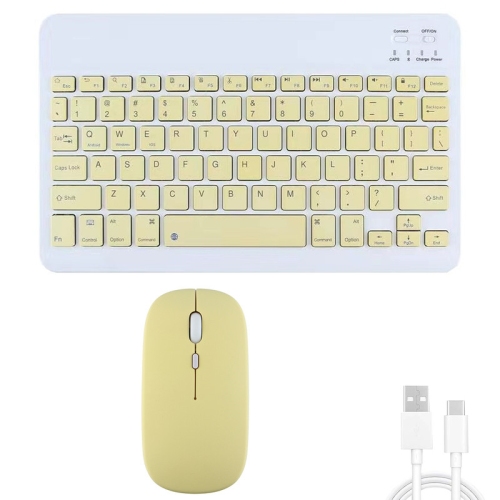
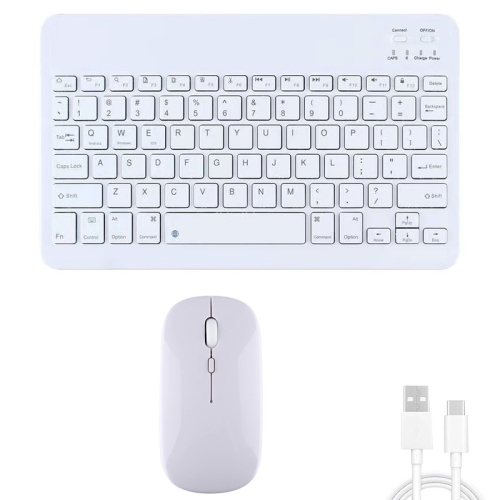
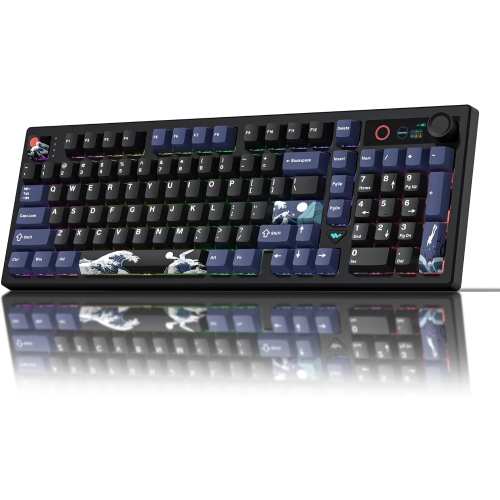
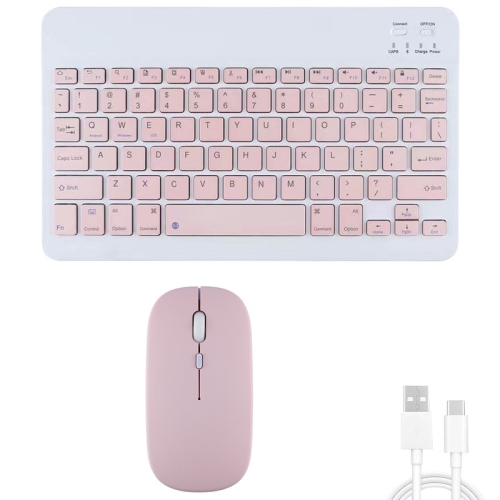
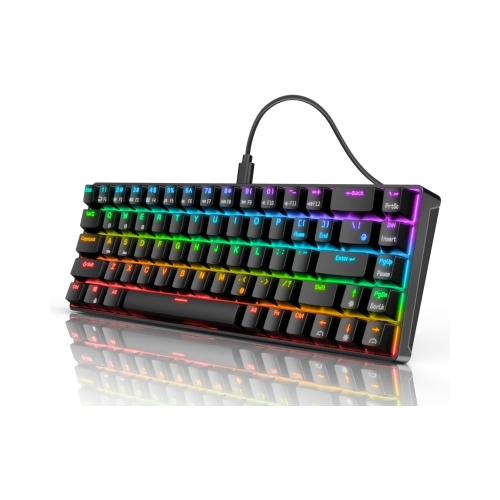
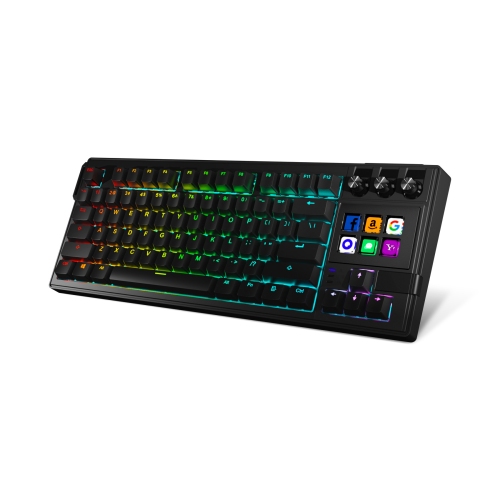

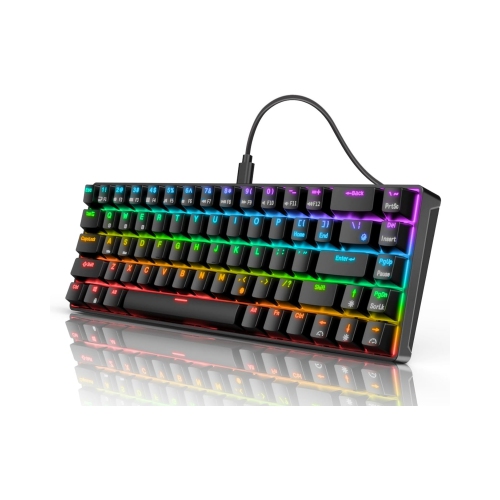
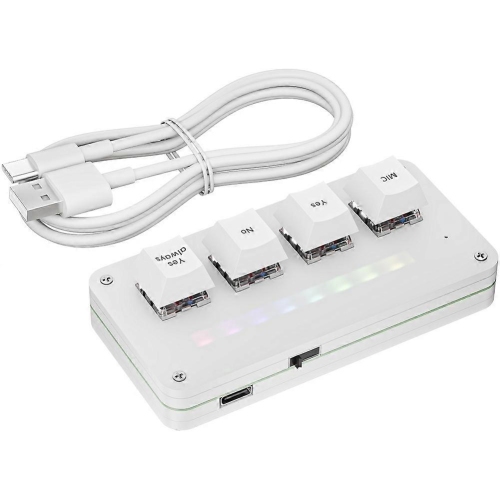
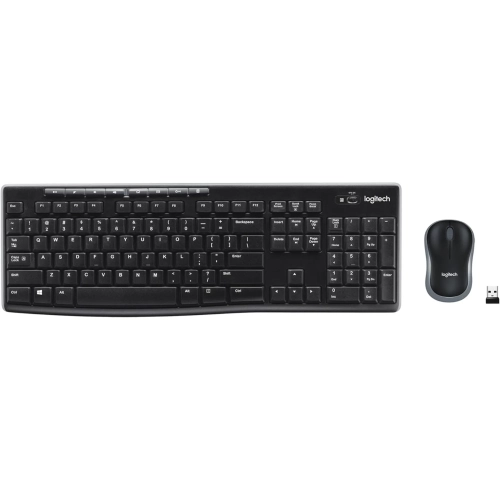
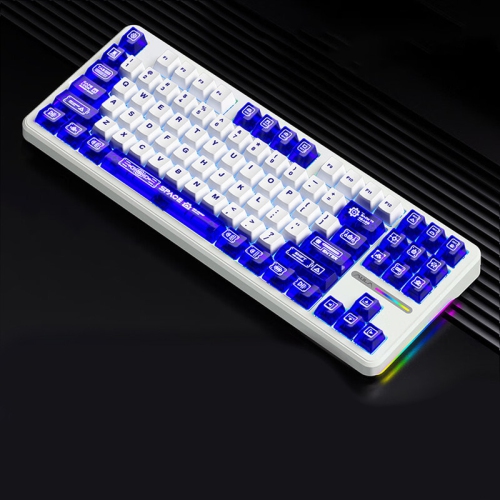
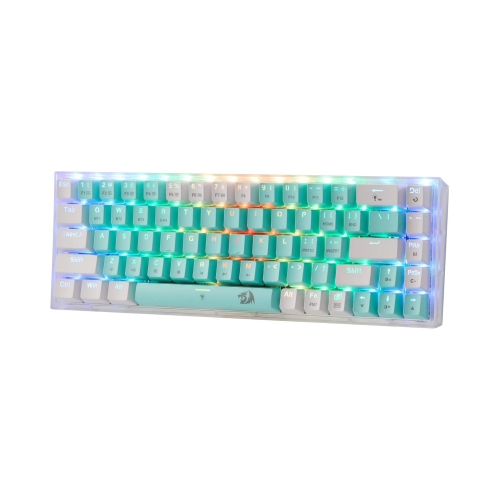
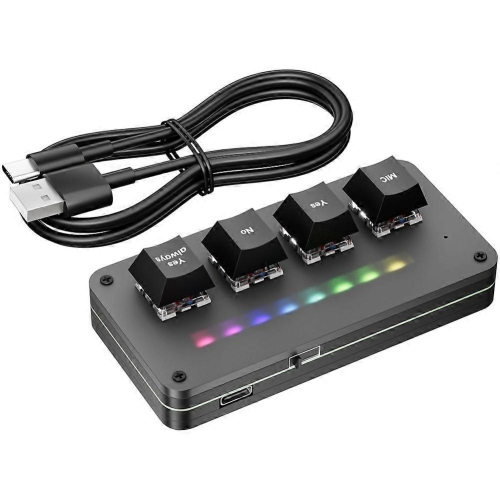
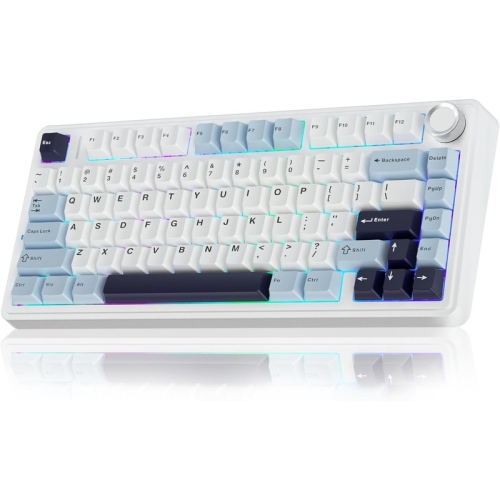
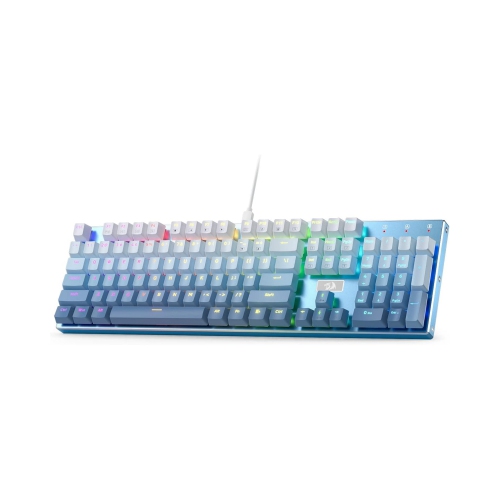
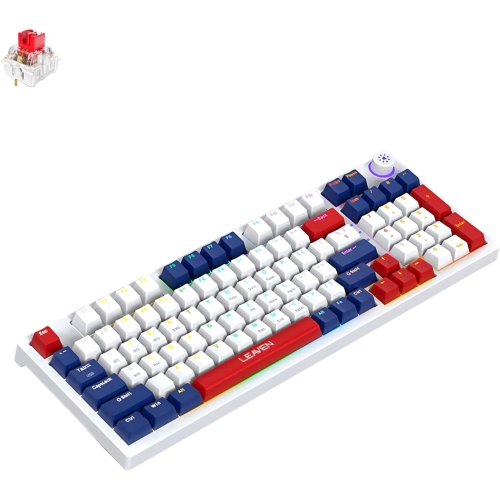
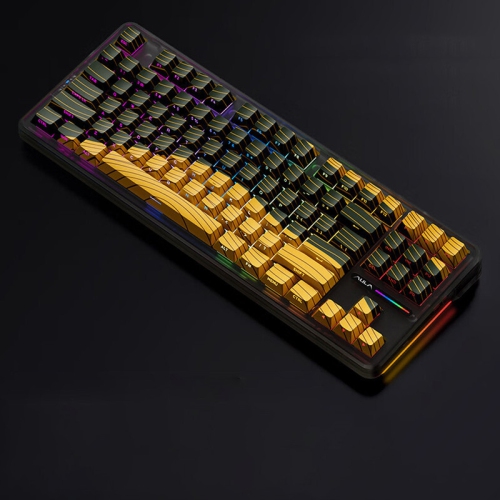
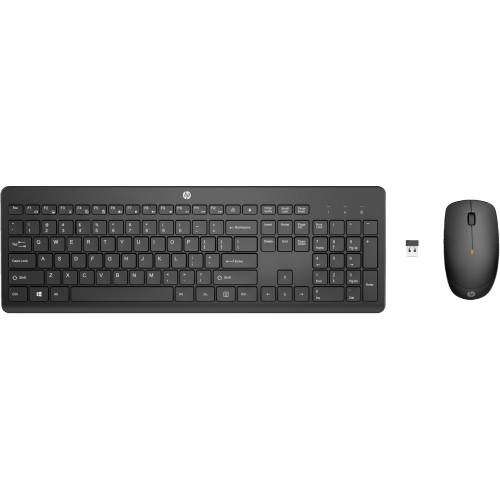
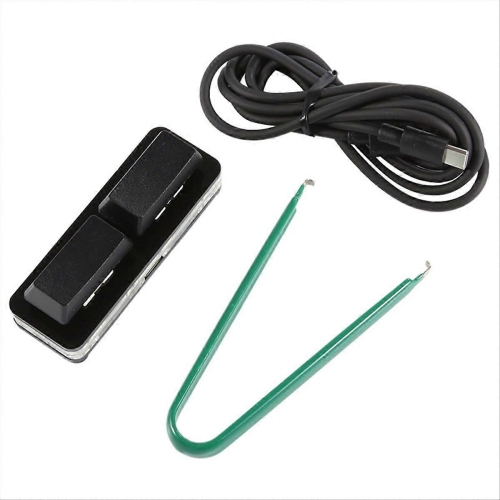
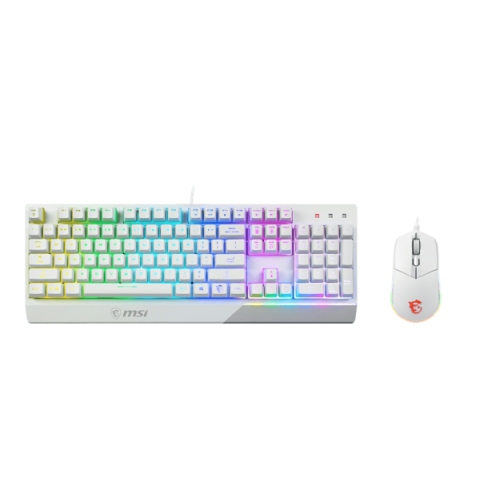
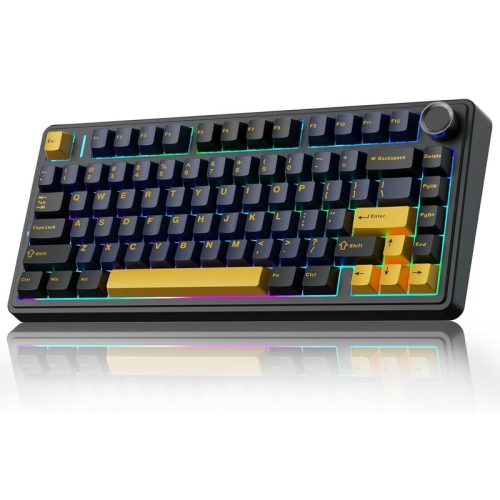
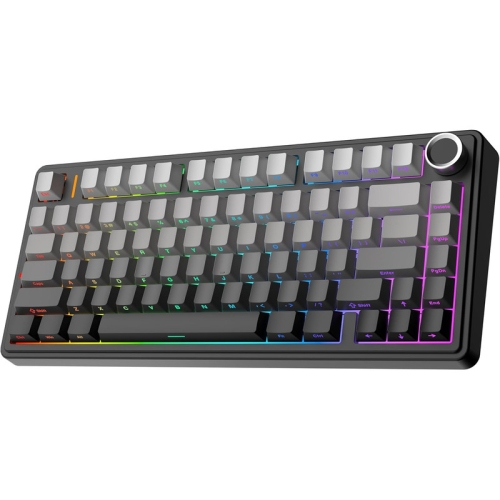
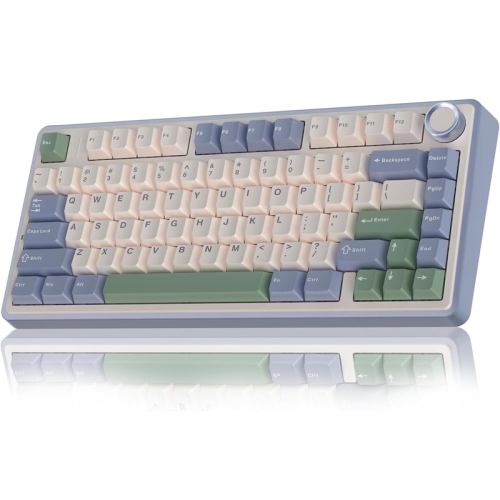
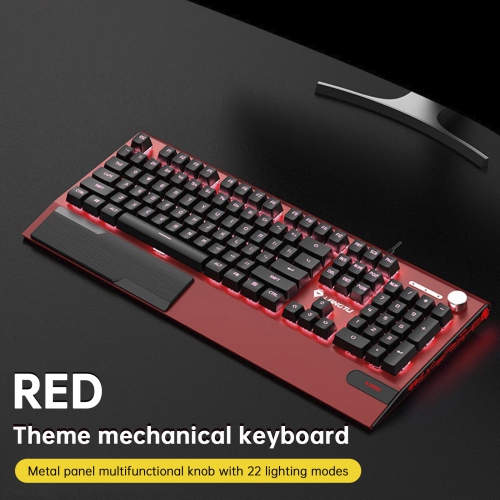
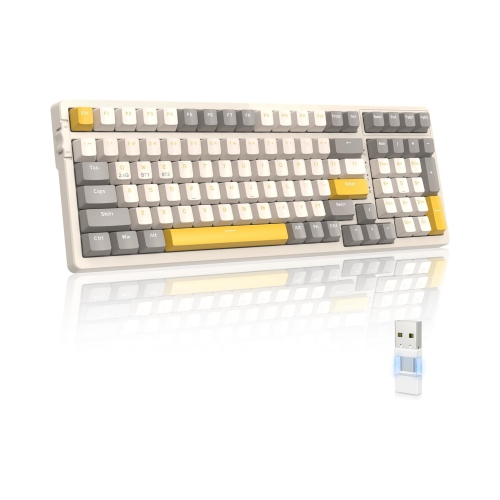
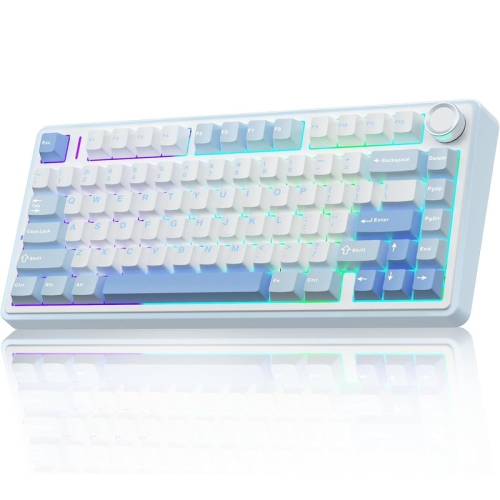
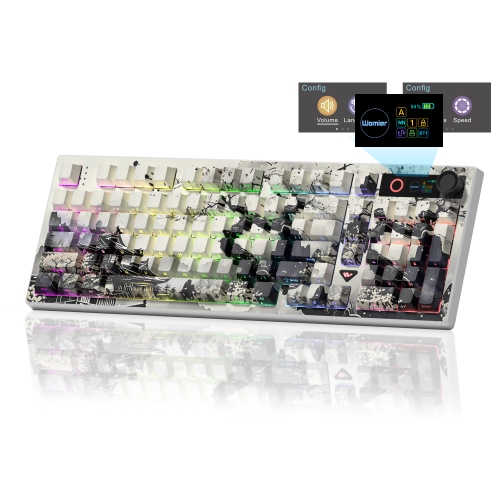
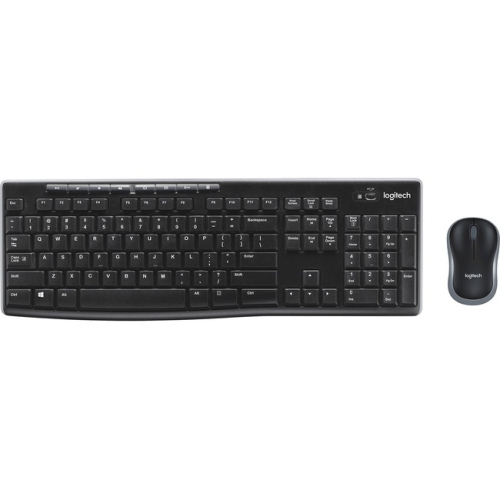
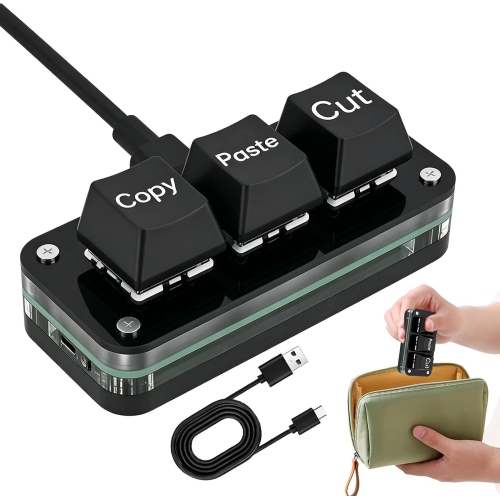
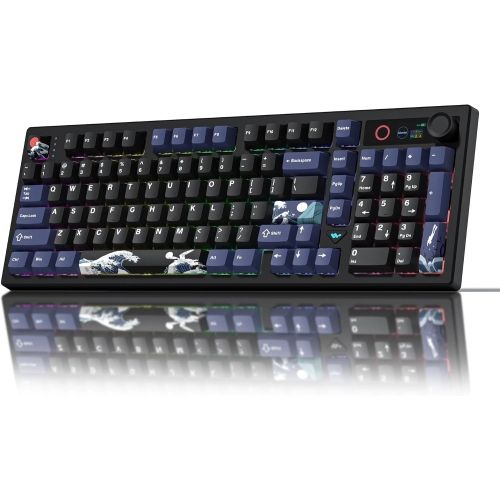
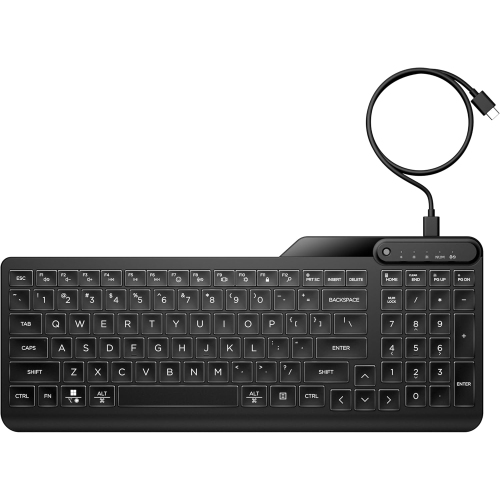
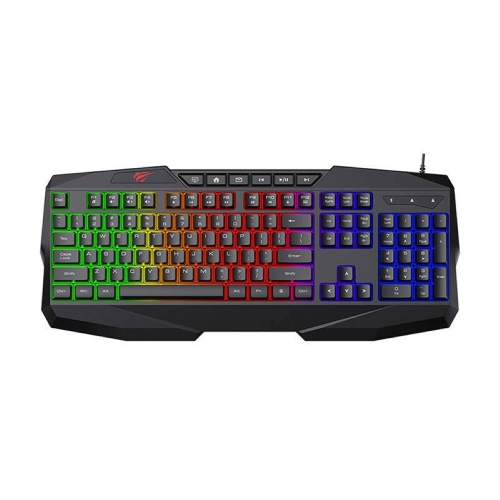
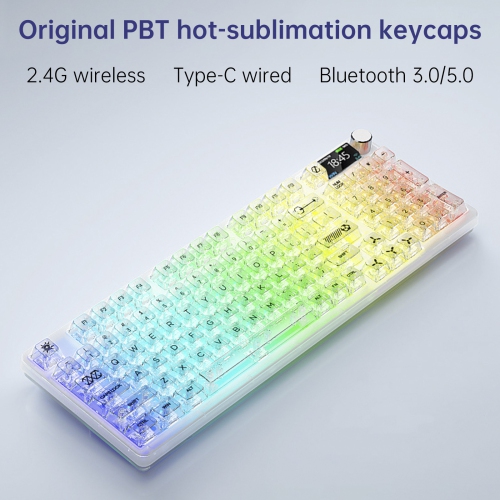

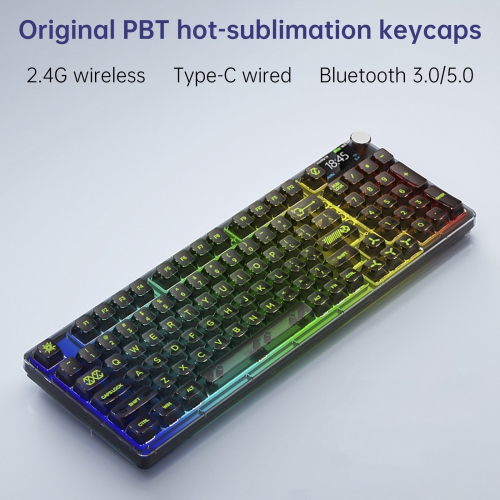
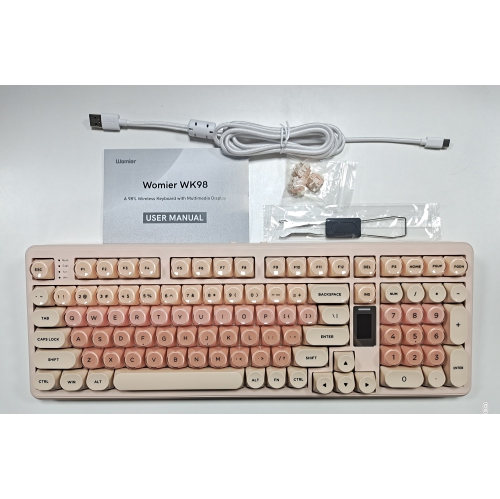
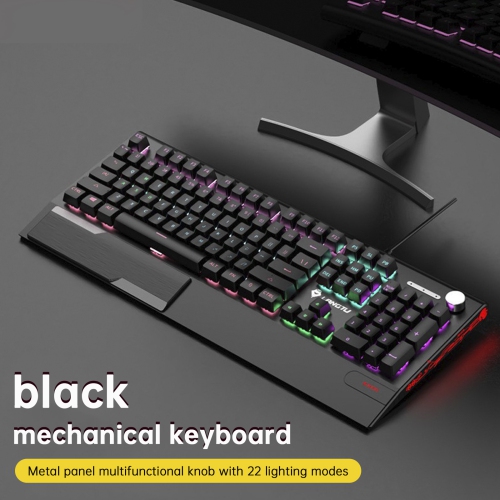
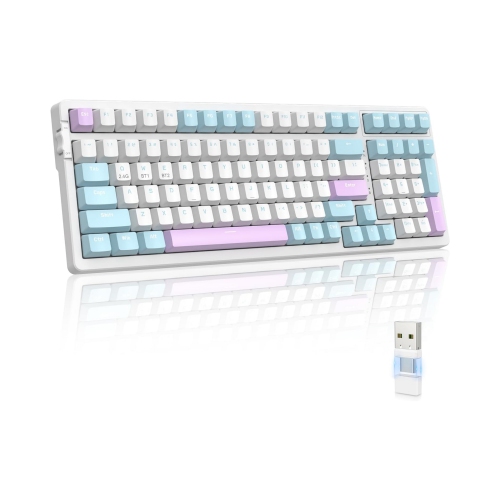
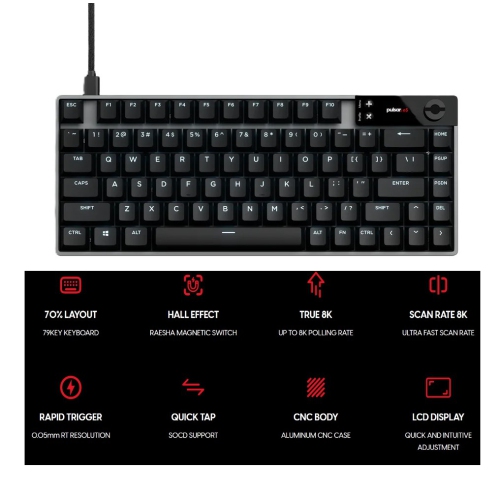
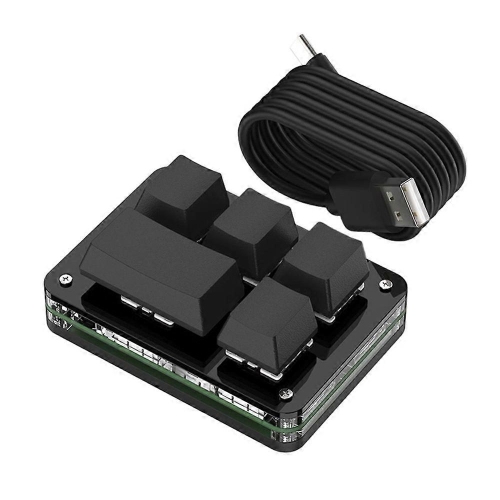
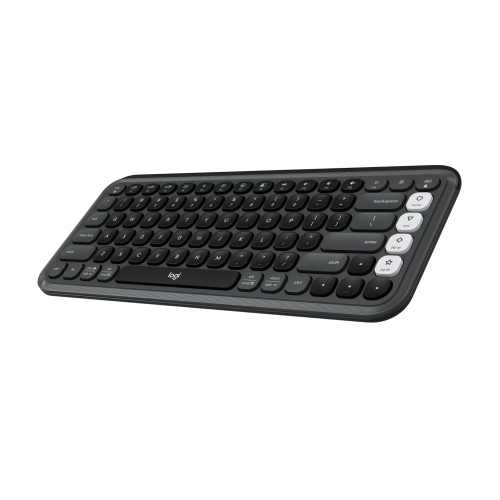
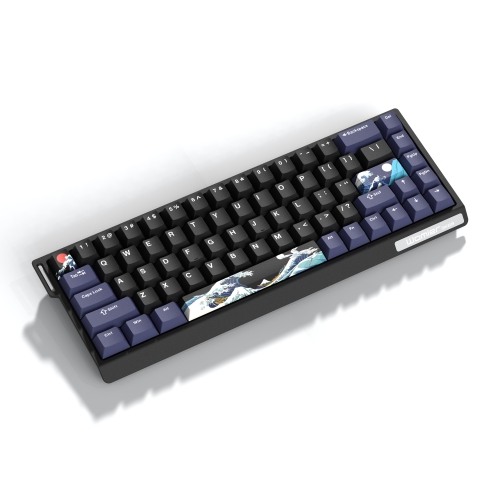

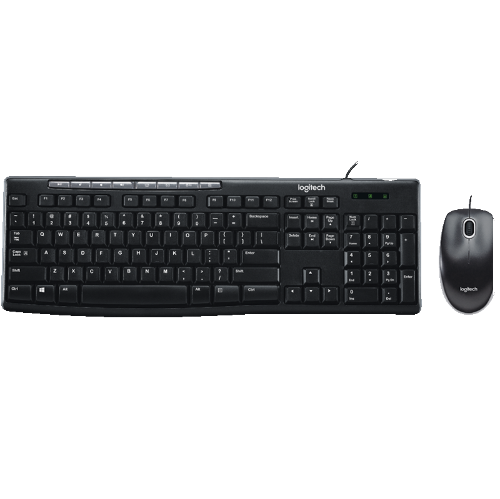
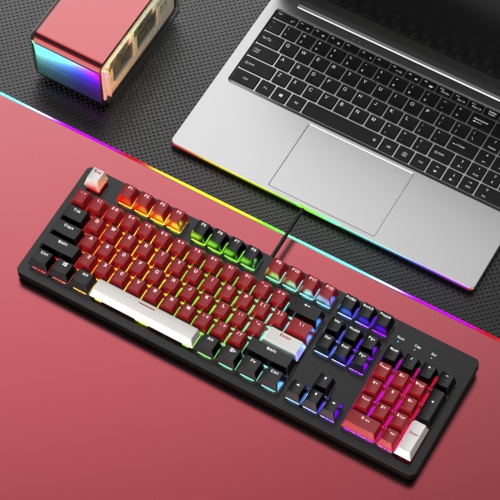
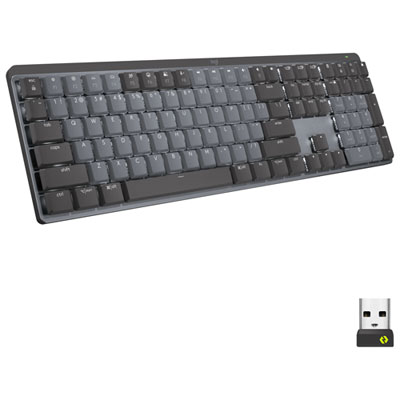

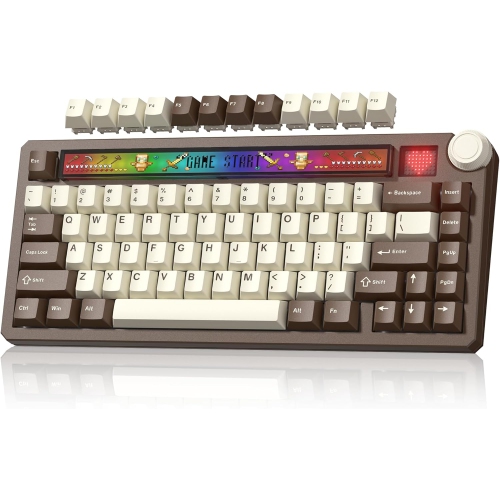
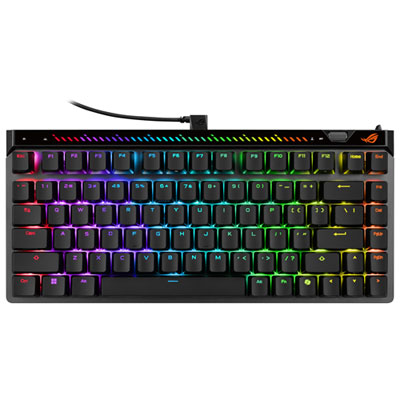
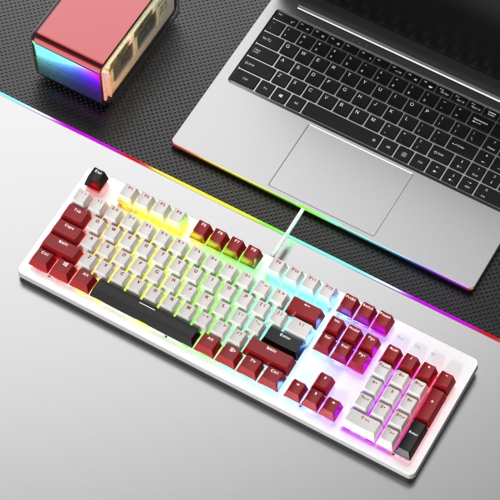

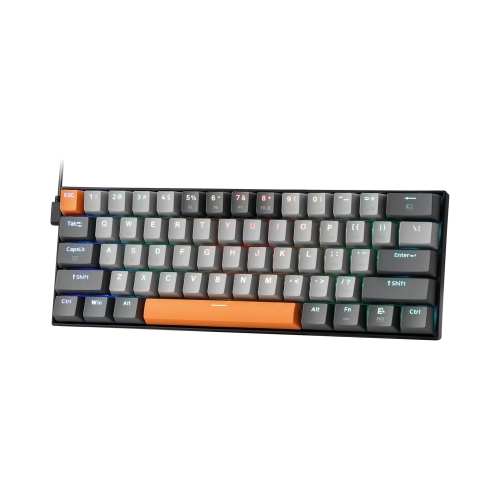
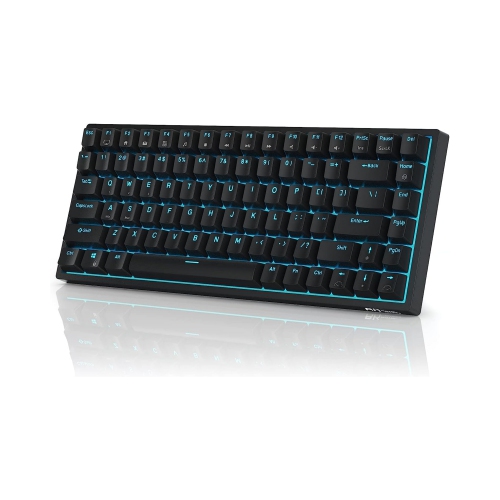
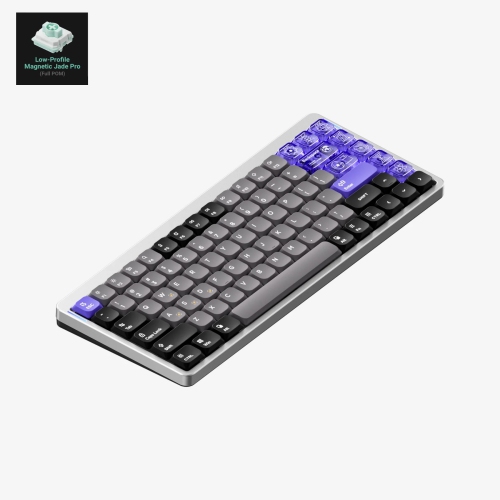
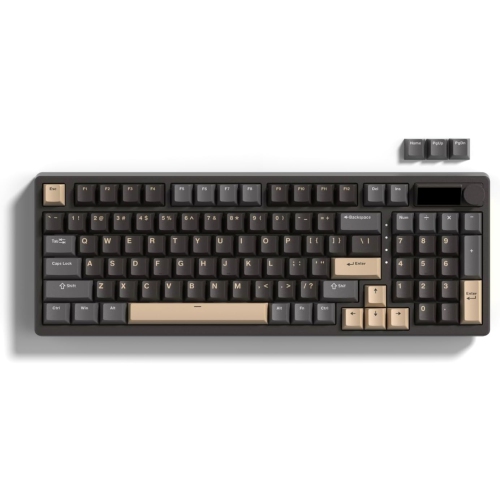
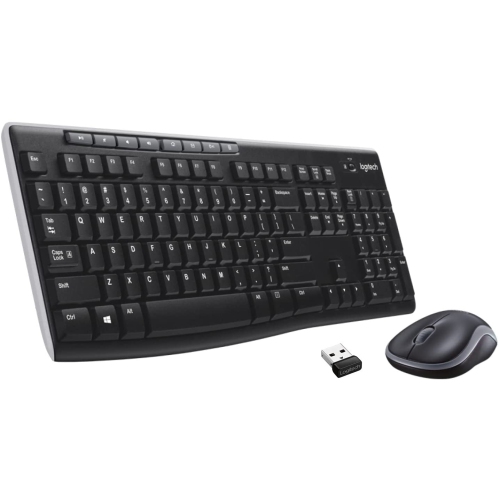
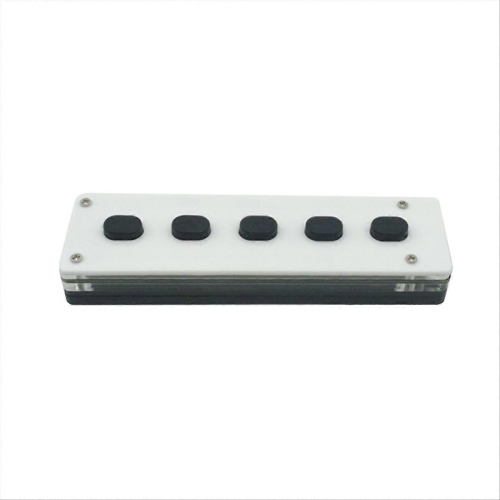

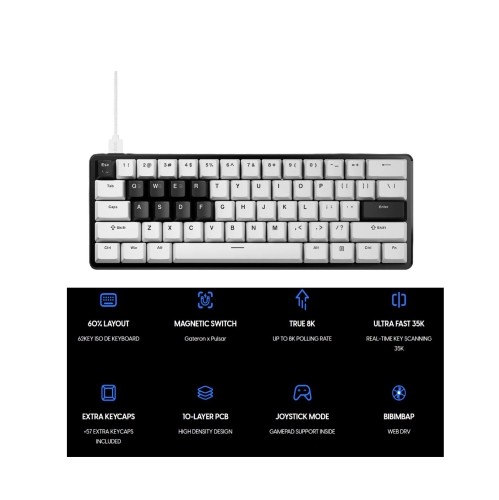
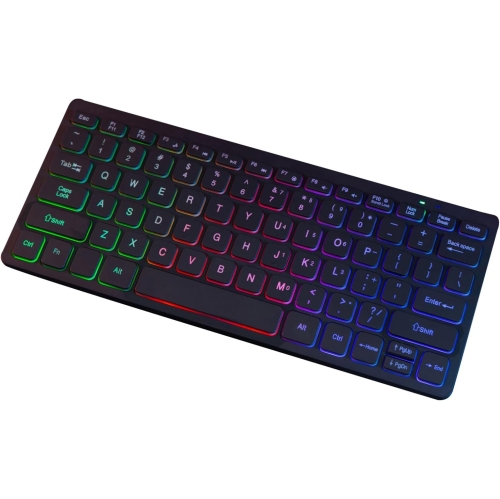
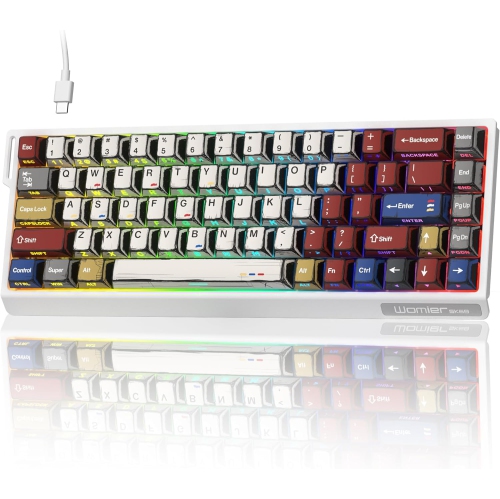
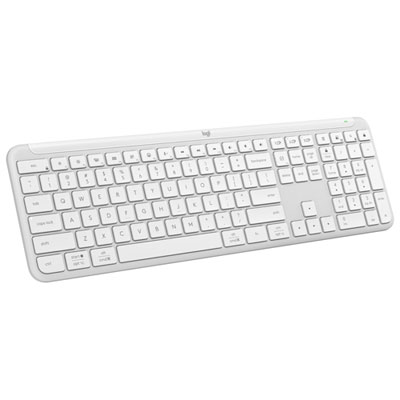
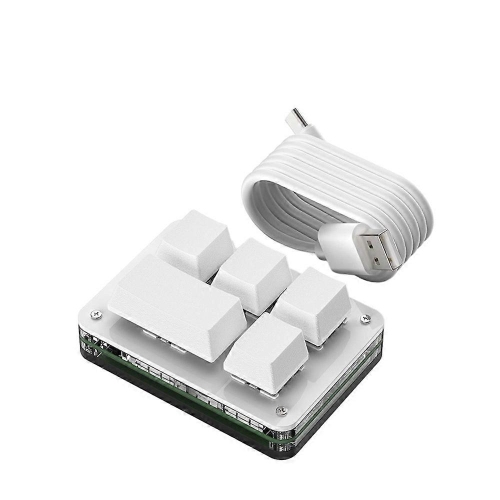
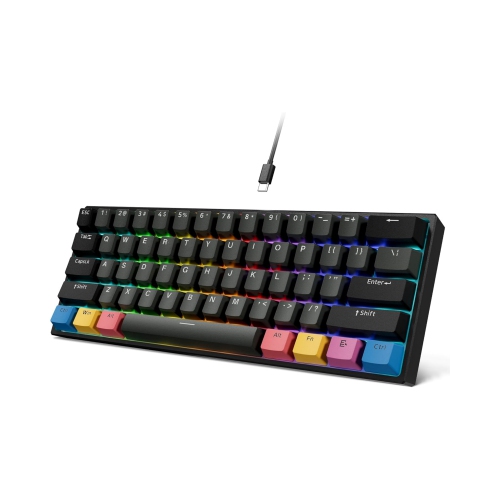
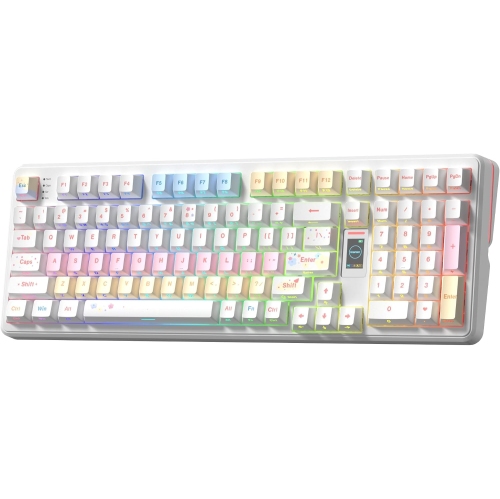
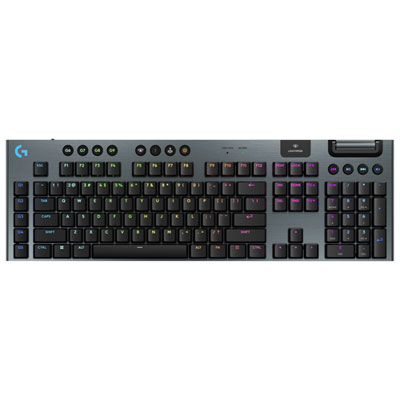

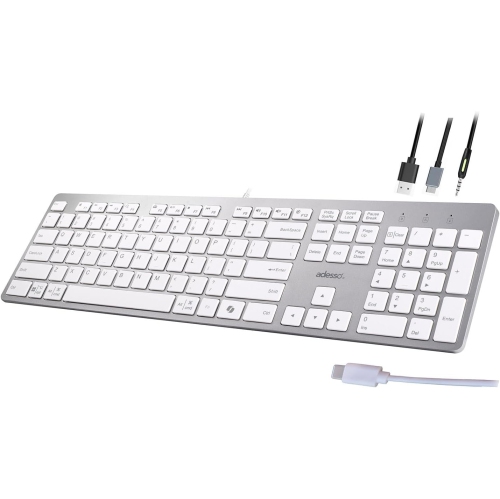
Dedicated shortcuts for faster, more personalized computer control
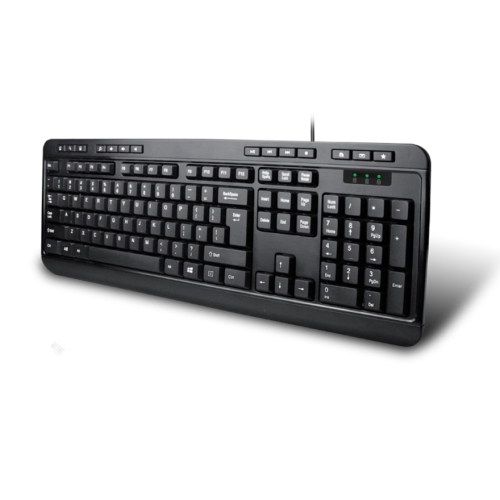
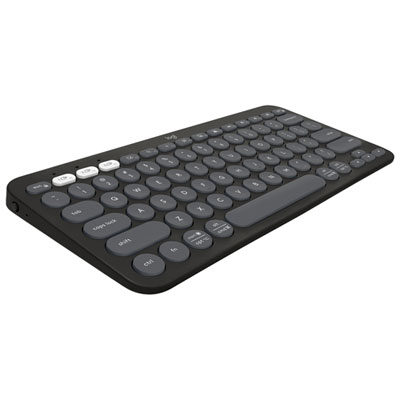
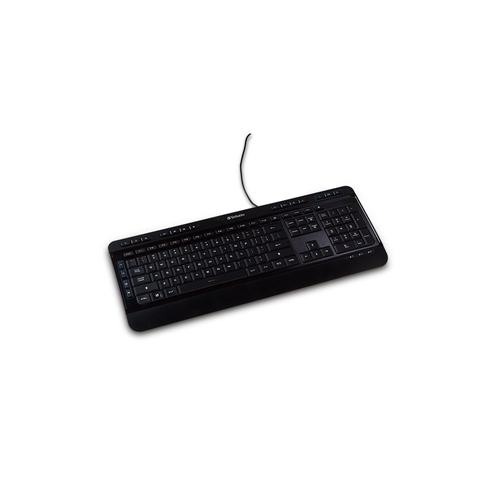
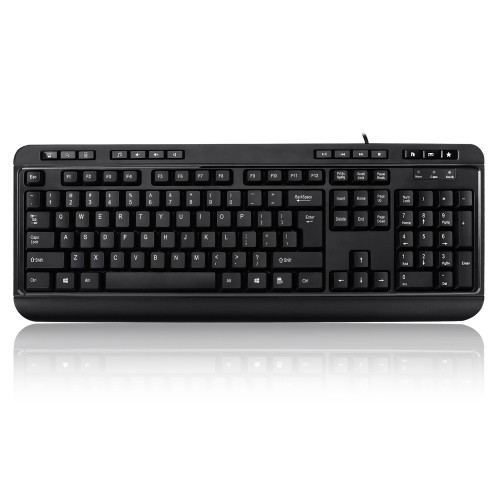
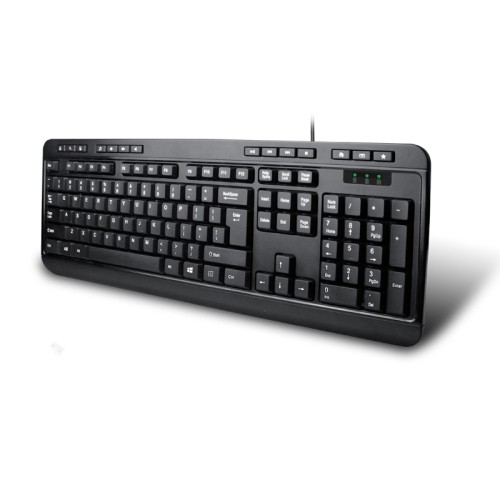
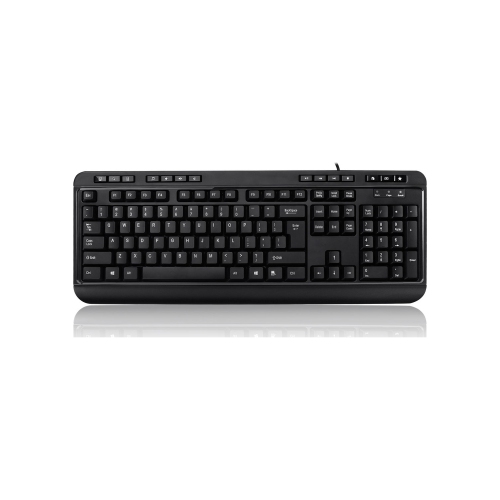
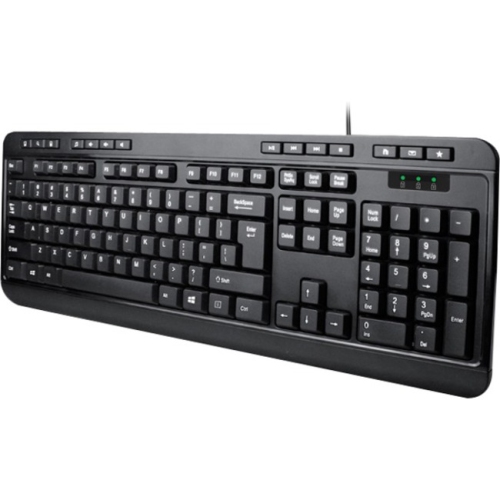
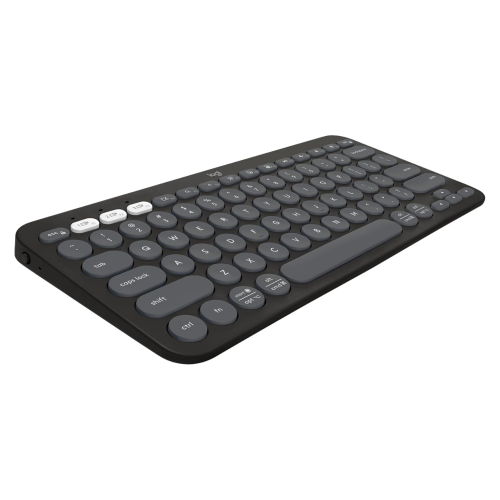
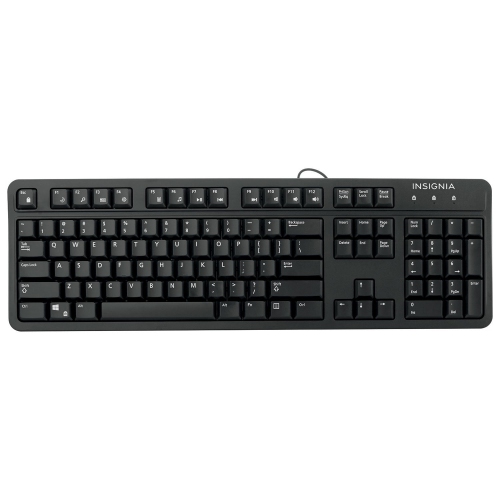
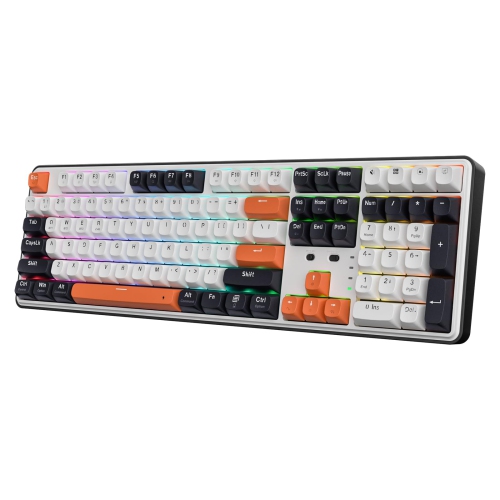
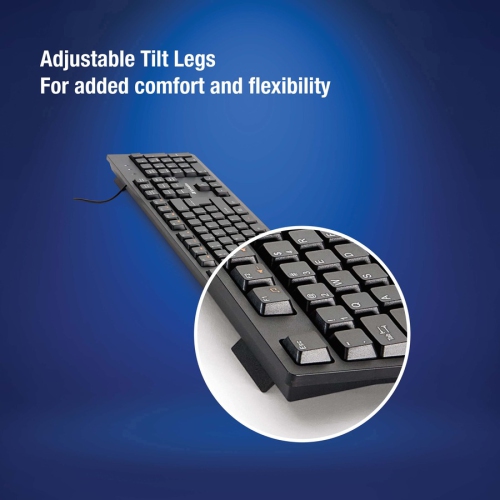
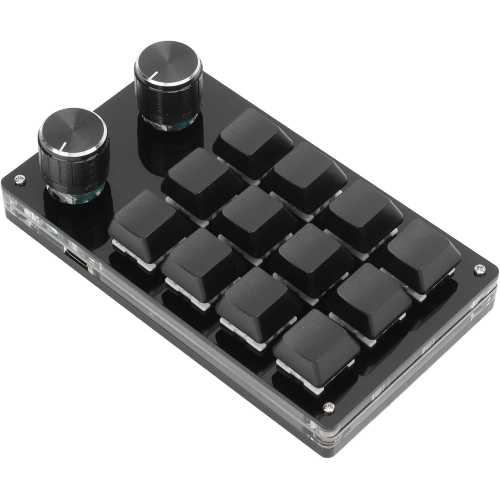
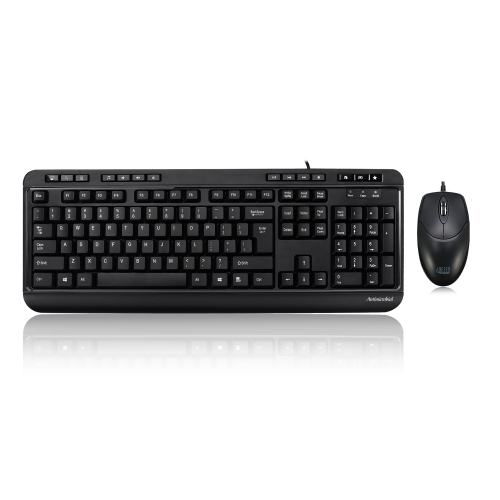
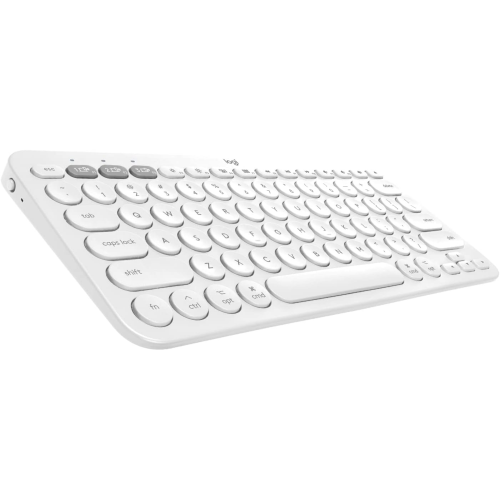
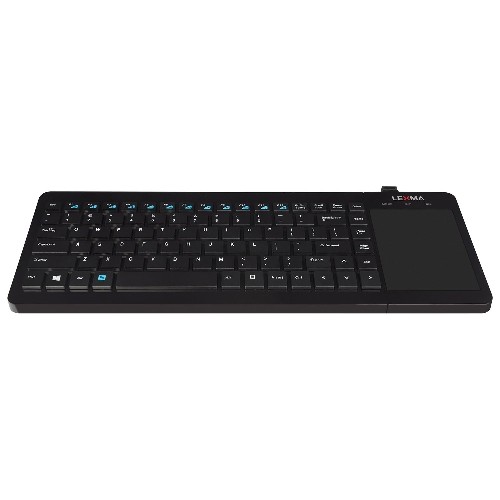
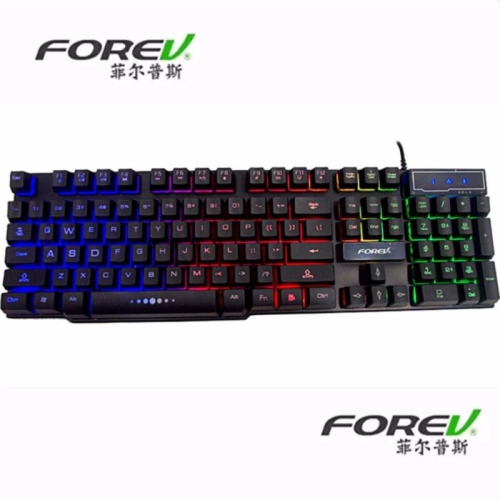
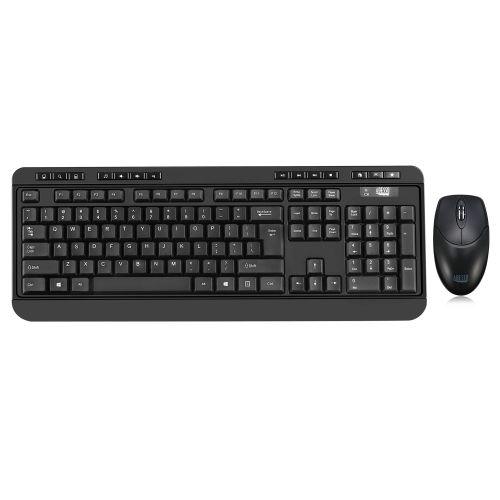
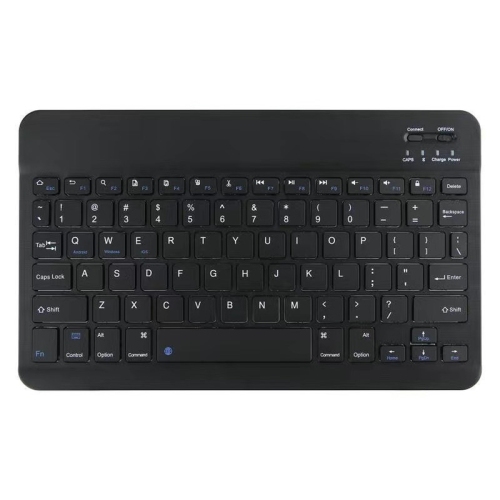
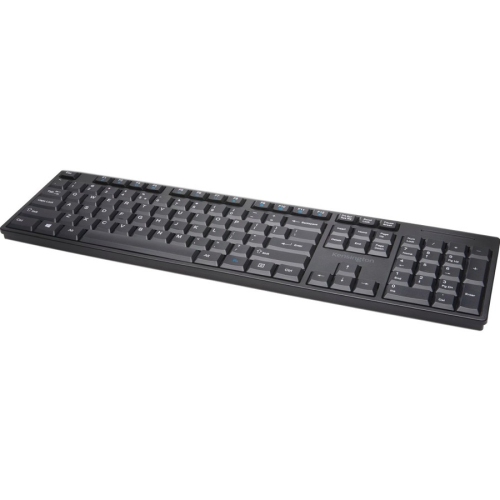
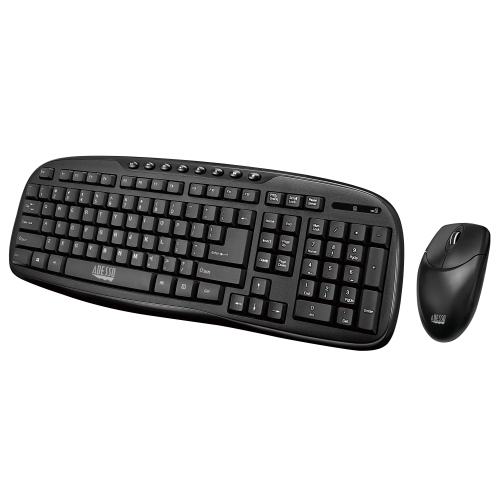
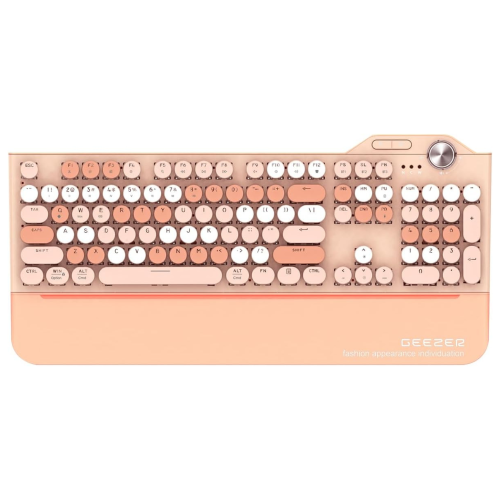
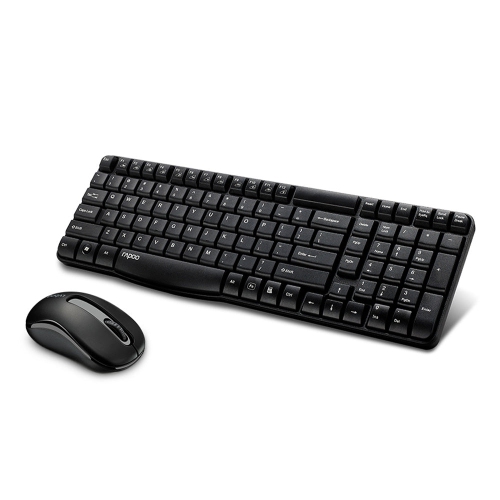
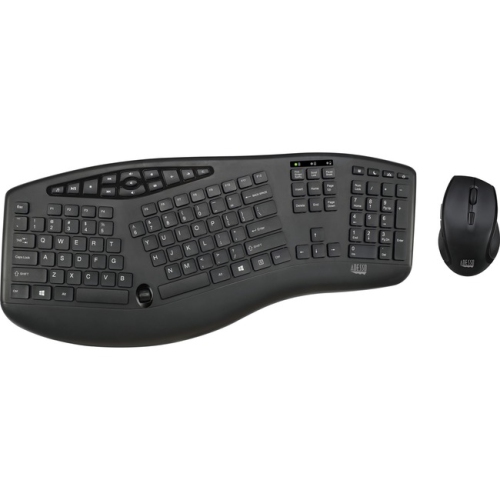
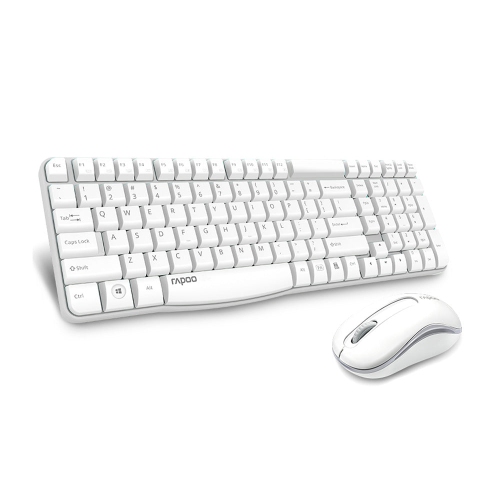
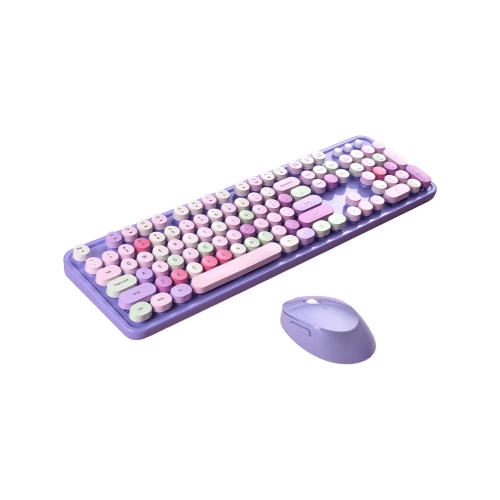
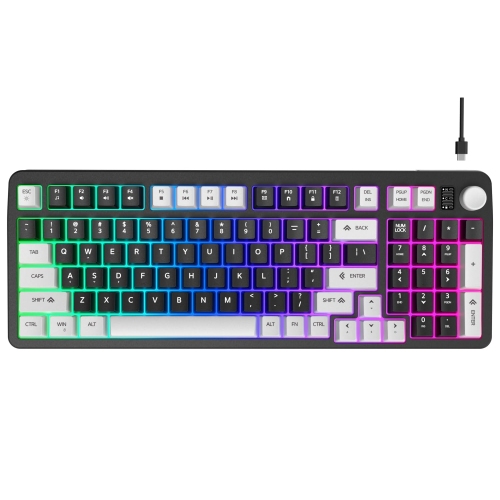
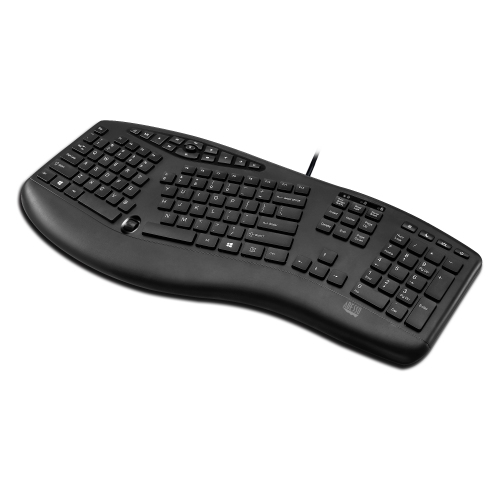
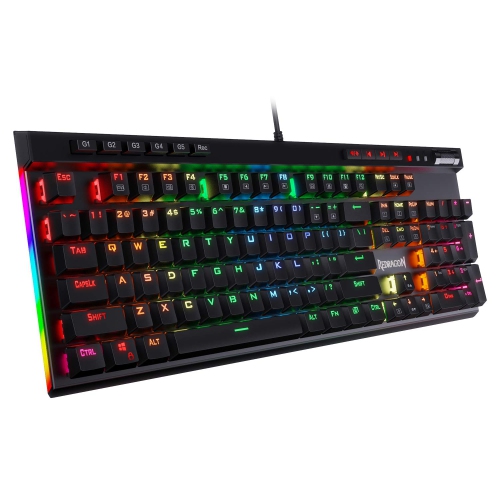
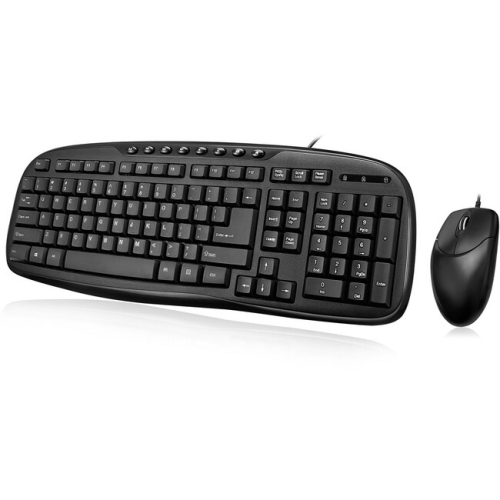
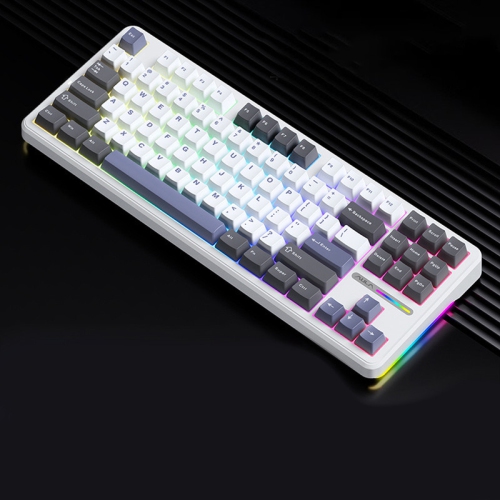
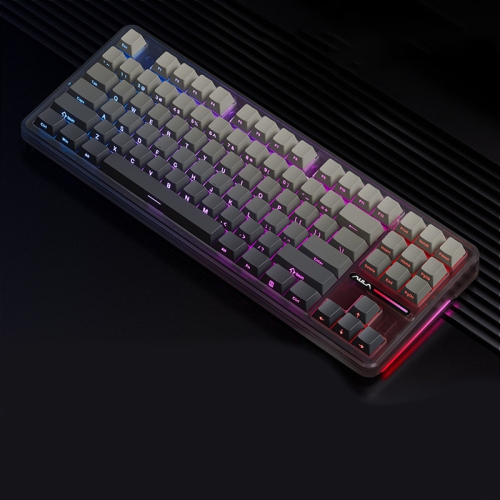
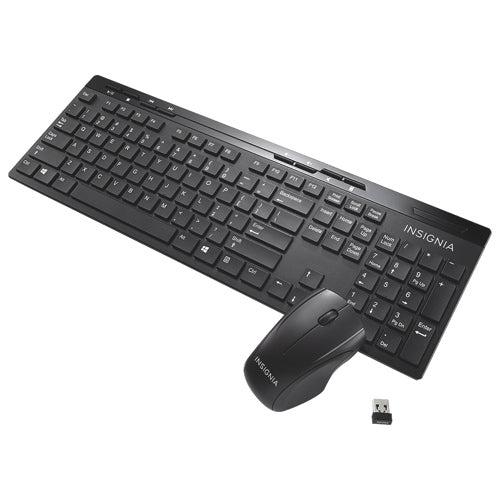
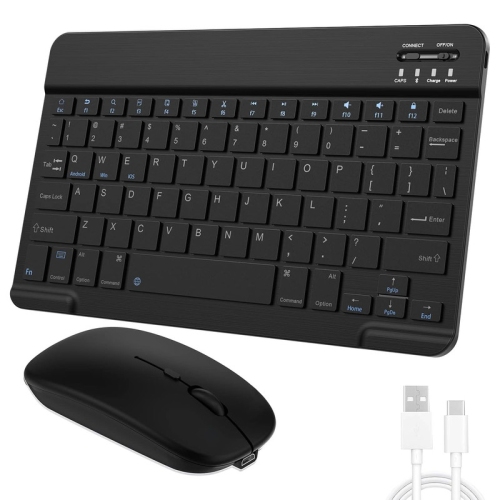
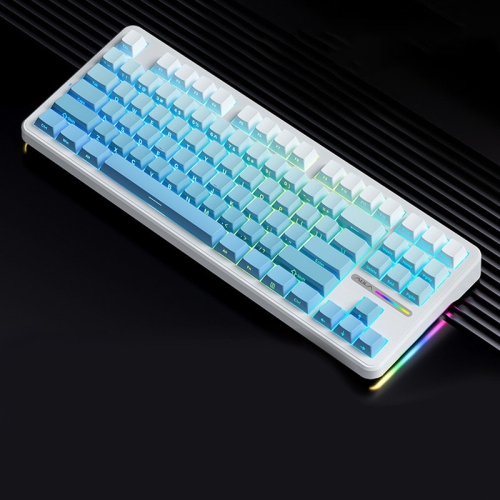
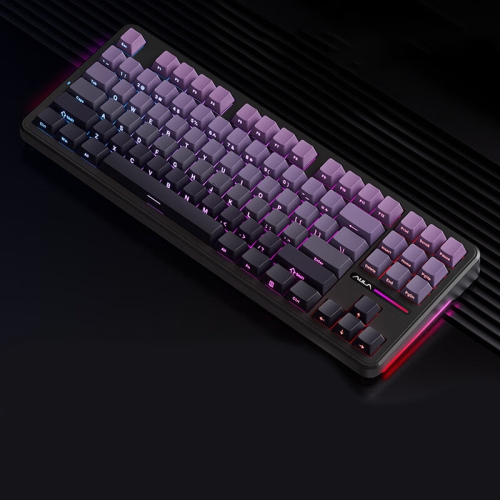
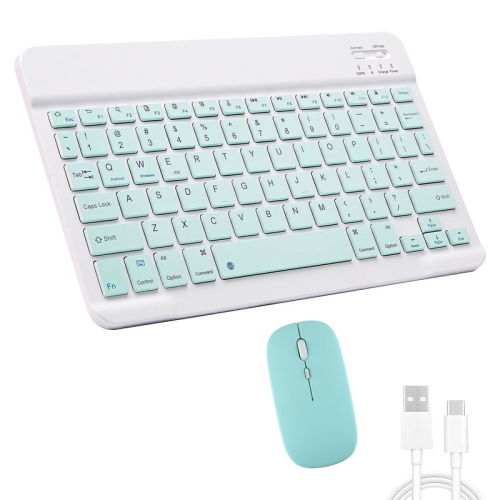
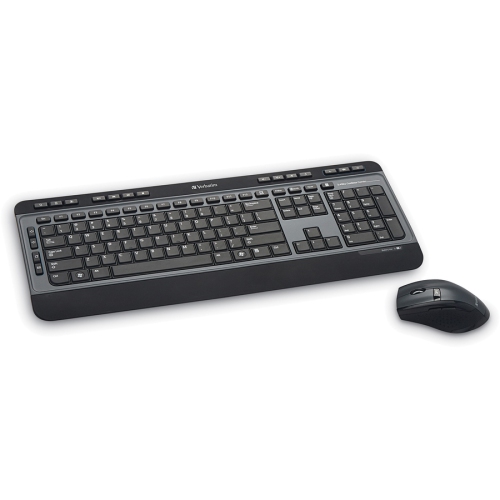
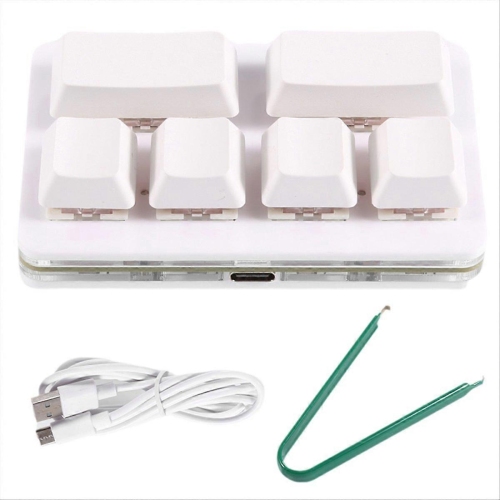
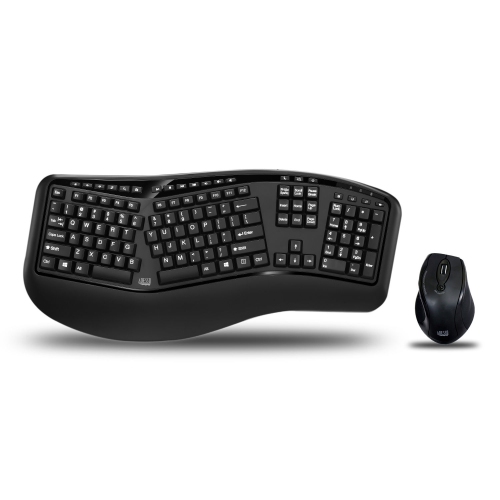
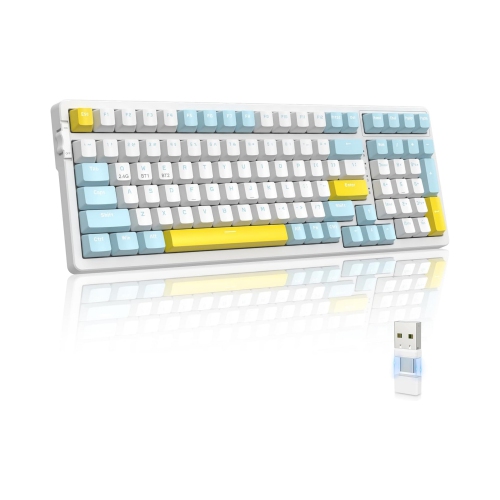
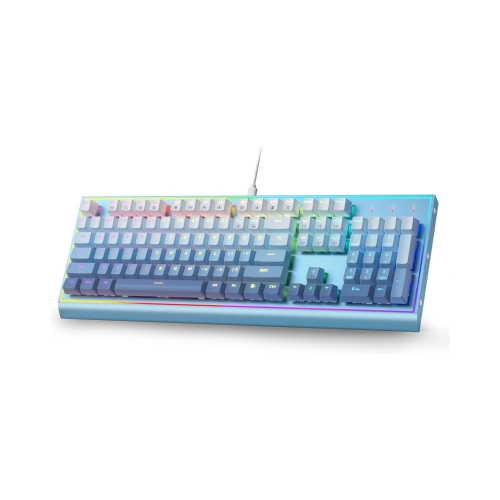
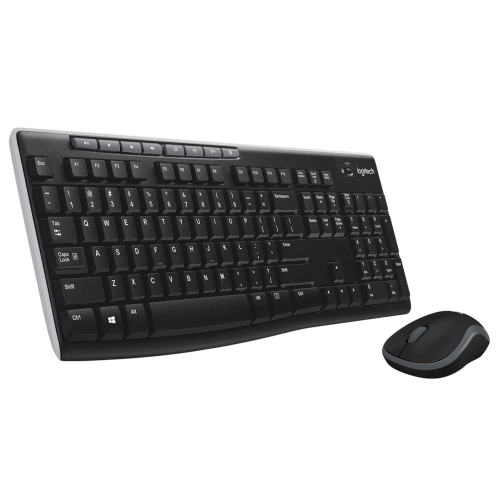
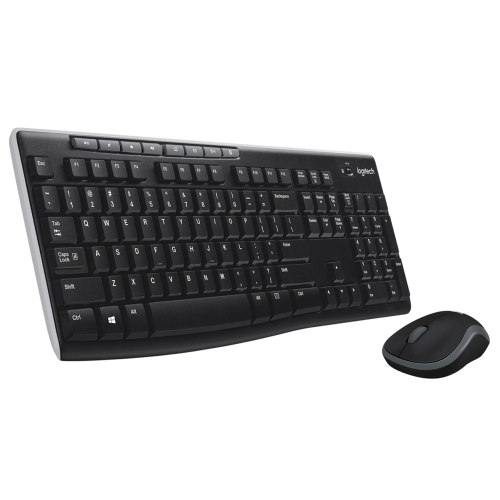
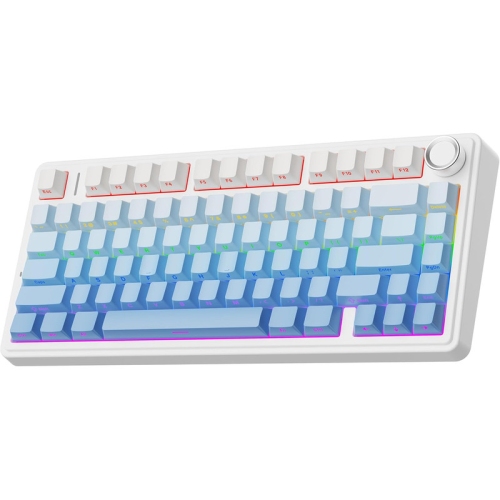
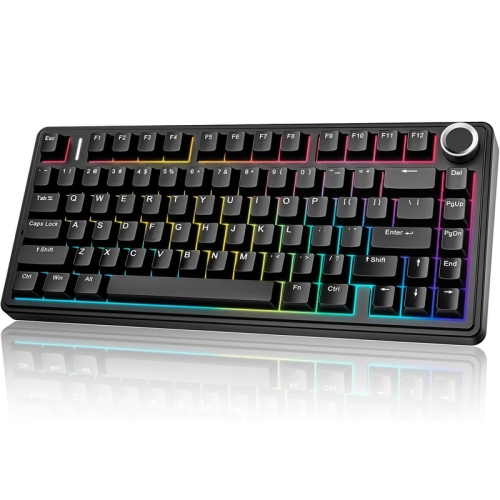
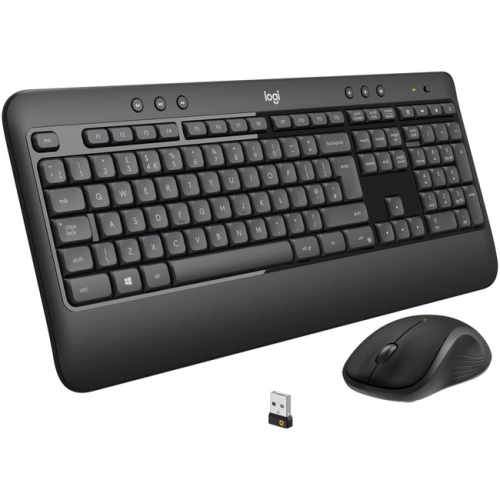
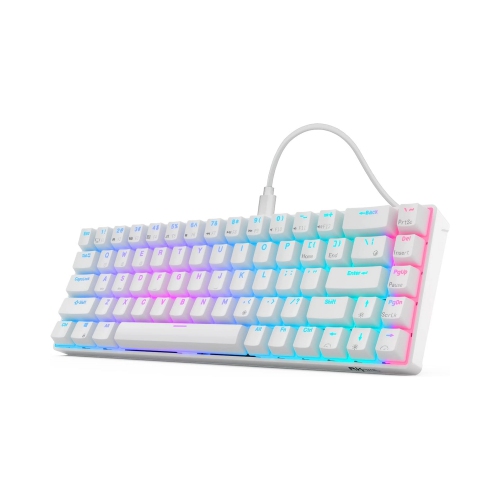
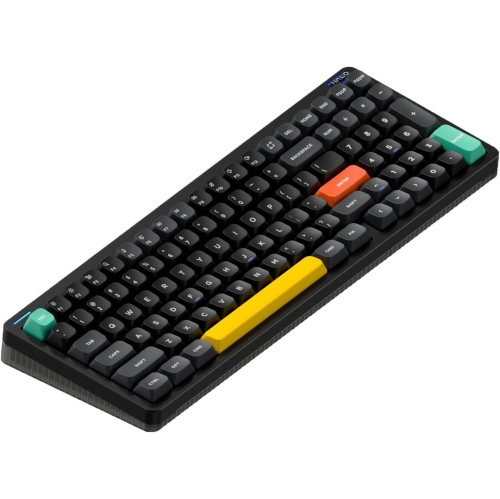
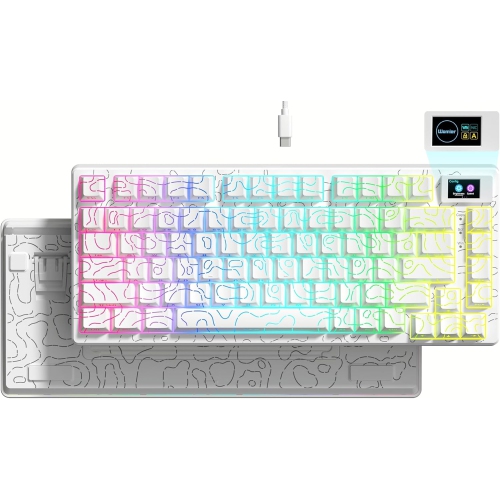
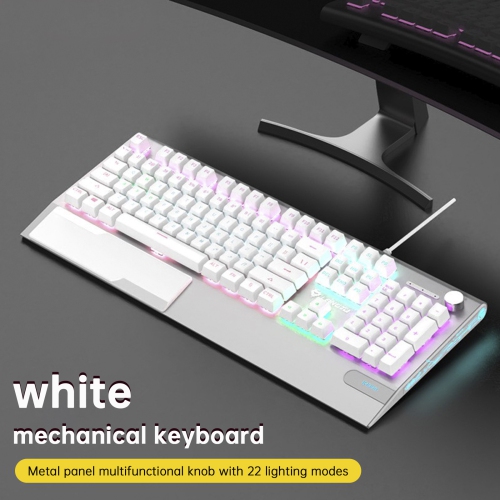
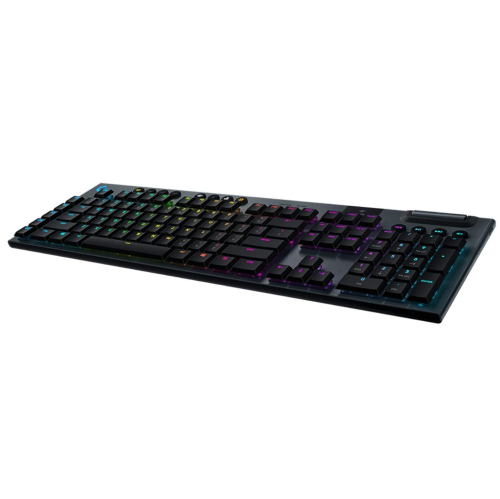
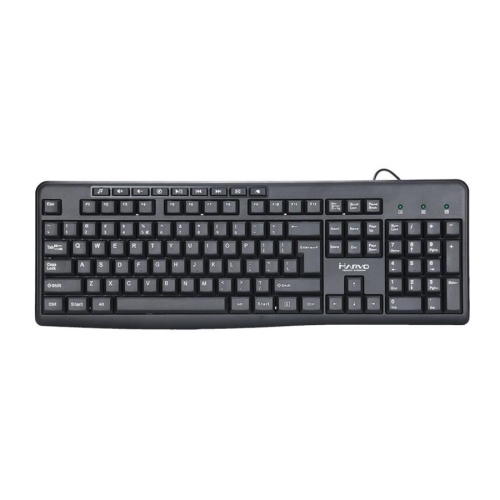
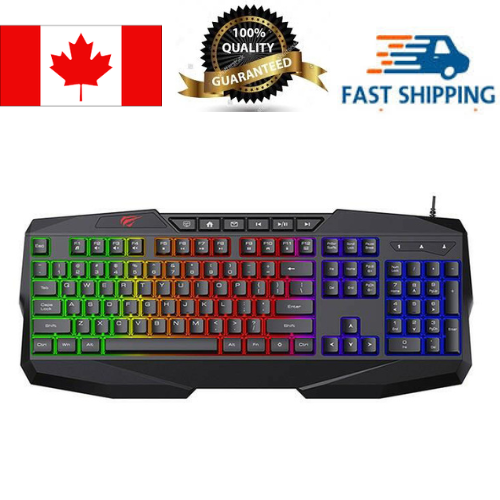
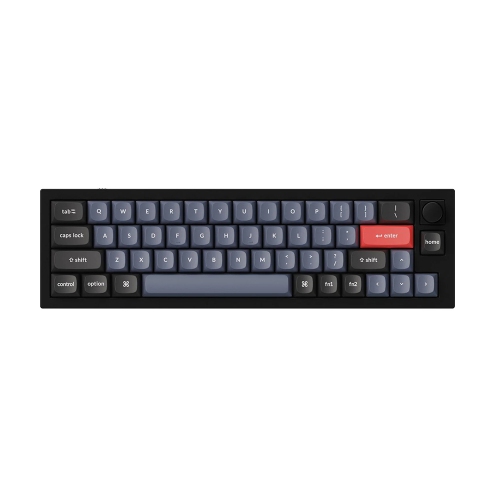
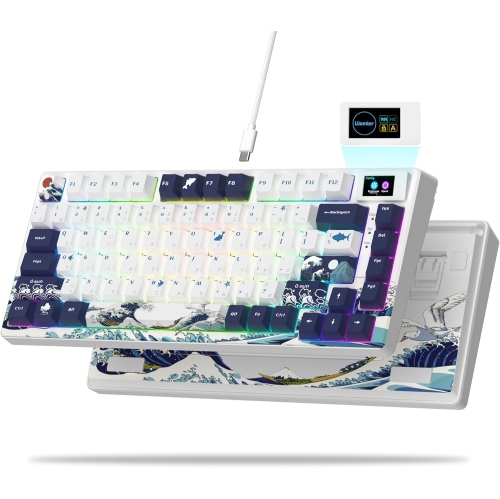
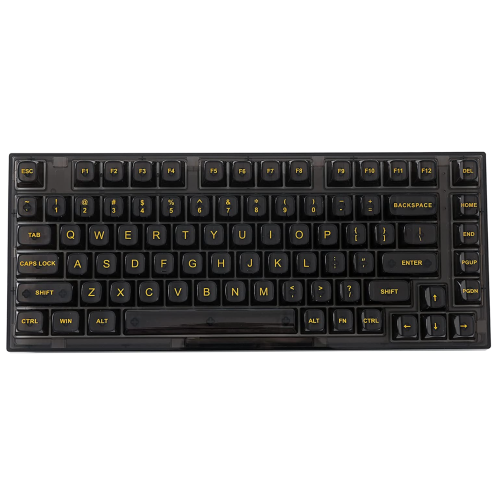
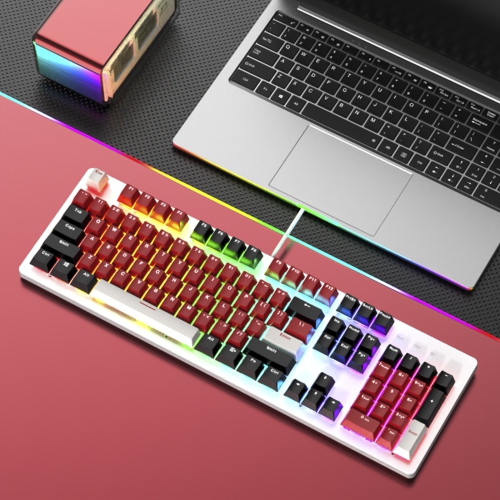
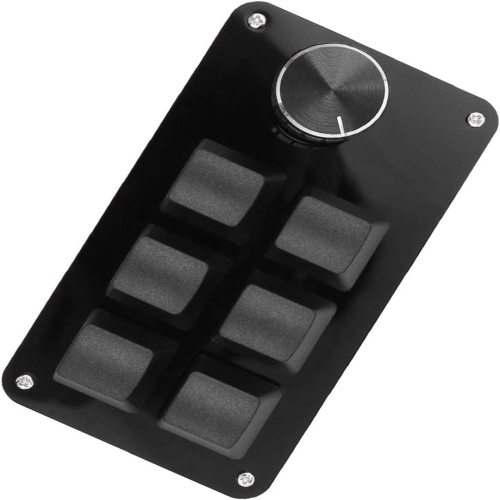
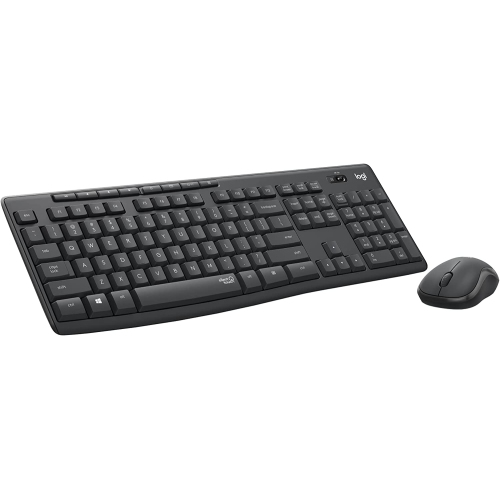
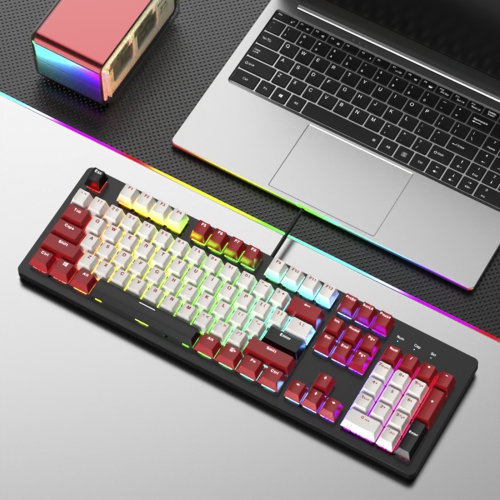
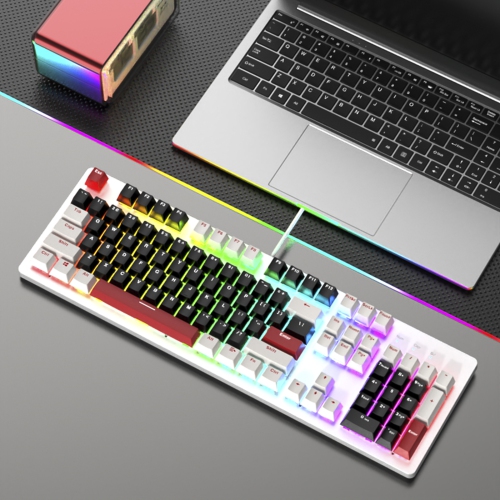
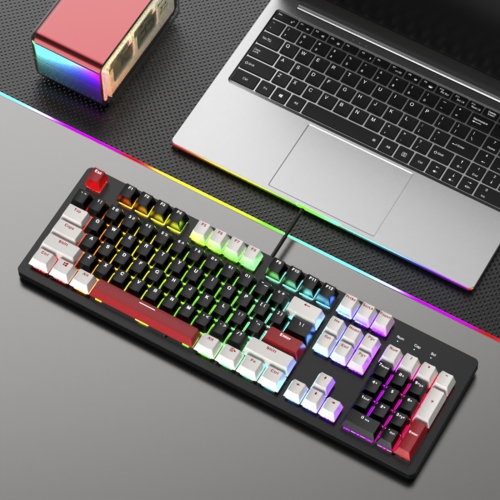
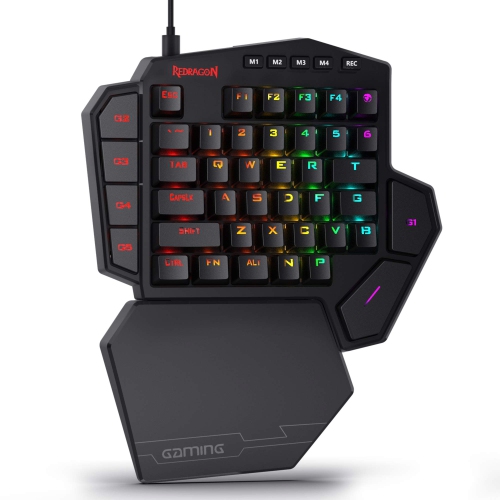
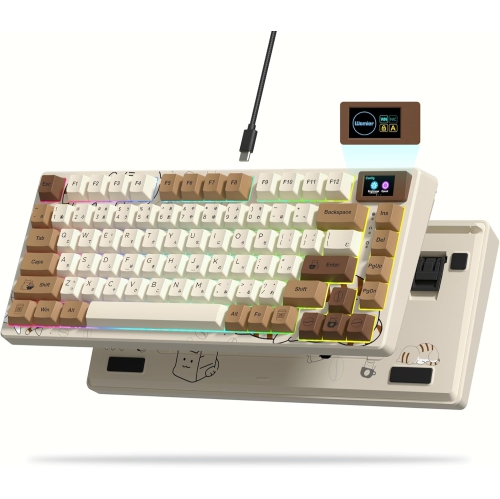
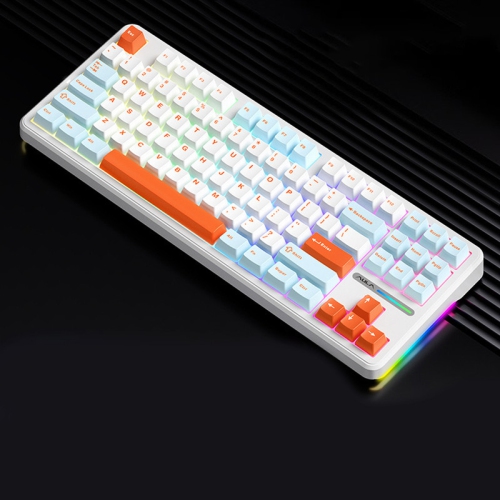
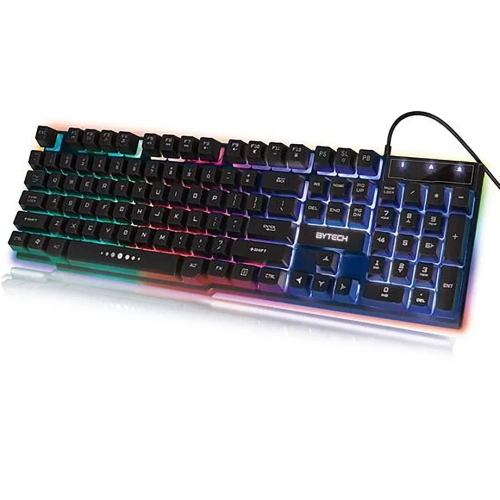
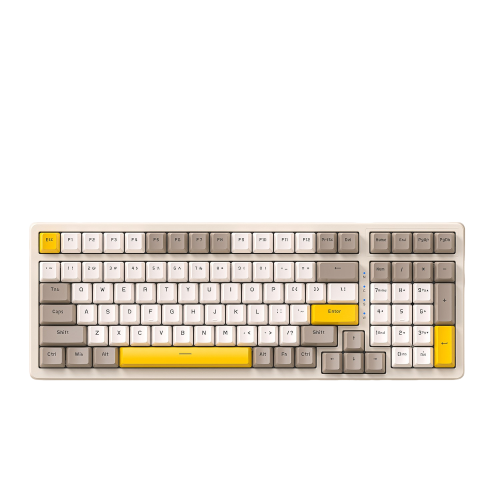
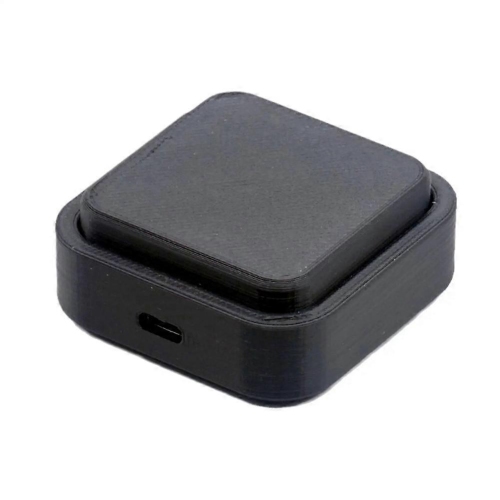
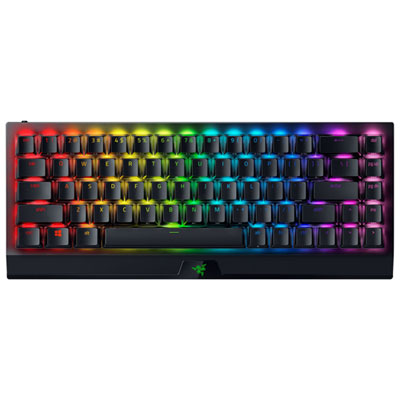
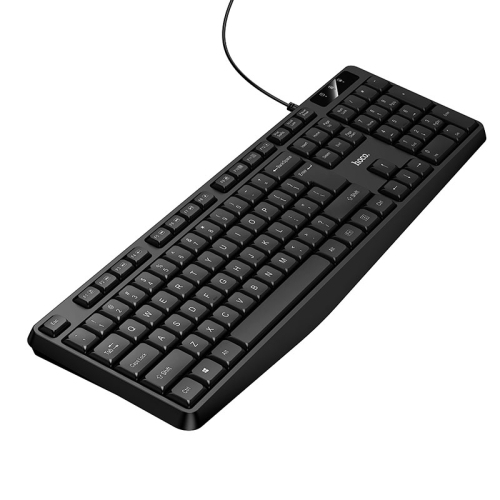
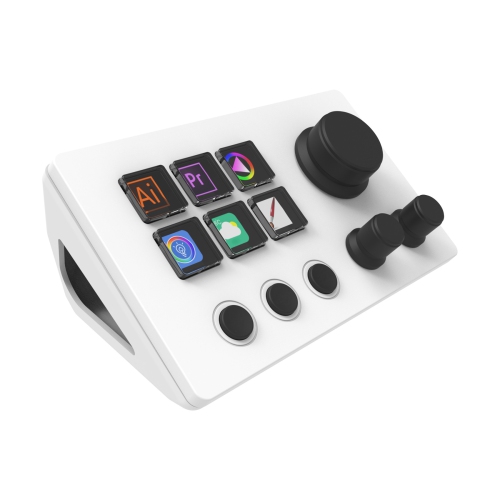
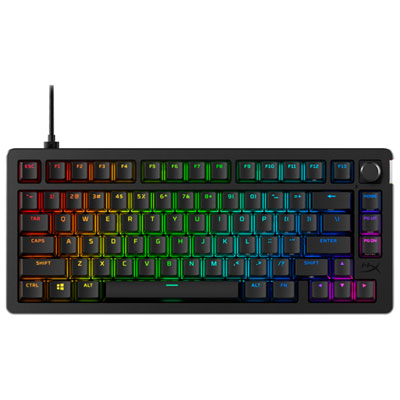
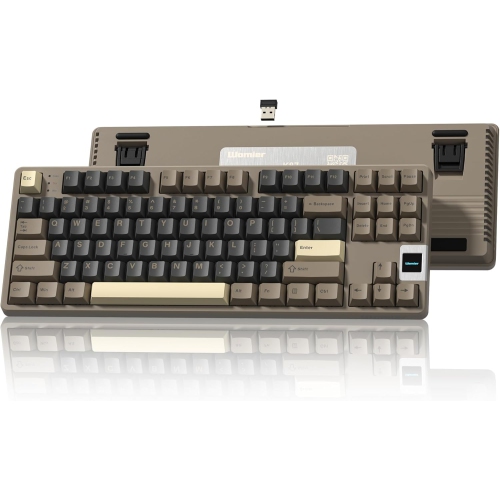
Keyboards with hotkeys are designed to put frequently used commands within easy reach. Instead of relying on menus, keyboard shortcuts, or repeated mouse movements, you can press a dedicated button to adjust volume, pause a playlist, open a calculator, launch an email app, or activate a commonly used command. Some keyboards include fixed shortcut keys along the top edge, while others offer programmable macro keys that can be assigned through companion software. There are also compact shortcut pads that sit beside a regular keyboard and provide a focused set of extra controls. This range makes hotkey keyboards useful for many different workspaces, from a home office and student desk to a gaming setup, creative studio, or shared family computer. A full-size layout with a number pad can suit accounting, data entry, and everyday office tasks, while a compact layout may leave more room for a mouse, notebook, drawing tablet, or other desk accessories. When comparing options, consider which actions you perform repeatedly and whether you want simple, ready-to-use controls or deeper customization. Dedicated media keys are convenient for adjusting sound during a video call, skipping a song while cooking, or muting audio without searching through an on-screen menu. Calculator, search, home, lock, and email keys can also save small amounts of time that add up across a busy day. If you use a Windows computer, browsing Keyboards for Windows can help you find layouts and features suited to that operating system.
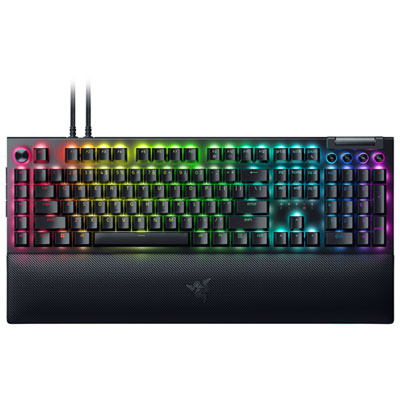
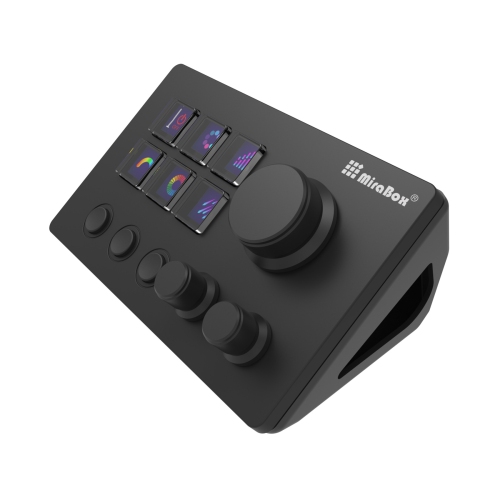
Programmable hotkeys are particularly helpful when your routine includes the same series of commands over and over. A student might assign a key to open a research folder, paste a frequently used phrase, or switch between study applications. Someone working from home could create shortcuts for launching a calendar, silencing notifications, or arranging windows during a video meeting. In photo, audio, video, and design applications, macro keys can be mapped to tools and functions that would otherwise require several keyboard presses or a trip through a toolbar. A shortcut pad can be arranged with controls for trimming clips, changing brush sizes, applying effects, or moving through a timeline, allowing the other hand to stay on a mouse, stylus, or control surface. Gamers may use programmable keys for repeated in-game actions, inventory commands, communication functions, or custom controls that match the way they play. The most useful setup is usually the one that reflects your own habits rather than the one with the largest number of buttons. Look for clear key labelling, comfortable spacing, dependable software, and enough onboard or profile storage if you switch between computers or applications. It is also worth checking whether custom assignments are saved in the keyboard, managed through an app, or dependent on a computer running in the background. Some users prefer a straightforward board that works immediately, while others enjoy building profiles for different programs and changing them as their workflow evolves. A separate macro pad can be a practical choice when your current keyboard already feels comfortable, since it adds quick-access controls without requiring you to replace your main typing setup.
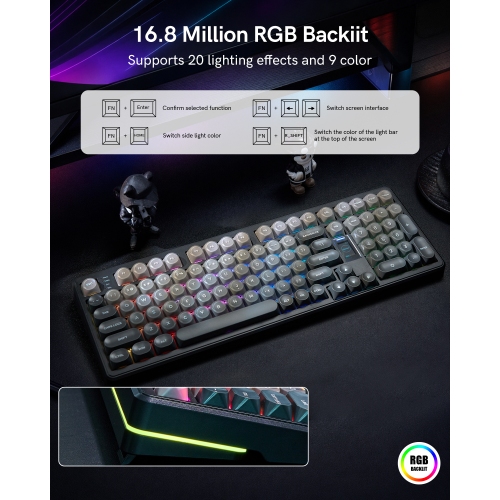
Hotkey keyboards can also make thoughtful gifts for people who spend long hours at a computer, especially when you have a sense of how they work and what they enjoy. A student preparing assignments may appreciate a compact board that keeps research, music, and calculator controls close by. A remote worker could benefit from dedicated mute and meeting shortcuts, while a streamer or content creator may value quick access to scenes, recording controls, sound effects, or frequently used editing commands. For a family member who enjoys games, programmable keys can provide a more personal setup without changing the entire desk. They can also be useful for hobbyists who manage a home studio, edit family videos, organize digital photos, or work with complex software in their spare time. Before choosing a keyboard as a gift, think about desk space, typing preference, connection type, and whether the recipient uses a standard or compact layout. A wired connection may appeal to someone who wants a simple plug-and-play arrangement, while a wireless design can help keep a flexible desk tidy and make it easier to move between work areas. Consider the feel of the keys as well: quieter keys may be more suitable for a shared room, and tactile feedback can help users identify shortcuts without looking down. Backlighting, adjustable brightness, wrist support, and spill-resistant construction may add comfort for people who work or play during the cooler months when evenings are often spent indoors. Whether you need a few dedicated controls for everyday tasks or a fully customizable command centre for specialized software, keyboards with hotkeys can make a familiar computer setup feel more immediate, organized, and personal.
Programmable hotkeys are particularly helpful when your routine includes the same series of commands over and over. A student might assign a key to open a research folder, paste a frequently used phrase, or switch between study applications. Someone working from home could create shortcuts for launching a calendar, silencing notifications, or arranging windows during a video meeting. In photo, audio, video, and design applications, macro keys can be mapped to tools and functions that would otherwise require several keyboard presses or a trip through a toolbar. A shortcut pad can be arranged with controls for trimming clips, changing brush sizes, applying effects, or moving through a timeline, allowing the other hand to stay on a mouse, stylus, or control surface. Gamers may use programmable keys for repeated in-game actions, inventory commands, communication functions, or custom controls that match the way they play. The most useful setup is usually the one that reflects your own habits rather than the one with the largest number of buttons. Look for clear key labelling, comfortable spacing, dependable software, and enough onboard or profile storage if you switch between computers or applications. It is also worth checking whether custom assignments are saved in the keyboard, managed through an app, or dependent on a computer running in the background. Some users prefer a straightforward board that works immediately, while others enjoy building profiles for different programs and changing them as their workflow evolves. A separate macro pad can be a practical choice when your current keyboard already feels comfortable, since it adds quick-access controls without requiring you to replace your main typing setup.
Hotkey keyboards can also make thoughtful gifts for people who spend long hours at a computer, especially when you have a sense of how they work and what they enjoy. A student preparing assignments may appreciate a compact board that keeps research, music, and calculator controls close by. A remote worker could benefit from dedicated mute and meeting shortcuts, while a streamer or content creator may value quick access to scenes, recording controls, sound effects, or frequently used editing commands. For a family member who enjoys games, programmable keys can provide a more personal setup without changing the entire desk. They can also be useful for hobbyists who manage a home studio, edit family videos, organize digital photos, or work with complex software in their spare time. Before choosing a keyboard as a gift, think about desk space, typing preference, connection type, and whether the recipient uses a standard or compact layout. A wired connection may appeal to someone who wants a simple plug-and-play arrangement, while a wireless design can help keep a flexible desk tidy and make it easier to move between work areas. Consider the feel of the keys as well: quieter keys may be more suitable for a shared room, and tactile feedback can help users identify shortcuts without looking down. Backlighting, adjustable brightness, wrist support, and spill-resistant construction may add comfort for people who work or play during the cooler months when evenings are often spent indoors. Whether you need a few dedicated controls for everyday tasks or a fully customizable command centre for specialized software, keyboards with hotkeys can make a familiar computer setup feel more immediate, organized, and personal.
Top selling and popular products
-
 Your price for this item is $39.99
 -
 Your price for this item is $49.72
 -
 Your price for this item is $159
 -
 Your price for this item is $219.99
 -
 Your price for this item is $189.99
 -
 Your price for this item is $44.99
 -
 Your price for this item is $29.99
 -
 Your price for this item is $159.99
Discover more categories related to Keyboards With Hotkeys
Top Collections:
Pokemon Centers, Best Cameras for Sports Photography, Kindle Devices, Samsung Galaxy Phones, Canon G7X Cameras, Pokémon 30th Celebration Cards, Refurbished Apple Laptops, iPhone 15 Apple, Laptops for Students, Budget Smartphones
Some products may be subject to Environmental Handling Fees
(EHF) depending on your province.
Learn more about EHFs.