Layer 2 Managed Ethernet Switches
Layer 2 managed Ethernet switches offer a reliable solution for optimizing network performance in both professional and home environments. Designed to streamline connectivity and enhance control, these switches provide the flexibility needed to support expanding networks. Whether you’re upgrading an existing setup or building a new infrastructure, layer 2 managed Ethernet switches deliver the essential tools for efficient data management and seamless communication across devices. Explore a wide selection of options to find the right fit for your networking needs.
Sort
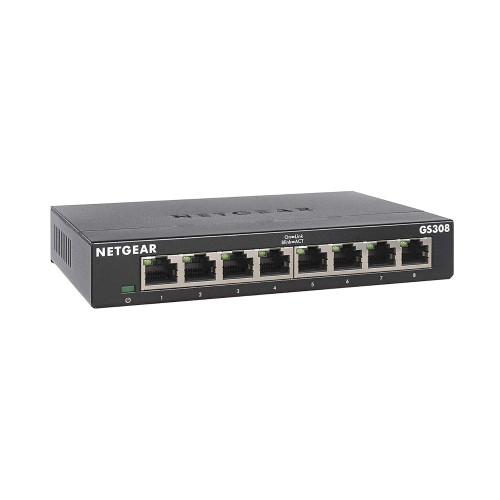
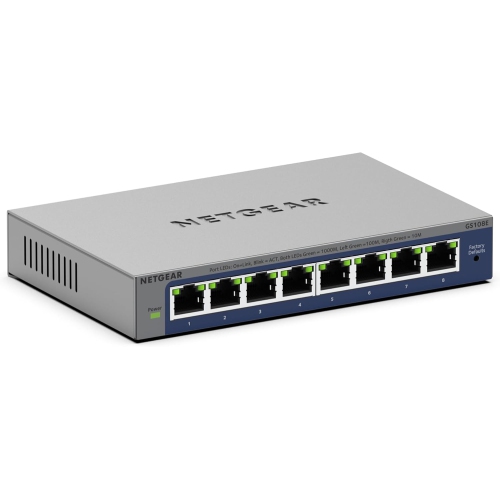
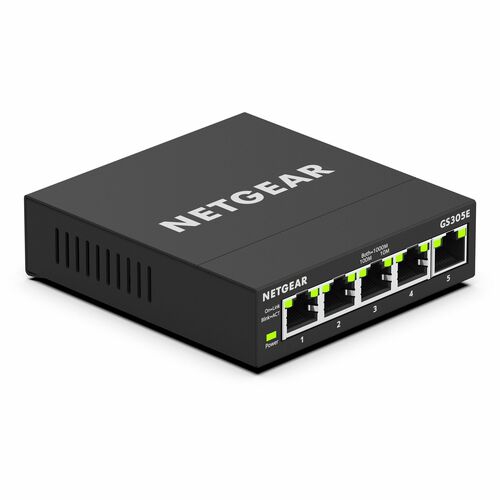
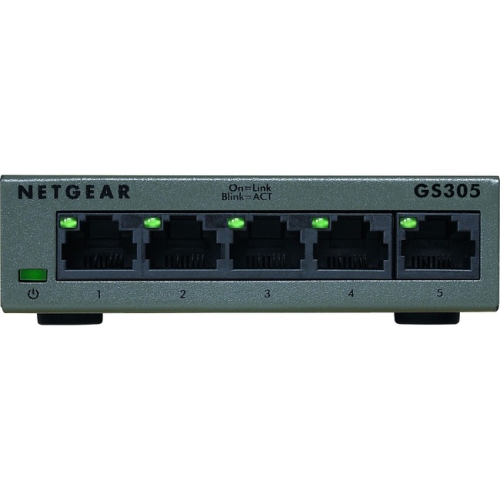
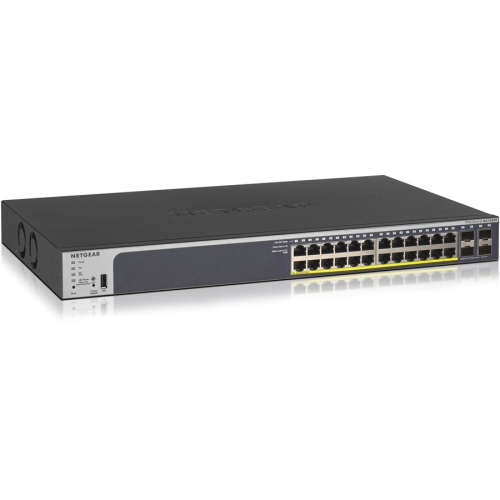
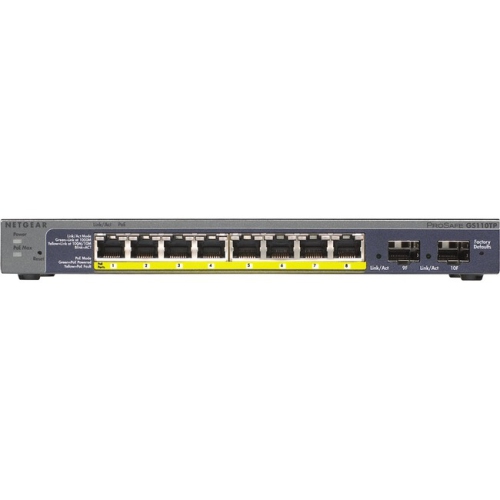
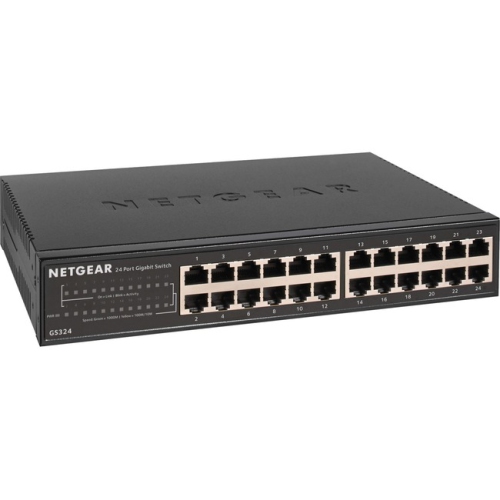
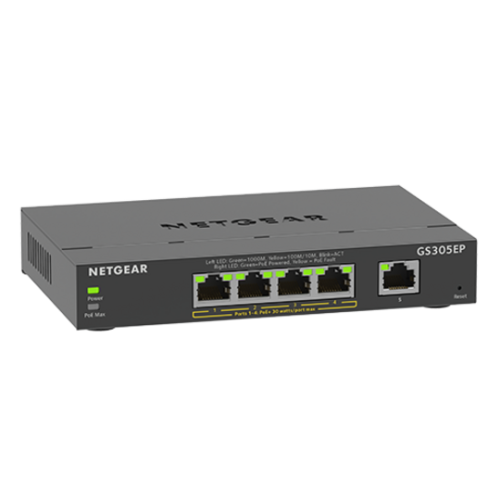
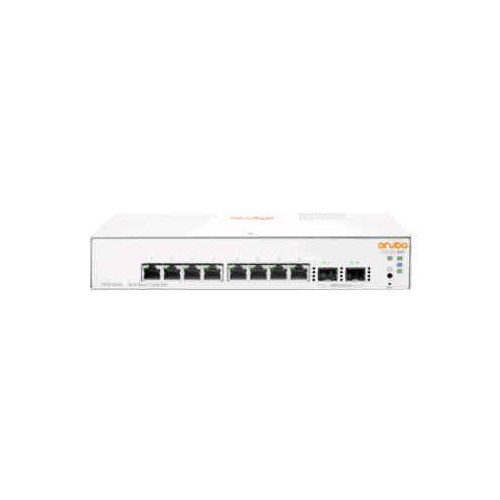
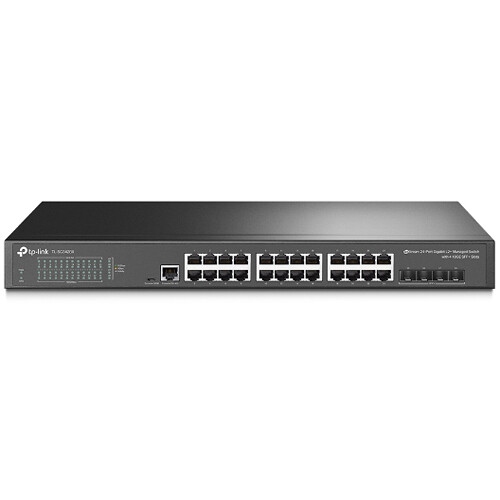
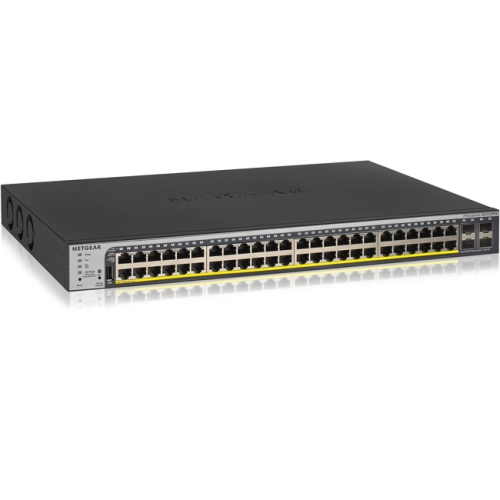
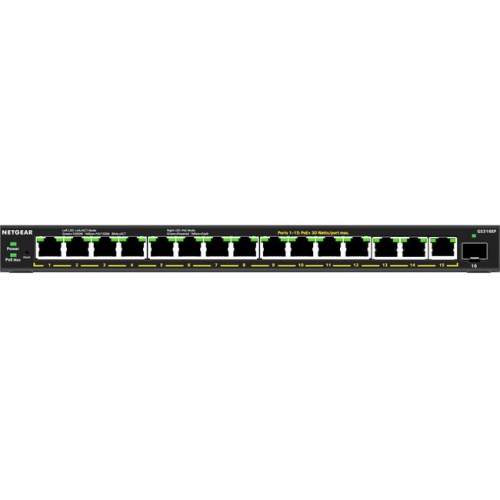
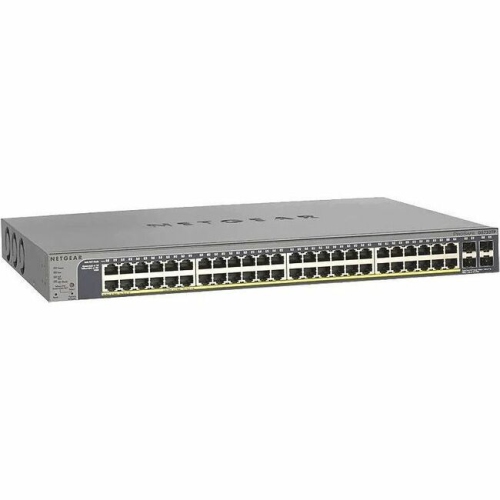

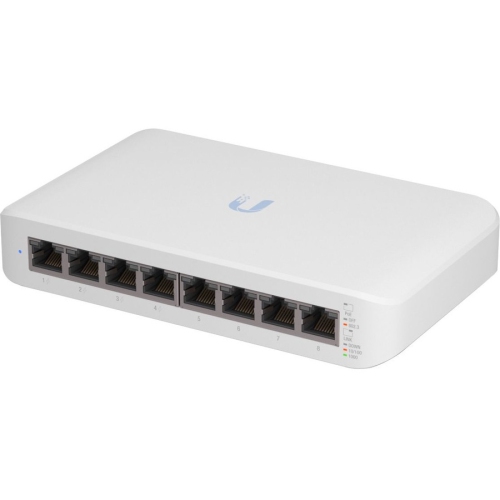
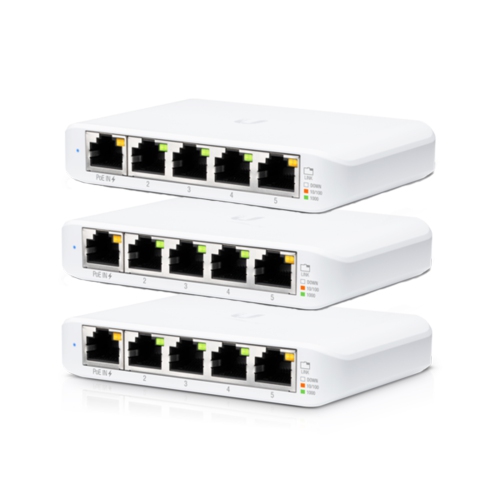
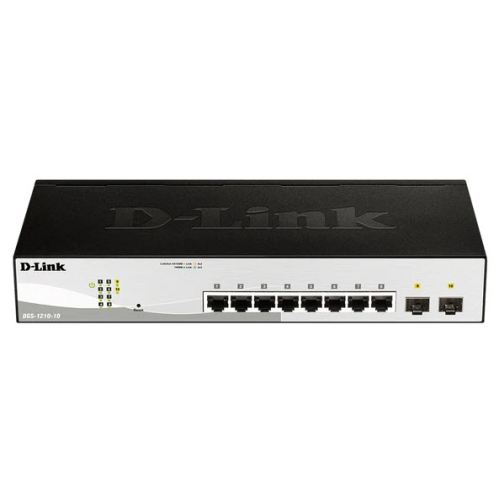
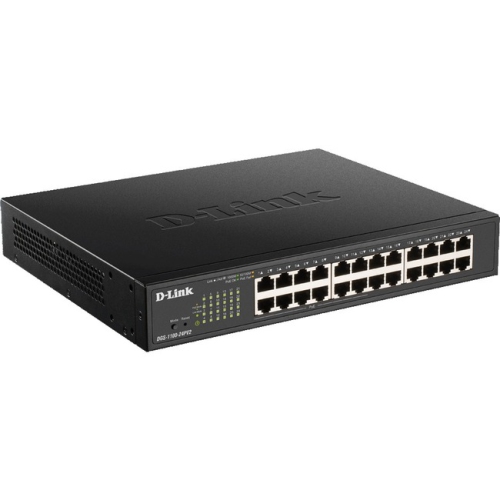
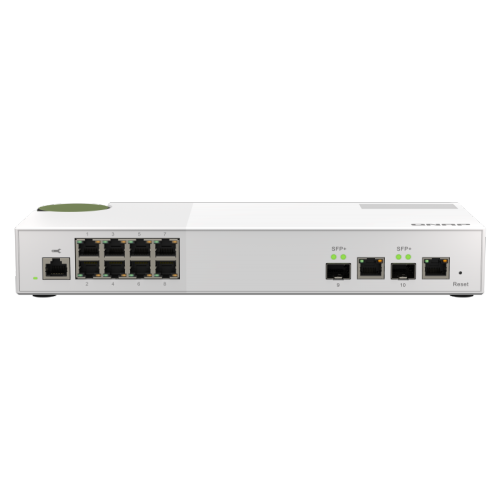
More control over traffic on your wired network
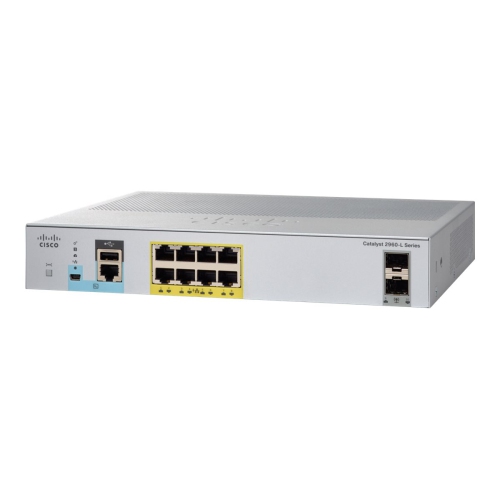
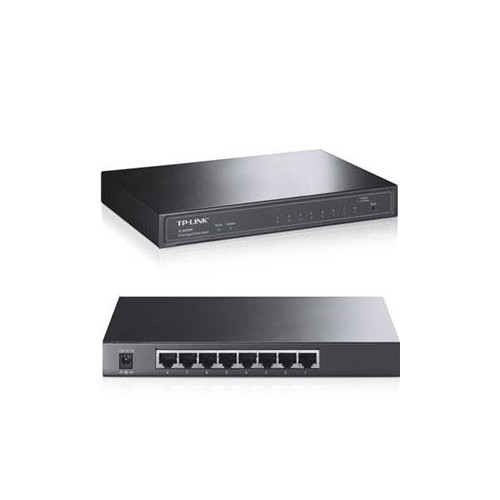
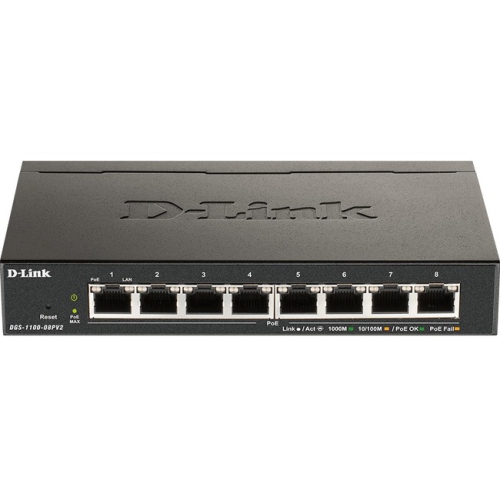
Layer 2 managed Ethernet switches connect wired devices on a local area network and give administrators control over how traffic moves between them. Operating at the data link layer, they learn the MAC addresses associated with their ports and use that information to forward Ethernet frames within a VLAN. This makes them a practical foundation for offices, shops, classrooms, home labs, and other spaces where computers, printers, access points, and network storage need reliable connections. Management features distinguish these switches from unmanaged models: instead of simply connecting cables and accepting a fixed setup, administrators can configure ports, separate traffic, review connection statistics, and investigate faults. Within the broader category of Layer 2 Switches, managed options suit networks that need more visibility and more deliberate organisation as they grow. A small office, for example, might use VLANs to keep employee computers, guest Wi-Fi traffic, and security cameras in separate logical groups while sharing the same switching hardware. Each VLAN forms its own broadcast domain, which helps contain broadcast traffic and supports network separation. Communication between those VLANs normally requires a router, firewall, or Layer 3 switch, where access rules can control which groups communicate. A Layer 2 managed switch is therefore not a replacement for an internet router; its main role is to connect and manage devices within the local network. Some models include limited routing features, so the supported functions matter more than a broad category label. These switches are especially useful for IT administrators, small-business owners, and technically confident home users who need to distinguish a loose cable from a congested uplink or isolate a camera network from everyday workstations. The value is not just in having more sockets on a desk or in a cabinet. It is in making those connections easier to organise, monitor, and adapt when a workspace gains new devices or changes how it uses them.
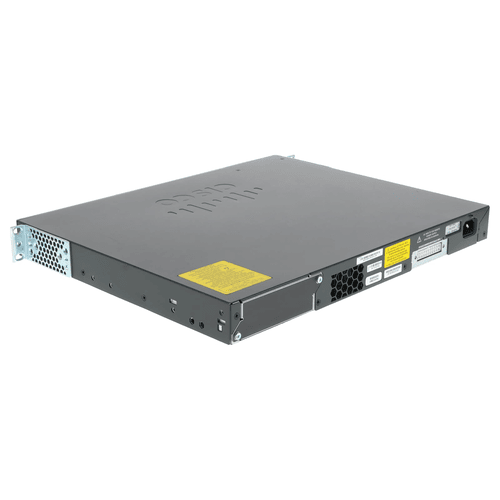
Port count, connection speed, and uplink capacity shape how comfortably a managed Ethernet switch fits its intended use. A compact desktop unit may serve a few workstations and a printer, while a rack-mounted switch can bring together connections from rooms throughout an office. Spare ports leave room for an additional access point, a meeting-room system, or another camera without immediately requiring a separate switch. Gigabit Ethernet suits many everyday wired connections, while multi-gigabit or 10 Gigabit connections may be useful for compatible Wi-Fi access points, shared storage, and workstations moving large files. The complete connection matters: device interfaces, cable capability, cable length, and switch ports all influence the speed a link can negotiate. Uplinks deserve particular attention because several devices may share the same path to a router, server, or another switch. SFP and SFP+ slots can support appropriate fibre or copper modules, but module compatibility and supported speeds vary. Fibre connections can also suit longer runs between cabinets when the correct transceivers and cabling are used. For devices installed away from convenient electrical outlets, Power over Ethernet, or PoE, can carry power and data over the same Ethernet cable. This is useful for ceiling-mounted access points, IP phones on reception desks, and cameras overlooking entrances. A PoE-enabled managed switch needs both a compatible power standard for each connected device and enough total power budget for all devices drawing power at once. Not every port necessarily supplies PoE, and a switch’s total power budget is separate from its per-port limit. Physical fit is equally important. Metal enclosures are common, but desktop placement, rack mounting, ventilation clearance, and cable access affect everyday practicality more than appearance. Fanless designs can suit quiet work areas, while actively cooled models may be better placed in a dedicated cabinet where fan noise is less intrusive. Industrial designs may offer extended operating temperature ranges or specialised mounting, but those capabilities should be confirmed in the specifications rather than assumed from a rugged-looking case.
Traffic controls and monitoring tools make Layer 2 managed Ethernet switches particularly useful when several kinds of network activity share the same infrastructure. Quality of Service, or QoS, can prioritise selected traffic during congestion, helping voice calls or interactive applications compete with large file transfers; it does not create extra bandwidth or guarantee performance across the entire network. Link aggregation can combine compatible physical links into a logical connection for greater aggregate capacity and resilience, although a single transfer will not necessarily exceed the speed of one member link. Spanning Tree Protocol and its variants help prevent switching loops when redundant connections exist, allowing properly configured alternate paths without uncontrolled frame circulation. For networks carrying multicast video or similar traffic, IGMP snooping can limit multicast delivery to the ports that need it when the surrounding network is configured appropriately. Day-to-day administration may take place through a browser interface, a command-line interface, central management software, or supported SNMP monitoring tools. The available methods differ, as do features such as port mirroring, event logs, cable diagnostics, and remote PoE controls. Port mirroring, for instance, can help a technician examine traffic from a troublesome connection without moving the affected computer. Security capabilities may include port-based authentication, access controls, and restrictions on management access, but support varies by model and configuration. Long-term reliability also depends on installation and care: ventilation openings need to remain clear, cables should be labelled and supported without straining ports, and dust should be removed according to the manufacturer’s instructions. Suitable operating conditions and a stable power supply help protect dependable service. Saving configuration backups and maintaining supported firmware make recovery and ongoing administration more manageable. For a growing business or a well-used home lab, the strongest fit is a switch whose port layout, power capacity, management tools, and traffic controls match the actual workload, with enough flexibility for the next set of wired connections.
Port count, connection speed, and uplink capacity shape how comfortably a managed Ethernet switch fits its intended use. A compact desktop unit may serve a few workstations and a printer, while a rack-mounted switch can bring together connections from rooms throughout an office. Spare ports leave room for an additional access point, a meeting-room system, or another camera without immediately requiring a separate switch. Gigabit Ethernet suits many everyday wired connections, while multi-gigabit or 10 Gigabit connections may be useful for compatible Wi-Fi access points, shared storage, and workstations moving large files. The complete connection matters: device interfaces, cable capability, cable length, and switch ports all influence the speed a link can negotiate. Uplinks deserve particular attention because several devices may share the same path to a router, server, or another switch. SFP and SFP+ slots can support appropriate fibre or copper modules, but module compatibility and supported speeds vary. Fibre connections can also suit longer runs between cabinets when the correct transceivers and cabling are used. For devices installed away from convenient electrical outlets, Power over Ethernet, or PoE, can carry power and data over the same Ethernet cable. This is useful for ceiling-mounted access points, IP phones on reception desks, and cameras overlooking entrances. A PoE-enabled managed switch needs both a compatible power standard for each connected device and enough total power budget for all devices drawing power at once. Not every port necessarily supplies PoE, and a switch’s total power budget is separate from its per-port limit. Physical fit is equally important. Metal enclosures are common, but desktop placement, rack mounting, ventilation clearance, and cable access affect everyday practicality more than appearance. Fanless designs can suit quiet work areas, while actively cooled models may be better placed in a dedicated cabinet where fan noise is less intrusive. Industrial designs may offer extended operating temperature ranges or specialised mounting, but those capabilities should be confirmed in the specifications rather than assumed from a rugged-looking case.
Traffic controls and monitoring tools make Layer 2 managed Ethernet switches particularly useful when several kinds of network activity share the same infrastructure. Quality of Service, or QoS, can prioritise selected traffic during congestion, helping voice calls or interactive applications compete with large file transfers; it does not create extra bandwidth or guarantee performance across the entire network. Link aggregation can combine compatible physical links into a logical connection for greater aggregate capacity and resilience, although a single transfer will not necessarily exceed the speed of one member link. Spanning Tree Protocol and its variants help prevent switching loops when redundant connections exist, allowing properly configured alternate paths without uncontrolled frame circulation. For networks carrying multicast video or similar traffic, IGMP snooping can limit multicast delivery to the ports that need it when the surrounding network is configured appropriately. Day-to-day administration may take place through a browser interface, a command-line interface, central management software, or supported SNMP monitoring tools. The available methods differ, as do features such as port mirroring, event logs, cable diagnostics, and remote PoE controls. Port mirroring, for instance, can help a technician examine traffic from a troublesome connection without moving the affected computer. Security capabilities may include port-based authentication, access controls, and restrictions on management access, but support varies by model and configuration. Long-term reliability also depends on installation and care: ventilation openings need to remain clear, cables should be labelled and supported without straining ports, and dust should be removed according to the manufacturer’s instructions. Suitable operating conditions and a stable power supply help protect dependable service. Saving configuration backups and maintaining supported firmware make recovery and ongoing administration more manageable. For a growing business or a well-used home lab, the strongest fit is a switch whose port layout, power capacity, management tools, and traffic controls match the actual workload, with enough flexibility for the next set of wired connections.
Top selling and popular products
-
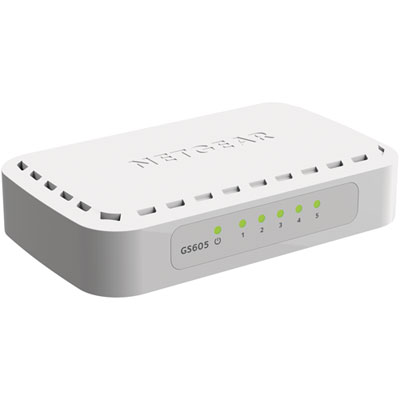 Your price for this item is $34.99
 -
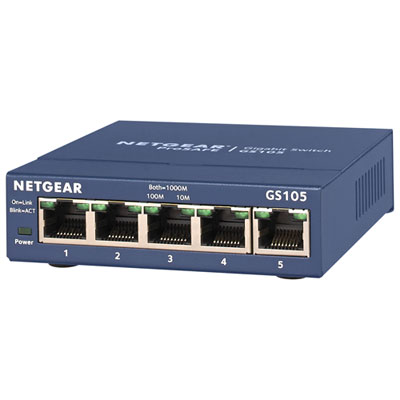 Your price for this item is $44.99
 -
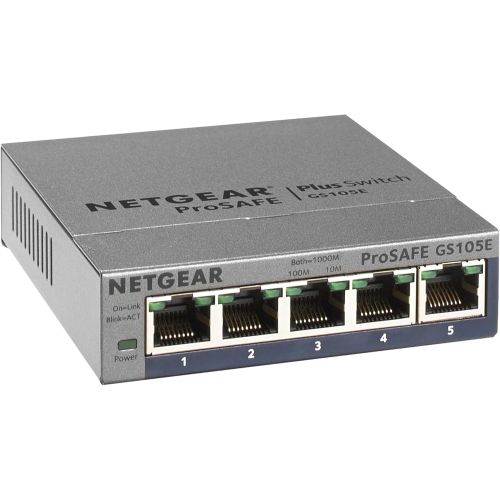 Your price for this item is $72.37
 -
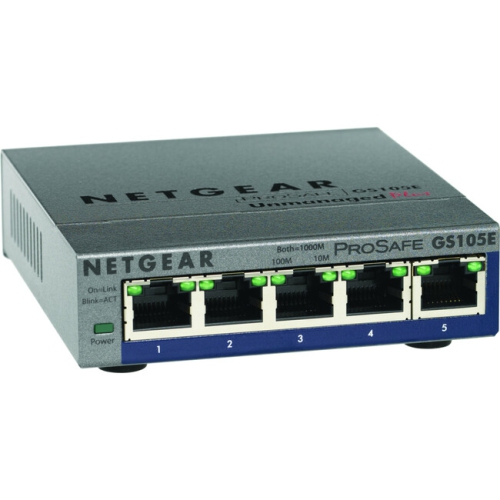 Your price for this item is $76.99
 -
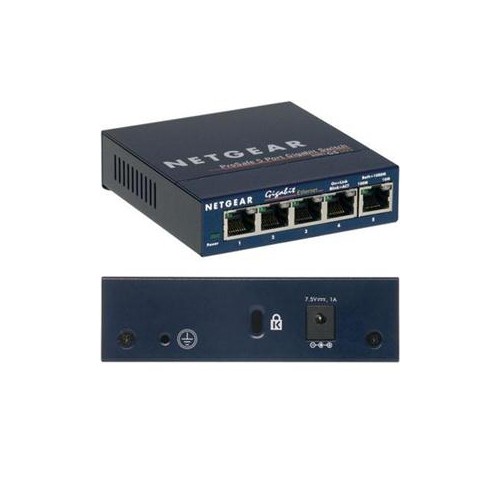 Your price for this item is $57.68
 -
 Your price for this item is $62.68
 -
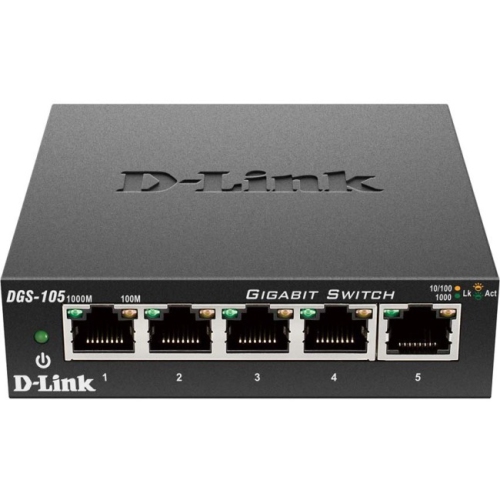 Your price for this item is $31.68
 -
 Your price for this item is $49.99
Discover more categories related to Layer 2 Managed Ethernet Switches
Top Collections:
Pokemon Centers, Budget 4K TVs, Kindle Devices, Canon G7X Cameras, Apple iPhones 16, iPhone 15 Apple, Laptops for Business Work, Flip Phones, Xiaomi Phones, Refurbished Apple Laptops
Some products may be subject to Environmental Handling Fees
(EHF) depending on your province.
Learn more about EHFs.