Layer 2 Switches
Looking to enhance your network performance and expand your connectivity options? Look no further than our collection of Layer 2 switches. These versatile networking devices offer advanced features and capabilities that allow you to efficiently manage and control your network traffic. Whether you're a small business owner or a tech enthusiast, our wide range of Layer 2 switches is designed to meet your networking needs. With their reliable performance, seamless integration, and easy-to-use interfaces, you can enjoy a smooth and uninterrupted network experience. Upgrade your network infrastructure today with our selection of high-quality Layer 2 switches.
Sort
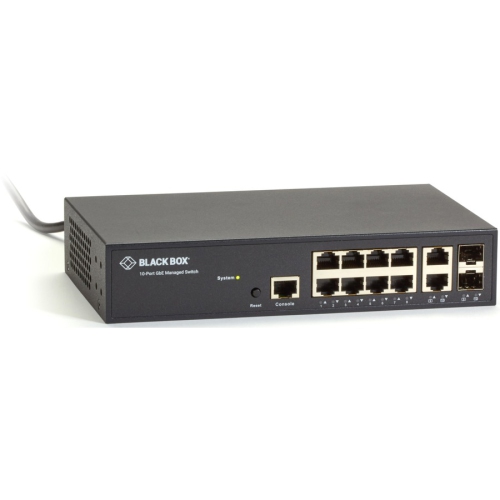
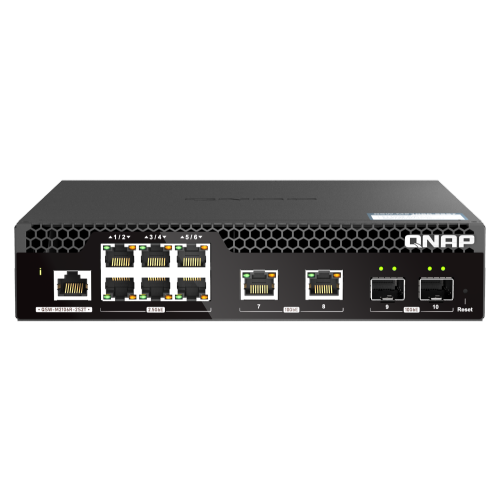
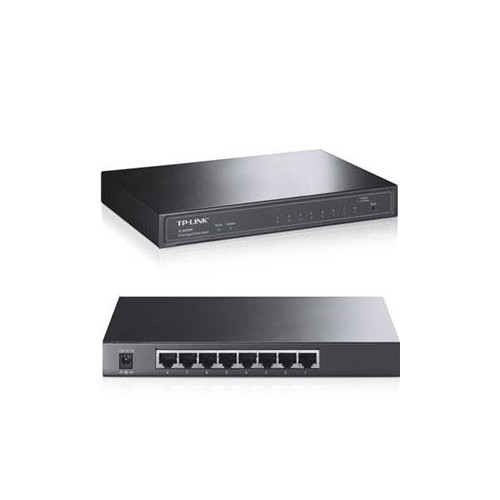
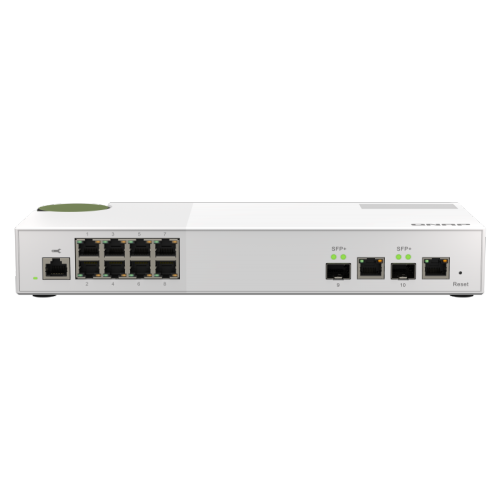
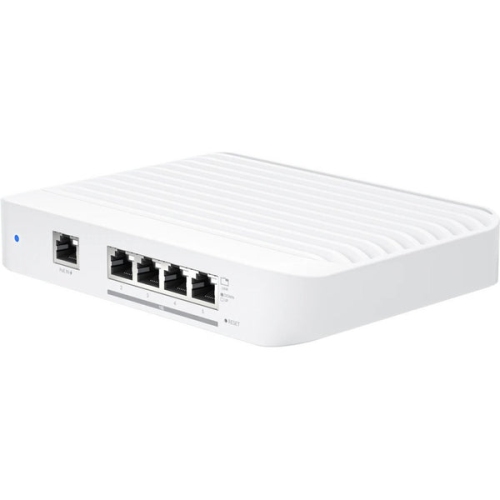
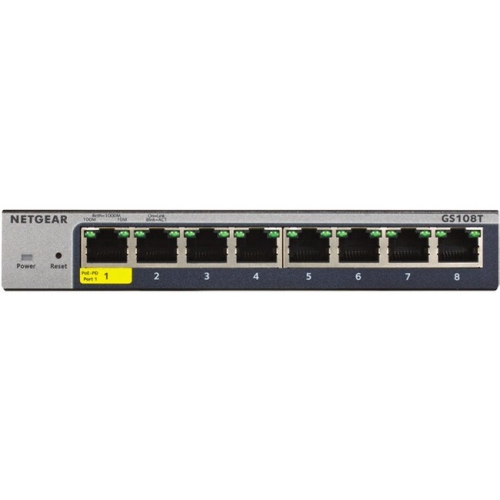
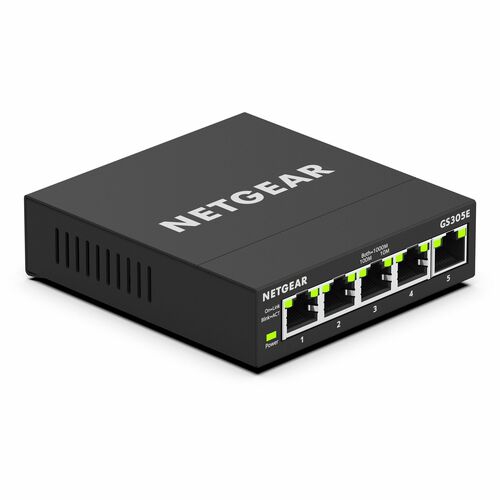
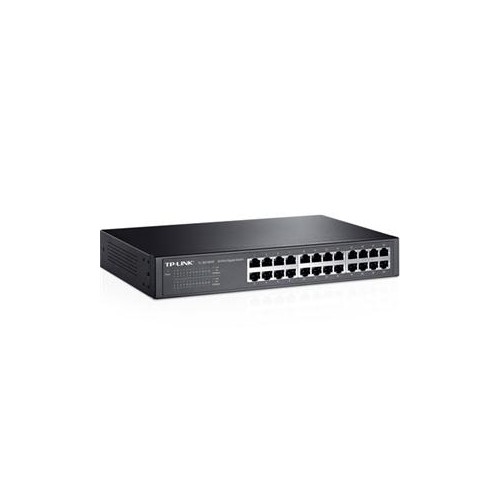
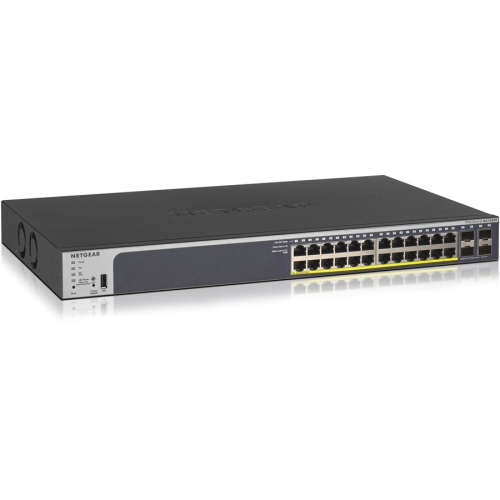
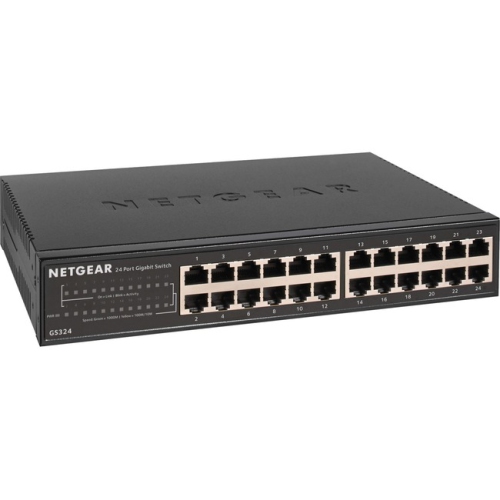

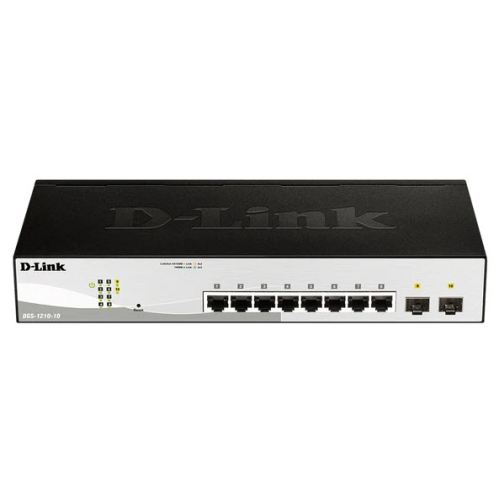
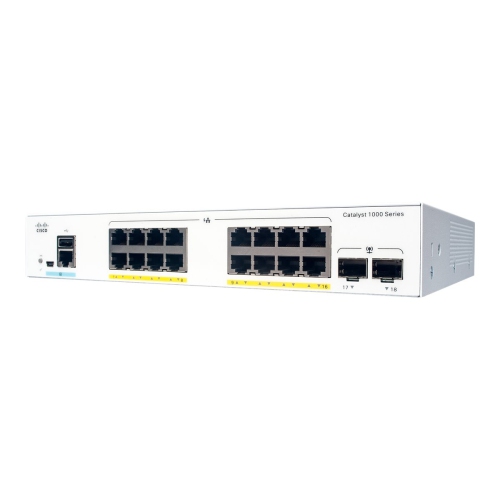
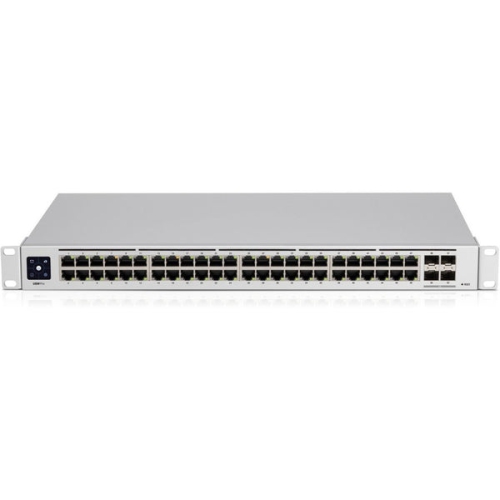
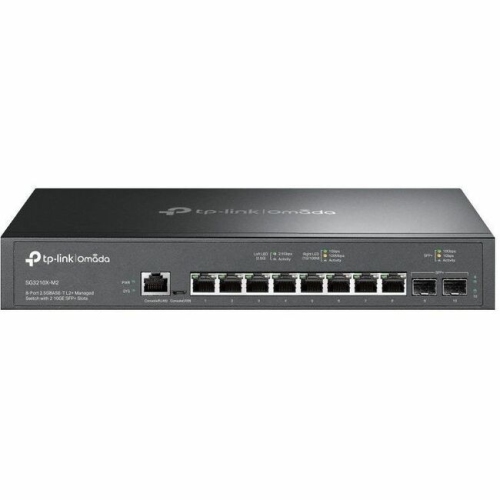
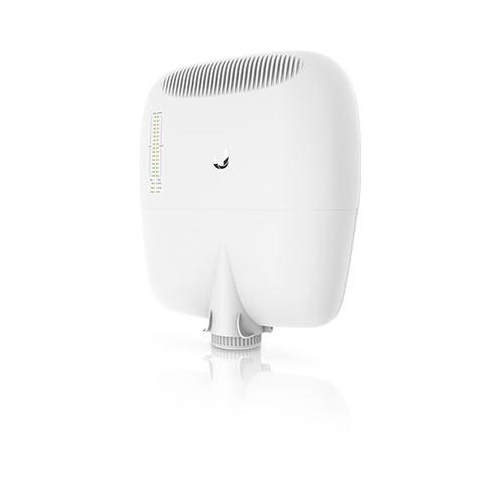
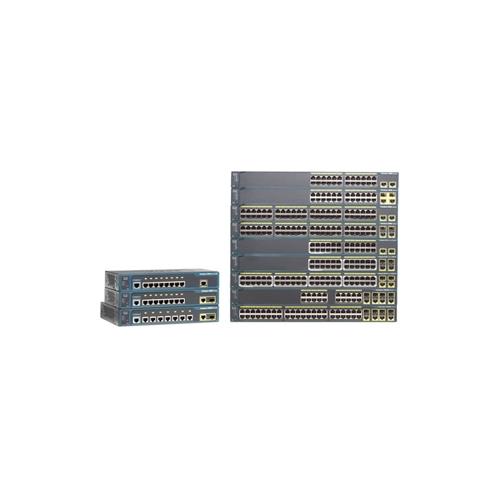
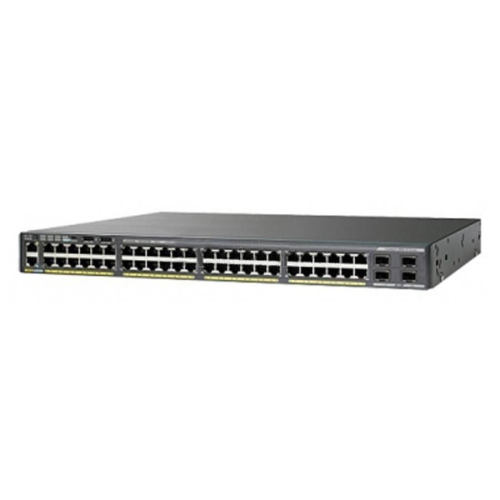
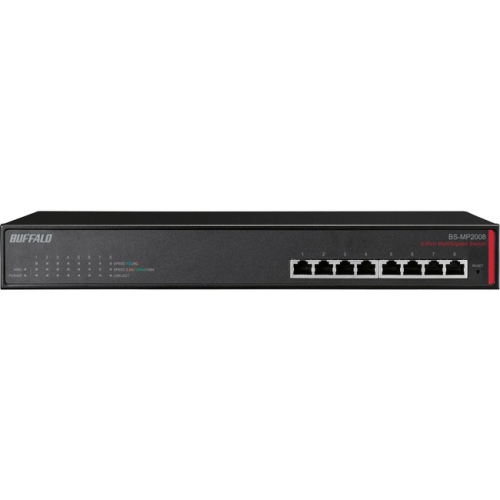
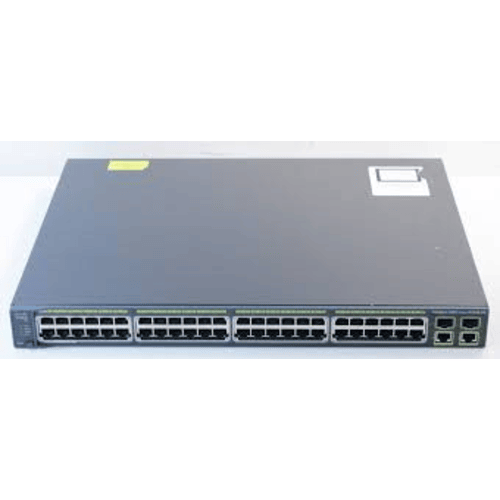
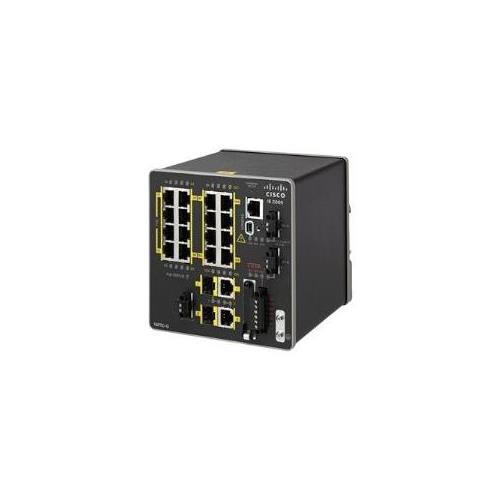
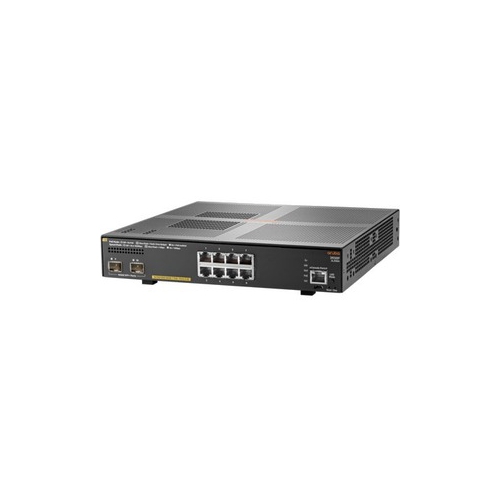
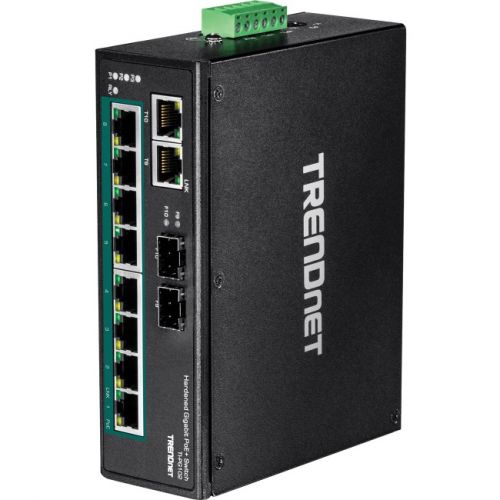
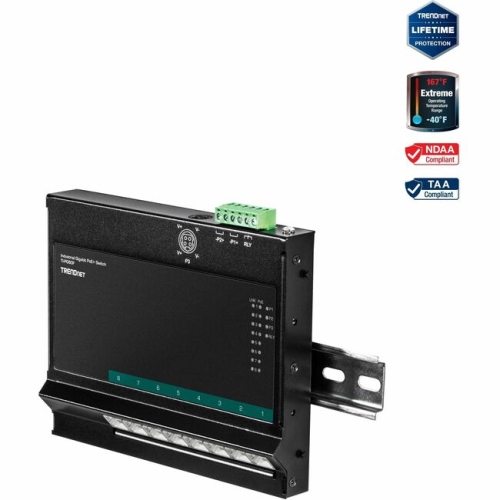

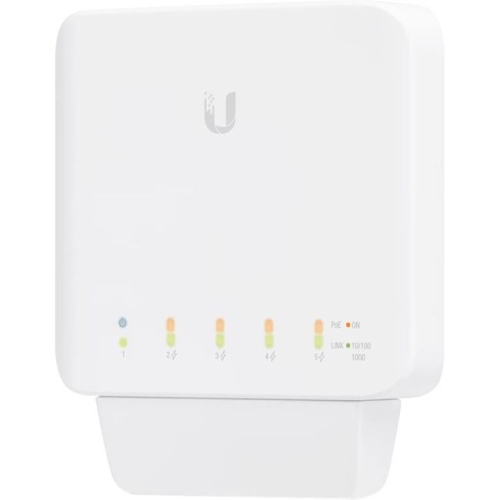
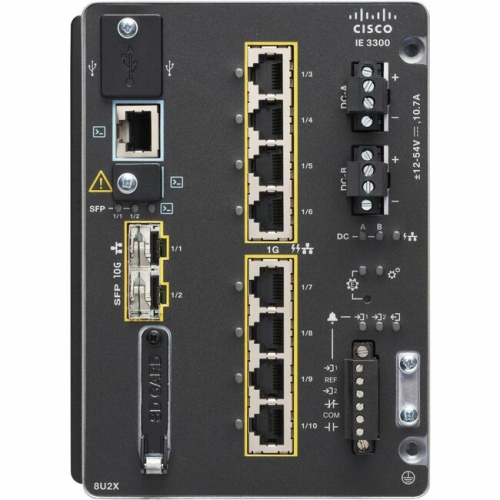
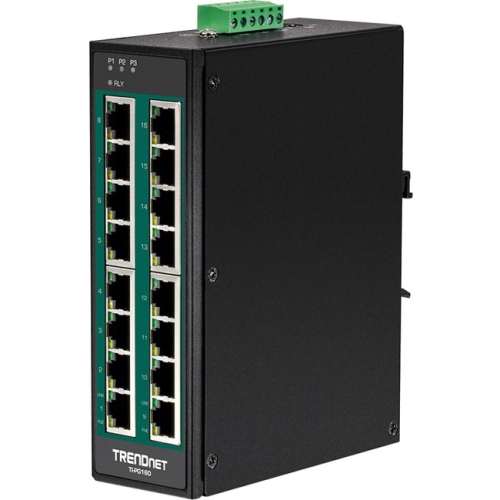
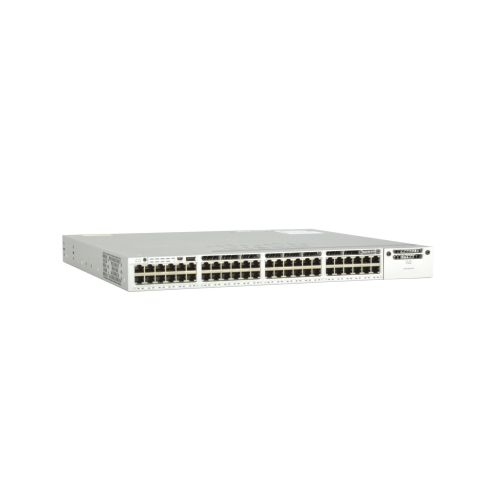
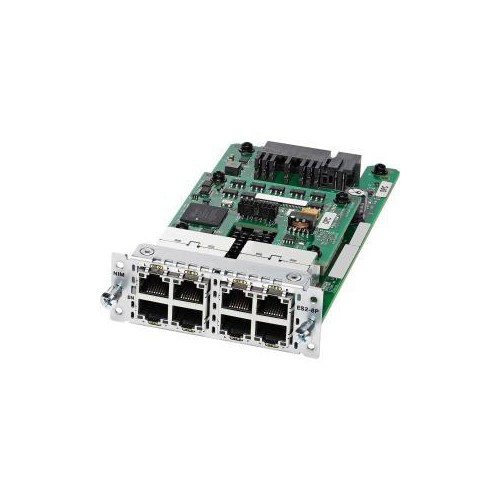
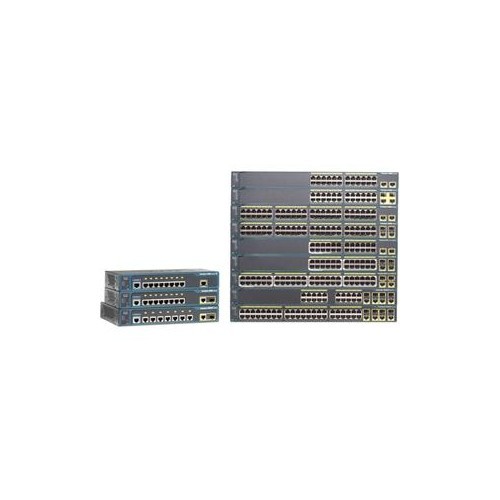
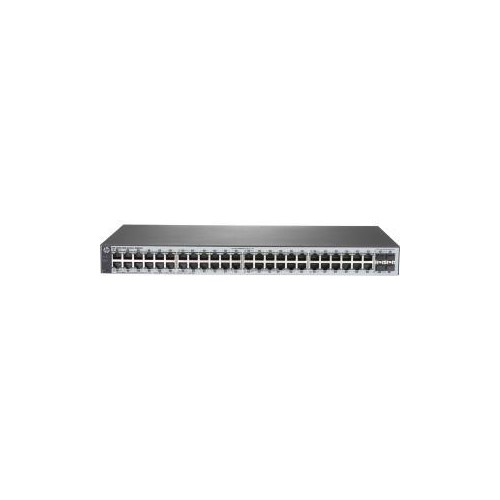
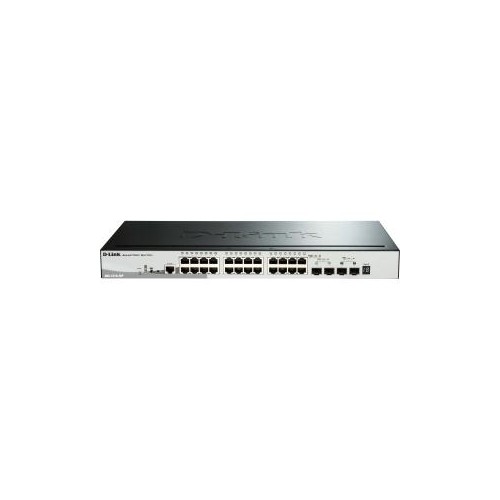
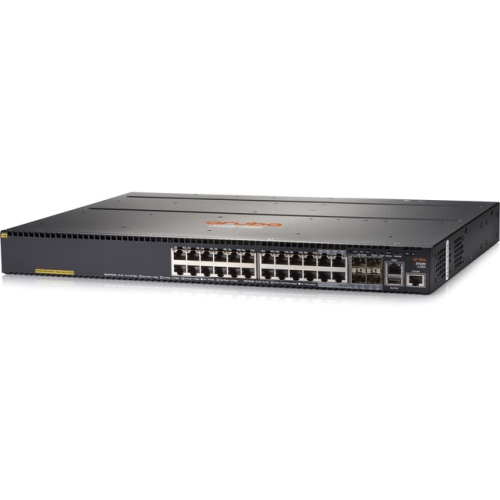
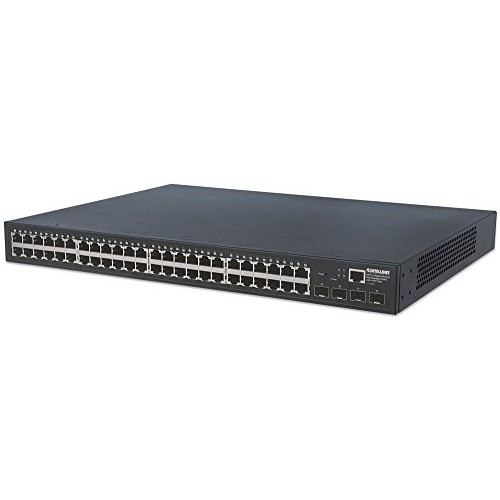
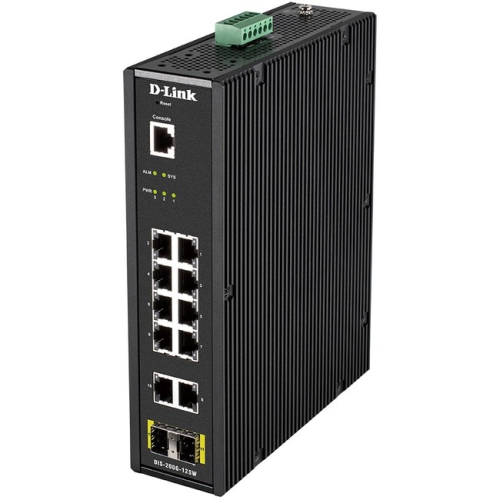

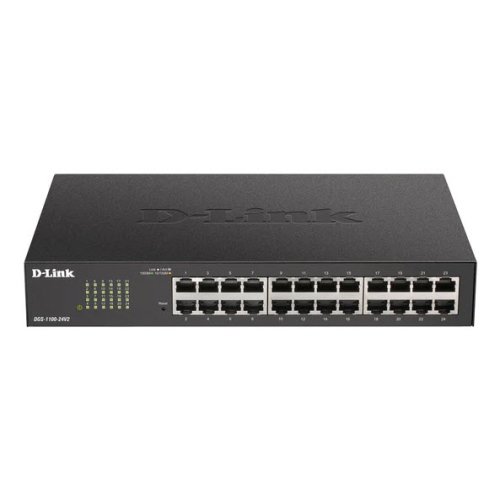

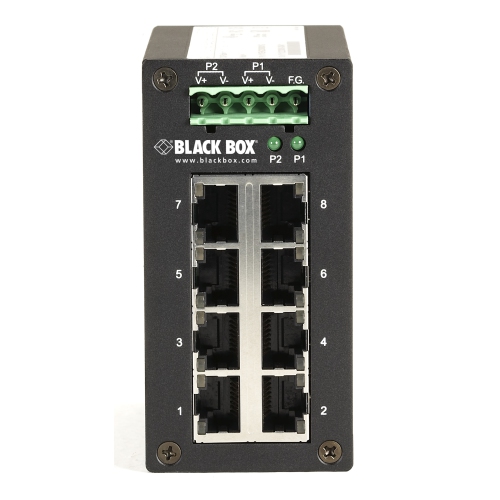
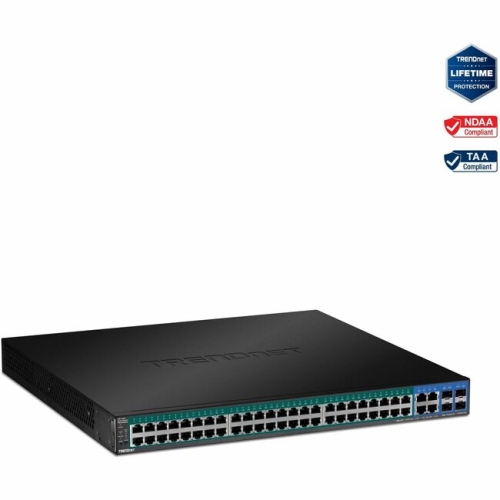
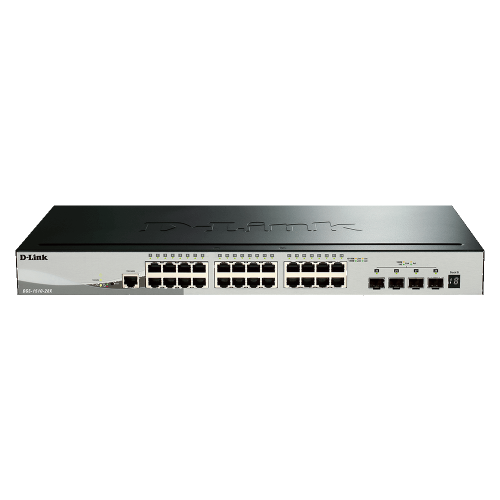
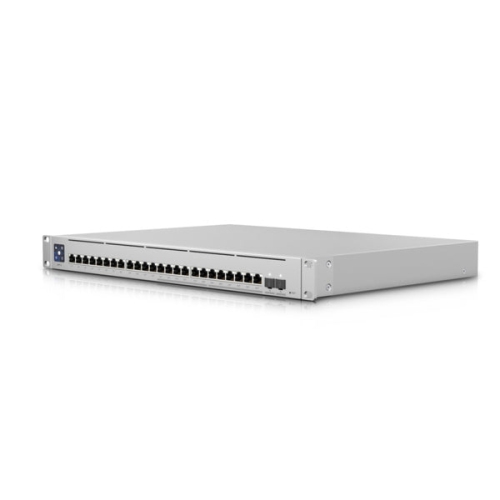
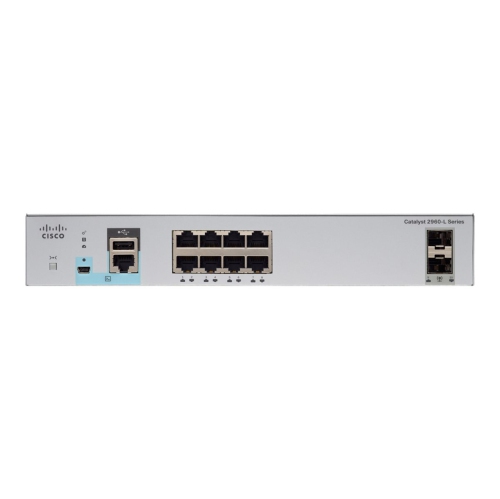
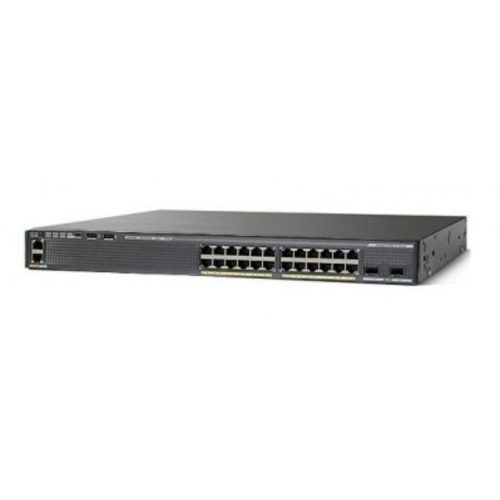
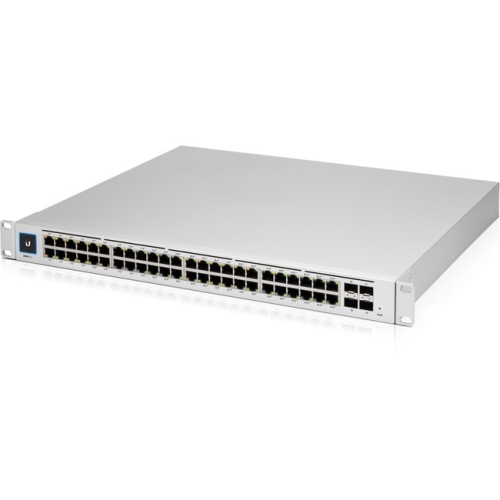

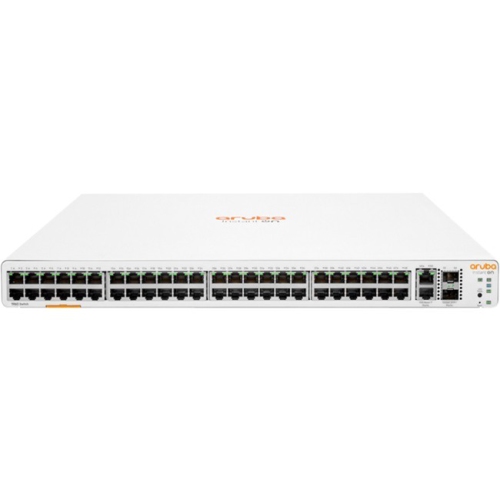
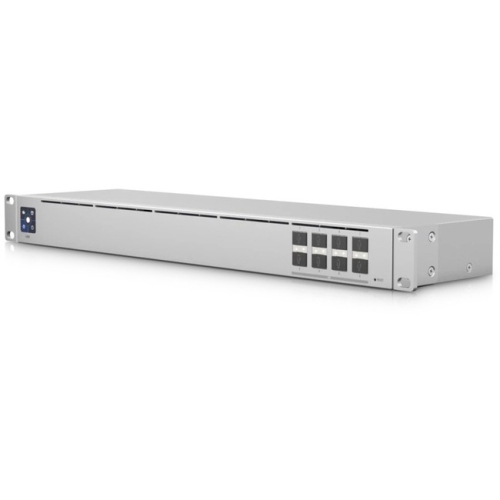
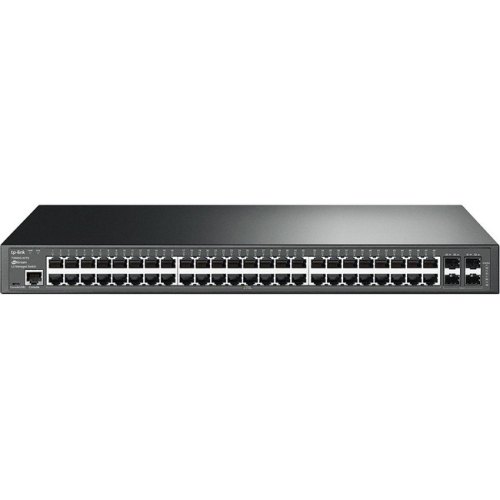
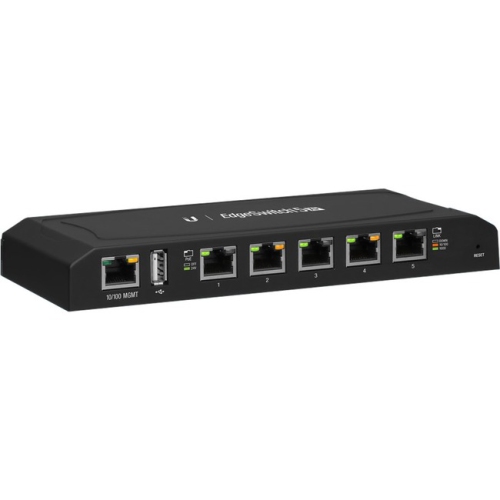
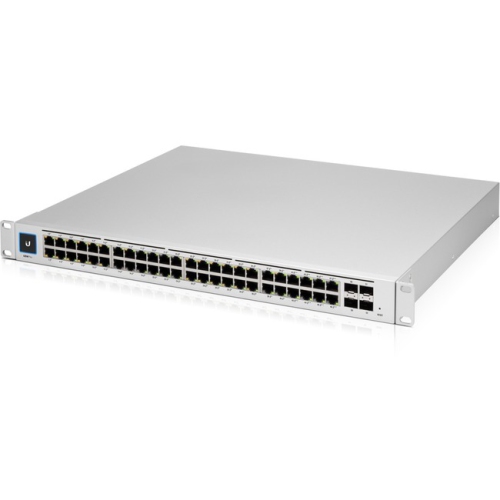
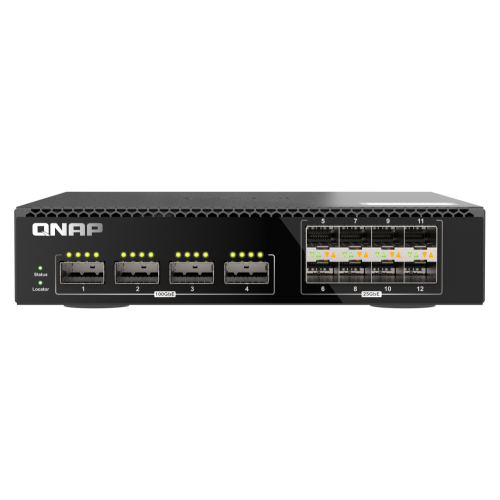
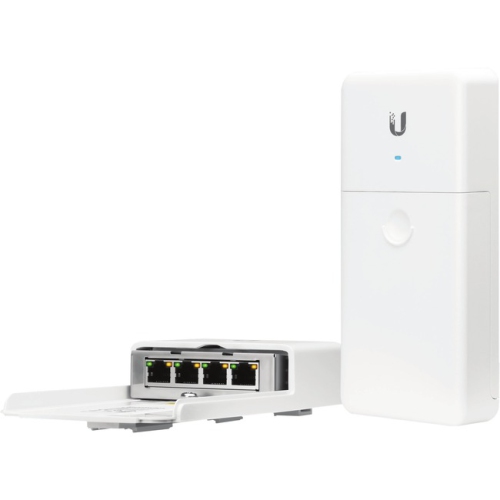
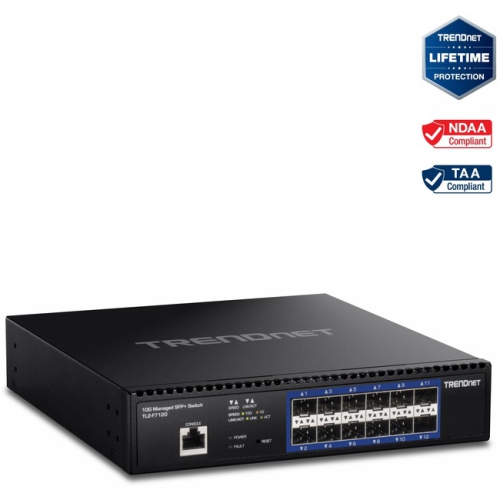
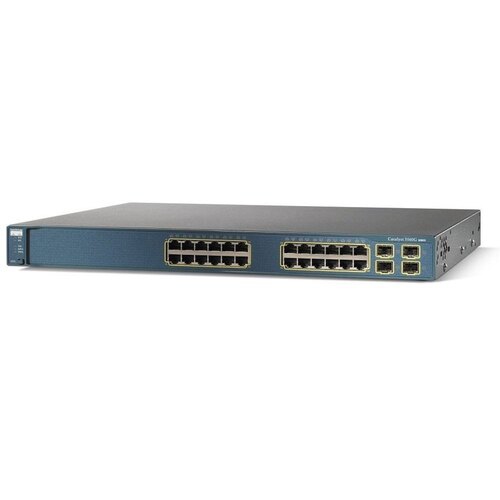
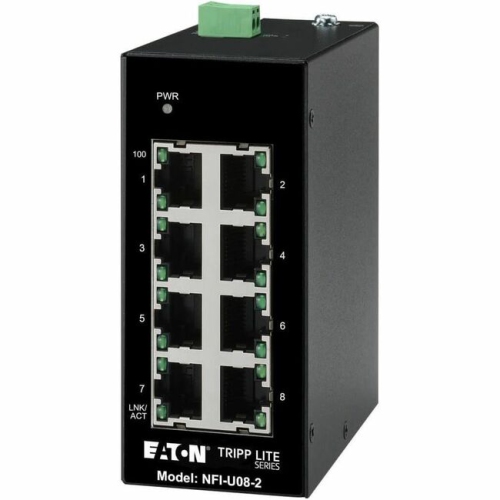
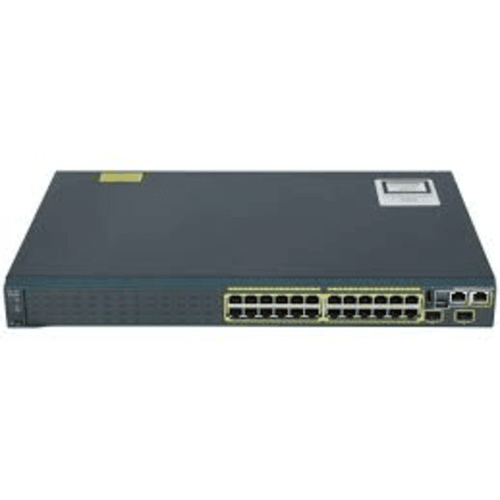
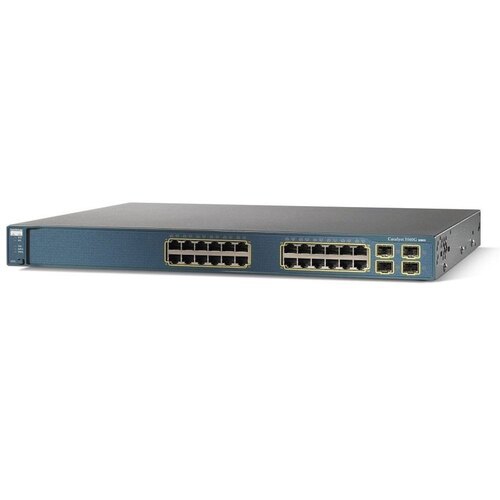
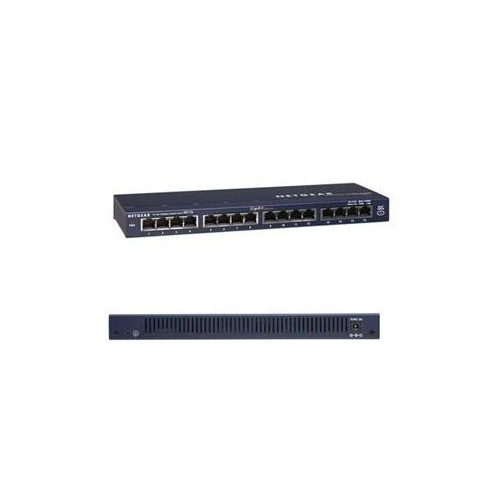
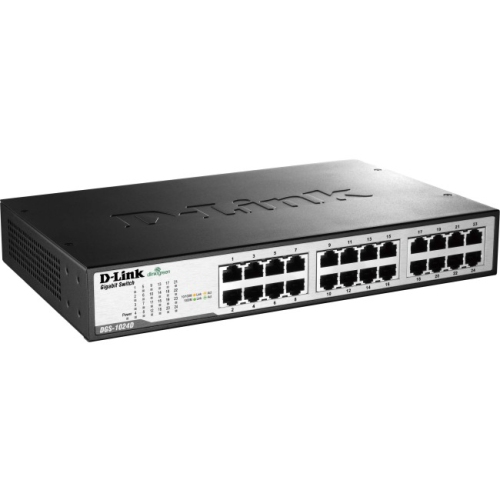
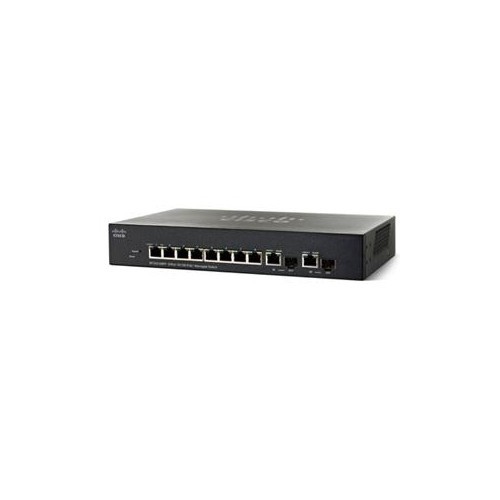
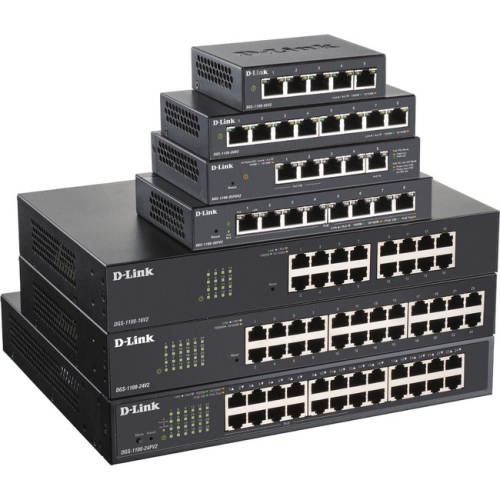
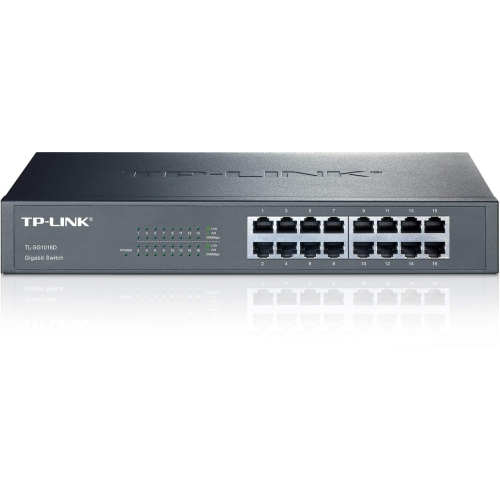
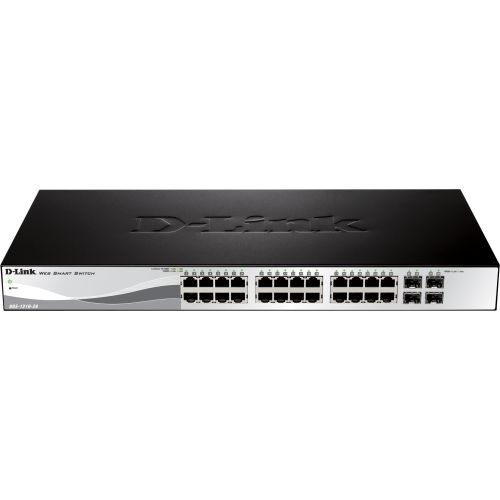
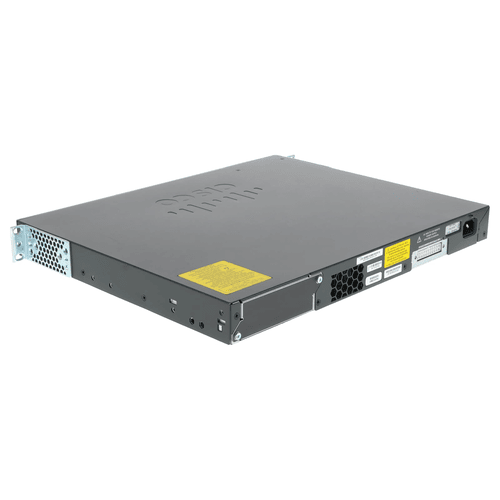
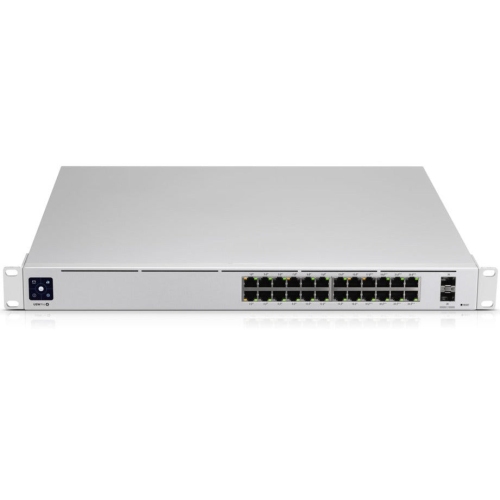
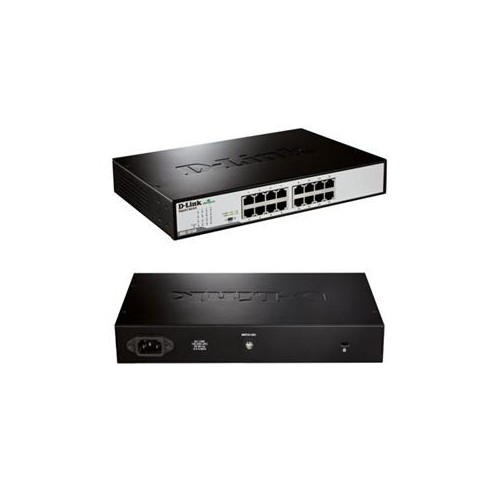
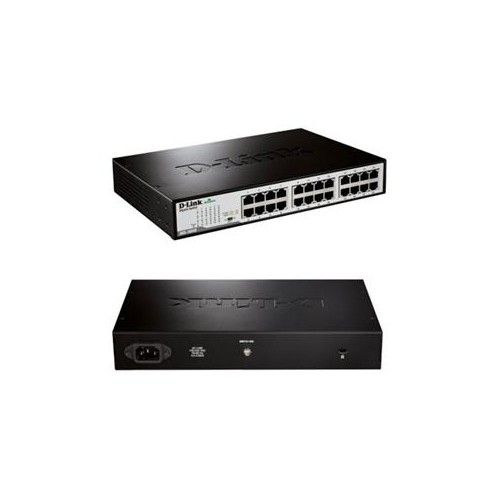
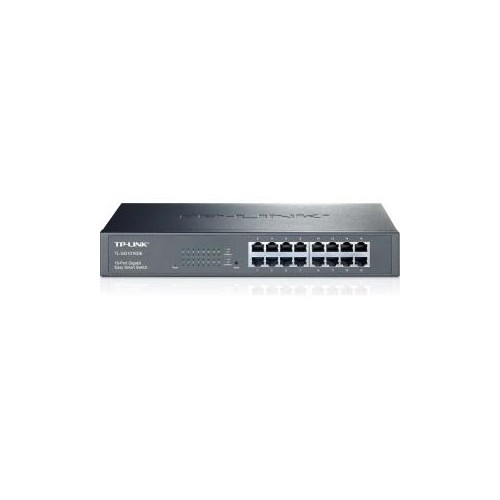
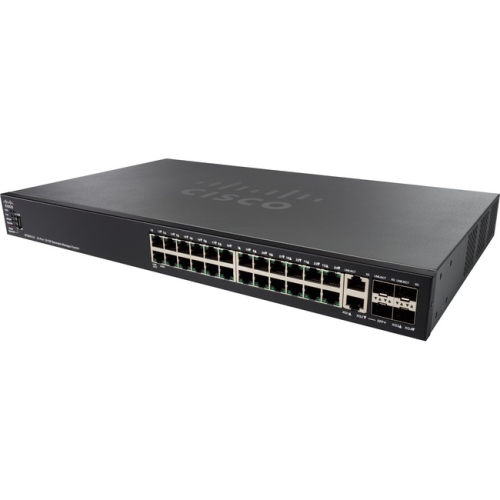

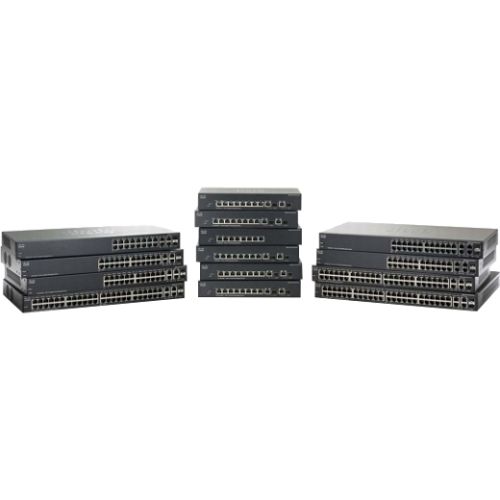
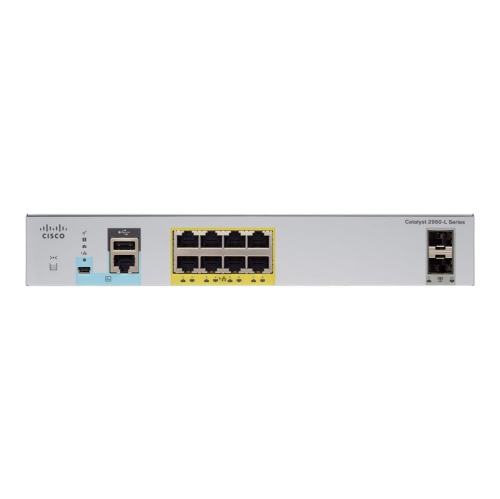
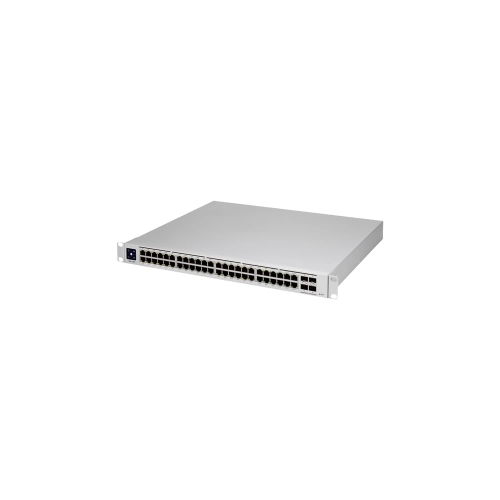
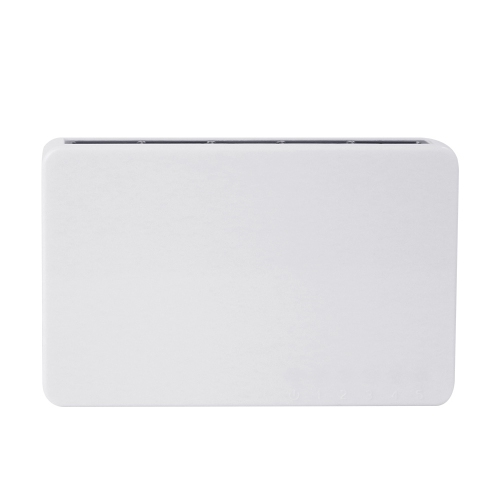
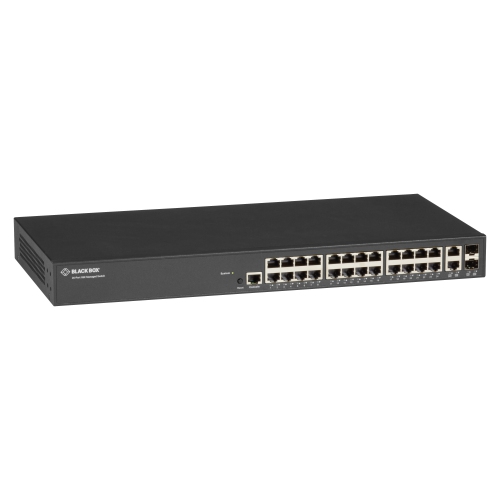
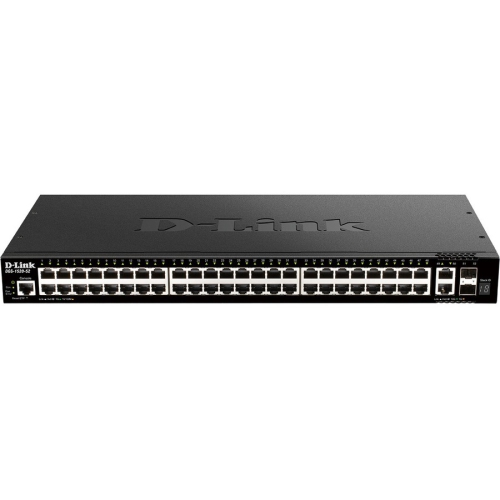
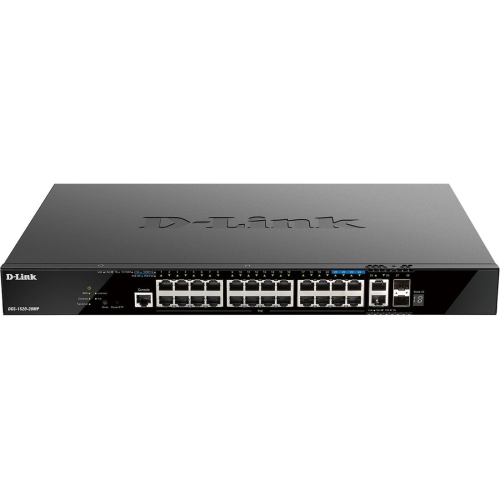
How switches direct traffic and expand wired networks
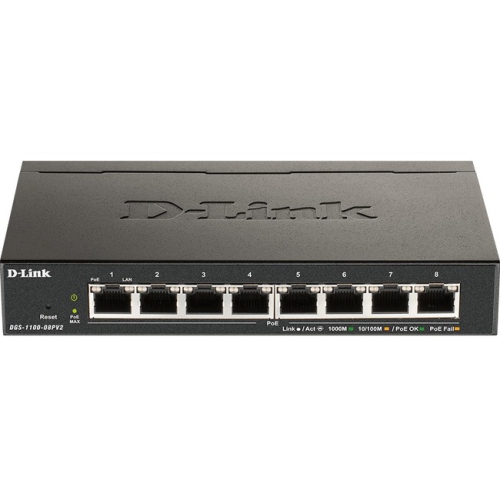
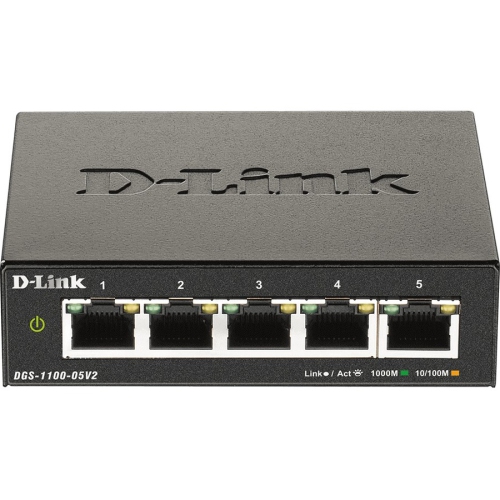
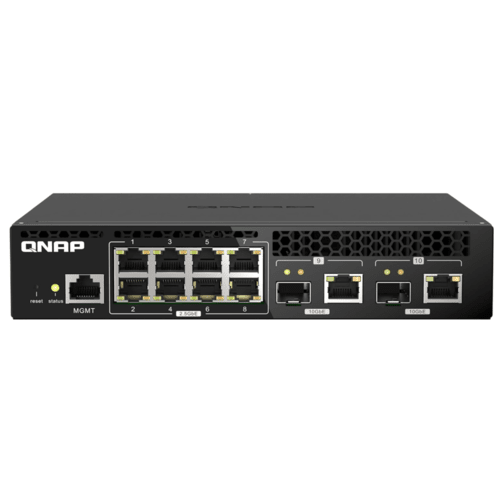
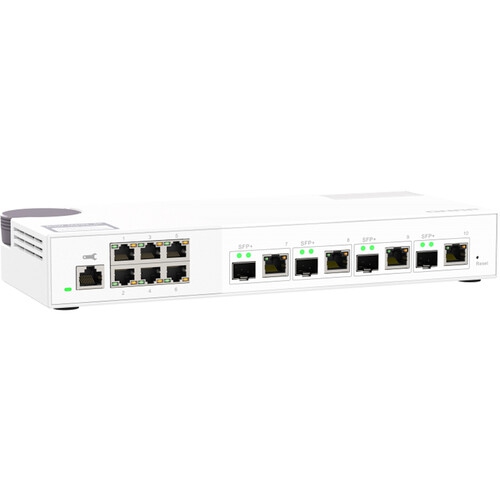
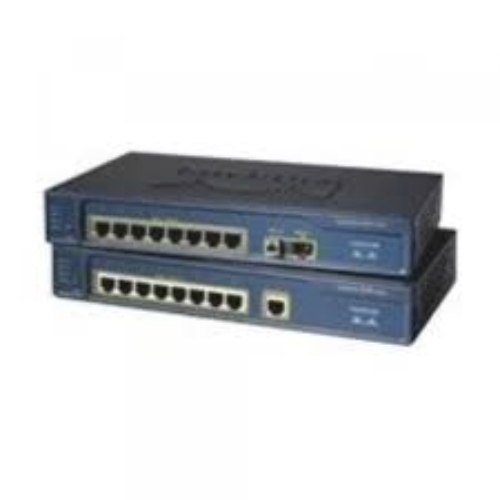
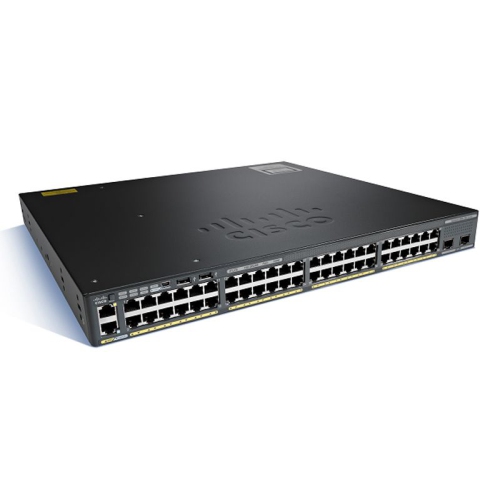
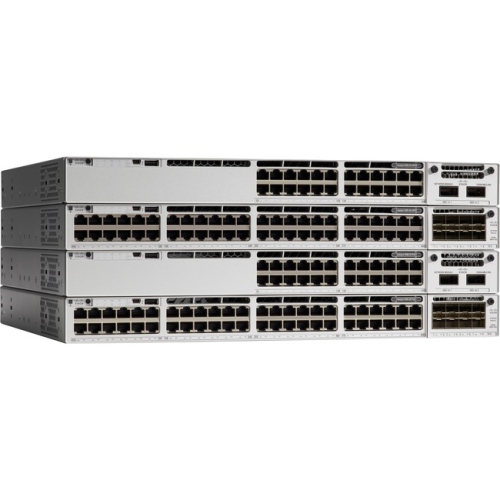
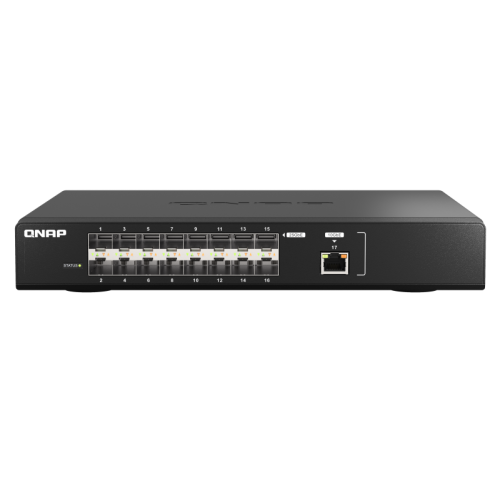
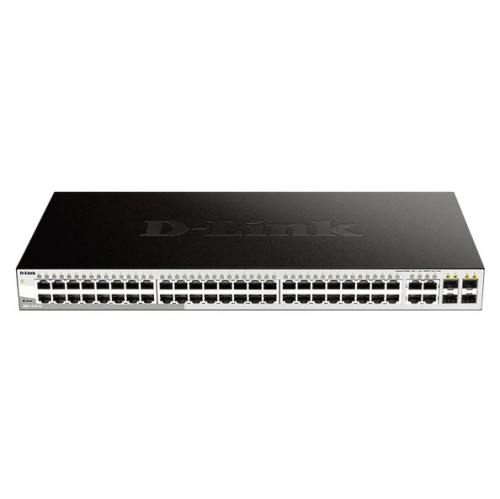
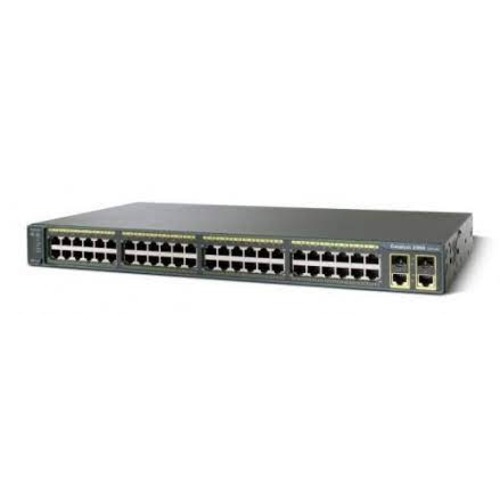
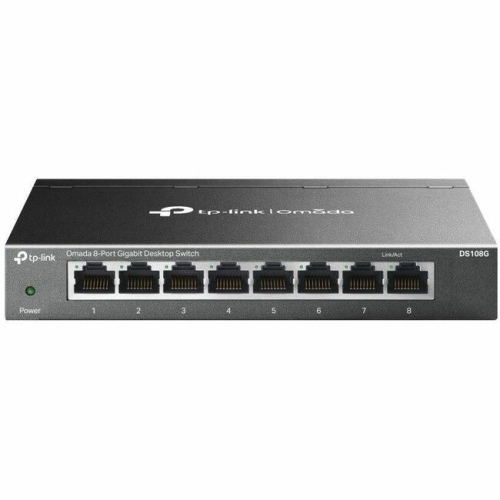
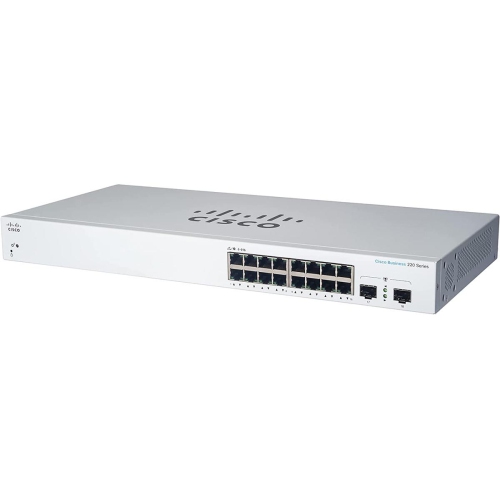
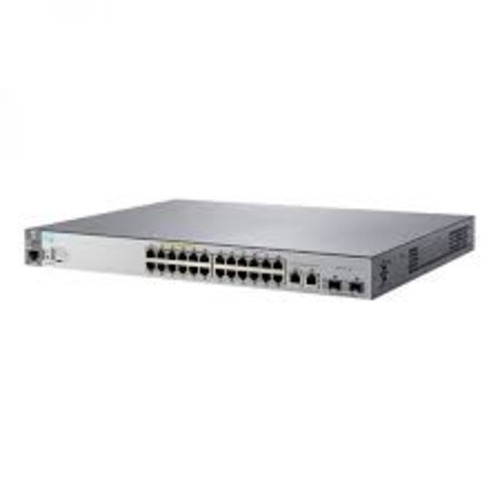
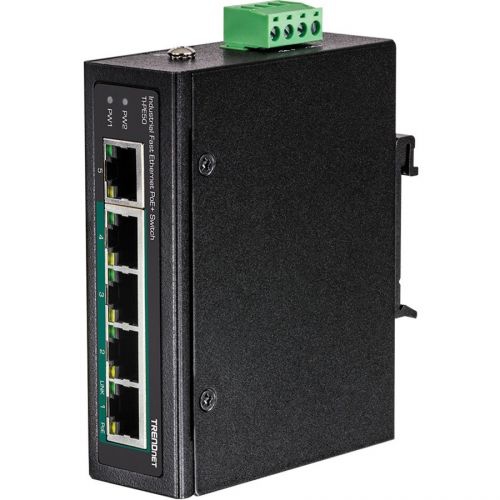
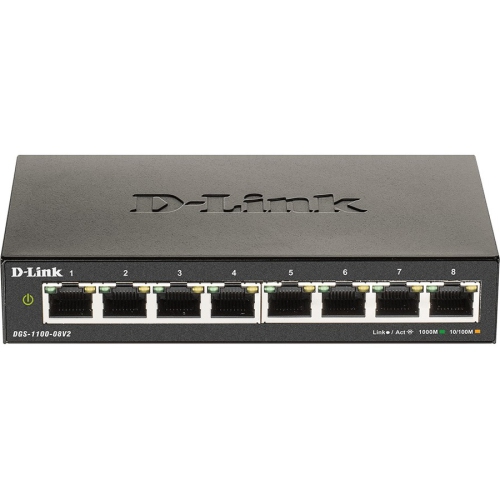
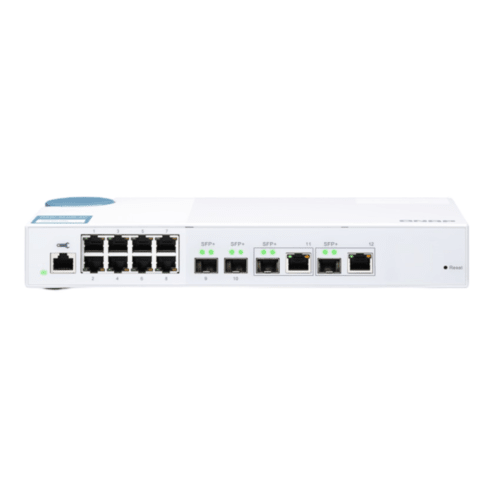
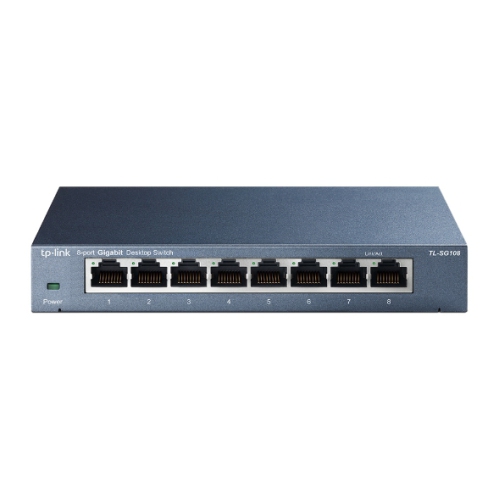
Layer 2 switches are networking devices designed to connect computers, printers, access points, servers, cameras, storage devices, and other wired equipment within the same local area network (LAN). They operate at the data link layer of the OSI model and use Media Access Control (MAC) addresses to direct Ethernet frames between connected devices. When a frame enters a switch port, the switch learns the source device’s MAC address and records it in an internal forwarding table. When the frame reaches its destination, the switch sends it only through the appropriate port instead of sending it across every connection. This direct forwarding helps reduce unnecessary network traffic and gives each connected port its own collision domain, providing a more dependable experience than older hub-based networks. Layer 2 switches are commonly used in homes with several wired devices, home offices, small businesses, classrooms, retail spaces, workshops, and larger network installations where reliable local connections are important. They can be especially useful when a router does not have enough Ethernet ports for all the equipment in use. A switch can connect nearby devices over wired Ethernet while the router continues to provide internet access, IP address assignment, firewall functions, and communication with other networks. Many basic switches are plug-and-play, making them convenient for adding wired connections without a lengthy setup. Connect the switch to the network with an Ethernet cable, connect compatible devices to the available ports, and the switch can begin forwarding local traffic automatically. This straightforward arrangement can help keep a desk, media area, or equipment cabinet organized while giving wired devices a stable connection that is less affected by distance or wireless interference.
When selecting a Layer 2 switch, begin by considering the number and type of devices that need wired connections. Count the computers, printers, televisions, game consoles, network storage devices, access points, surveillance equipment, and other hardware you expect to connect, then leave a few open ports for future additions. Port speed is another important consideration. Fast Ethernet may suit basic, low-bandwidth equipment, while Gigabit Ethernet is a common choice for modern computers, streaming devices, file transfers, and general home or small-office networking. Higher-speed connections may be helpful for network-attached storage, video production, large backups, or workplaces where several people move substantial files at the same time. Check the specifications of the connected devices and the network service so the switch can support the speeds you intend to use. The physical design also matters. Compact, fanless models can fit neatly on a shelf, behind a desk, or beside a router, while rack-mountable designs may be better suited to a communications cabinet or dedicated equipment room. Look for features such as full-duplex operation, auto-negotiation, automatic cable detection, and sturdy port construction. If the switch will power compatible equipment, review whether it supports Power over Ethernet (PoE), along with the available PoE standard and total power budget. PoE can simplify installations by carrying data and electrical power through a single Ethernet cable to supported access points, cameras, phones, or other devices. A switch with enough capacity for the intended setup can help avoid replacing it as the network grows. For installations that need more control, Layer 2 Managed Ethernet Switches can provide configuration options that are not typically available on basic plug-and-play models.
Managed Layer 2 switches are useful when a network needs more structure, visibility, or control than a simple connection point can provide. Depending on the model, management features may include virtual local area network (VLAN) support, quality of service (QoS), link aggregation, port monitoring, loop prevention, access controls, and traffic prioritization. VLANs can separate devices into logical network groups even when they share the same physical switch. For example, a business could place staff computers, guest devices, voice equipment, and security hardware into separate segments, although communication between different IP subnets or VLANs requires a router or Layer 3 device. A Layer 2 switch does not normally route traffic between separate networks on its own; its primary role is forwarding frames within the same LAN or VLAN according to MAC addresses. QoS settings can help prioritize time-sensitive traffic, while monitoring tools can assist with troubleshooting a slow connection or identifying an inactive port. These capabilities can be valuable for growing offices, home labs, classrooms, studios, and anyone who wants a clearer view of how a network is operating. When choosing between managed and unmanaged options, consider who will configure and maintain the network, how many devices will be connected, and whether the installation may expand over time. A basic switch can be a practical addition for connecting a few wired devices, while a managed model can offer greater flexibility for organized networks with multiple user groups or specialized equipment. With the right port count, speed, form factor, and feature set, a Layer 2 switch can provide fast local communication and a dependable foundation for everyday wired networking during the warmer and cooler seasons alike.
When selecting a Layer 2 switch, begin by considering the number and type of devices that need wired connections. Count the computers, printers, televisions, game consoles, network storage devices, access points, surveillance equipment, and other hardware you expect to connect, then leave a few open ports for future additions. Port speed is another important consideration. Fast Ethernet may suit basic, low-bandwidth equipment, while Gigabit Ethernet is a common choice for modern computers, streaming devices, file transfers, and general home or small-office networking. Higher-speed connections may be helpful for network-attached storage, video production, large backups, or workplaces where several people move substantial files at the same time. Check the specifications of the connected devices and the network service so the switch can support the speeds you intend to use. The physical design also matters. Compact, fanless models can fit neatly on a shelf, behind a desk, or beside a router, while rack-mountable designs may be better suited to a communications cabinet or dedicated equipment room. Look for features such as full-duplex operation, auto-negotiation, automatic cable detection, and sturdy port construction. If the switch will power compatible equipment, review whether it supports Power over Ethernet (PoE), along with the available PoE standard and total power budget. PoE can simplify installations by carrying data and electrical power through a single Ethernet cable to supported access points, cameras, phones, or other devices. A switch with enough capacity for the intended setup can help avoid replacing it as the network grows. For installations that need more control, Layer 2 Managed Ethernet Switches can provide configuration options that are not typically available on basic plug-and-play models.
Managed Layer 2 switches are useful when a network needs more structure, visibility, or control than a simple connection point can provide. Depending on the model, management features may include virtual local area network (VLAN) support, quality of service (QoS), link aggregation, port monitoring, loop prevention, access controls, and traffic prioritization. VLANs can separate devices into logical network groups even when they share the same physical switch. For example, a business could place staff computers, guest devices, voice equipment, and security hardware into separate segments, although communication between different IP subnets or VLANs requires a router or Layer 3 device. A Layer 2 switch does not normally route traffic between separate networks on its own; its primary role is forwarding frames within the same LAN or VLAN according to MAC addresses. QoS settings can help prioritize time-sensitive traffic, while monitoring tools can assist with troubleshooting a slow connection or identifying an inactive port. These capabilities can be valuable for growing offices, home labs, classrooms, studios, and anyone who wants a clearer view of how a network is operating. When choosing between managed and unmanaged options, consider who will configure and maintain the network, how many devices will be connected, and whether the installation may expand over time. A basic switch can be a practical addition for connecting a few wired devices, while a managed model can offer greater flexibility for organized networks with multiple user groups or specialized equipment. With the right port count, speed, form factor, and feature set, a Layer 2 switch can provide fast local communication and a dependable foundation for everyday wired networking during the warmer and cooler seasons alike.
Top selling and popular products
-
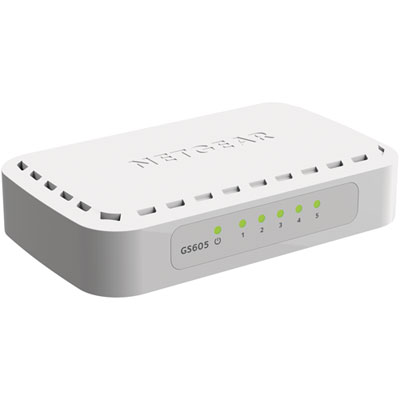 Your price for this item is $34.99
 -
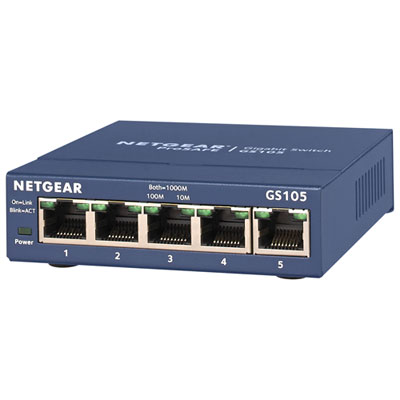 Your price for this item is $44.99
 -
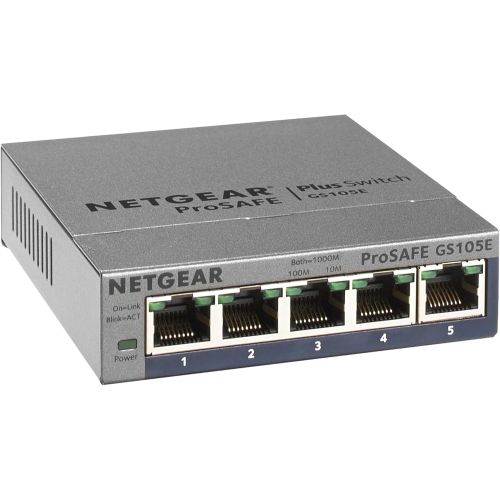 Your price for this item is $72.37
 -
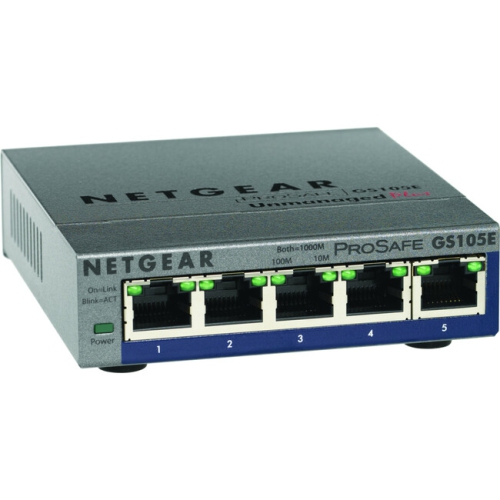 Your price for this item is $76.99
 -
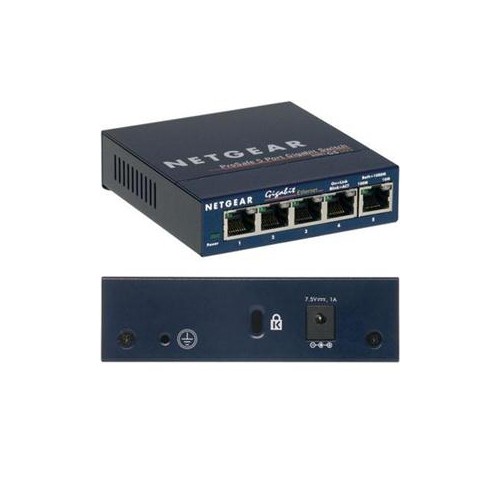 Your price for this item is $57.68
 -
 Your price for this item is $62.68
 -
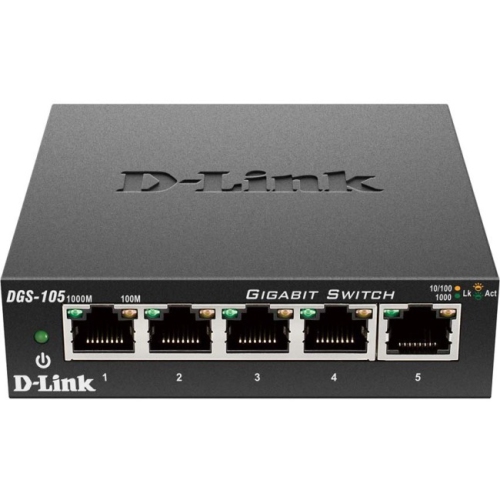 Your price for this item is $31.68
 -
 Your price for this item is $49.99
Discover more categories related to Layer 2 Switches
Top Collections:
Pokemon Centers, Budget 4K TVs, Kindle Devices, Canon G7X Cameras, Apple iPhones 16, iPhone 15 Apple, Laptops for Business Work, Flip Phones, Xiaomi Phones, Refurbished Apple Laptops
Some products may be subject to Environmental Handling Fees
(EHF) depending on your province.
Learn more about EHFs.