Mouse Keyboard Combos
Upgrade your workspace or gaming setup with a mouse keyboard combo, designed for seamless performance and convenience. Whether you’re working from home, tackling assignments, or enjoying your favorite games, finding the right combination can enhance productivity and comfort. Explore a wide selection of mouse keyboard combo options to suit every style and need, all in one place.
Sort


How key feel and mouse fit affect comfort
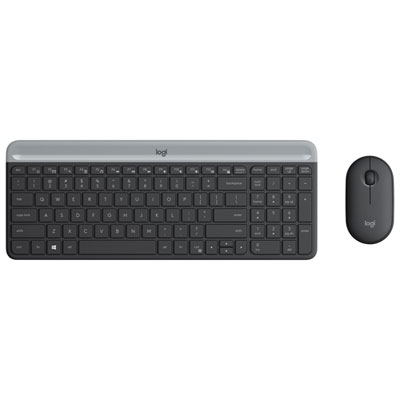
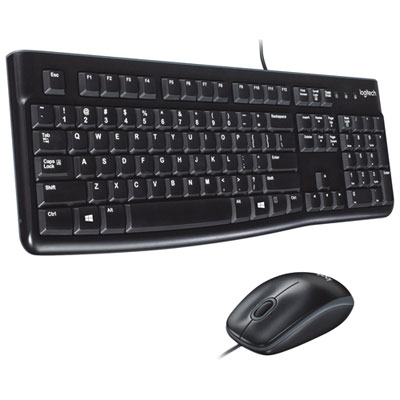
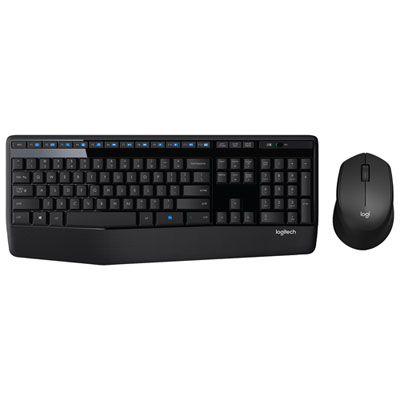
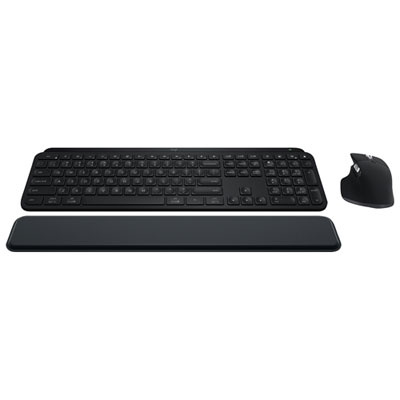
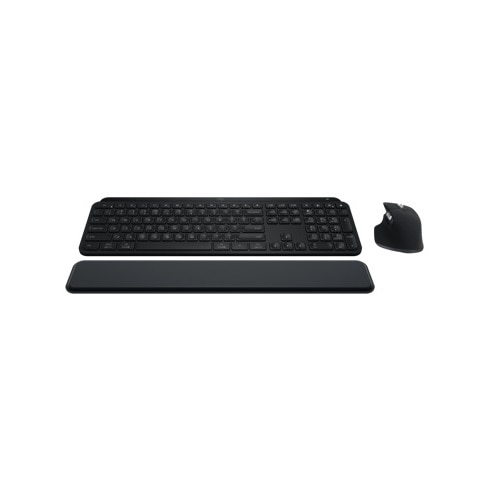
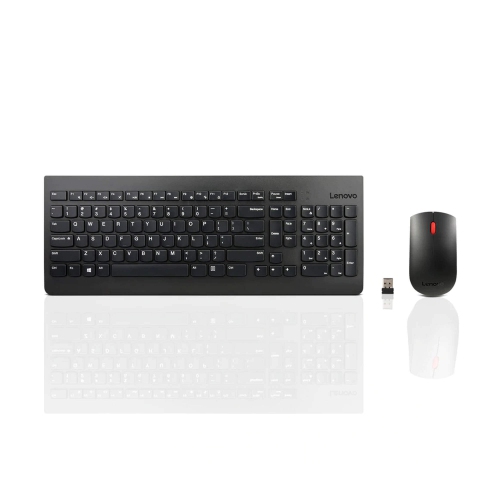
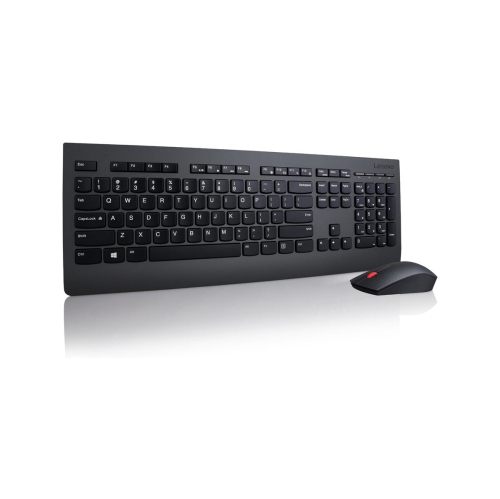
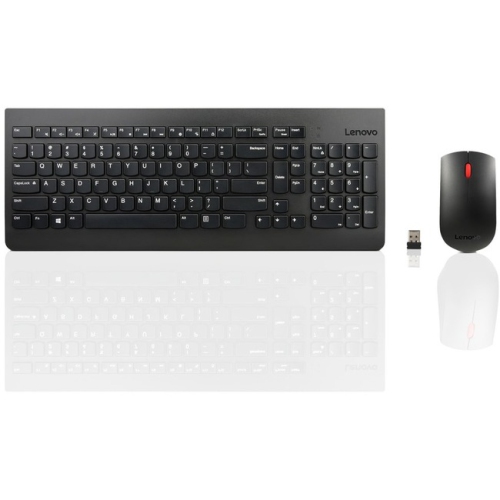
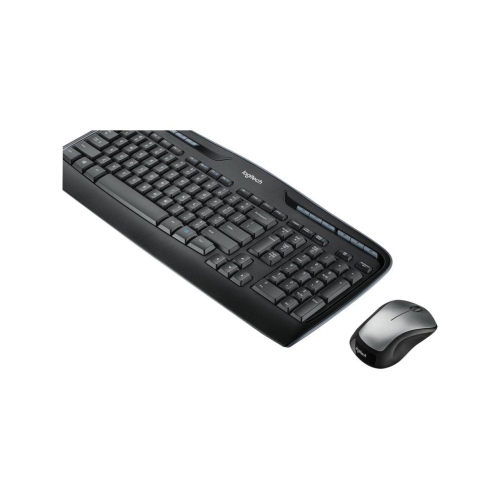
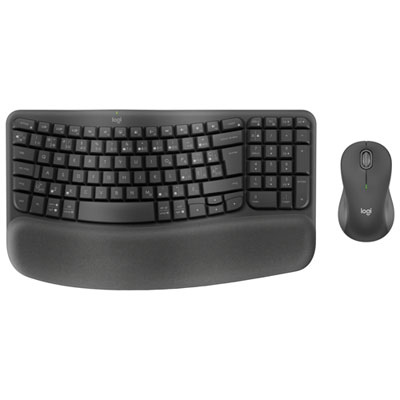
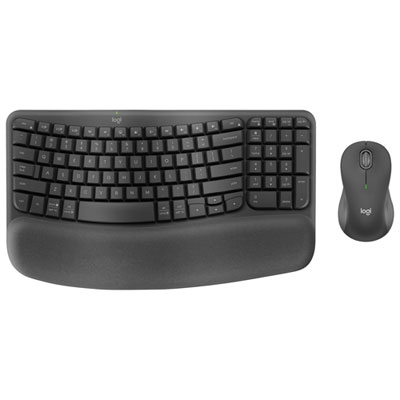
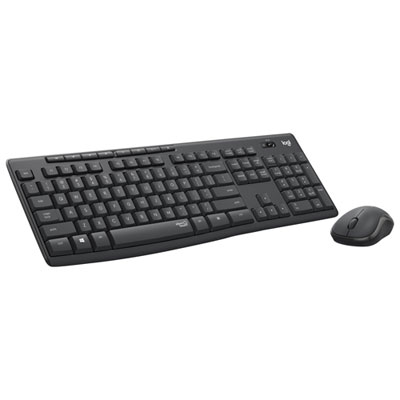
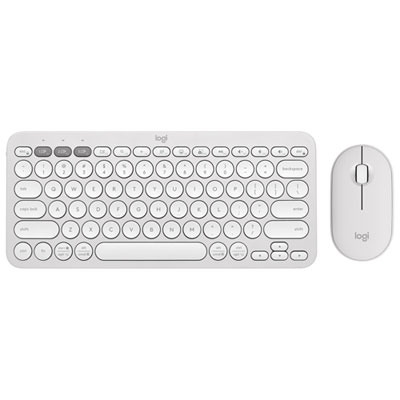
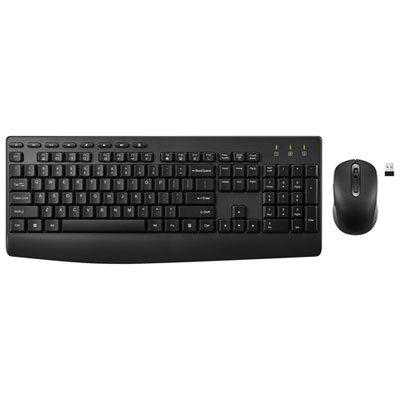
Mouse and keyboard combos pair two everyday computer essentials in a coordinated set for typing, navigating, and getting things done. They suit a wide range of setups, from a desktop used for household paperwork to a laptop connected to a larger monitor for work or study. A matched set can bring a consistent look and feel to a desk, while some wireless combos let both devices connect through a single USB receiver. The most useful differences are often the ones felt throughout an ordinary day: how much pressure the keys need, whether the mouse fits comfortably in the hand, and how much room remains beside the keyboard. Full-size keyboards include a number pad that can make spreadsheets, bookkeeping, and repeated number entry more convenient. Compact layouts leave more space for mouse movement and fit neatly on smaller desks, although some move navigation functions onto shared keys. For someone switching between essays, video calls, and online forms, clearly marked keys and an easy-to-reach row of shortcuts can be more useful than an elaborate layout. Keyboards with low-profile keys offer a shallow typing feel, while taller keys may appeal to people who prefer more noticeable travel under their fingertips. Neither style guarantees quieter operation, so sound deserves separate attention in a shared office or a room where someone else is studying. Quiet mouse clicks and softened keystrokes can make a difference when the desk sits close to a microphone. Mouse shape matters just as much as keyboard size: a smaller body can be convenient for travel, but a fuller shape may provide more support for a larger hand during longer sessions. Symmetrical mice can suit either hand, though side-button placement may favour one side. Sculpted designs are often shaped for a particular hand. For a shared family computer, a straightforward layout and a mouse that feels comfortable to several users can keep the setup approachable.
Connection type helps determine how naturally a keyboard and mouse combo fits into an existing workspace. Wired combos draw power through their cables and avoid battery changes, making them practical for a stationary desktop or a workstation used throughout the day. They do, however, need suitable ports and enough cable length to reach the computer without pulling across the desk. Wireless combos reduce cable clutter and allow more freedom when positioning a keyboard in front of a monitor or moving a mouse between work surfaces. Receiver-based sets typically use a small USB receiver, while Bluetooth-capable sets can connect to compatible devices without occupying a USB port. A shared receiver is convenient, but it should not be assumed that every wireless keyboard and mouse in a bundle uses the same connection method. Port type also matters, particularly with slim laptops that may have USB-C connections rather than USB-A. Operating system compatibility goes beyond whether letters appear when typing: shortcut functions, programmable buttons, and customization software may work differently across platforms. Canadian users who type in English and French may also want to check the physical key layout and printed characters, especially when regularly entering accents. For tasks involving frequent volume adjustments, media playback, or calculator access, dedicated shortcut keys put familiar controls within reach. The keyboards with hotkeys category offers another way to explore that feature. Some combos support switching between multiple devices, which can be useful when moving from a work computer to a personal laptop, but the keyboard and mouse may need to switch separately. Battery arrangements vary as well. Replaceable batteries are straightforward to swap, while rechargeable designs need occasional charging and may not support use while connected to a charging cable. Battery-life estimates depend on usage, lighting, and power settings. For gaming, connection stability, key rollover, and mouse tracking deserve closer attention; a general-purpose office combo may be comfortable for casual play without offering the responsiveness or customization expected for more demanding games.
Materials, construction, and daily care influence how a mouse and keyboard combo feels after months of regular use. Many sets use moulded plastic housings, with differences in surface texture, rigidity, and finish that are noticeable when typing or gripping the mouse. Matte surfaces can feel less slippery, while textured sides may help maintain a steady hold. Rubber feet help keep a keyboard from shifting on a smooth desk, and a firm chassis is less likely to flex under heavier keystrokes. Adjustable feet change the keyboard angle, but a steeper position is not automatically more comfortable. Keeping the keyboard at a height that lets the wrists remain relatively straight, with the mouse close enough to avoid reaching, is often a better starting point. A compact keyboard can help bring the mouse closer to the body, especially on a narrow work surface. Palm supports provide a place to rest between stretches of typing, though comfort still depends on the desk, chair, and individual posture. Mouse tracking also depends on the surface beneath it; a consistent mouse pad can help when a glossy or transparent desktop causes uneven movement. For care, disconnect wired devices or switch wireless devices off before cleaning, and follow the manufacturer's directions. A soft cloth and gentle removal of loose debris help keep dust and crumbs from collecting around keys and scroll wheels. Avoid spraying liquid directly onto either device, and treat spill resistance as limited protection rather than permission to rinse a keyboard. For people carrying a combo between home and campus or between offices, weight, keyboard width, and a secure place to store the receiver can matter more than decorative details. At a permanent desk, sturdy feet, readable key legends, and comfortable controls tend to earn their place through everyday use. A mouse and keyboard combo can also make a thoughtful gift for a student, a home-office user, or someone setting up a first desktop computer, provided the connection type, layout, and hand fit suit the recipient. The right pairing feels unobtrusive: keys land where expected, the pointer moves predictably, and routine tasks flow without constant adjustment.
Connection type helps determine how naturally a keyboard and mouse combo fits into an existing workspace. Wired combos draw power through their cables and avoid battery changes, making them practical for a stationary desktop or a workstation used throughout the day. They do, however, need suitable ports and enough cable length to reach the computer without pulling across the desk. Wireless combos reduce cable clutter and allow more freedom when positioning a keyboard in front of a monitor or moving a mouse between work surfaces. Receiver-based sets typically use a small USB receiver, while Bluetooth-capable sets can connect to compatible devices without occupying a USB port. A shared receiver is convenient, but it should not be assumed that every wireless keyboard and mouse in a bundle uses the same connection method. Port type also matters, particularly with slim laptops that may have USB-C connections rather than USB-A. Operating system compatibility goes beyond whether letters appear when typing: shortcut functions, programmable buttons, and customization software may work differently across platforms. Canadian users who type in English and French may also want to check the physical key layout and printed characters, especially when regularly entering accents. For tasks involving frequent volume adjustments, media playback, or calculator access, dedicated shortcut keys put familiar controls within reach. The keyboards with hotkeys category offers another way to explore that feature. Some combos support switching between multiple devices, which can be useful when moving from a work computer to a personal laptop, but the keyboard and mouse may need to switch separately. Battery arrangements vary as well. Replaceable batteries are straightforward to swap, while rechargeable designs need occasional charging and may not support use while connected to a charging cable. Battery-life estimates depend on usage, lighting, and power settings. For gaming, connection stability, key rollover, and mouse tracking deserve closer attention; a general-purpose office combo may be comfortable for casual play without offering the responsiveness or customization expected for more demanding games.
Materials, construction, and daily care influence how a mouse and keyboard combo feels after months of regular use. Many sets use moulded plastic housings, with differences in surface texture, rigidity, and finish that are noticeable when typing or gripping the mouse. Matte surfaces can feel less slippery, while textured sides may help maintain a steady hold. Rubber feet help keep a keyboard from shifting on a smooth desk, and a firm chassis is less likely to flex under heavier keystrokes. Adjustable feet change the keyboard angle, but a steeper position is not automatically more comfortable. Keeping the keyboard at a height that lets the wrists remain relatively straight, with the mouse close enough to avoid reaching, is often a better starting point. A compact keyboard can help bring the mouse closer to the body, especially on a narrow work surface. Palm supports provide a place to rest between stretches of typing, though comfort still depends on the desk, chair, and individual posture. Mouse tracking also depends on the surface beneath it; a consistent mouse pad can help when a glossy or transparent desktop causes uneven movement. For care, disconnect wired devices or switch wireless devices off before cleaning, and follow the manufacturer's directions. A soft cloth and gentle removal of loose debris help keep dust and crumbs from collecting around keys and scroll wheels. Avoid spraying liquid directly onto either device, and treat spill resistance as limited protection rather than permission to rinse a keyboard. For people carrying a combo between home and campus or between offices, weight, keyboard width, and a secure place to store the receiver can matter more than decorative details. At a permanent desk, sturdy feet, readable key legends, and comfortable controls tend to earn their place through everyday use. A mouse and keyboard combo can also make a thoughtful gift for a student, a home-office user, or someone setting up a first desktop computer, provided the connection type, layout, and hand fit suit the recipient. The right pairing feels unobtrusive: keys land where expected, the pointer moves predictably, and routine tasks flow without constant adjustment.
Top selling and popular products
-
 Your price for this item is $34.99
 -
 Your price for this item is $43.99
 -
 Your price for this item is $39.99
 -
 Your price for this item is $59.99
 -
 Your price for this item is $64.99
 -
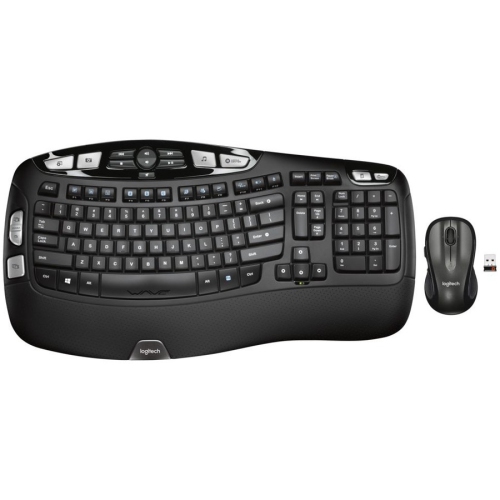 Your price for this item is $126.49
 -
 Your price for this item is $129.99
 -
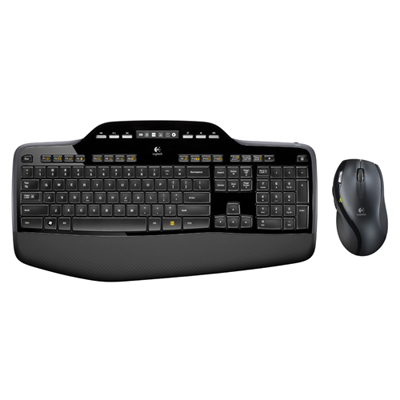 Your price for this item is $99.95
Discover more categories related to Mouse Keyboard Combos
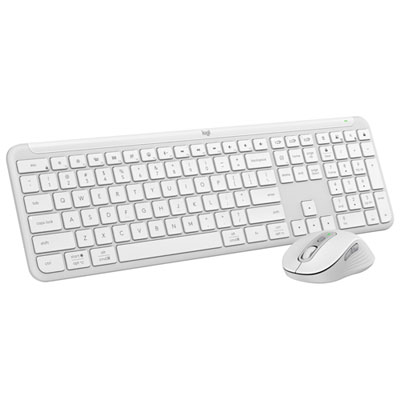
Top Collections:
Pokemon Centers, Best Cameras for Sports Photography, Kindle Devices, Samsung Galaxy Phones, Canon G7X Cameras, Pokémon 30th Celebration Cards, Refurbished Apple Laptops, iPhone 15 Apple, Laptops for Students, Budget Smartphones
Some products may be subject to Environmental Handling Fees
(EHF) depending on your province.
Learn more about EHFs.