Productivity Tools for Students
Boosting academic performance and staying organized are essential for students at every level. Productivity tools for students are designed to help manage assignments, streamline study sessions, and enhance focus. Whether tackling group projects or preparing for exams, the right tools can make a significant difference in efficiency and time management. Explore a wide selection of productivity tools for students that support success in the classroom and beyond.
Sort


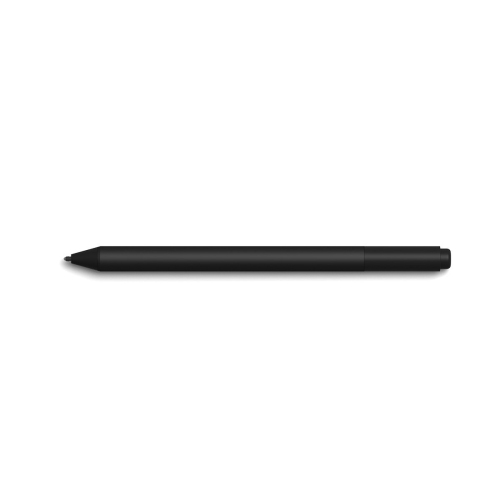
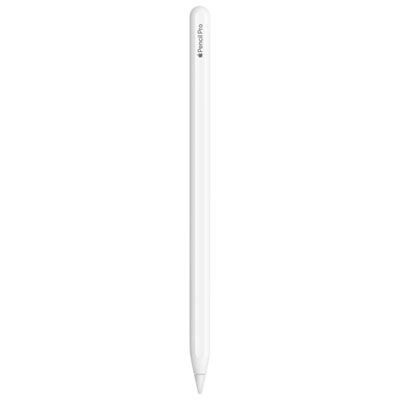
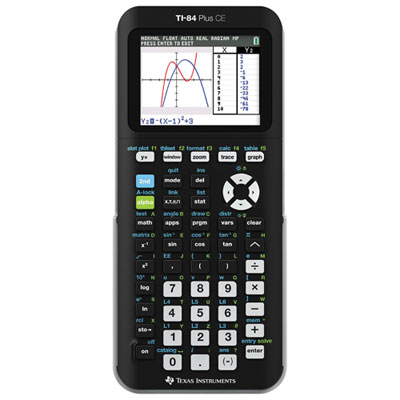
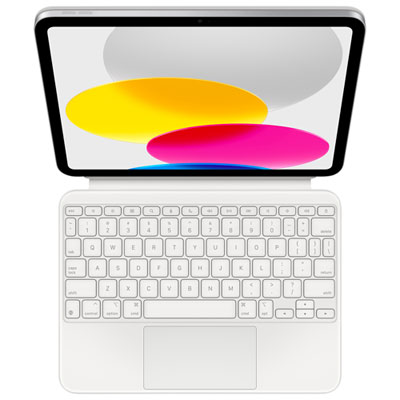

A study setup that fits your coursework
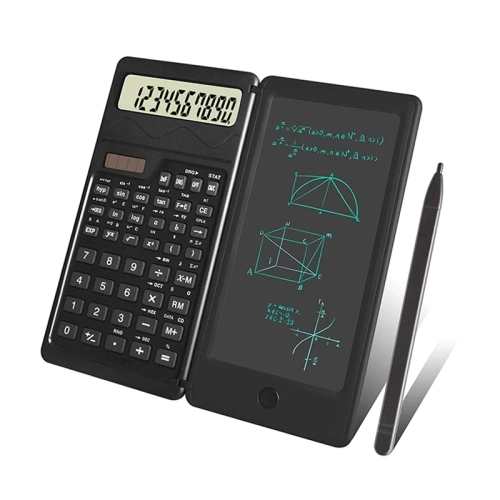
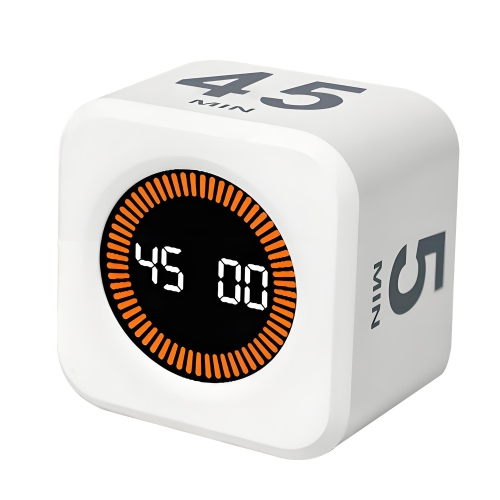
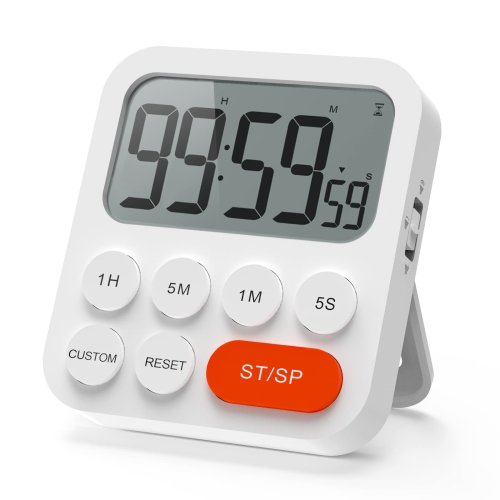
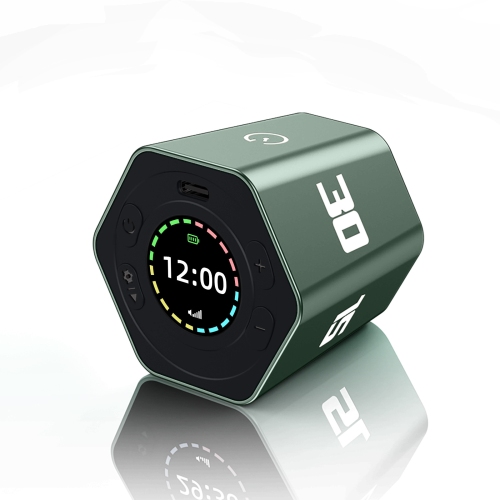
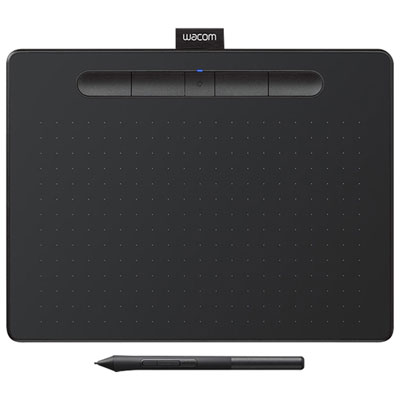
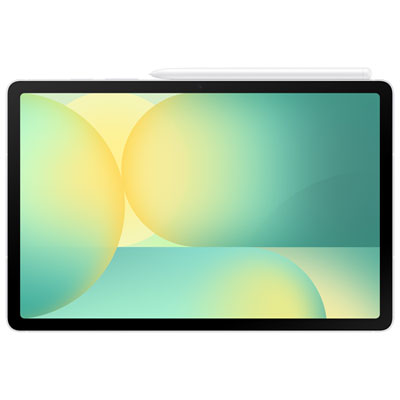
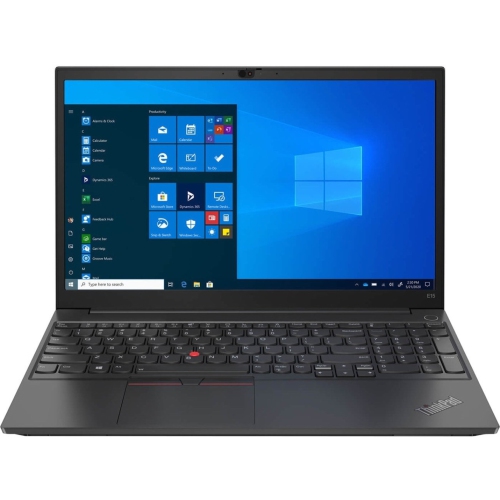
Productivity tools for students help organize notes, track assignments, support focused study, and make research and writing easier to manage. The main categories include note-taking tools, planning and task-management tools, focus aids, and computing accessories for coursework. Their value comes from how well they fit everyday study habits, whether that means typing lecture notes, annotating readings, organizing a group presentation, or keeping several deadlines in view. A computer is often the foundation of that setup, with performance needs shaped by the work involved. Essay writing, online research, and video calls place different demands on a device than coding, design projects, or working with large data files. Compatibility with required course software matters just as much as portability, especially when a program needs a particular operating system or more processing power. A tablet with handwriting support can be useful for diagrams, equations, and marked-up readings, while a laptop may better suit assignments that involve extensive typing or desktop applications. Screen size, keyboard comfort, battery life, and carrying weight all influence how practical a device feels between lectures and at a study desk. For digital notes, a clear folder structure and searchable text can make a semester’s worth of material easier to revisit before an exam. Handwritten notes, whether on paper or a compatible screen, leave room for quick sketches and connections between ideas. Planning tools serve a different purpose: turning a course outline into visible due dates, smaller tasks, and reminders. A calendar shows when an assignment is due; a task list can separate its research, drafting, and proofreading stages. Students who work across several devices may appreciate notes and schedules that synchronize between them, provided their accounts and applications support that feature. Offline access is also worth considering for readings, notes, and assignments that need to remain usable without Wi-Fi. The most useful combination is one that keeps essential information easy to find without creating extra steps every time a class begins.
A productive study space also depends on physical comfort, clear lighting, and accessories that suit the available room. At a shared kitchen table, compact equipment that is easy to connect and put away may be more practical than a permanent desk arrangement. In a dedicated workspace, a separate monitor can provide room for a source document beside an essay draft, reducing the need to switch between windows. Display size should suit the desk depth and the amount of text or visual detail involved; an oversized screen on a shallow surface can leave little room for notebooks or comfortable viewing. A keyboard and mouse can make longer writing sessions more comfortable when they fit the student’s hand size, typing preferences, and workspace. A laptop stand can raise the screen, with a separate keyboard and mouse allowing input devices to stay within easy reach. Adjustable seating and a stable work surface help accommodate different heights and study positions, although regular breaks and changes in posture still matter. Focus tools are useful in shared spaces, too. Headphones may make recorded lectures easier to hear, while noise-cancelling designs can reduce some steady background sounds. Fit deserves attention for longer sessions: ear cups, headbands, and ear tips should feel comfortable rather than tight or distracting. For online discussions, microphone clarity and convenient controls can matter more than features intended for entertainment. Task lighting helps illuminate paper notes and textbooks without relying entirely on a bright screen, and an adjustable lamp can direct light away from reflective surfaces. Materials and construction affect everyday durability across these categories. Sturdy hinges, stable monitor bases, reinforced cable connections, and fabrics that tolerate frequent handling are practical details for repeated use. Smooth surfaces may be easier to wipe clean, while padded carrying compartments help limit rubbing and bumps in transit. Cable length and connection type also matter when a desk must accommodate charging, a display, and study materials without becoming crowded.
Research and assignment management bring another set of needs, particularly when coursework moves between home, campus, and group meetings. Reliable file organization helps keep lecture slides, reference material, working drafts, and finished submissions distinct. Storage tools can support that organization, but capacity is only part of the picture: connection compatibility, transfer speed, and access from the devices used for class also matter. An external drive can hold a separate copy of important work, while cloud storage can make supported files accessible across devices. Synchronization and backup serve different purposes, so a file that appears on several screens should not automatically be treated as a protected archive. Keeping an additional copy of a major project can be valuable when a device is lost, damaged, or unavailable during repairs. For research-heavy courses, a larger display, readable text, and a comfortable input setup can make comparing sources and checking references less cumbersome. Document scanning tools can help turn permitted paper handouts into searchable files, depending on the software used, and a clear webcam and microphone support remote collaboration when group members cannot meet in person. Connections deserve a close look before accessories become part of the routine: a matching plug alone does not confirm that a port supports charging, video output, or every required data function. Care also contributes to dependable use. Manufacturer-approved cleaning methods, dry storage, and cases that fit properly help protect equipment without putting pressure on screens or connectors. For gift giving, useful choices are often those that complement an existing setup rather than duplicate it; knowing the student’s device connections, course requirements, and available desk space makes the choice more personal. The Back To School Productivity Tools collection provides another way to explore this theme. A well-matched setup supports the ordinary details of student life: finding yesterday’s notes, joining a project call, keeping a draft backed up, and settling into the next piece of work.
Top selling and popular products
-
 Your price for this item is $199.99
-
 Your price for this item is $189.99
-
 Your price for this item is $144.99
-
 Your price for this item is $39.99
-
 Your price for this item is $45.59
-
 Your price for this item is $209.99
-
 Your price for this item is $129.99
-
 Your price for this item is $163.99
Discover more categories related to Productivity Tools for Students


Top Collections:
Best Black Friday Deals This Year, Best Black Friday Deals On Electronics, Kindle Devices, Dyson Airwrap, Best Cameras for Sports Photography, Best Budget Office Chairs, Canon G7X Cameras, PS5 Pro Consoles, Best Black Friday Deals On Apple Products, XBOX One S Consoles
Some products may be subject to Environmental Handling Fees
(EHF) depending on your province.
Learn more about EHFs.