Streaming Equipment
Upgrade your streaming setup with the latest and greatest streaming equipment. Whether you're a seasoned content creator or just starting out, having the right tools can make all the difference in delivering high-quality, professional streams. From cameras and microphones to lighting and green screens, this streaming equipment has everything you need to take your broadcasts to the next level. With top-notch performance and innovative features, these products are designed to enhance your streaming experience and captivate your audience.
Sort





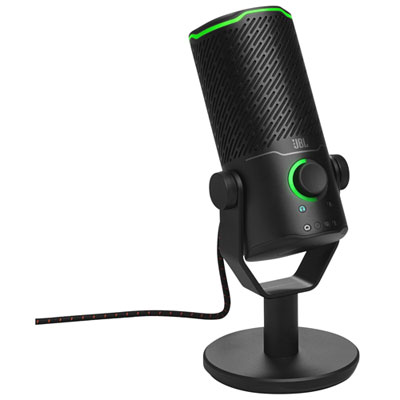
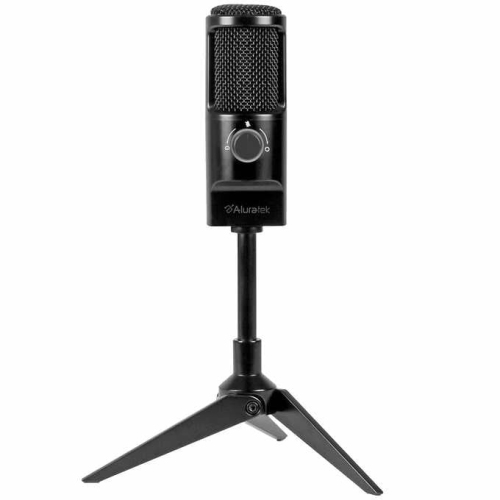
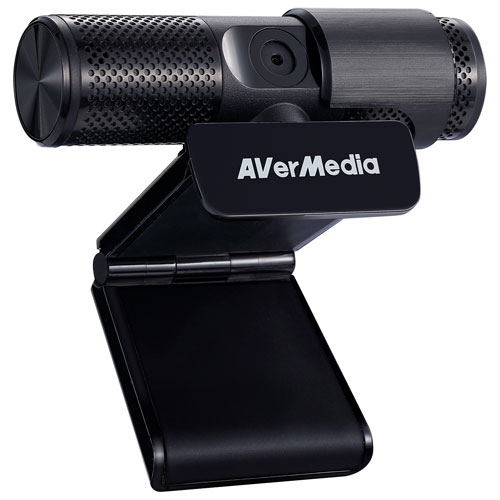
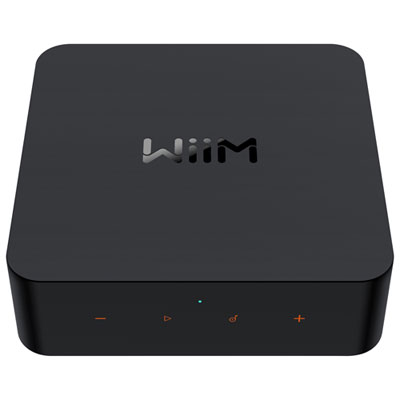
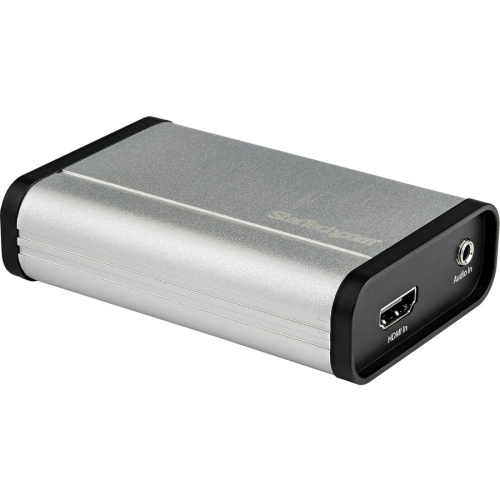
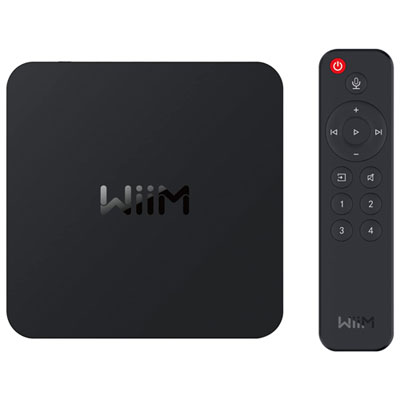
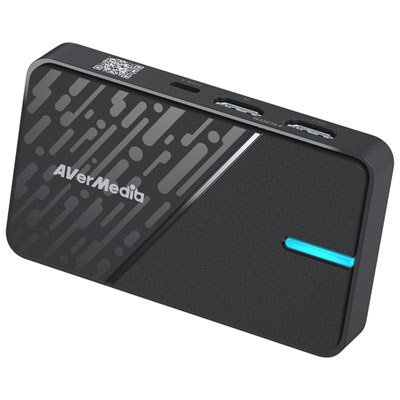
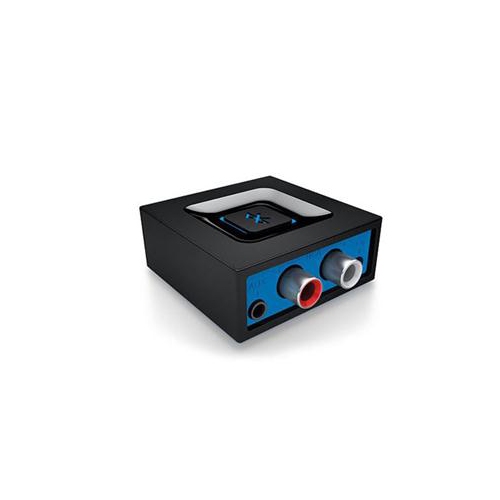
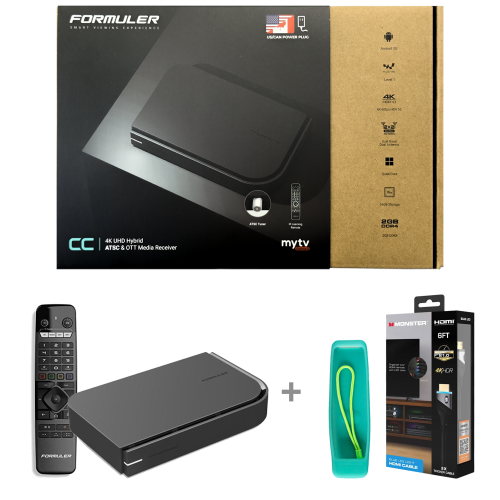
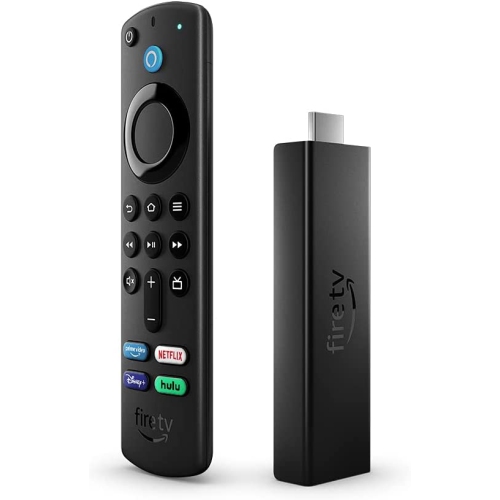
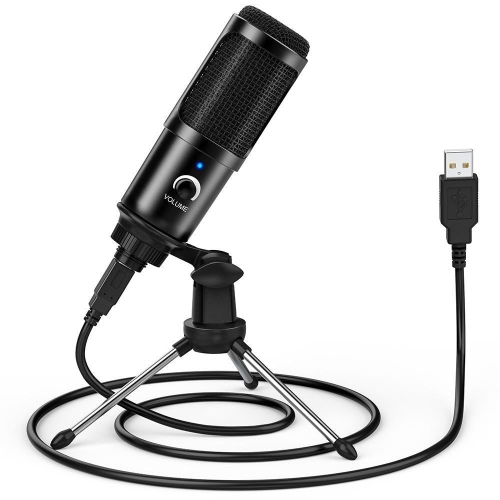
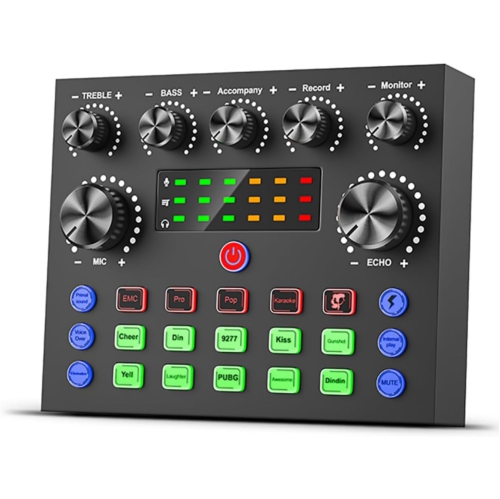
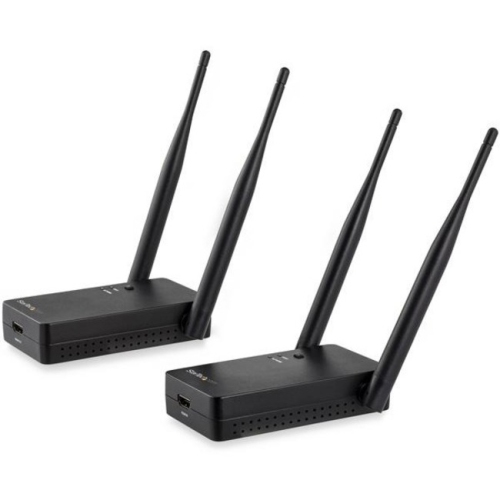
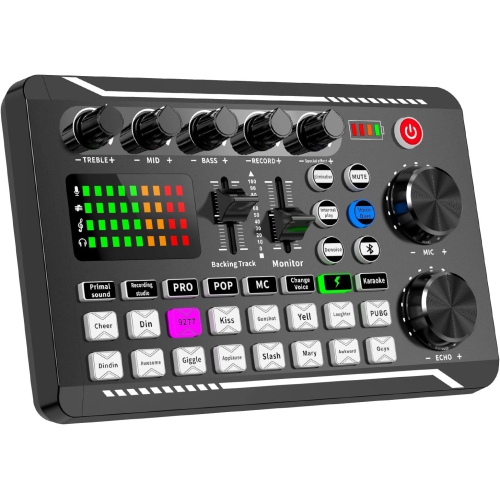
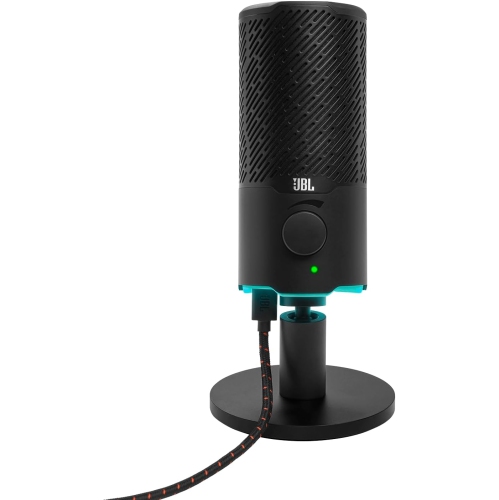
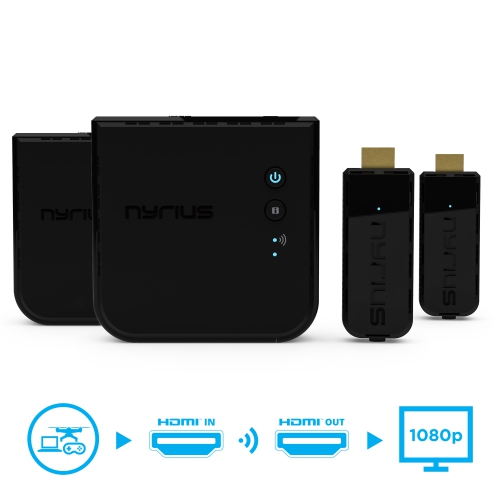
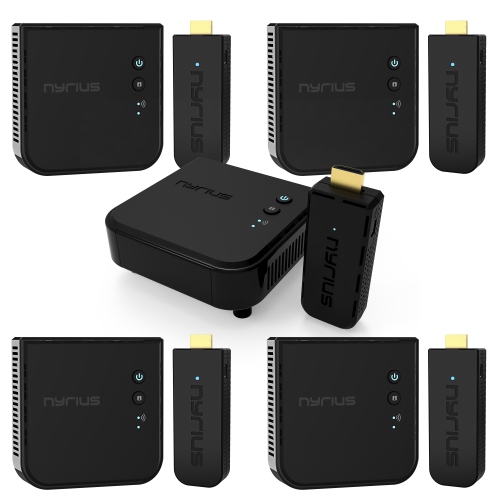
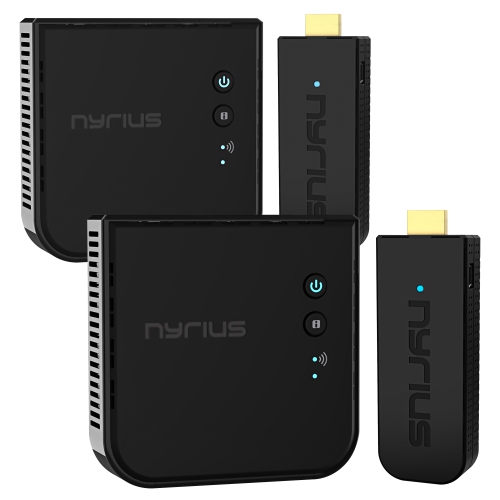
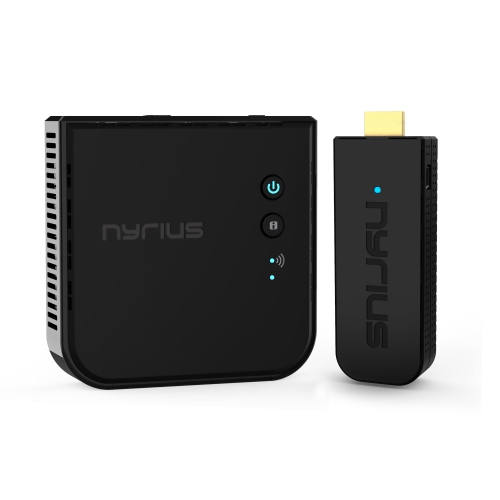
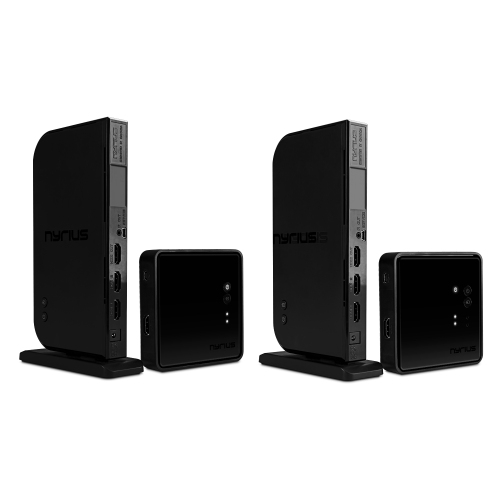





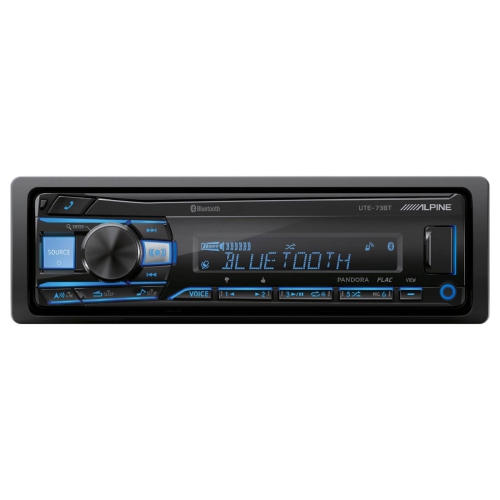
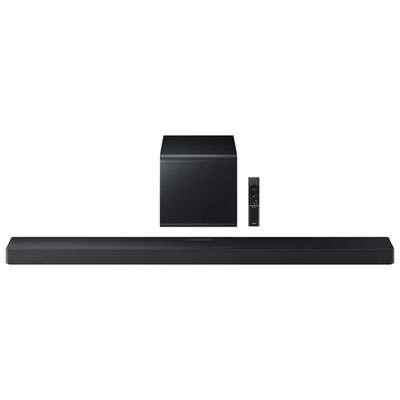
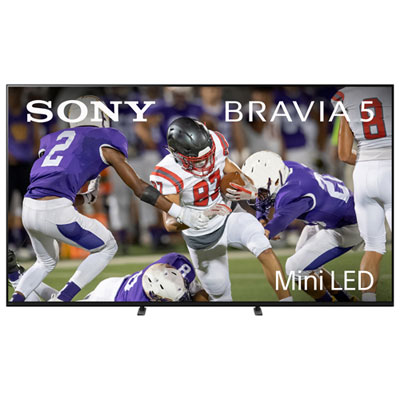
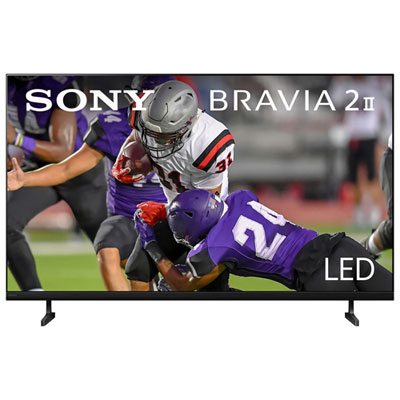



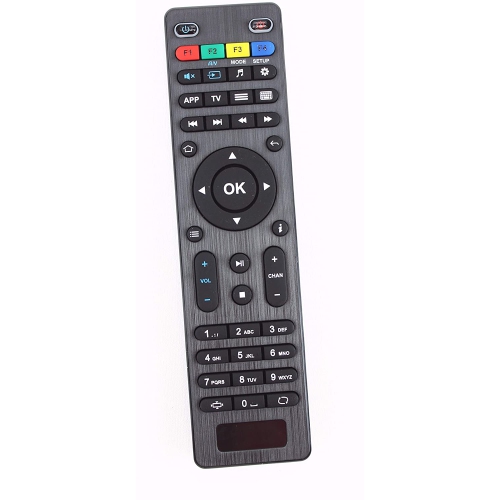
How your setup shapes what viewers see and hear
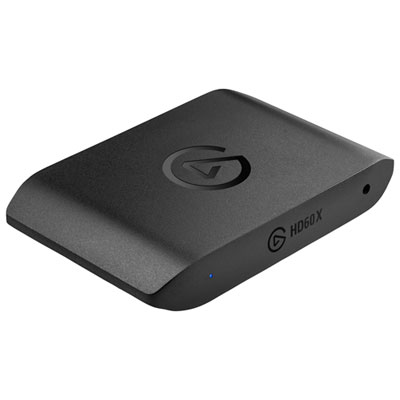
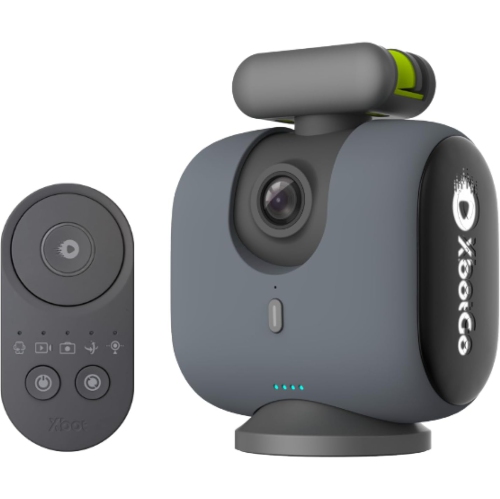
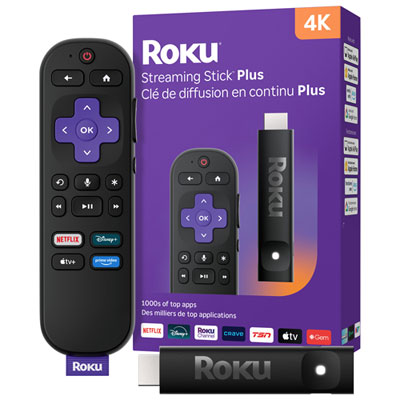
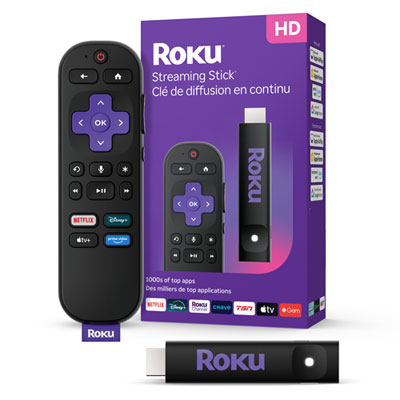
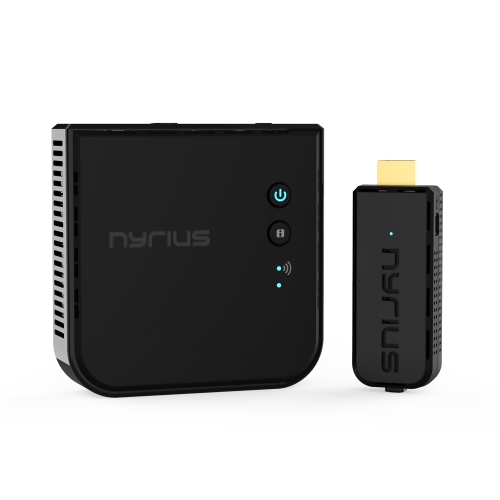
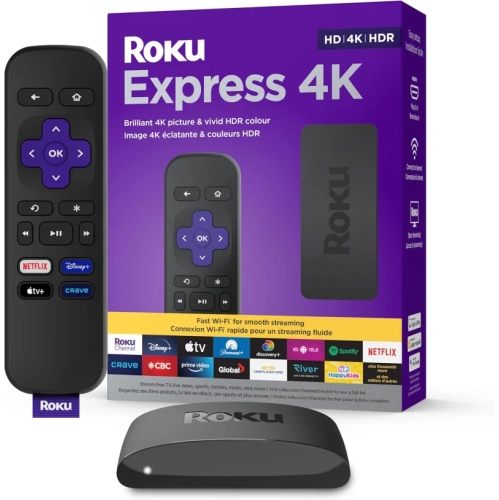
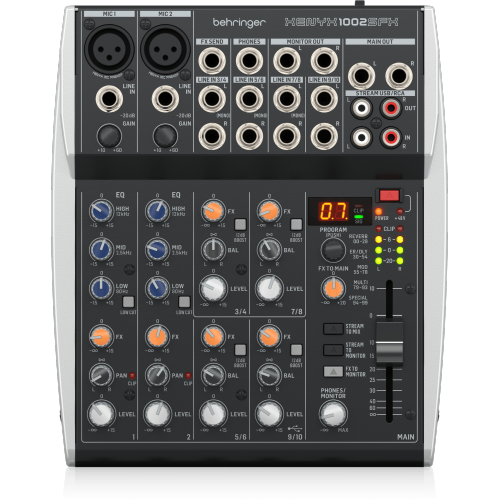
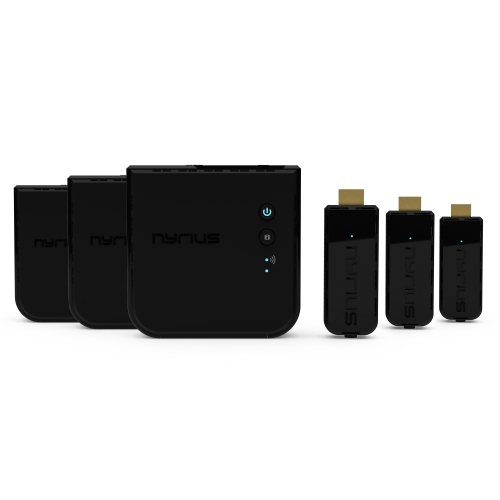
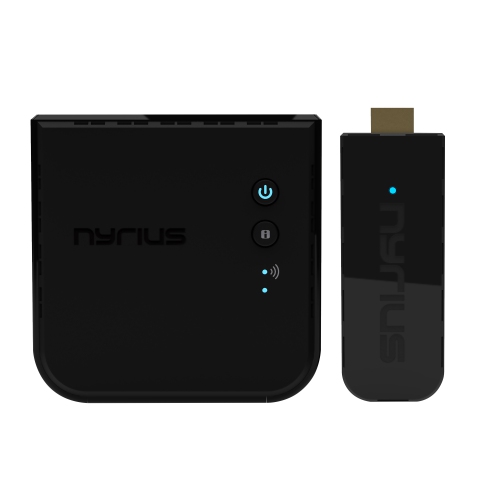
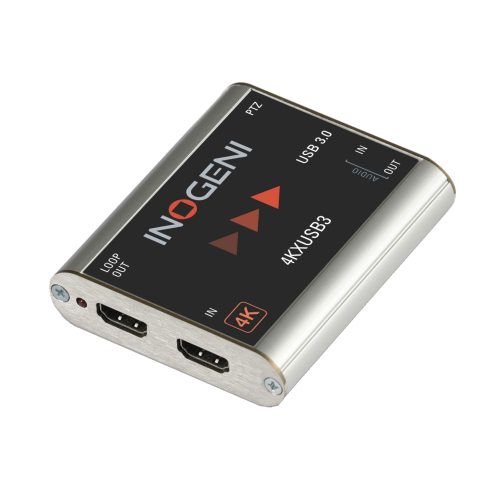
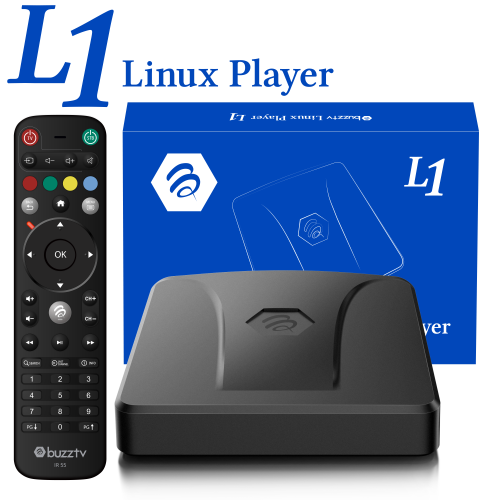
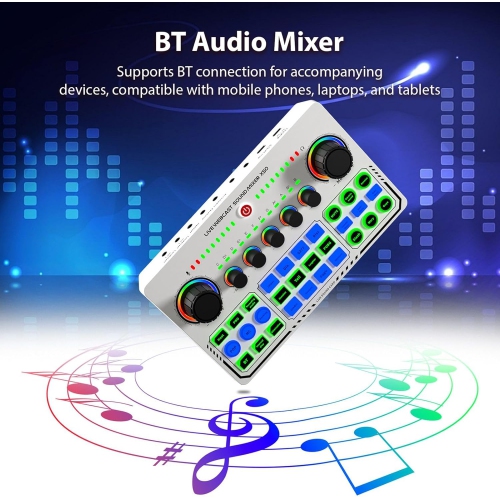
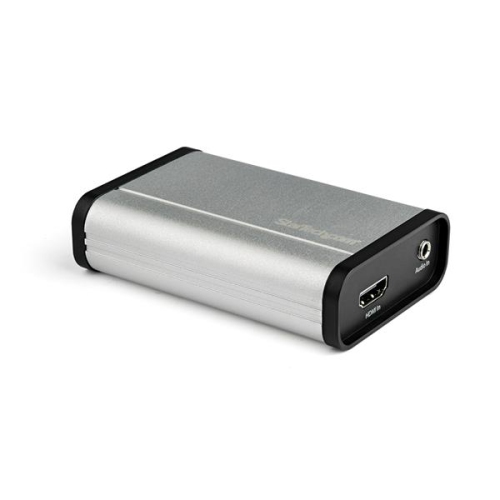
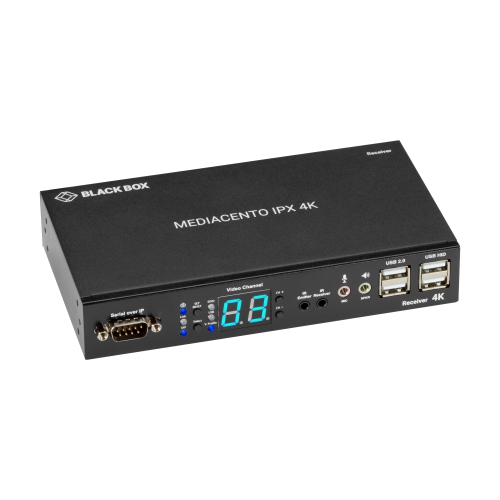
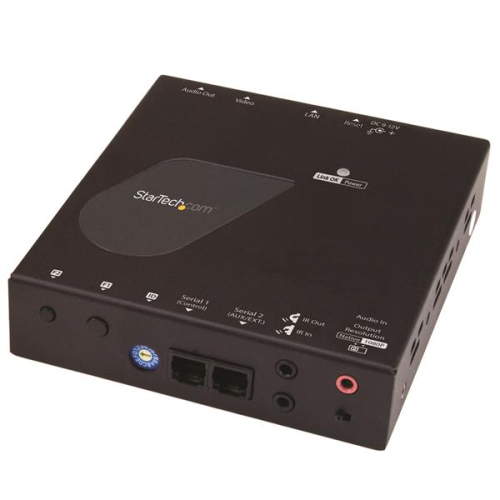
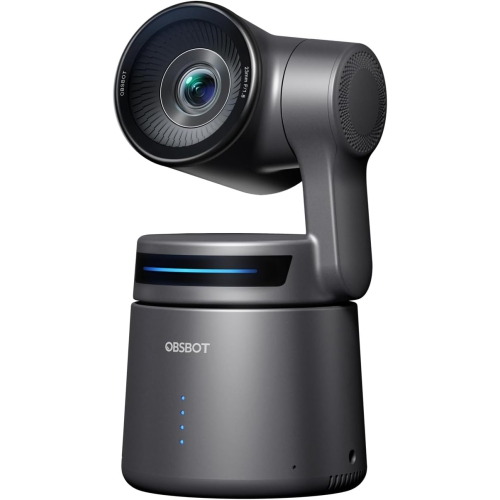
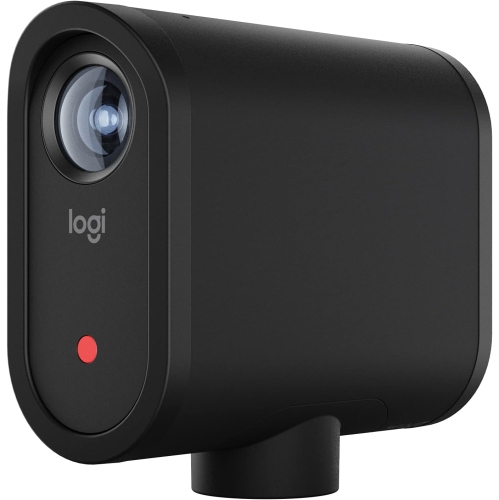
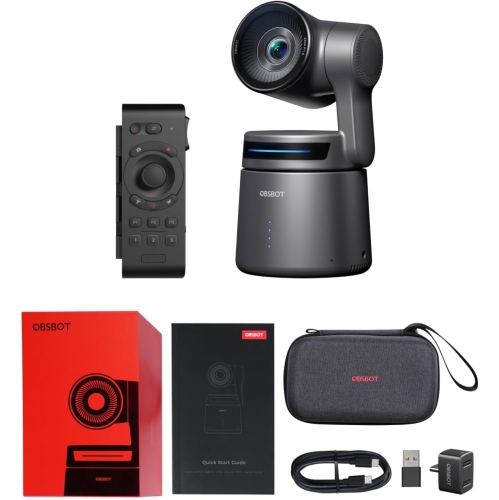
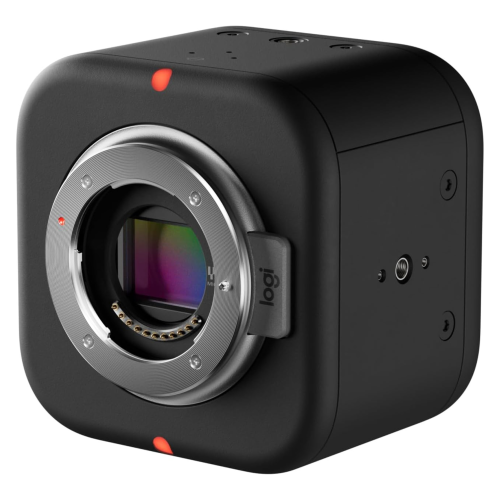
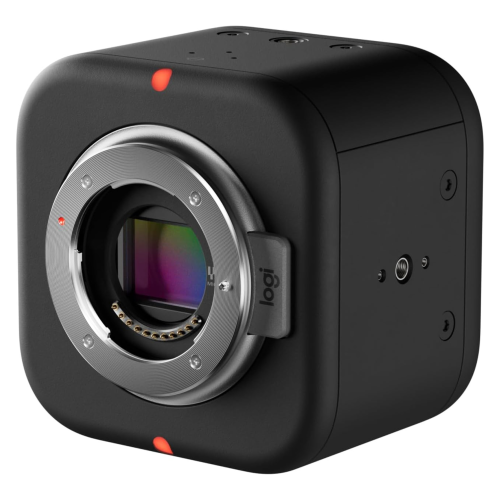
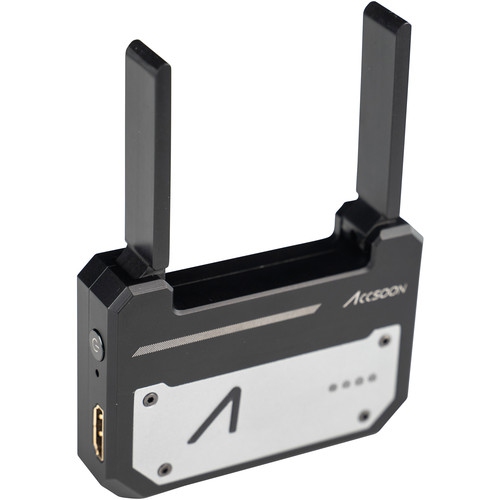
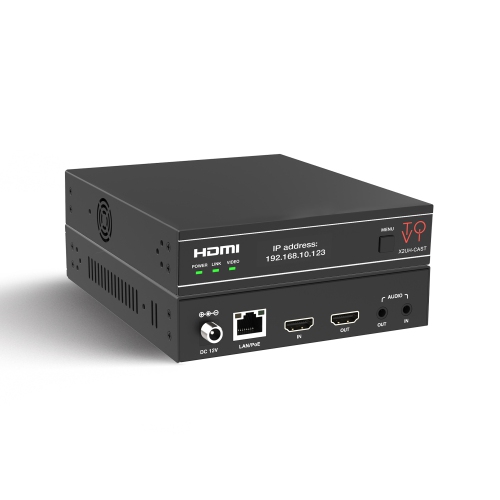
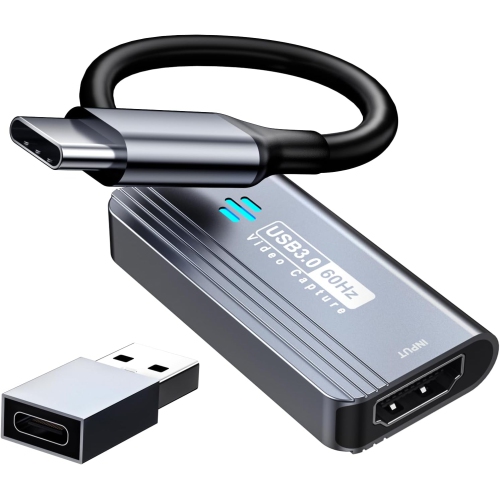
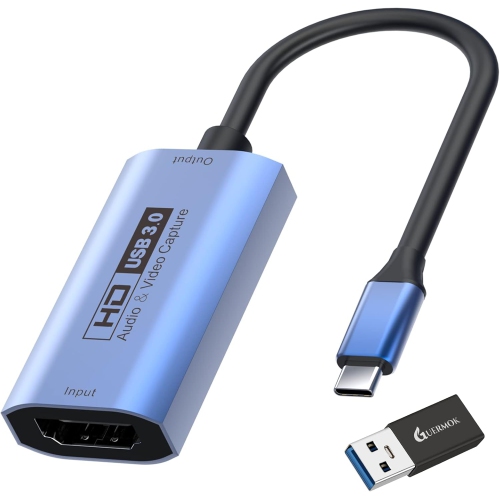
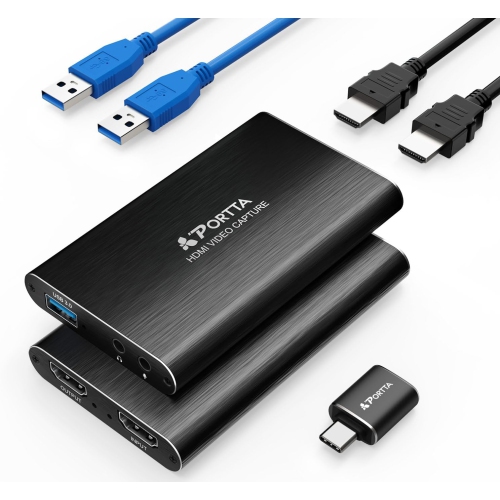
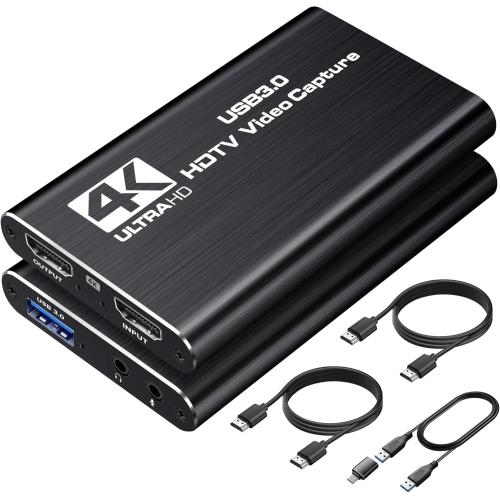
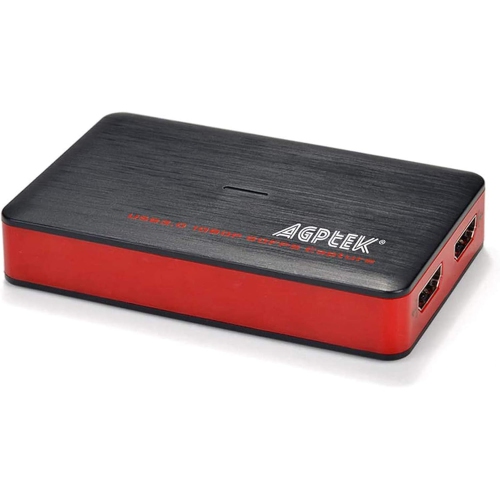
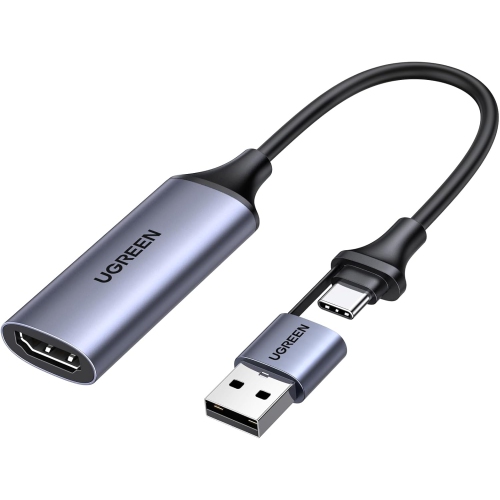
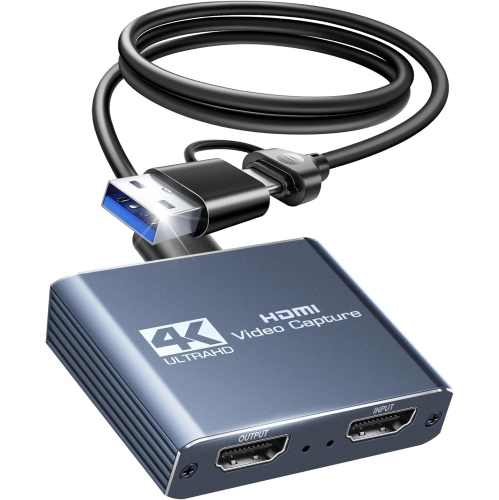
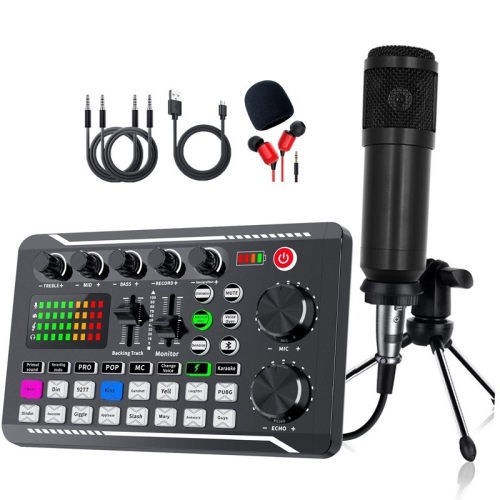
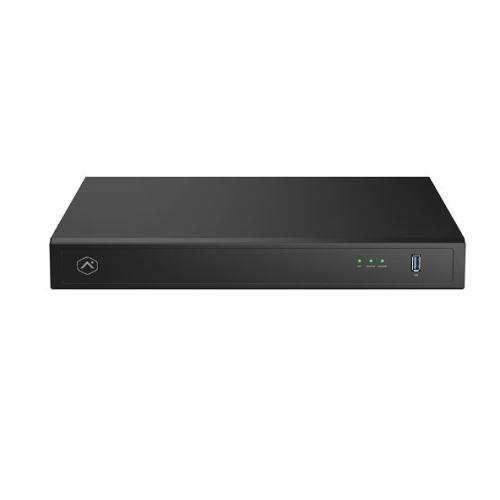
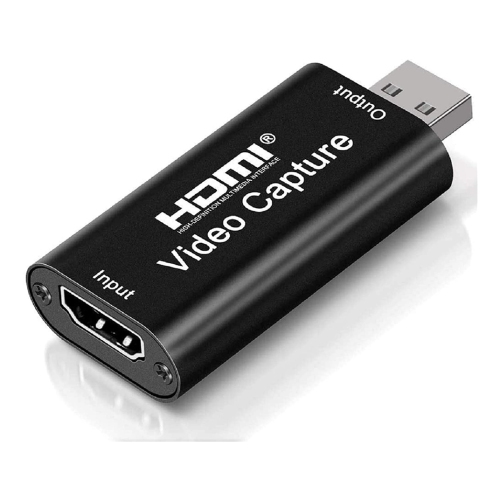
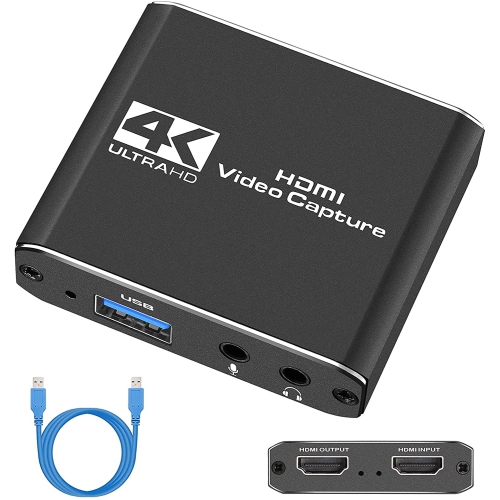
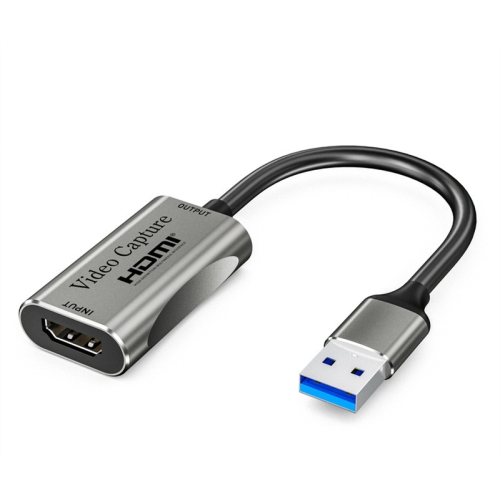
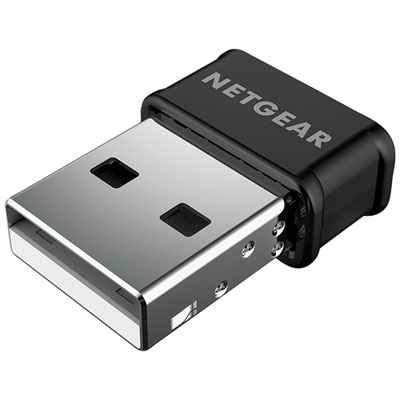
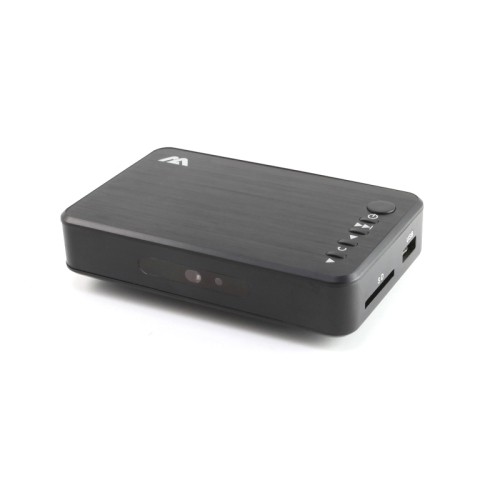
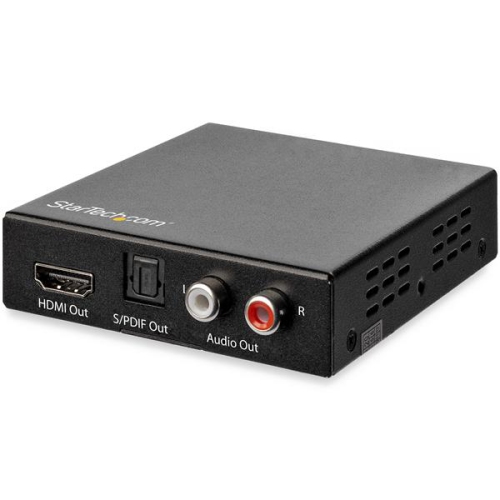
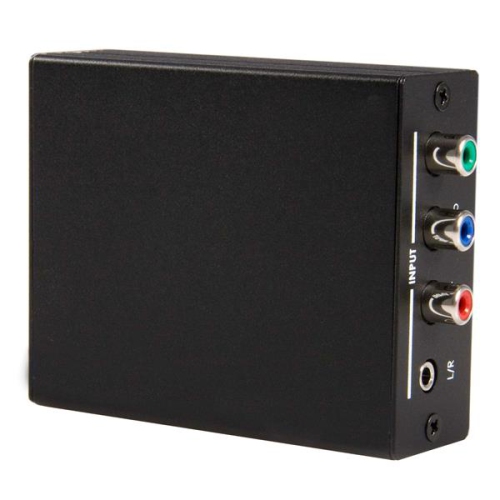
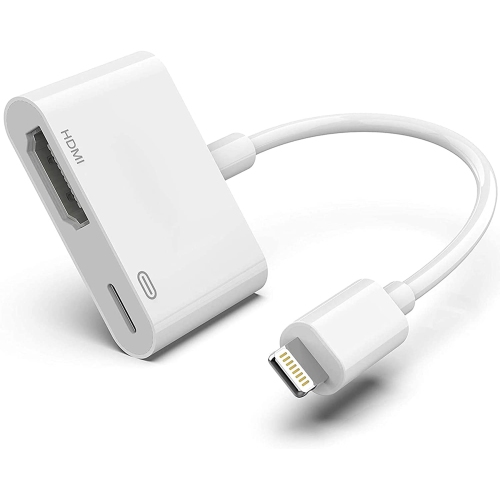
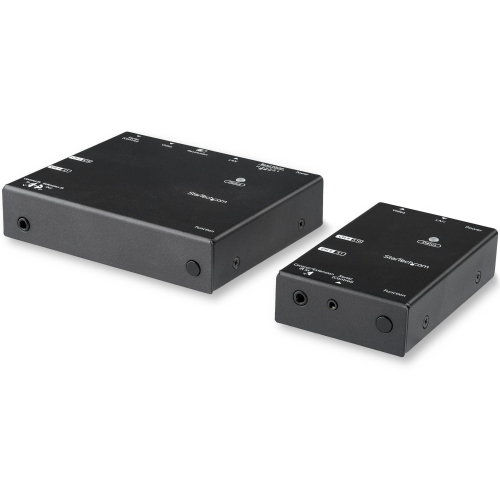
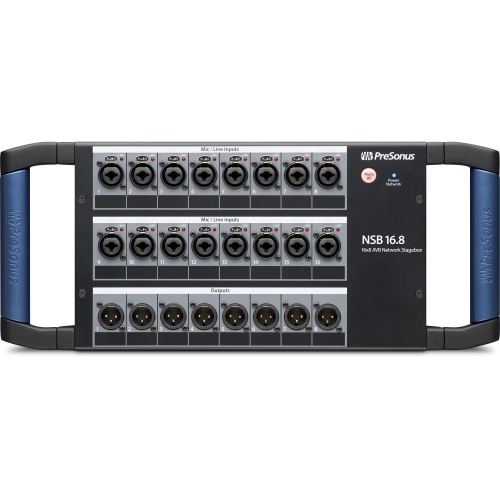
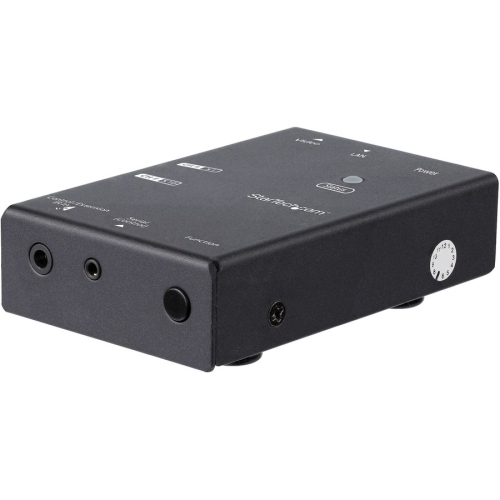
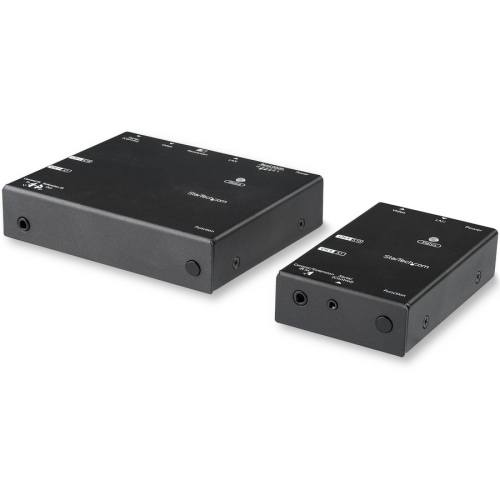
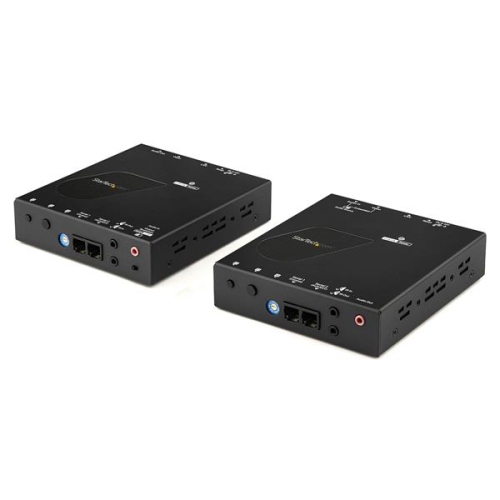
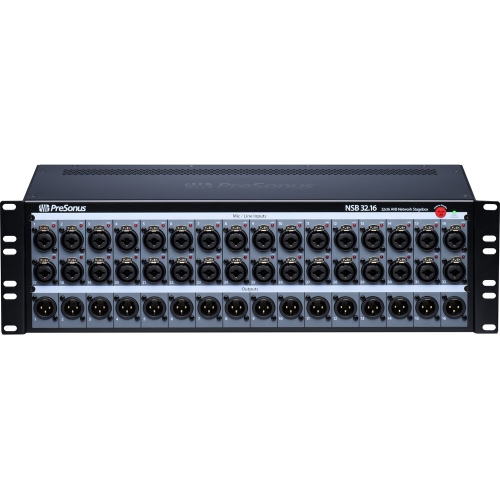
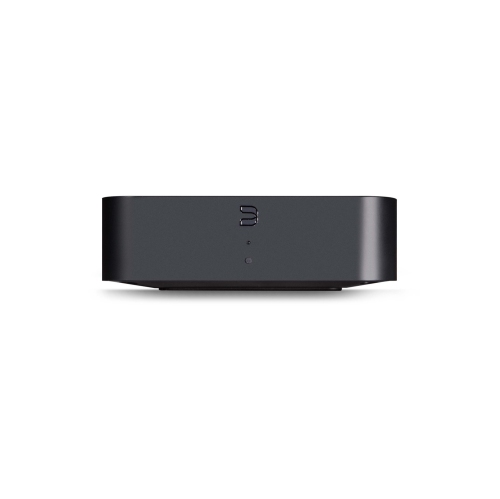
Streaming equipment brings together the tools used to capture video, record clear sound, light a subject, and manage a live broadcast. A typical setup includes a camera or webcam, a dedicated microphone, headphones, lighting, and the mounts and cables that connect everything to a computer. Some setups also include a capture card, an audio interface, or a control pad, depending on the source material and how the stream is produced. These categories serve different purposes: a webcam captures the presenter, a capture card brings a compatible external video signal into the computer, and an audio interface connects supported microphones or instruments. For someone sharing gameplay from a desk, a compact camera, a microphone positioned close to the speaker, and a soft light can cover the essentials without taking over the room. A musician broadcasting a performance may need several audio inputs, while an instructor demonstrating a craft may benefit from an overhead camera mount that leaves both hands free. Streaming equipment is also useful for interviews, live workshops, remote presentations, and recorded videos, making it relevant beyond gaming. The most suitable arrangement depends on what viewers need to see and hear, how much room is available, and whether the equipment stays in place or travels between locations. Compatibility matters throughout the setup, including operating system support, connection types, software requirements, and the number of usable ports on the computer. A USB connector’s shape alone does not establish its data speed or supported functions, and an adapter does not necessarily add capabilities that the original port lacks. The distinction between creating a stream and watching one is useful, too. Cameras, microphones, and production controls support broadcasting, while media playback devices bring entertainment to a compatible display. For a study space or shared living area focused on watching rather than producing content, Student Streaming Devices offers a related category with a different purpose. Keeping that intended use clear makes the role of each part of a streaming setup easier to understand.
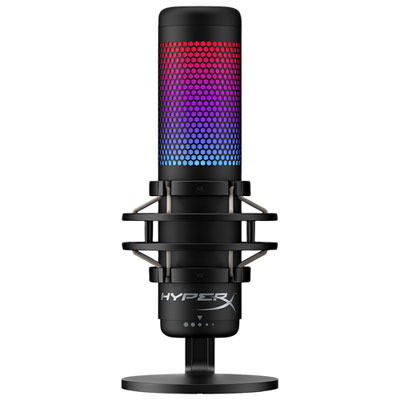
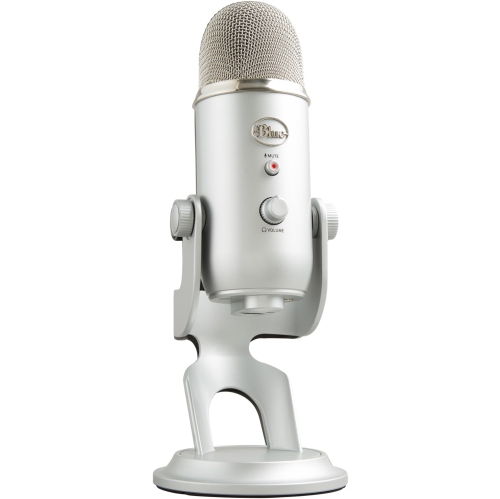
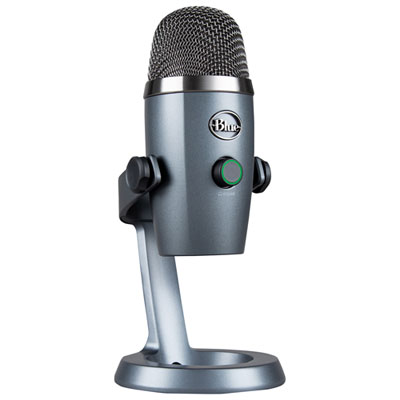
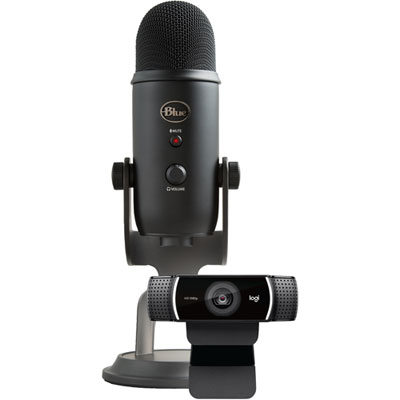
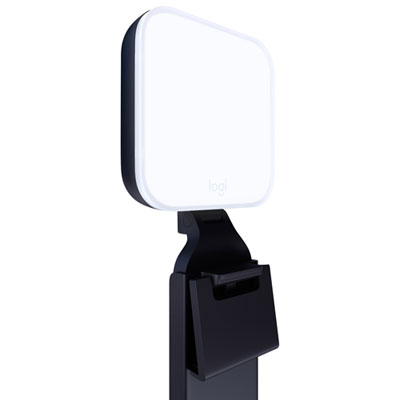
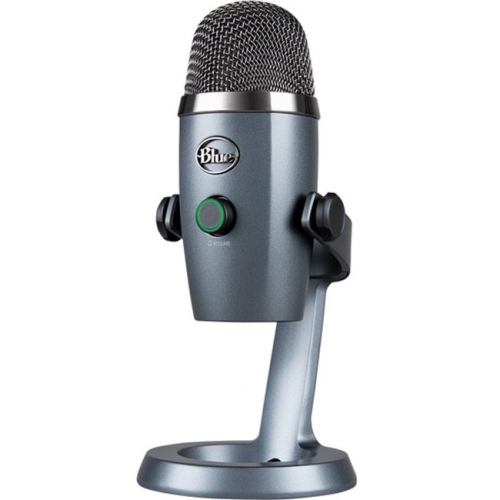
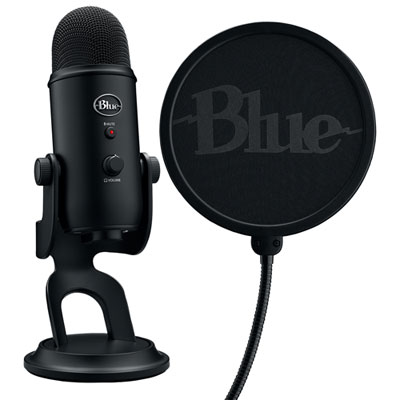
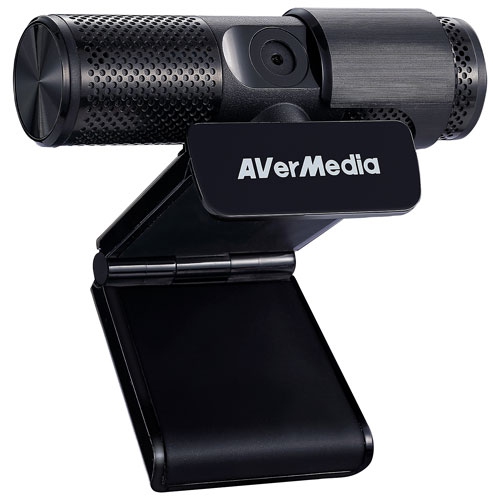
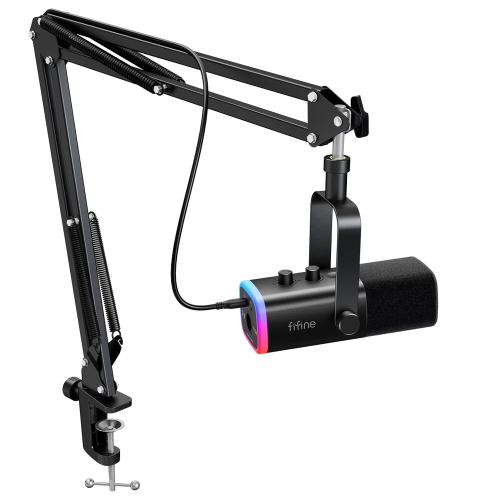
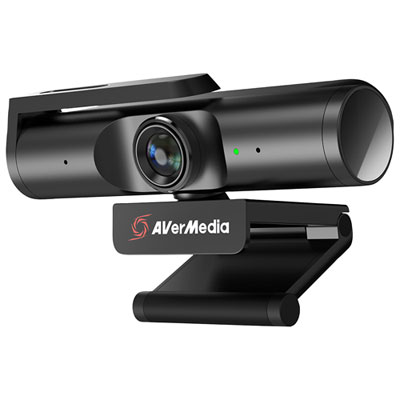
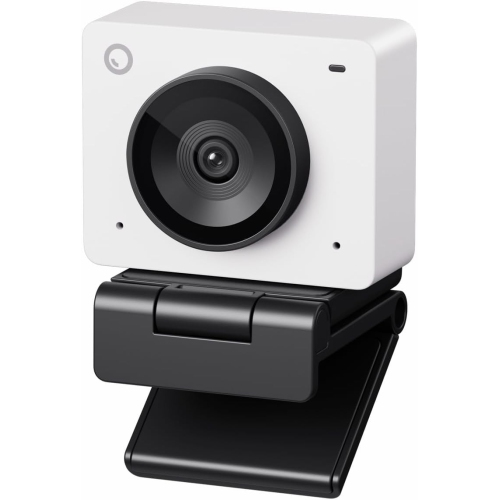
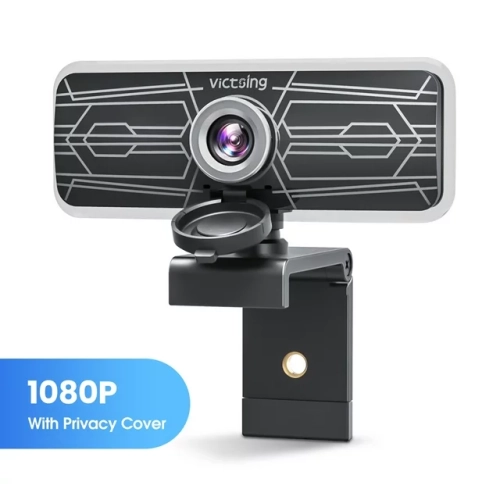
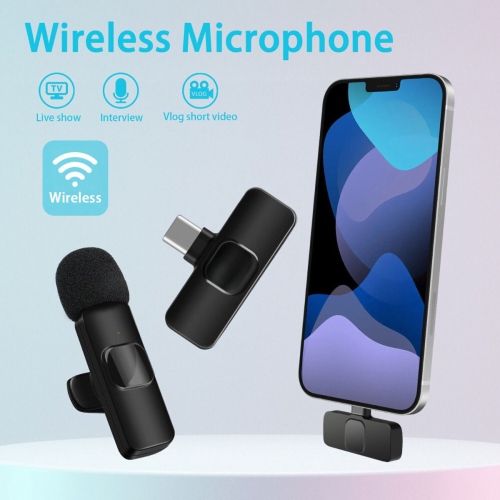
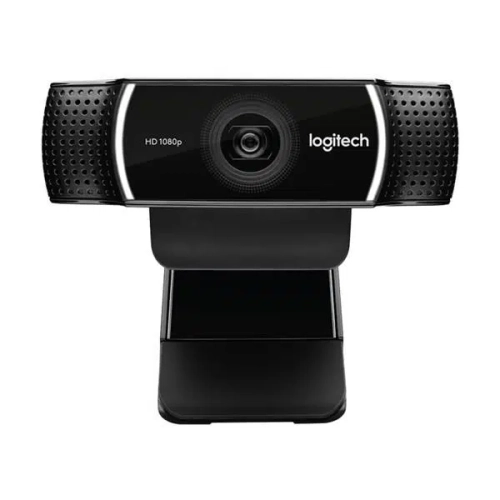
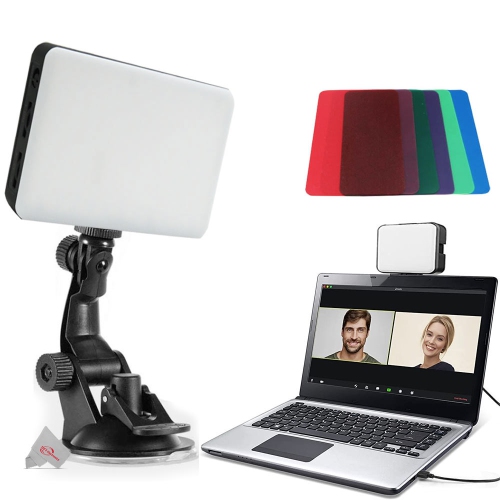
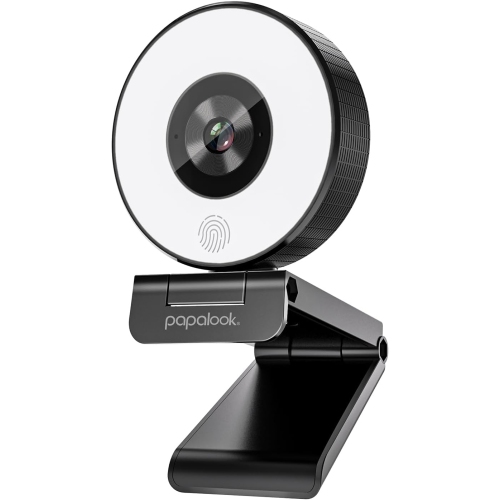
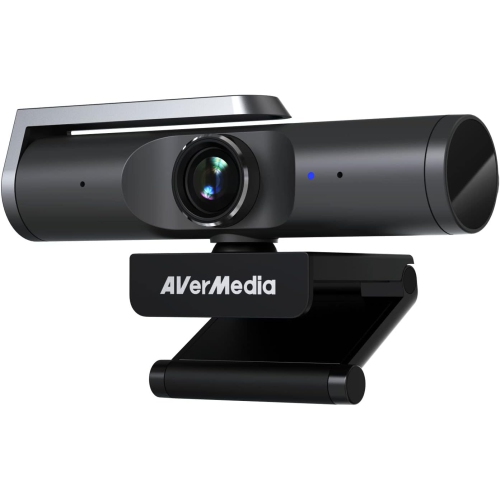
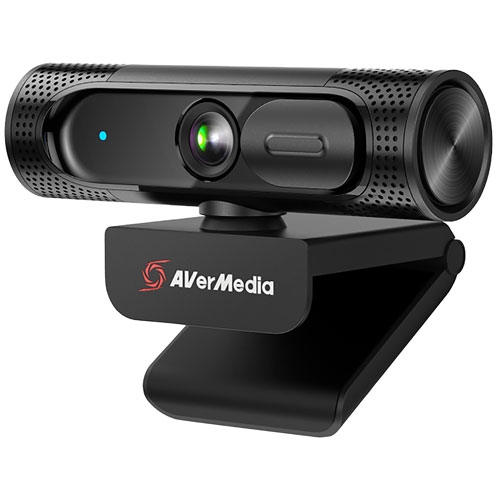
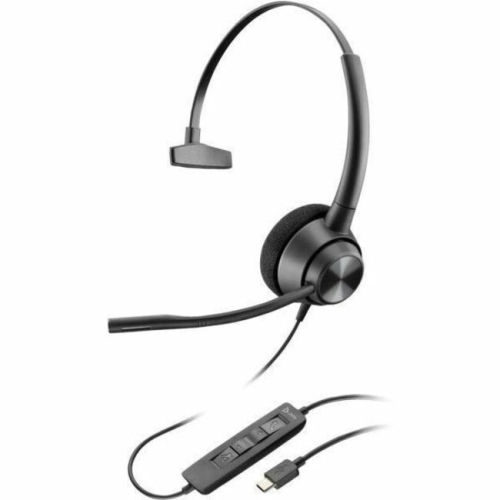
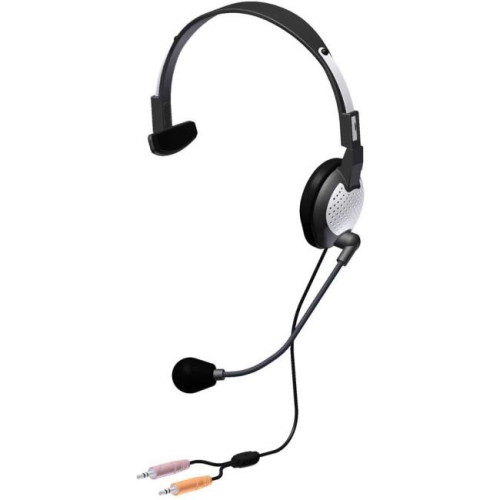
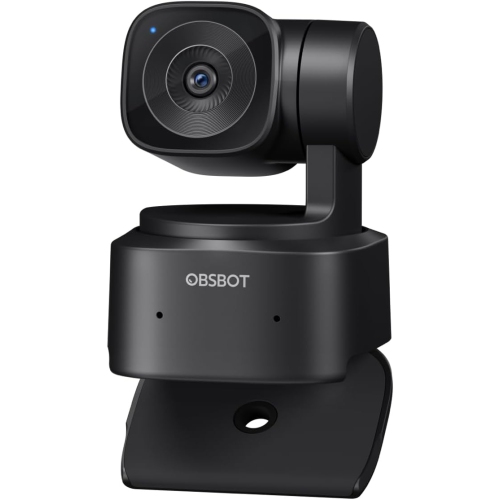
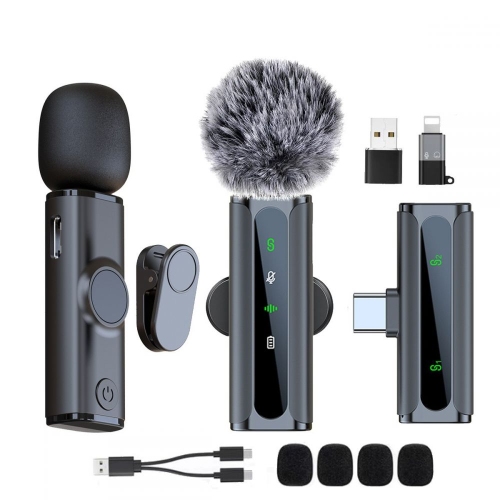
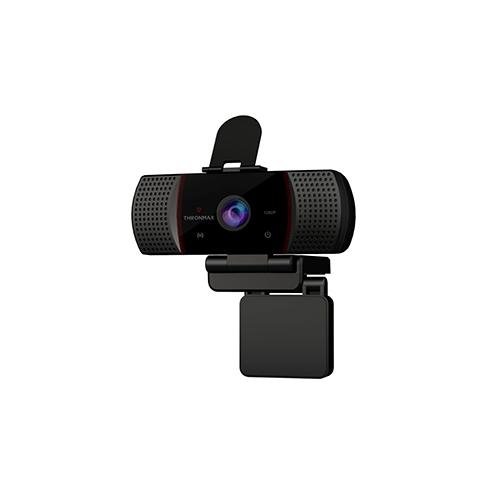
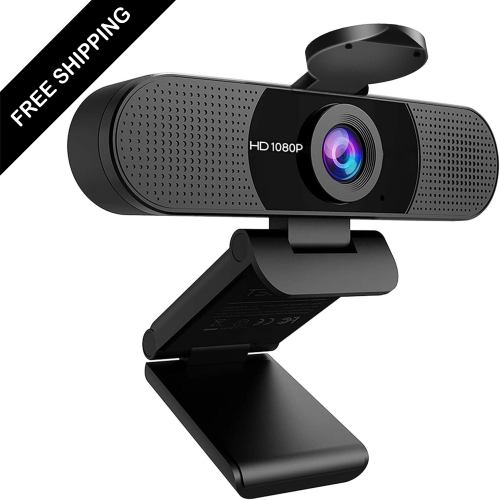
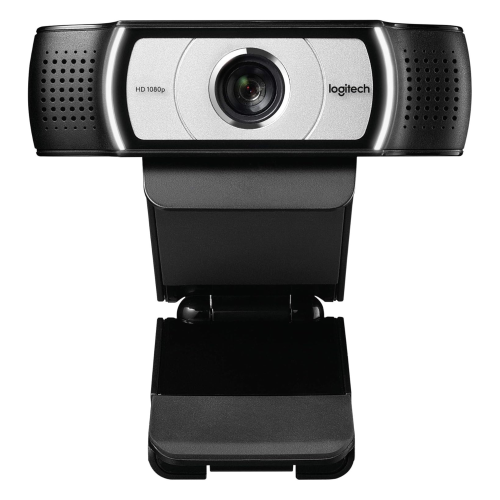
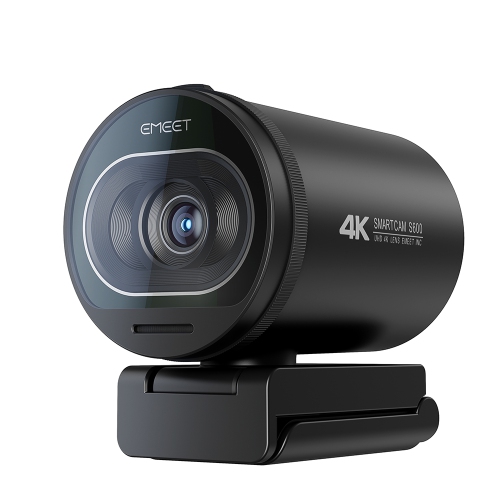
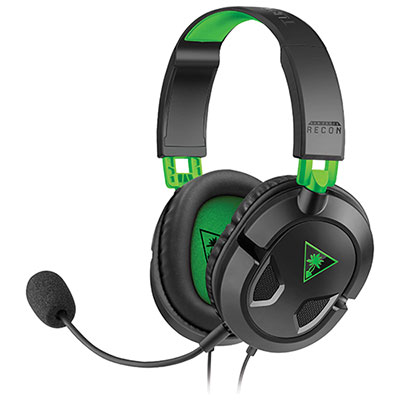
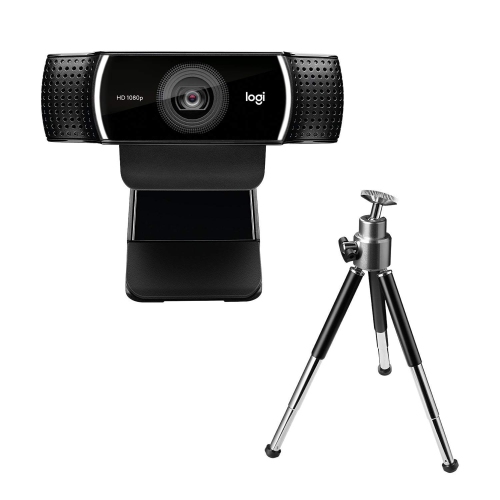
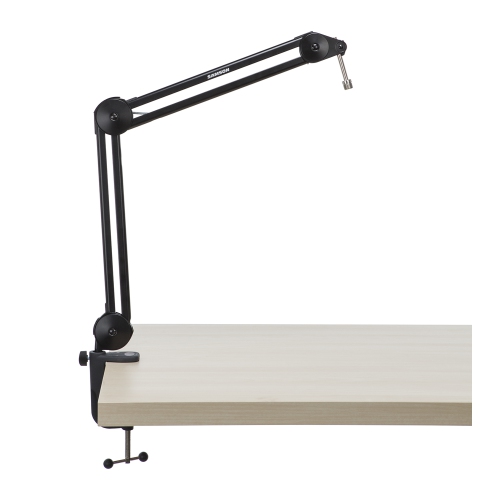
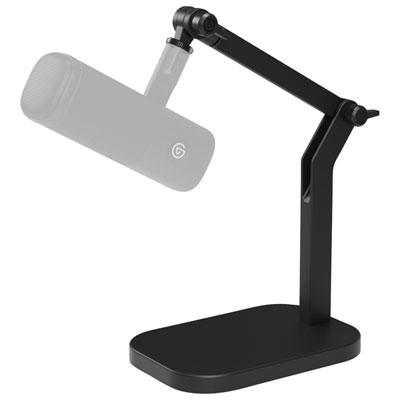
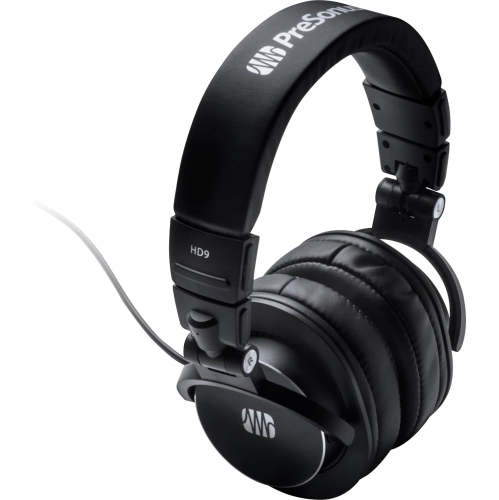
Clear speech gives a live stream its sense of presence, whether the presenter is explaining a complex move or chatting with viewers between songs. Dedicated microphones offer different connection methods and pickup patterns, which affect how they fit into a workspace. USB microphones typically connect directly to a computer, while XLR microphones generally require a compatible audio interface or mixer. Some condenser microphones also need phantom power from that connected equipment. A cardioid pickup pattern is designed to favour sound arriving from the front, helping limit sound from some other directions, although microphone placement and room acoustics still matter. In a room with bare walls and a hard desk surface, reflections can make speech sound distant; curtains, upholstered furniture, and suitable acoustic treatment can help reduce those reflections. A boom arm brings the microphone closer without occupying the space directly in front of a keyboard, while a stable desktop stand suits a setup that is moved or packed away frequently. Pop filters help soften bursts of air from speech, and compatible shock mounts can reduce vibration transmitted through a desk or stand. Headphones allow the presenter to hear guests and playback without sending loudspeaker sound back into the microphone. Closed-back designs can help limit sound leakage, while adjustable headbands, manageable weight, and comfortable ear cushions become important during longer sessions. Video equipment has its own practical details. A 1080p webcam can provide a clear picture for many broadcasts, but resolution is only one part of the result: lens quality, focus behaviour, exposure, and lighting also affect the image. A wider field of view can include a demonstration table or a second person, whereas tighter framing keeps attention on the presenter. Digital cameras used for streaming need a supported connection method; an HDMI capture setup also depends on compatible output and, when an unobstructed image is needed, clean HDMI output without camera menus. Soft, diffused lighting can make facial expressions and small objects easier to see. Adjustable brightness and colour temperature help balance the subject with other light sources, while careful placement reduces distracting reflections on glasses and glossy surfaces.
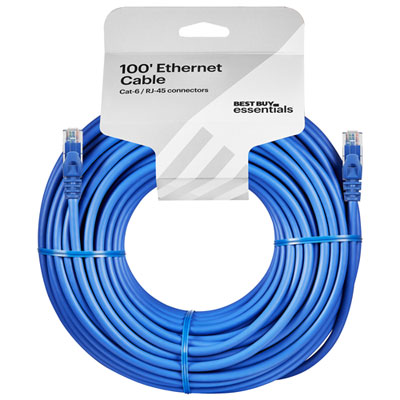
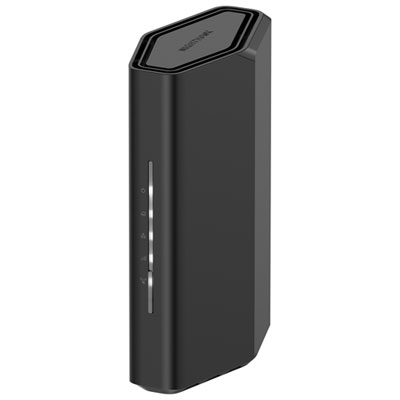
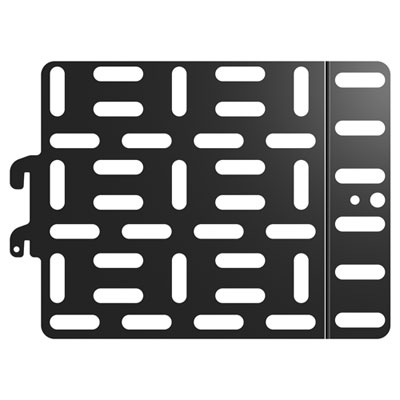
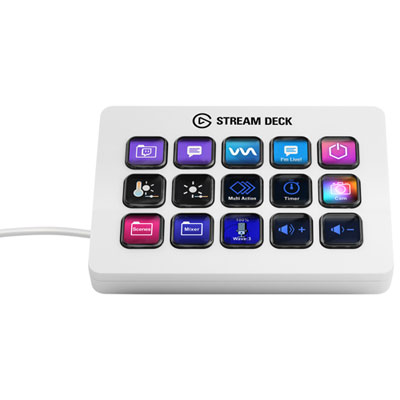
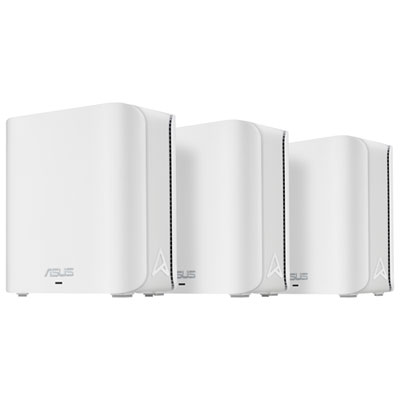
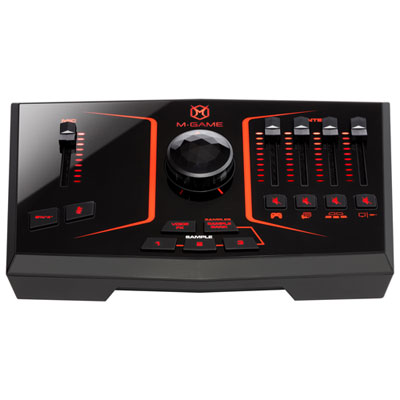
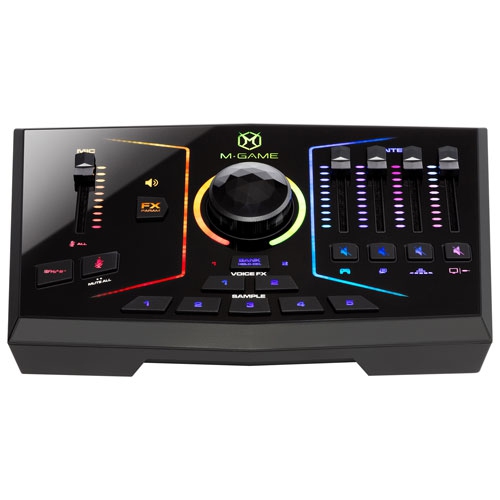
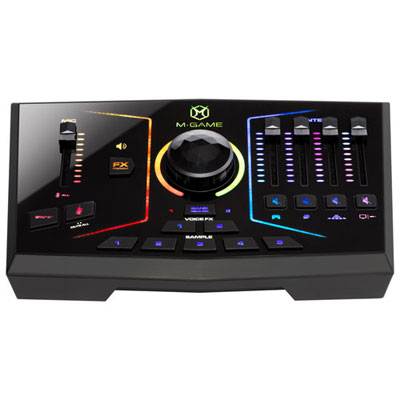
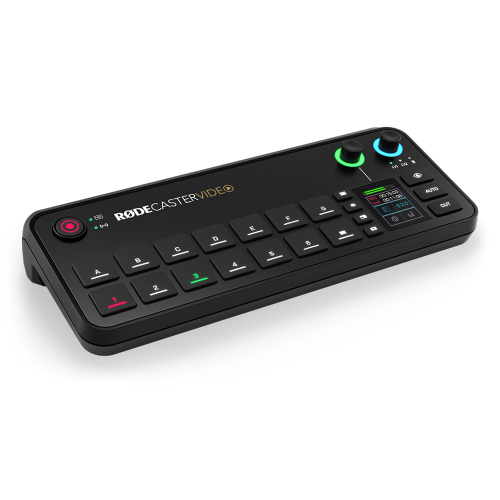
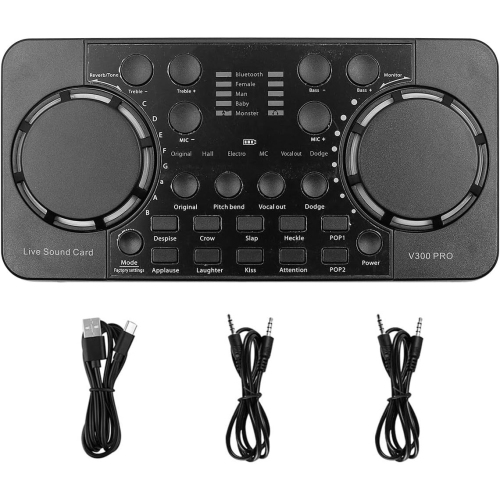
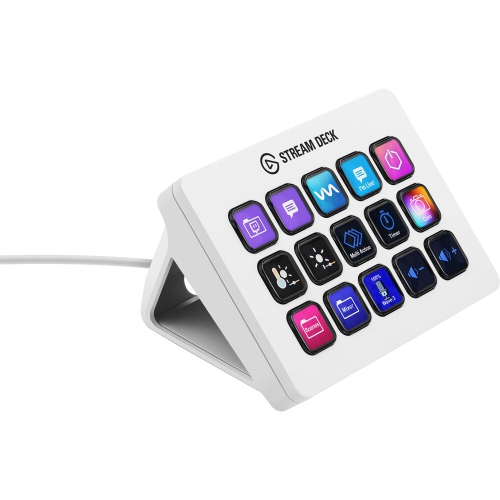
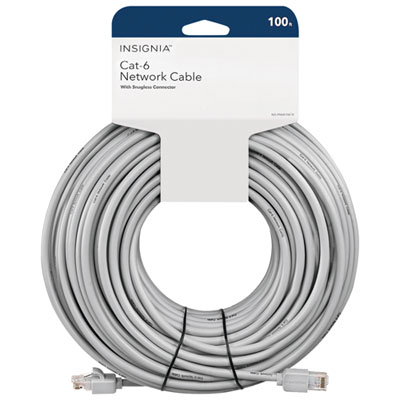
The physical design of streaming equipment shapes how comfortably it fits into everyday use. Metal stand components, secure adjustment joints, and stable bases are useful where a microphone or light is repositioned often; lightweight housings and folding supports can be more convenient for a portable setup. Material alone does not determine durability, since hinge construction, cable strain relief, and the quality of threaded connections also affect how equipment holds up. Desk clamps need to match the thickness and shape of the work surface, and their weight limits must accommodate the mounted equipment and any accessories. Padded contact points can help protect a desktop, while sufficient reach keeps an arm from blocking a screen or crowding the presenter’s hands. An overhead arrangement for drawing or assembling models needs a secure mount rated for the intended load, with cables routed away from the work area. Cable length matters as much as connector compatibility: a lead that barely reaches can pull against a port, while excessive slack can catch on a chair or clutter the floor. Control pads can place frequently used actions within reach, such as muting a microphone or switching scenes, provided the chosen software supports those functions. Capture cards require a closer look at supported input, capture, and passthrough resolutions and frame rates, since these specifications may differ. A reliable network connection and adequate upload capacity also affect a broadcast, independently of camera quality. Wired Ethernet can provide a consistent connection where practical, while Wi-Fi performance depends on signal strength, interference, and shared network use. Routine care helps keep the setup dependable: lenses benefit from appropriate optical cleaning materials, microphone grilles should be cleaned according to the manufacturer’s directions, and cables are best stored without tight bends or pressure on their connectors. Ventilation openings need to remain clear during extended use. For a student presenter, an aspiring host, or a friend who regularly shares creative work online, streaming accessories can make thoughtful gifts when they match existing connections, mounting hardware, and workspace dimensions. The strongest setup is not necessarily the largest; it is one whose parts work together and leave the creator comfortable enough to focus on the audience.
Clear speech gives a live stream its sense of presence, whether the presenter is explaining a complex move or chatting with viewers between songs. Dedicated microphones offer different connection methods and pickup patterns, which affect how they fit into a workspace. USB microphones typically connect directly to a computer, while XLR microphones generally require a compatible audio interface or mixer. Some condenser microphones also need phantom power from that connected equipment. A cardioid pickup pattern is designed to favour sound arriving from the front, helping limit sound from some other directions, although microphone placement and room acoustics still matter. In a room with bare walls and a hard desk surface, reflections can make speech sound distant; curtains, upholstered furniture, and suitable acoustic treatment can help reduce those reflections. A boom arm brings the microphone closer without occupying the space directly in front of a keyboard, while a stable desktop stand suits a setup that is moved or packed away frequently. Pop filters help soften bursts of air from speech, and compatible shock mounts can reduce vibration transmitted through a desk or stand. Headphones allow the presenter to hear guests and playback without sending loudspeaker sound back into the microphone. Closed-back designs can help limit sound leakage, while adjustable headbands, manageable weight, and comfortable ear cushions become important during longer sessions. Video equipment has its own practical details. A 1080p webcam can provide a clear picture for many broadcasts, but resolution is only one part of the result: lens quality, focus behaviour, exposure, and lighting also affect the image. A wider field of view can include a demonstration table or a second person, whereas tighter framing keeps attention on the presenter. Digital cameras used for streaming need a supported connection method; an HDMI capture setup also depends on compatible output and, when an unobstructed image is needed, clean HDMI output without camera menus. Soft, diffused lighting can make facial expressions and small objects easier to see. Adjustable brightness and colour temperature help balance the subject with other light sources, while careful placement reduces distracting reflections on glasses and glossy surfaces.
The physical design of streaming equipment shapes how comfortably it fits into everyday use. Metal stand components, secure adjustment joints, and stable bases are useful where a microphone or light is repositioned often; lightweight housings and folding supports can be more convenient for a portable setup. Material alone does not determine durability, since hinge construction, cable strain relief, and the quality of threaded connections also affect how equipment holds up. Desk clamps need to match the thickness and shape of the work surface, and their weight limits must accommodate the mounted equipment and any accessories. Padded contact points can help protect a desktop, while sufficient reach keeps an arm from blocking a screen or crowding the presenter’s hands. An overhead arrangement for drawing or assembling models needs a secure mount rated for the intended load, with cables routed away from the work area. Cable length matters as much as connector compatibility: a lead that barely reaches can pull against a port, while excessive slack can catch on a chair or clutter the floor. Control pads can place frequently used actions within reach, such as muting a microphone or switching scenes, provided the chosen software supports those functions. Capture cards require a closer look at supported input, capture, and passthrough resolutions and frame rates, since these specifications may differ. A reliable network connection and adequate upload capacity also affect a broadcast, independently of camera quality. Wired Ethernet can provide a consistent connection where practical, while Wi-Fi performance depends on signal strength, interference, and shared network use. Routine care helps keep the setup dependable: lenses benefit from appropriate optical cleaning materials, microphone grilles should be cleaned according to the manufacturer’s directions, and cables are best stored without tight bends or pressure on their connectors. Ventilation openings need to remain clear during extended use. For a student presenter, an aspiring host, or a friend who regularly shares creative work online, streaming accessories can make thoughtful gifts when they match existing connections, mounting hardware, and workspace dimensions. The strongest setup is not necessarily the largest; it is one whose parts work together and leave the creator comfortable enough to focus on the audience.
Top selling and popular products
-
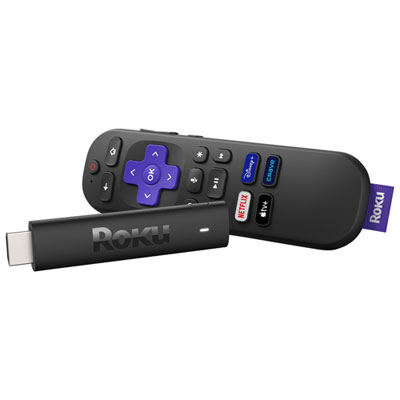 Your price for this item is $99.99
 -
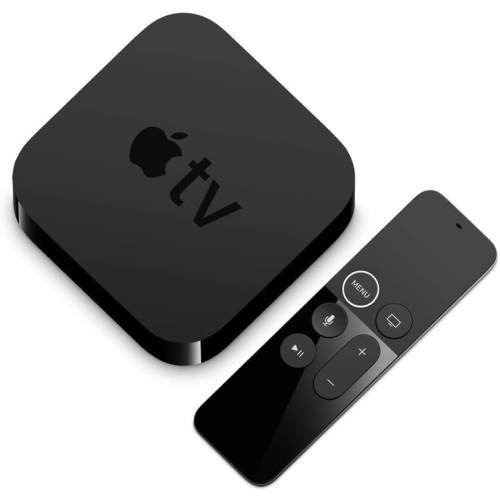 Your price for this item is $144.99
 -
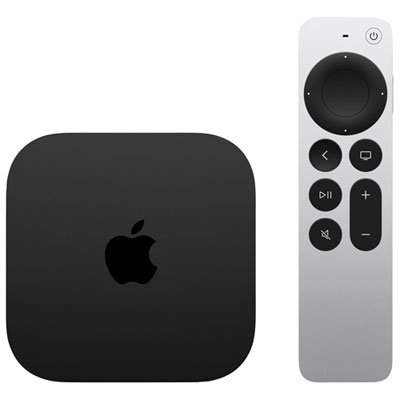 Your price for this item is $349.99
 -
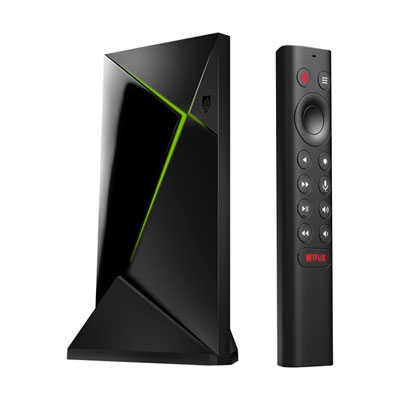 Your price for this item is $399.99
 -
 Your price for this item is $39.99
 -
 Your price for this item is $98.85
 -
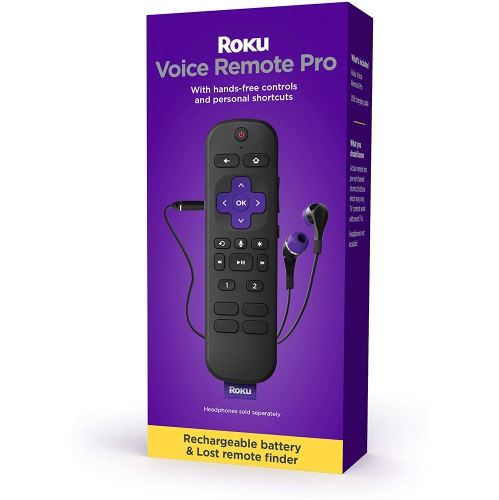 Your price for this item is $115.56
 -
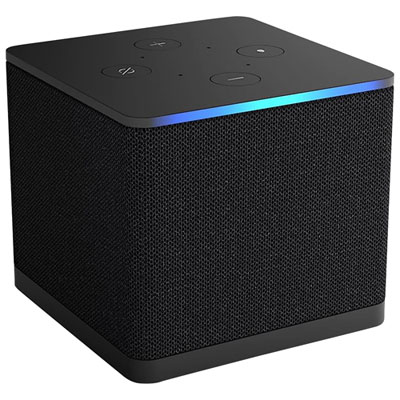 Your price for this item is $139.99
Discover more categories related to Streaming Equipment

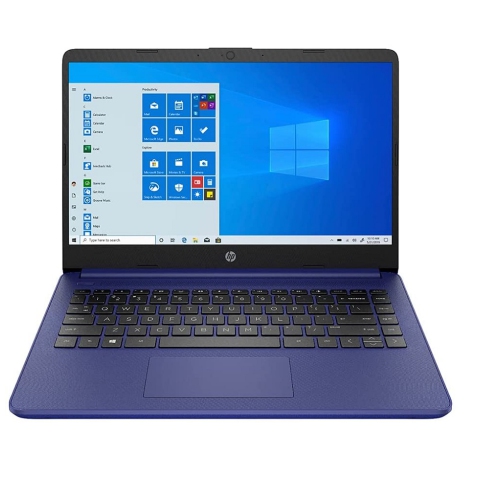
Top Collections:
Pokemon Centers, Kindle Devices, Best Budget Office Chairs, Apple iPhones 16, Best Laptops for Writers, iPhone 15 Apple, Canon G7X Cameras, Refurbished Apple Laptops, Alarm Clock, Motorola Razr Phones
Some products may be subject to Environmental Handling Fees
(EHF) depending on your province.
Learn more about EHFs.