Setup for Streaming
Looking to enhance your streaming setup? Dive into a world of endless entertainment possibilities with our curated selection of products designed to elevate your streaming experience. Whether you're a seasoned streamer or just starting out, we have everything you need to create a seamless and immersive viewing environment right in the comfort of your own home. From high-quality audio equipment to advanced lighting solutions, discover the essential tools to take your streaming game to the next level.
Sort











The essentials behind clearer, more comfortable live broadcasts
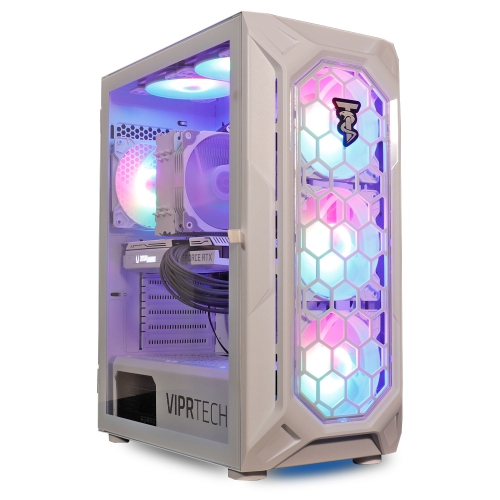
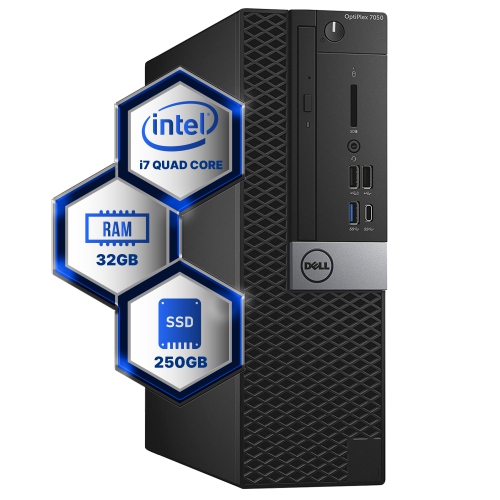
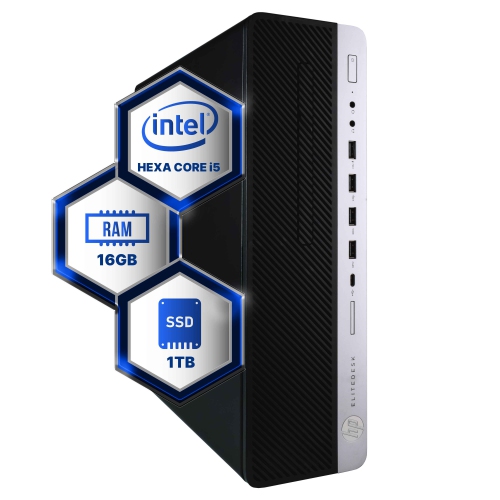
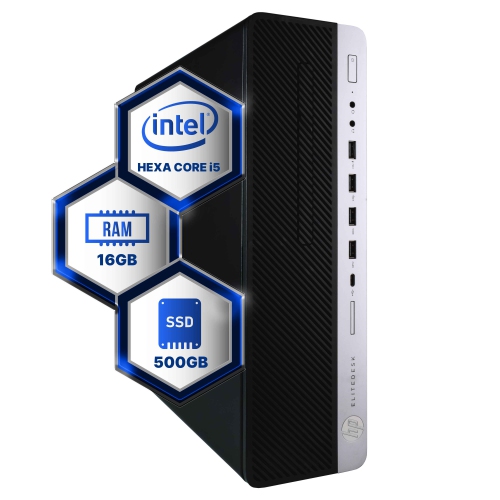
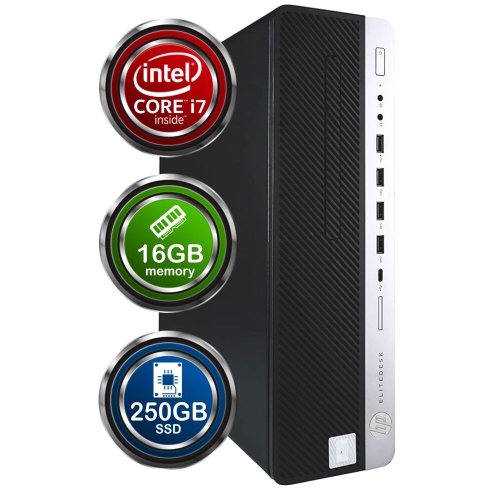
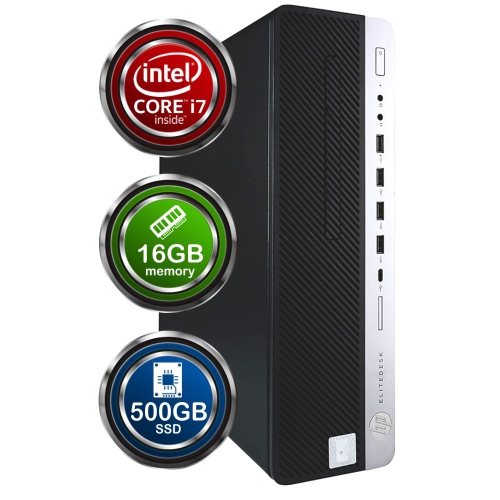
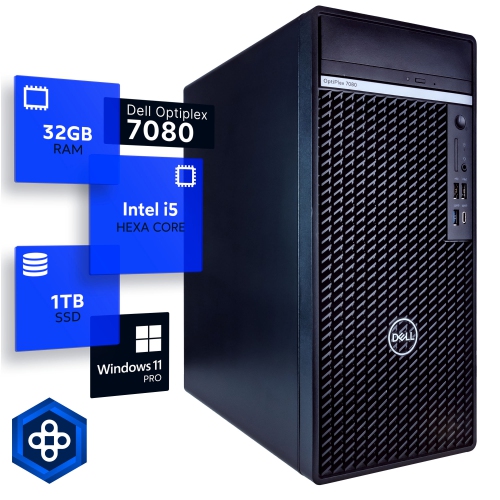
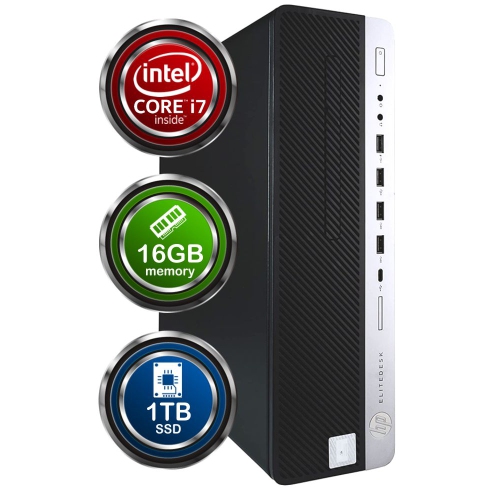
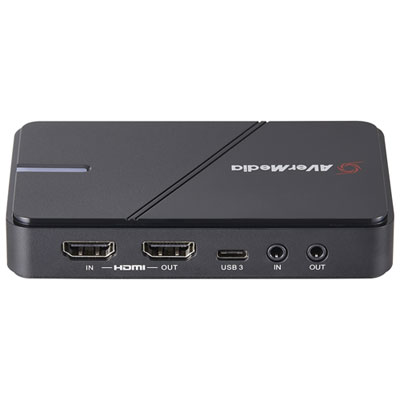
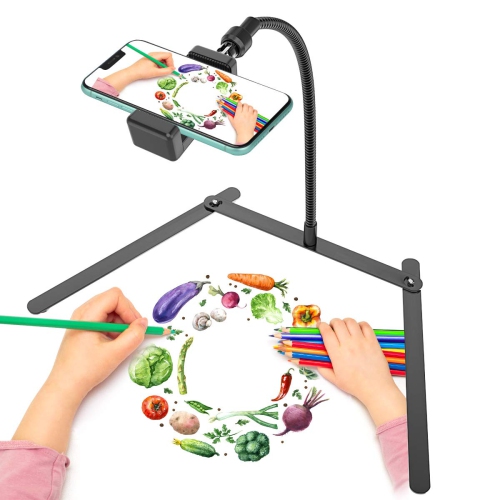
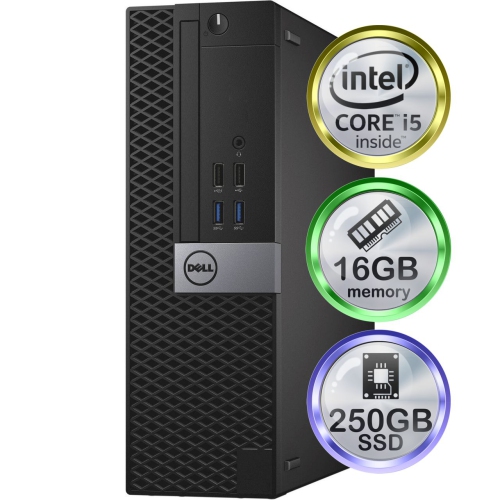
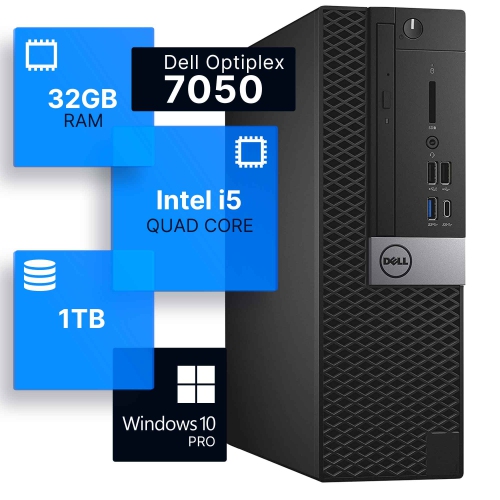
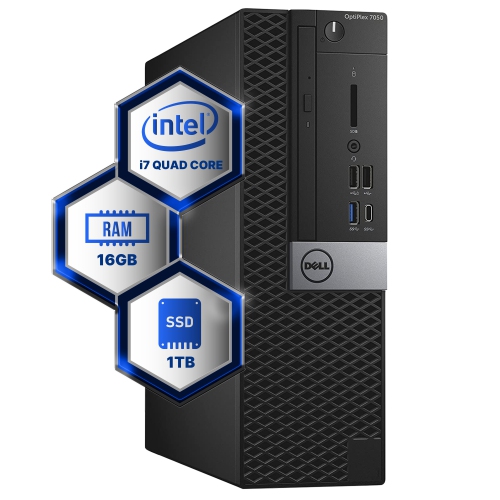
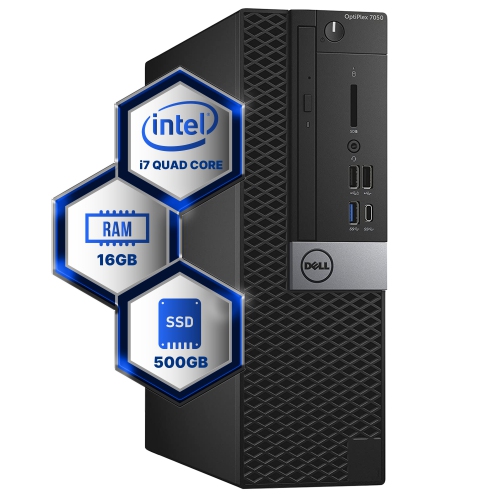
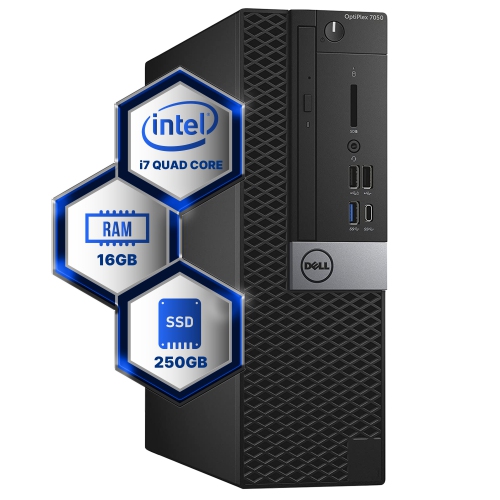
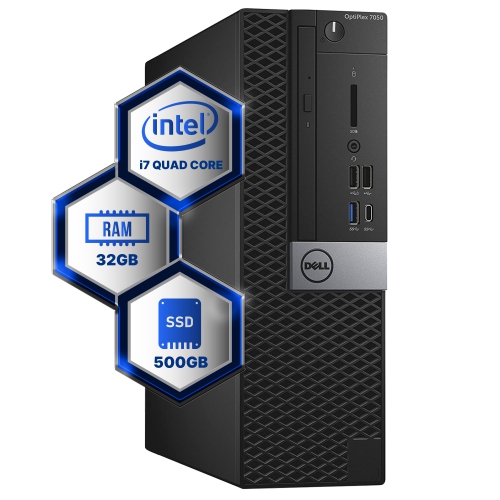
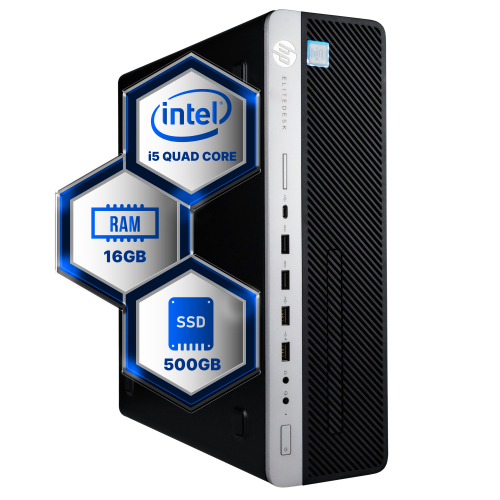
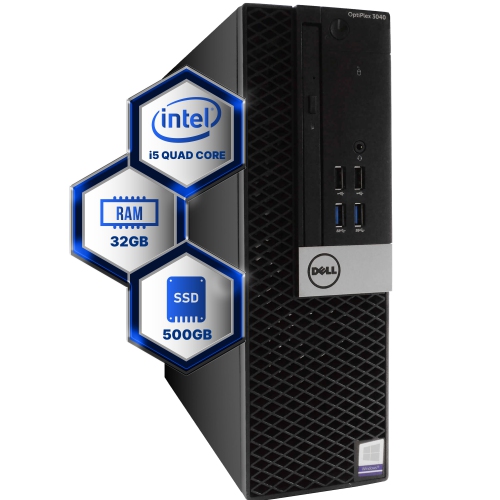
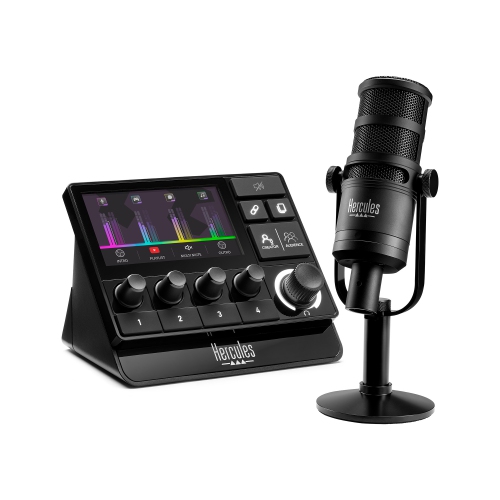
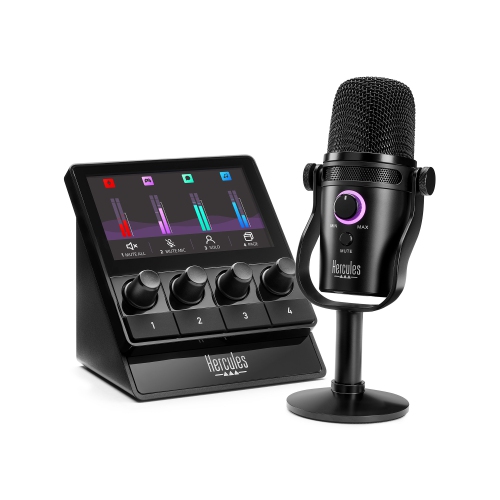
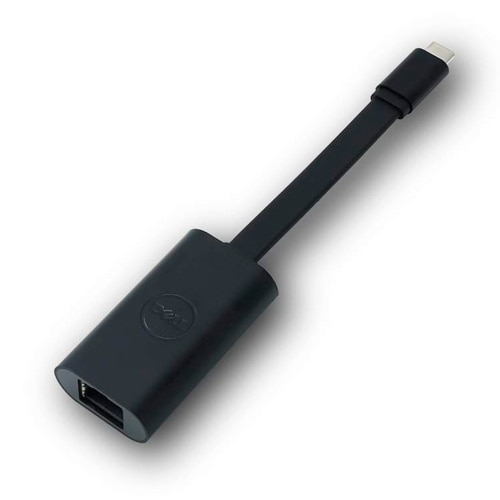
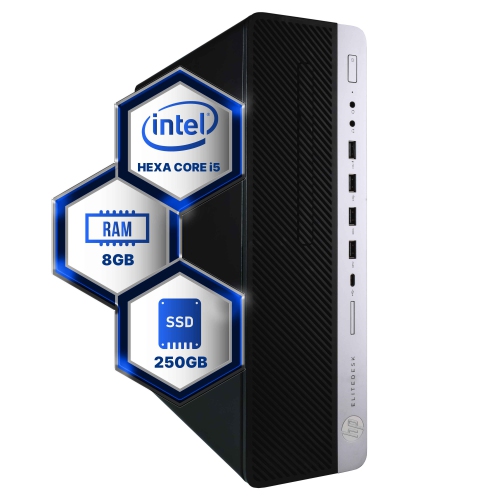
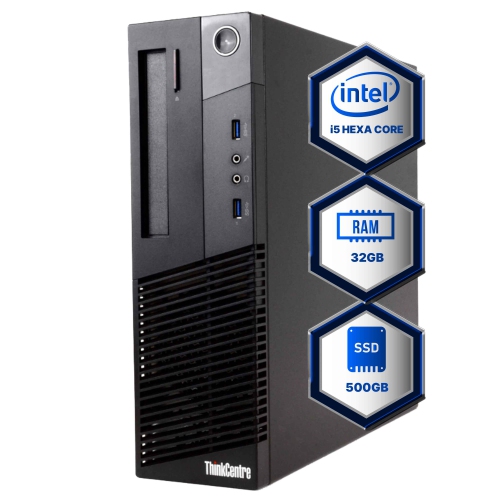
A successful streaming setup brings together computing power, dependable connectivity, clear audio, flattering video and a comfortable place to work. Whether the goal is to broadcast game sessions, host live discussions, share creative projects or connect with a small community, each part of the setup has a practical role. A capable desktop or laptop is the foundation for managing a broadcast, running streaming software, capturing gameplay and keeping other applications open at the same time. For a smoother experience, look for a modern processor with at least six cores, 16GB of RAM and a dedicated graphics card suited to the games or creative applications being streamed. Storage also matters: a solid-state drive can make software launch more quickly and provide responsive performance when saving recordings, while additional storage is helpful for large video files. A wired Ethernet connection is often the most reliable choice for live broadcasting because it reduces interference and helps maintain a steady upload speed. If a wired connection is not practical, a strong Wi-Fi network positioned close to the streaming area can still provide dependable results, particularly when other household devices are not competing heavily for bandwidth. Before choosing equipment, consider the type of content being shared and the space available. A PC gaming setup may need a capture device for console gameplay, while a chat-focused stream may benefit more from better lighting and a high-quality microphone. A compact setup can work well on a bedroom desk or kitchen table, whereas a dedicated streaming corner may have room for multiple displays, a larger camera, cable management and adjustable lighting. Browsing Streaming Equipment can help bring these categories together when planning a complete setup rather than selecting each item in isolation.
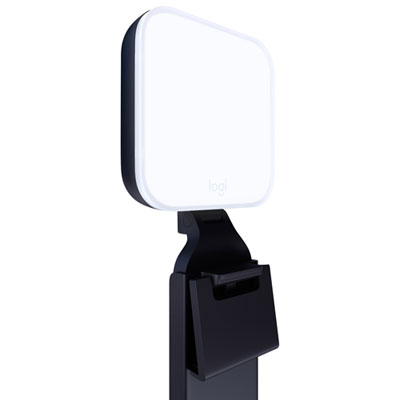
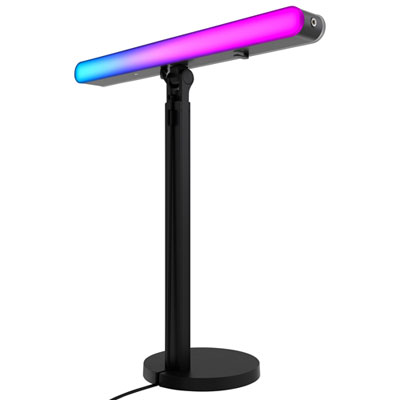
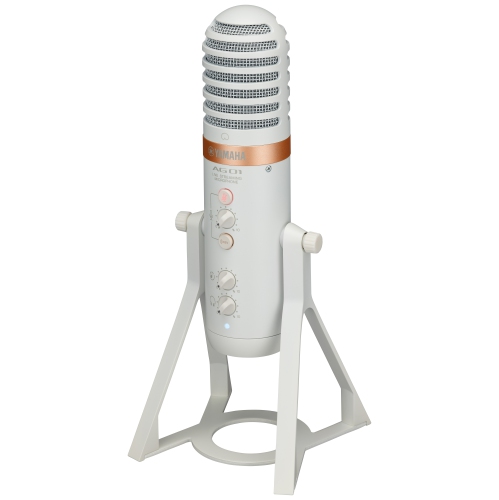
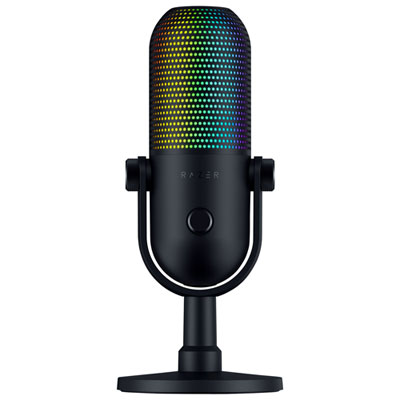
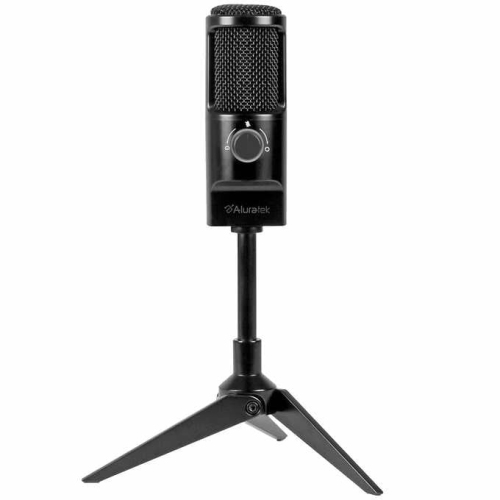
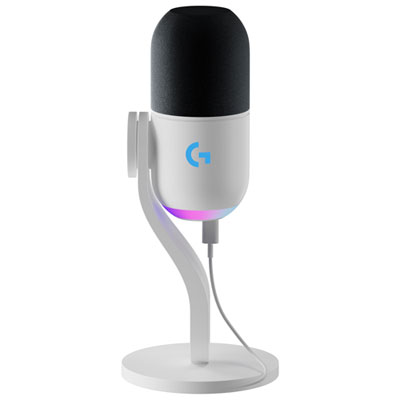
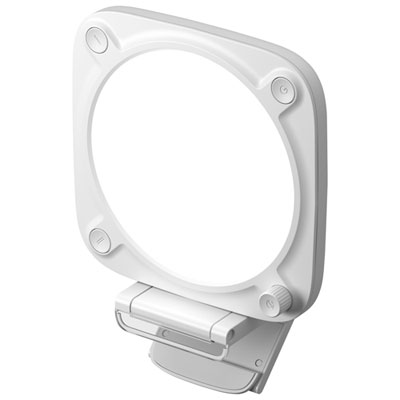
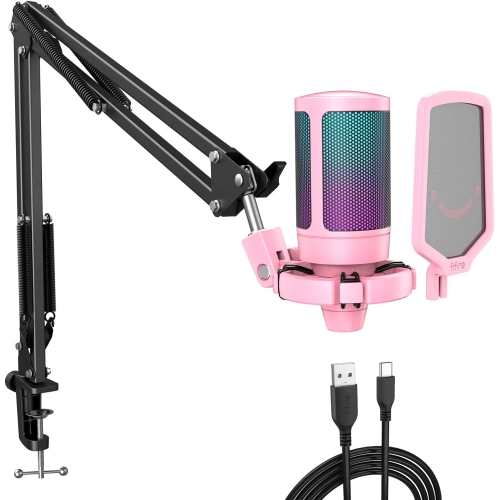
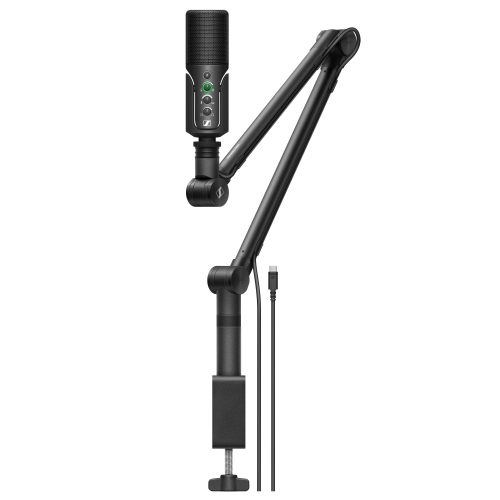
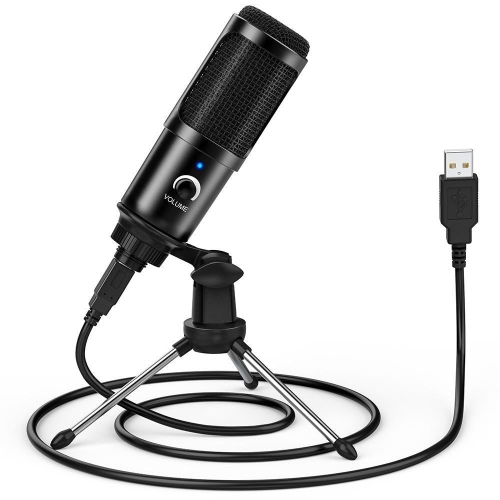
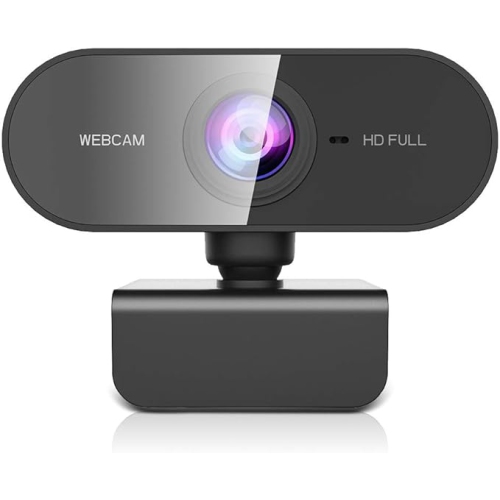
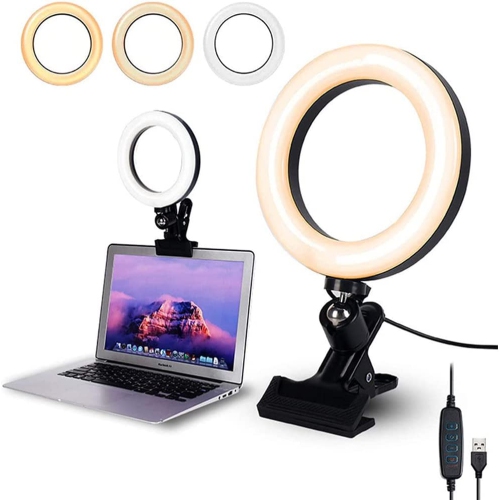
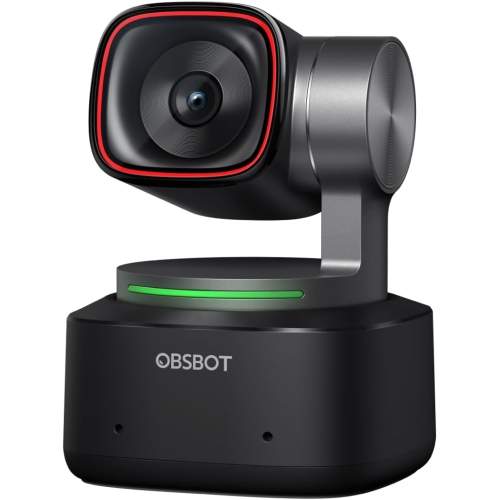
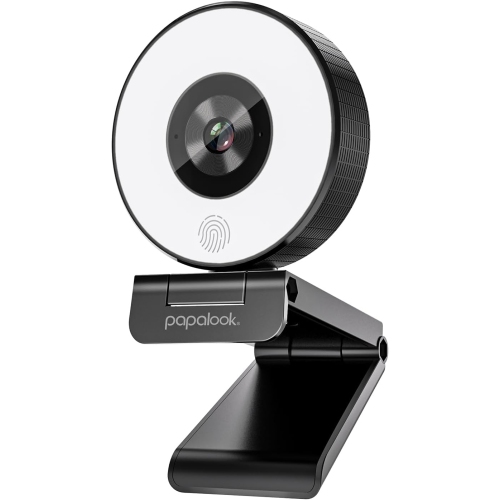
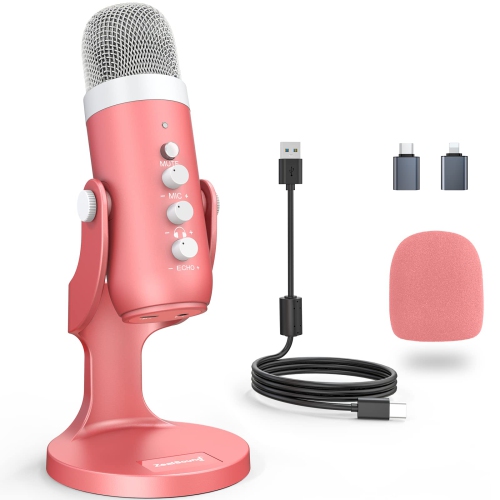
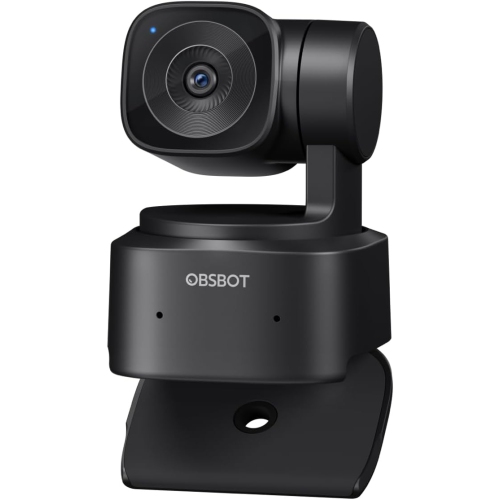
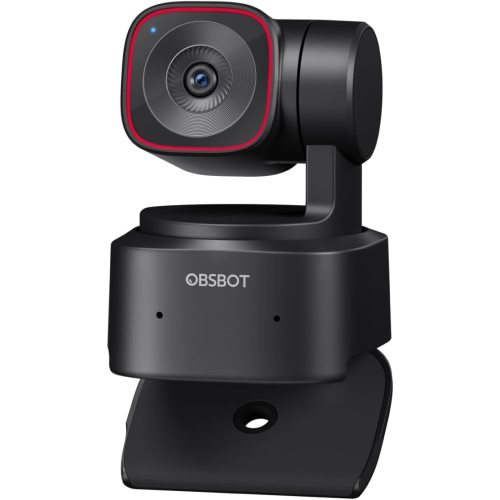
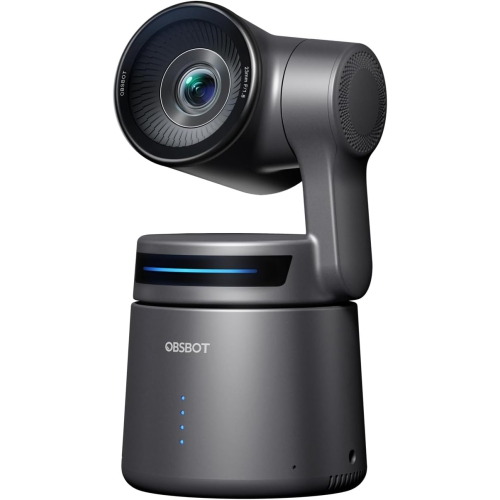
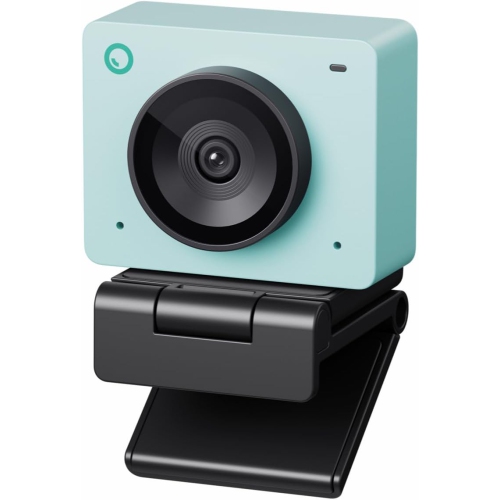
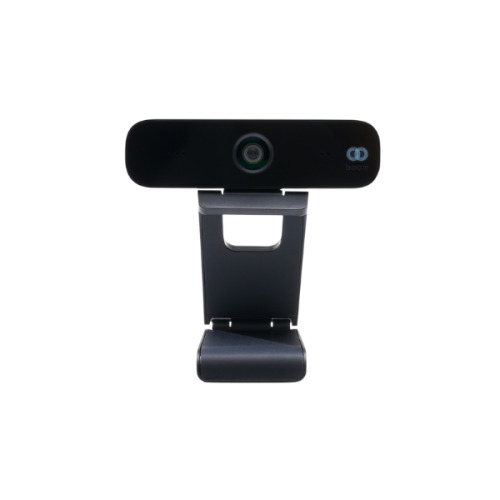
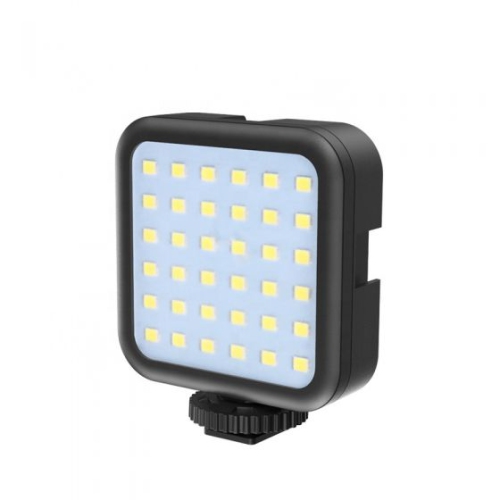
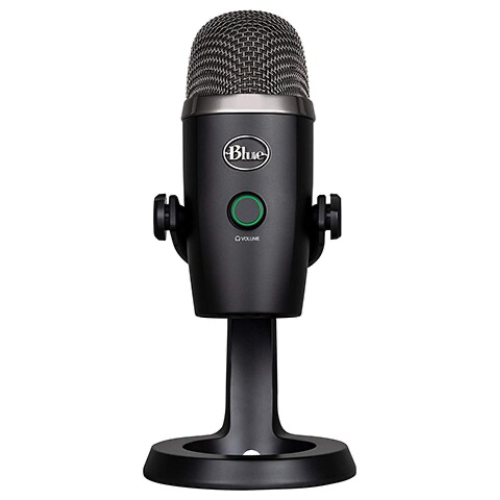
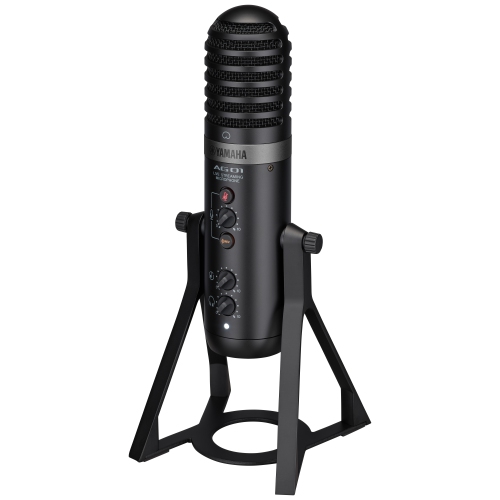
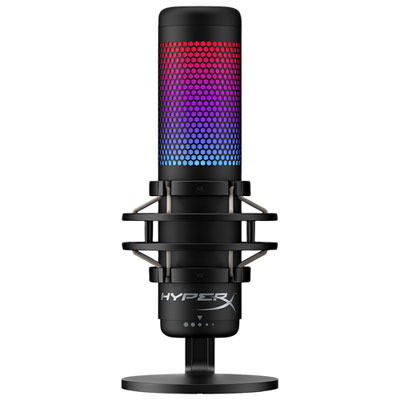
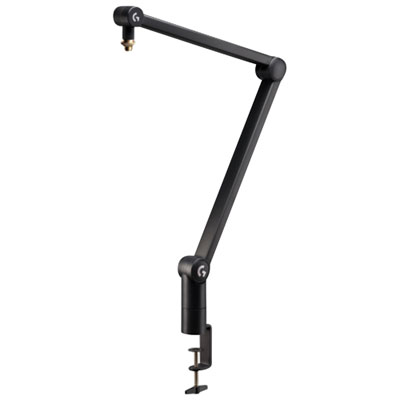
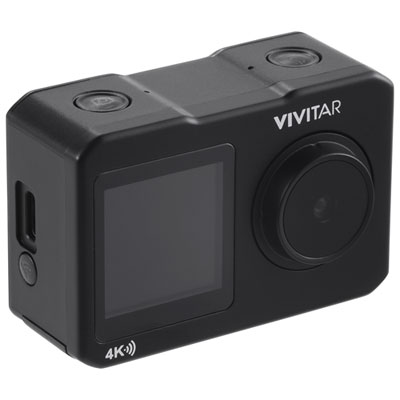
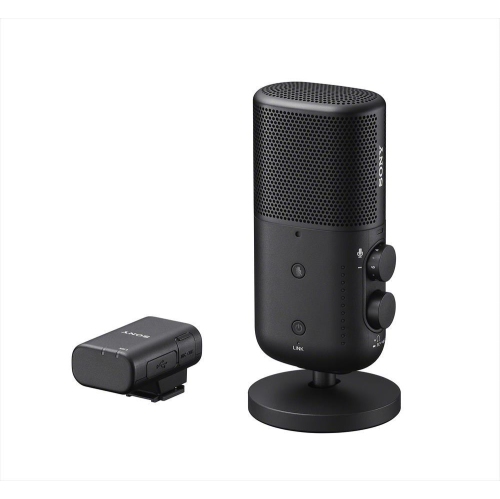
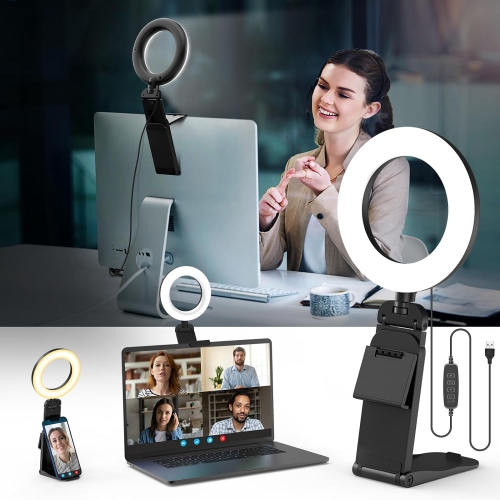
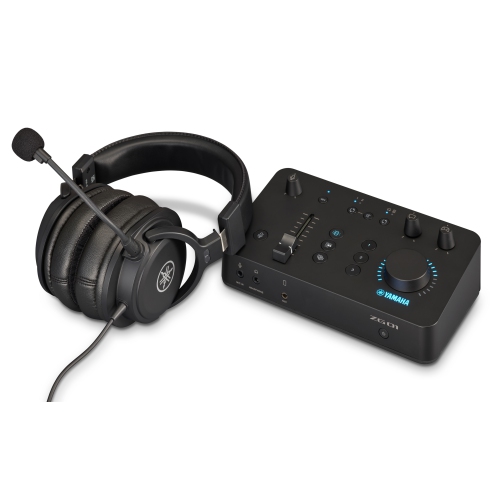
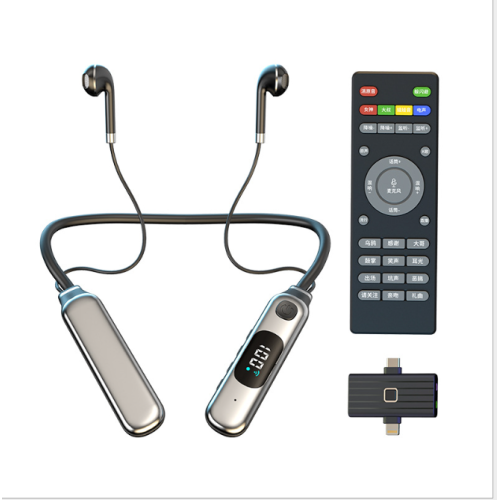
Audio is often the first detail viewers notice, and a clear voice can make a simple broadcast feel polished. A USB microphone is an approachable option because it connects directly to a computer and usually requires little configuration, while a microphone with a stand or boom arm can keep the desk tidy and position the pickup closer to the speaker. Look for adjustable gain, a headphone output for monitoring and a pickup pattern suited to the room. A quieter room with soft furnishings may support a more open microphone pattern, while a busy household or reflective room may benefit from a setting that focuses more directly on the speaker. Headphones are useful for checking voice levels, hearing alerts and preventing game or video audio from feeding back into the microphone. A webcam adds personality and helps viewers read facial expressions, but placement is just as important as resolution. Positioning the camera near eye level creates a more natural perspective, and framing from the shoulders or chest upward keeps the focus on the presenter without showing more of the room than intended. A 1080p webcam is a sensible starting point for many streamers, while higher-resolution options may be useful for cropping, recording or maintaining a sharper image in a well-lit space. Lighting can transform the picture even when the camera remains the same. A lamp or ring light placed in front of the streamer, slightly above eye level, can soften shadows and provide a consistent look during the darker, cooler months when daylight changes throughout the day. Avoid placing a bright window directly behind the camera subject, since it can leave the face looking dim. A small side light can add depth, and adjustable brightness or colour temperature makes it easier to match the room. These details are especially helpful for new creators, students, remote presenters and anyone receiving streaming gear as a gift, since they improve the finished broadcast without requiring advanced production skills.
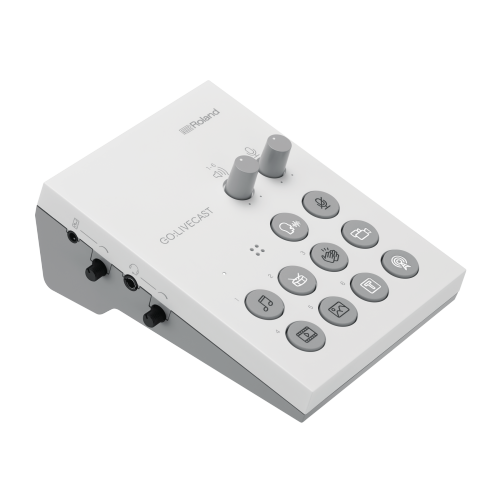
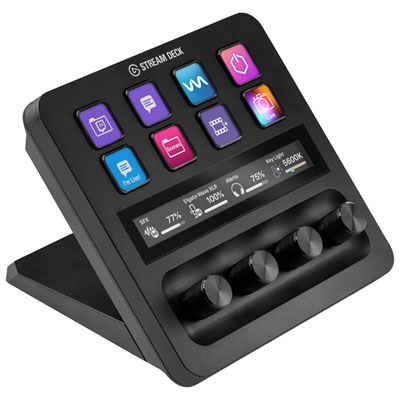
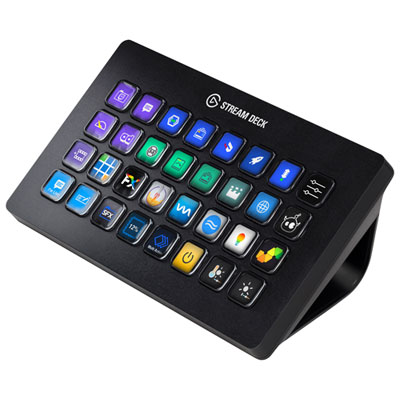
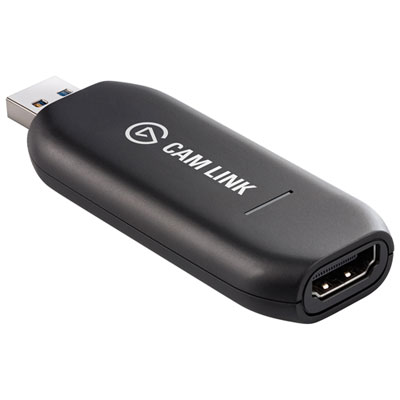
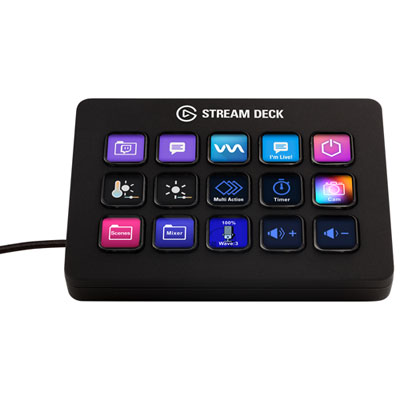
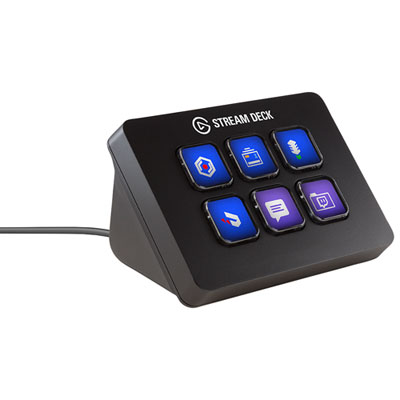
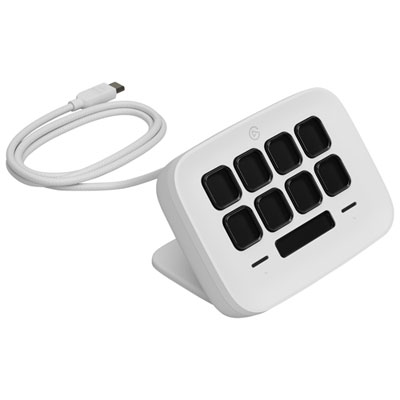
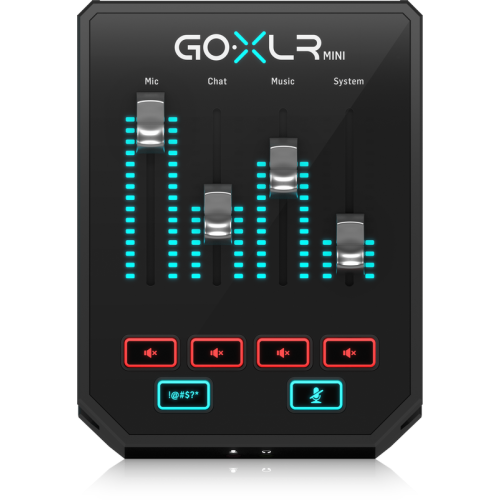
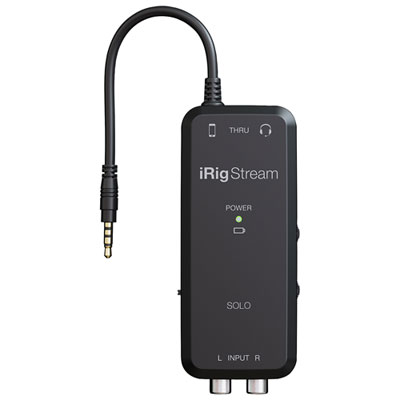
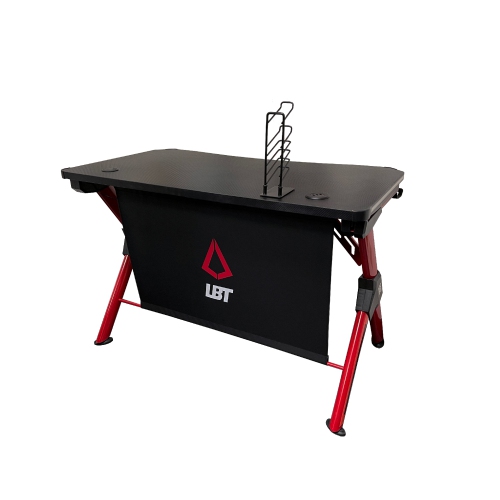
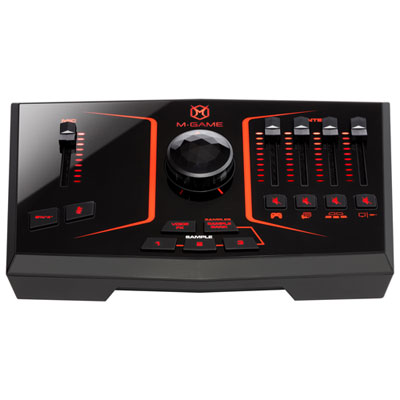
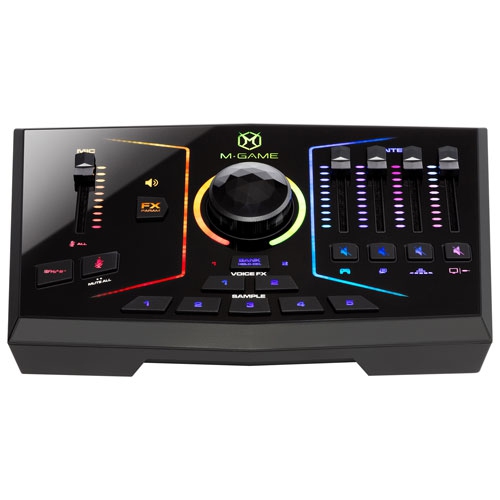
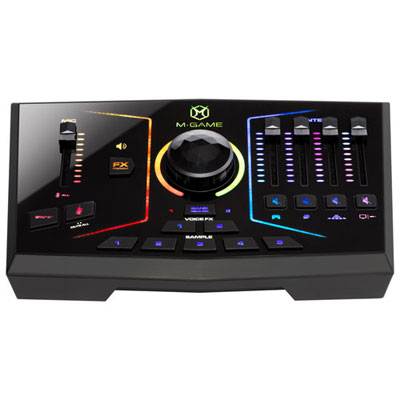
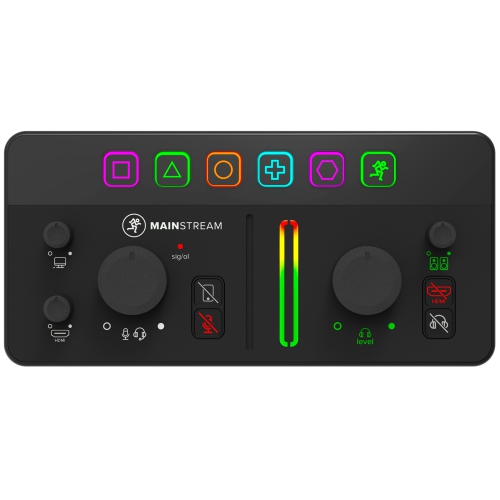
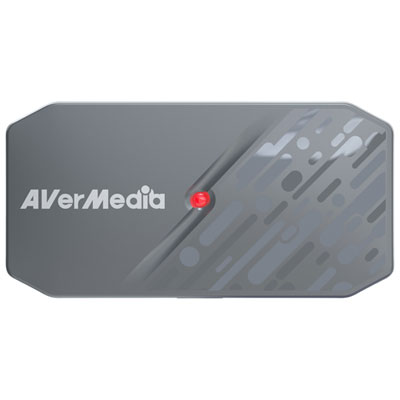
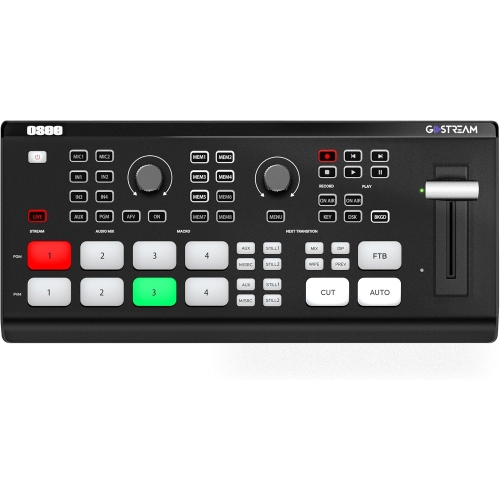
The right accessories make a streaming setup easier to use for longer sessions. A second monitor can display chat, alerts, recording controls or notes while the main display handles gameplay or presentation content, reducing the need to switch between windows. A capture device can bring console gameplay, a camera feed or another video source into the computer, and a compact control pad can provide quick access to scene changes, microphone muting and sound effects. Streaming software typically lets users arrange scenes, combine camera and screen sources, balance audio and add text or alerts, so it is worth choosing equipment that works with the computer and software already in use. Cable length, available ports and desk space should be checked before purchasing; a microphone arm that cannot clamp securely or a camera that blocks the only monitor can make an otherwise promising setup frustrating. Comfort also has a direct effect on the quality of a broadcast. A supportive chair, a desk at a suitable height and a small amount of space for water, notes or a controller can help a streamer stay focused through a long gaming session or live conversation. Beginners may prefer to start with a computer, microphone, webcam, headphones and basic light, then add a capture device, second display or control accessory as their content develops. Experienced creators may prioritize quieter operation, stronger processing, multiple camera angles or more precise audio control. These products can also make thoughtful gifts for gamers, aspiring video creators, students building a portfolio or family members who enjoy connecting with friends online. During the transition between warmer and cooler seasons, a well-organized indoor setup creates a welcoming place to play, create and share, with equipment that can support casual broadcasts as well as more structured productions.
Audio is often the first detail viewers notice, and a clear voice can make a simple broadcast feel polished. A USB microphone is an approachable option because it connects directly to a computer and usually requires little configuration, while a microphone with a stand or boom arm can keep the desk tidy and position the pickup closer to the speaker. Look for adjustable gain, a headphone output for monitoring and a pickup pattern suited to the room. A quieter room with soft furnishings may support a more open microphone pattern, while a busy household or reflective room may benefit from a setting that focuses more directly on the speaker. Headphones are useful for checking voice levels, hearing alerts and preventing game or video audio from feeding back into the microphone. A webcam adds personality and helps viewers read facial expressions, but placement is just as important as resolution. Positioning the camera near eye level creates a more natural perspective, and framing from the shoulders or chest upward keeps the focus on the presenter without showing more of the room than intended. A 1080p webcam is a sensible starting point for many streamers, while higher-resolution options may be useful for cropping, recording or maintaining a sharper image in a well-lit space. Lighting can transform the picture even when the camera remains the same. A lamp or ring light placed in front of the streamer, slightly above eye level, can soften shadows and provide a consistent look during the darker, cooler months when daylight changes throughout the day. Avoid placing a bright window directly behind the camera subject, since it can leave the face looking dim. A small side light can add depth, and adjustable brightness or colour temperature makes it easier to match the room. These details are especially helpful for new creators, students, remote presenters and anyone receiving streaming gear as a gift, since they improve the finished broadcast without requiring advanced production skills.
The right accessories make a streaming setup easier to use for longer sessions. A second monitor can display chat, alerts, recording controls or notes while the main display handles gameplay or presentation content, reducing the need to switch between windows. A capture device can bring console gameplay, a camera feed or another video source into the computer, and a compact control pad can provide quick access to scene changes, microphone muting and sound effects. Streaming software typically lets users arrange scenes, combine camera and screen sources, balance audio and add text or alerts, so it is worth choosing equipment that works with the computer and software already in use. Cable length, available ports and desk space should be checked before purchasing; a microphone arm that cannot clamp securely or a camera that blocks the only monitor can make an otherwise promising setup frustrating. Comfort also has a direct effect on the quality of a broadcast. A supportive chair, a desk at a suitable height and a small amount of space for water, notes or a controller can help a streamer stay focused through a long gaming session or live conversation. Beginners may prefer to start with a computer, microphone, webcam, headphones and basic light, then add a capture device, second display or control accessory as their content develops. Experienced creators may prioritize quieter operation, stronger processing, multiple camera angles or more precise audio control. These products can also make thoughtful gifts for gamers, aspiring video creators, students building a portfolio or family members who enjoy connecting with friends online. During the transition between warmer and cooler seasons, a well-organized indoor setup creates a welcoming place to play, create and share, with equipment that can support casual broadcasts as well as more structured productions.
Top selling and popular products
-
 Your price for this item is $1599
 -
 Your price for this item is $1629.79
 -
 Your price for this item is $1999.99
 -
 Your price for this item is $1459.79
 -
 Your price for this item is $879
 -
 Your price for this item is $1199.99
 -
 Your price for this item is $1839
 -
 Your price for this item is $879
Discover more categories related to Setup for Streaming
Top Collections:
Pokemon Centers, Kindle Devices, Best Budget Office Chairs, Apple iPhones 16, Best Laptops for Writers, iPhone 15 Apple, Canon G7X Cameras, Refurbished Apple Laptops, Alarm Clock, Motorola Razr Phones
Some products may be subject to Environmental Handling Fees
(EHF) depending on your province.
Learn more about EHFs.