Usb 3.0 Connectors
Upgrade your connectivity with USB 3.0 connectors, designed to provide faster data transfer speeds and improved performance for all your electronic devices. Whether you're looking to connect your computer, laptop, external hard drive, or other peripherals, USB 3.0 connectors offer enhanced efficiency and reliability for seamless data transmission. Explore a range of options to find the perfect solution for your needs and enjoy the benefits of high-speed connectivity with USB 3.0 connectors.
Sort

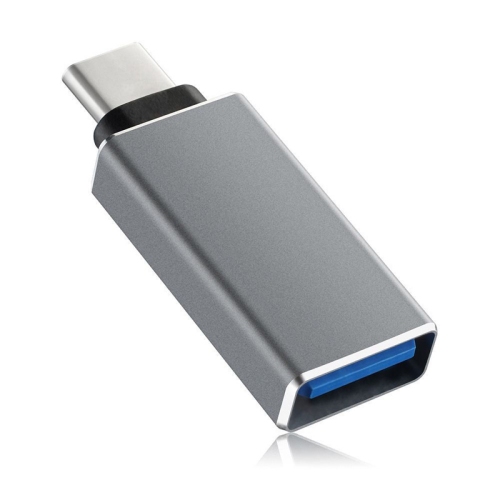
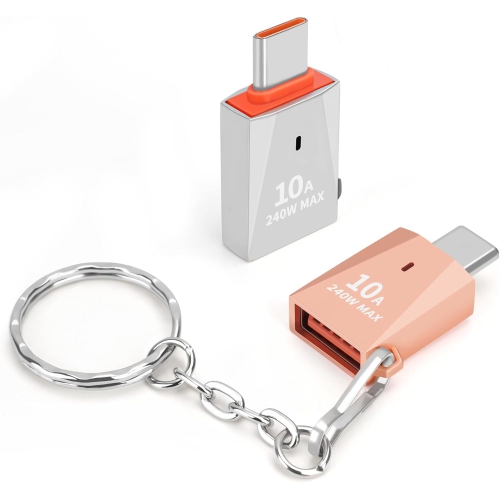

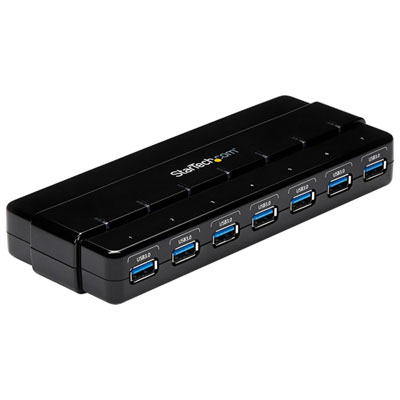
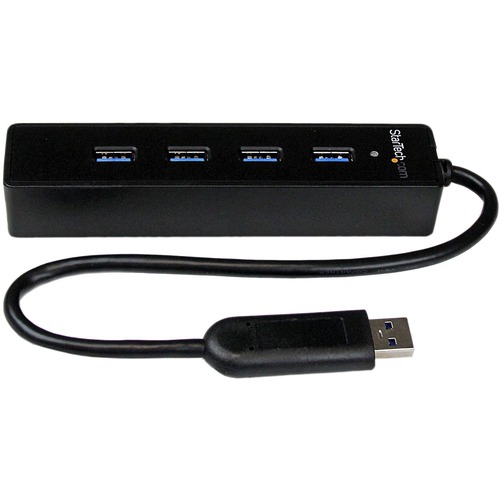
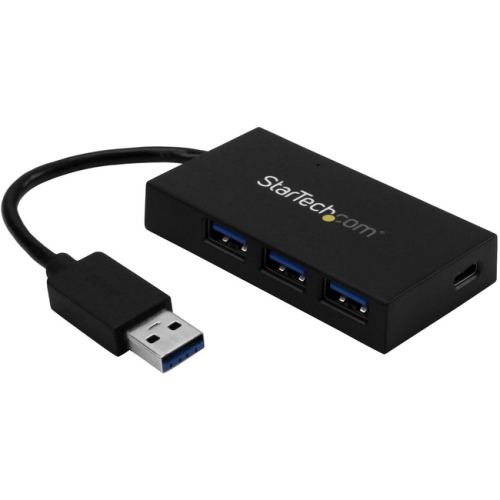


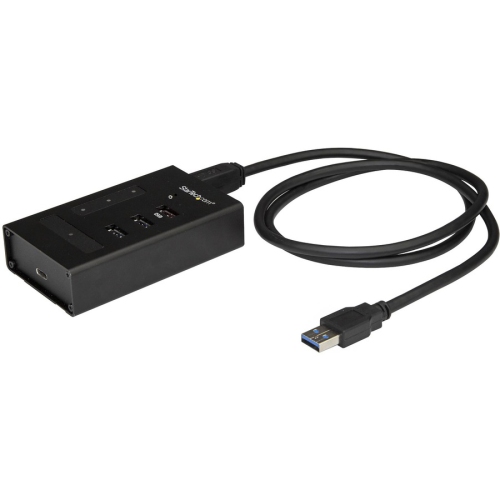
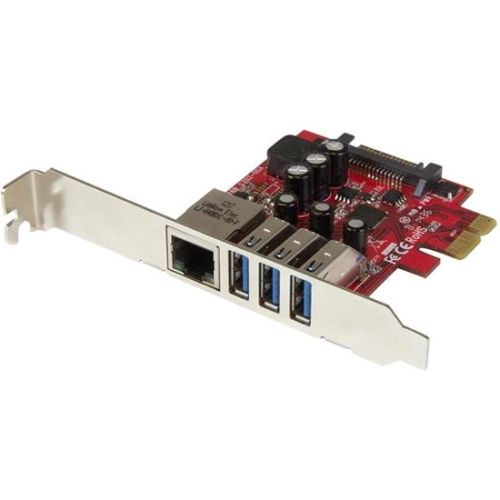
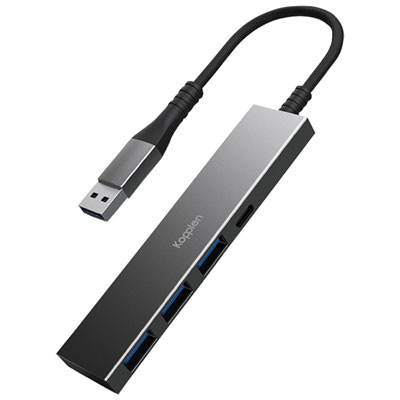
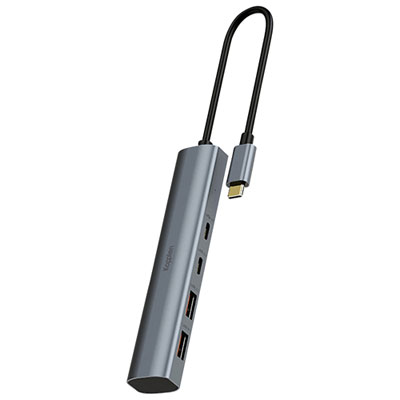
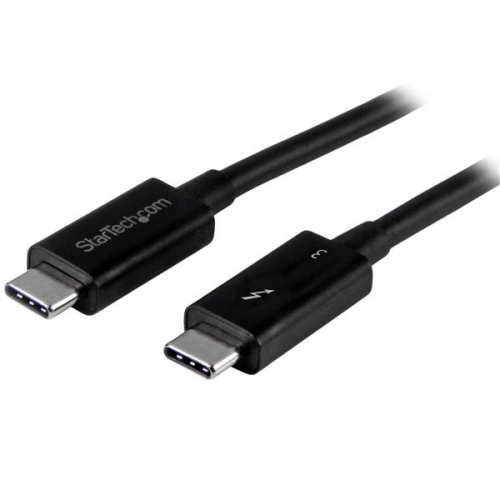



![DOLAER USB C to USB Adapter, Type C to USB Adapter [2 Pack] 3.0 USB Type C Male to USB Female, USB C Female to USB Male Adapter Otg Converter](https://multimedia.bbycastatic.ca/multimedia/products/500x500/174/17466/17466444.jpeg)

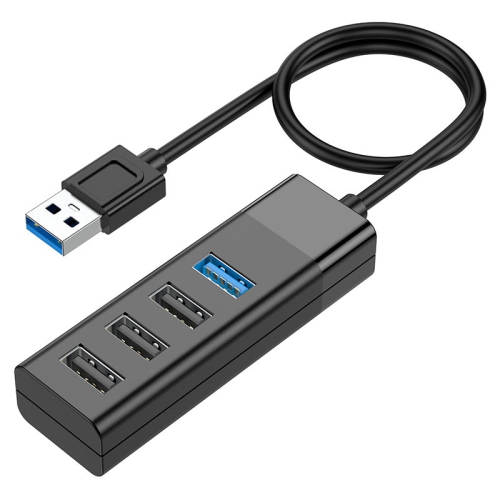
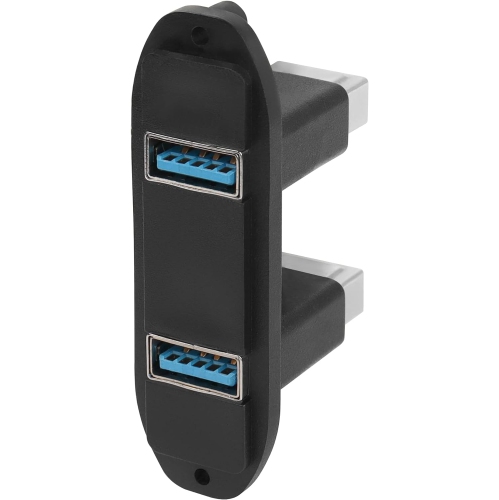
![DOLAER USB C to USB Adapter [2 Pack], L USB Type-C to USB 3.0 Adapter, USB C to USB A Otg Connector Compatible w Thunderbolt 3 Macbook Pro/air](https://multimedia.bbycastatic.ca/multimedia/products/500x500/174/17466/17466428.jpeg)
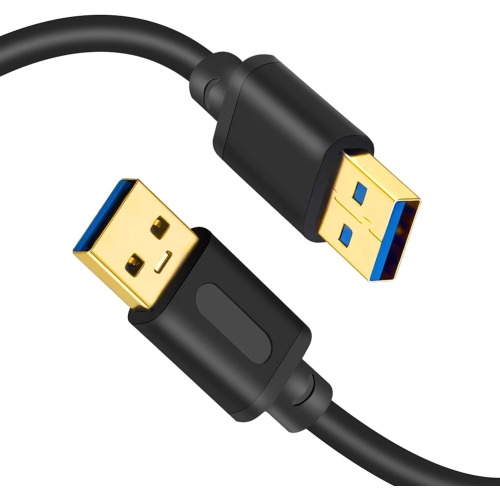
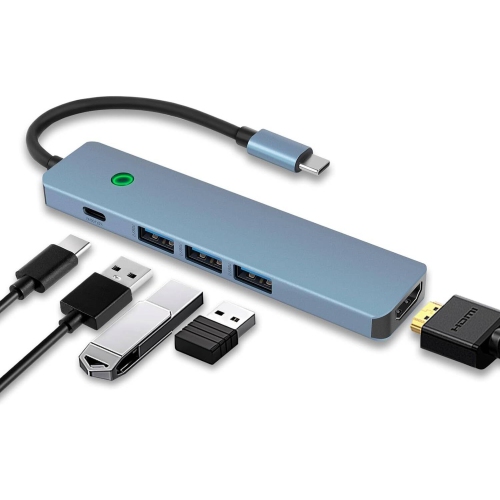
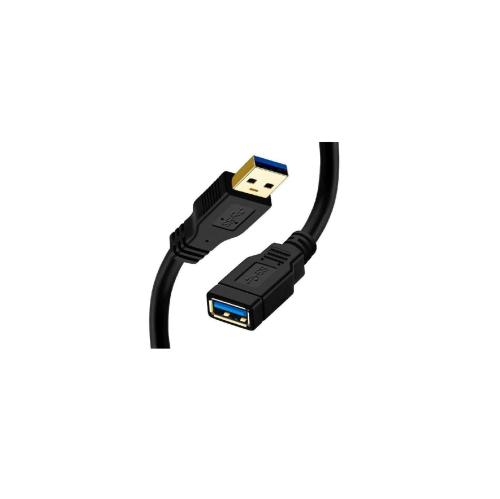
![UNKNOWN USB 3.0 Extension Cable, [2Pack] 5Ft High Speed Extension Cable USB A Male to Female Extension Cord Golden Plated](https://multimedia.bbycastatic.ca/multimedia/products/500x500/181/18143/18143506.jpeg)


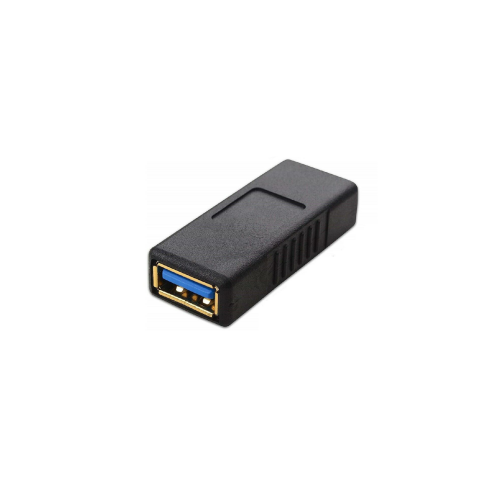
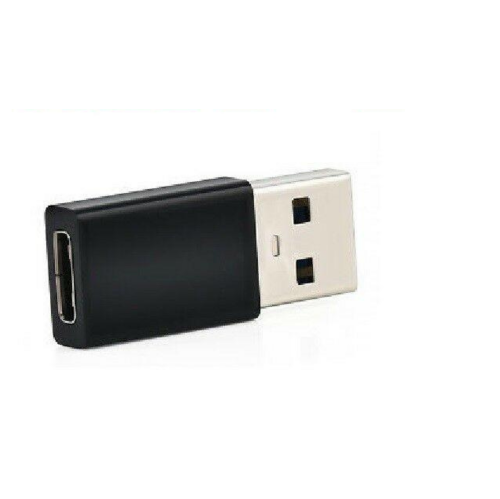
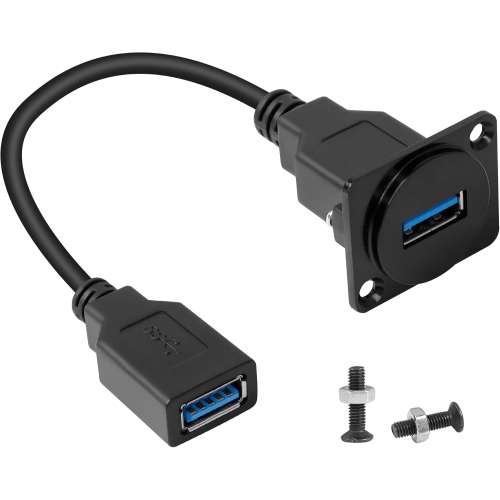
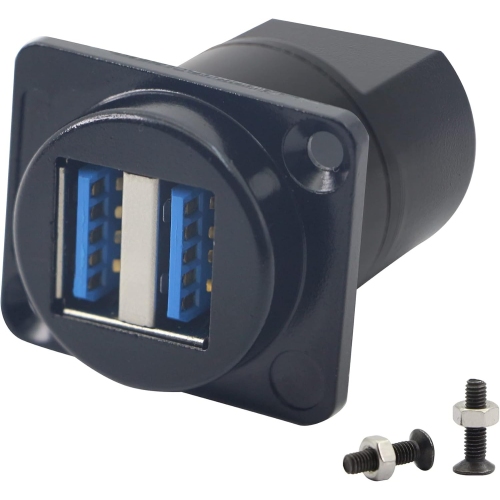

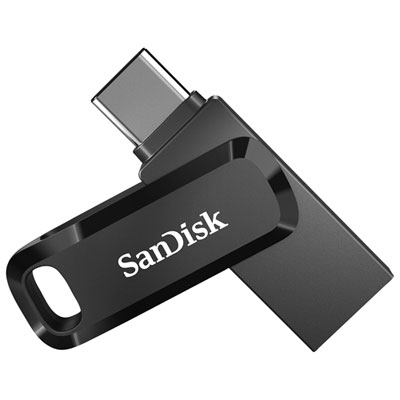
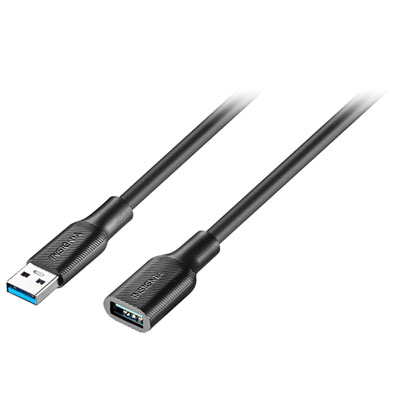
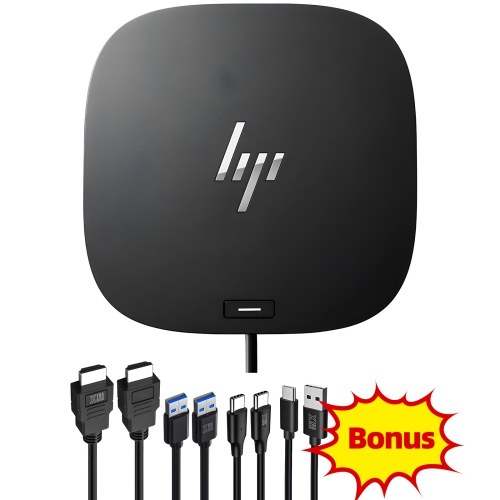
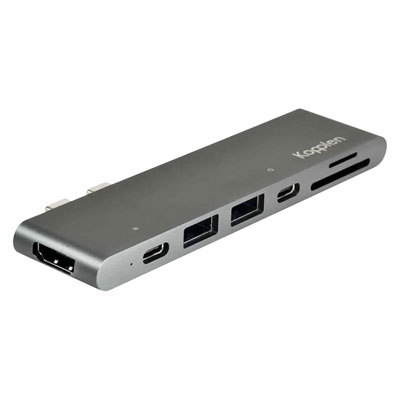
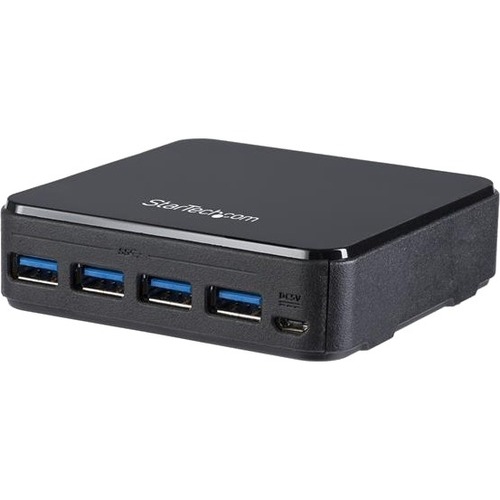
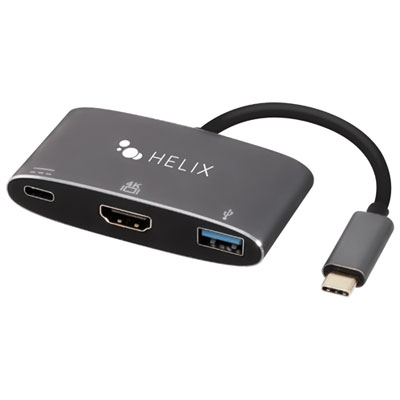
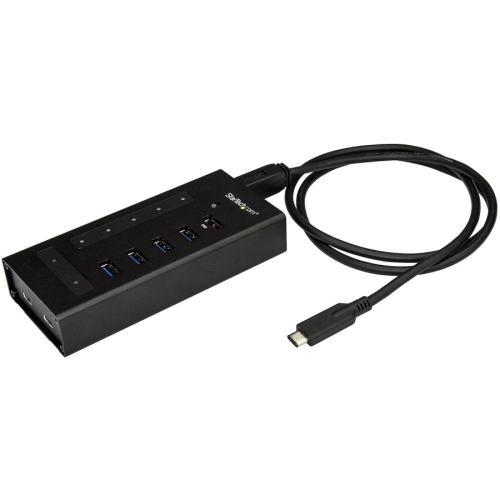

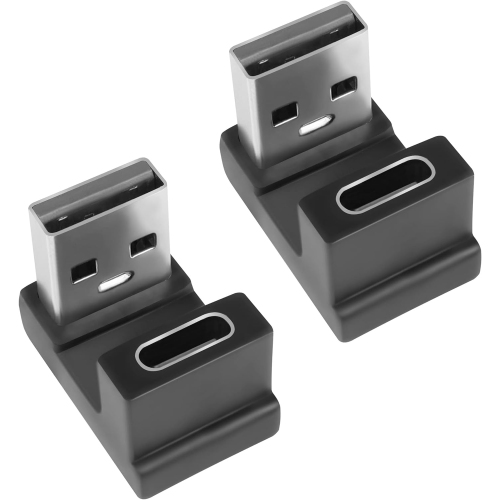
![NIERBO USB C to USB Adapter, Type C to USB Adapter [4 Pack] 3.0 USB Type-C Male to USB Female, USB C Female to USB Male Adapter Otg Converter For](https://multimedia.bbycastatic.ca/multimedia/products/500x500/174/17497/17497643.jpeg)
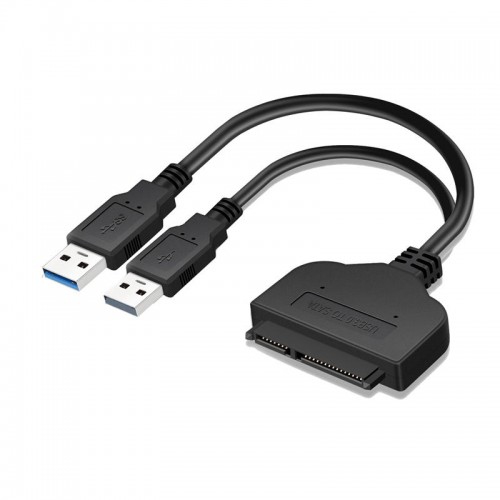
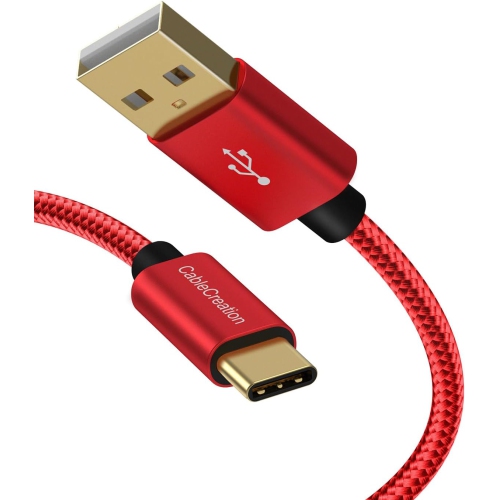

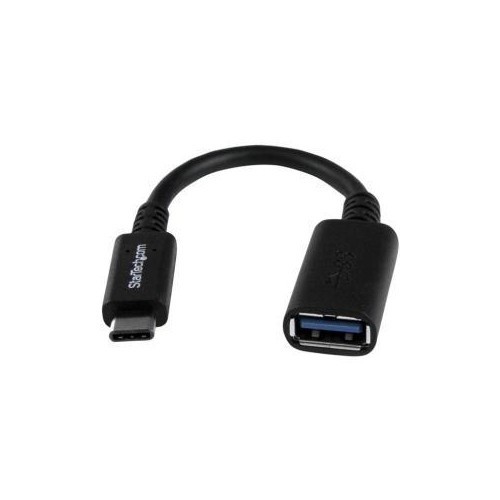

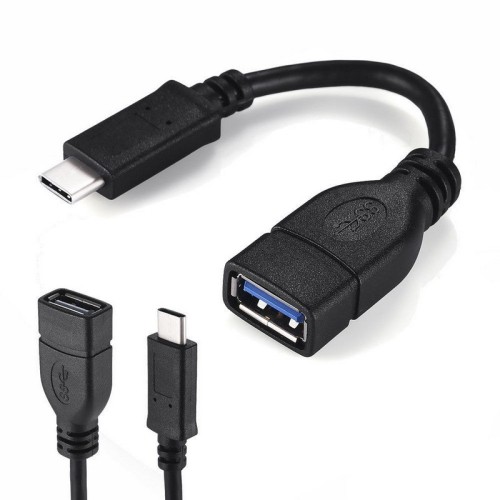


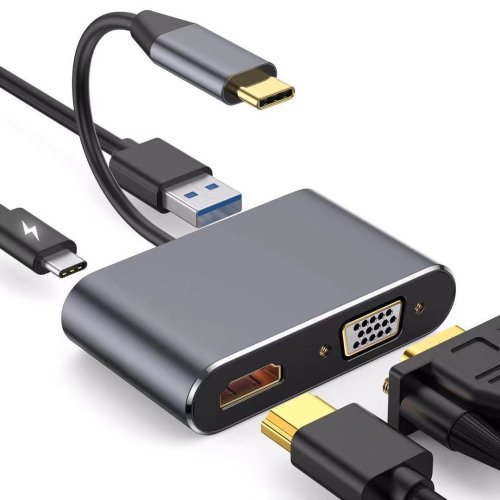
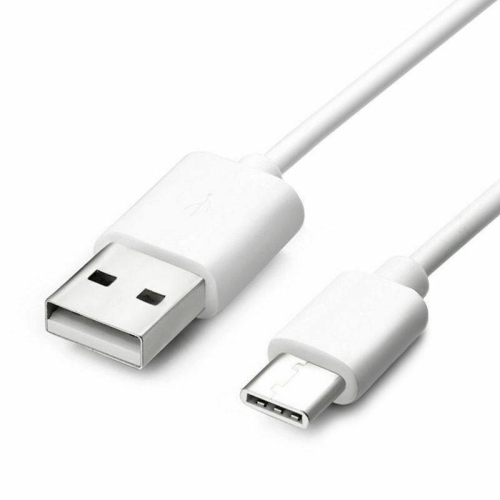

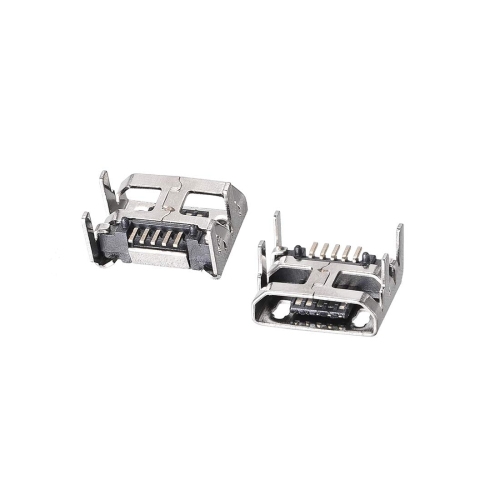
Understanding connector types helps support faster, more reliable transfers
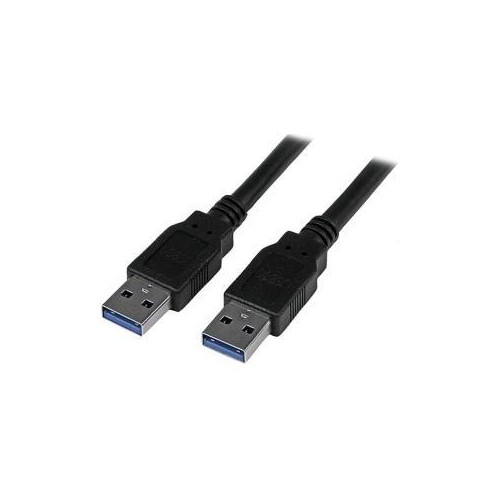
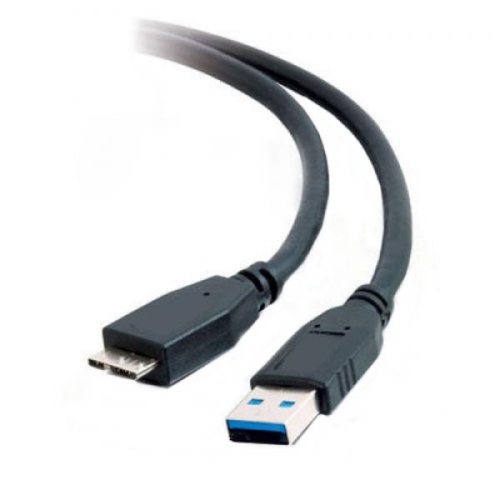
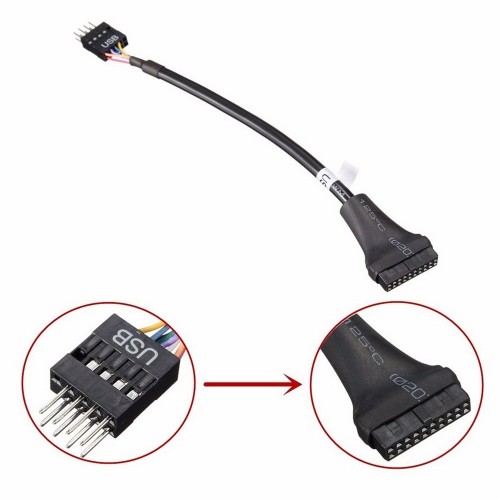
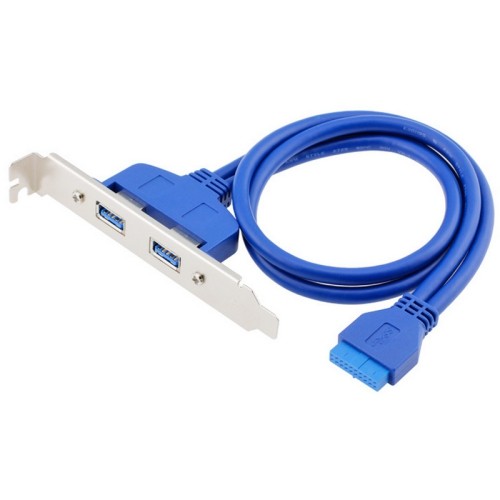
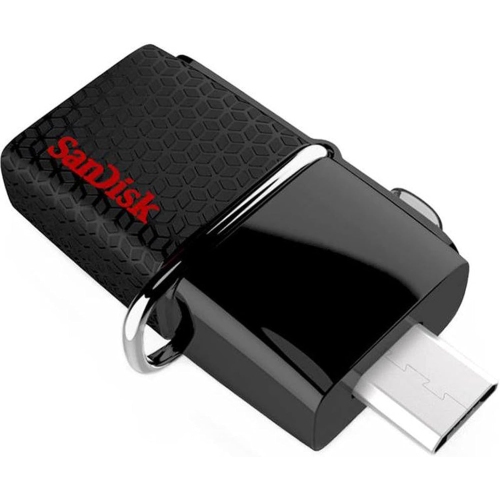
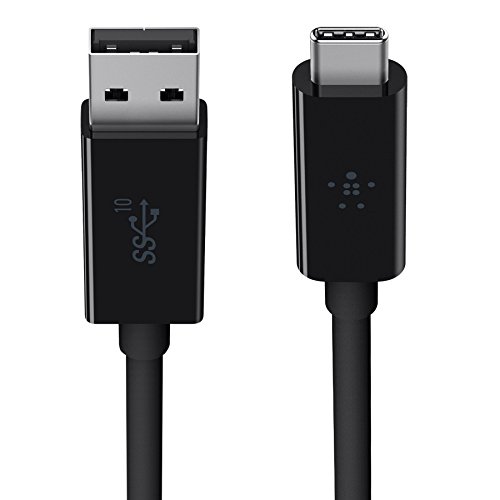
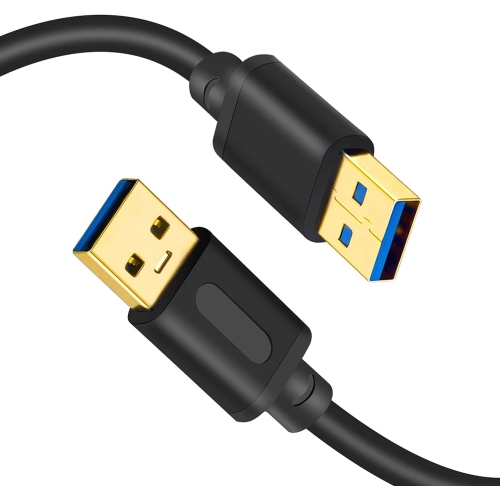
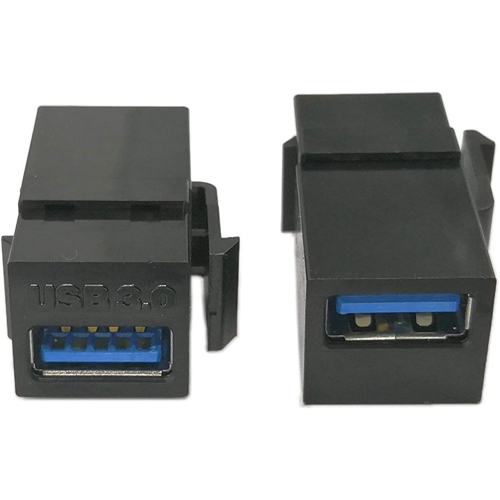
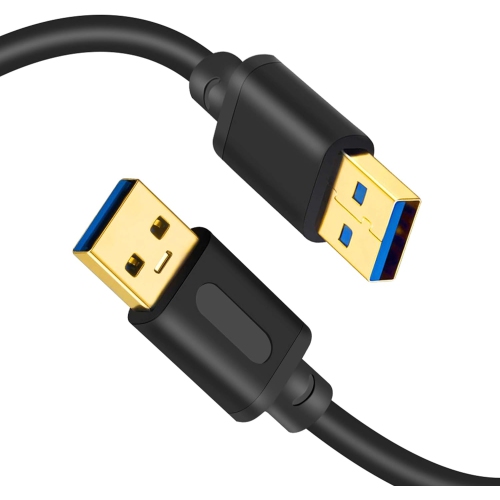
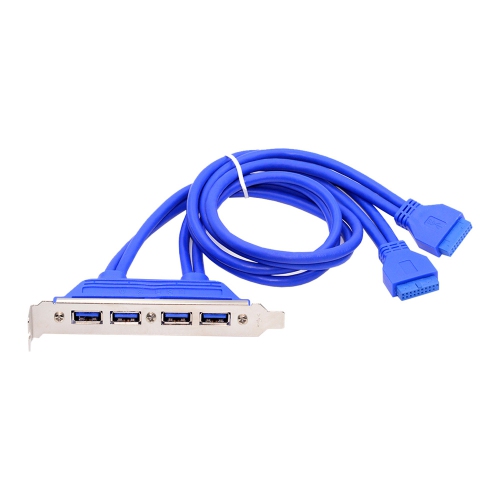
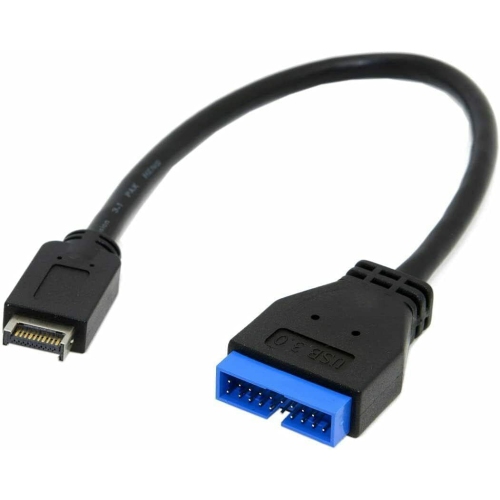
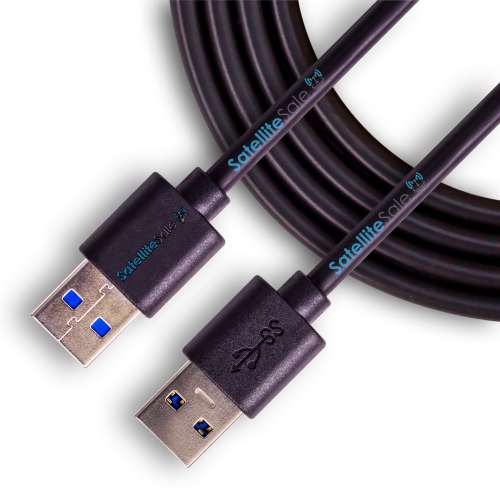
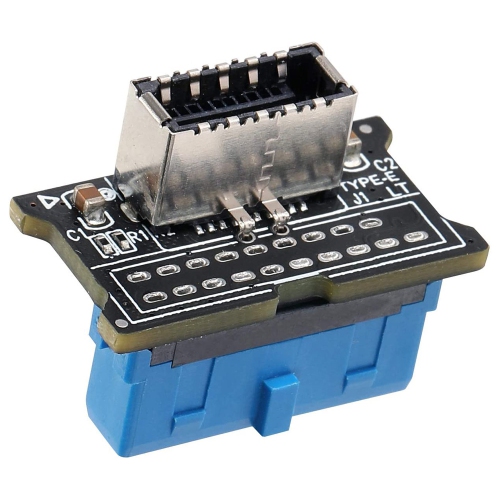
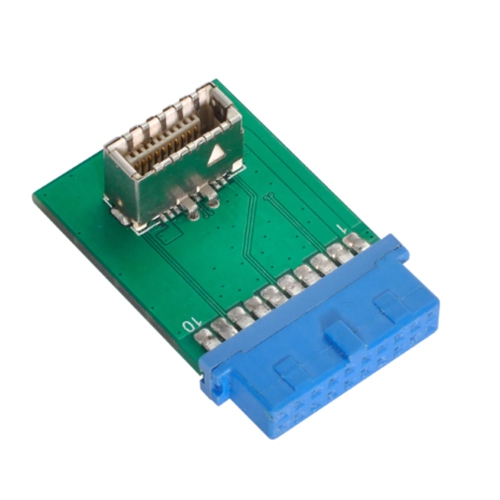
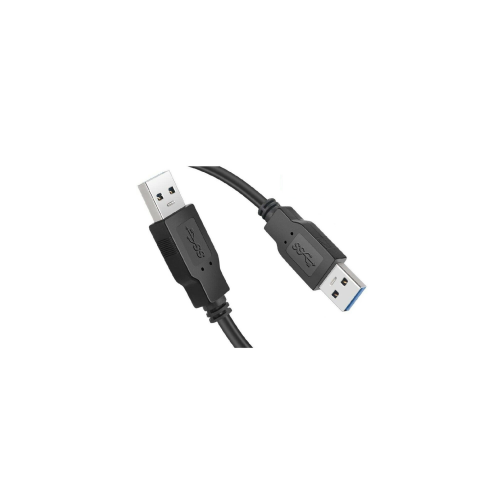
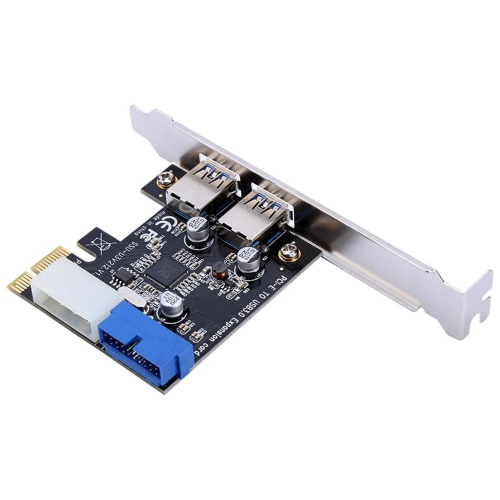
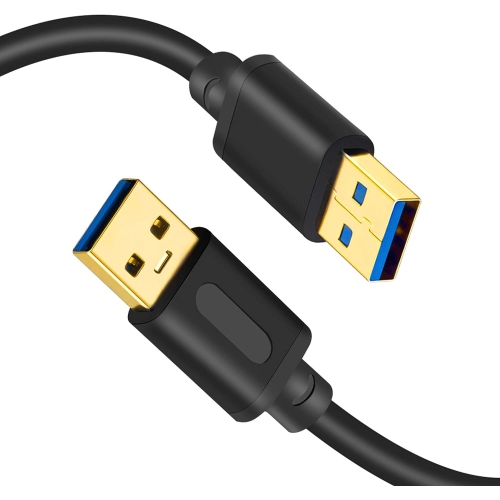
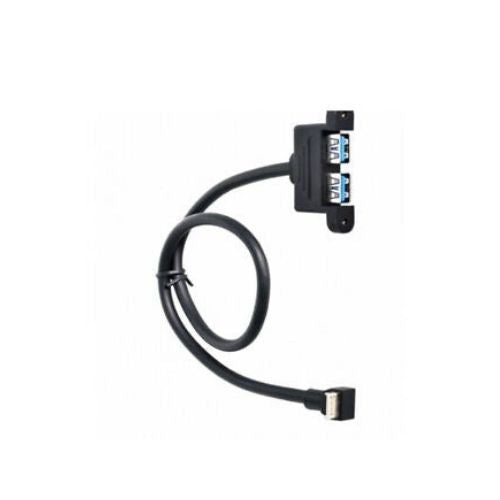
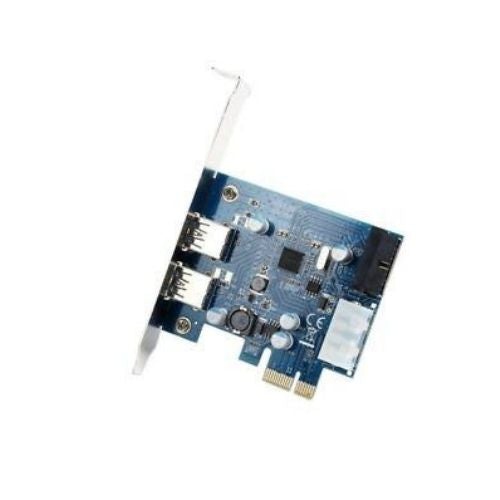
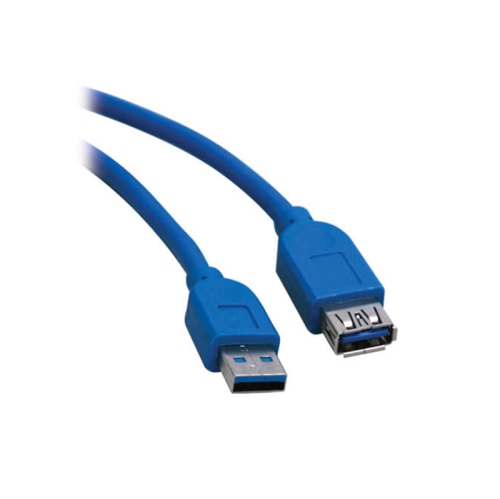
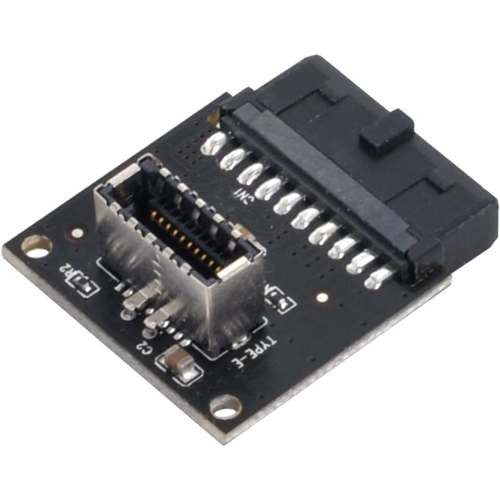
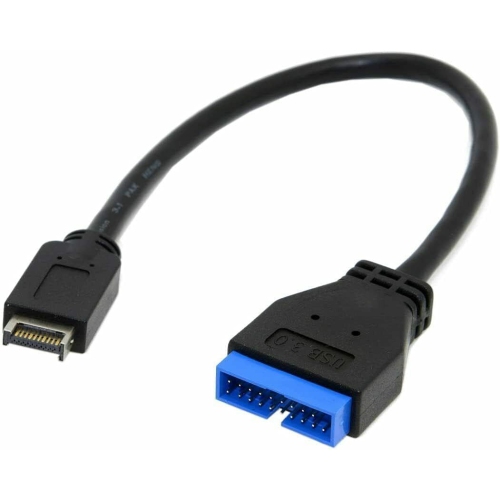
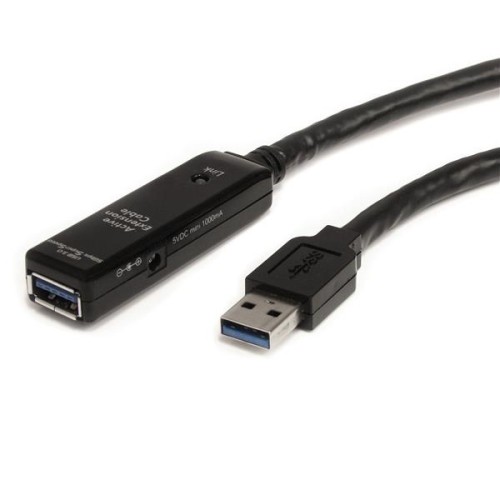
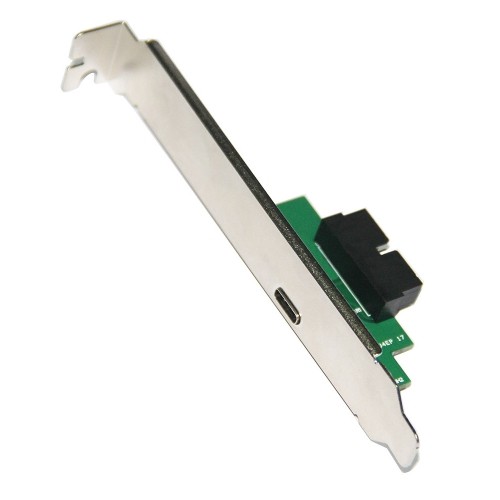
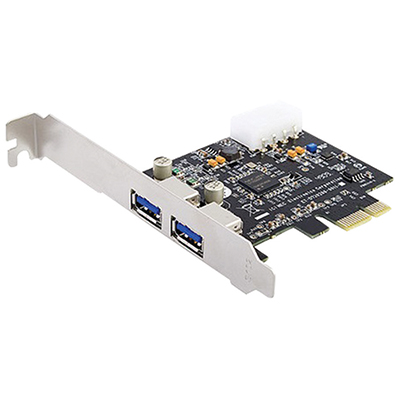
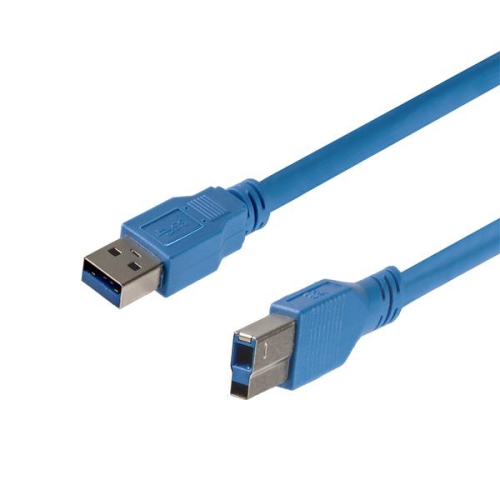
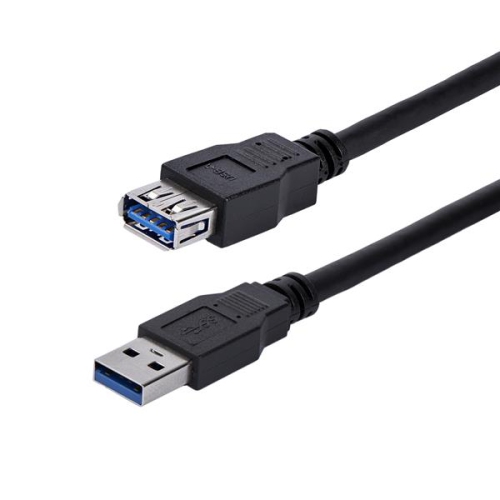
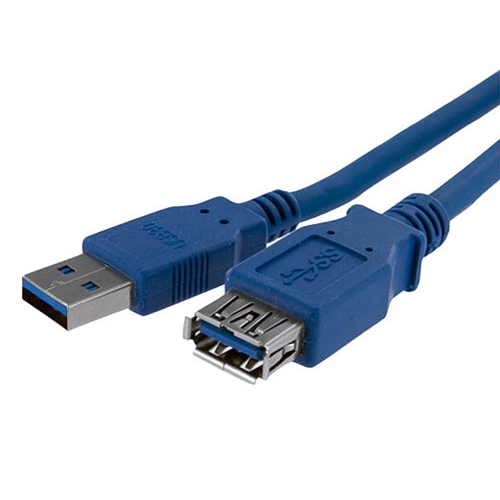
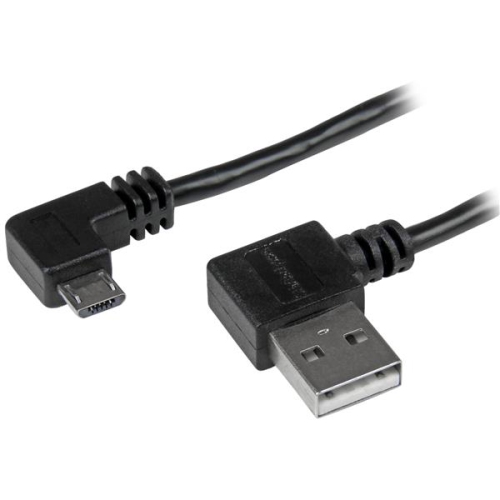
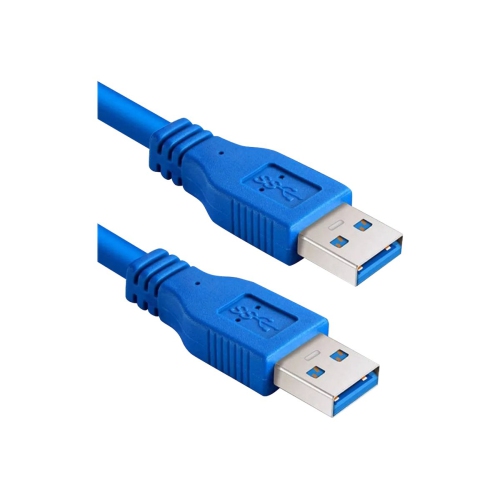
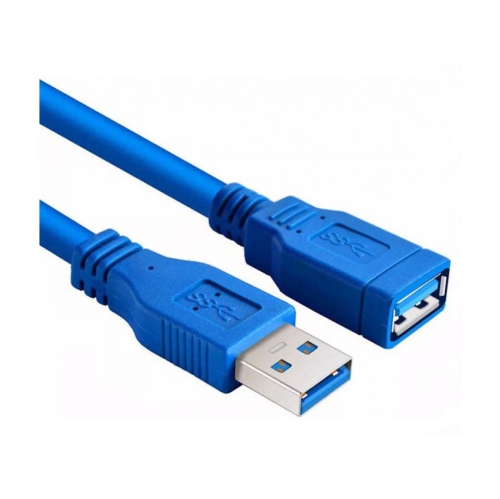
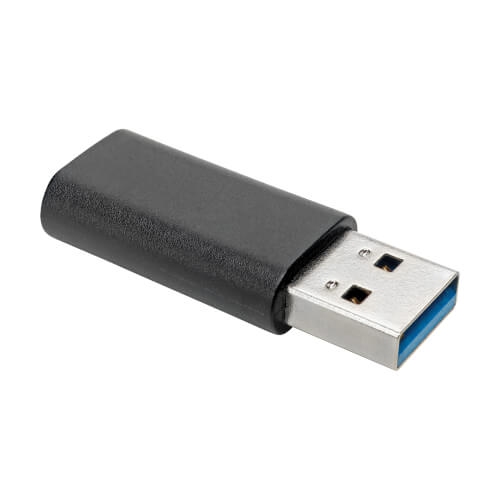
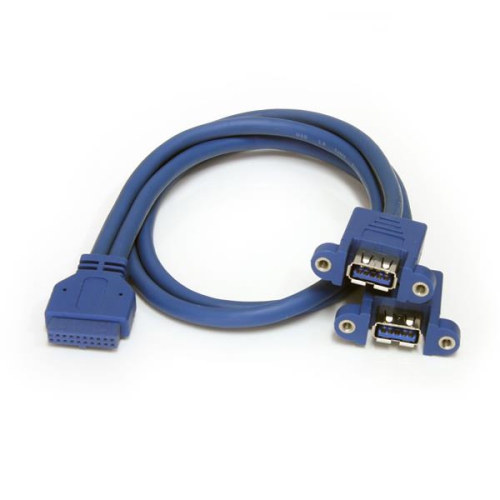
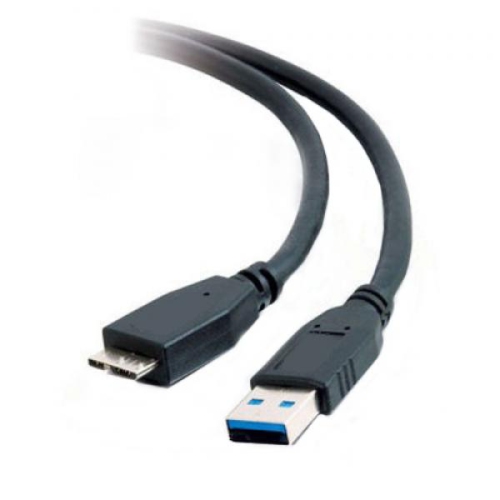
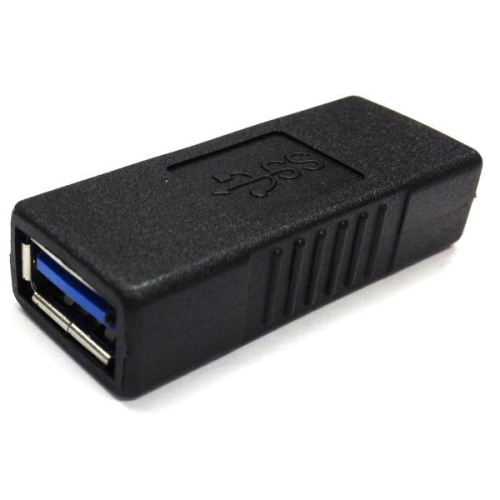
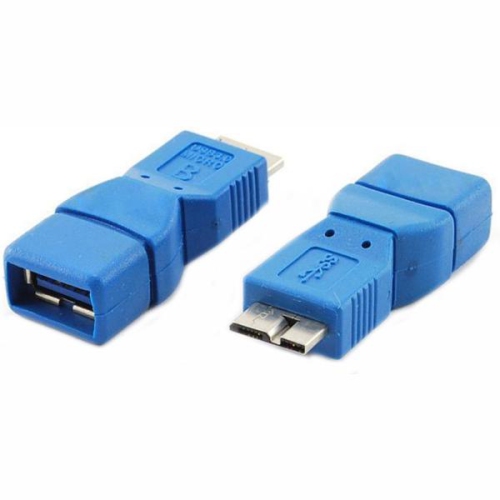
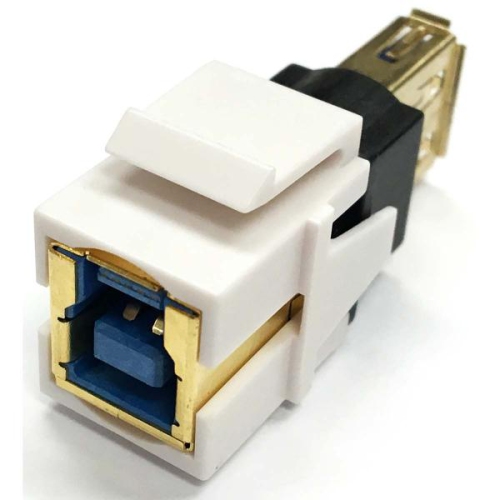
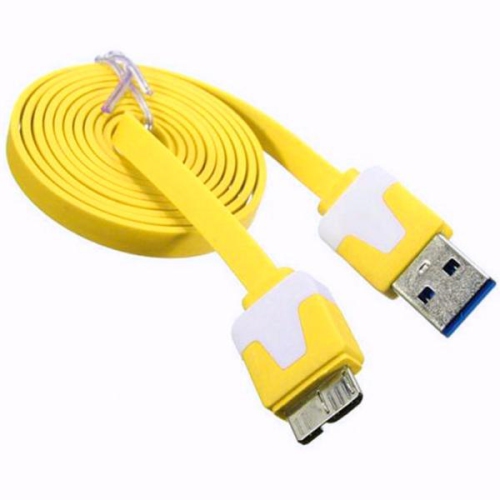
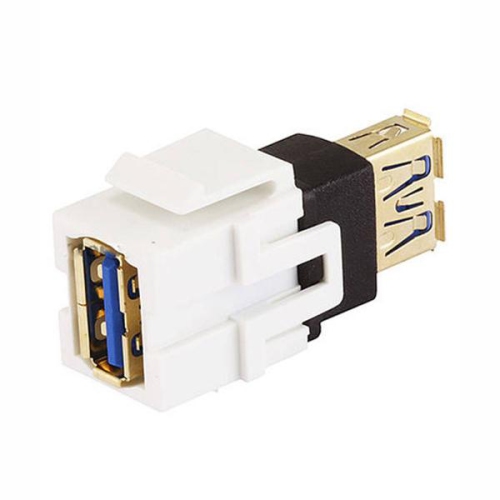
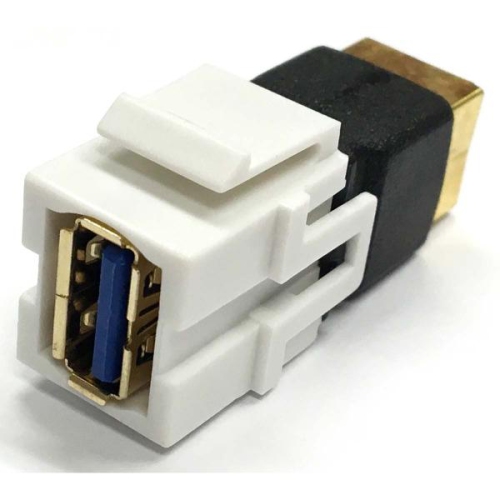
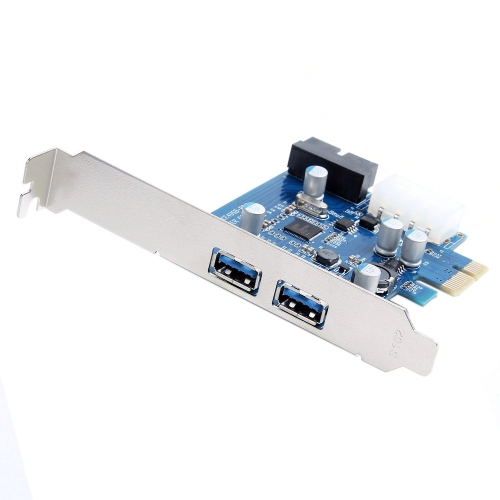
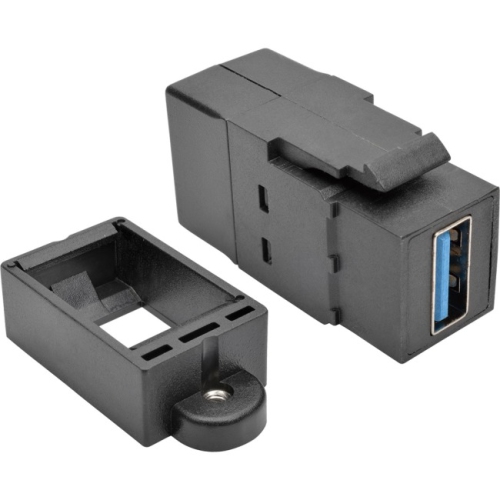
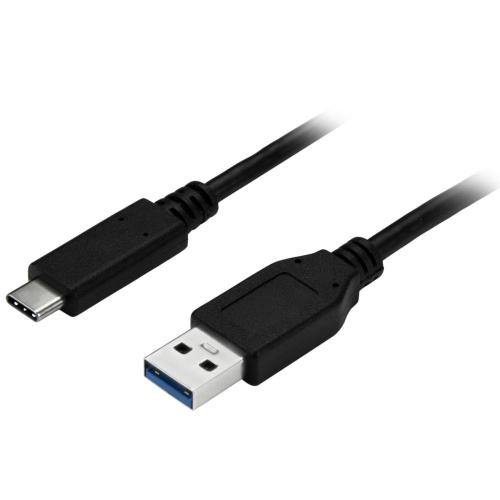
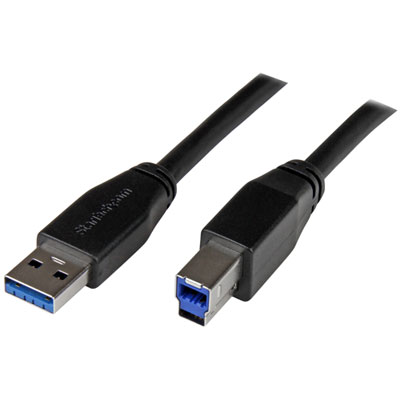
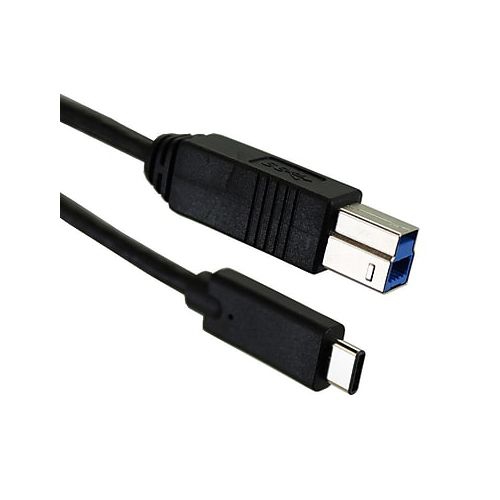
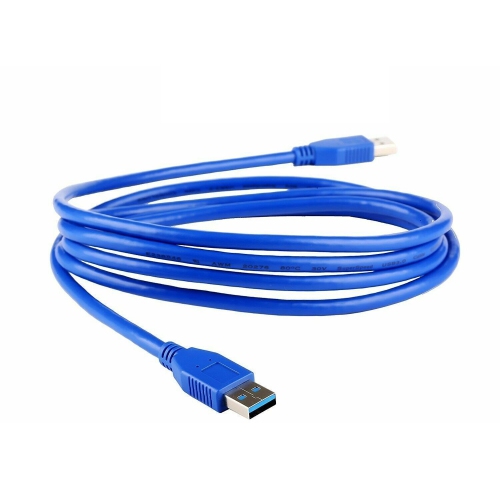
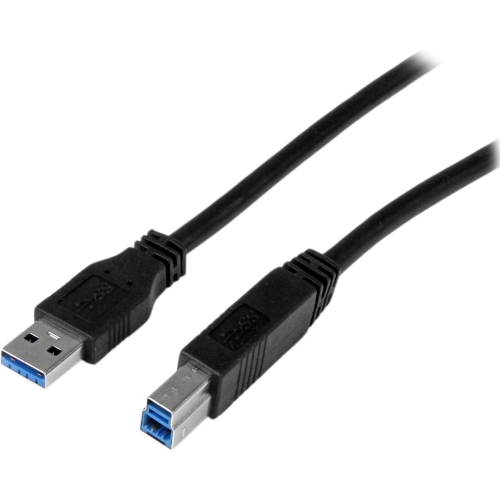
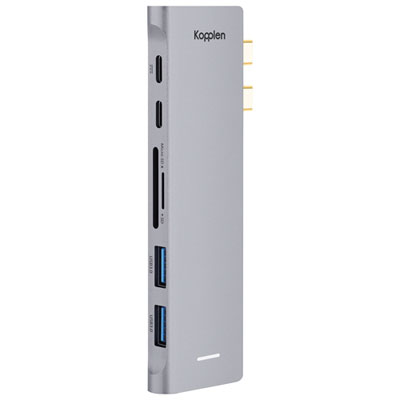
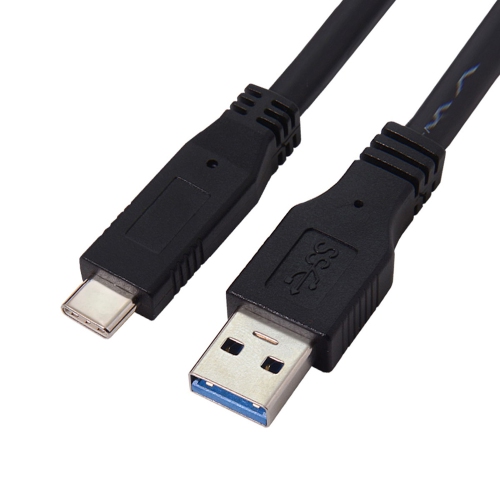
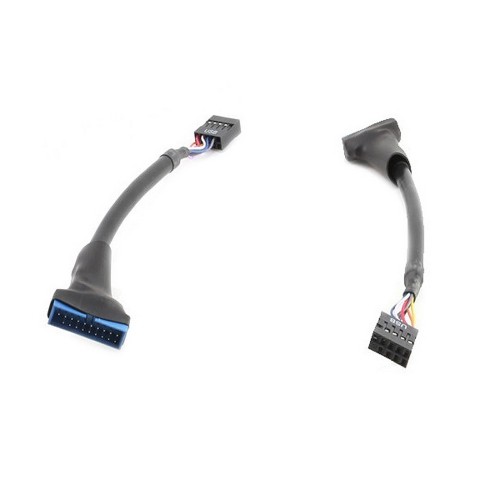
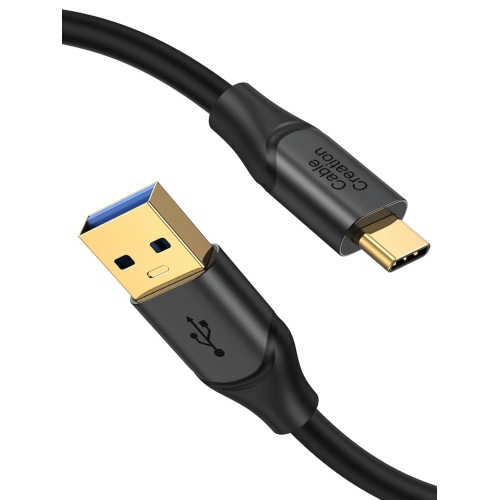
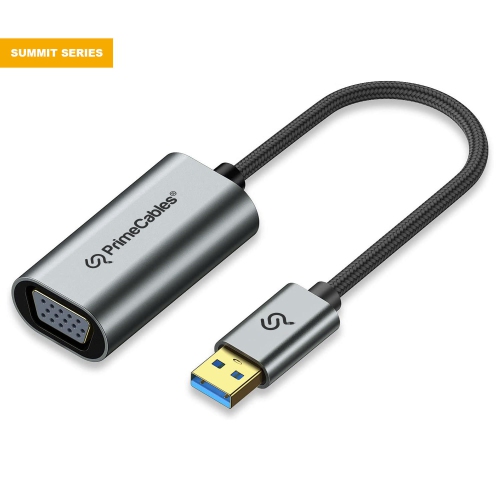
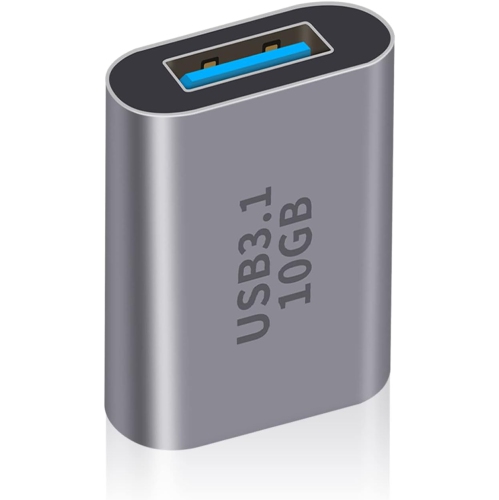
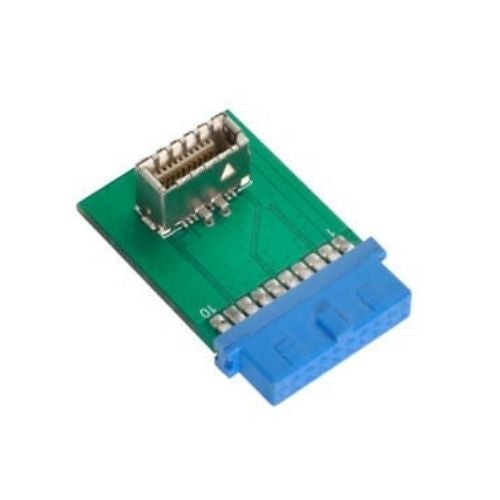
USB 3.0 connectors are designed for fast, dependable connections between computers, peripherals, storage devices and other compatible electronics. Also identified as USB 3.1 Gen 1 or USB 3.2 Gen 1 in some product descriptions, USB 3.0 supports transfer rates of up to 5 Gbps under ideal conditions. That speed can make a noticeable difference when moving large photo libraries, backing up important files, transferring video clips or connecting high-capacity external storage. USB 3.0 connectors use nine pins, compared with the four pins found in older USB 2.0 connections, allowing them to carry data at SuperSpeed rates while remaining compatible with many older USB devices and cables. The familiar Standard-A connector is the flat, rectangular style commonly found on desktop computers, laptops, monitors, hubs and other host devices. Standard-B connectors are taller and more square-shaped, and are often used with printers, scanners and some larger external devices. Micro-B connectors are wider than older Micro-USB plugs and are commonly associated with portable hard drives and other compact equipment. The internal 20-pin header is a different type of USB 3.0 connection found inside desktop computers, where it links a motherboard to front-panel USB ports on a computer case. When browsing USB 3.0 connectors, identifying the connector shape and its intended location is the best place to start. A plug that fits a computer may not fit an external drive, printer or internal motherboard header, even when all of them support the same general USB standard.
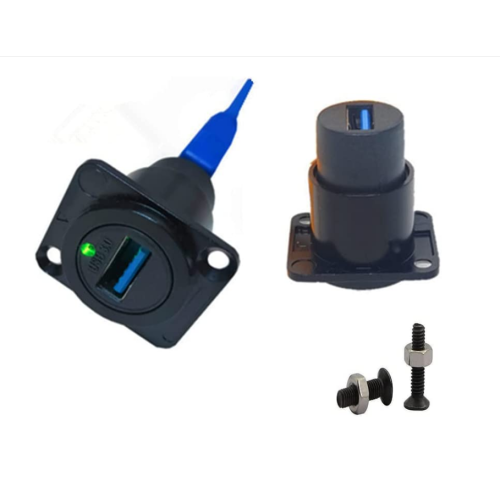
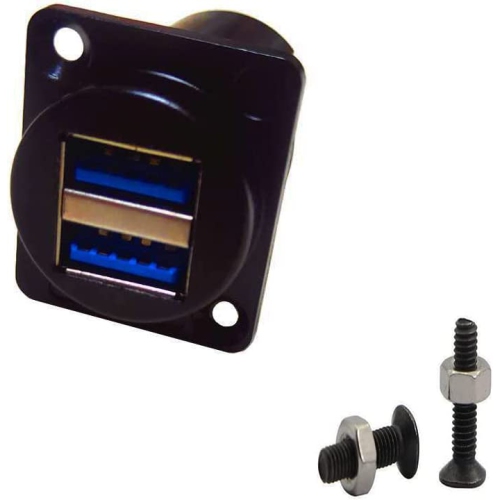
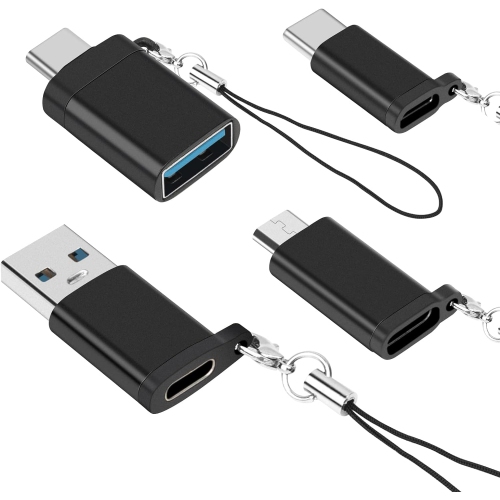
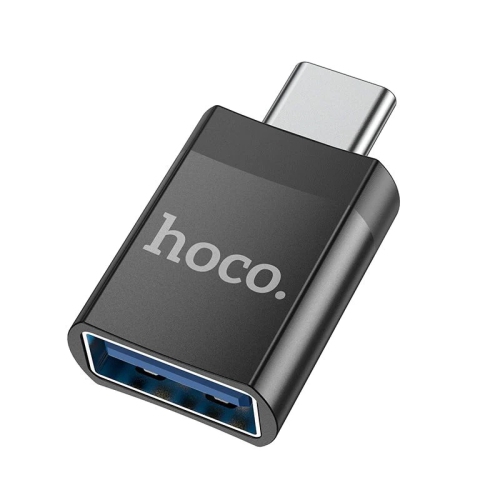
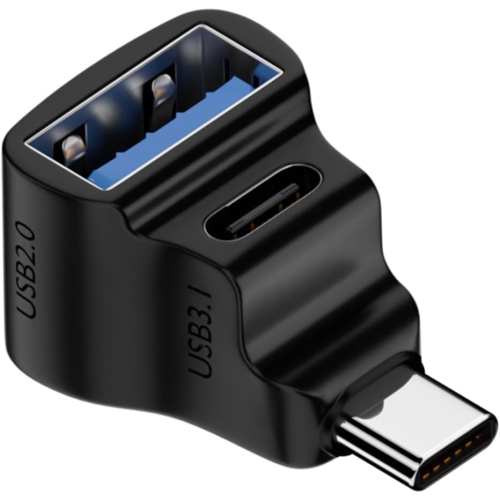
Choosing the right USB 3.0 connector depends on the devices you want to connect, the direction of the connection and the space available around each port. Check whether you need a plug, receptacle, adapter, extension or replacement connection, then compare the connector type at both ends. Standard-A remains useful for connecting older and newer peripherals to a computer, while Micro-B is a practical match for compatible portable storage and compact electronics. Standard-B is shaped for equipment with a dedicated USB-B port, and an internal 20-pin header is intended for installation inside a compatible desktop computer rather than for everyday external connections. Pay attention to the difference between data and charging support as well. Some USB connections can supply power, but the charging performance and data capabilities depend on the connected devices, cable construction, host controller and power requirements. A USB 3.0 connector may fit a USB 2.0 device, but the connection will operate at the capabilities of the slower device. Similarly, a cable with a USB 3.0 connector cannot guarantee 5 Gbps transfers if the computer port, storage device or internal controller does not support that rate. For reliable performance, look for clearly stated specifications, a secure fit and a cable length that suits the setup without leaving excess slack across a desk. In a home office, a correctly matched connector can keep an external drive close at hand for routine backups while leaving room for a printer, card reader or other peripheral. In a desktop build, an internal header connection can bring front-panel USB 3.0 ports to the front of the case, making it easier to plug in a flash drive or portable drive without reaching behind the computer.
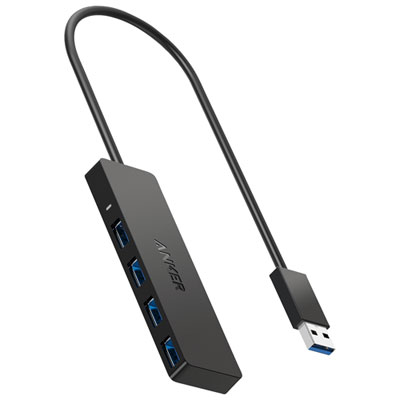
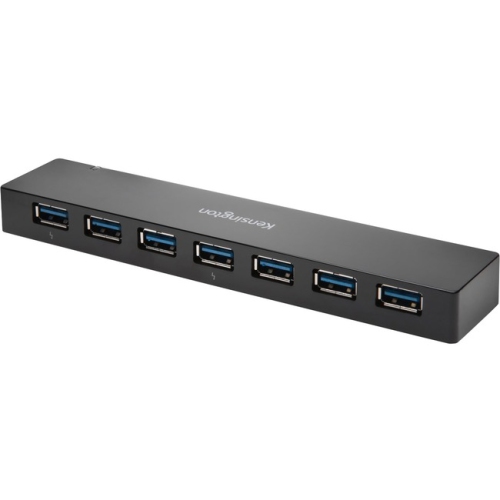
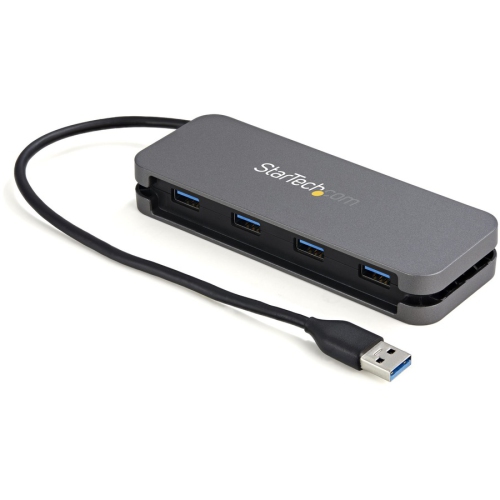
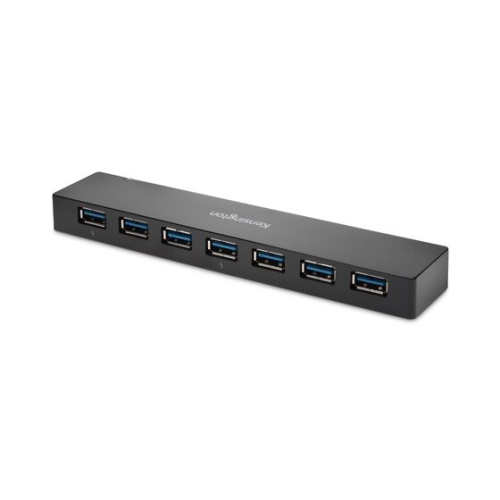
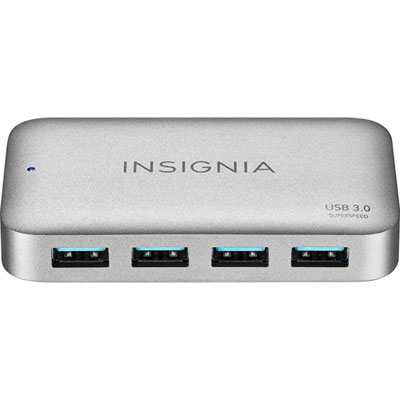
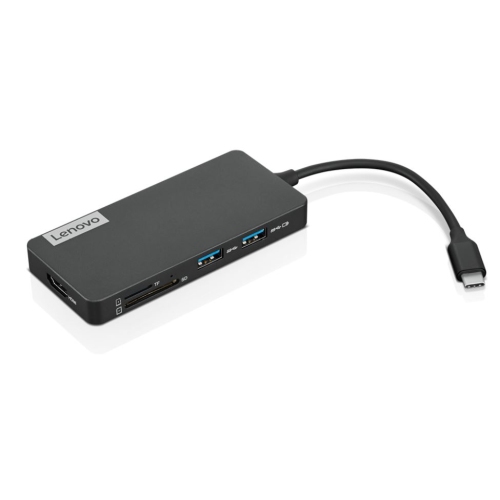
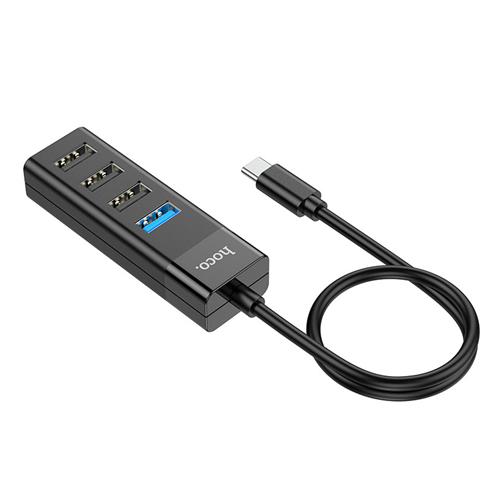
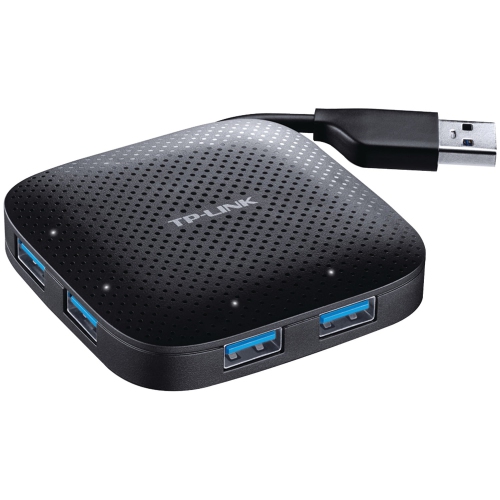
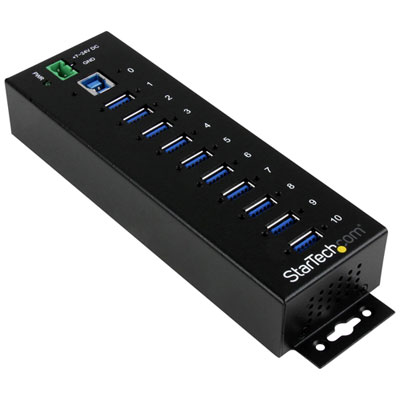
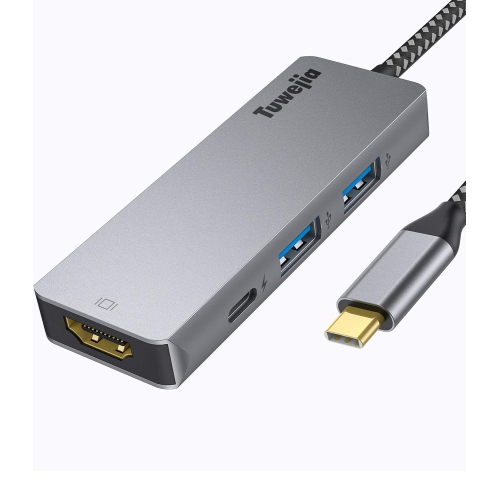
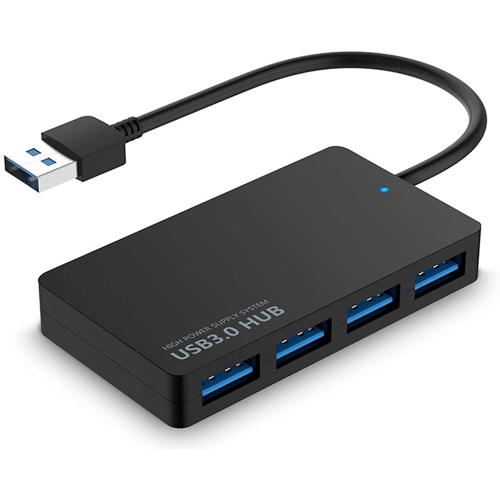
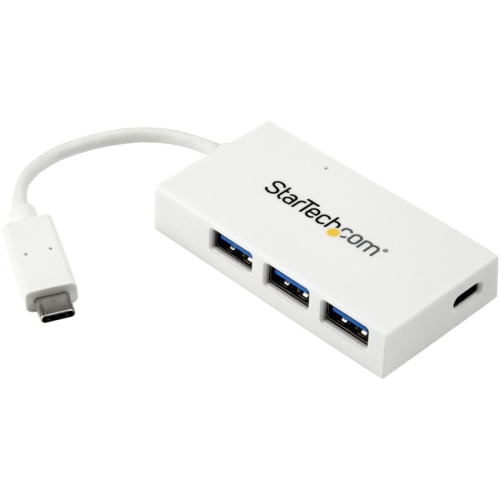
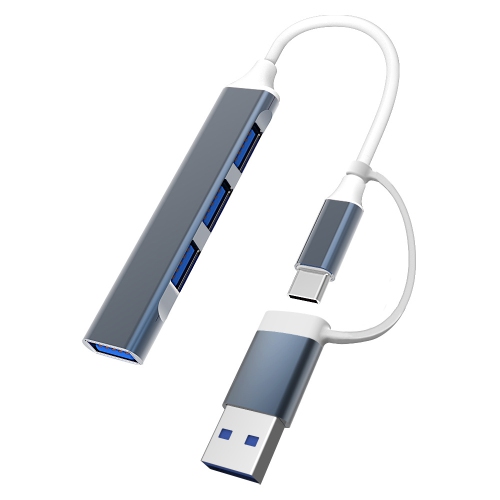
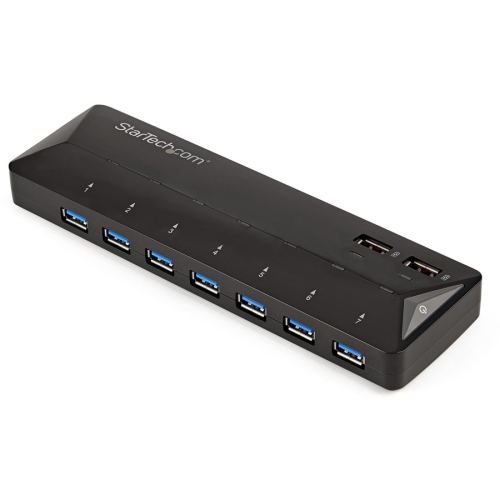
USB 3.0 connectors can be useful for students, home-office workers, photographers, gamers, hobbyists and anyone who regularly moves files between devices. They are also a practical choice for setting up a shared workspace, refreshing an older computer, replacing a worn connection or organizing a compact desk during the cooler months when more work and entertainment may happen indoors. A photographer may use a compatible connection to move a full afternoon of high-resolution images from a portable drive, while a student can use one to access class files, presentations and project folders without relying entirely on wireless transfers. Someone assembling or upgrading a desktop computer may need an internal 20-pin header connection to activate the front ports on a new case, while a small-business owner may look for dependable connectors to keep printers, scanners and external storage ready for daily use. For a gift, USB 3.0 connectors are most suitable when you know the recipient’s equipment and can match the connector style to an existing port; they can be a thoughtful addition to a home-office setup, a computer-building project or a digital-storage routine. If a workspace requires several USB devices at once, a compatible USB 3 2 Hub can help expand the number of available connections, provided its ports and power requirements match the devices being used. Before completing a purchase, inspect the port on the computer or peripheral, confirm whether the connection is external or internal, verify USB 3.0 or equivalent SuperSpeed support, and check the physical dimensions when replacing a board-mounted receptacle. These simple checks help prevent loose fits, incompatible layouts and slower-than-expected transfers, while making it easier to create a tidy, capable connection between the technology you use every day.
Choosing the right USB 3.0 connector depends on the devices you want to connect, the direction of the connection and the space available around each port. Check whether you need a plug, receptacle, adapter, extension or replacement connection, then compare the connector type at both ends. Standard-A remains useful for connecting older and newer peripherals to a computer, while Micro-B is a practical match for compatible portable storage and compact electronics. Standard-B is shaped for equipment with a dedicated USB-B port, and an internal 20-pin header is intended for installation inside a compatible desktop computer rather than for everyday external connections. Pay attention to the difference between data and charging support as well. Some USB connections can supply power, but the charging performance and data capabilities depend on the connected devices, cable construction, host controller and power requirements. A USB 3.0 connector may fit a USB 2.0 device, but the connection will operate at the capabilities of the slower device. Similarly, a cable with a USB 3.0 connector cannot guarantee 5 Gbps transfers if the computer port, storage device or internal controller does not support that rate. For reliable performance, look for clearly stated specifications, a secure fit and a cable length that suits the setup without leaving excess slack across a desk. In a home office, a correctly matched connector can keep an external drive close at hand for routine backups while leaving room for a printer, card reader or other peripheral. In a desktop build, an internal header connection can bring front-panel USB 3.0 ports to the front of the case, making it easier to plug in a flash drive or portable drive without reaching behind the computer.
USB 3.0 connectors can be useful for students, home-office workers, photographers, gamers, hobbyists and anyone who regularly moves files between devices. They are also a practical choice for setting up a shared workspace, refreshing an older computer, replacing a worn connection or organizing a compact desk during the cooler months when more work and entertainment may happen indoors. A photographer may use a compatible connection to move a full afternoon of high-resolution images from a portable drive, while a student can use one to access class files, presentations and project folders without relying entirely on wireless transfers. Someone assembling or upgrading a desktop computer may need an internal 20-pin header connection to activate the front ports on a new case, while a small-business owner may look for dependable connectors to keep printers, scanners and external storage ready for daily use. For a gift, USB 3.0 connectors are most suitable when you know the recipient’s equipment and can match the connector style to an existing port; they can be a thoughtful addition to a home-office setup, a computer-building project or a digital-storage routine. If a workspace requires several USB devices at once, a compatible USB 3 2 Hub can help expand the number of available connections, provided its ports and power requirements match the devices being used. Before completing a purchase, inspect the port on the computer or peripheral, confirm whether the connection is external or internal, verify USB 3.0 or equivalent SuperSpeed support, and check the physical dimensions when replacing a board-mounted receptacle. These simple checks help prevent loose fits, incompatible layouts and slower-than-expected transfers, while making it easier to create a tidy, capable connection between the technology you use every day.
Top selling and popular products
-
 Your price for this item is $49.99
 -
 Your price for this item is $65.99
 -
 Your price for this item is $19.98
 -
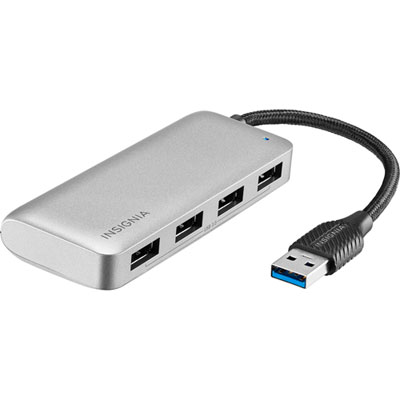 Your price for this item is $29.99
 -
 Your price for this item is $99.99
 -
 Your price for this item is $79.99
 -
 Your price for this item is $19.99
 -
 Your price for this item is $104.99
Discover more categories related to Usb 3.0 Connectors
Top Collections:
Pokemon Centers, Kindle Devices, Apple iPhones 16, Samsung Galaxy Phones, Canon G7X Cameras, iPhone 15 Apple, Flip Phones, Refurbished Apple Laptops, Candle Warmer Lights, Apple Wired Earphones
Some products may be subject to Environmental Handling Fees
(EHF) depending on your province.
Learn more about EHFs.