USB 3.0 Ports
If you're looking to enhance the connectivity and functionality of your devices, explore this selection of USB 3.0 ports, designed to provide high-speed data transfer and reliable performance for all your electronic needs. With USB 3.0 technology, you can enjoy faster data transmission speeds, seamless connectivity, and improved efficiency when transferring files or connecting peripherals. Upgrade your setup with this range of USB 3.0 ports and experience the convenience of modern connectivity solutions for your home or office devices.
Sort
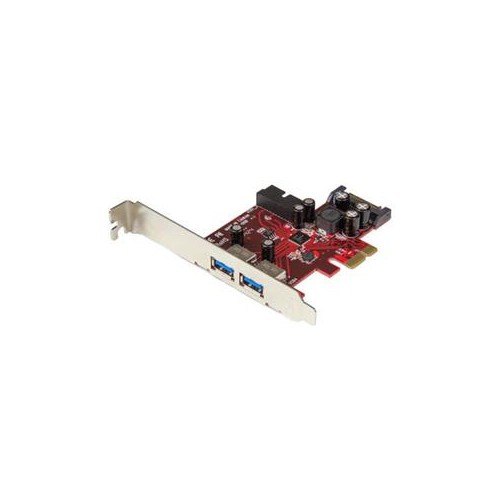
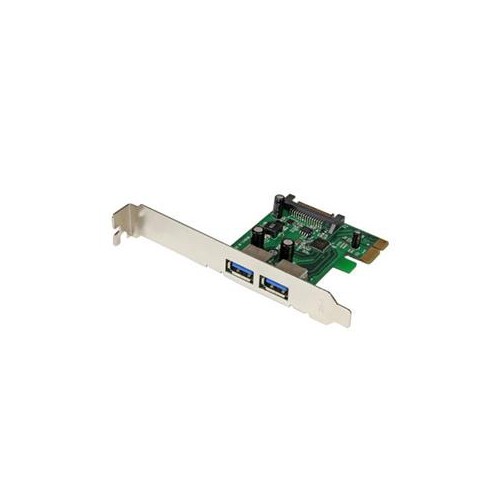
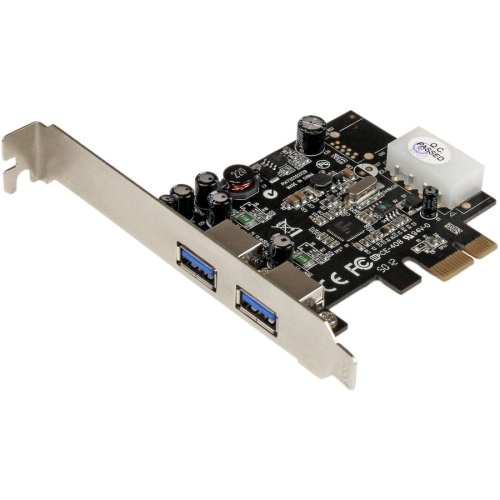
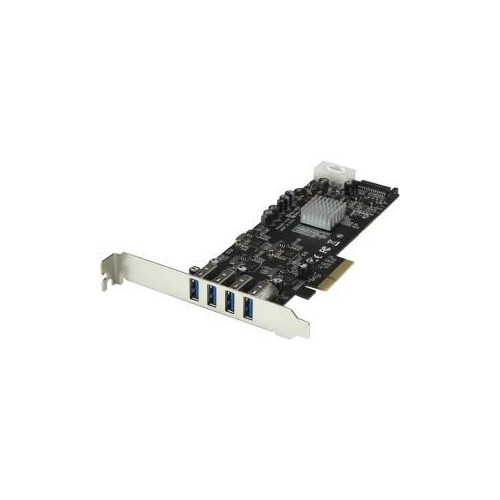
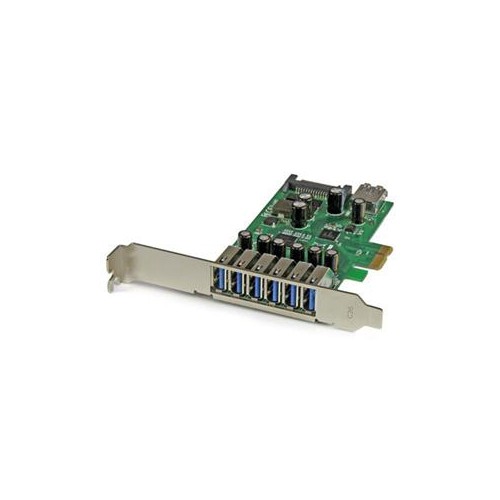

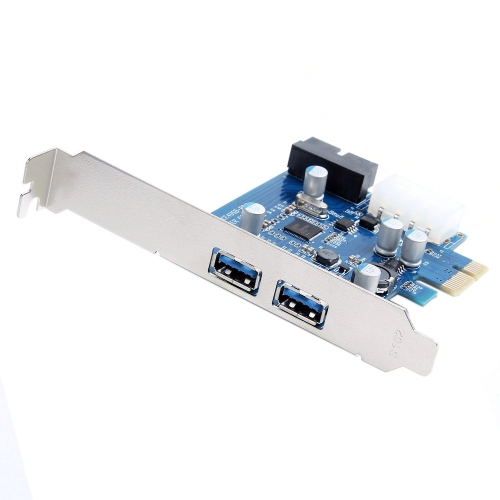
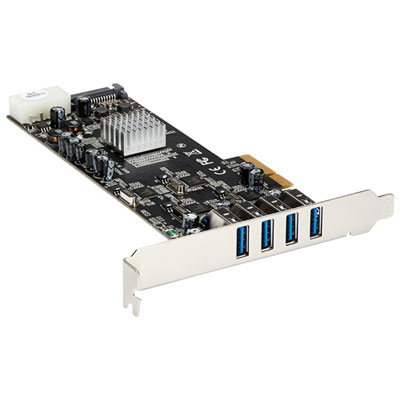
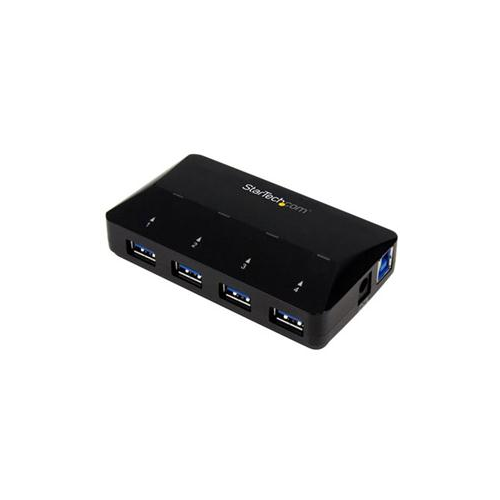
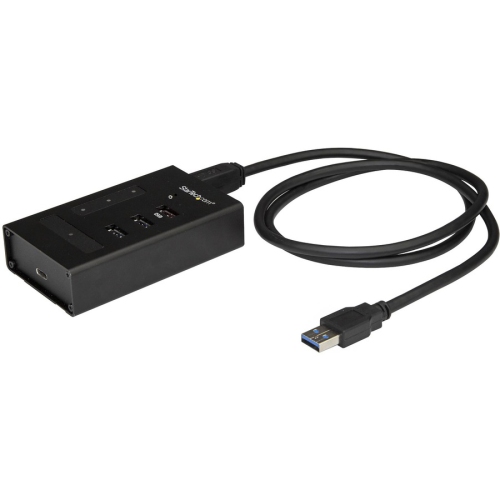
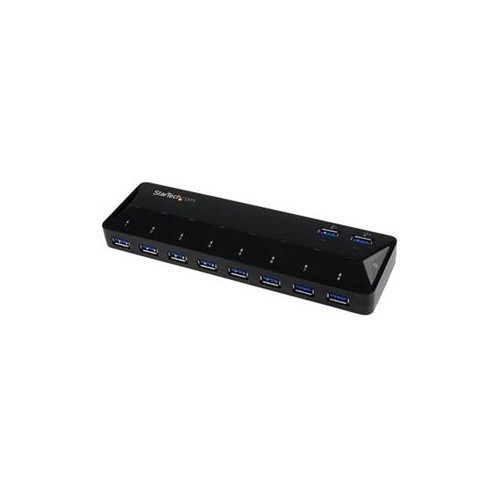
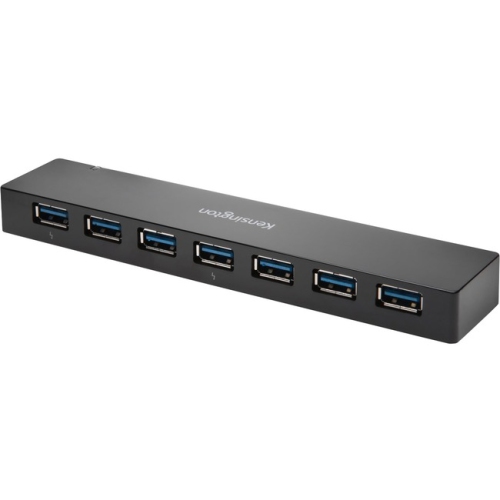
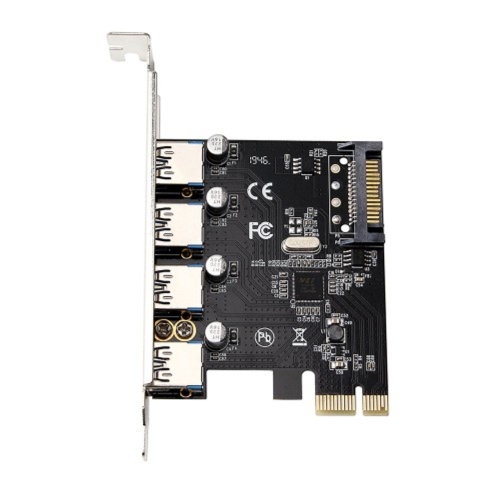
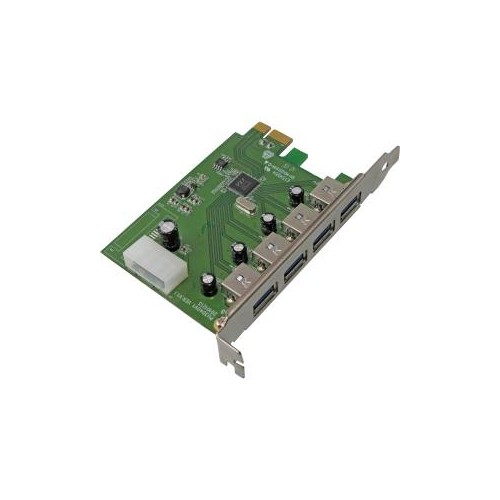

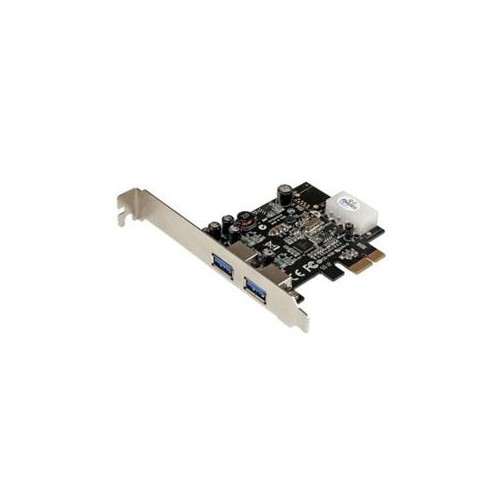
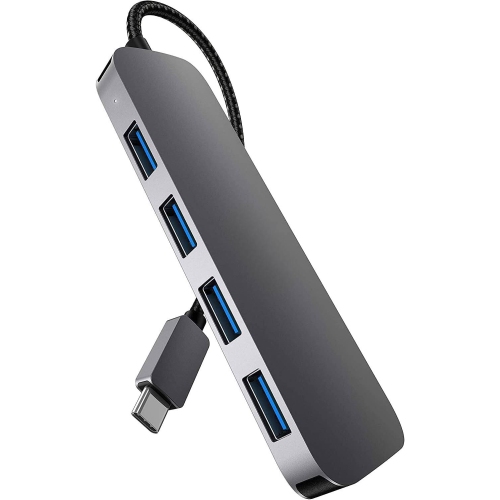
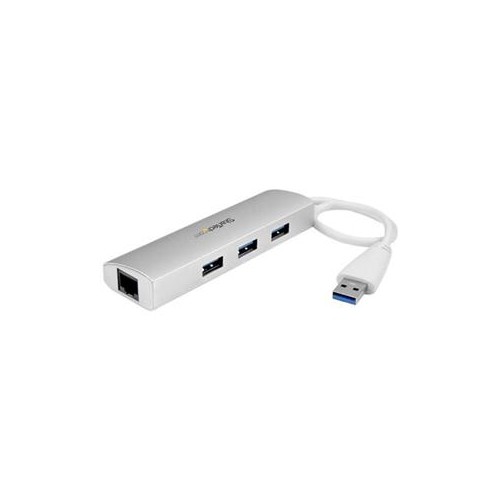
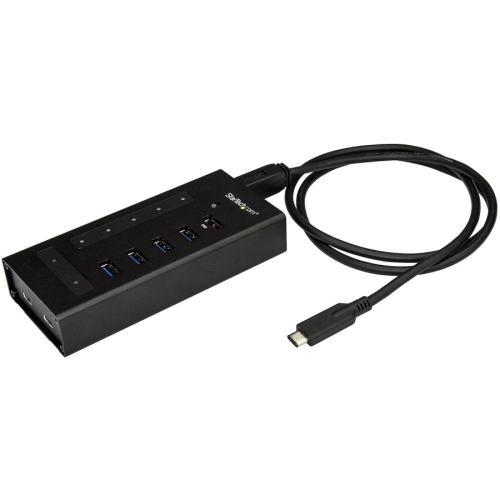
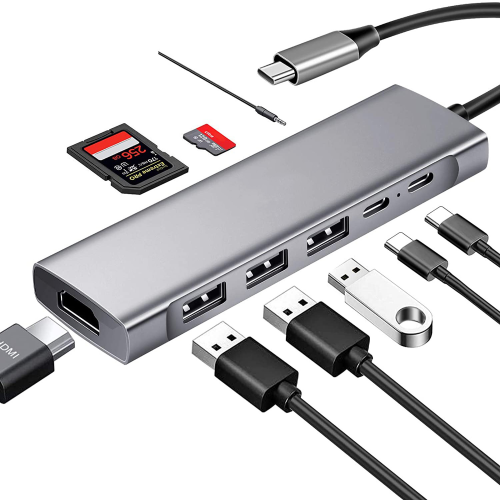
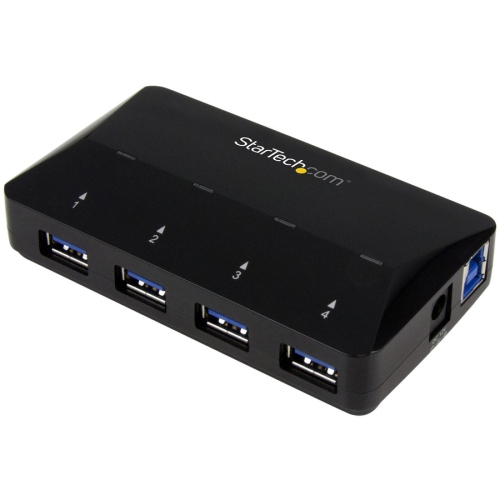
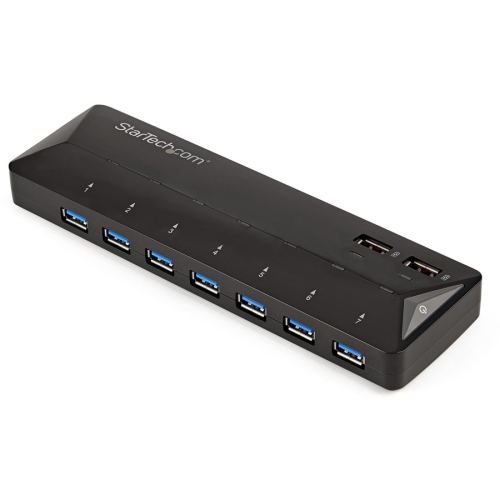

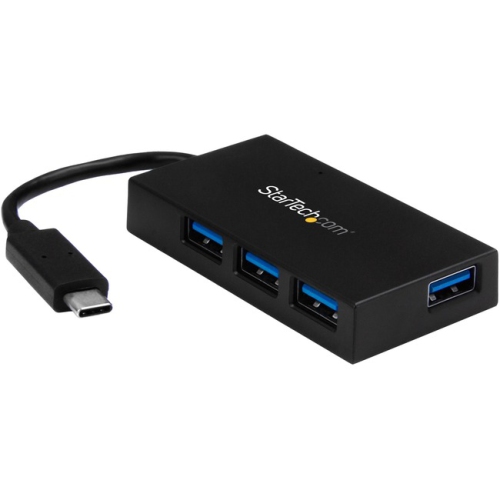
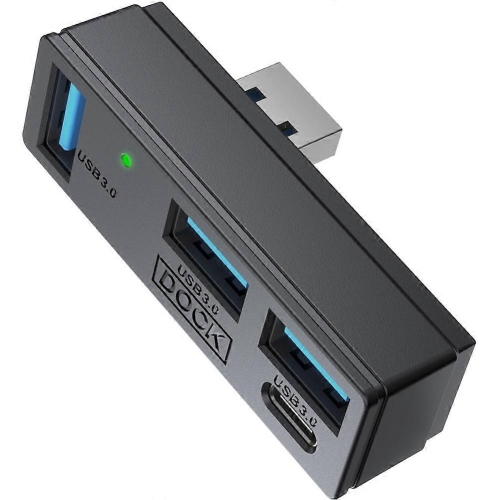
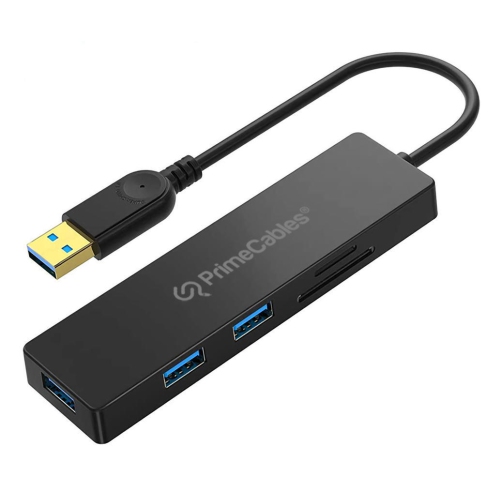
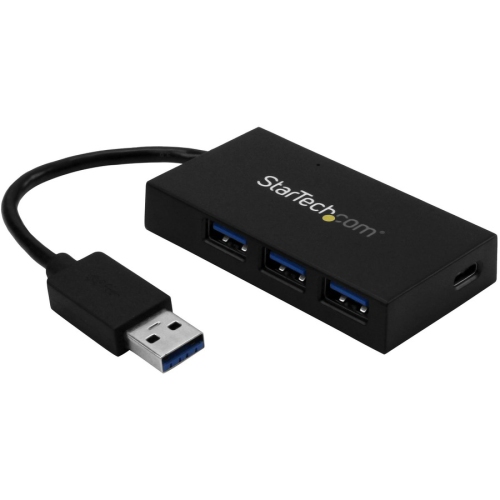
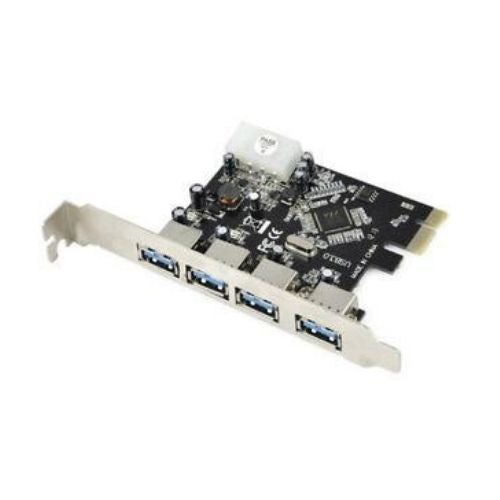
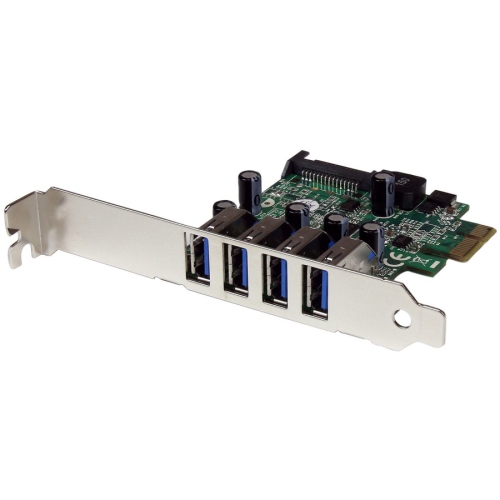

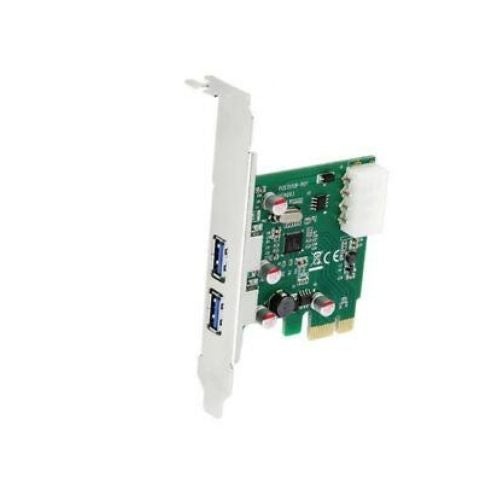
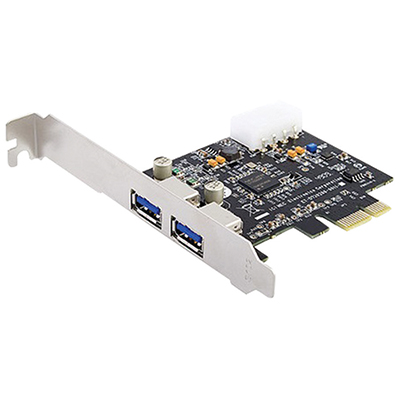


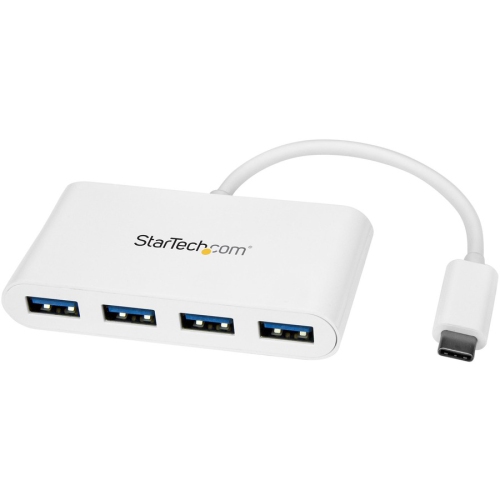
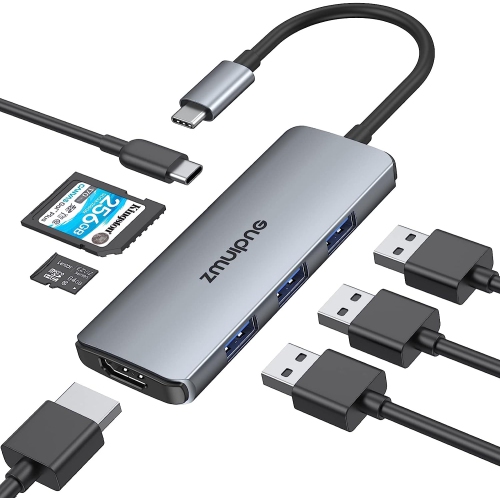
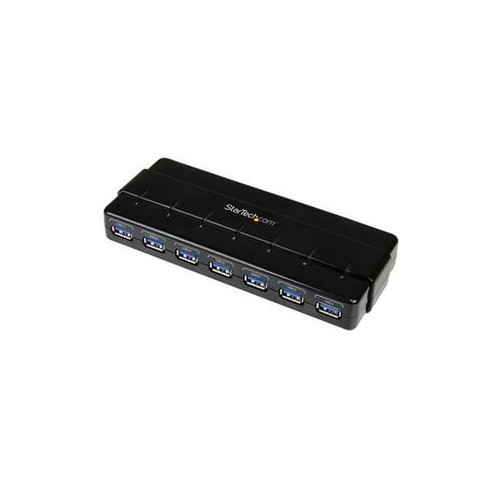
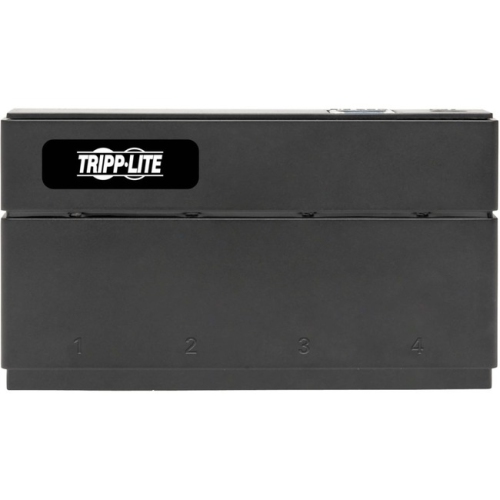
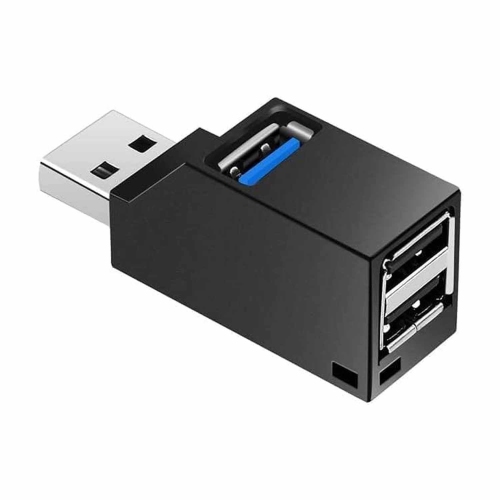
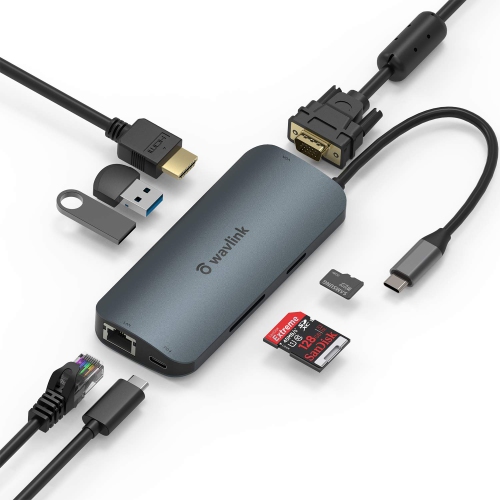
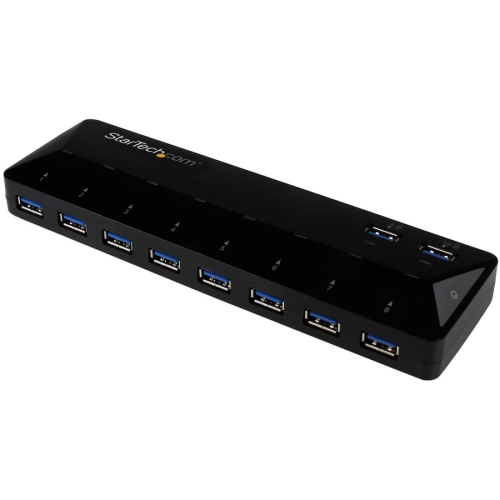
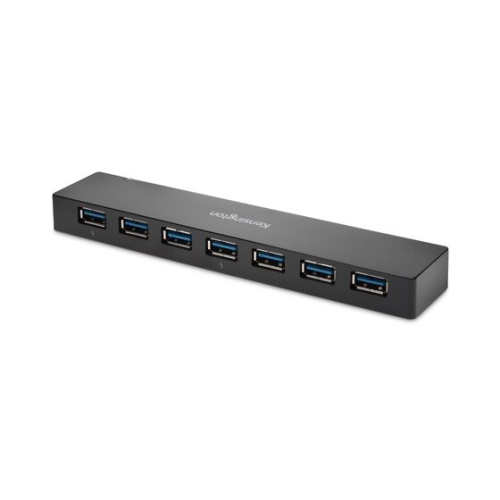

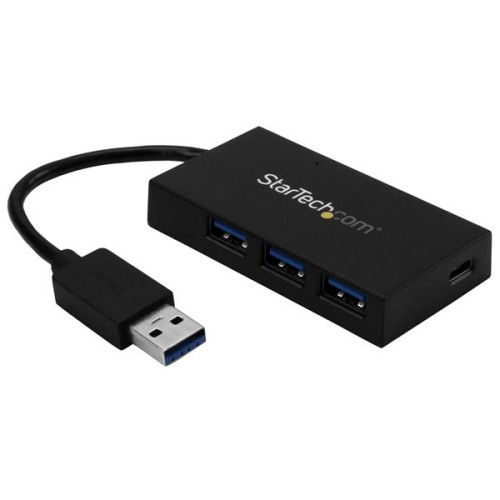
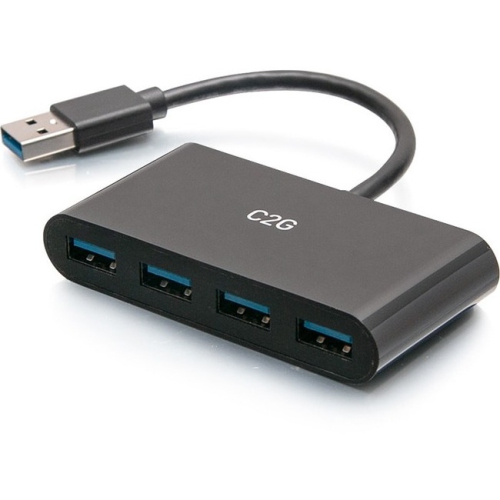
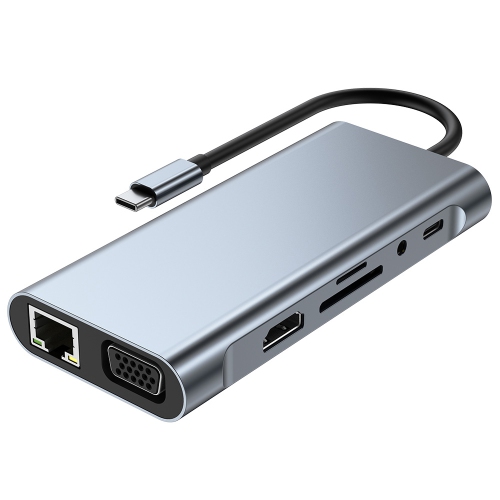
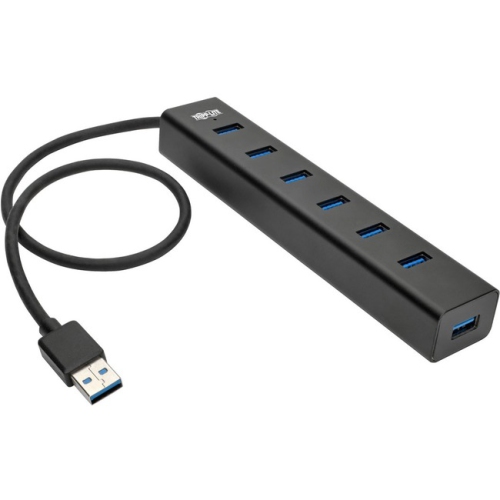

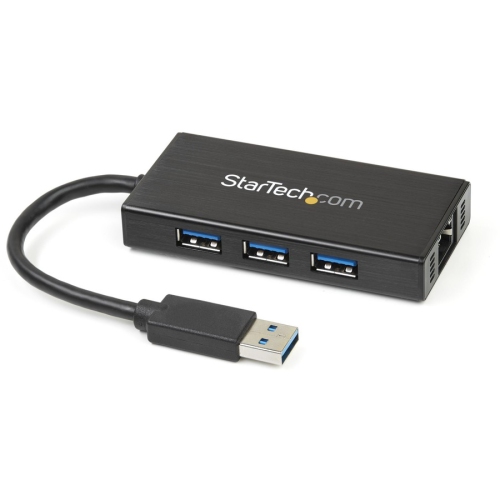

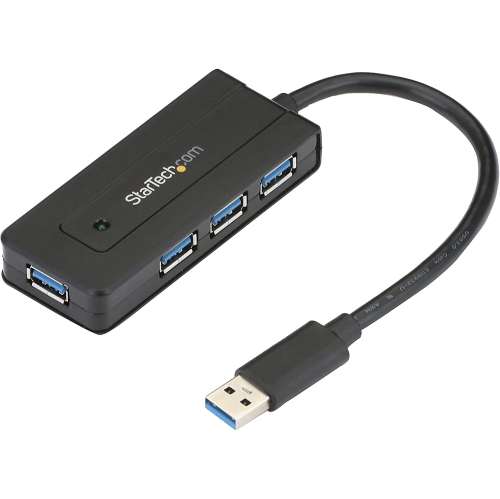
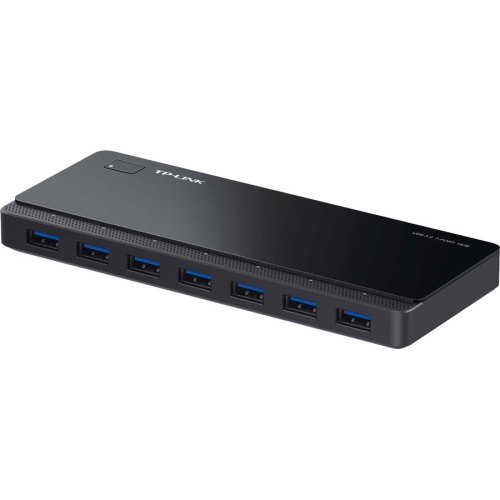
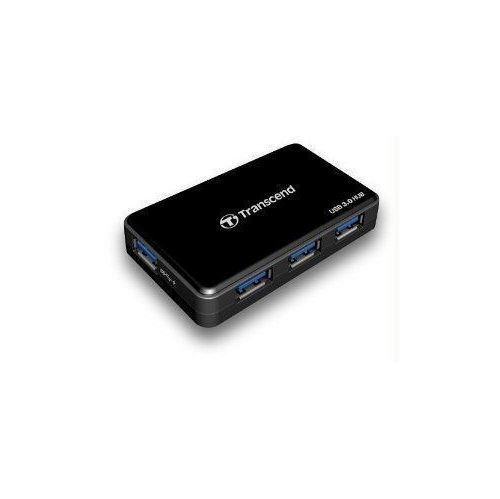

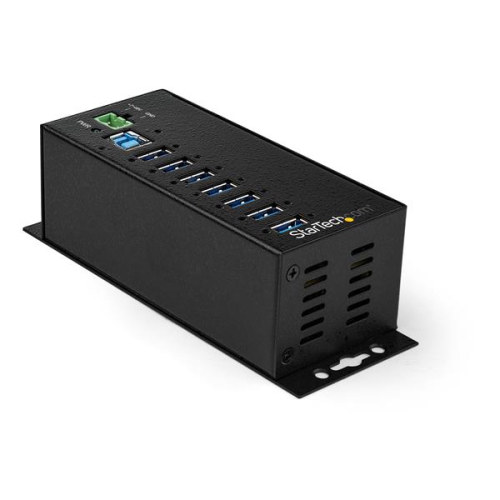
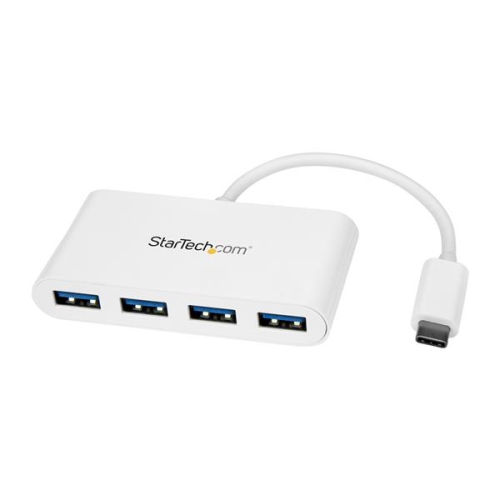
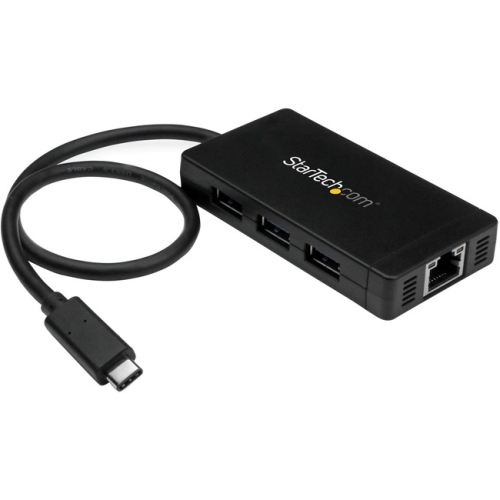
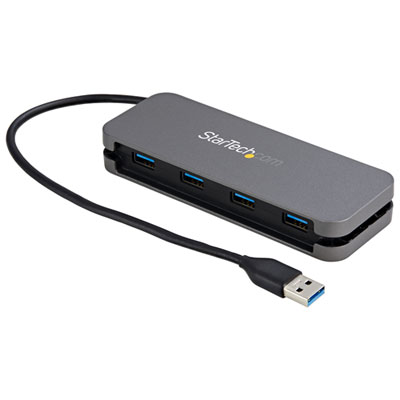
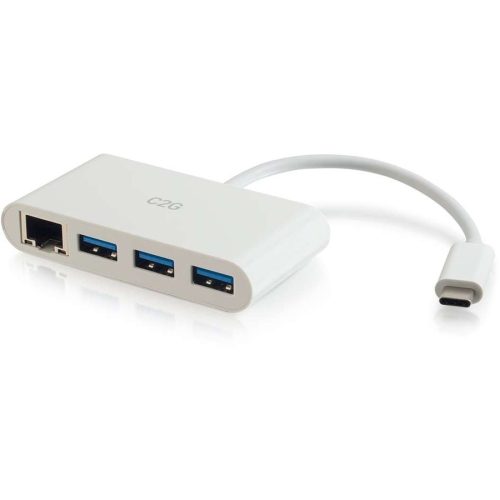
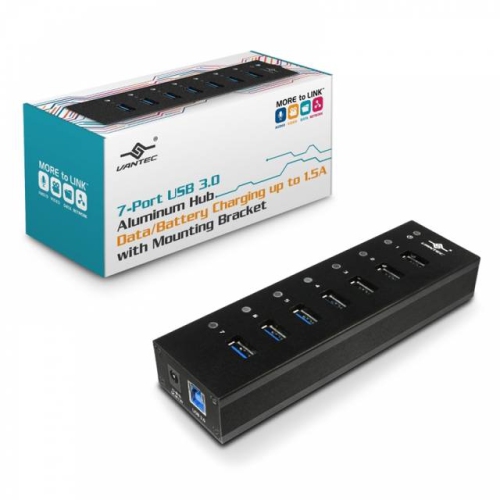
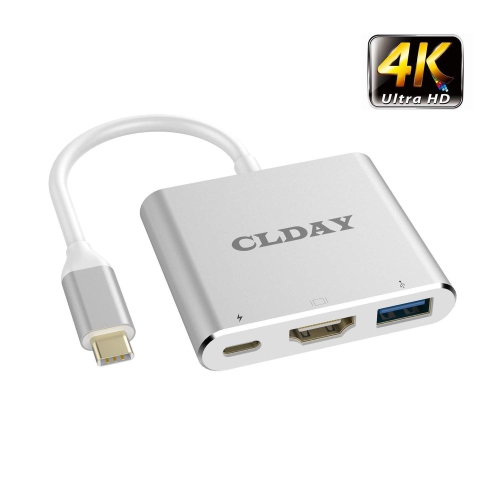
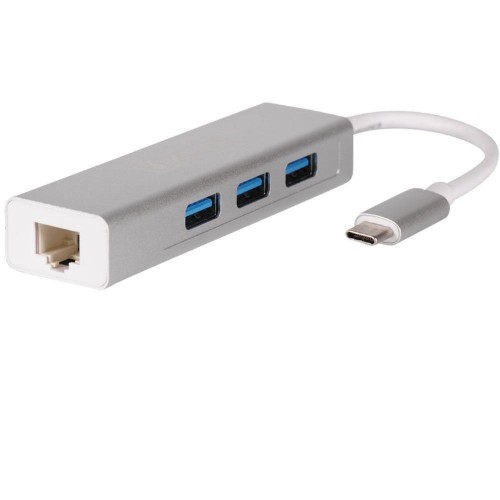
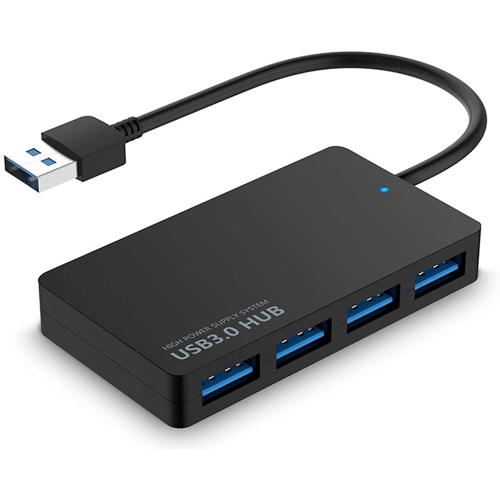

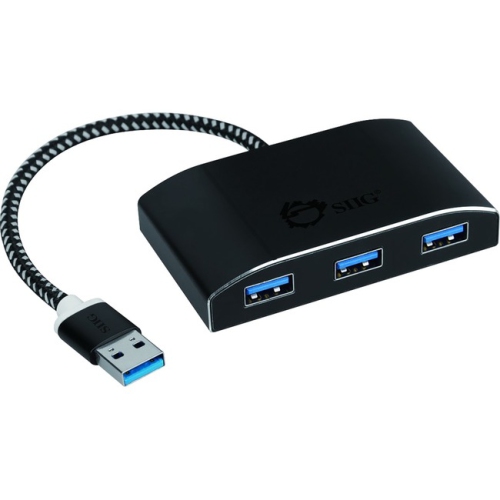
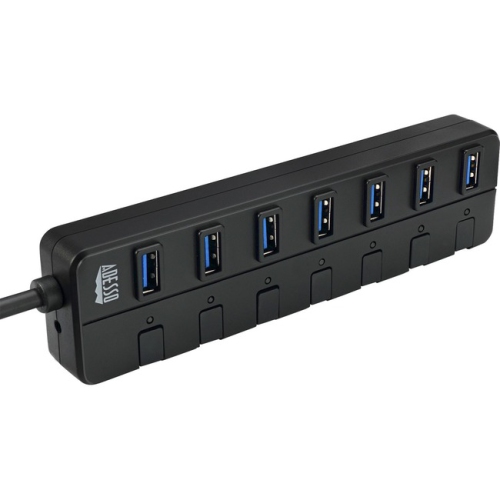
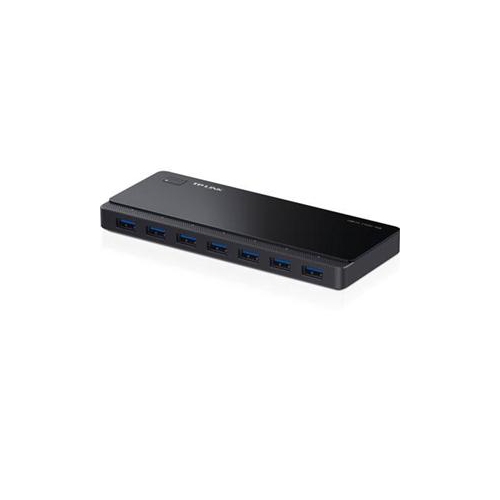
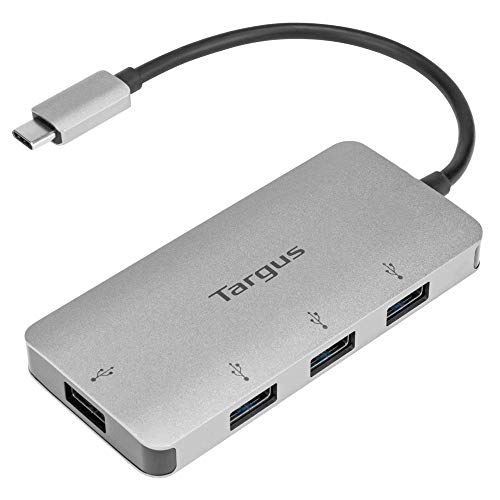
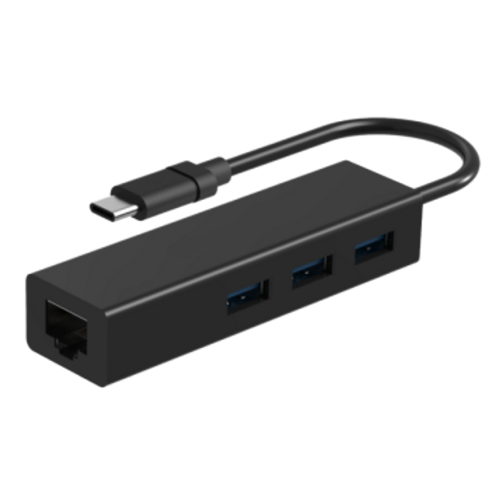
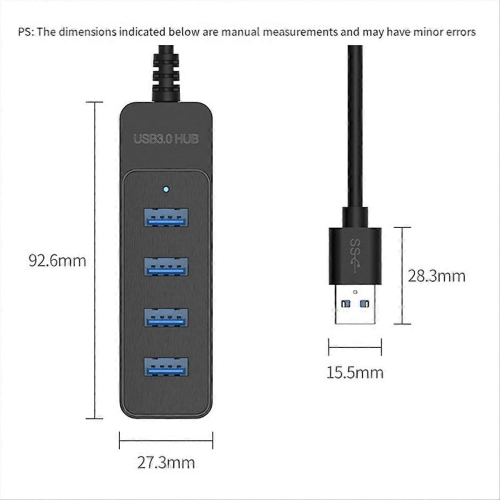
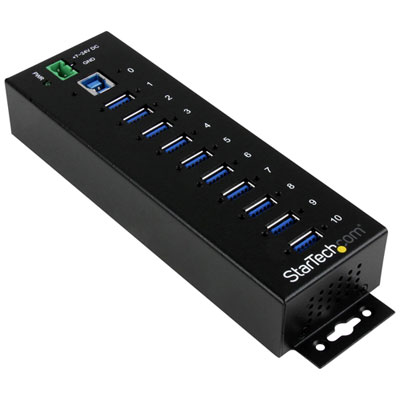
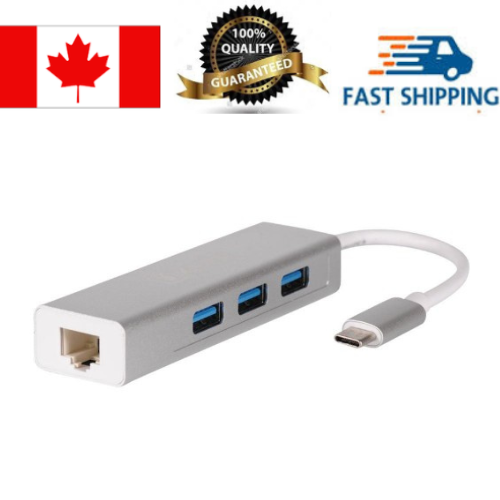

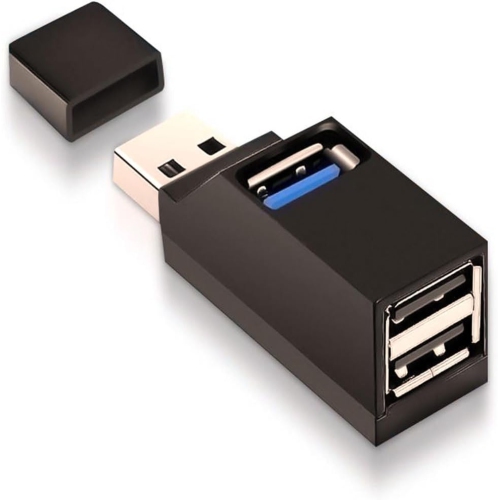
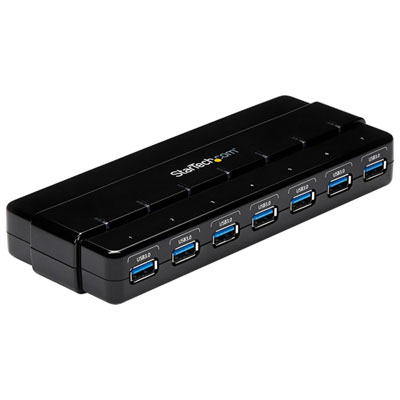
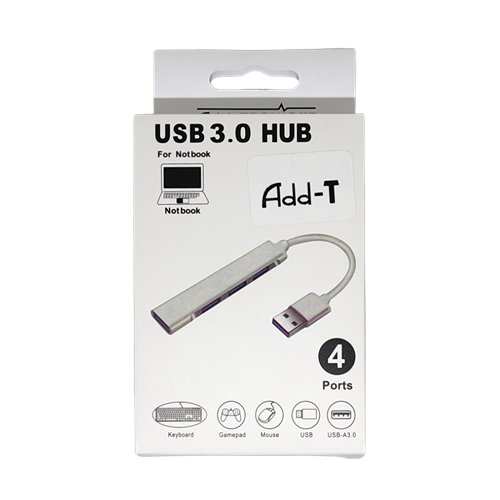
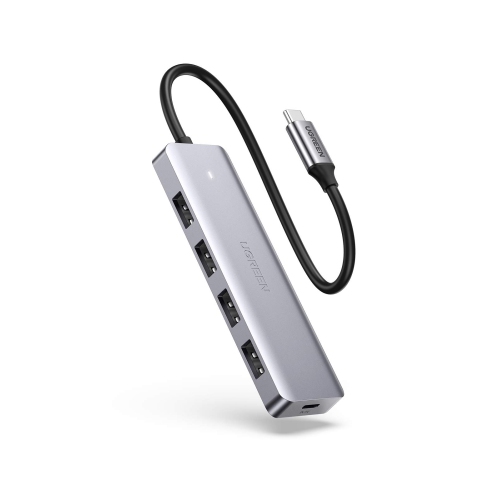
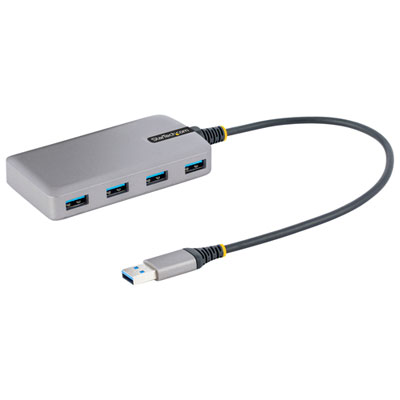
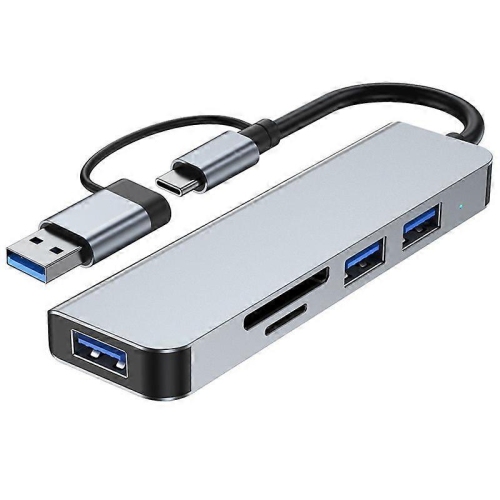
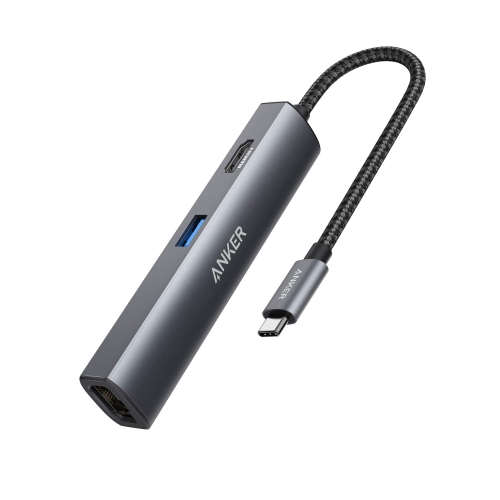
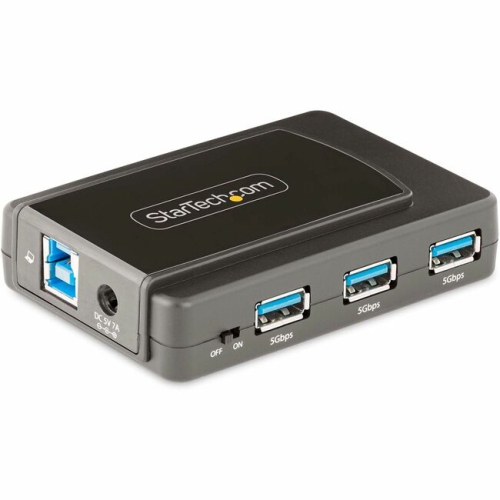
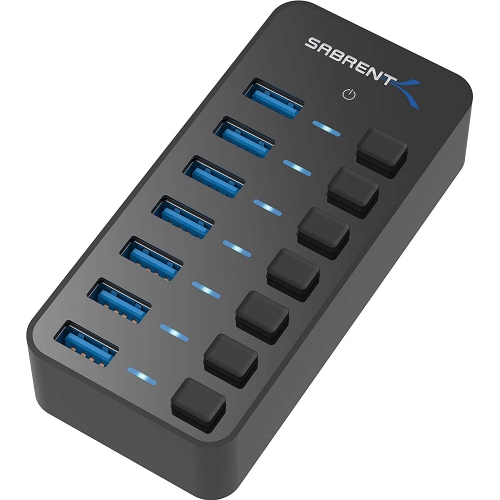
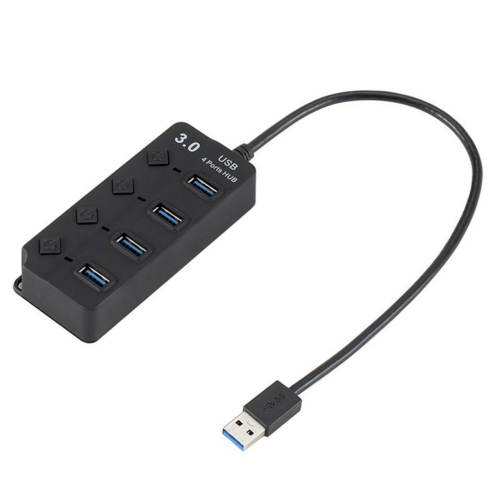
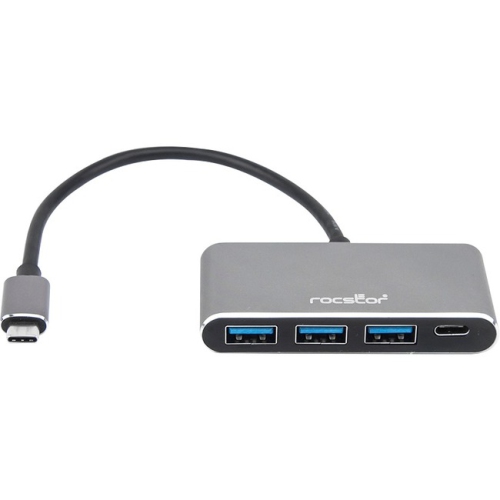
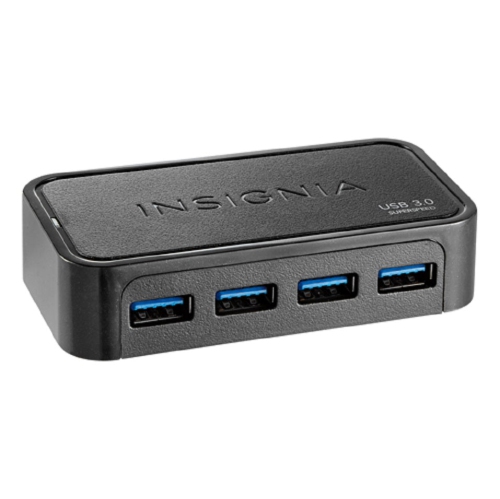
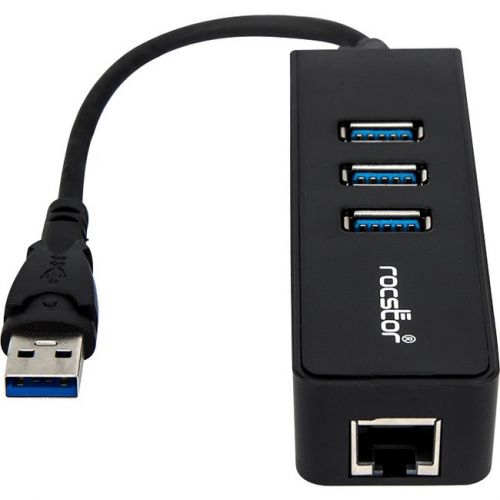
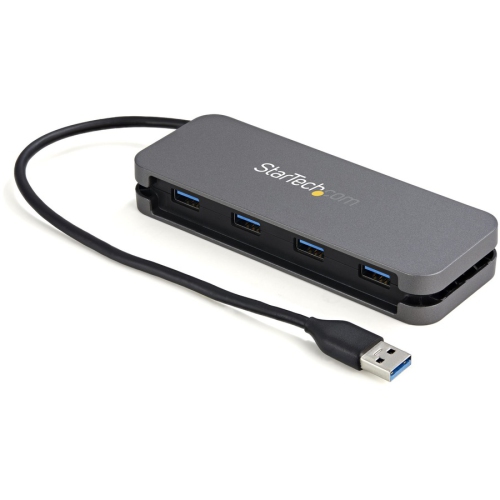

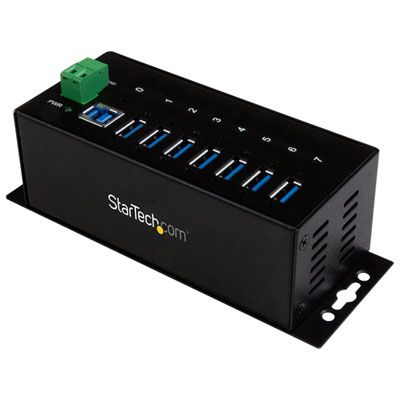
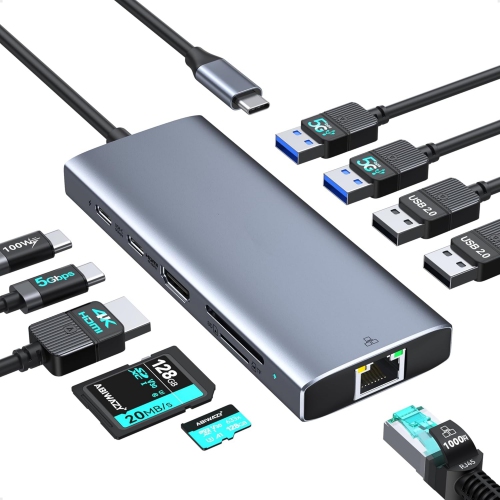
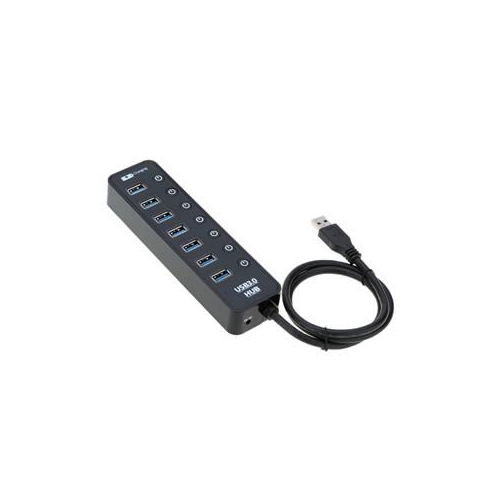
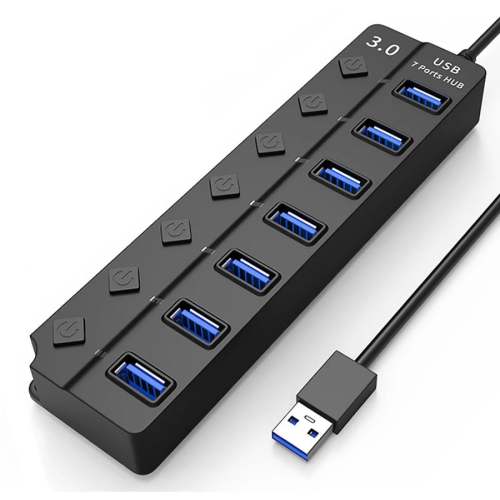
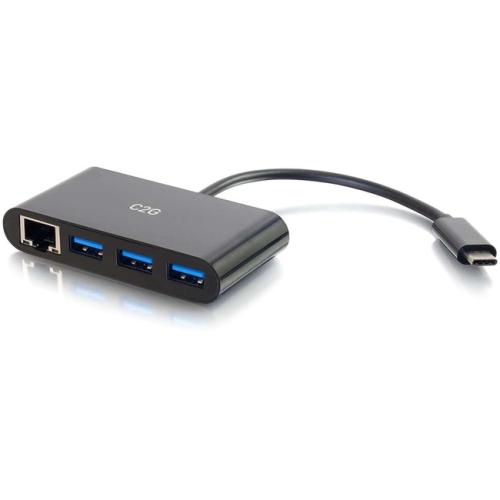

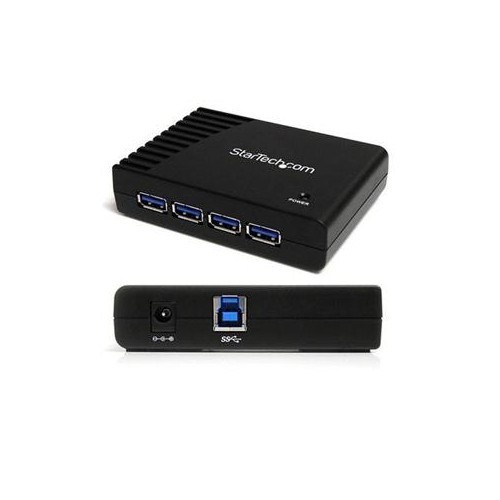
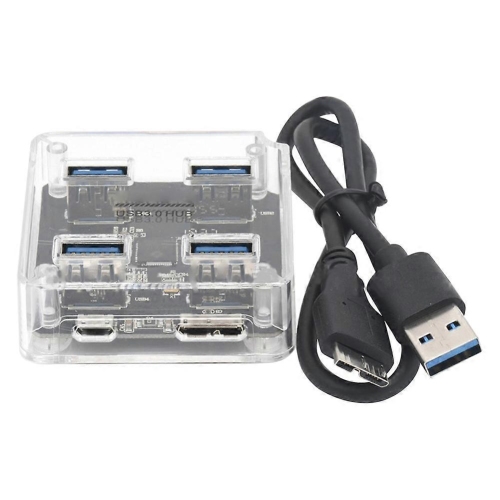
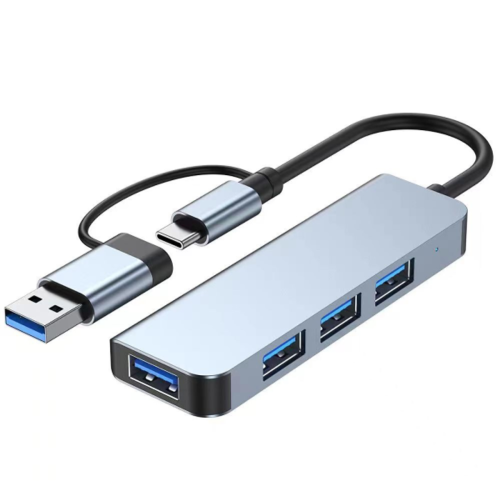
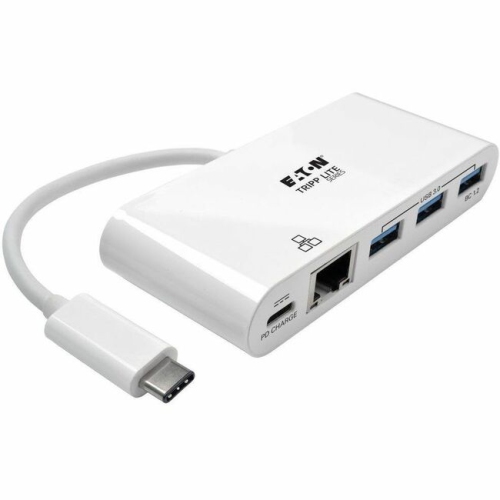
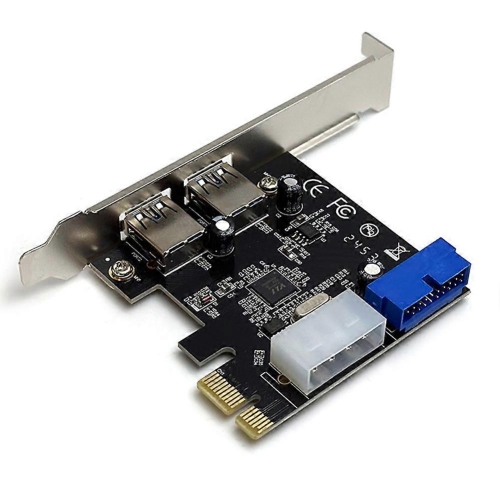


Faster file transfers without leaving older accessories behind
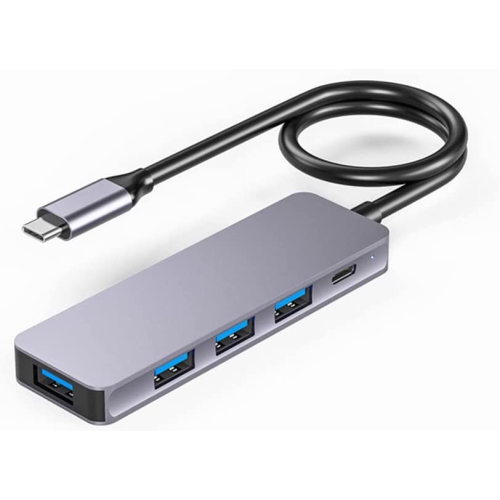
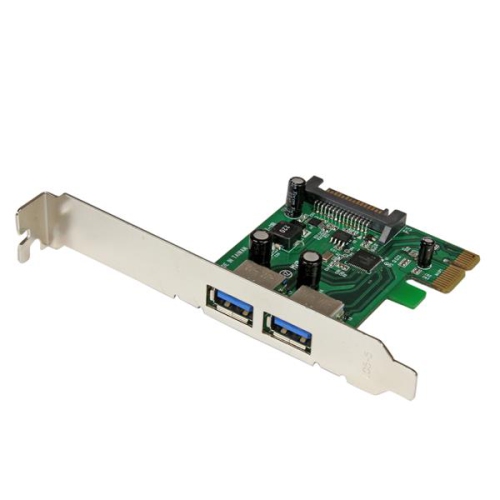
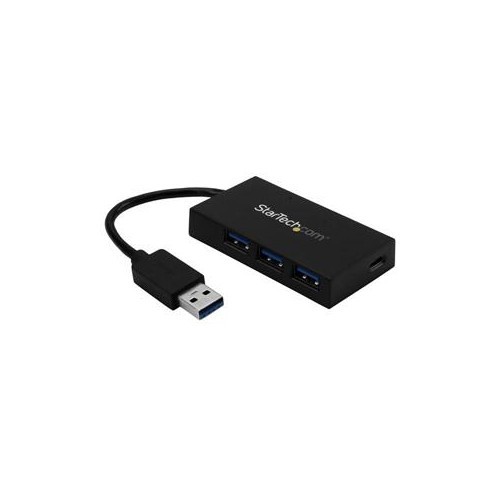
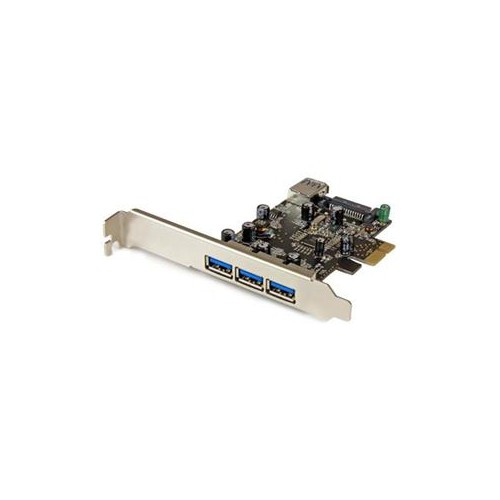
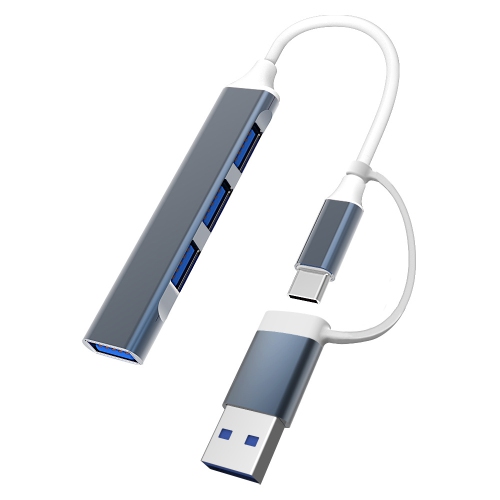
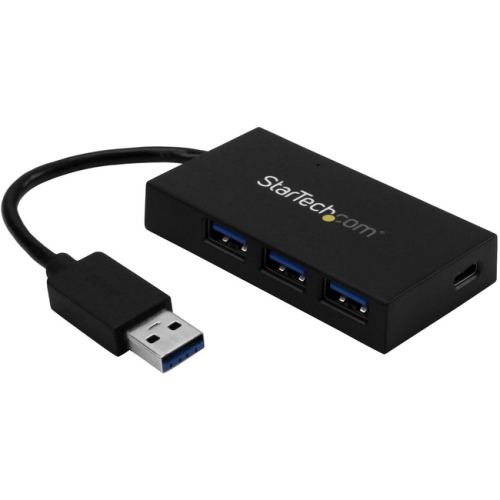
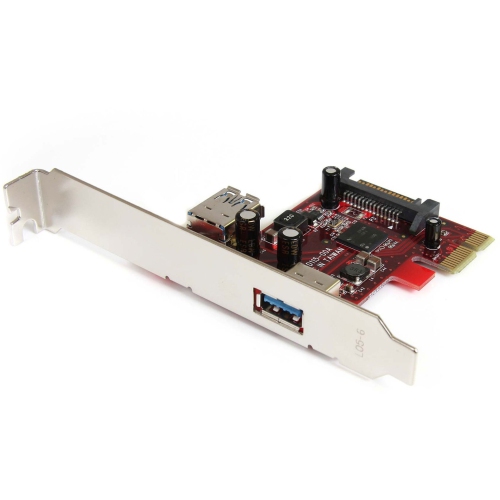
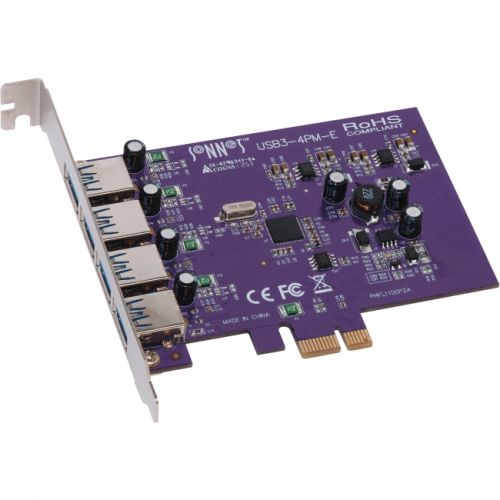
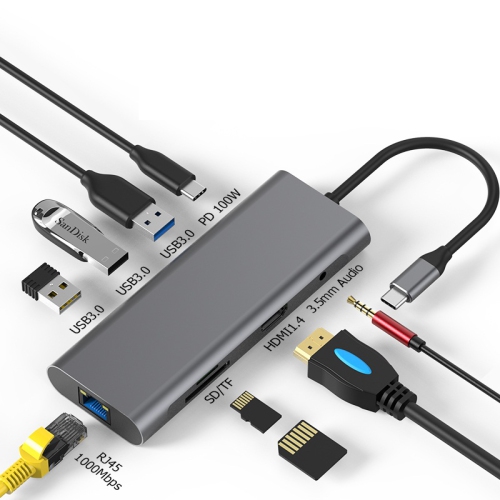
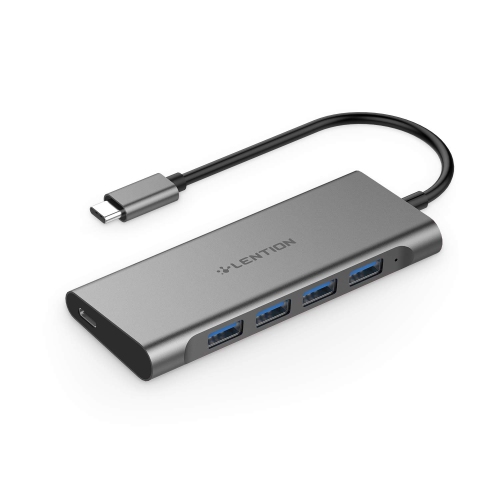
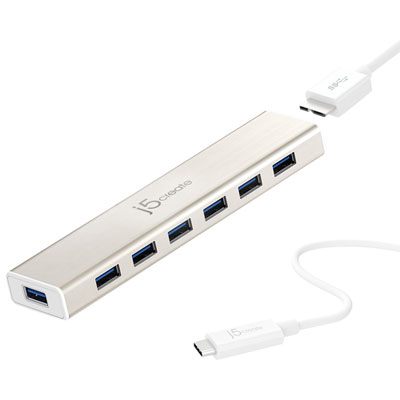
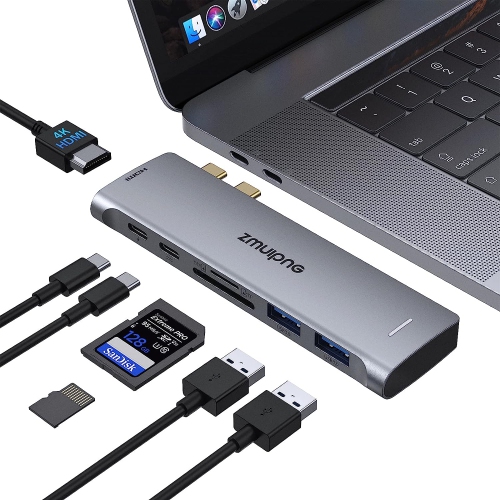
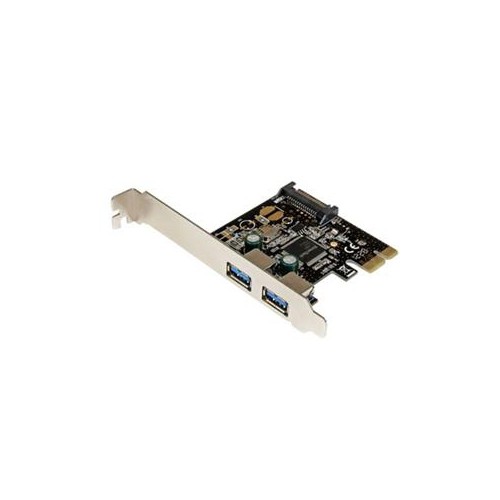
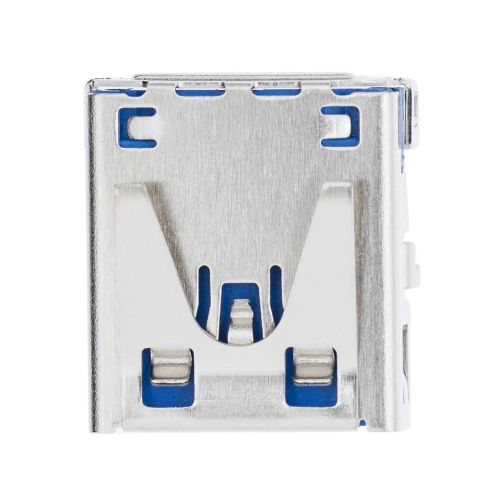
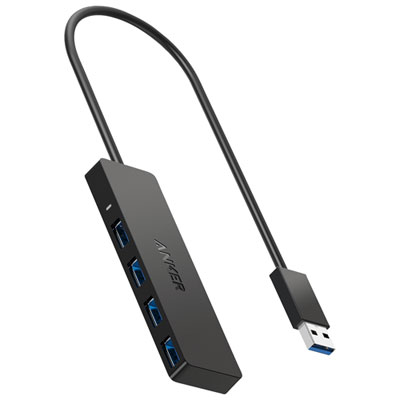
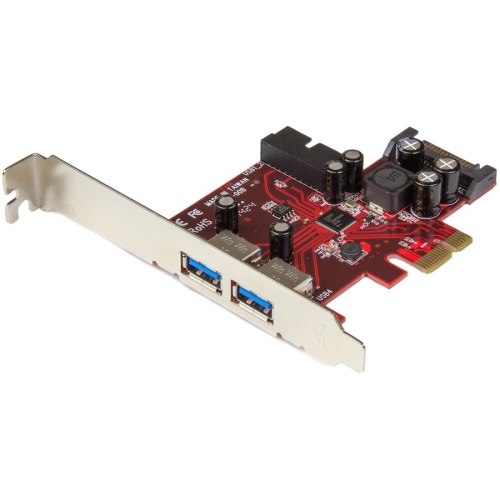
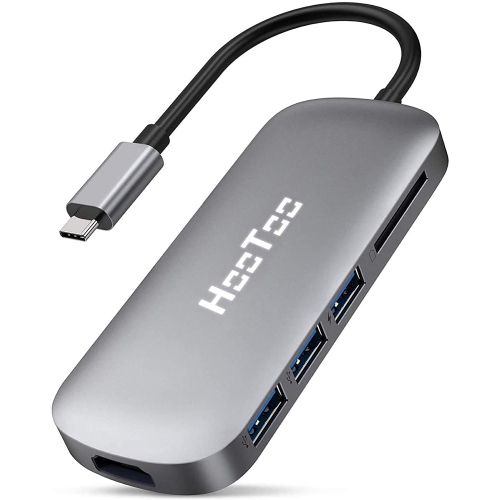
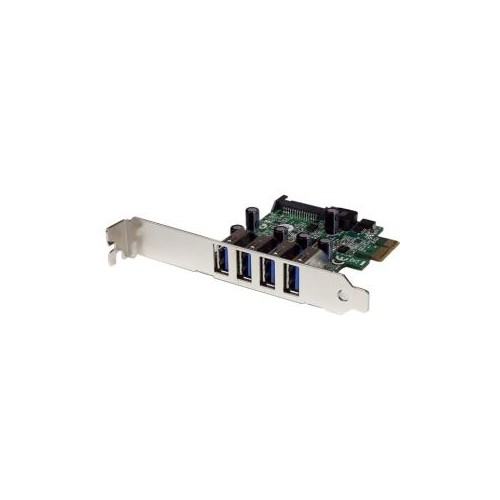
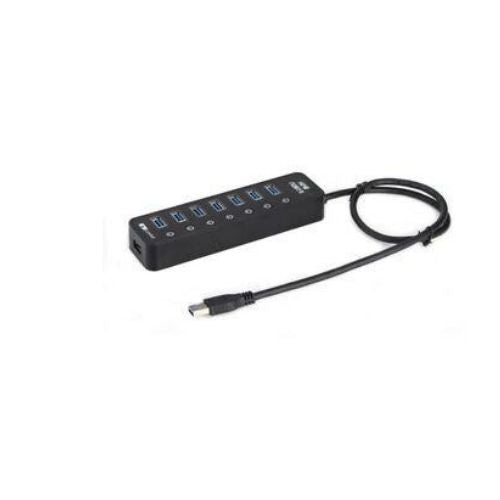
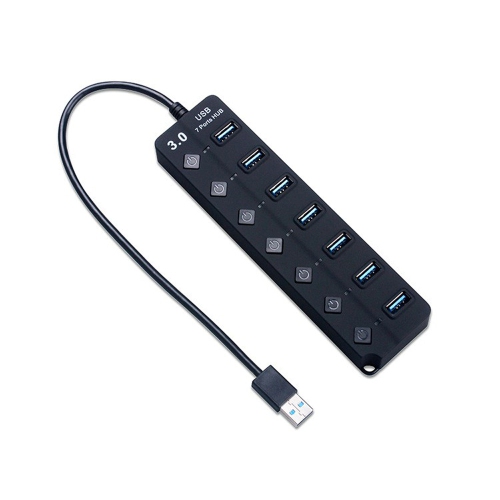
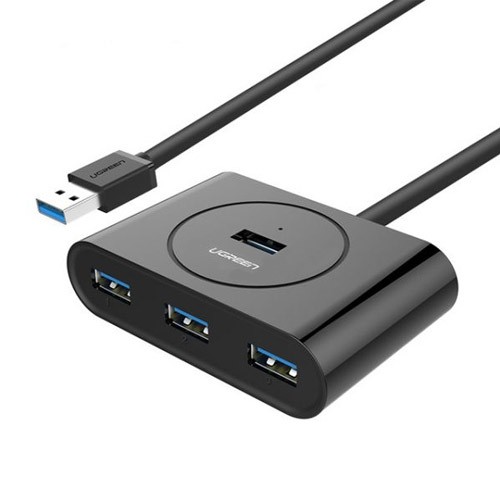
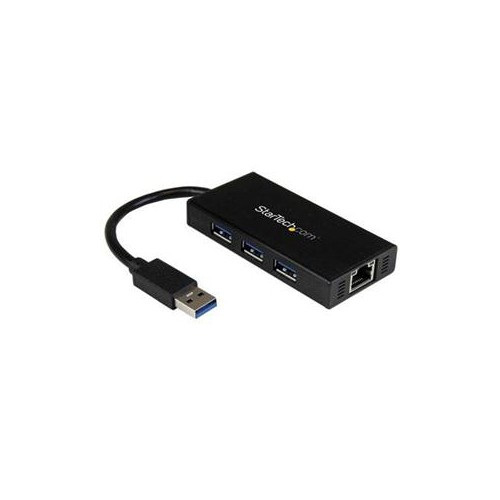
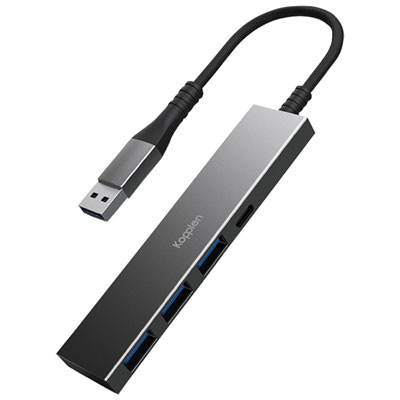
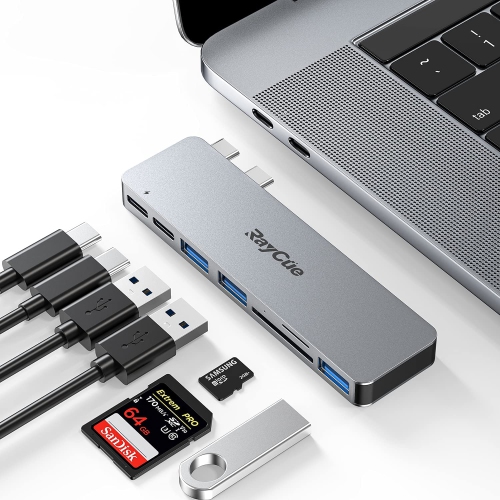
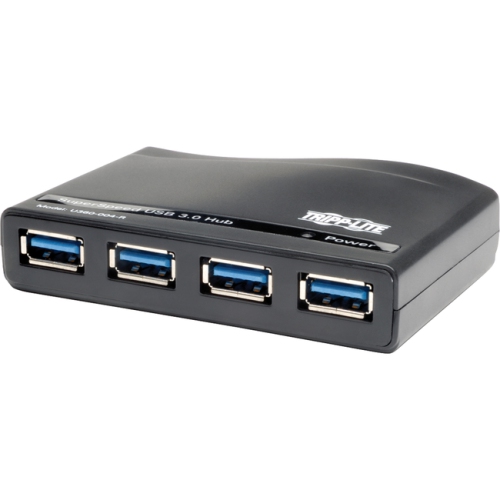
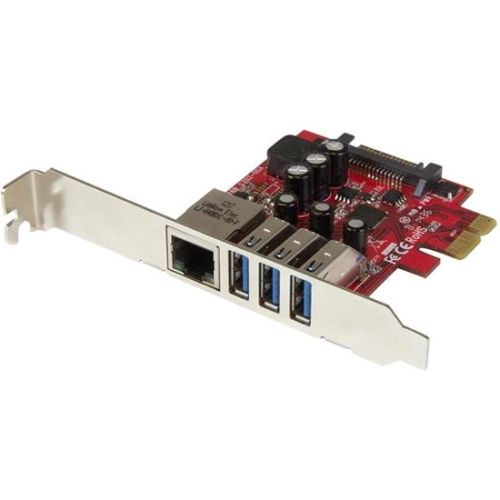
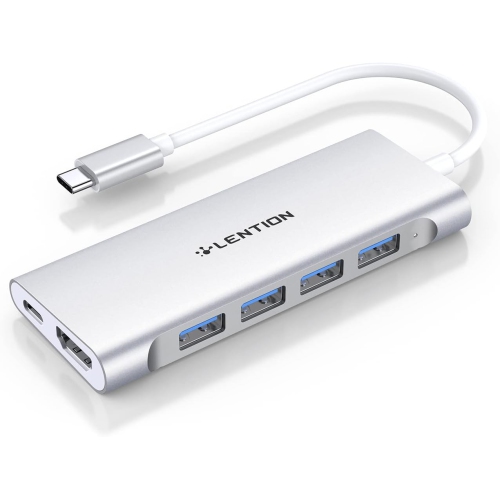
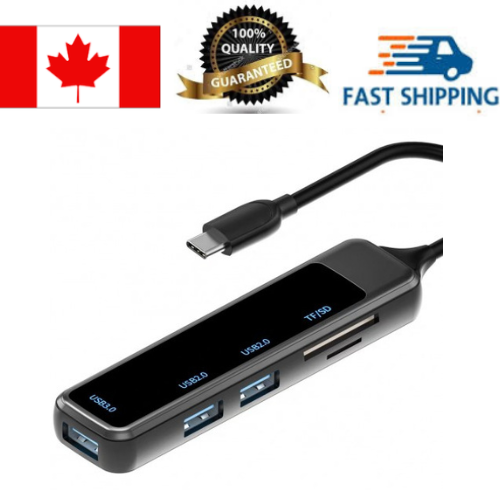
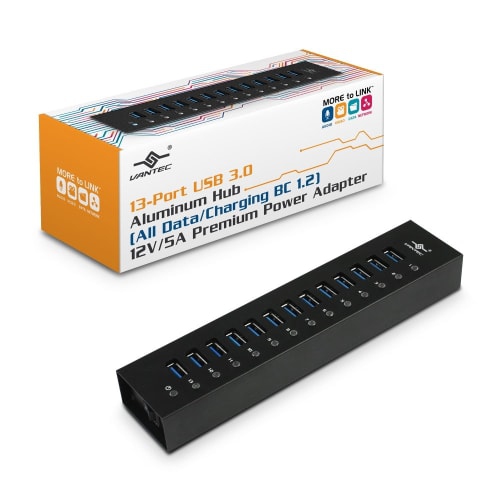
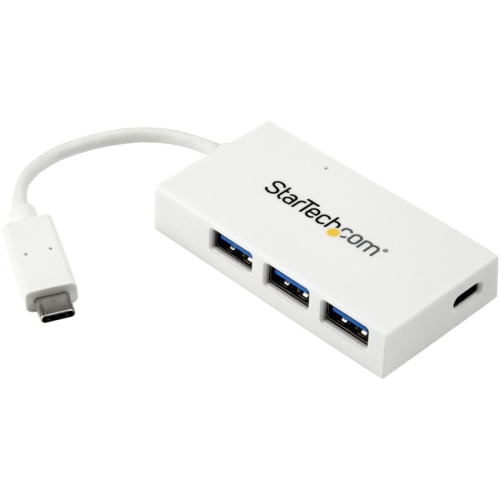
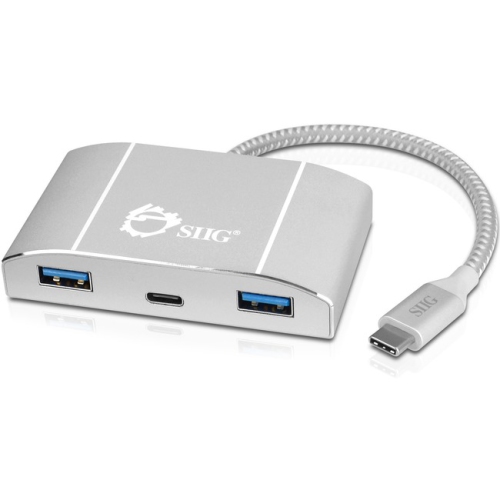
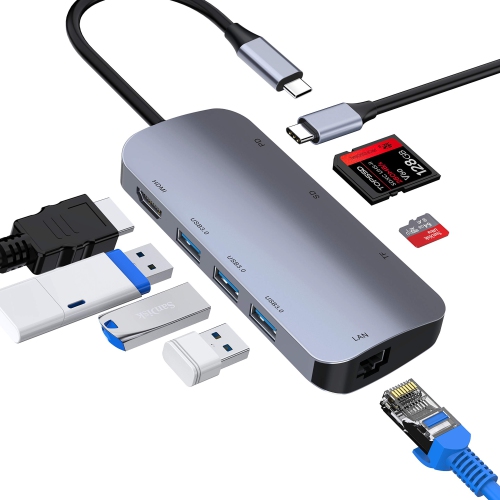
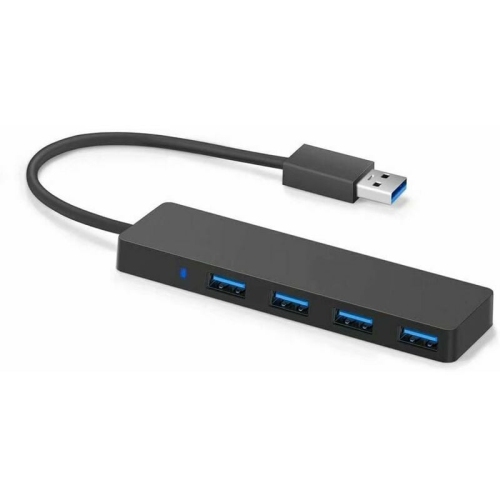
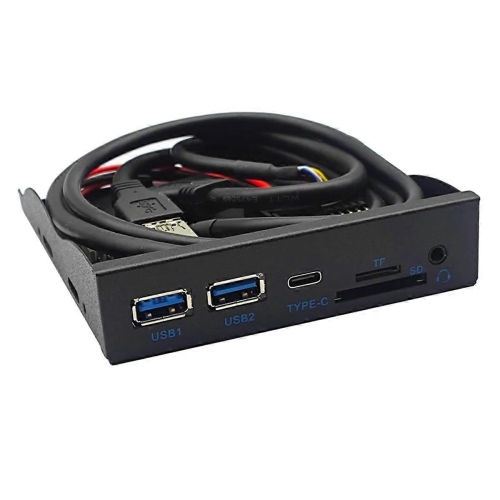
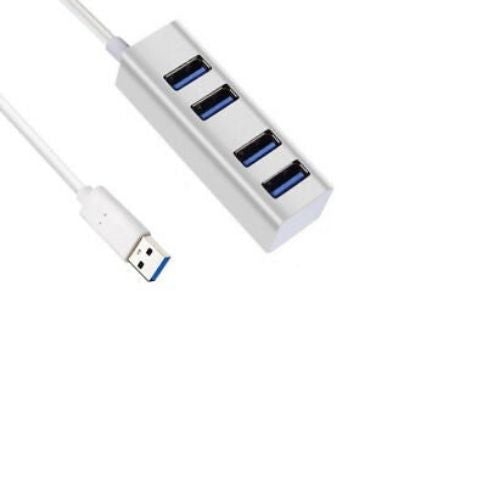
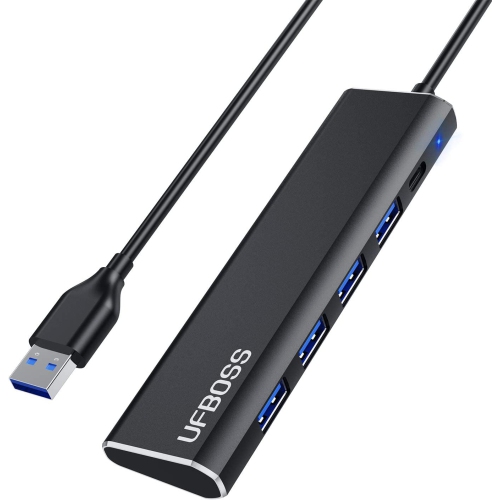
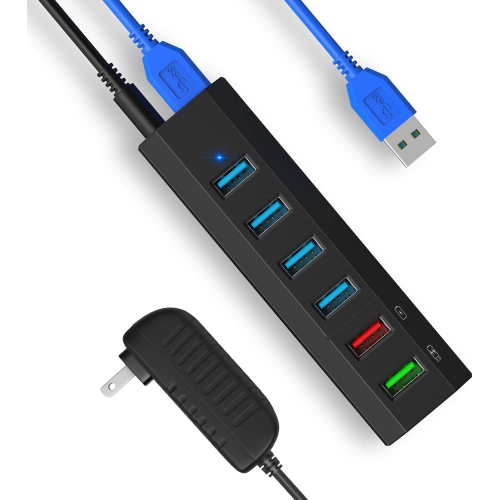
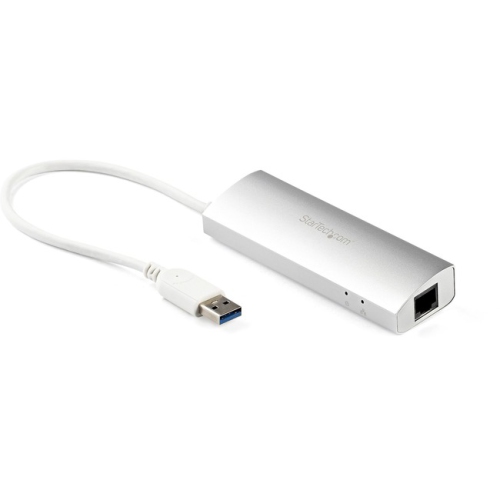
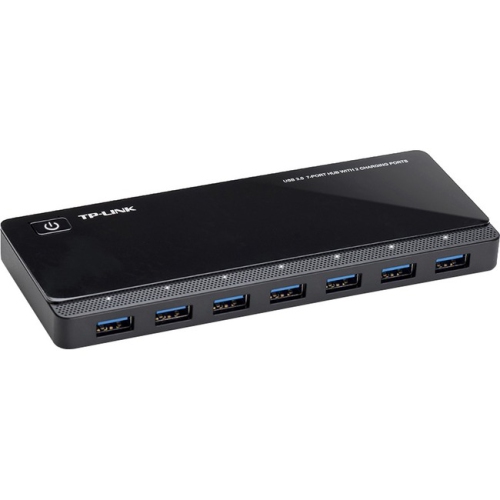
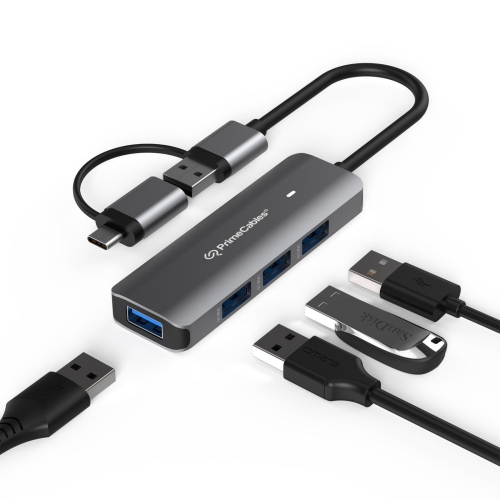
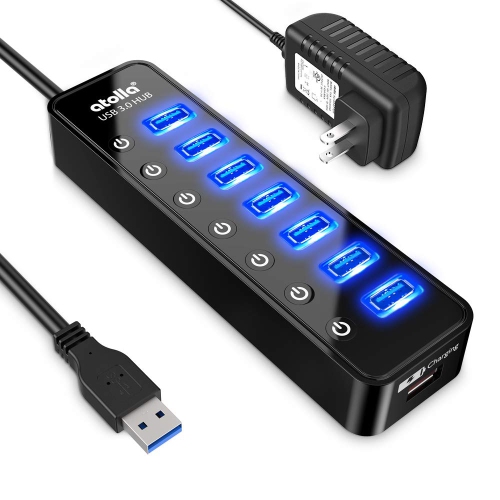
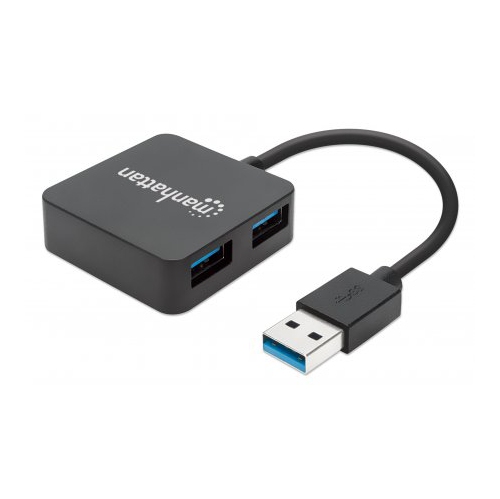
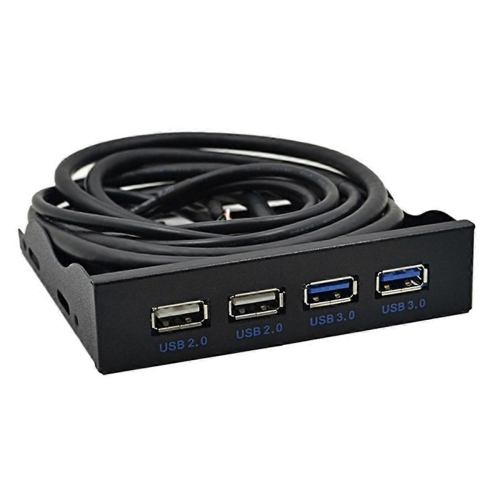
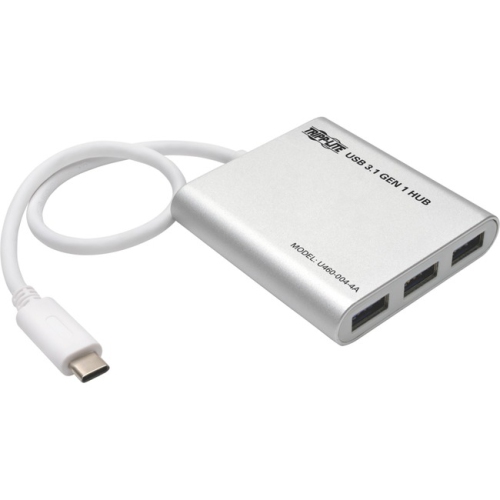
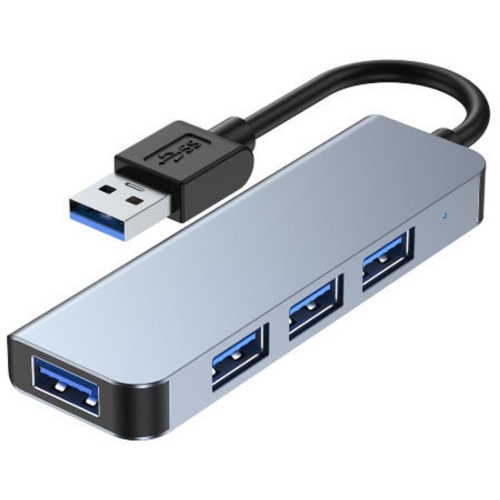
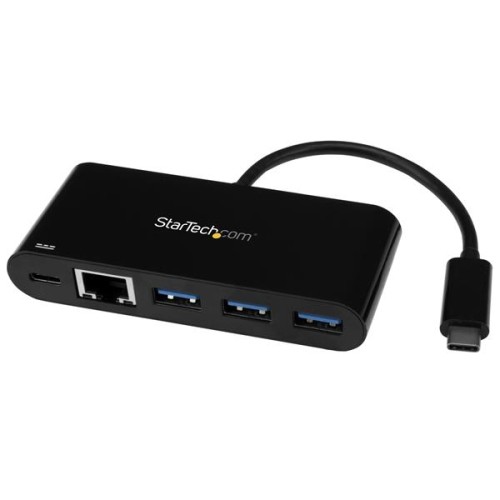
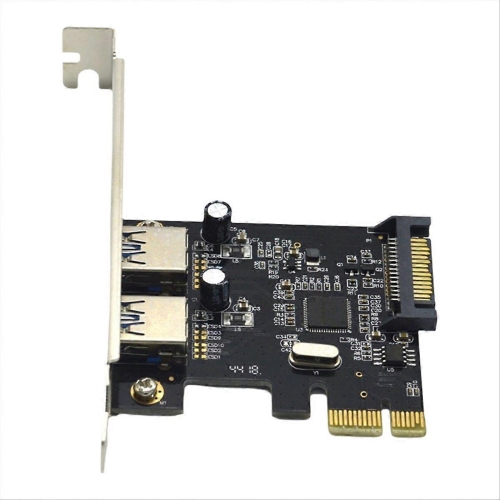
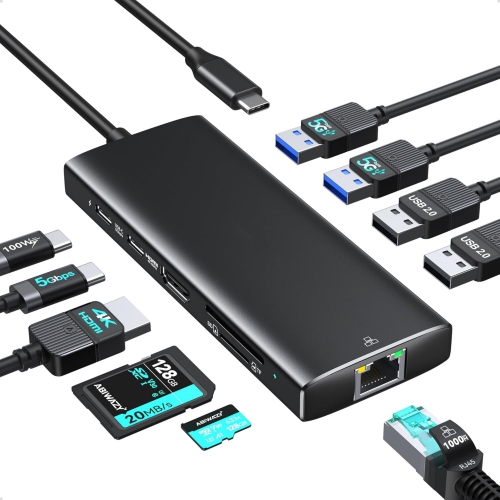
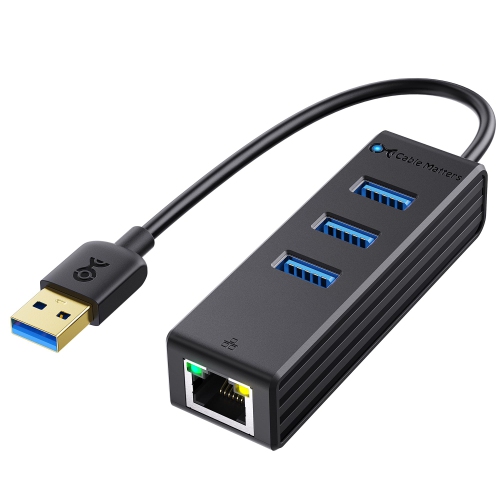
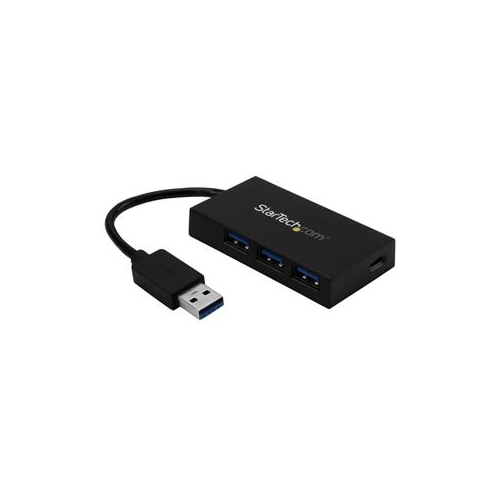
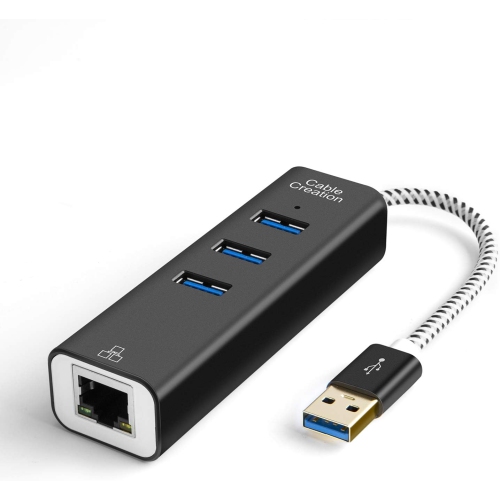
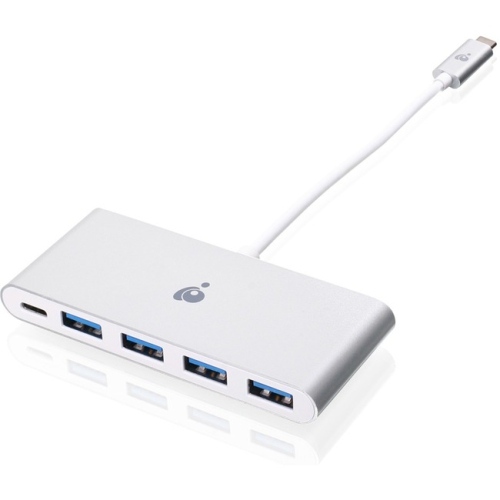
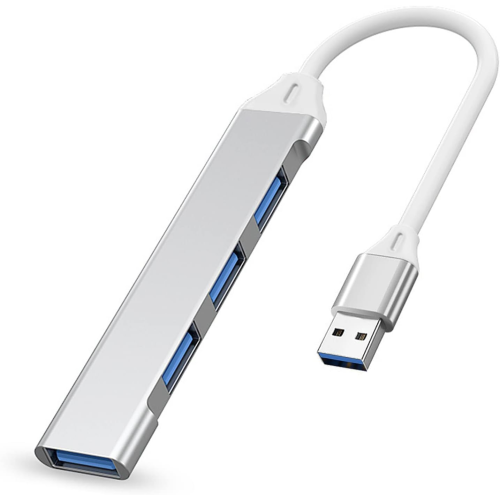
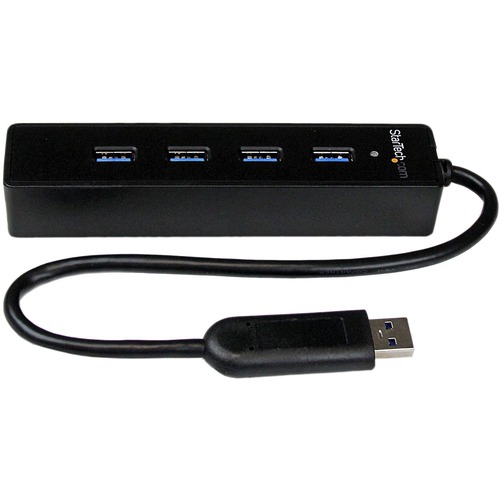
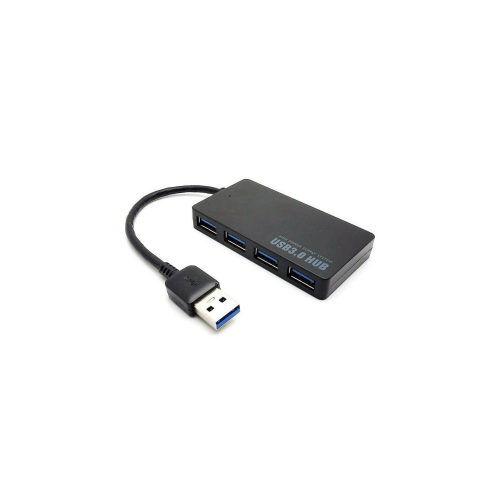
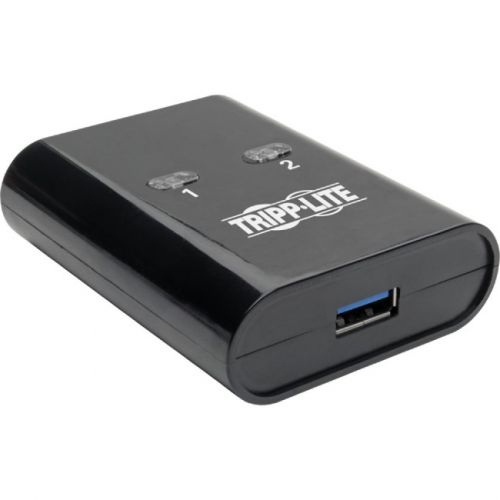
USB 3.0 ports are connections that let computers and compatible devices exchange data at a maximum signalling rate of 5 gigabits per second, or 5 Gbps. That is ten times the maximum signalling rate of USB 2.0, although actual file transfers are slower because of protocol overhead, storage performance, and other factors. The extra bandwidth is useful for moving folders of photos, backing up work, or accessing files on an external drive without tying up a connection for as long. USB 3.0 also supports simultaneous sending and receiving of data through separate signal paths. Computers, USB hubs, docking stations, and expansion cards can provide these connections, making them relevant to both a simple laptop setup and a desktop with several accessories attached. The same 5 Gbps specification may appear under later names, including USB 3.1 Gen 1 and USB 3.2 Gen 1; those labels do not, by themselves, indicate a speed increase over USB 3.0. Connector shape is a separate consideration. The familiar rectangular USB Type-A socket is common, while USB Type-C describes a smaller, reversible connector that can support different USB speeds depending on the device. A USB A Port can therefore use USB 2.0, USB 3.0, or another supported specification: its shape alone does not establish its performance. Many USB 3.0 Type-A ports have a blue insert or an SS marking for SuperSpeed, but neither visual cue is universal, so the stated specifications offer a more dependable reference. USB 3.0 Type-A ports also accept older USB 2.0 accessories with matching plugs. A keyboard or mouse can continue working normally, while an older storage device remains limited to its own supported speed. This compatibility makes USB 3.0 connections practical for people who need to keep familiar accessories in use while adding faster storage or newer peripherals. For a shared household computer, that might mean connecting an older printer alongside a newer backup drive without replacing every cable and accessory at once.
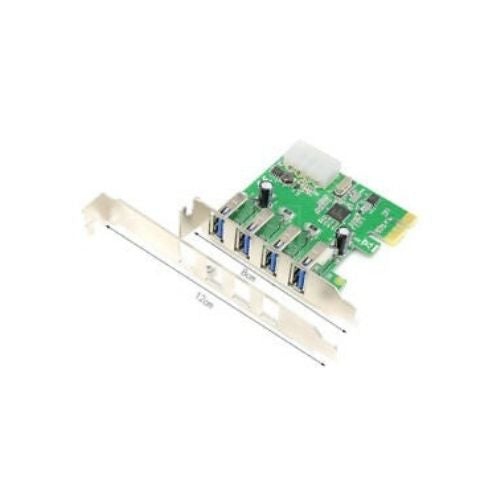
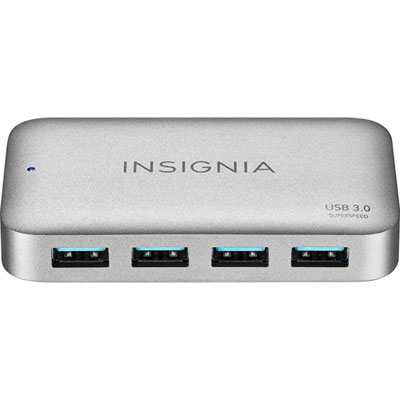
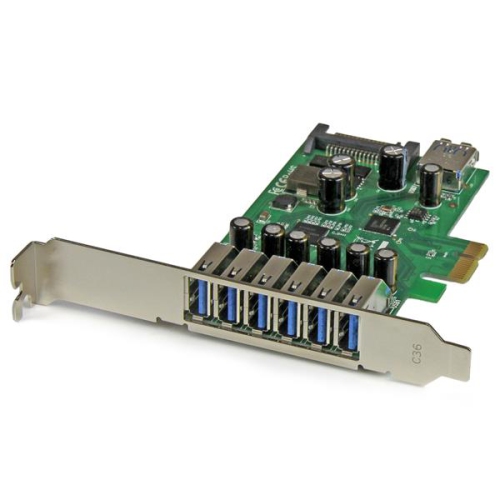
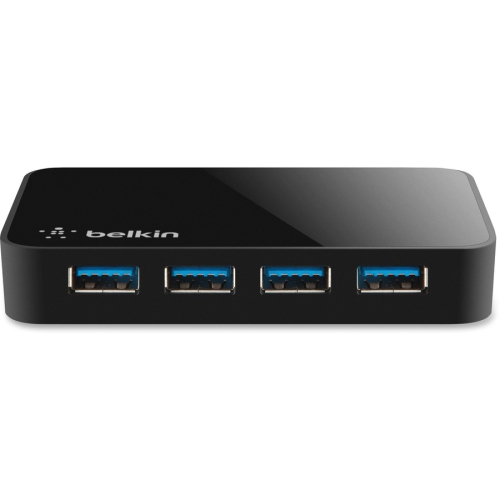
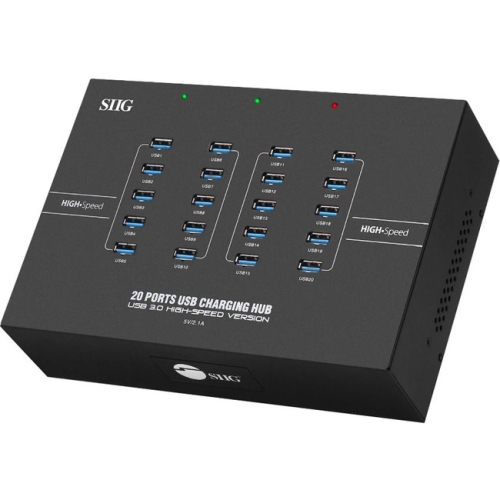
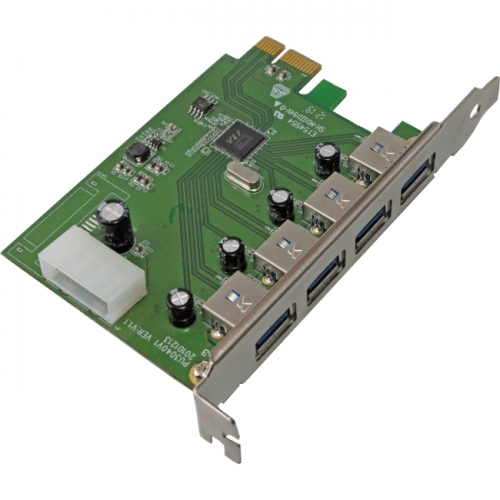
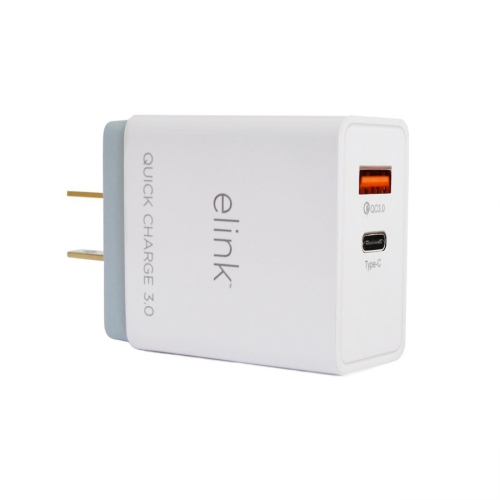
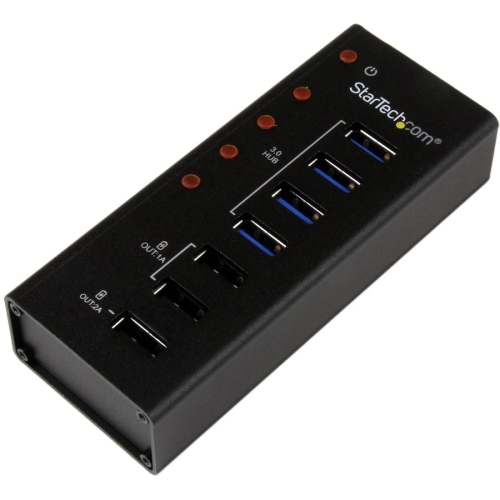
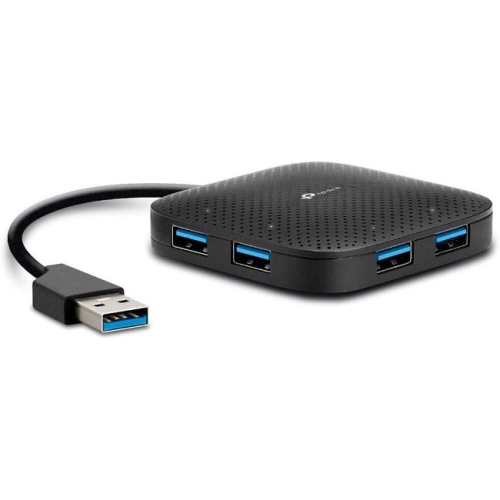
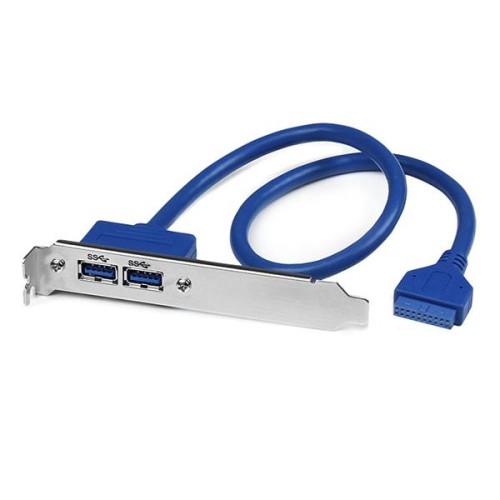
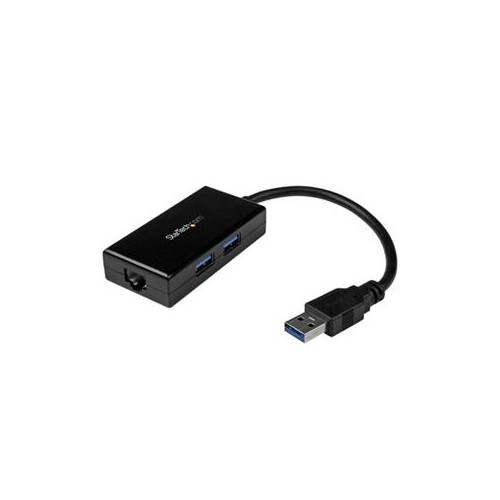
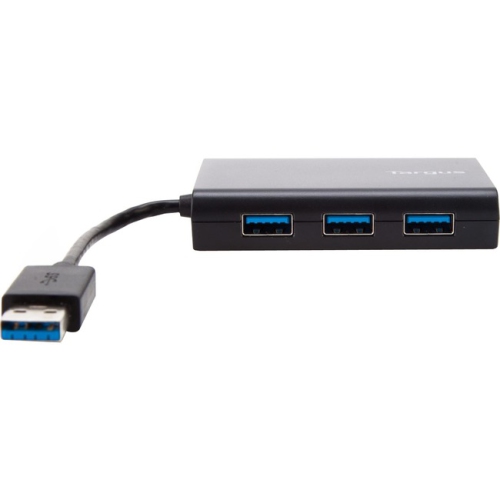
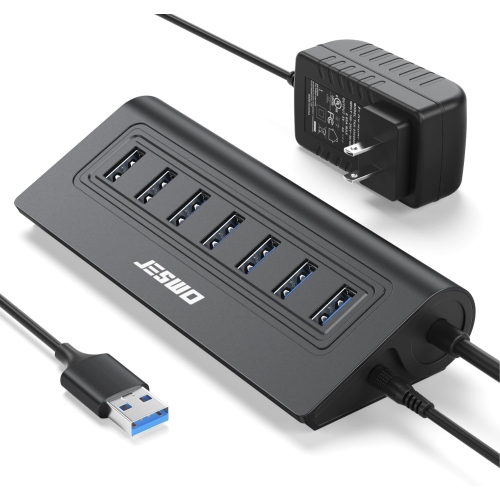
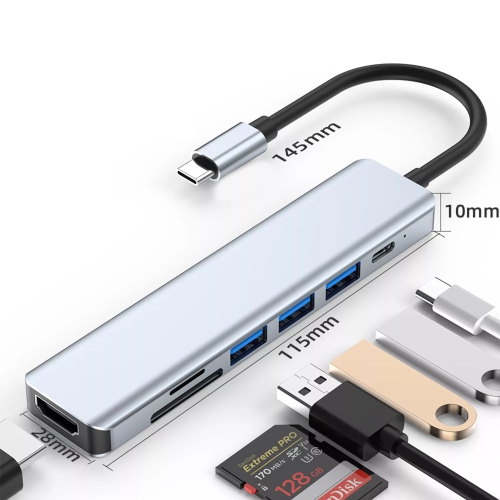
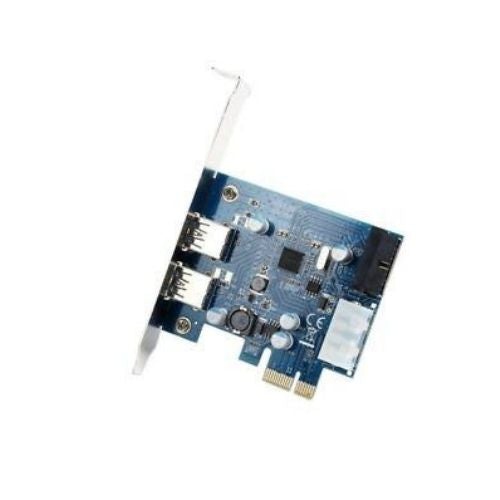
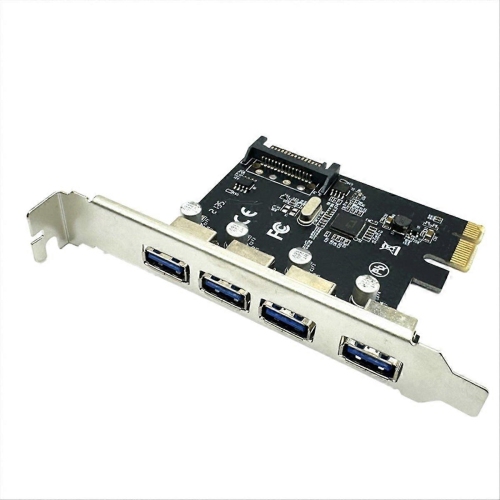
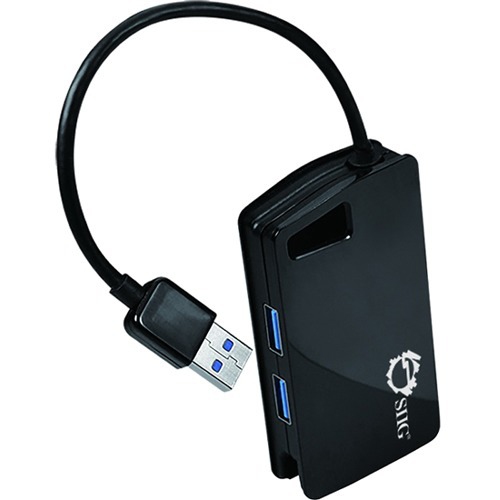
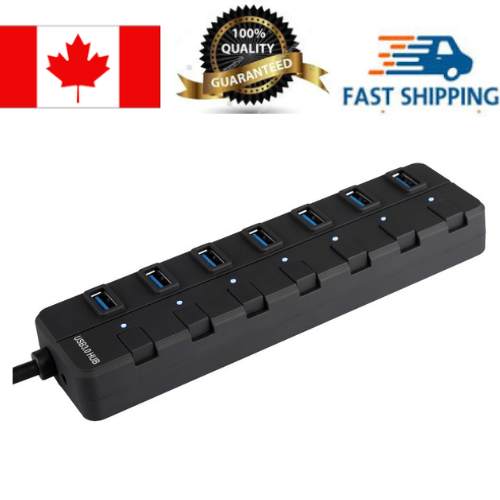
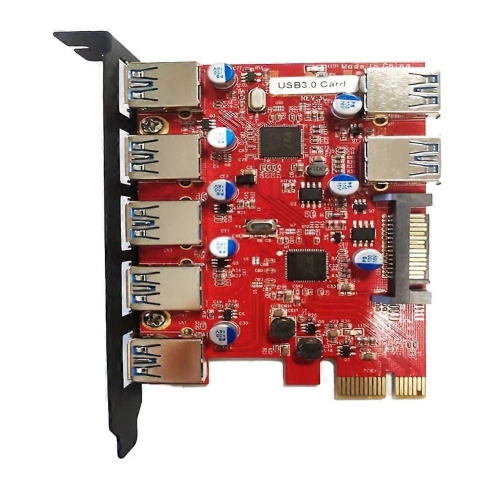
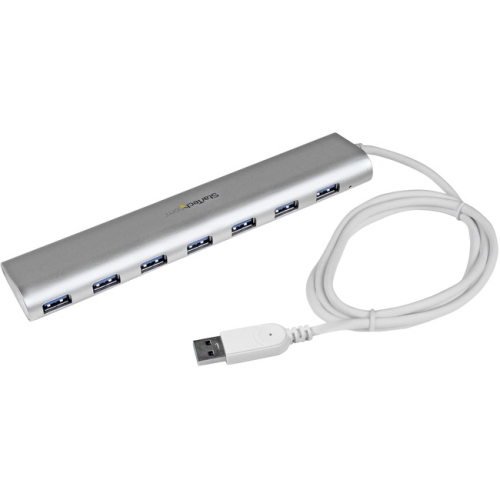
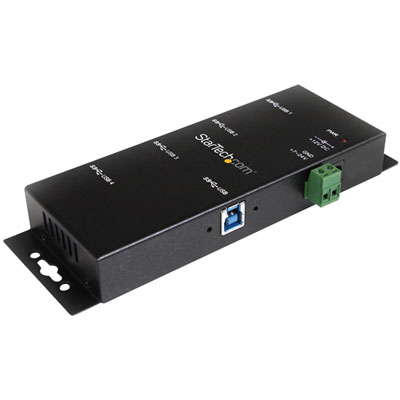
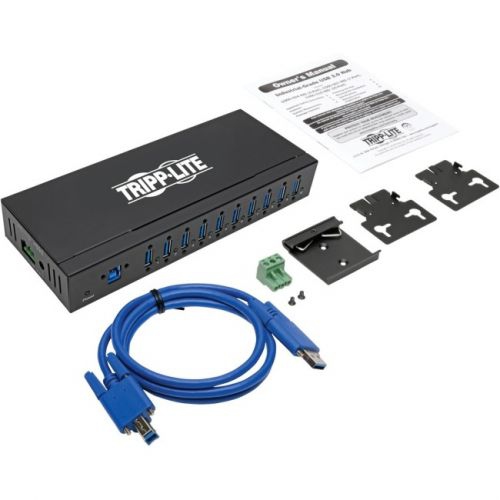
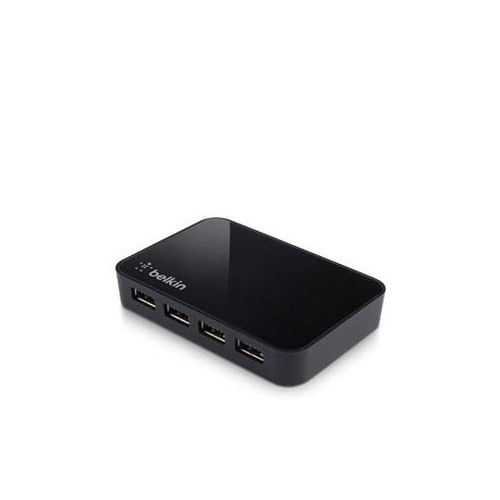
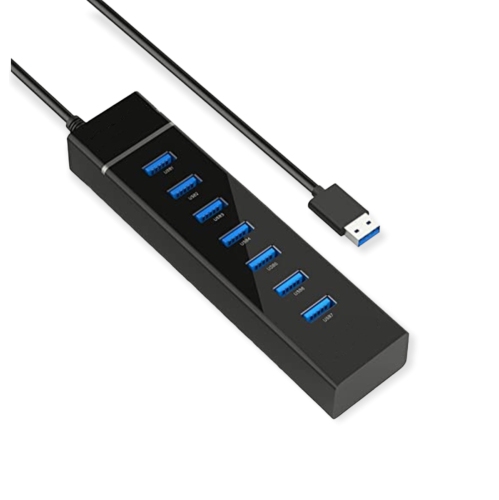
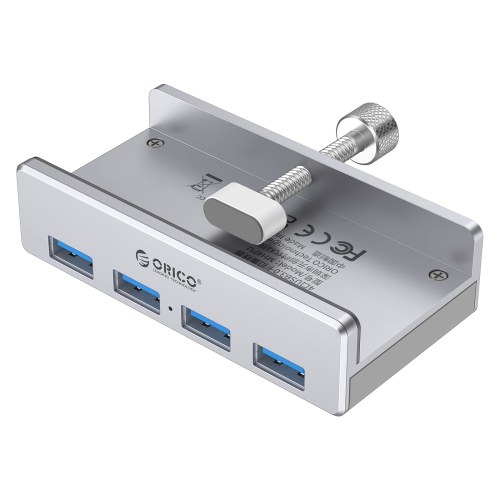
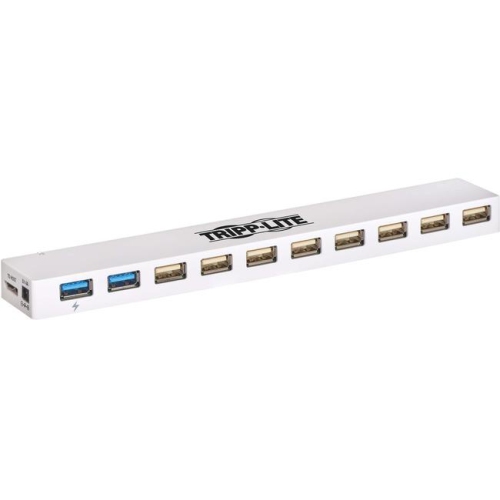
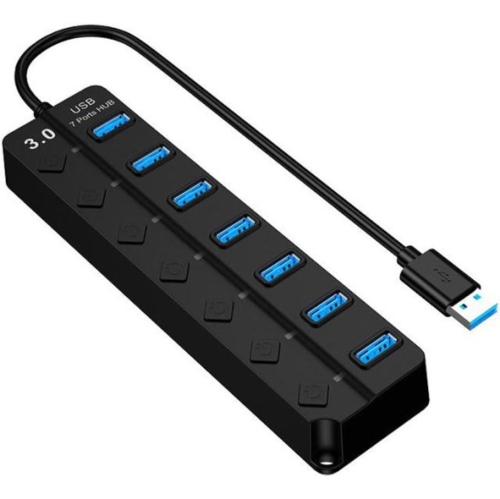
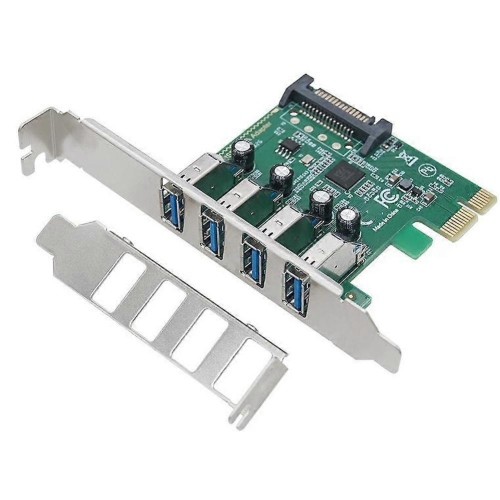
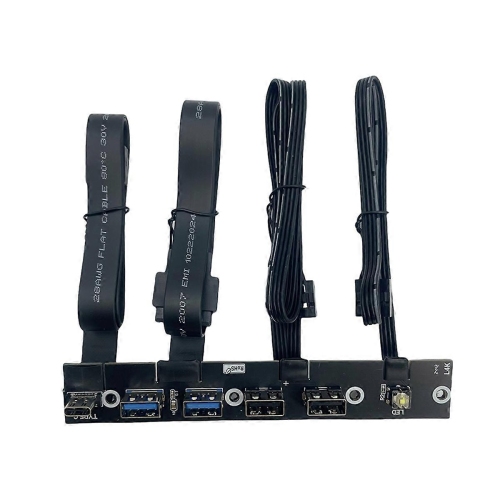
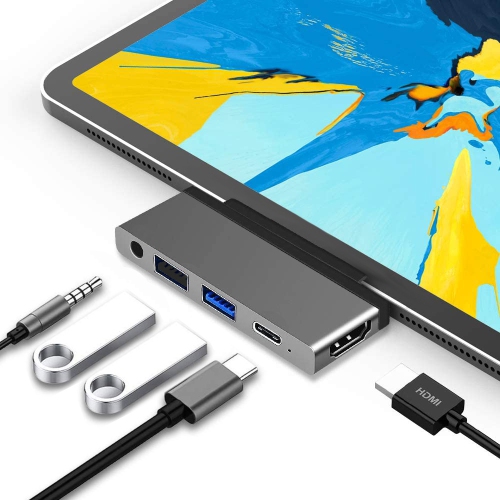
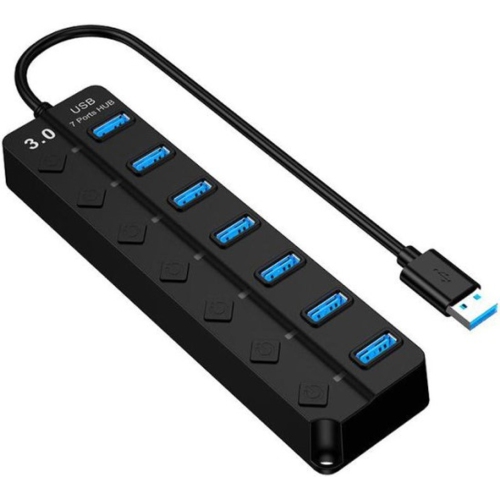
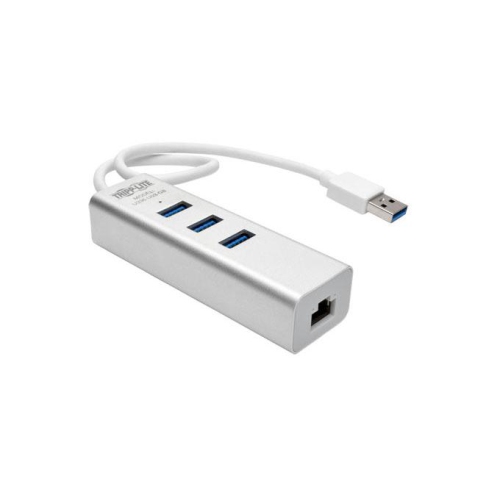
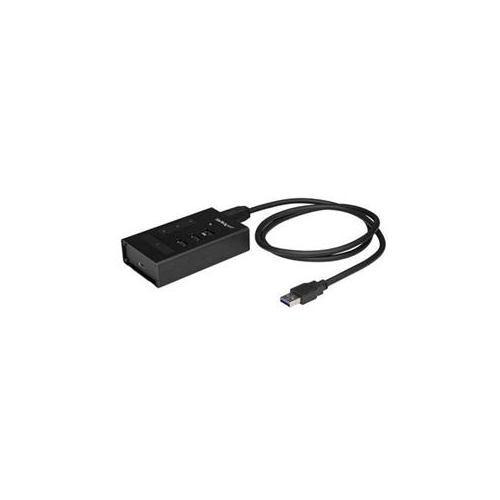
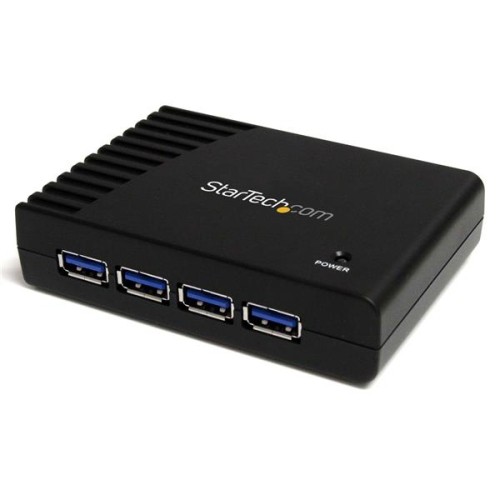
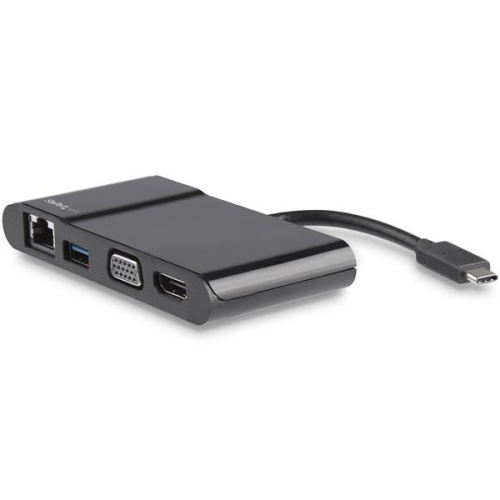
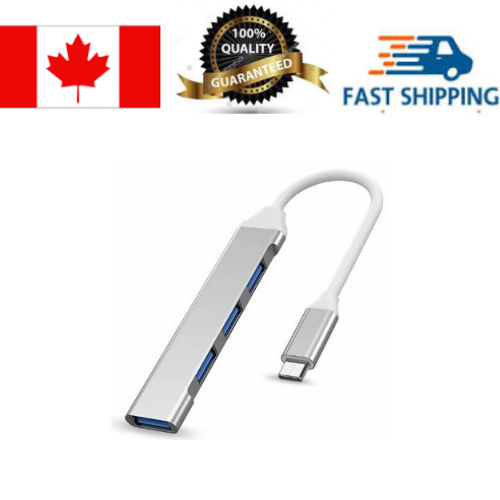
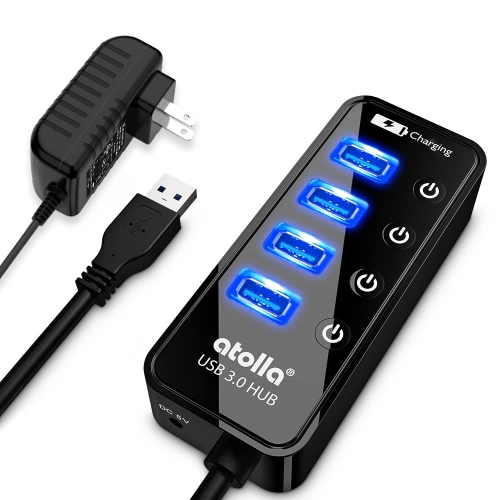
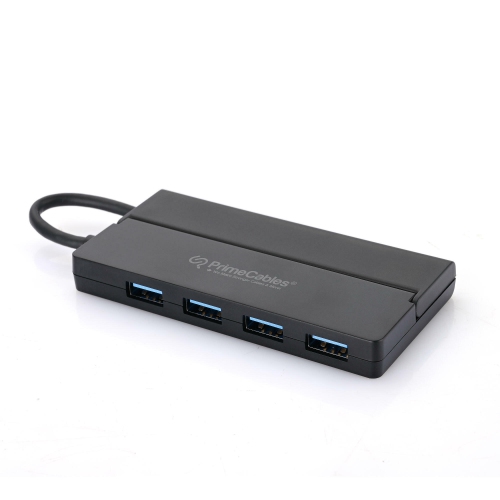
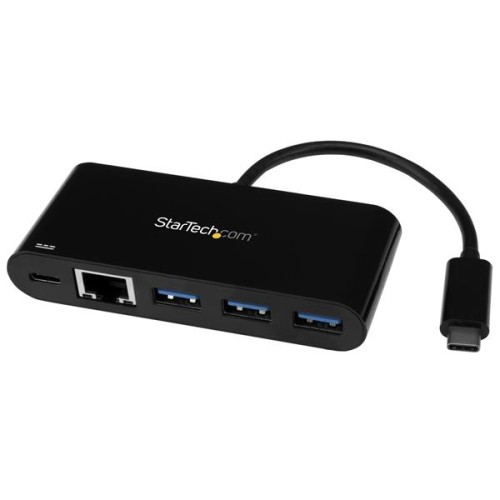
Products with USB 3.0 ports serve different purposes, and the connection to the computer matters as much as the number of sockets. A compact hub expands a single connection into several ports for everyday accessories, while a docking station may combine USB connections with networking, audio, or display outputs. Those additional functions depend on the dock and the host computer; a USB connector does not automatically support every feature. A desktop expansion card can add ports internally, provided the computer has a suitable expansion slot, physical clearance, operating system support, and any required power connection. For a laptop used at a desk and carried between rooms, a hub with an integrated cable can keep the setup light and straightforward. A more permanent workstation may benefit from a longer host cable, a stable housing, and ports positioned where plugs are easy to reach. Port spacing deserves attention when several accessories will stay connected, since a wide flash drive or bulky wireless receiver can obstruct the socket beside it. Cable length also affects fit: a lead should reach comfortably without pulling sideways on the computer’s port or leaving the hub dangling from its connector. When several drives share a hub, they also share the bandwidth of its upstream connection, so four USB 3.0 ports do not each receive an independent 5 Gbps link to the computer. The host port, hub, cable, and attached device all need to support USB 3.0 for a SuperSpeed connection; an older component in that path can reduce performance. Power is another distinction. A standard USB 3.0 downstream port can supply up to 900 mA at 5 V to a compatible, configured device, compared with up to 500 mA for standard USB 2.0. That does not guarantee fast phone charging. Charging capabilities vary, and higher-power features require explicit support. A hub with its own power adapter can be useful for several powered accessories, though its total power budget and per-port limits still determine what it can run reliably.
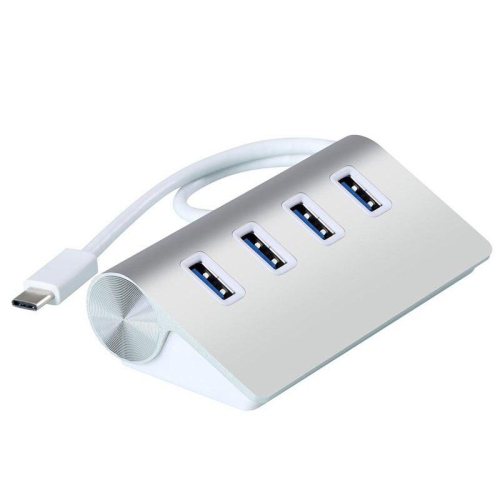
Build quality and everyday handling influence how well USB 3.0 accessories hold up to repeated use. Housings are commonly made from plastic or aluminium: plastic can keep a portable hub lightweight, while aluminium can offer a rigid outer shell. Neither material alone establishes durability, so the fit of the sockets, cable construction, strain relief, and overall assembly are worth considering together. A flexible cable with reinforcement near the plug is helpful when a hub is packed and unpacked frequently, while a detachable cable can be easier to replace if it becomes damaged. Any replacement still needs the appropriate connectors, data specification, and power capability. For students carrying a laptop between study spaces, a small hub can provide room for a mouse and removable storage without adding much bulk. Someone working with large photo folders may place greater value on a dependable high-speed path to external storage. A home office user may prefer a desk-mounted arrangement that keeps cables organized and leaves frequently used ports within reach. These accessories can also make practical gifts when the recipient’s computer connections and intended uses are known; matching the host plug is more useful than simply choosing the greatest number of ports. Day-to-day care is straightforward. Insert plugs in the correct orientation without forcing them, remove cables by holding the connector rather than tugging the lead, and avoid tightly winding cables around a housing. Keep sockets clear of debris and liquids, and follow the manufacturer’s cleaning instructions rather than inserting tools into the contacts. During file transfers, leave connections undisturbed and use the operating system’s eject function before disconnecting storage where appropriate. A well-matched setup gives each accessory a secure connection, leaves enough room for everyday handling, and provides the data and power capabilities needed for the task, whether that is saving coursework, connecting a webcam, or keeping a regular backup close at hand.
Products with USB 3.0 ports serve different purposes, and the connection to the computer matters as much as the number of sockets. A compact hub expands a single connection into several ports for everyday accessories, while a docking station may combine USB connections with networking, audio, or display outputs. Those additional functions depend on the dock and the host computer; a USB connector does not automatically support every feature. A desktop expansion card can add ports internally, provided the computer has a suitable expansion slot, physical clearance, operating system support, and any required power connection. For a laptop used at a desk and carried between rooms, a hub with an integrated cable can keep the setup light and straightforward. A more permanent workstation may benefit from a longer host cable, a stable housing, and ports positioned where plugs are easy to reach. Port spacing deserves attention when several accessories will stay connected, since a wide flash drive or bulky wireless receiver can obstruct the socket beside it. Cable length also affects fit: a lead should reach comfortably without pulling sideways on the computer’s port or leaving the hub dangling from its connector. When several drives share a hub, they also share the bandwidth of its upstream connection, so four USB 3.0 ports do not each receive an independent 5 Gbps link to the computer. The host port, hub, cable, and attached device all need to support USB 3.0 for a SuperSpeed connection; an older component in that path can reduce performance. Power is another distinction. A standard USB 3.0 downstream port can supply up to 900 mA at 5 V to a compatible, configured device, compared with up to 500 mA for standard USB 2.0. That does not guarantee fast phone charging. Charging capabilities vary, and higher-power features require explicit support. A hub with its own power adapter can be useful for several powered accessories, though its total power budget and per-port limits still determine what it can run reliably.
Build quality and everyday handling influence how well USB 3.0 accessories hold up to repeated use. Housings are commonly made from plastic or aluminium: plastic can keep a portable hub lightweight, while aluminium can offer a rigid outer shell. Neither material alone establishes durability, so the fit of the sockets, cable construction, strain relief, and overall assembly are worth considering together. A flexible cable with reinforcement near the plug is helpful when a hub is packed and unpacked frequently, while a detachable cable can be easier to replace if it becomes damaged. Any replacement still needs the appropriate connectors, data specification, and power capability. For students carrying a laptop between study spaces, a small hub can provide room for a mouse and removable storage without adding much bulk. Someone working with large photo folders may place greater value on a dependable high-speed path to external storage. A home office user may prefer a desk-mounted arrangement that keeps cables organized and leaves frequently used ports within reach. These accessories can also make practical gifts when the recipient’s computer connections and intended uses are known; matching the host plug is more useful than simply choosing the greatest number of ports. Day-to-day care is straightforward. Insert plugs in the correct orientation without forcing them, remove cables by holding the connector rather than tugging the lead, and avoid tightly winding cables around a housing. Keep sockets clear of debris and liquids, and follow the manufacturer’s cleaning instructions rather than inserting tools into the contacts. During file transfers, leave connections undisturbed and use the operating system’s eject function before disconnecting storage where appropriate. A well-matched setup gives each accessory a secure connection, leaves enough room for everyday handling, and provides the data and power capabilities needed for the task, whether that is saving coursework, connecting a webcam, or keeping a regular backup close at hand.
Top selling and popular products
-
 Your price for this item is $49.99
 -
 Your price for this item is $65.99
 -
 Your price for this item is $19.98
 -
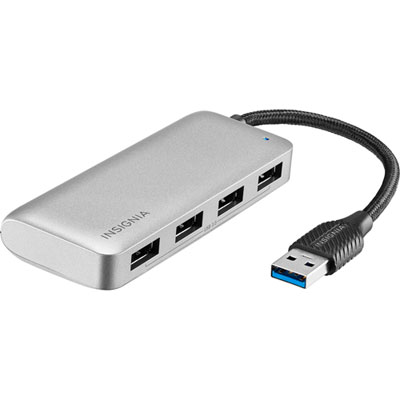 Your price for this item is $29.99
 -
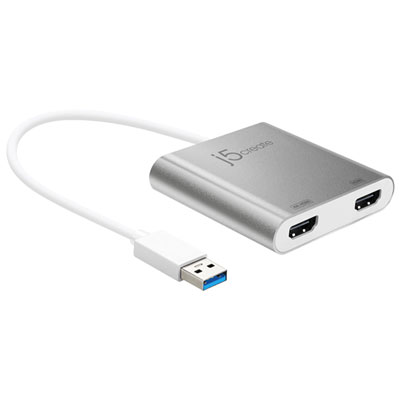 Your price for this item is $99.99
 -
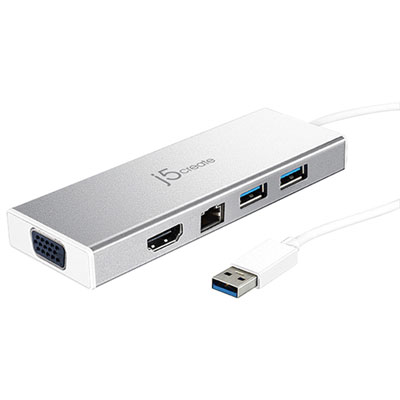 Your price for this item is $79.99
 -
 Your price for this item is $19.99
 -
 Your price for this item is $104.99
Discover more categories related to USB 3.0 Ports
Top Collections:
Pokemon Centers, Kindle Devices, Apple iPhones 16, Samsung Galaxy Phones, Canon G7X Cameras, iPhone 15 Apple, Flip Phones, Refurbished Apple Laptops, Candle Warmer Lights, Apple Wired Earphones
Some products may be subject to Environmental Handling Fees
(EHF) depending on your province.
Learn more about EHFs.