USB C Hub for Macbook Pro
Upgrade your MacBook Pro with a USB C Hub that brings versatility and convenience to your everyday tasks. With multiple ports and seamless connectivity, these hubs are designed to enhance your productivity and expand the capabilities of your MacBook Pro. Whether you need to connect external displays, transfer data quickly, or charge your devices on the go, the USB C Hub offers a reliable solution that fits seamlessly into your workflow.
Sort
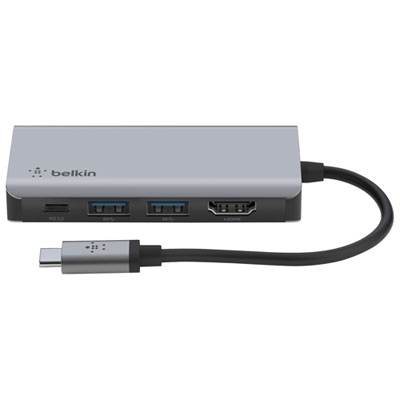
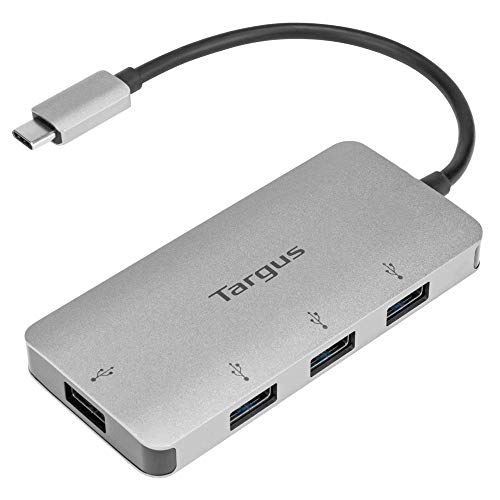
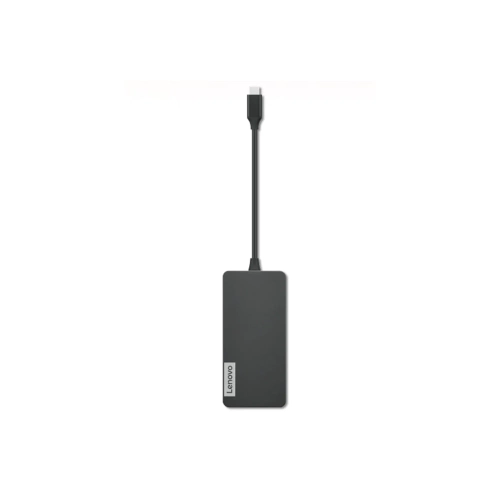
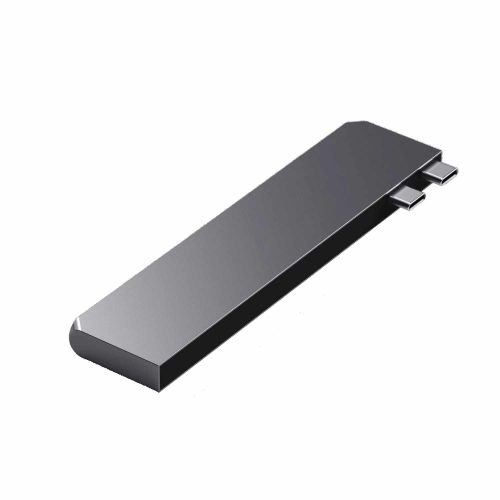
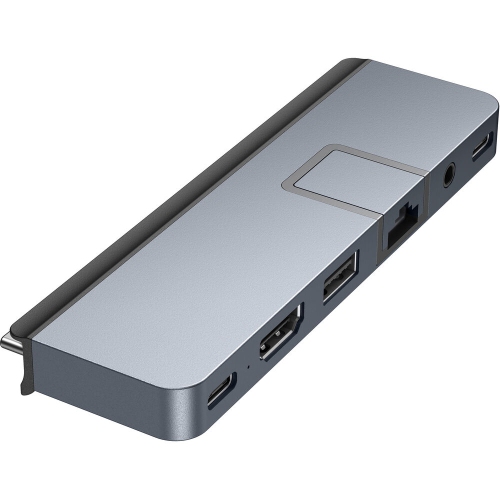
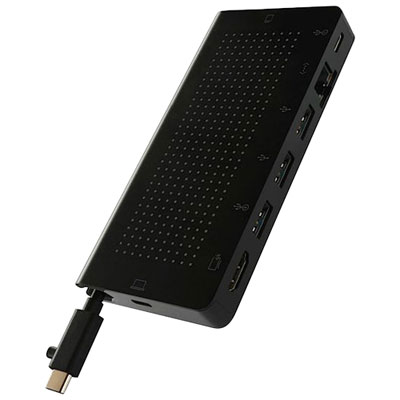
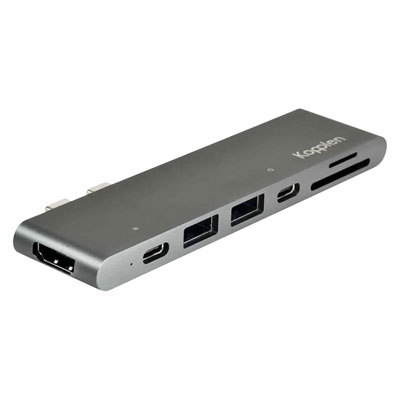
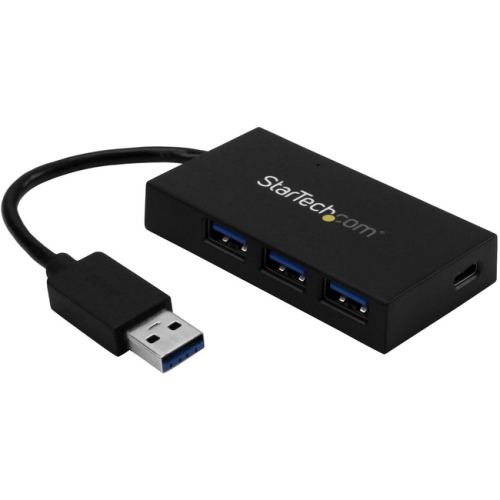
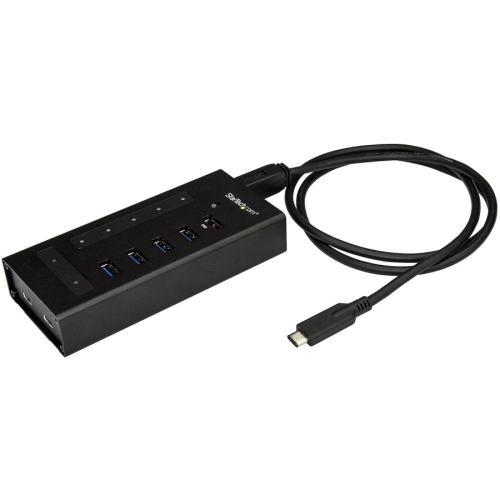
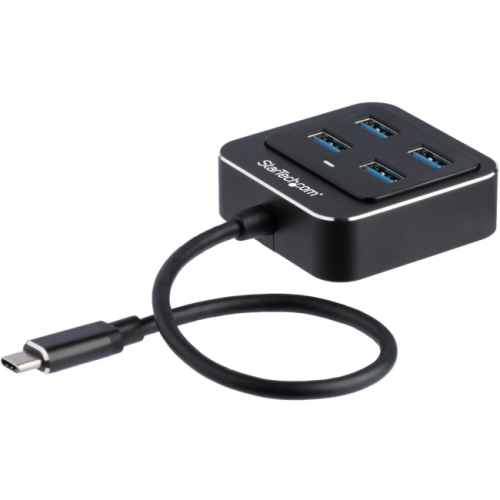
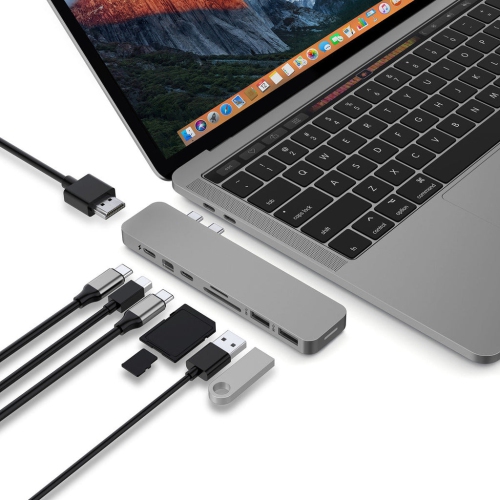
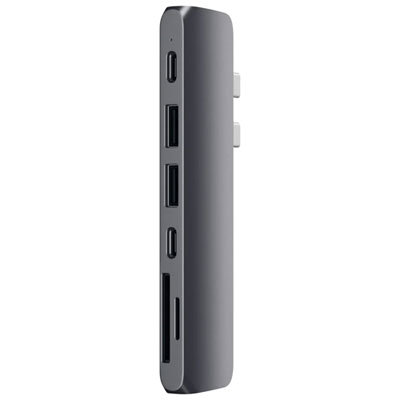
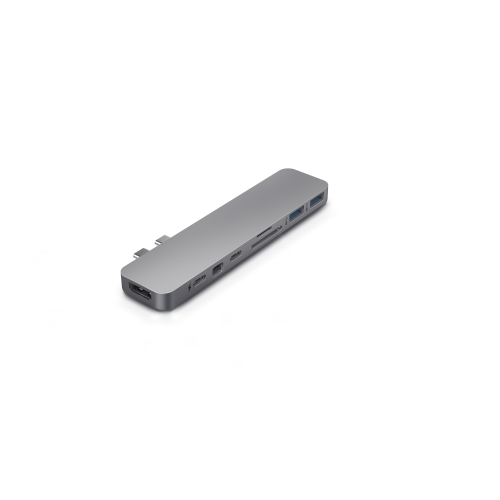
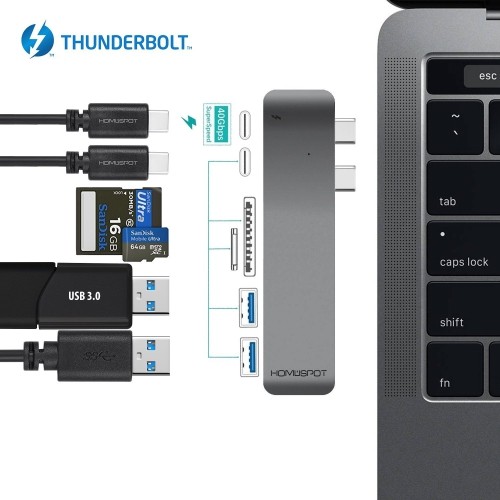
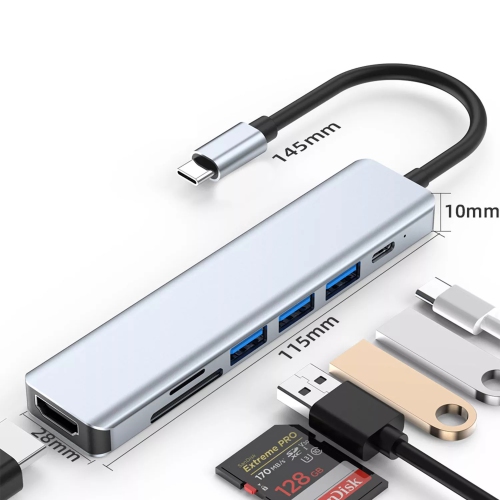
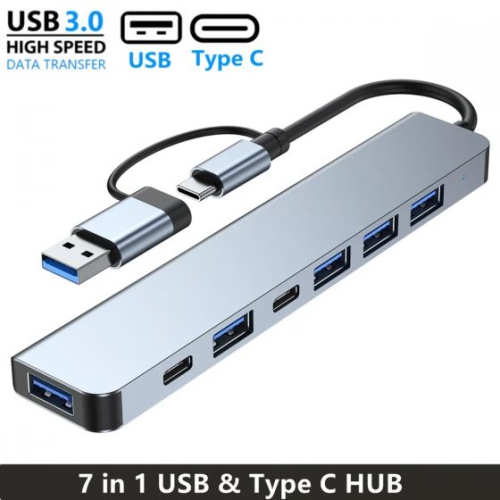
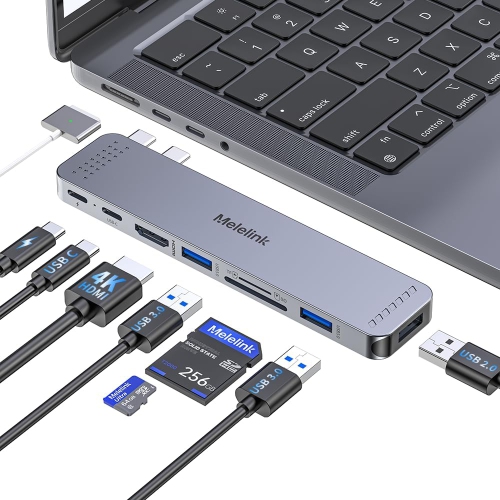
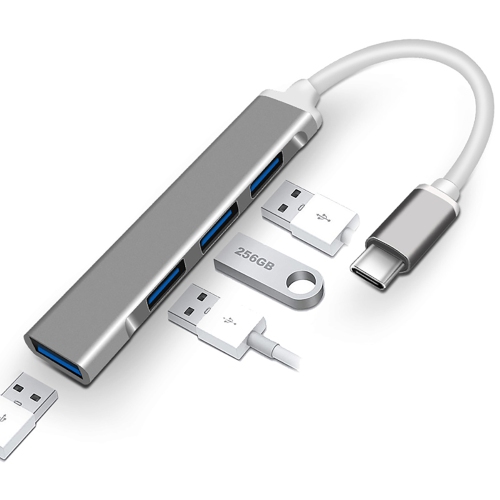
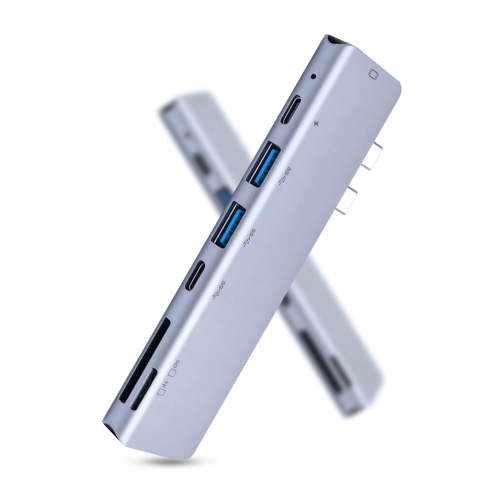
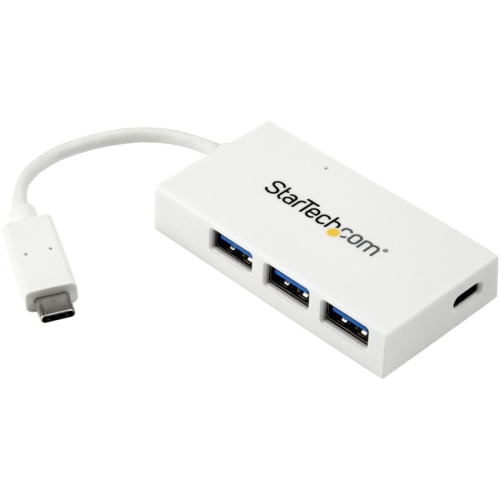
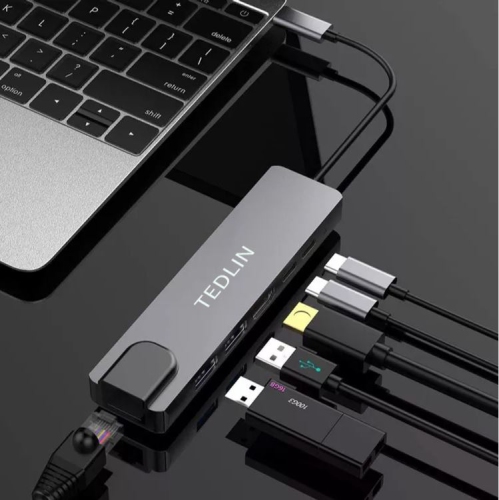

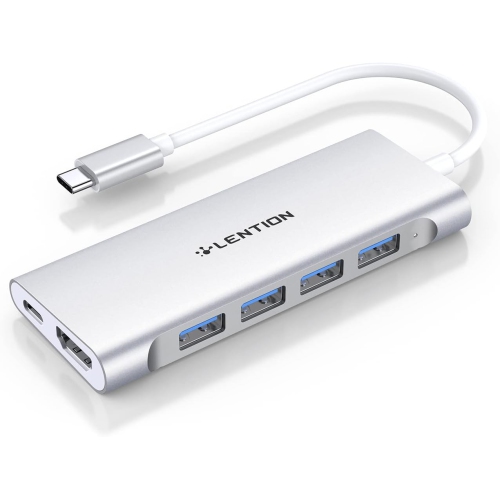
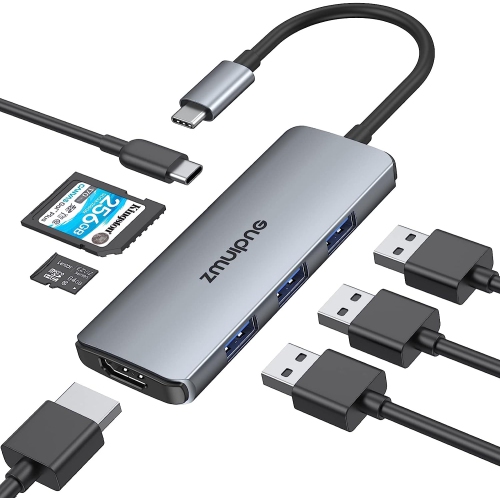
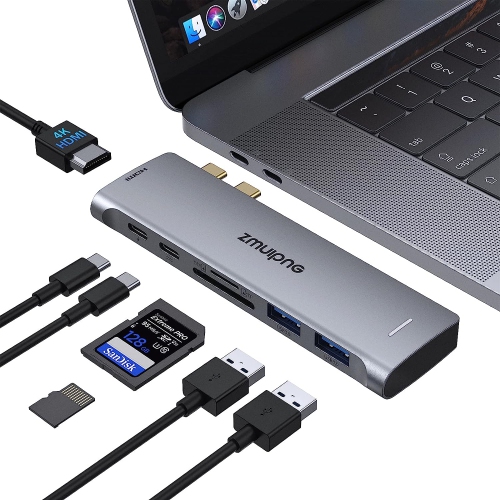
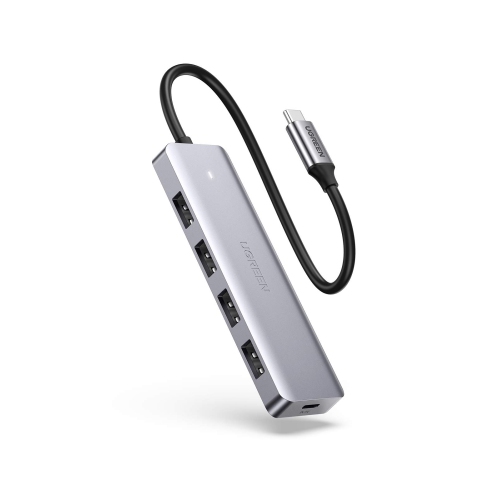
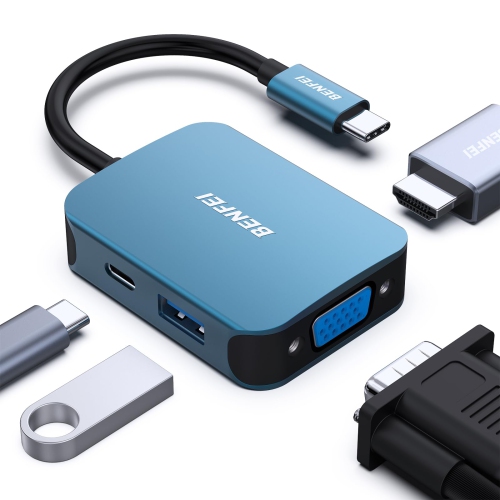
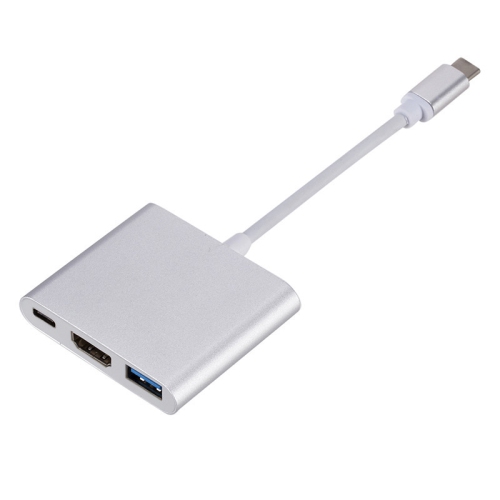
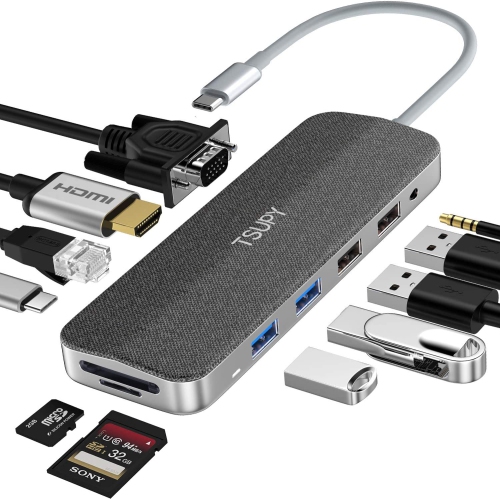
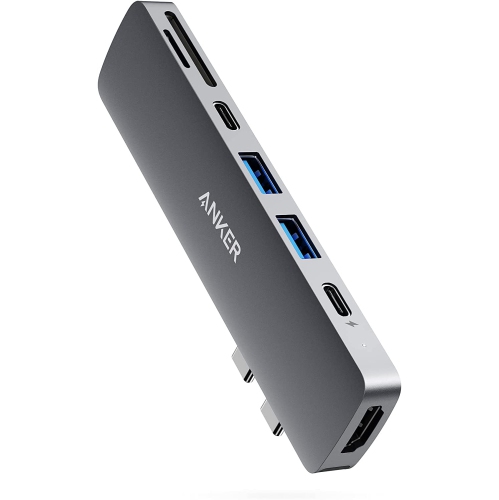
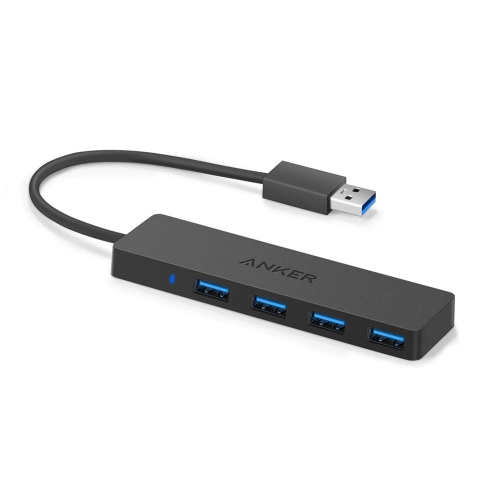
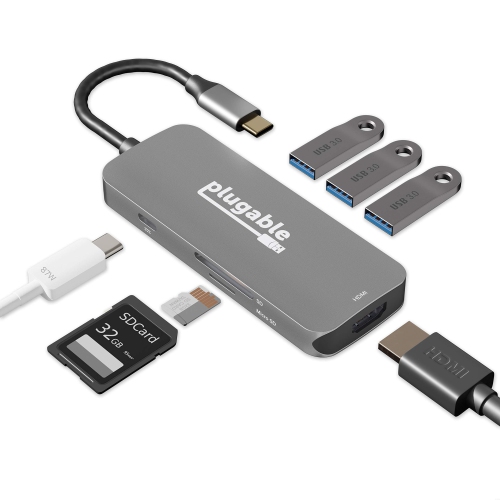
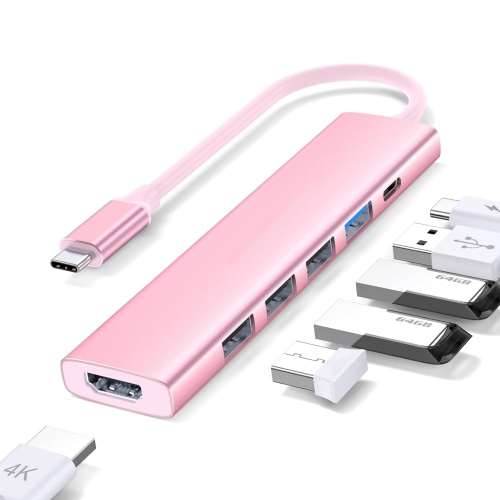
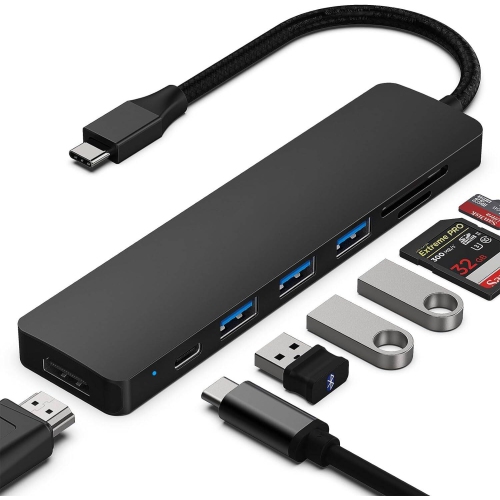

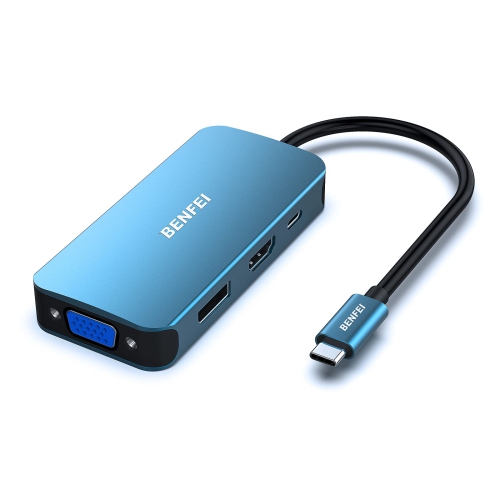
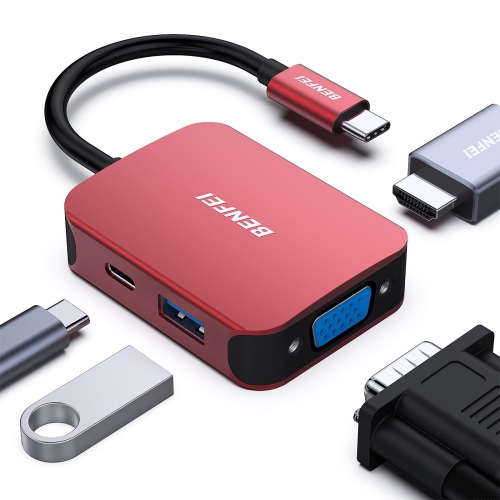
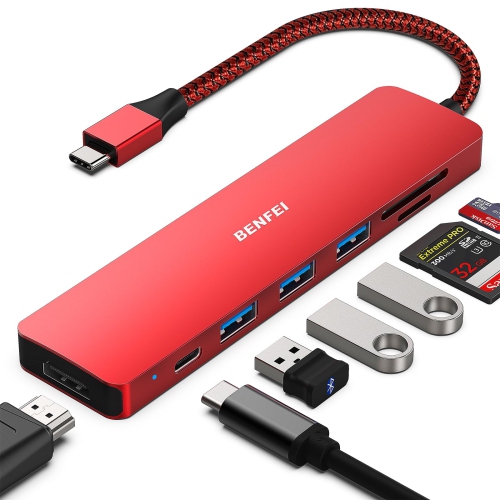
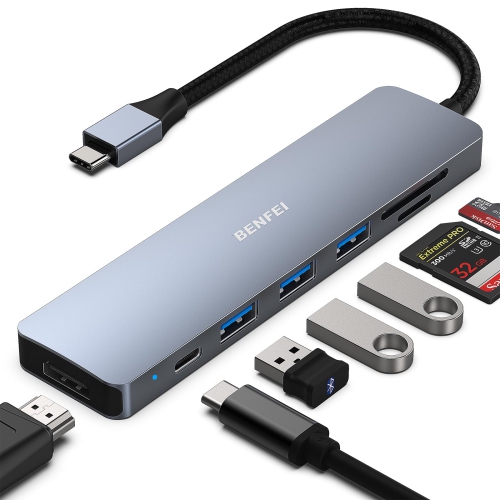
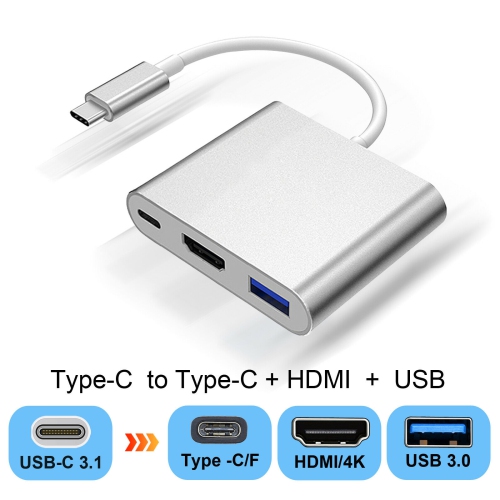
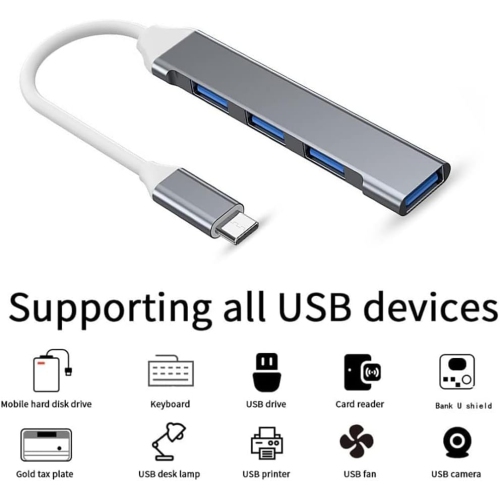
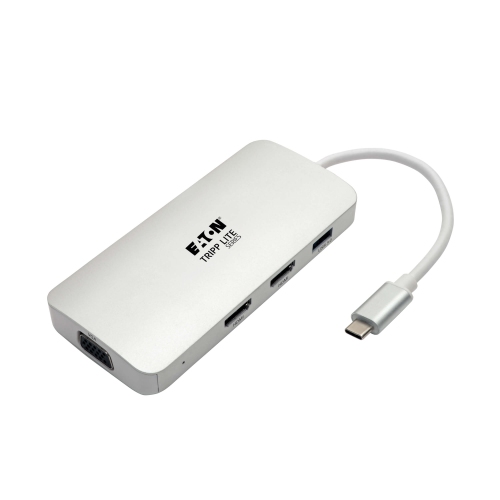

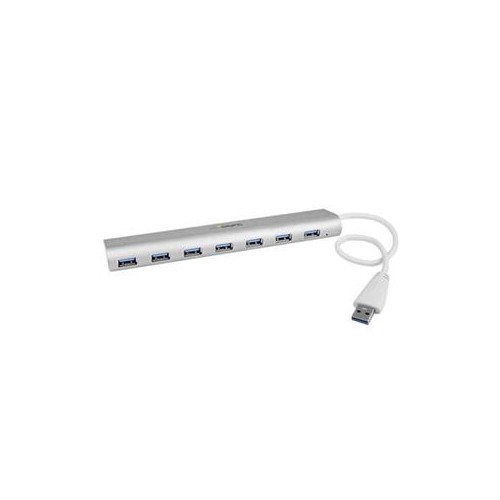
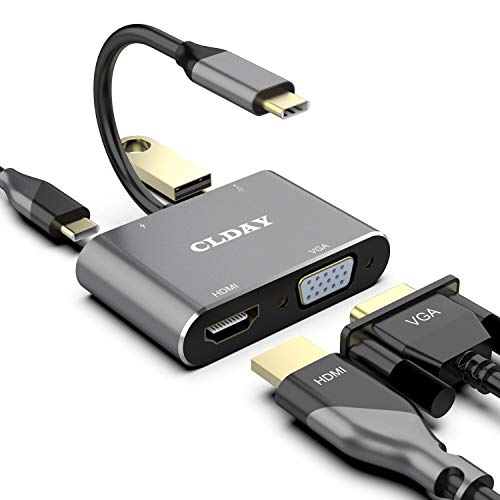

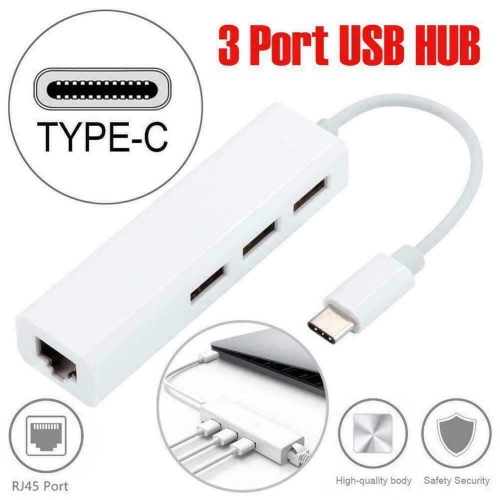
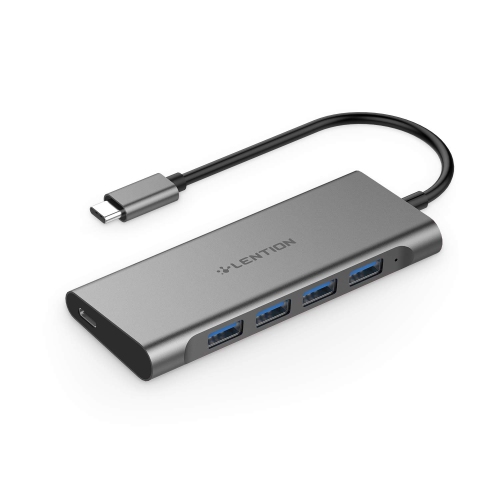
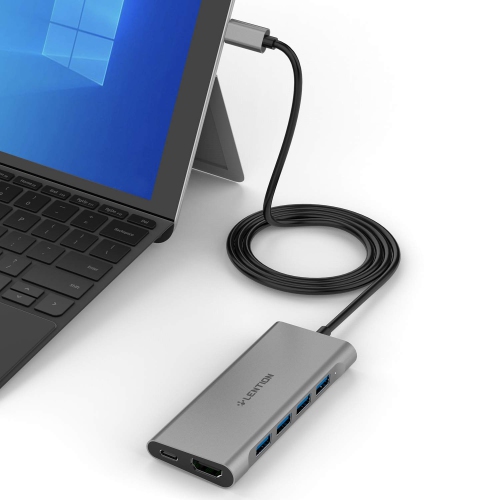
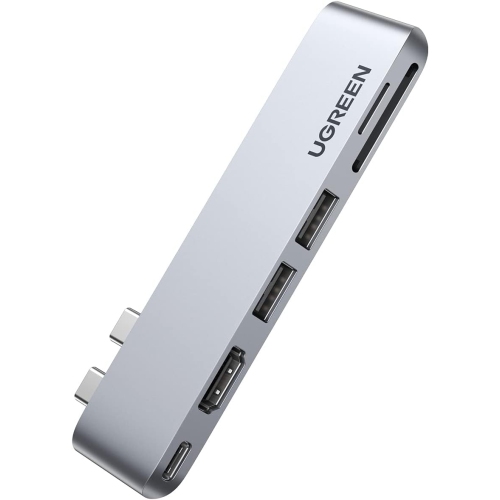
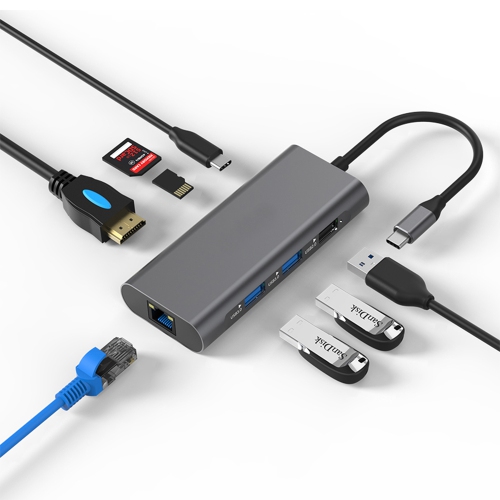
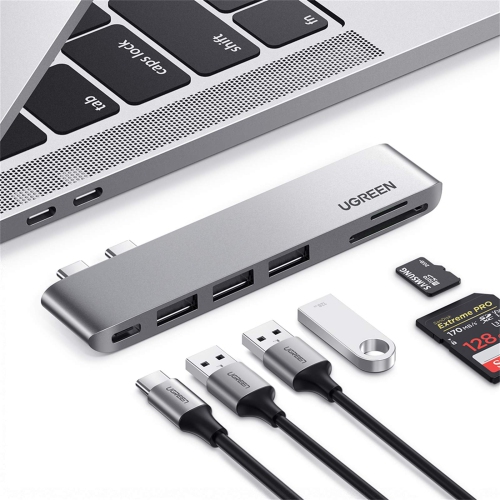
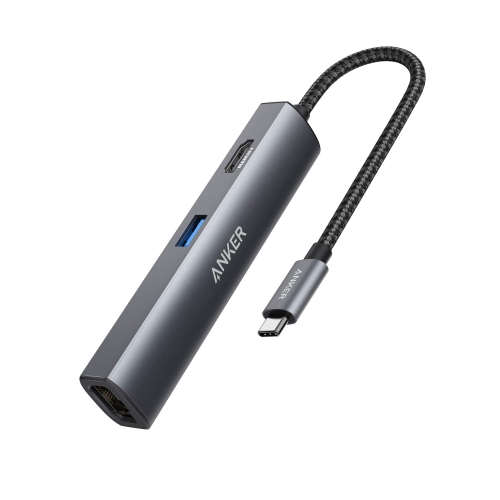
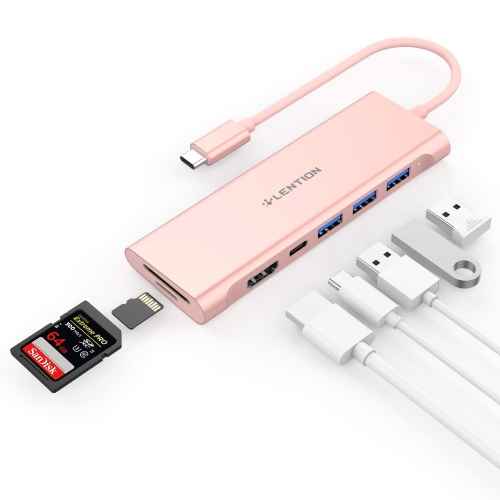
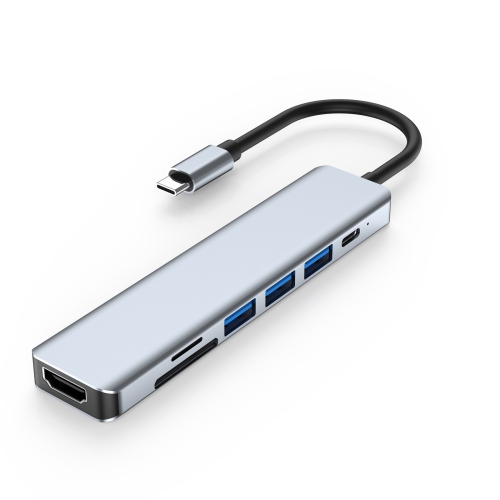
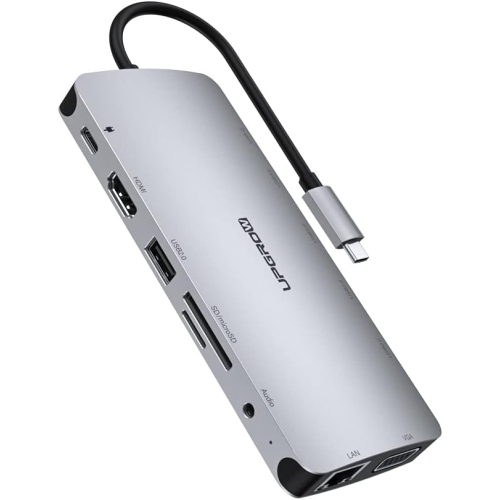

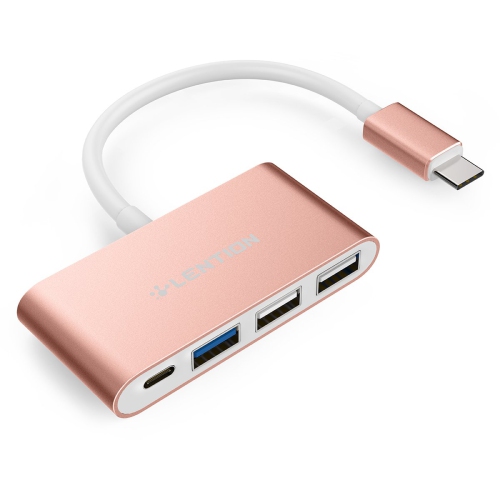
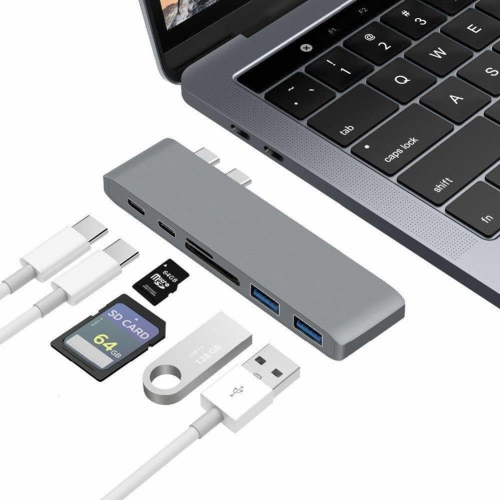
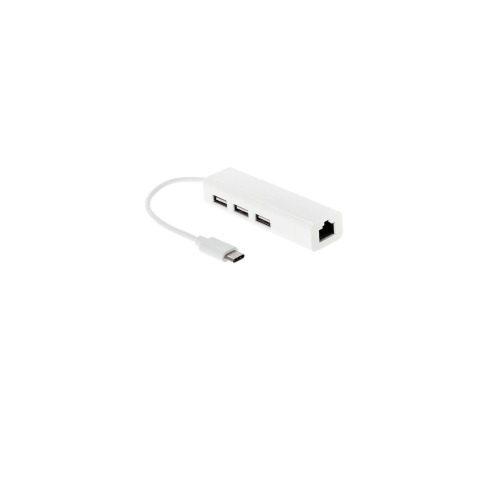
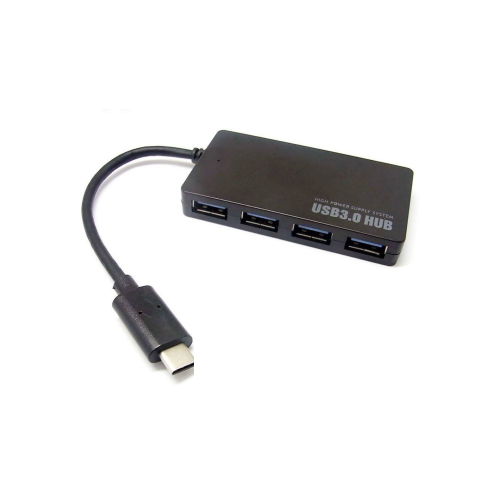
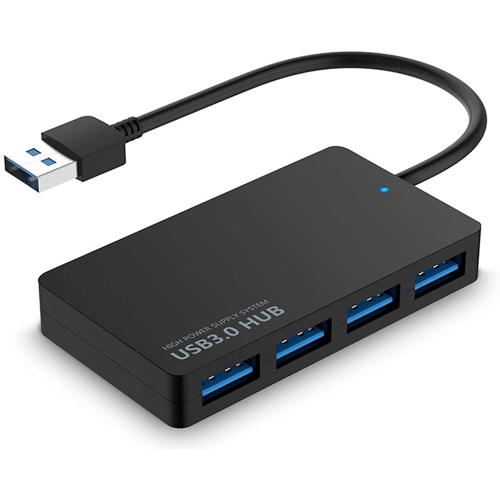
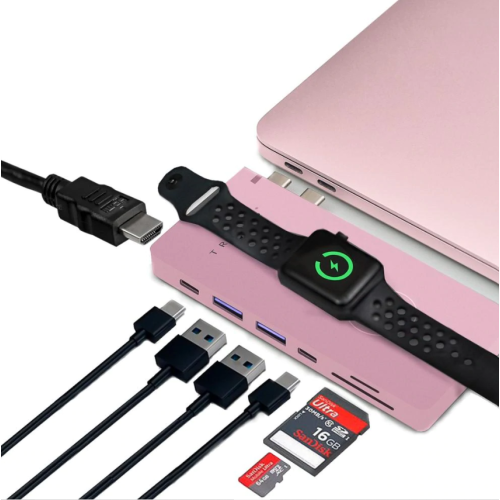
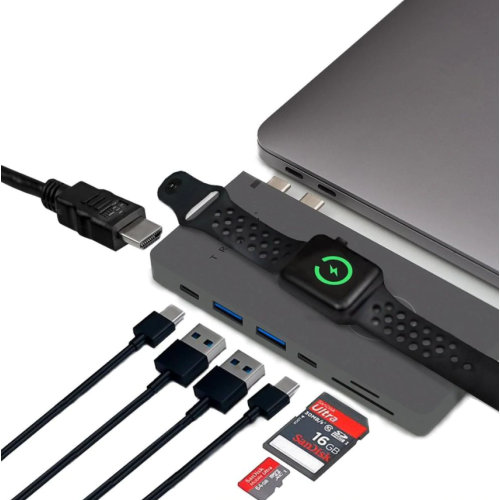
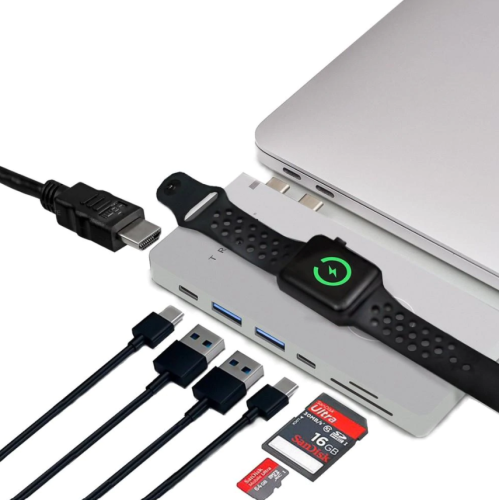
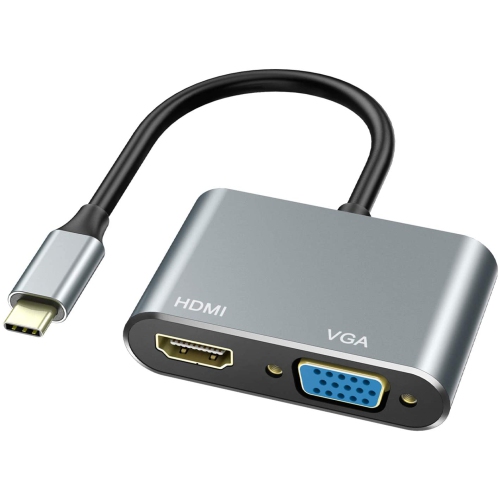
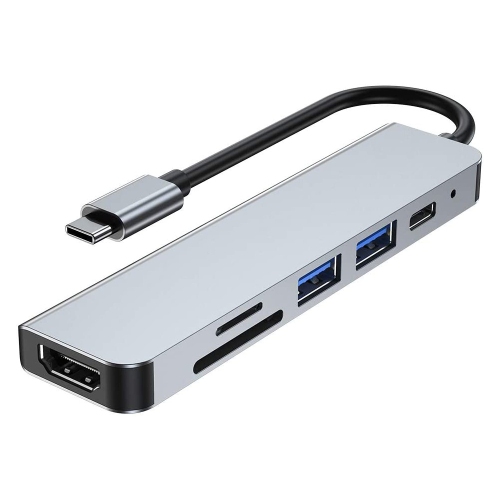
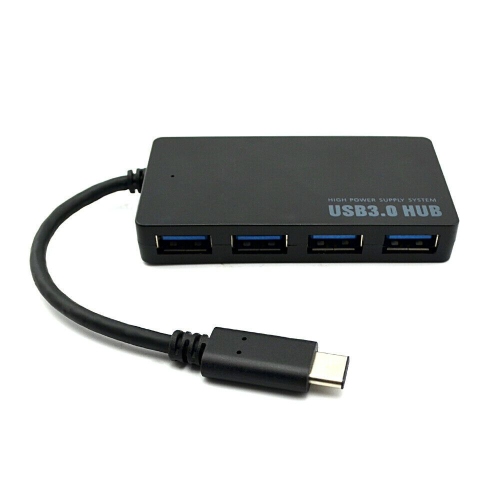
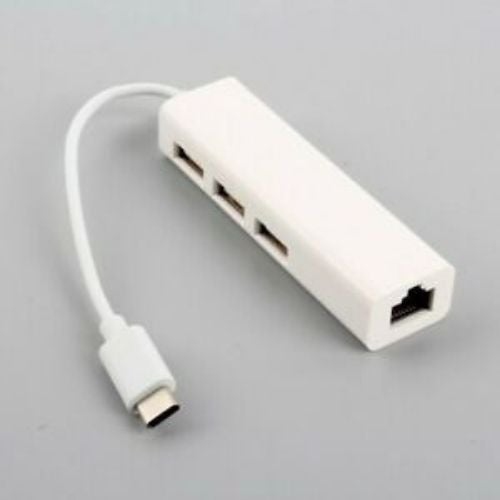
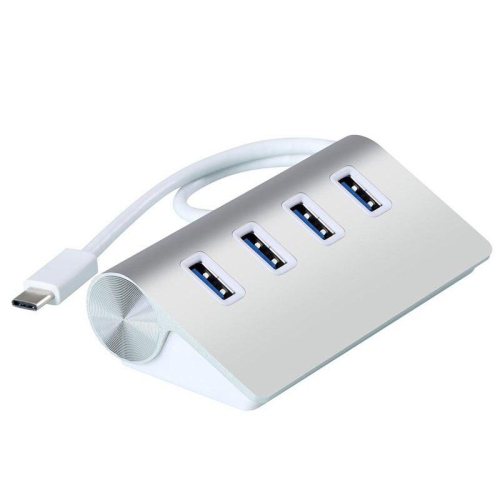
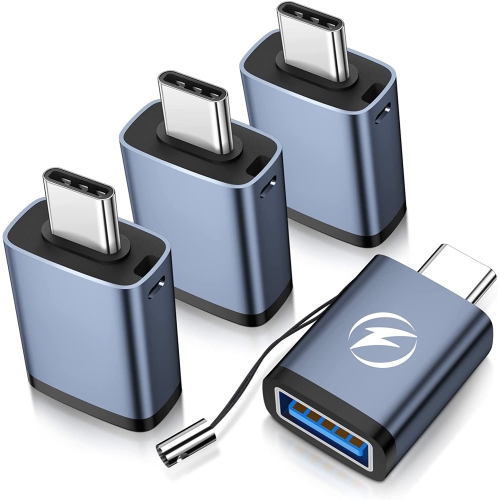
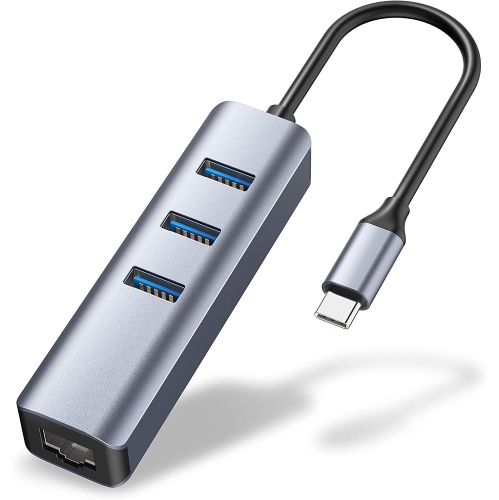
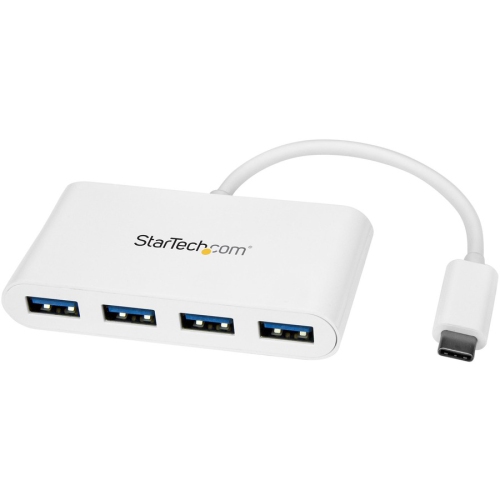
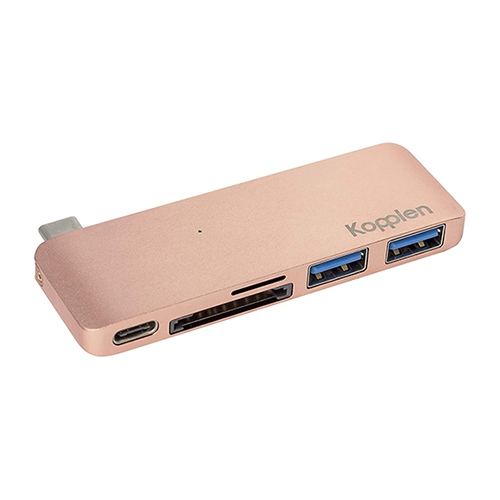
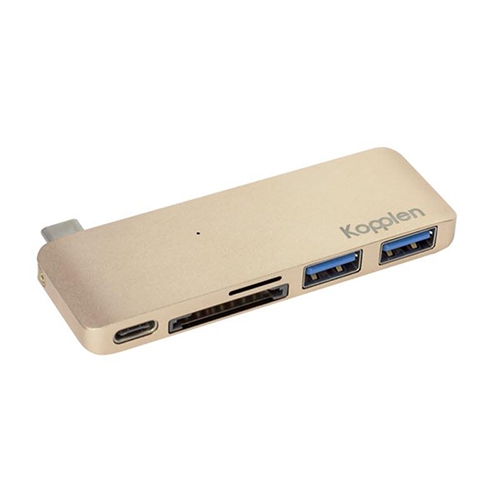
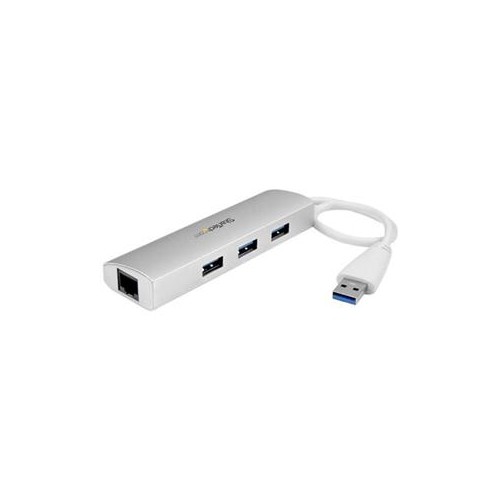
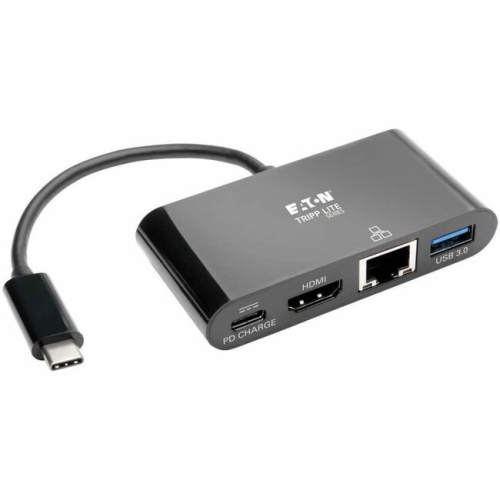
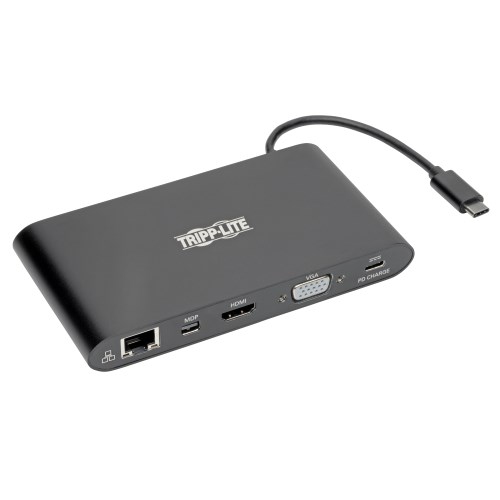
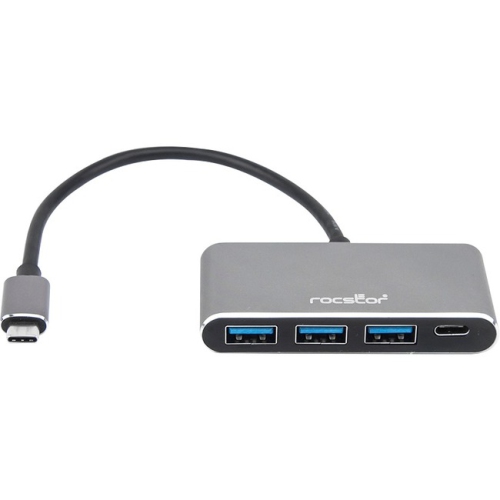
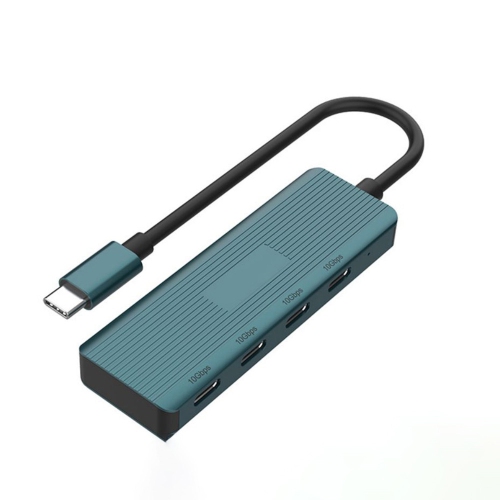
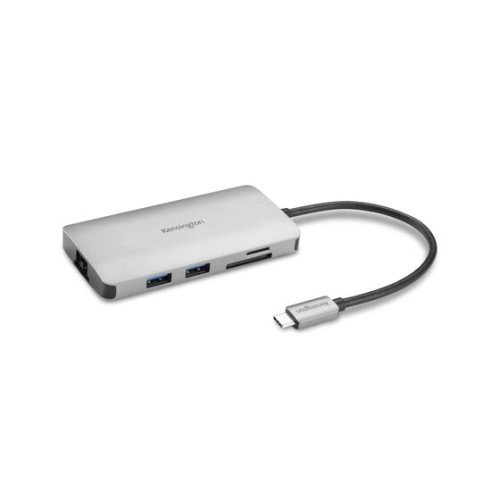
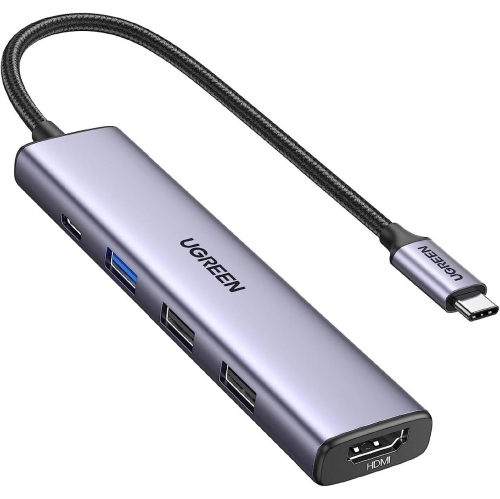
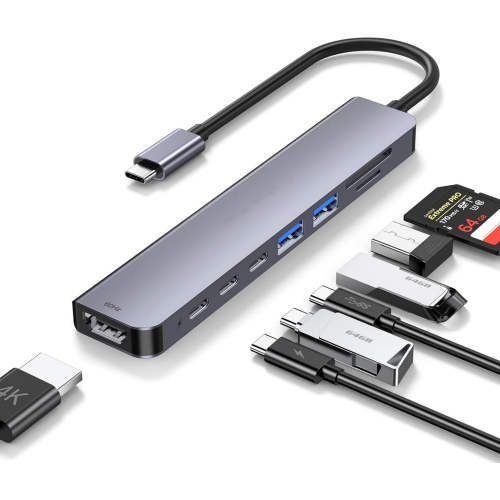
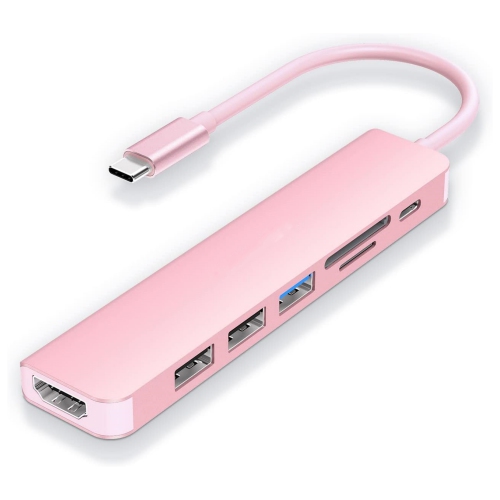
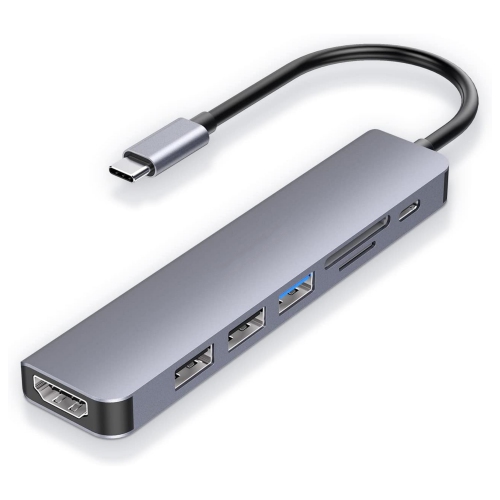
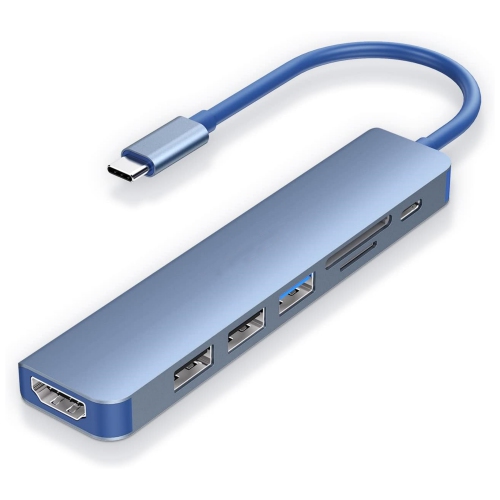
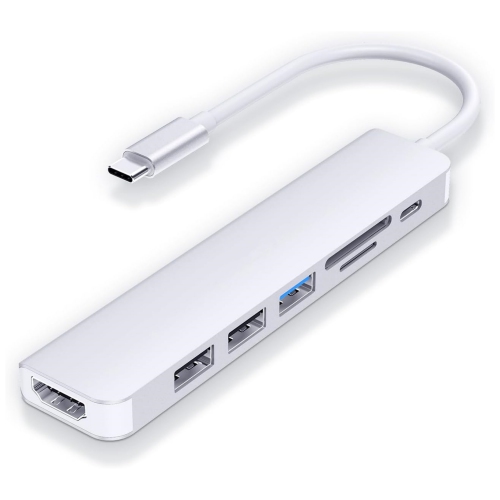

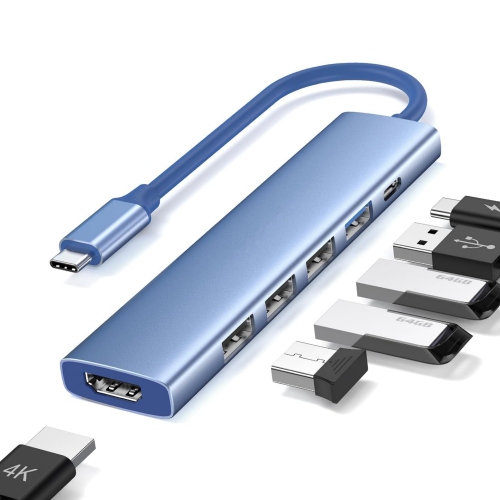
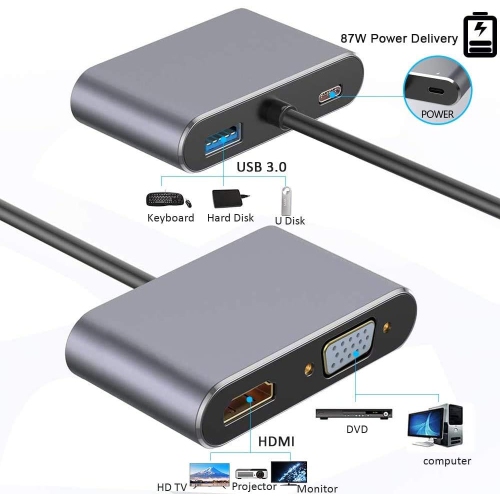
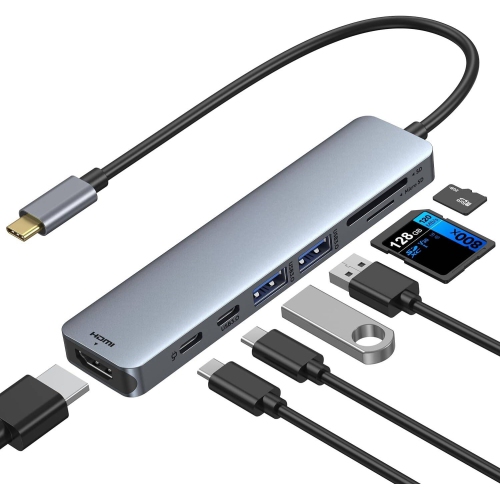
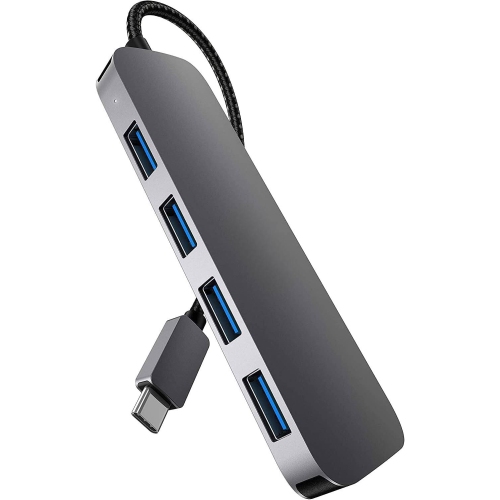
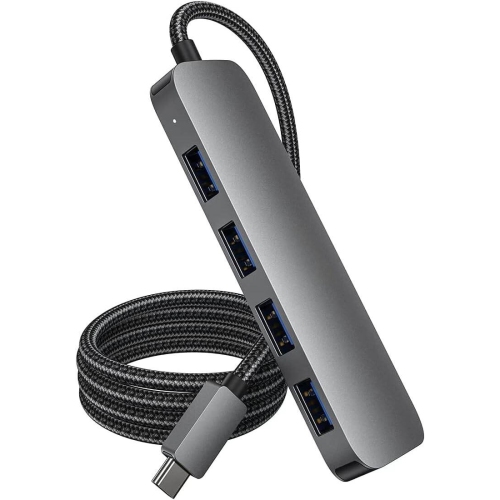
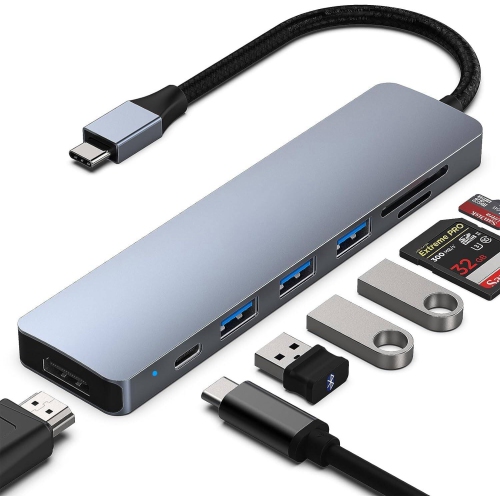
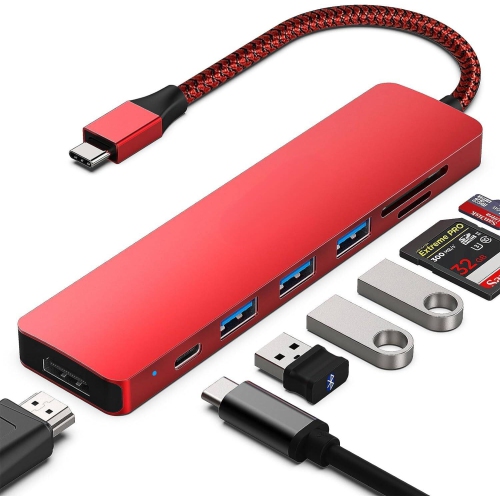
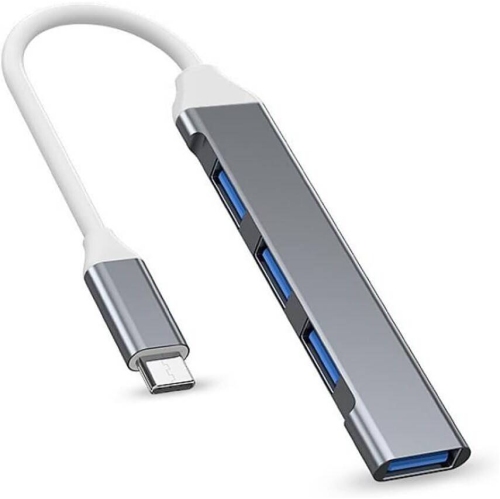
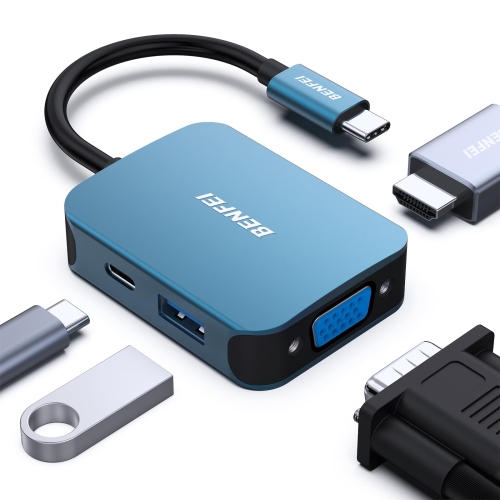
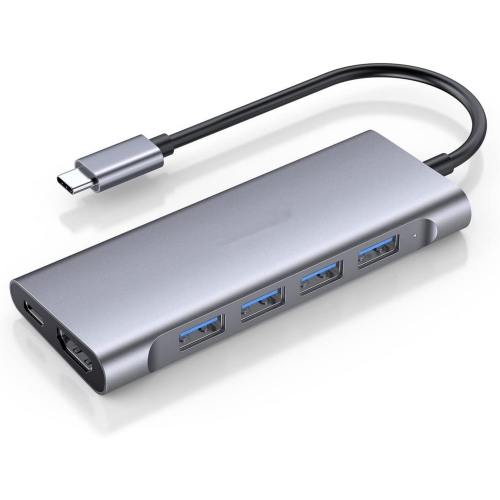
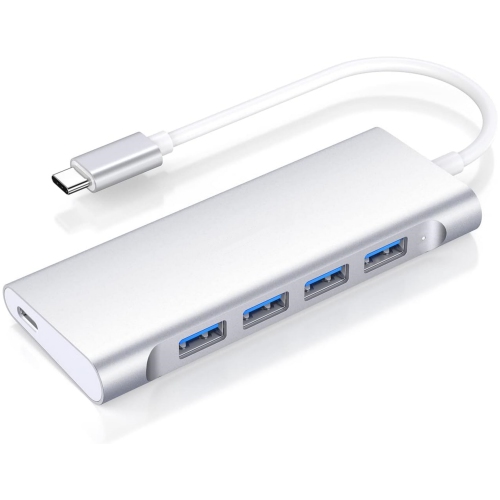
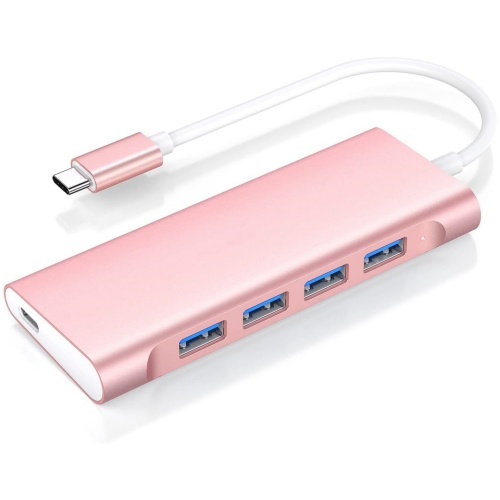
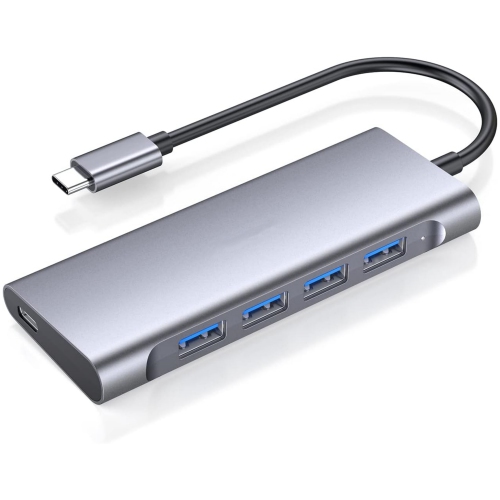
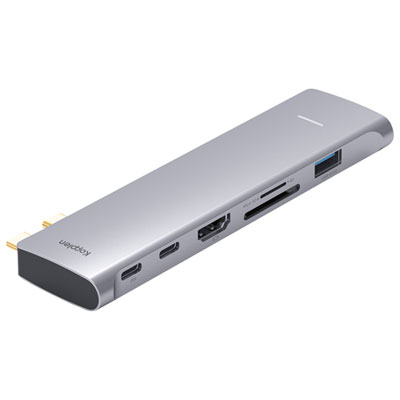
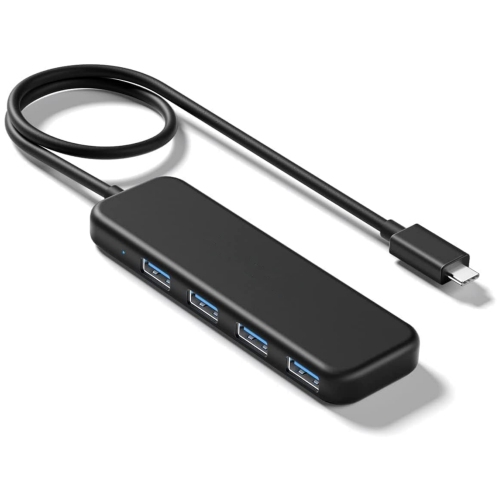
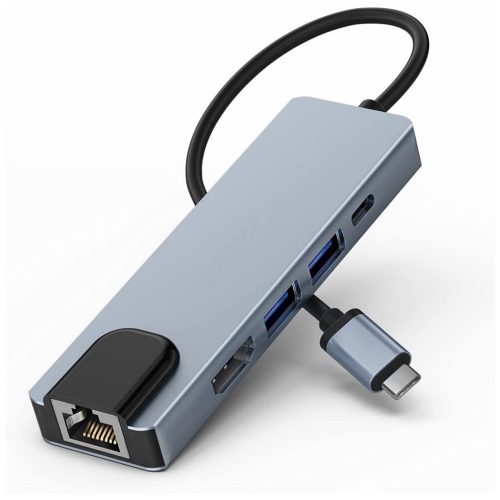
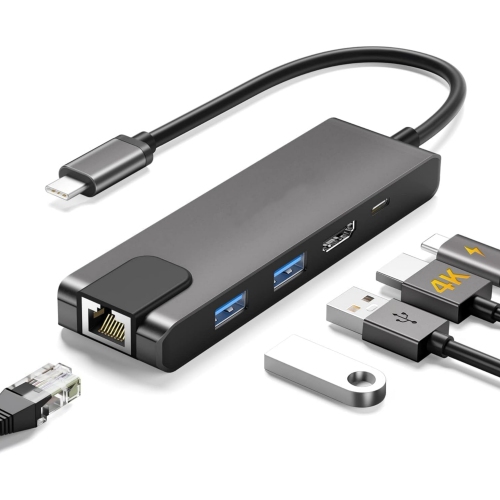
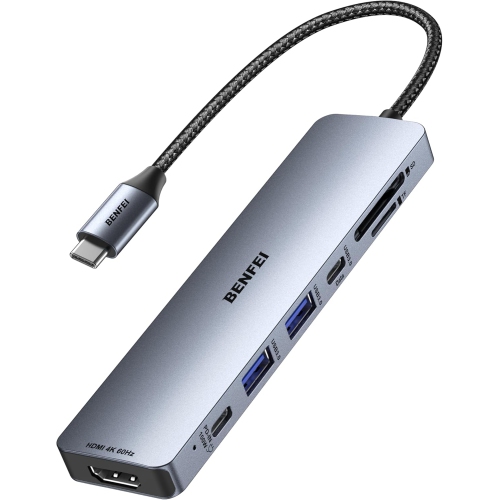
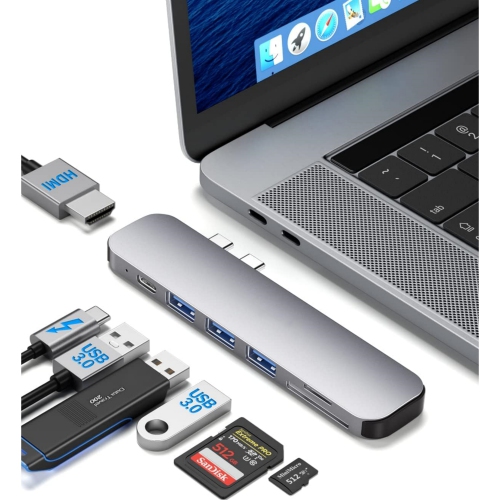
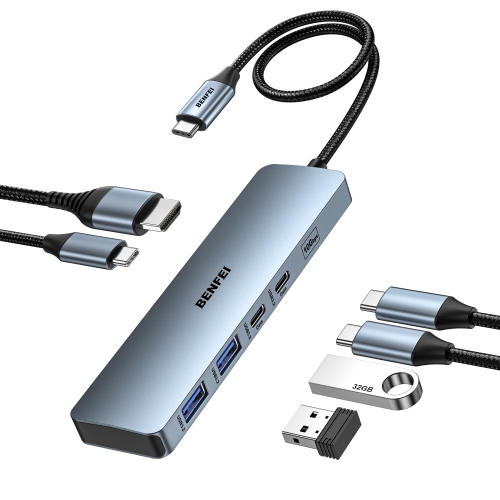
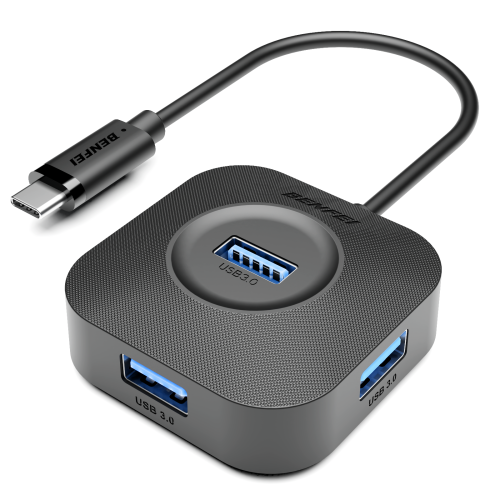
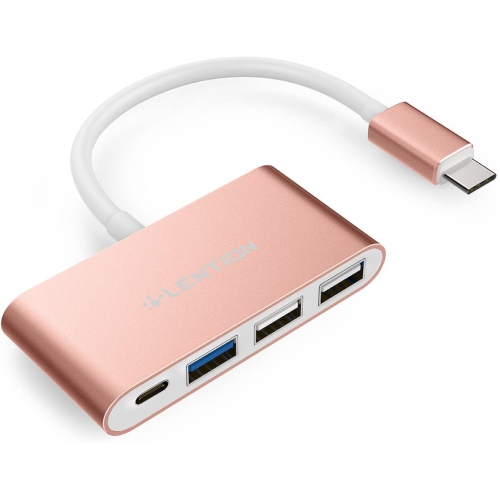
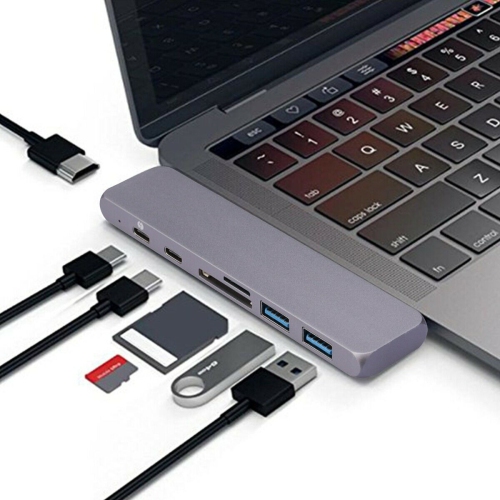
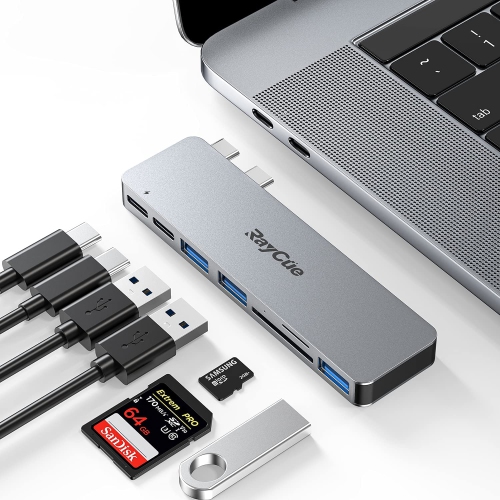
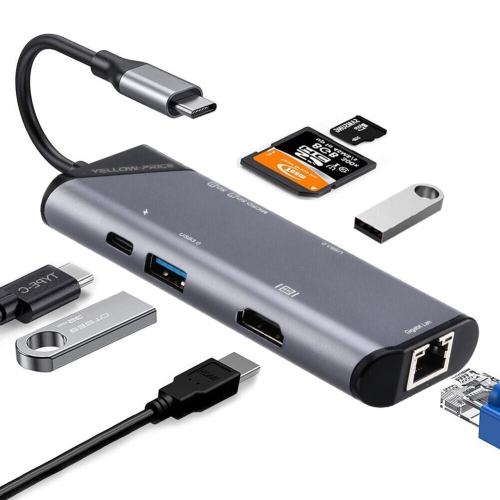
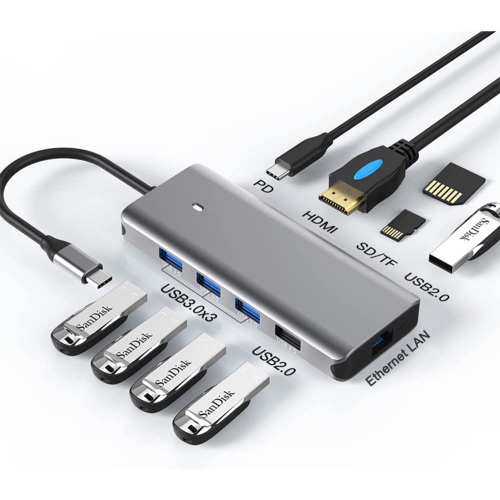
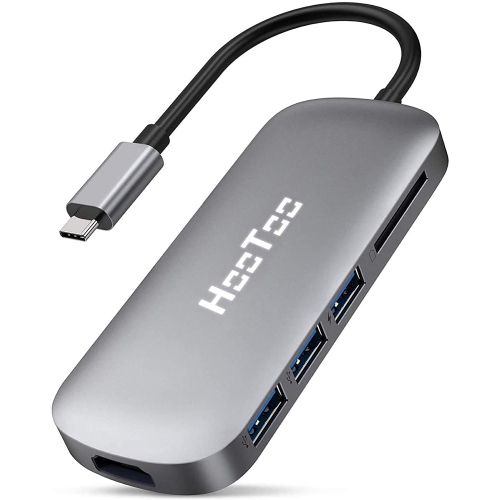
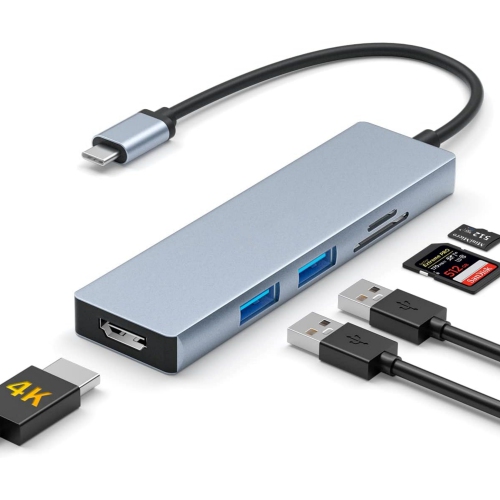
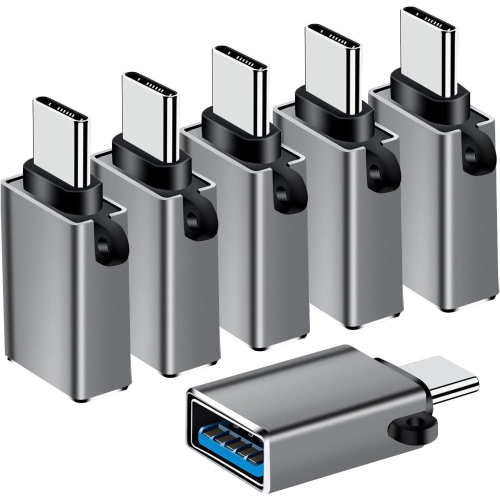
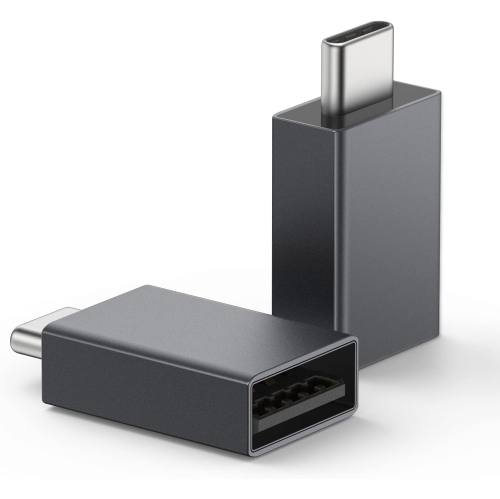

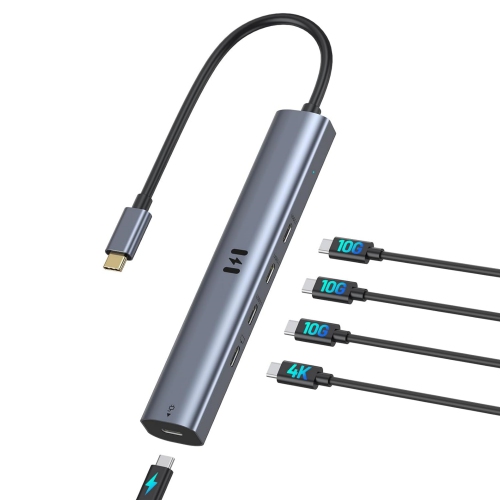
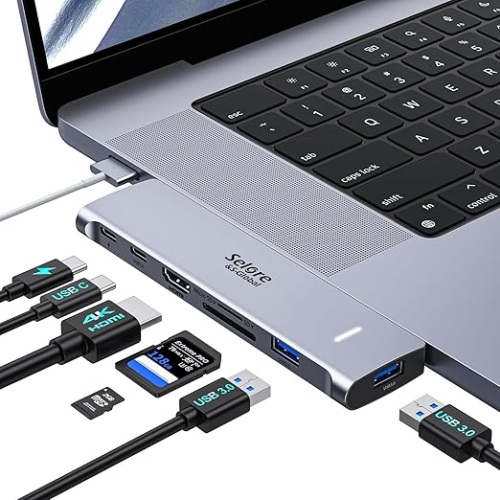
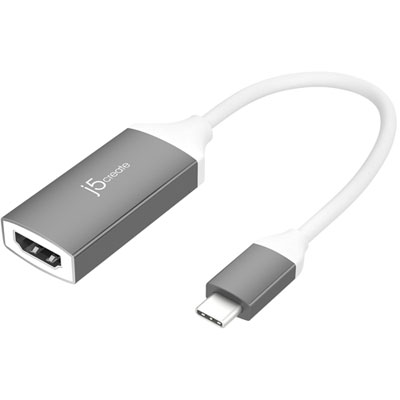
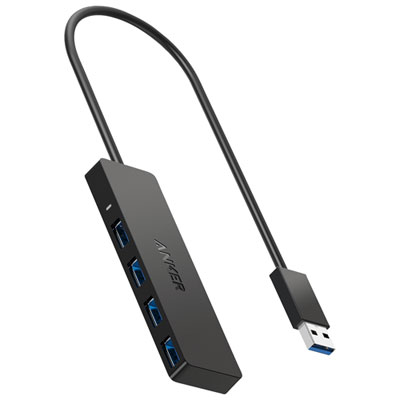
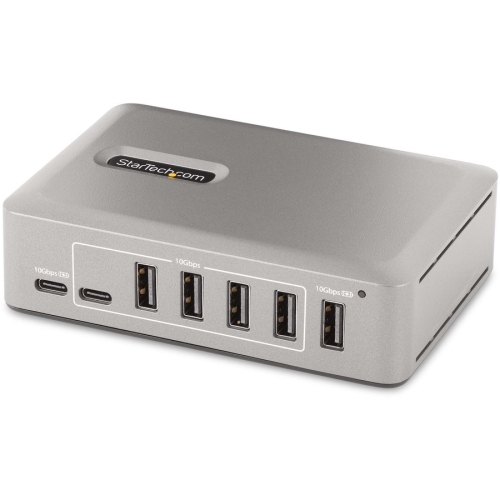
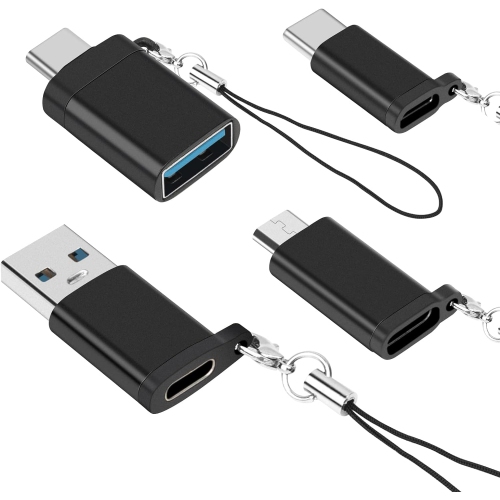
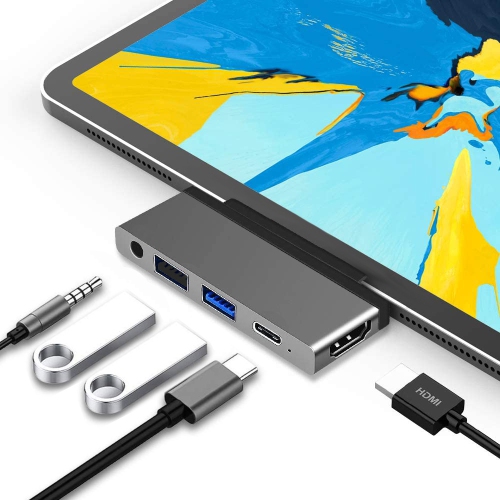
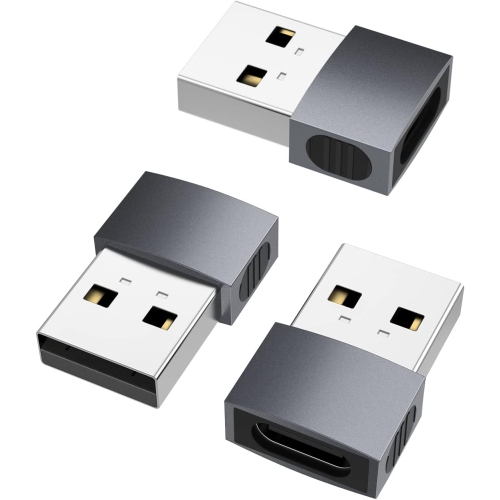
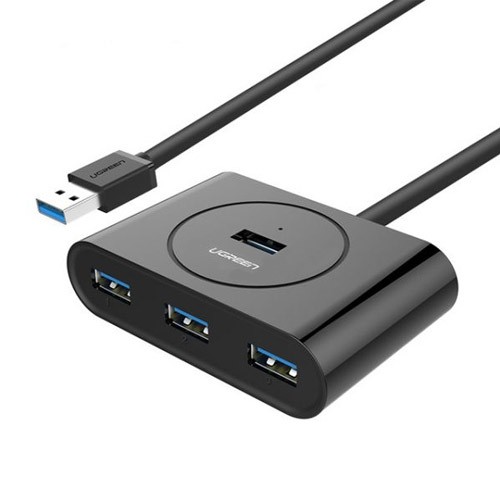
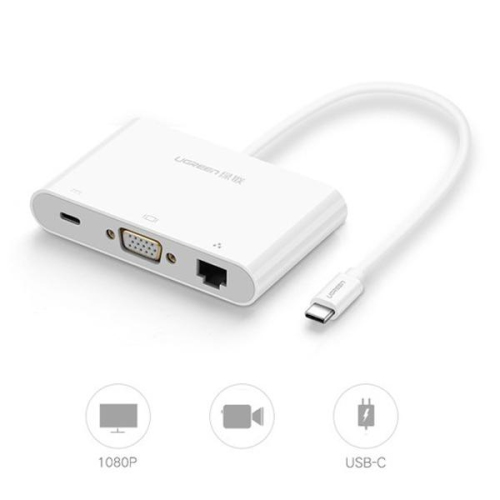
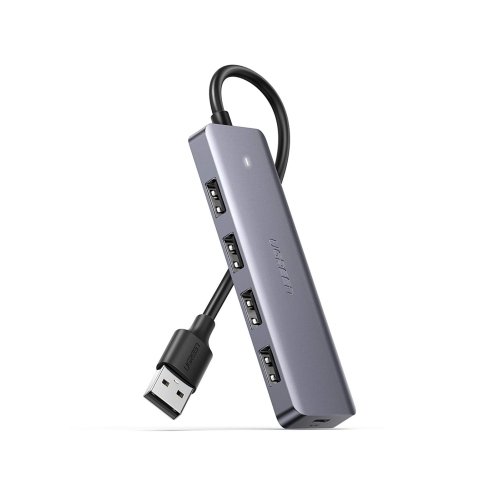
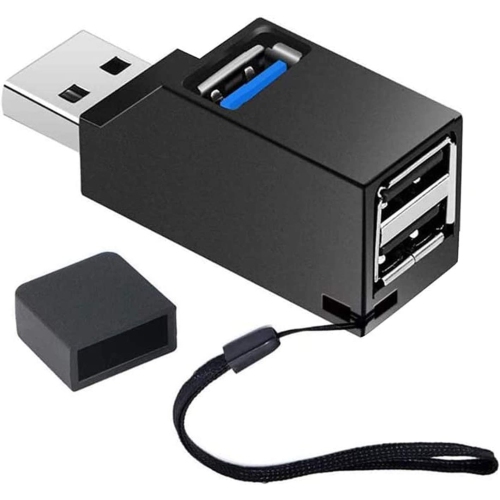
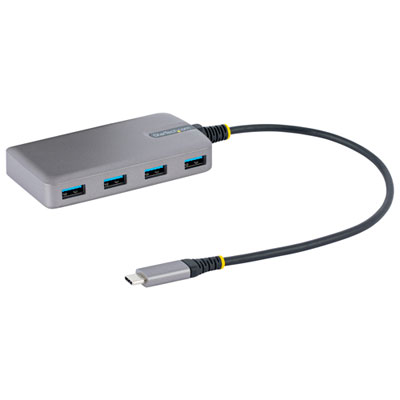
A more flexible workstation starts with the right connections
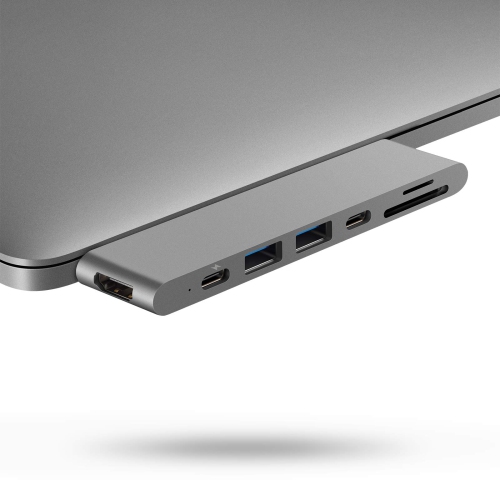
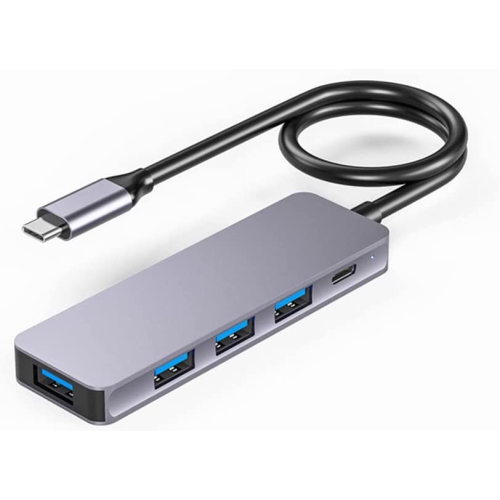
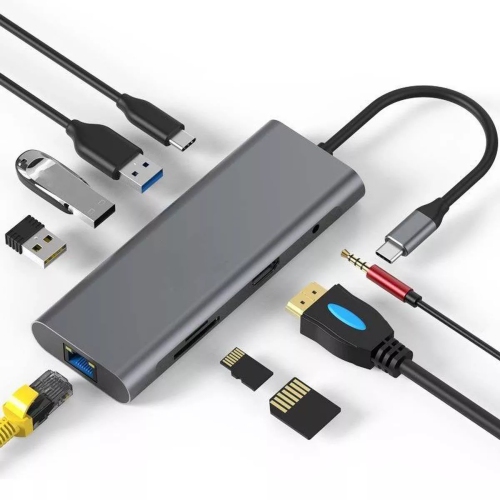
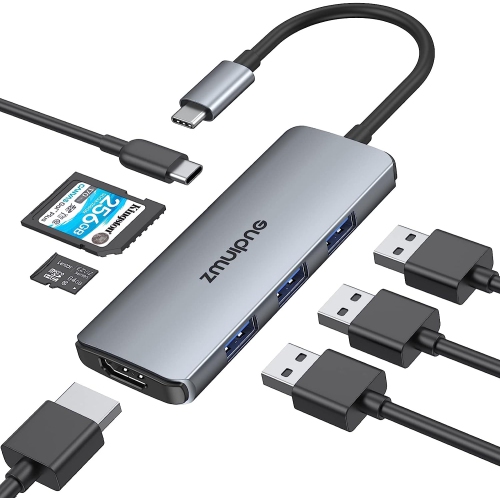
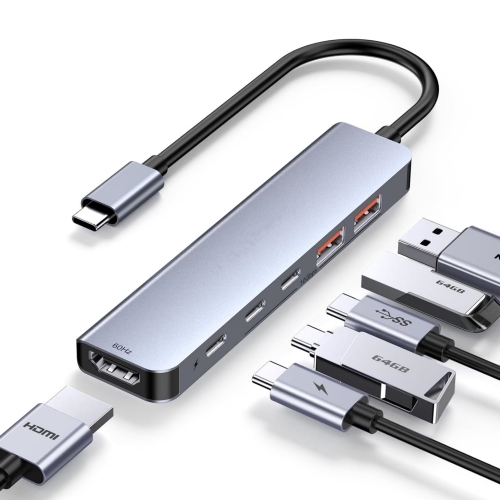
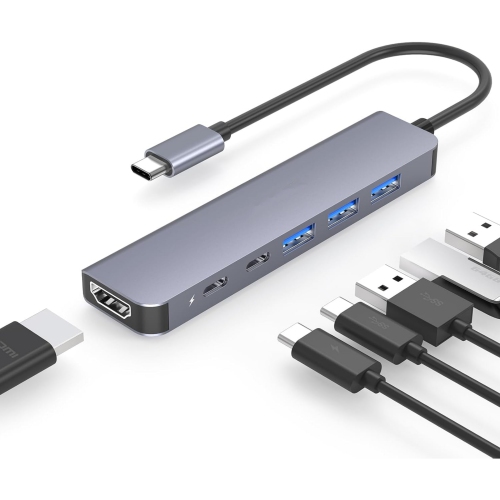
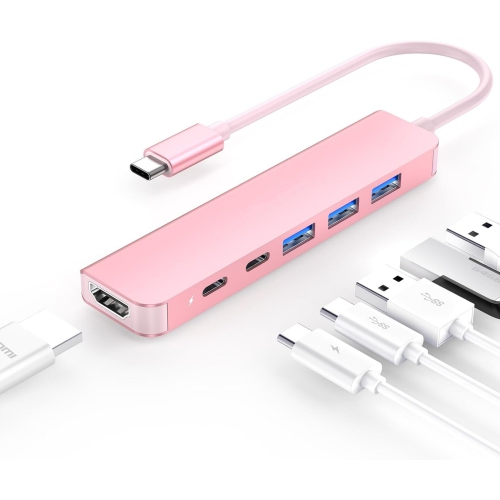
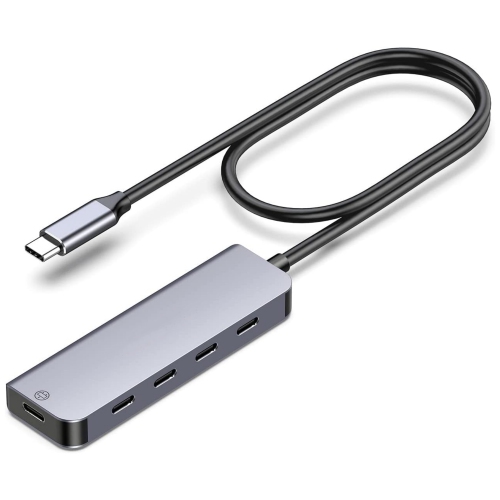
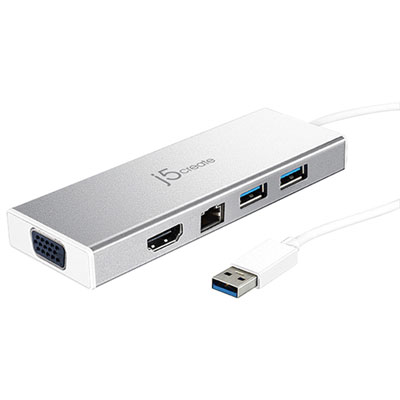
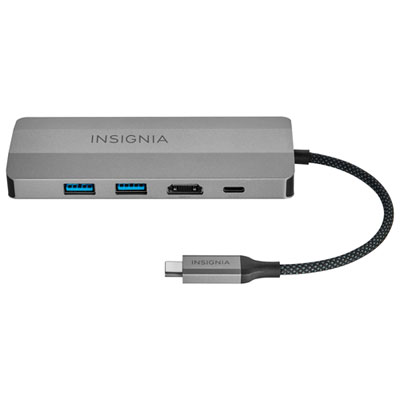
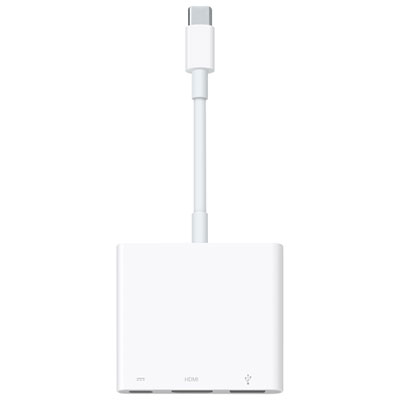
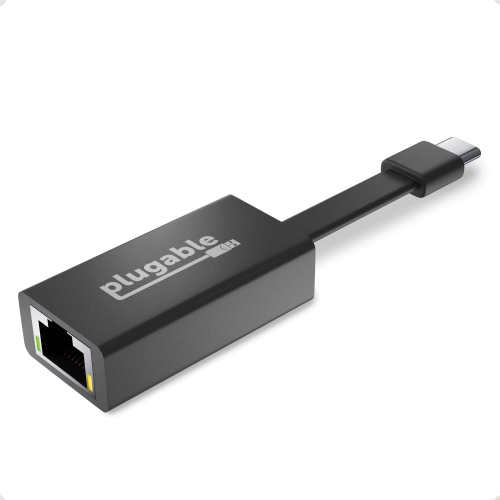
A USB-C hub for MacBook Pro is a practical way to add the connections that a slim, modern laptop may not include on its own. Whether you work from a home office, move between meeting rooms, edit photos at a café, or connect your laptop to a television during a presentation, a hub can turn a small number of USB-C ports into a more flexible workstation. Common connections include USB-A for older accessories, USB-C for newer peripherals, HDMI for an external monitor or television, SD and microSD card readers for photography, and Ethernet for a wired network connection. Some models also include a 3.5 mm audio jack, allowing you to connect headphones or speakers without reaching for a separate adapter. Before choosing one, consider the way you use your MacBook Pro from day to day. Someone who primarily connects a keyboard, mouse, and external drive may need only a compact multi-port hub, while a photographer or videographer may place greater value on fast, convenient card readers. For desk-based work, HDMI and Ethernet can be especially useful, creating a tidy setup with fewer cables running directly to the laptop. A slim hub that connects flush to the side of a MacBook Pro is easy to carry in a laptop sleeve, while a hub with a short cable can offer more placement flexibility and may be more comfortable when other accessories are already connected.
Video support deserves close attention when shopping for a USB-C hub for MacBook Pro. An HDMI port can make it simple to connect to an external display, projector, or television, but the supported resolution and refresh rate vary by hub, display, cable, and MacBook Pro configuration. Many hubs support 4K video at 60 Hz, although some support a lower refresh rate or require particular connections to reach the highest available setting. Check the specifications for the number of displays supported and whether the hub is intended for one monitor or a multi-display setup. It is also important to understand power delivery. A hub with USB-C pass-through charging can let you connect your MacBook Pro charger to the hub while using its other ports, helping keep the workspace organised and leaving the laptop’s available ports free for accessories. The advertised wattage indicates the maximum power the hub can pass through; the laptop, charger, and connected devices may affect the actual charging rate. A model supporting up to 100 W pass-through power can be a suitable choice for many MacBook Pro setups, but it is not the same as including a wall charger. For reliable performance, use a compatible charger and cable, and remember that power shared with connected devices may reduce what reaches the laptop. Data speed is another useful consideration. USB 3.x ports are suited to everyday storage, keyboards, mice, and other peripherals, while higher-speed USB-C connections can reduce transfer times for large photo libraries or video files. Ethernet can provide a steadier connection than Wi-Fi in a home office or hotel room, with some hubs supporting Gigabit or faster wired networking. If you regularly move files from memory cards, look for clearly stated SD or microSD read speeds and confirm whether both card slots can be used at the same time.
The best choice depends on the balance between portability, connectivity, and the layout of your workspace. A compact hub is convenient for commuting, classes, business travel, and working in different rooms, particularly when you need to connect a presentation screen, USB drive, or wired network without carrying several separate adapters. A larger desktop-style hub may be preferable when you routinely use multiple devices, need several display connections, or want your cables to remain connected in one place. Build materials, cable length, heat management, and the spacing between ports can make a noticeable difference in everyday use. Closely spaced ports may be difficult to use with wider USB drives or chunky connectors, while a slightly longer cable can prevent the hub from blocking neighbouring ports. Keep in mind that not every USB-C port provides the same capabilities: a MacBook Pro port may support charging, data, and video output, but the accessory and operating system also determine what works together. Some peripherals may draw more power than a compact hub can provide, and a display may need to be connected directly to the MacBook Pro for a specialised workflow. If you are comparing options for yourself or choosing a useful gift for a student, remote worker, photographer, or frequent traveller, start by listing the devices they connect most often and then match the hub’s ports to those needs. A clear port layout, dependable pass-through charging, and support for the required display resolution can matter more than simply choosing the model with the highest port count. For additional comparison help when narrowing down compatible options, explore Best USB Hub for Mac. During the cooler months, a capable hub can make it easier to move a MacBook Pro between a warm home workspace, a shared office, and a travel bag while keeping essential accessories ready to connect.
Video support deserves close attention when shopping for a USB-C hub for MacBook Pro. An HDMI port can make it simple to connect to an external display, projector, or television, but the supported resolution and refresh rate vary by hub, display, cable, and MacBook Pro configuration. Many hubs support 4K video at 60 Hz, although some support a lower refresh rate or require particular connections to reach the highest available setting. Check the specifications for the number of displays supported and whether the hub is intended for one monitor or a multi-display setup. It is also important to understand power delivery. A hub with USB-C pass-through charging can let you connect your MacBook Pro charger to the hub while using its other ports, helping keep the workspace organised and leaving the laptop’s available ports free for accessories. The advertised wattage indicates the maximum power the hub can pass through; the laptop, charger, and connected devices may affect the actual charging rate. A model supporting up to 100 W pass-through power can be a suitable choice for many MacBook Pro setups, but it is not the same as including a wall charger. For reliable performance, use a compatible charger and cable, and remember that power shared with connected devices may reduce what reaches the laptop. Data speed is another useful consideration. USB 3.x ports are suited to everyday storage, keyboards, mice, and other peripherals, while higher-speed USB-C connections can reduce transfer times for large photo libraries or video files. Ethernet can provide a steadier connection than Wi-Fi in a home office or hotel room, with some hubs supporting Gigabit or faster wired networking. If you regularly move files from memory cards, look for clearly stated SD or microSD read speeds and confirm whether both card slots can be used at the same time.
The best choice depends on the balance between portability, connectivity, and the layout of your workspace. A compact hub is convenient for commuting, classes, business travel, and working in different rooms, particularly when you need to connect a presentation screen, USB drive, or wired network without carrying several separate adapters. A larger desktop-style hub may be preferable when you routinely use multiple devices, need several display connections, or want your cables to remain connected in one place. Build materials, cable length, heat management, and the spacing between ports can make a noticeable difference in everyday use. Closely spaced ports may be difficult to use with wider USB drives or chunky connectors, while a slightly longer cable can prevent the hub from blocking neighbouring ports. Keep in mind that not every USB-C port provides the same capabilities: a MacBook Pro port may support charging, data, and video output, but the accessory and operating system also determine what works together. Some peripherals may draw more power than a compact hub can provide, and a display may need to be connected directly to the MacBook Pro for a specialised workflow. If you are comparing options for yourself or choosing a useful gift for a student, remote worker, photographer, or frequent traveller, start by listing the devices they connect most often and then match the hub’s ports to those needs. A clear port layout, dependable pass-through charging, and support for the required display resolution can matter more than simply choosing the model with the highest port count. For additional comparison help when narrowing down compatible options, explore Best USB Hub for Mac. During the cooler months, a capable hub can make it easier to move a MacBook Pro between a warm home workspace, a shared office, and a travel bag while keeping essential accessories ready to connect.
Top selling and popular products
-
 Your price for this item is $49.99
 -
 Your price for this item is $65.99
 -
 Your price for this item is $19.98
 -
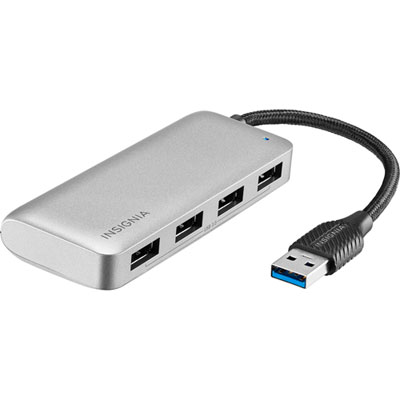 Your price for this item is $29.99
 -
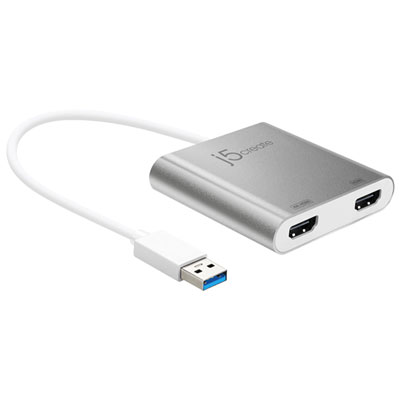 Your price for this item is $99.99
 -
 Your price for this item is $79.99
 -
 Your price for this item is $19.99
 -
 Your price for this item is $104.99
Discover more categories related to USB C Hub for Macbook Pro

Top Collections:
Pokemon Centers, Budget 4K TVs, Best Budget Office Chairs, Kindle Devices, Canon G7X Cameras, Apple iPhones 16, iPhone 15 Apple, Laptops for Business Work, Xiaomi Phones, Flip Phones
Some products may be subject to Environmental Handling Fees
(EHF) depending on your province.
Learn more about EHFs.