USB Hub for External Drives
Upgrade your workstation and streamline your data management with a USB Hub for External Drives. Designed to help you connect multiple storage devices to your computer or laptop, these hubs make it easy to expand your connectivity options and keep all your files within reach. Whether you’re transferring photos, backing up important documents, or managing large media libraries, a USB Hub for External Drives offers the convenience and flexibility needed for efficient workflow. Discover solutions that fit both home and office setups, ensuring seamless integration with your existing technology.
Sort


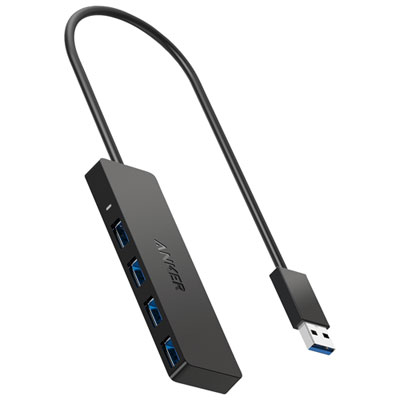
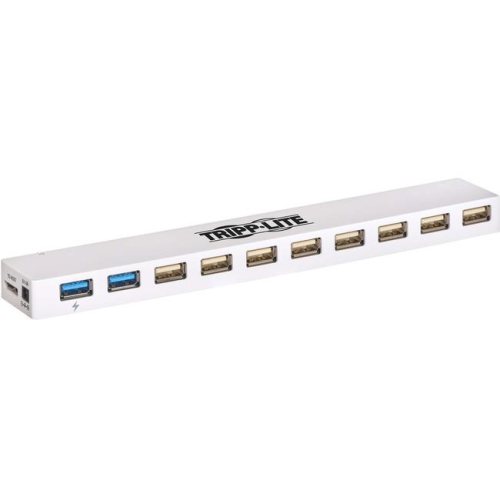
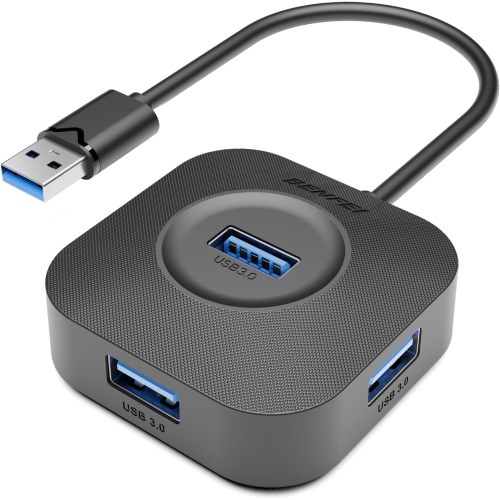
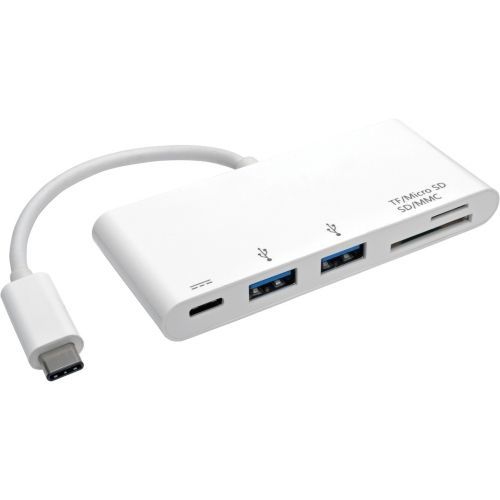
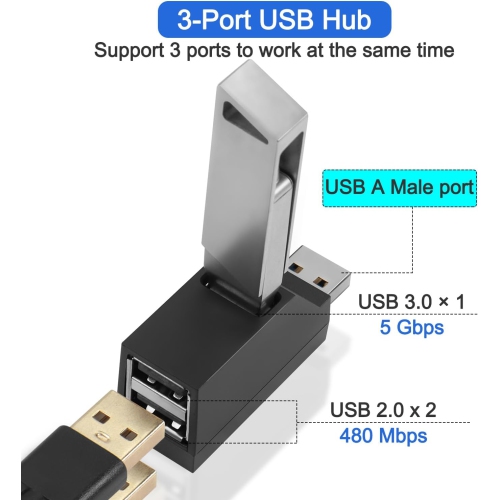
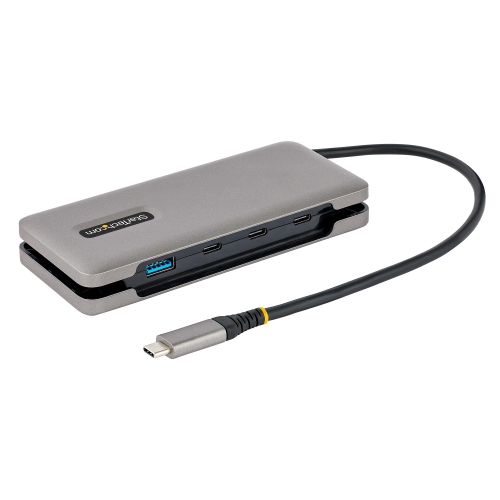

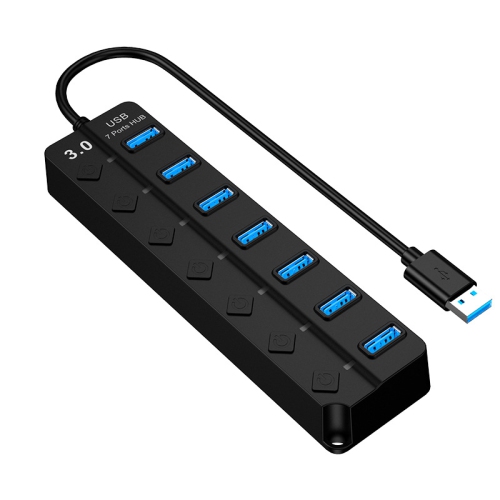
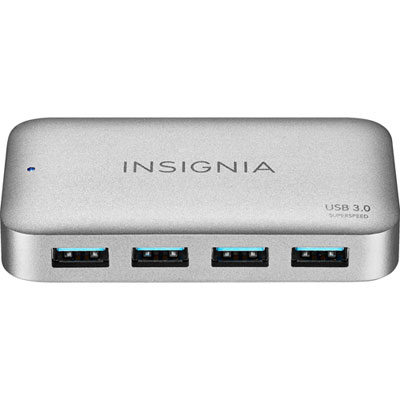

Why power and bandwidth matter for multiple drives
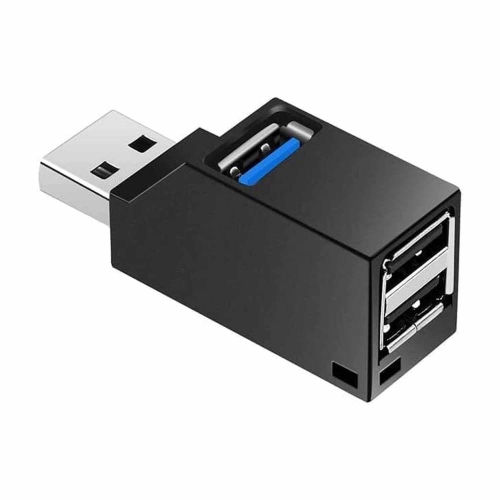
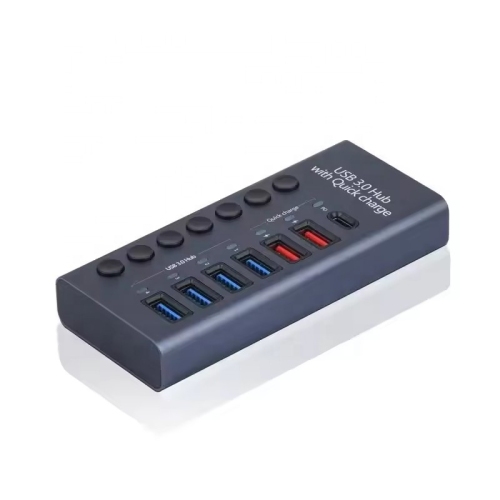
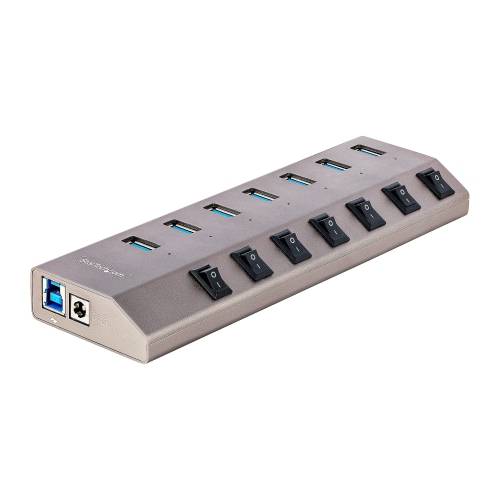
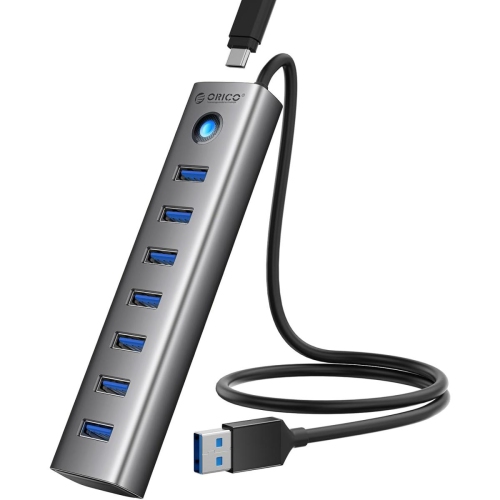
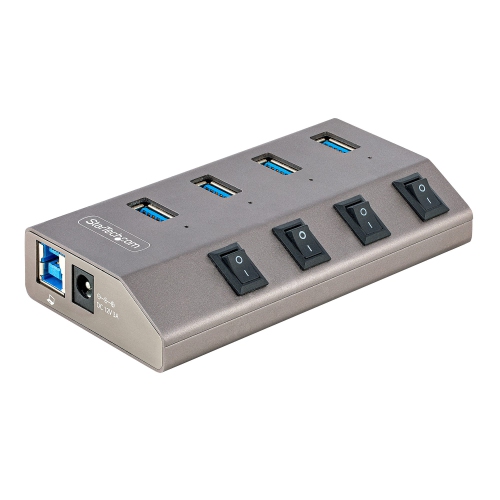
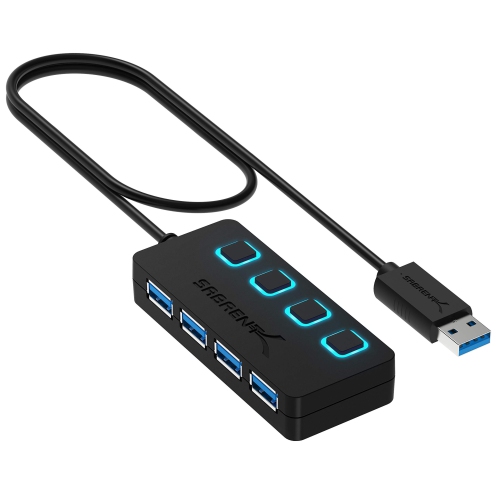
A USB hub for external drives expands a computer’s connections so external hard drives, portable SSDs, and other USB accessories can share one host port. For several drives that draw power through USB, a powered hub with its own wall adapter is generally the better fit because it provides power without relying entirely on the computer’s USB port. This matters with portable mechanical hard drives, which can need extra power as their disks spin up, and with multiple SSDs working at the same time. Insufficient power can cause drives to disconnect, fail to appear, or interrupt a file transfer. A bus-powered hub can still suit a single low-power drive or a modest combination of devices when the computer and hub can meet their combined requirements; an external adapter is not mandatory for every storage setup. Desktop hard drives with their own power supplies have different needs, although their data connections still share the hub’s bandwidth. For a desk holding a photo library, a daily backup drive, and a portable project drive, both the hub’s total power capacity and the power supplied by each port matter more than the number of sockets alone. A hub described as powered should have a suitable power input and adapter arrangement, while charging specifications should distinguish between power sent to the computer and power available to connected devices. USB Power Delivery passthrough may charge a compatible laptop, but that feature alone does not establish how much power each storage port receives. Charging-only ports are also different from data ports: a socket that can charge a phone may not connect an external drive to the computer. Clear power and port specifications help match a hub to the way it will actually be used, whether that means leaving a backup drive attached all day or connecting several portable drives during a large media transfer.
Connection speed is the other major consideration for a USB hub for external hard drives and SSDs. A hub supporting USB data rates of 5 Gbps or higher is a useful starting point for modern storage, but the advertised rate describes a connection’s theoretical capacity, not a guaranteed file-copy speed. Actual performance depends on the computer port, hub, cable, drive, and type of files being moved. A fast external SSD connected through an older USB 2.0 link cannot deliver its usual performance, while a mechanical hard drive may reach its own limits well before using all the capacity of a faster connection. The hub’s upstream connection to the computer is shared by its attached devices, so several ports labelled 5 Gbps do not each receive a separate 5 Gbps path to the computer. Copying footage between two external drives while a third runs a backup can therefore take longer than a single transfer. Faster hubs can provide more headroom when the host computer and storage devices support the same capabilities, although demanding SSD workflows may benefit from a direct connection or a compatible higher-bandwidth dock. Connector shape also needs attention: USB-C identifies a connector, not a particular data speed, and USB-A ports can support different USB generations. Matching the hub’s host connector to the computer and its downstream ports to existing drive cables keeps the setup straightforward. Cables rated for the intended data speed matter, too, since a charging-focused cable may offer limited data performance or no data connection at all. Backward compatibility can make older accessories useful alongside newer storage, but the slowest relevant link still limits each connection. The computer must also support the drive’s file system and any required security software; adding a hub does not make an otherwise unreadable drive compatible or unlock encrypted files.
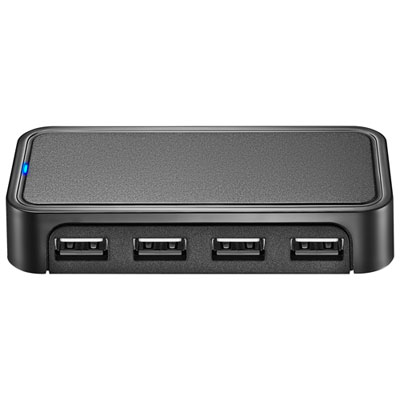
Physical design makes a noticeable difference when several drives share a desktop or work surface. A compact plastic housing can be convenient for carrying between home and an office, while a sturdy metal enclosure may suit a more permanent setup. Housing material alone does not determine reliability; secure ports, sound cable connections, suitable power delivery, and space around the hub all contribute to dependable use. A weighted base or non-slip feet can help keep the hub in place as drives are attached, and well-spaced sockets leave room for wider connectors without crowding neighbouring ports. Cable length affects placement as much as convenience: a short host lead may leave a hub hanging from a laptop, while a suitably positioned hub keeps drive cables from pulling against their sockets. For a workstation where several storage devices remain connected, Desktop USB Hubs offer a relevant format to consider alongside portable designs. Individual port switches can make it easier to disconnect idle devices, but drives should be safely ejected through the computer before a switch is turned off or a cable is removed. Activity lights can help show when a device is busy, though they do not replace checking that a transfer has finished. Keeping drinks away, clearing dust with a dry, soft cloth, and avoiding tightly bent cables helps protect the connections. Portable mechanical drives also benefit from a stable resting place where they will not be knocked during use. These details matter to photographers sorting image libraries, students moving large project folders, and households keeping copies of important documents. A hub makes those drives easier to connect and organize, but it does not create a backup by itself. Separate copies of important files remain essential, even when every drive is neatly connected through the same hub.
Top selling and popular products
-
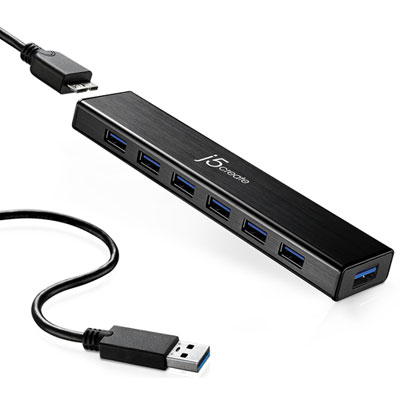 Your price for this item is $49.99
-
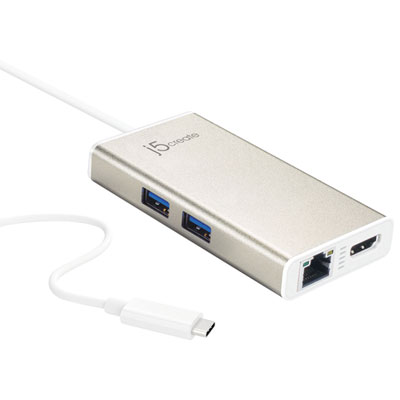 Your price for this item is $65.99
-
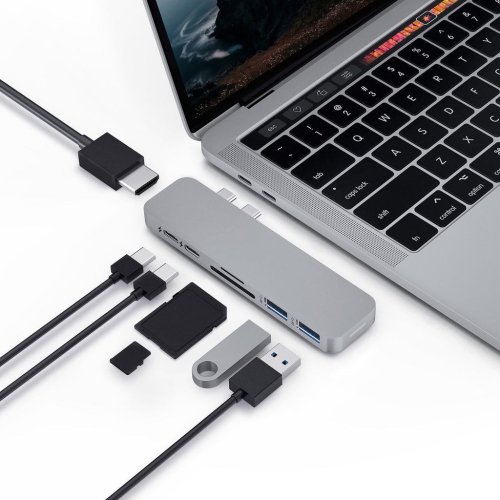 Your price for this item is $19.98
-
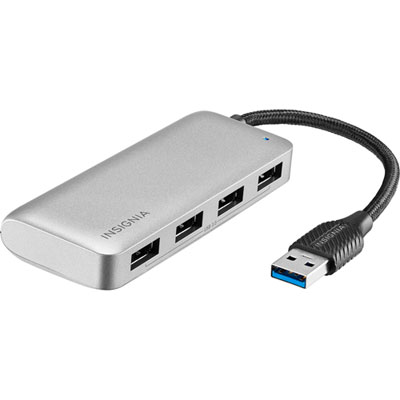 Your price for this item is $29.99
-
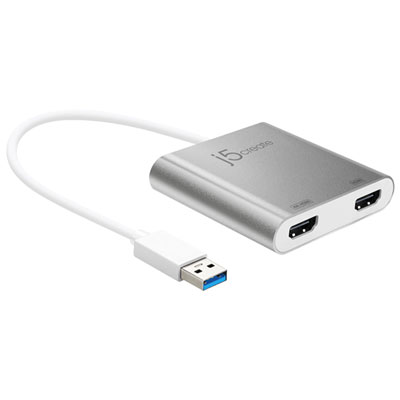 Your price for this item is $99.99
-
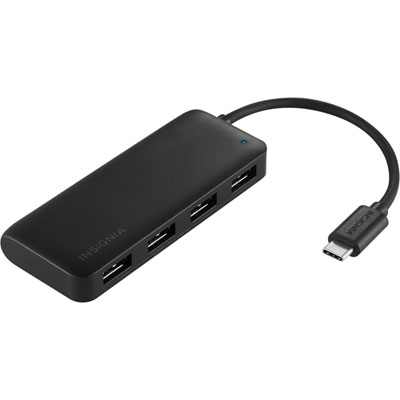 Your price for this item is $19.99
-
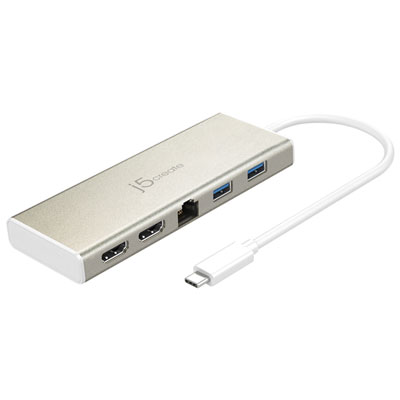 Your price for this item is $104.99
-
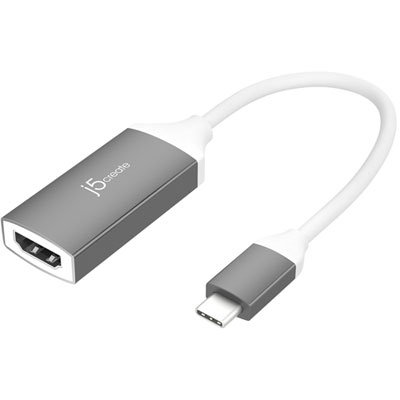 Your price for this item is $39.99
Discover more categories related to USB Hub for External Drives
Top Collections:
Best Black Friday Deals This Year, Best Black Friday Deals On Electronics, Kindle Devices, Best Black Friday Deals On Apple Products, Best Budget Office Chairs, Best Cameras for Sports Photography, Dyson Airwrap, Canon G7X Cameras, Best Laptops for Writers, Samsung Galaxy Phones
Some products may be subject to Environmental Handling Fees
(EHF) depending on your province.
Learn more about EHFs.