Vlan Switches
Vlan switches are the perfect solution for optimizing data traffic, segmenting networks, and improving overall performance. Whether you're a small business looking to streamline operations or a tech enthusiast wanting to upgrade your home setup, Vlan switches offer advanced features that cater to various networking needs. Explore our selection of Vlan switches to take your connectivity to the next level.
Sort
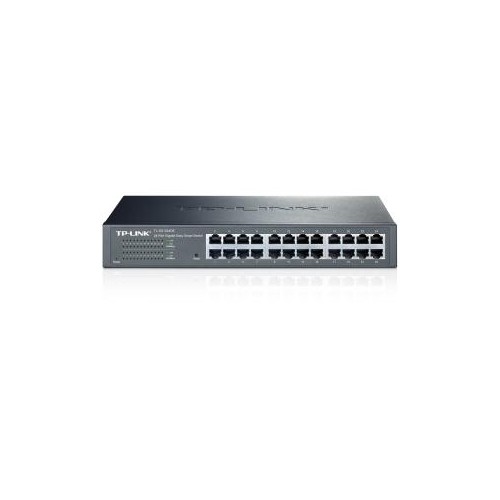
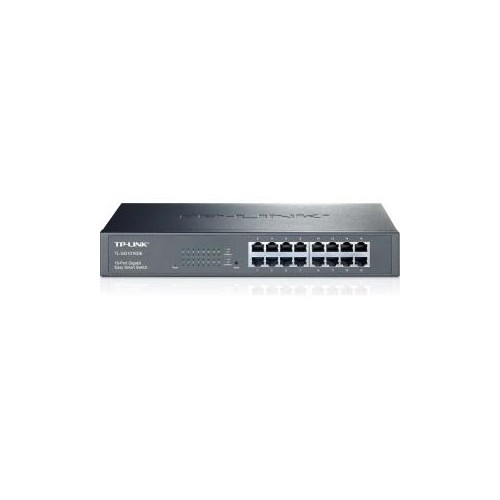
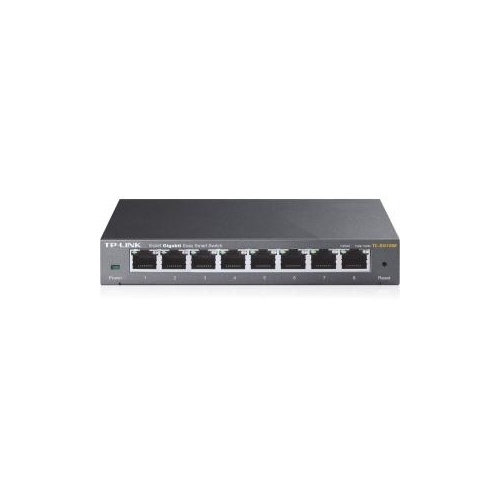
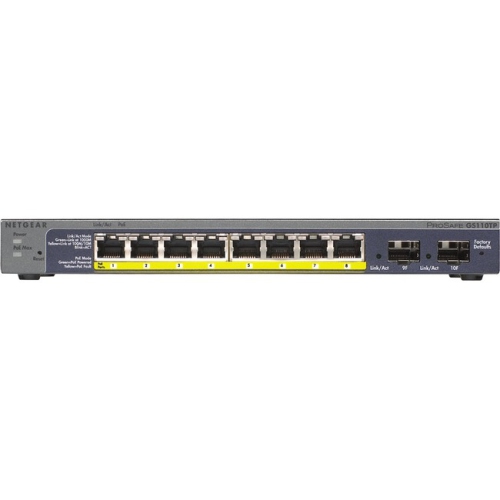
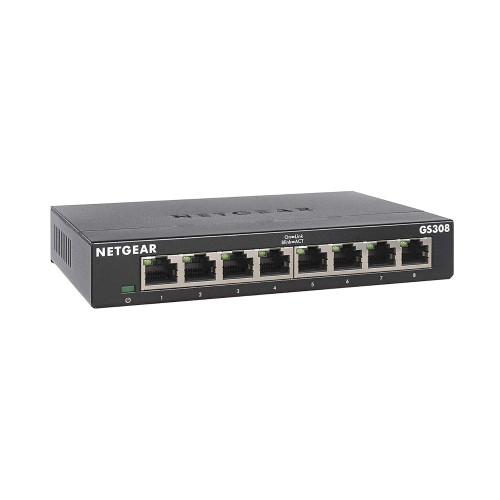
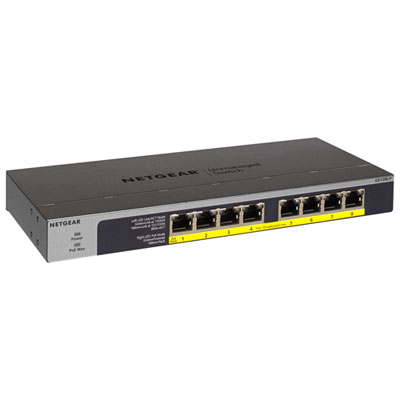
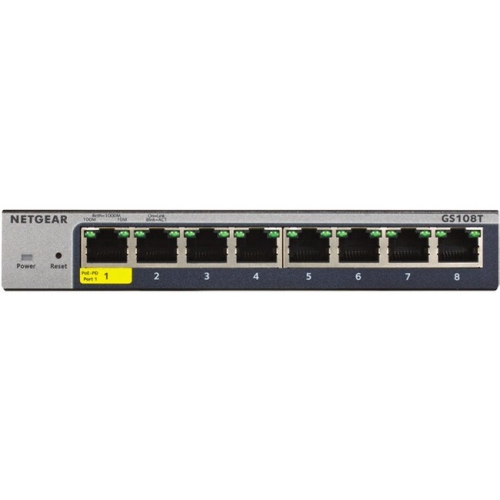
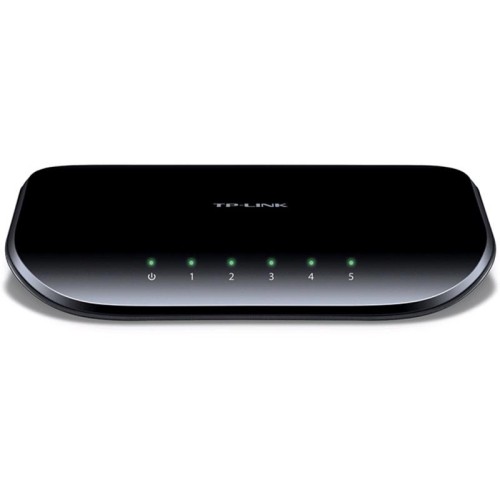
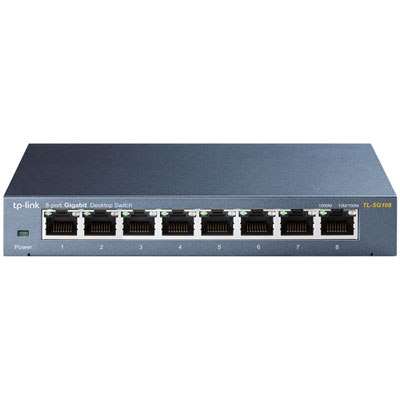
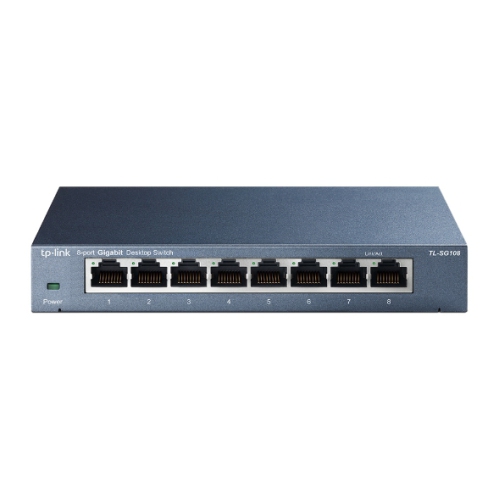
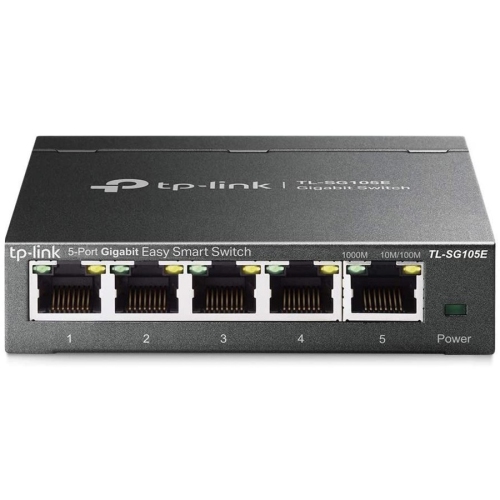
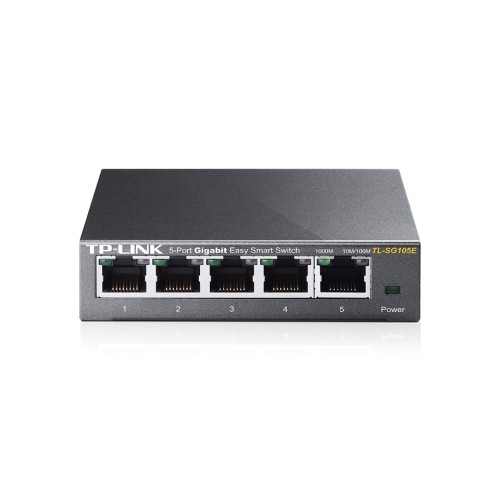
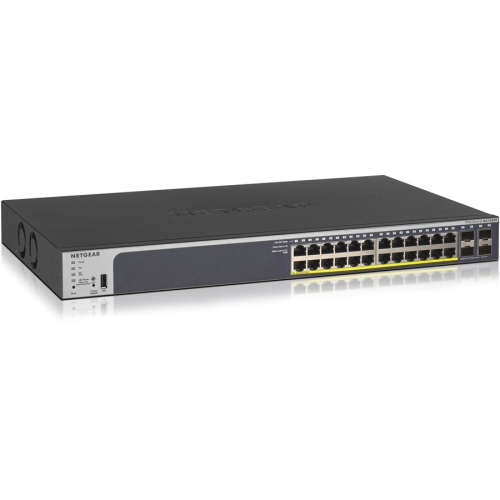
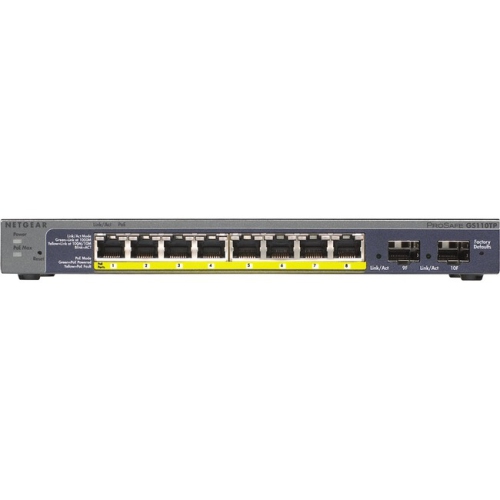
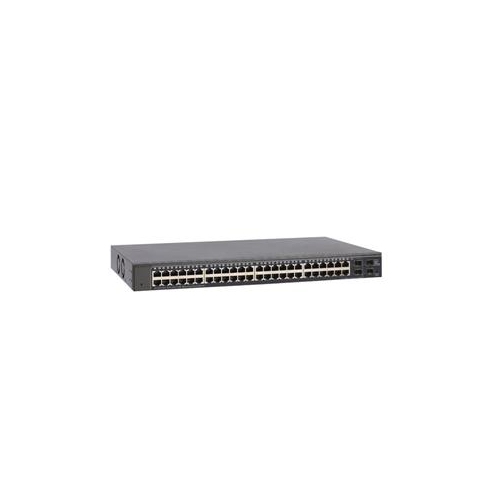
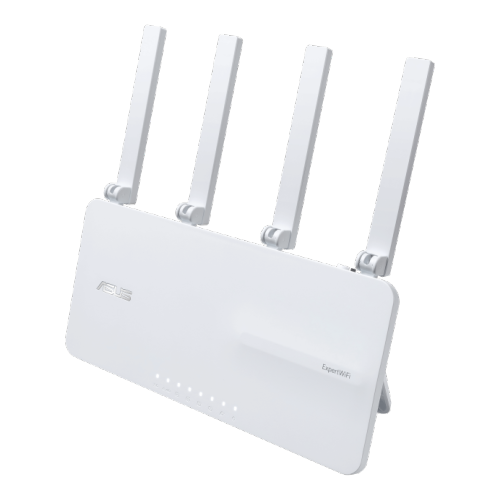
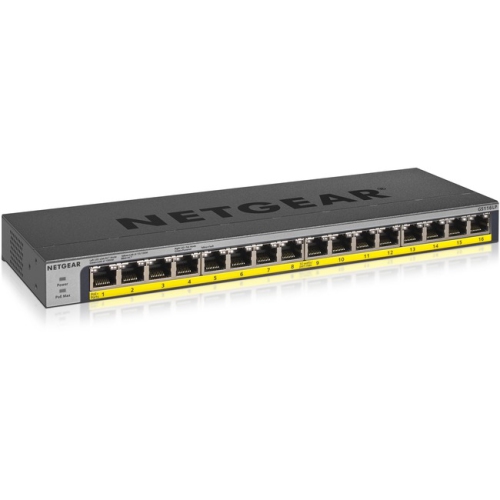
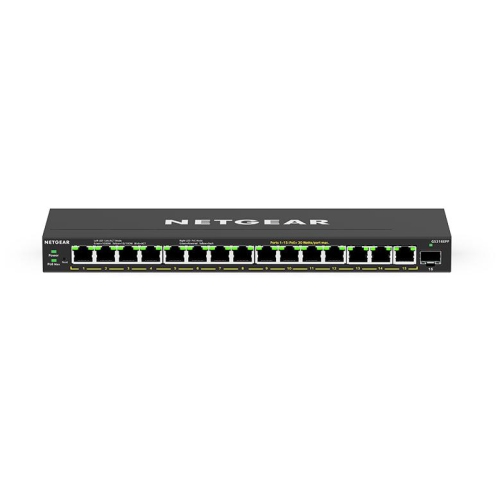
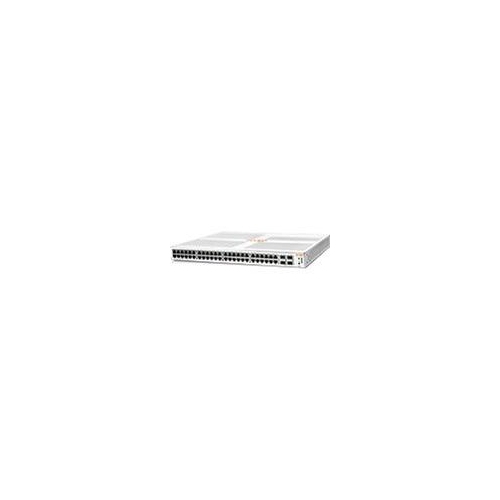
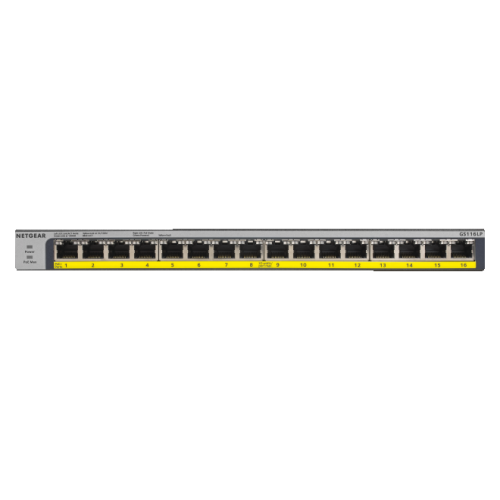
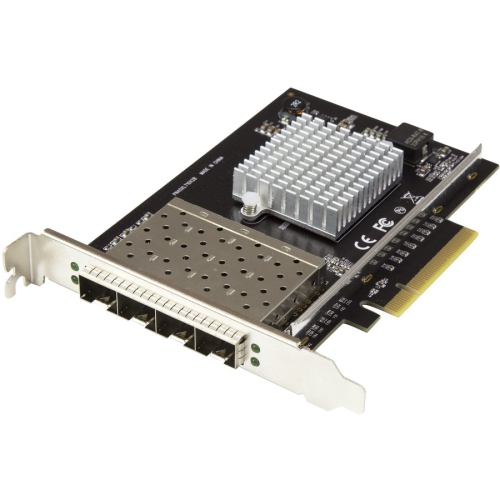
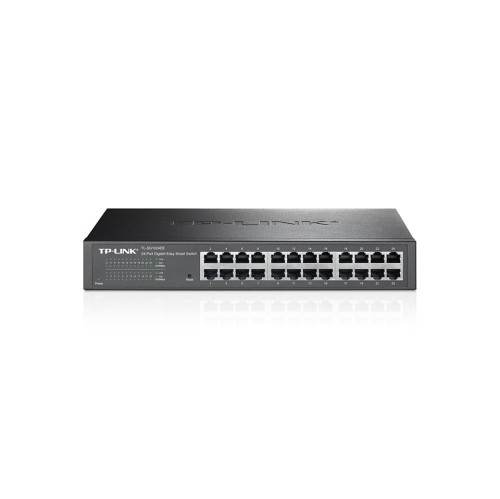
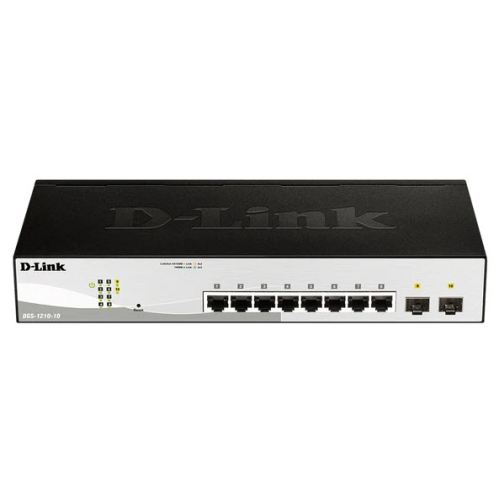
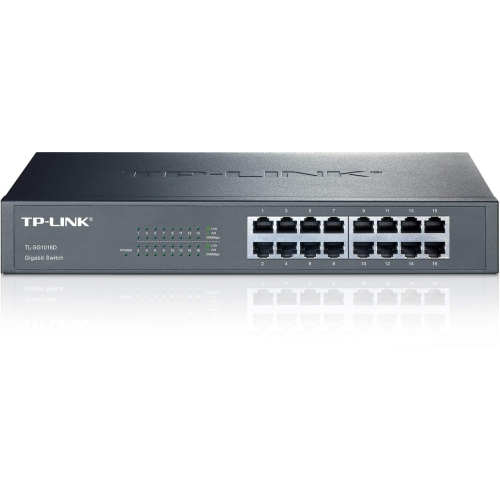
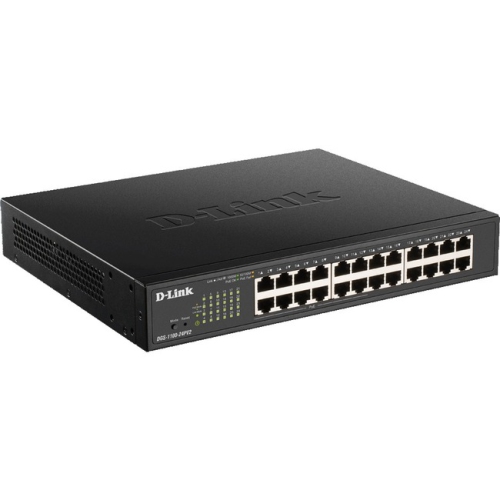
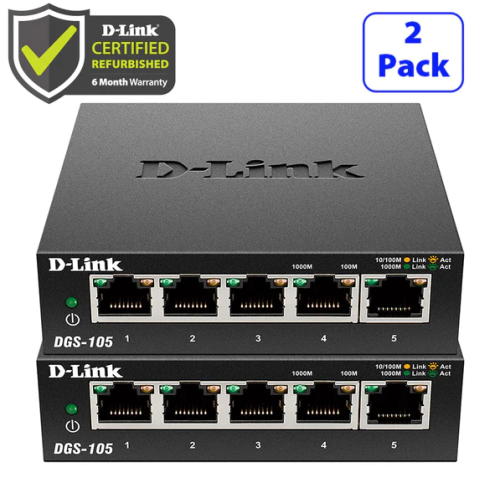

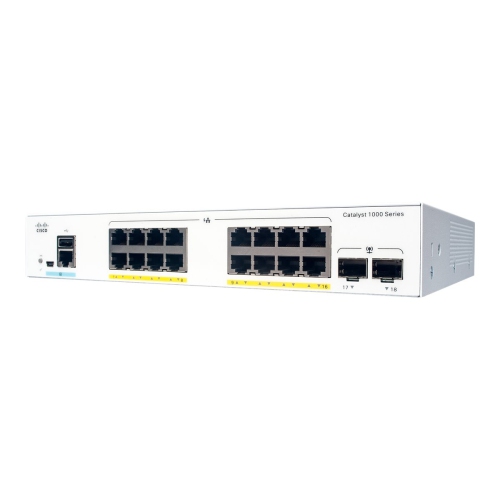
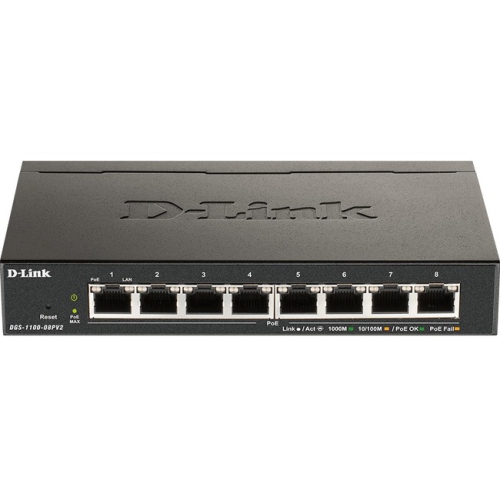
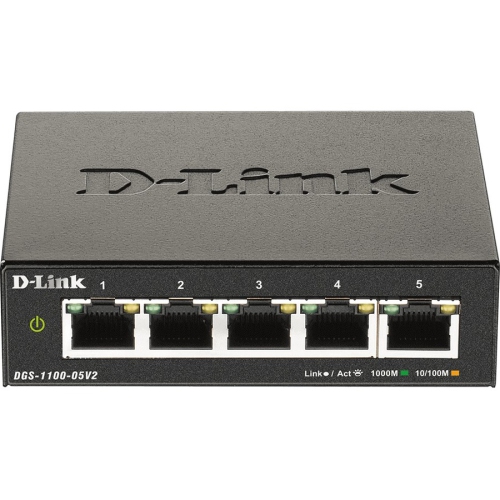
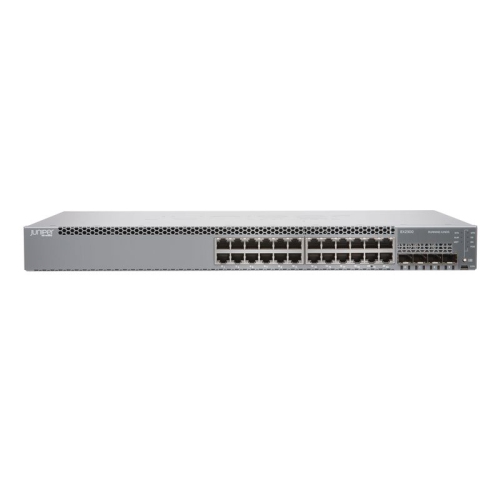
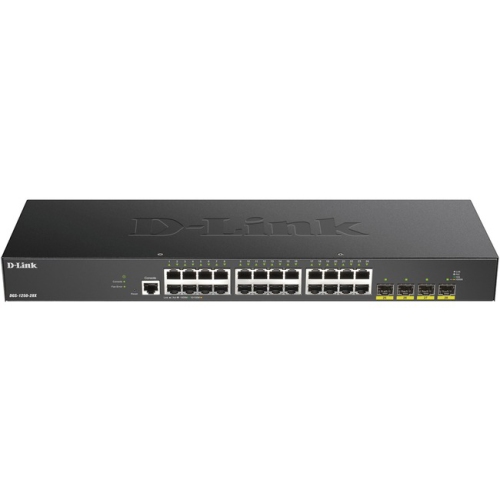
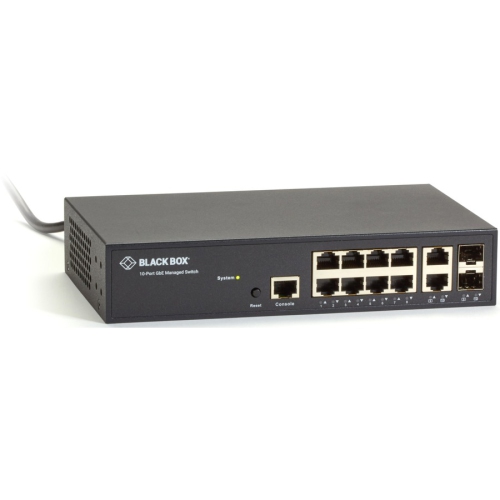
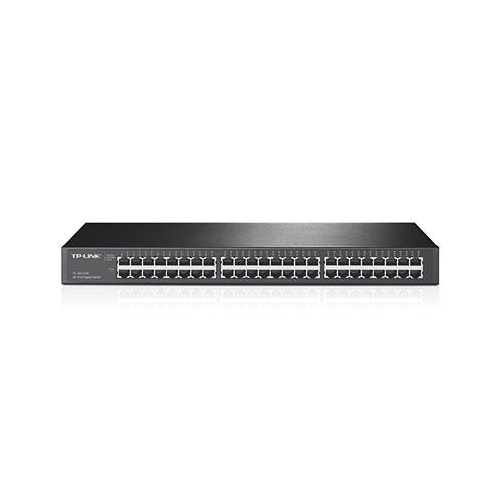
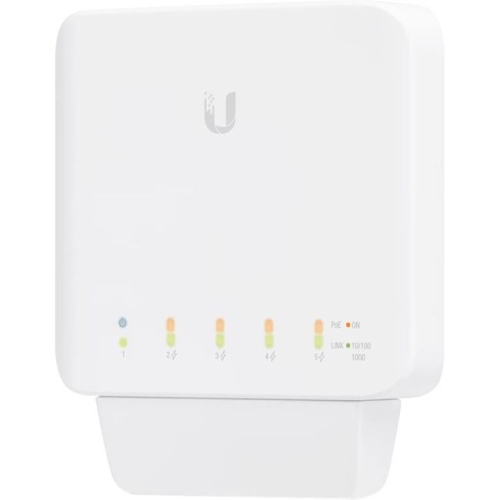
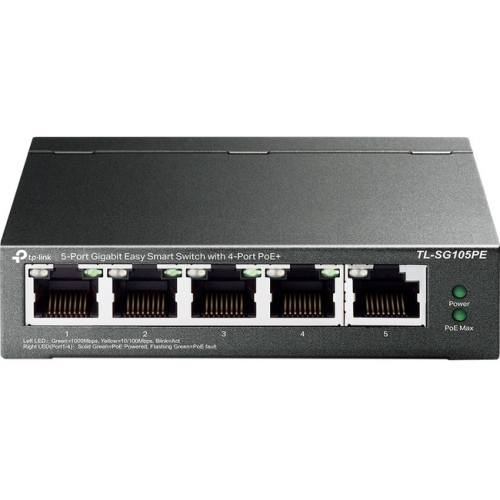
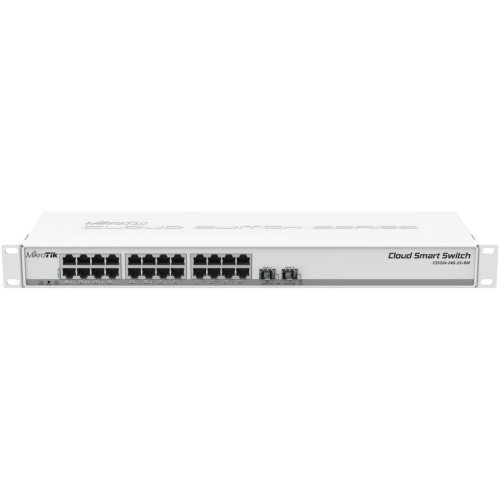
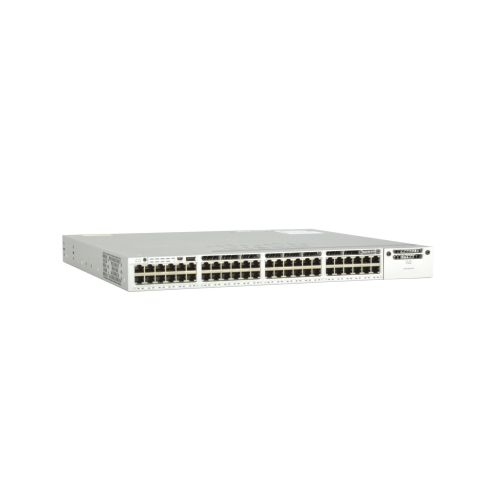
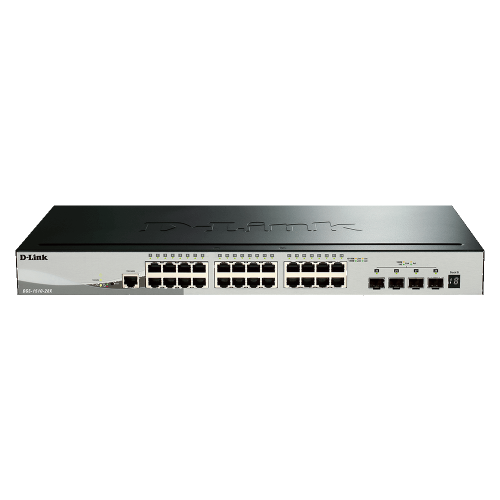
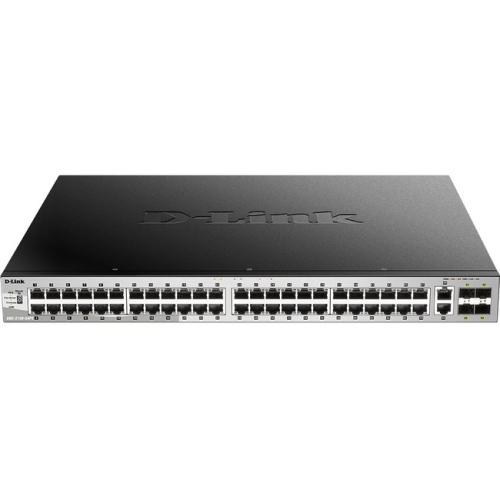
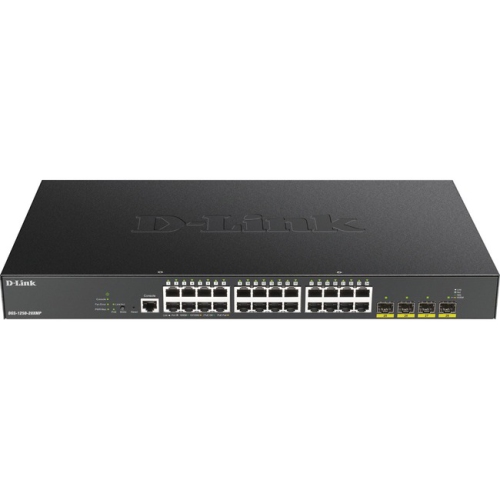
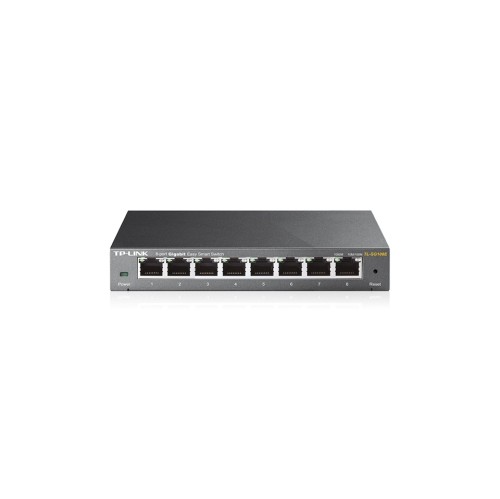
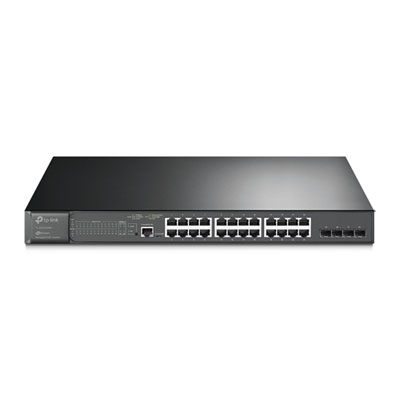
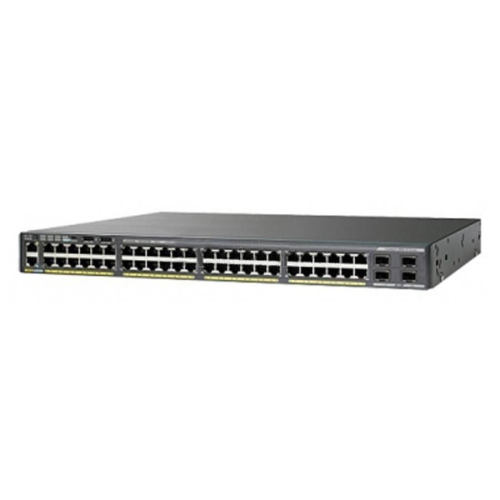
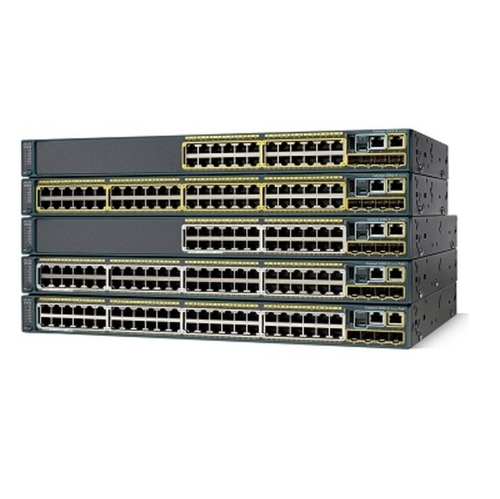
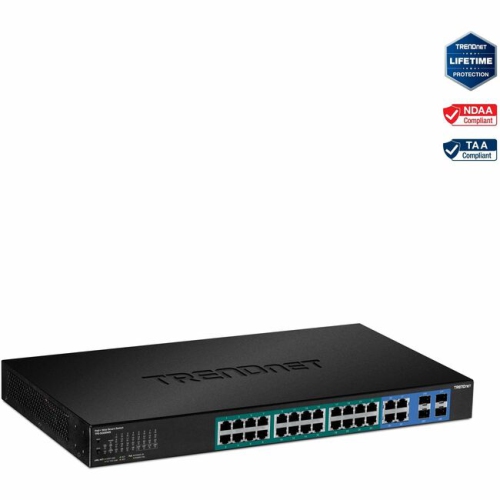
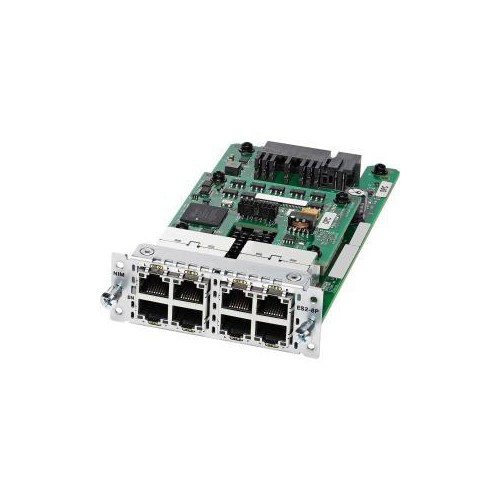
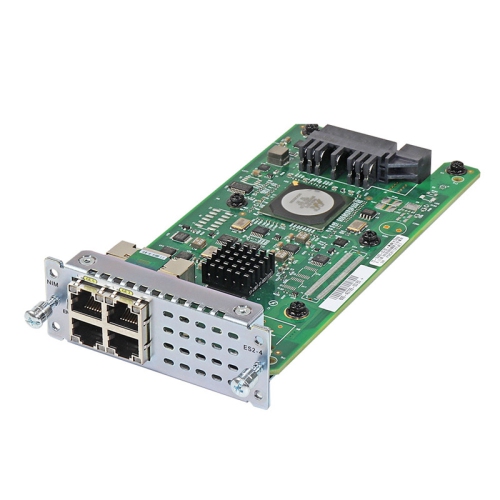
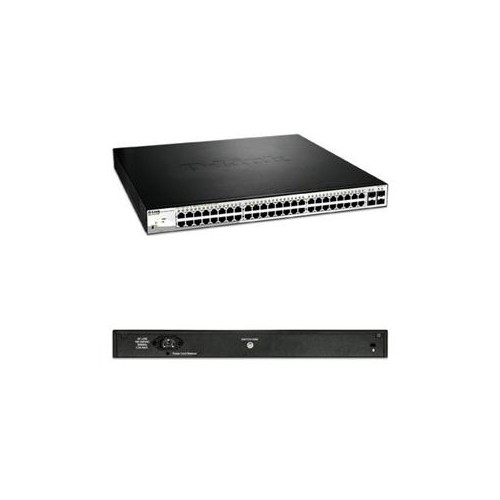
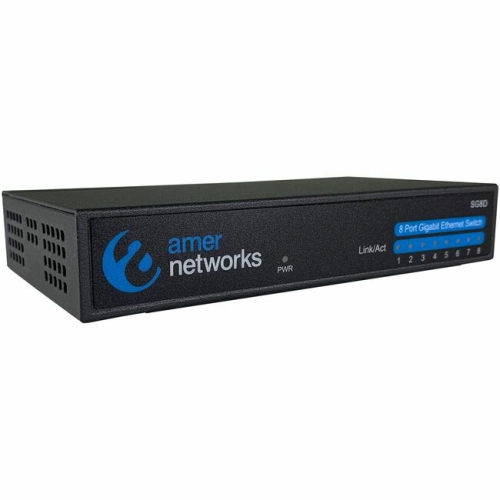
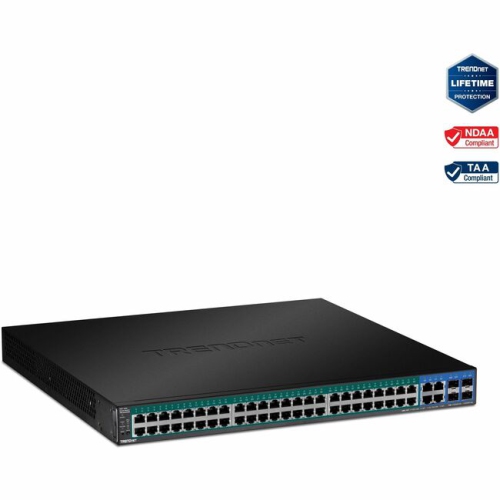
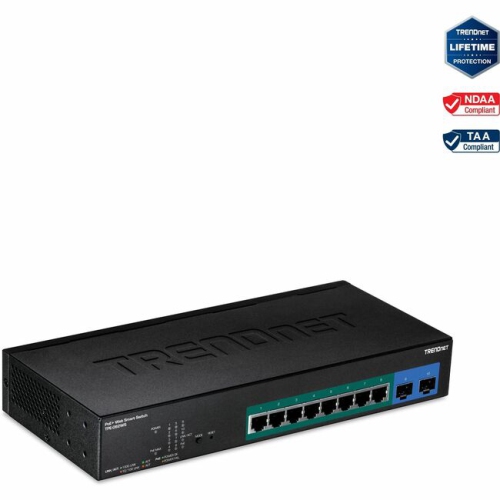
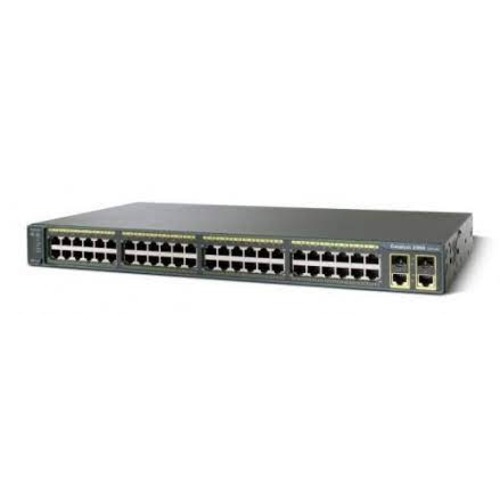
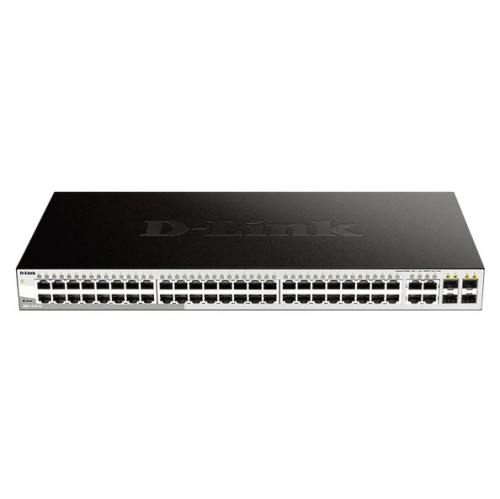
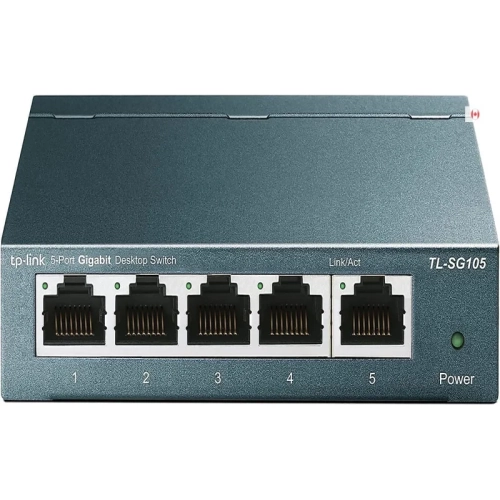
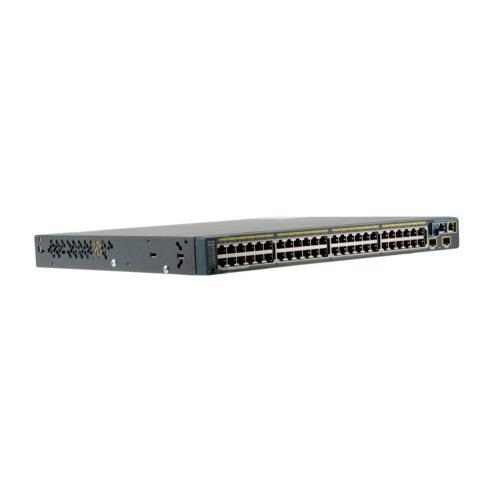
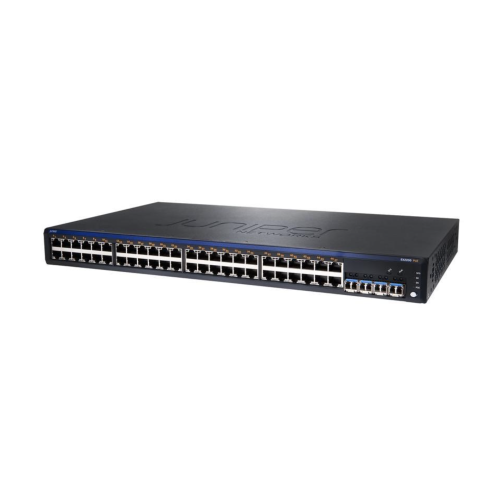
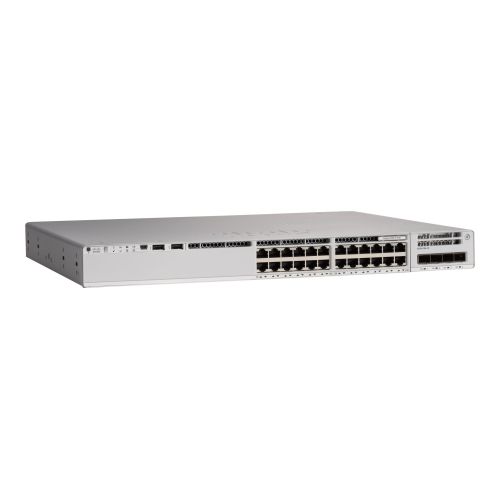
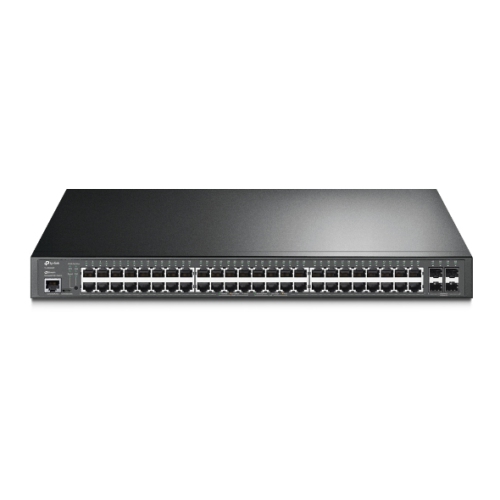
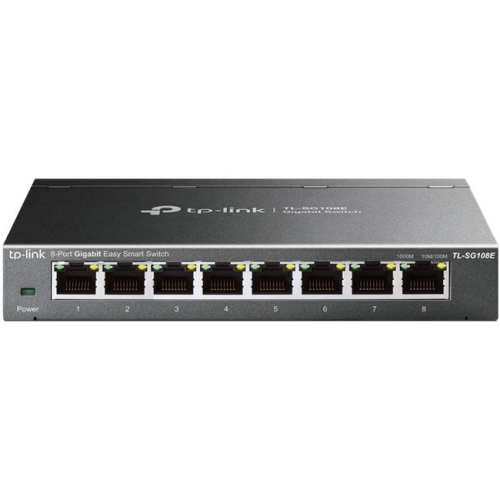
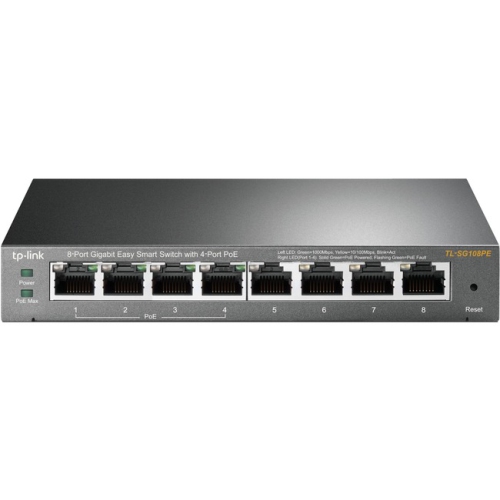
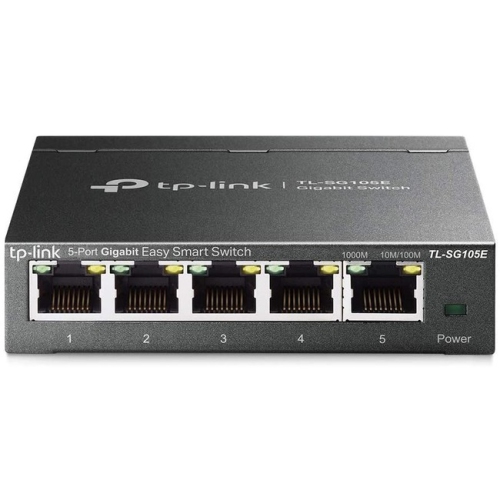
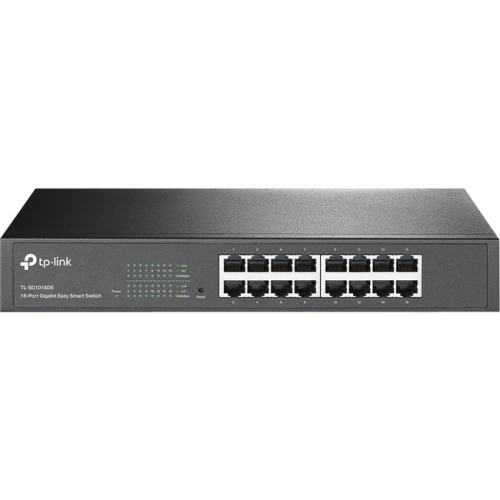
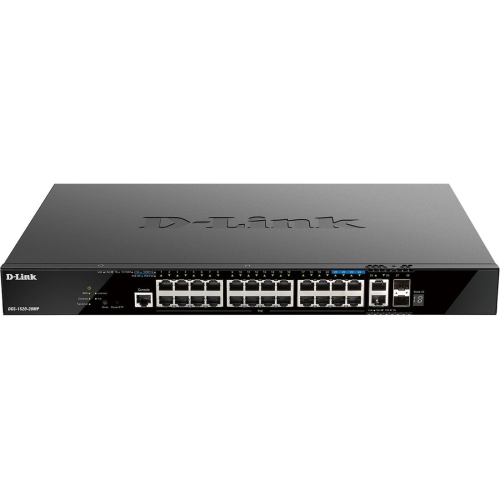
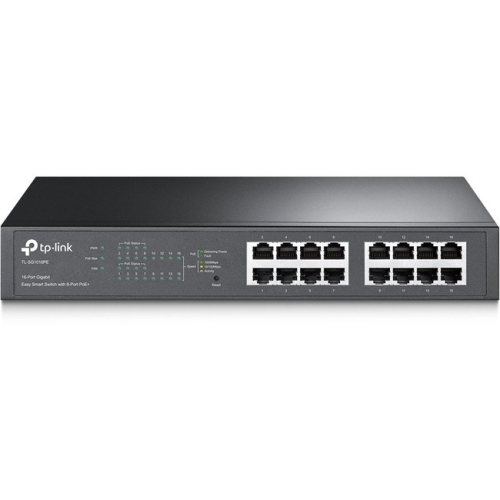
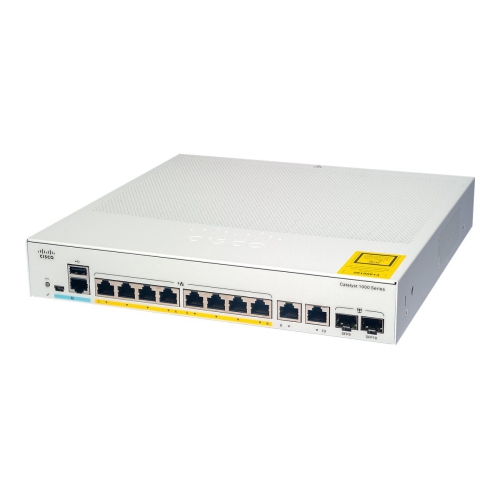
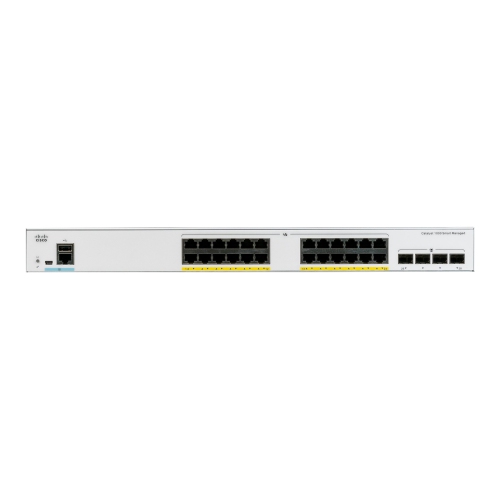

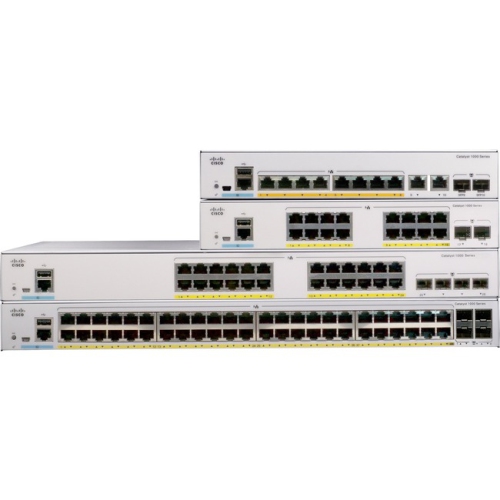
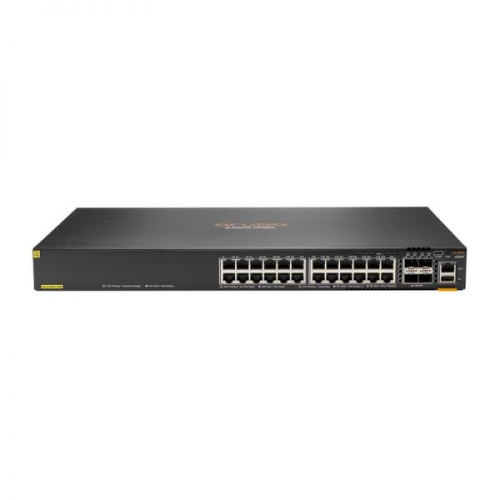
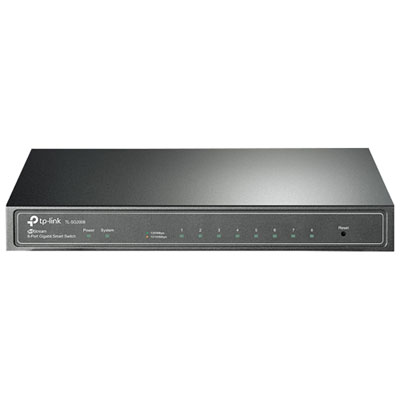
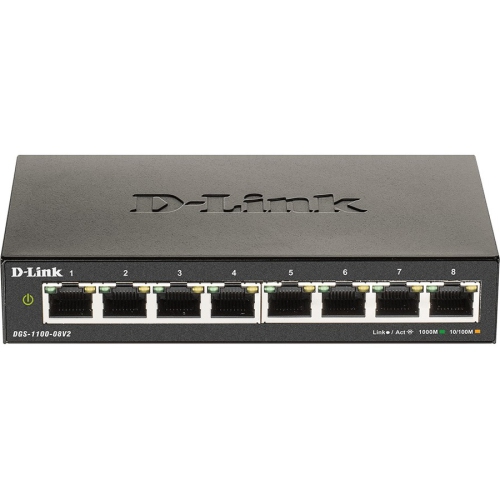
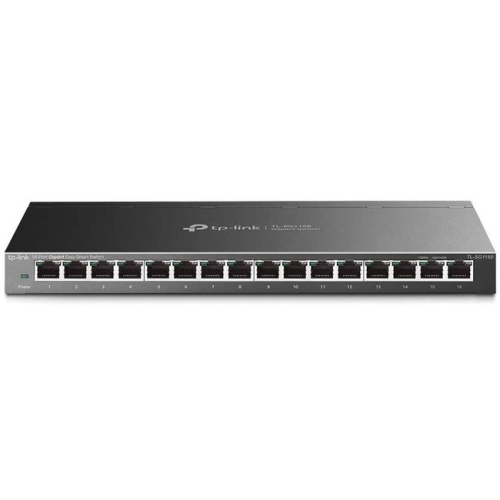
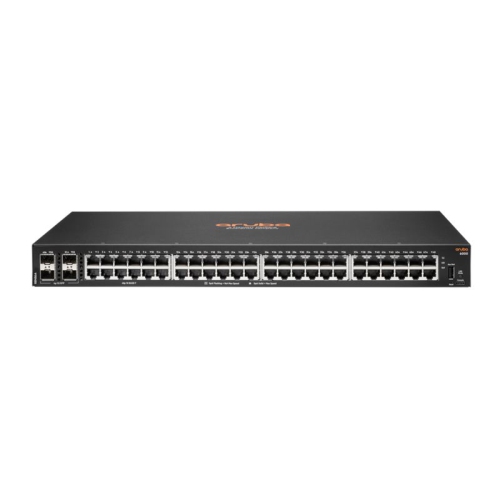
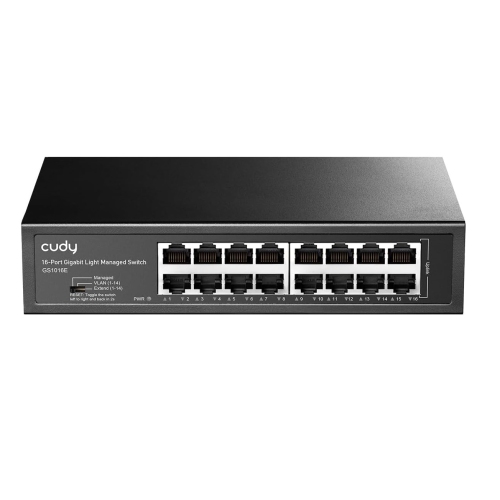
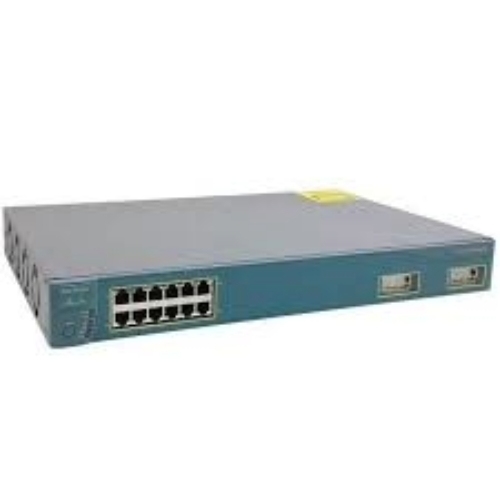
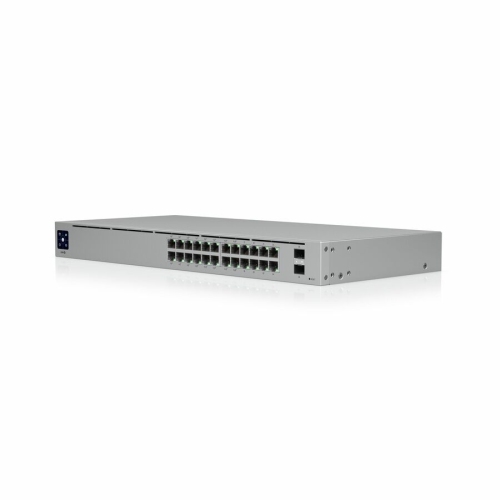
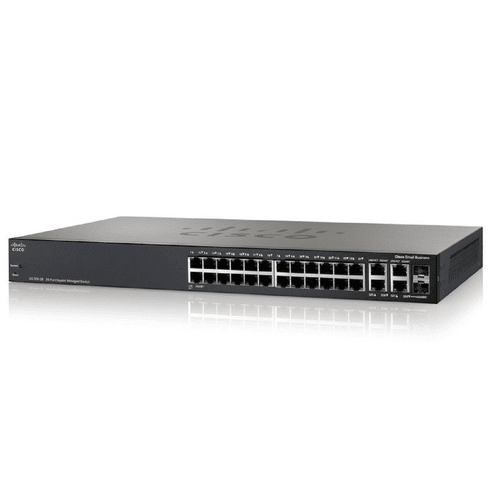
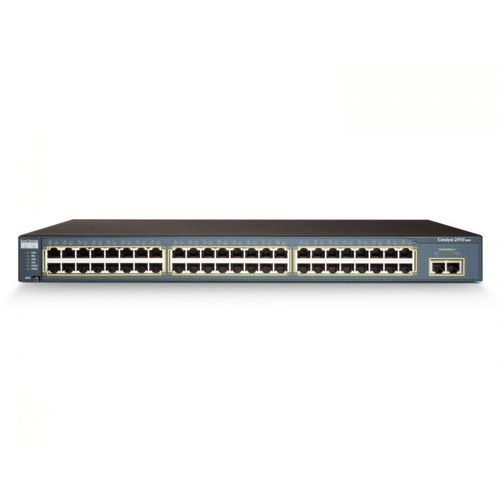
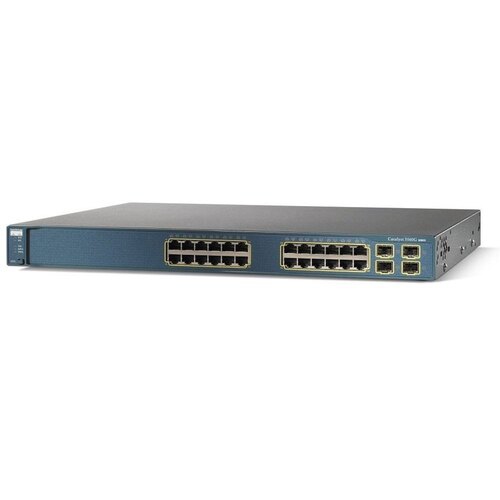
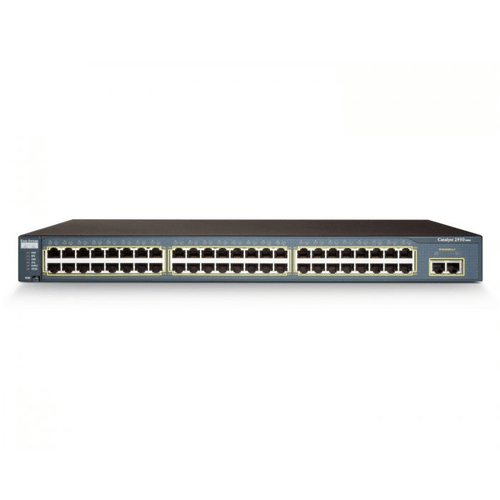
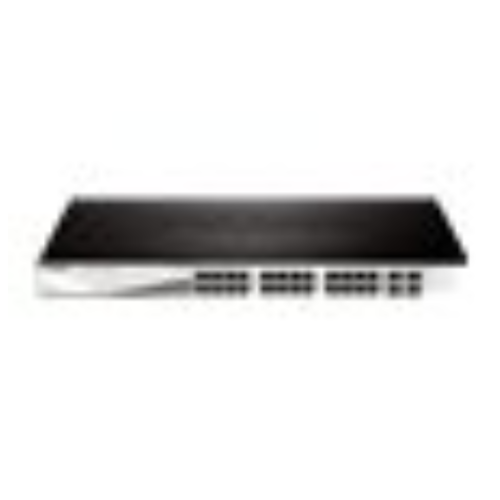
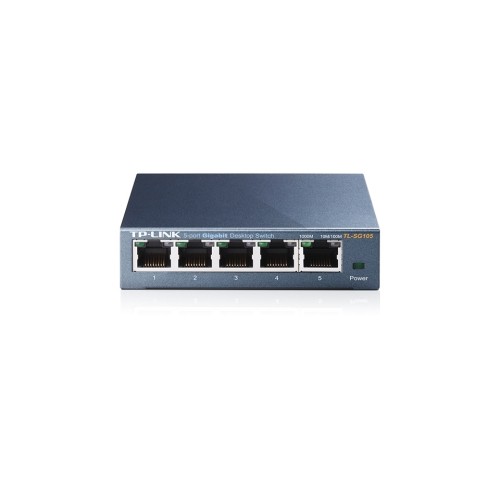

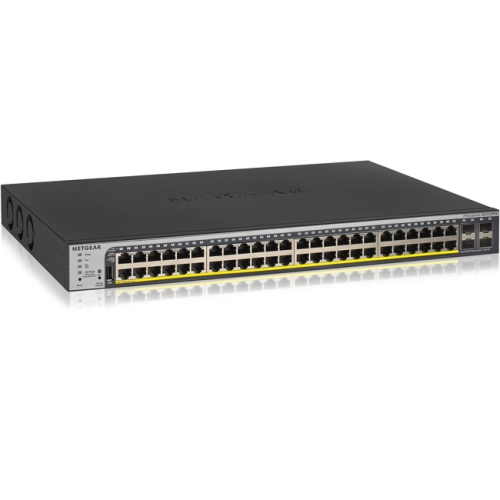
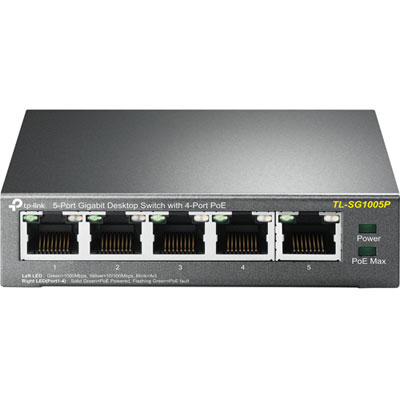

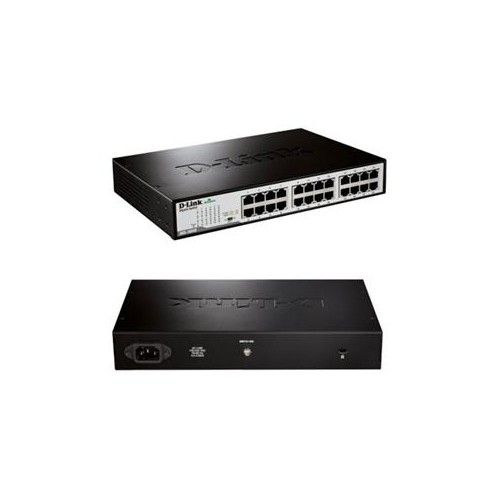
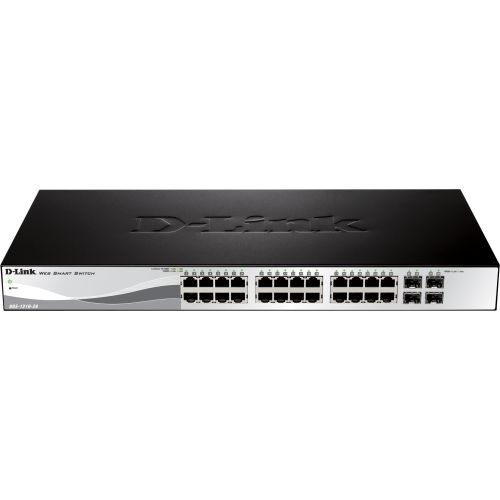
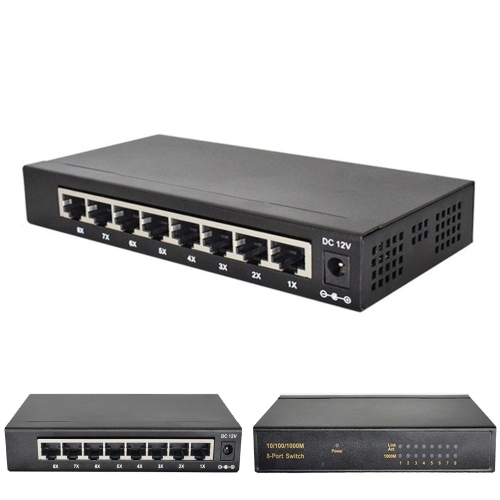
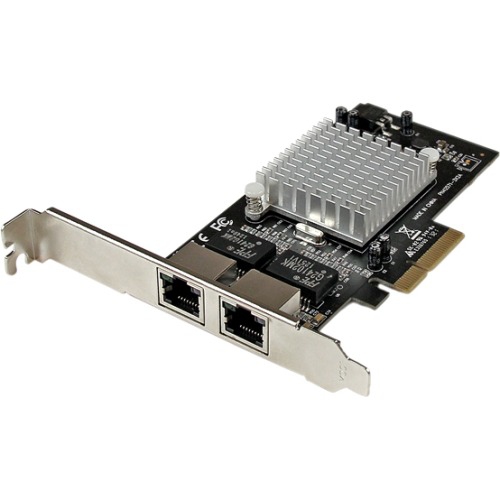
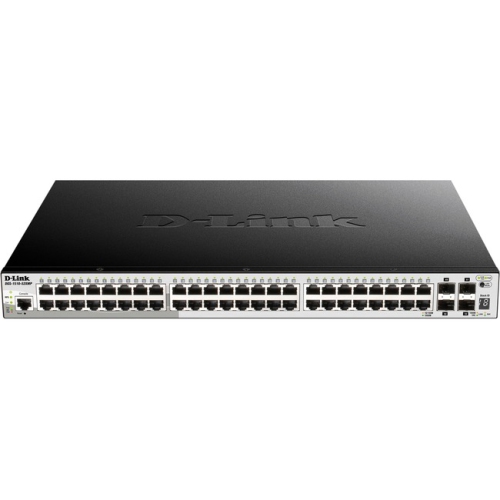
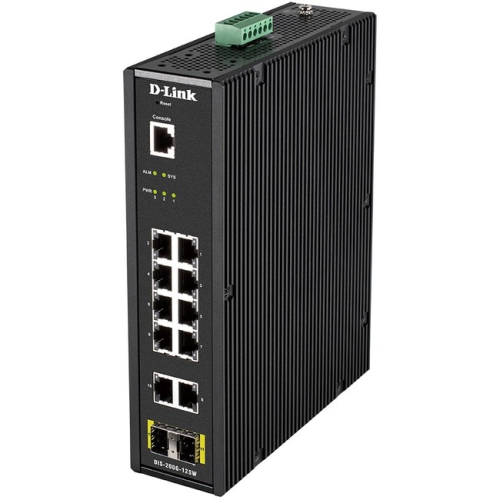
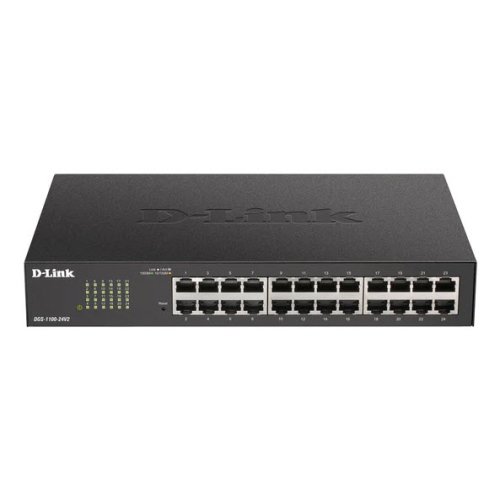
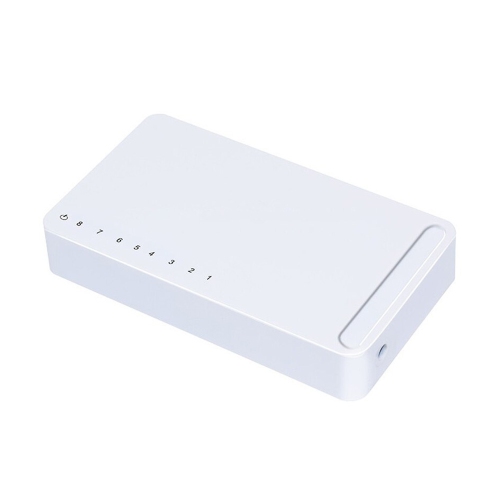
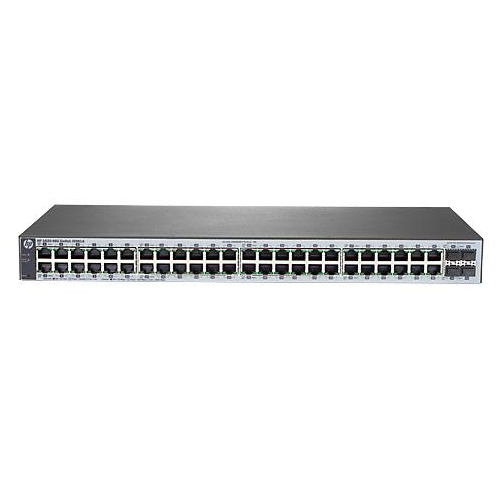
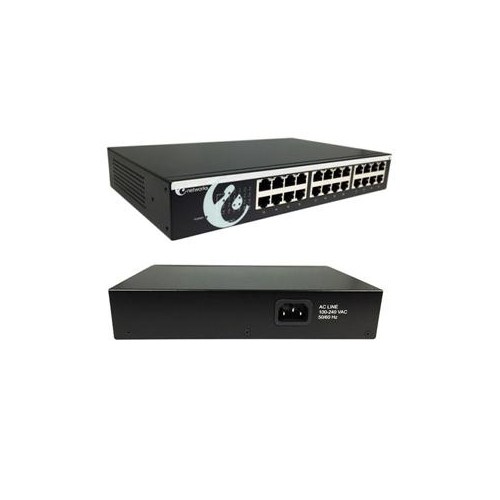
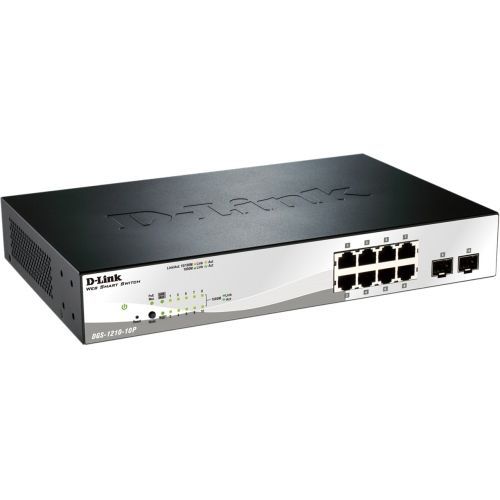
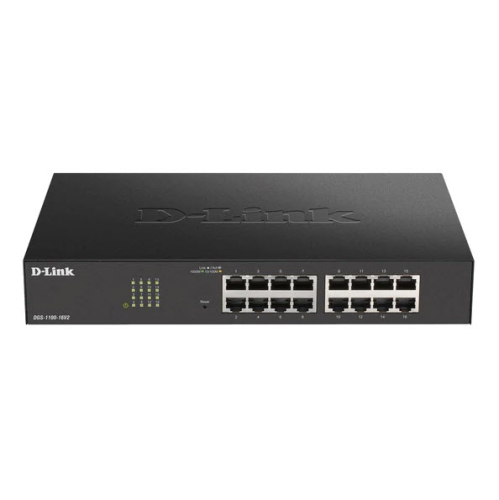
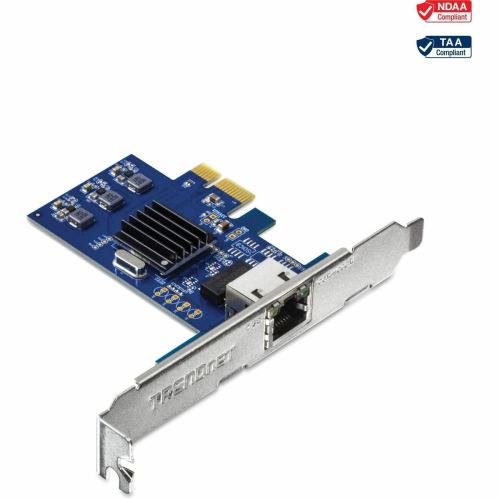
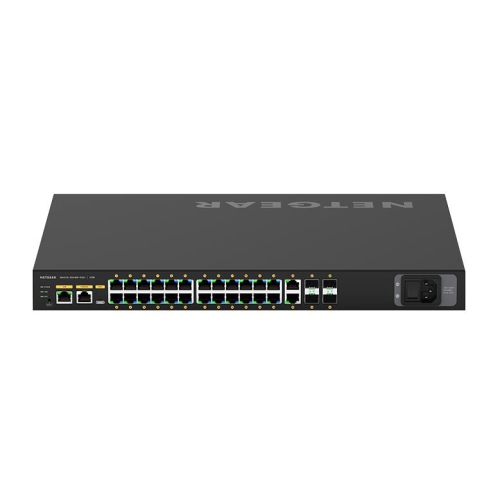
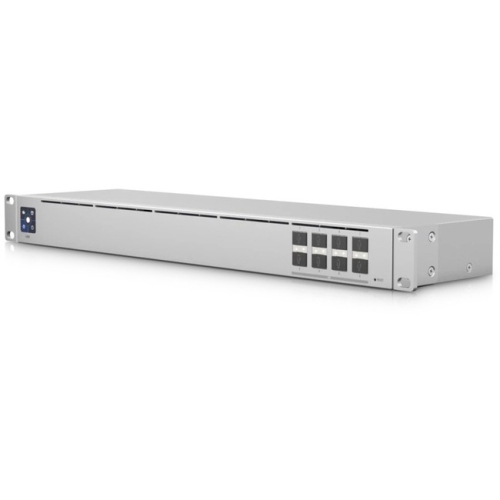
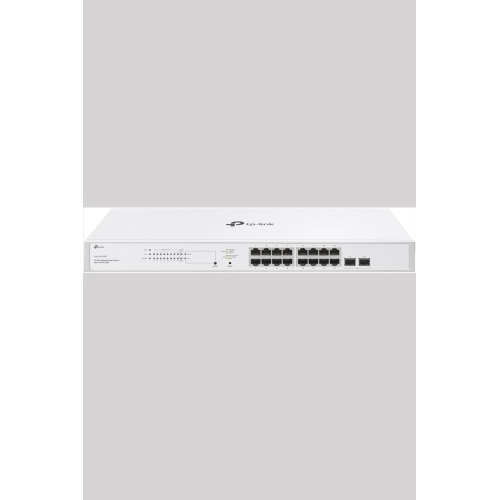
Separate network traffic with flexible VLAN management and control
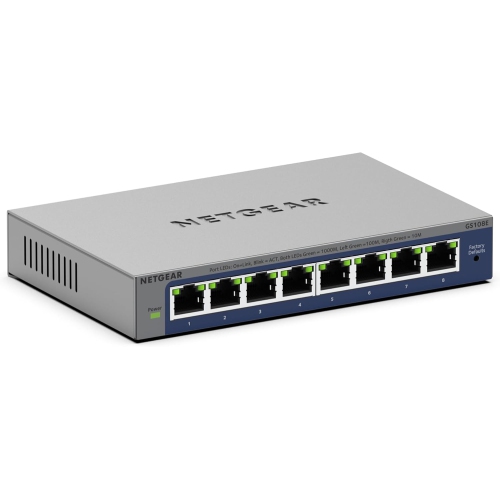
VLAN switches are managed network switches that let one physical network support multiple logically separated networks. VLAN stands for Virtual Local Area Network, and each VLAN creates its own broadcast domain, helping organize traffic without requiring a separate switch for every group of devices. A small business might use one VLAN for office computers, another for guest internet access, and another for phones, printers, cameras, or other connected equipment. In a home, VLAN support can help place smart home devices, game consoles, streaming equipment, and personal computers into distinct network segments. This separation can make a network easier to manage, reduce unnecessary broadcast traffic, and add an important layer of control between devices. Unlike an unmanaged switch, a VLAN-capable switch allows you to assign ports to specific VLANs and configure how traffic moves between them. When comparing options, look for a smart or fully managed model with VLAN configuration, rather than assuming that every Ethernet switch provides this function. Management may be available through a web browser, a desktop utility, a mobile app, or a command-line interface, depending on the switch. A straightforward interface can be especially helpful for a home office or small organization, while more advanced controls may suit network administrators managing several locations or a larger number of connected devices. It is also useful to consider the number of Ethernet ports, the supported network speeds, and whether the switch provides enough capacity for your current setup and likely expansion. Counting computers, access points, printers, cameras, phones, servers, and spare connections before buying can help prevent a crowded installation later. A few extra ports can make it easier to add a desk, connect a new access point, or replace a temporary workaround without rebuilding the network.
Understanding access and trunk ports is central to choosing and using VLAN switches. An access port normally carries traffic for one VLAN and is used for an end device such as a computer, printer, television, camera, or network storage system. A trunk port can carry traffic for multiple VLANs at the same time, using 802.1Q tagging to identify which virtual network each data frame belongs to. Trunk connections are commonly used between switches, between a switch and a router or firewall, or between a switch and a wireless access point that offers separate staff and guest networks. Some switches support a mixture of access and trunk ports, giving you flexibility as your network grows. Before purchasing, check that the switch supports the VLAN features required by your equipment, including tagged and untagged traffic, port-based VLAN assignment, and the number of VLANs you expect to create. If devices on different VLANs need to communicate, routing is also required through a compatible router, firewall, or Layer 3 switch; a VLAN switch by itself generally keeps those networks separated at Layer 2. This distinction is important when planning services such as shared printers, media servers, file storage, or management interfaces. Other useful features may include Quality of Service for prioritizing voice or video traffic, link aggregation for combining network connections, loop prevention, port mirroring, traffic monitoring, and Power over Ethernet for compatible access points, cameras, or phones. Power requirements deserve particular attention when several PoE devices will be connected at once, since the total power budget must cover their combined needs. Fan noise, rack-mount or desktop design, configuration backup, firmware support, and remote management can also affect where a switch is most comfortable to use. For shoppers comparing related networking equipment, Layer 2 Switches can provide useful context when deciding how switching and VLAN functions fit into a broader wired network.
VLAN switches can be a practical choice for people building a home lab, improving a home office, organizing a small business, or upgrading a network that has gradually accumulated more connected devices. A household with work computers, personal devices, smart appliances, cameras, and visitors may appreciate the ability to keep guest or connected-device traffic separate from computers that handle private files and accounts. A small company can use VLANs to distinguish employee access, guest internet, voice services, security equipment, and administrative systems, with firewall rules controlling which groups are allowed to communicate. In a studio, classroom, workshop, or shared office, logical segmentation can help keep high-volume equipment from competing with everyday work devices and can make troubleshooting less like searching through a tangled drawer of cables. VLANs do not replace strong passwords, encryption, firewall policies, software updates, or careful access permissions, but they can provide a clear structure for applying those protections. Setup is usually easiest when you sketch the desired network first: name each VLAN, identify the devices that belong there, decide which ports are access ports, mark the links that need to be trunks, and confirm how traffic should pass through the router or firewall. Labeling cables and recording port assignments can save considerable time later, especially when equipment is moved between desks or rooms. It is wise to begin with a simple layout and test one segment at a time before adding more rules. During the warmer and cooler parts of the year, home offices, workshops, and small businesses often shift equipment, add temporary work areas, or bring new connected devices onto the network, making flexible expansion valuable. While VLAN switches are specialised networking equipment rather than typical gifts, they can be a thoughtful choice for a technology enthusiast, home-lab builder, student learning network administration, or small-business owner who enjoys creating a dependable, well-organized setup.
Understanding access and trunk ports is central to choosing and using VLAN switches. An access port normally carries traffic for one VLAN and is used for an end device such as a computer, printer, television, camera, or network storage system. A trunk port can carry traffic for multiple VLANs at the same time, using 802.1Q tagging to identify which virtual network each data frame belongs to. Trunk connections are commonly used between switches, between a switch and a router or firewall, or between a switch and a wireless access point that offers separate staff and guest networks. Some switches support a mixture of access and trunk ports, giving you flexibility as your network grows. Before purchasing, check that the switch supports the VLAN features required by your equipment, including tagged and untagged traffic, port-based VLAN assignment, and the number of VLANs you expect to create. If devices on different VLANs need to communicate, routing is also required through a compatible router, firewall, or Layer 3 switch; a VLAN switch by itself generally keeps those networks separated at Layer 2. This distinction is important when planning services such as shared printers, media servers, file storage, or management interfaces. Other useful features may include Quality of Service for prioritizing voice or video traffic, link aggregation for combining network connections, loop prevention, port mirroring, traffic monitoring, and Power over Ethernet for compatible access points, cameras, or phones. Power requirements deserve particular attention when several PoE devices will be connected at once, since the total power budget must cover their combined needs. Fan noise, rack-mount or desktop design, configuration backup, firmware support, and remote management can also affect where a switch is most comfortable to use. For shoppers comparing related networking equipment, Layer 2 Switches can provide useful context when deciding how switching and VLAN functions fit into a broader wired network.
VLAN switches can be a practical choice for people building a home lab, improving a home office, organizing a small business, or upgrading a network that has gradually accumulated more connected devices. A household with work computers, personal devices, smart appliances, cameras, and visitors may appreciate the ability to keep guest or connected-device traffic separate from computers that handle private files and accounts. A small company can use VLANs to distinguish employee access, guest internet, voice services, security equipment, and administrative systems, with firewall rules controlling which groups are allowed to communicate. In a studio, classroom, workshop, or shared office, logical segmentation can help keep high-volume equipment from competing with everyday work devices and can make troubleshooting less like searching through a tangled drawer of cables. VLANs do not replace strong passwords, encryption, firewall policies, software updates, or careful access permissions, but they can provide a clear structure for applying those protections. Setup is usually easiest when you sketch the desired network first: name each VLAN, identify the devices that belong there, decide which ports are access ports, mark the links that need to be trunks, and confirm how traffic should pass through the router or firewall. Labeling cables and recording port assignments can save considerable time later, especially when equipment is moved between desks or rooms. It is wise to begin with a simple layout and test one segment at a time before adding more rules. During the warmer and cooler parts of the year, home offices, workshops, and small businesses often shift equipment, add temporary work areas, or bring new connected devices onto the network, making flexible expansion valuable. While VLAN switches are specialised networking equipment rather than typical gifts, they can be a thoughtful choice for a technology enthusiast, home-lab builder, student learning network administration, or small-business owner who enjoys creating a dependable, well-organized setup.
Top selling and popular products
-
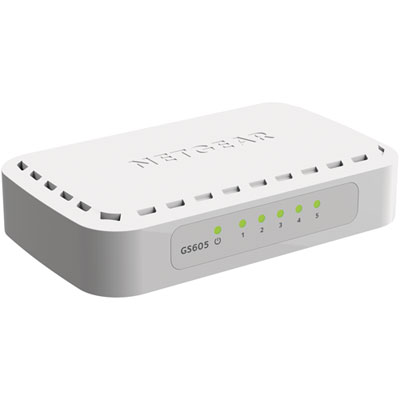 Your price for this item is $34.99
 -
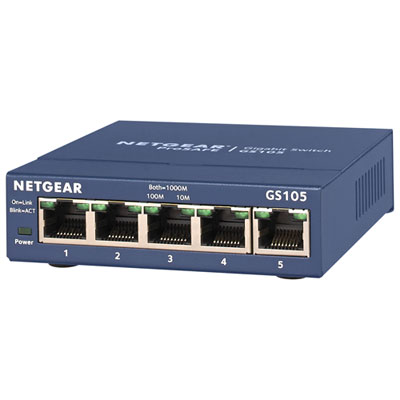 Your price for this item is $44.99
 -
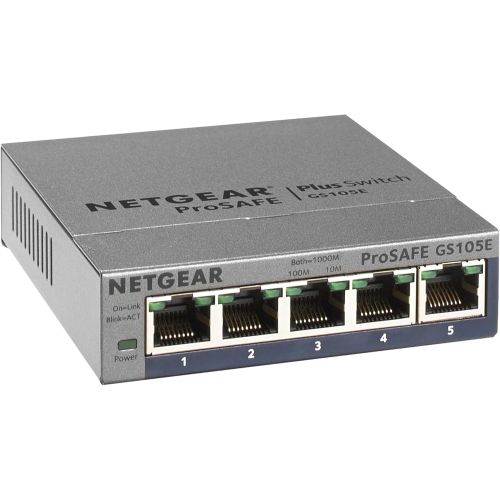 Your price for this item is $72.37
 -
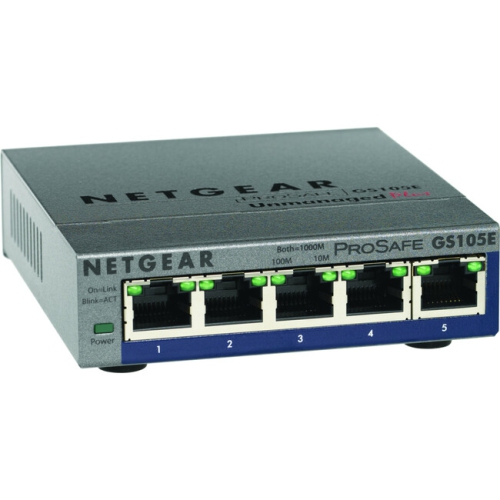 Your price for this item is $76.99
 -
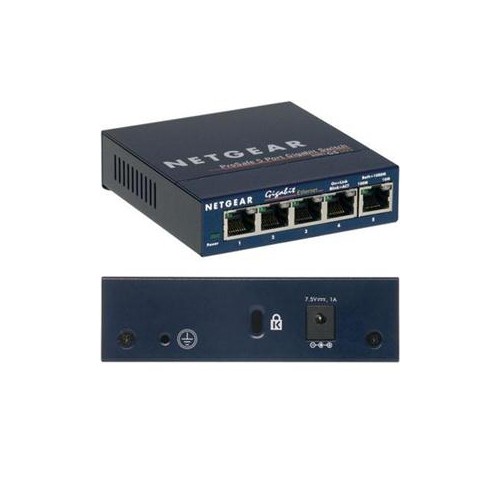 Your price for this item is $57.68
 -
 Your price for this item is $62.68
 -
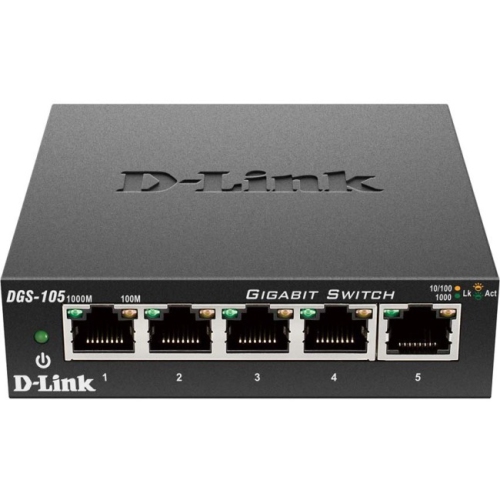 Your price for this item is $31.68
 -
 Your price for this item is $49.99
Discover more categories related to Vlan Switches
Top Collections:
Pokemon Centers, Budget 4K TVs, Kindle Devices, Canon G7X Cameras, Apple iPhones 16, iPhone 15 Apple, Laptops for Business Work, Flip Phones, Xiaomi Phones, Refurbished Apple Laptops
Some products may be subject to Environmental Handling Fees
(EHF) depending on your province.
Learn more about EHFs.