Keyboard Brands
Looking to upgrade your keyboard? Look no further! Our vast selection of top-quality keyboard brands is sure to have the perfect fit for you. Whether you're a professional gamer, a music enthusiast, or simply looking for a reliable typing companion, we've got you covered. From cutting-edge technology to ergonomic designs, our keyboard brands offer an array of features and styles to suit every need and preference. Discover the ultimate typing experience with our collection of renowned keyboard brands that deliver exceptional performance and durability. Get ready to take your productivity and gaming skills to new heights with the best keyboards on the market.
Sort















How keyboard design shapes typing feel and everyday use
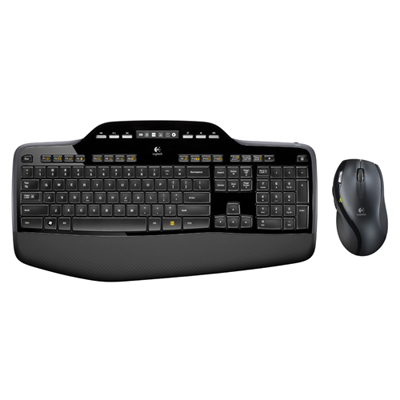
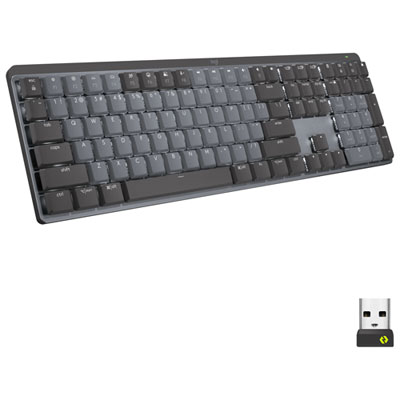
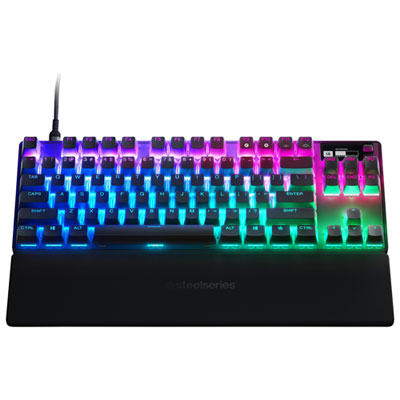
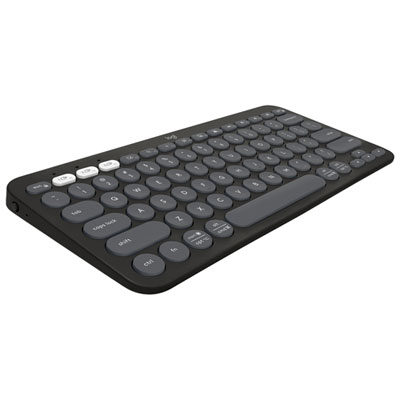
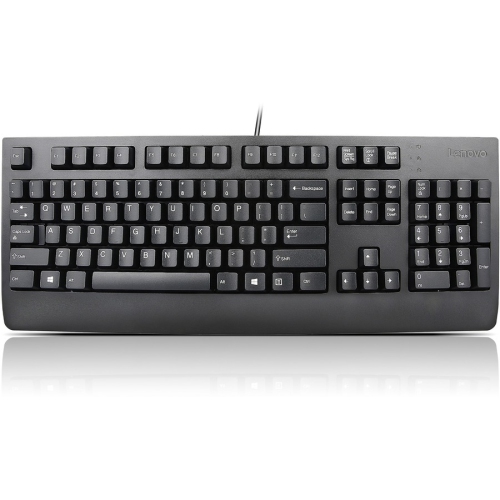
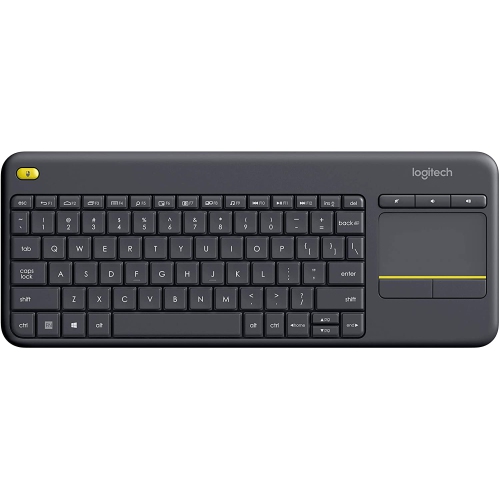
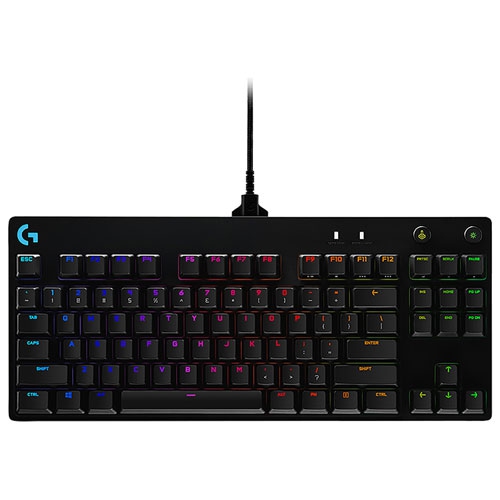
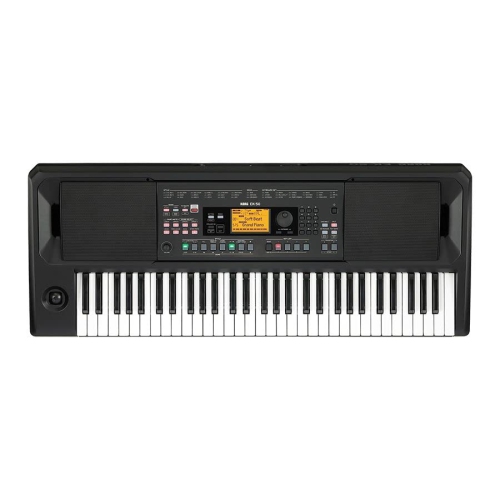
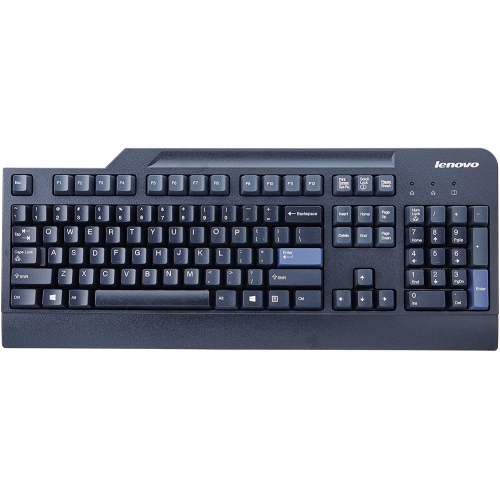
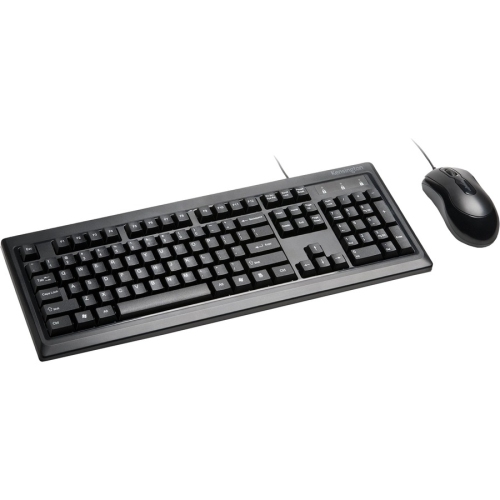
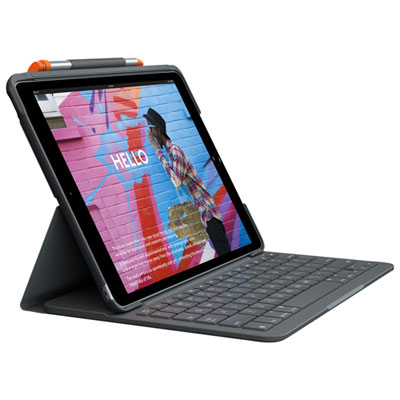
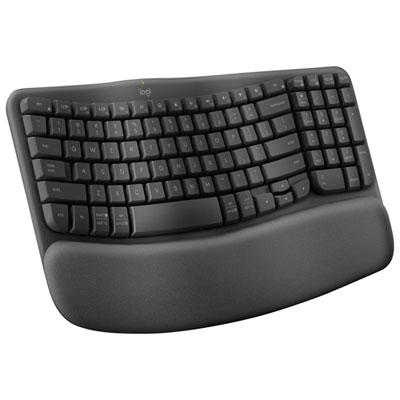
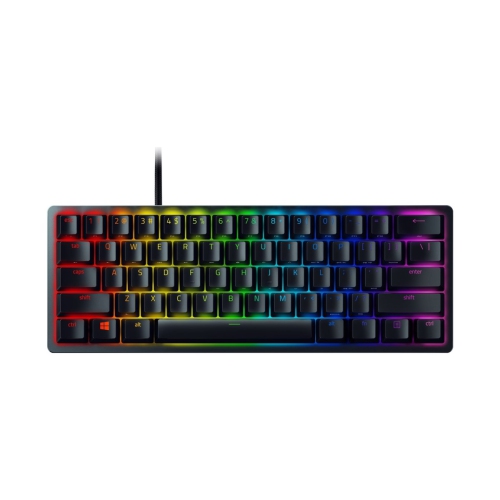
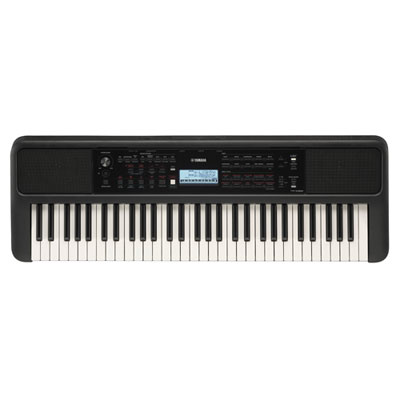
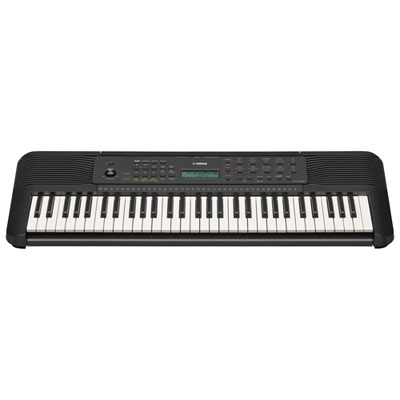
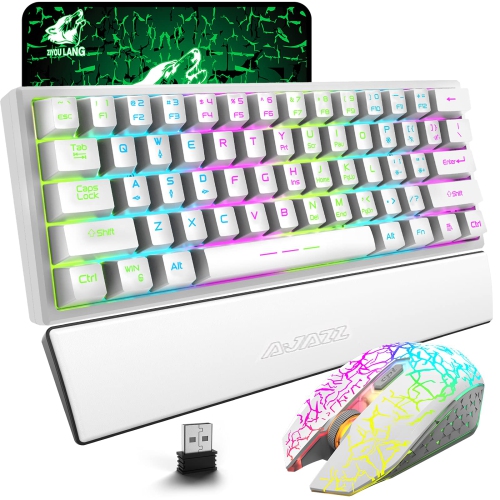
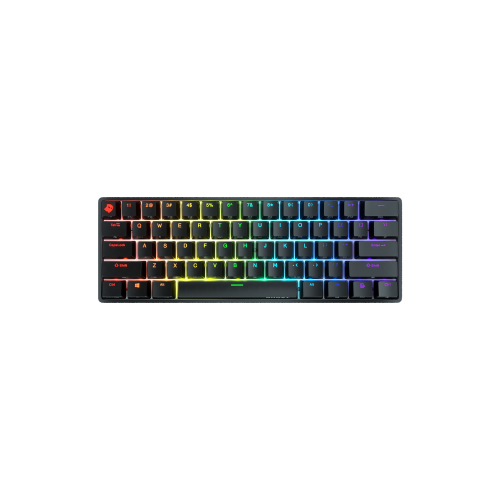
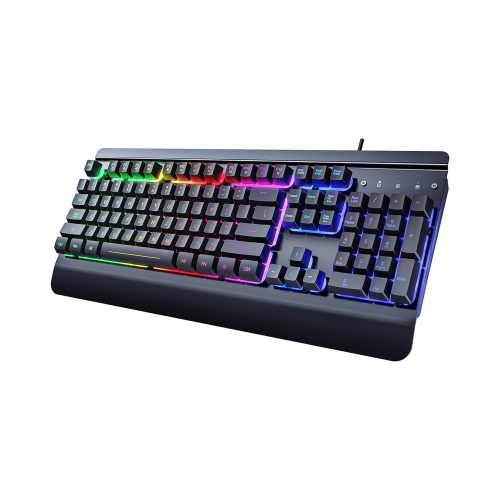
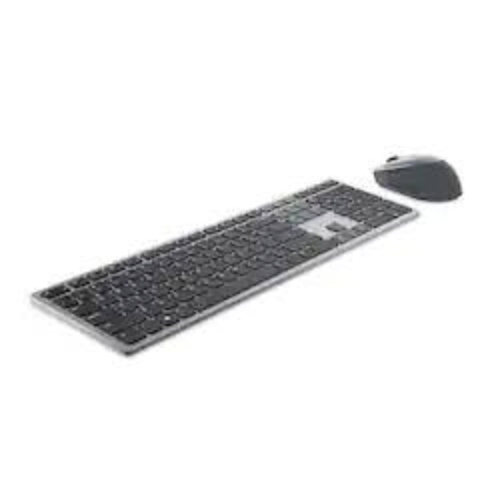
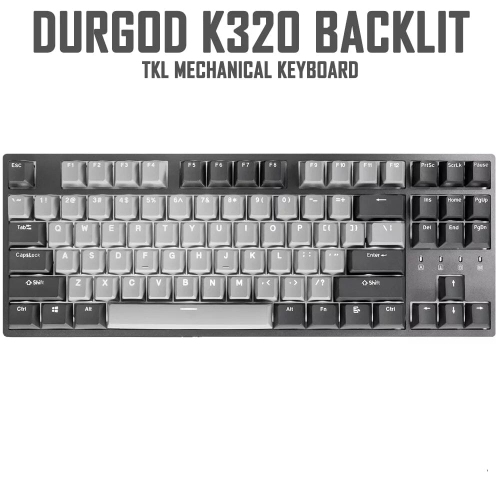
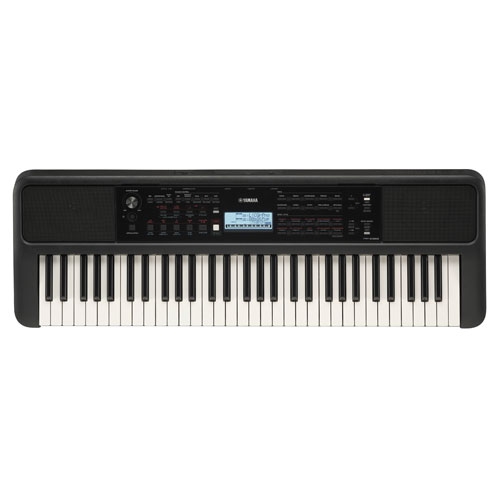
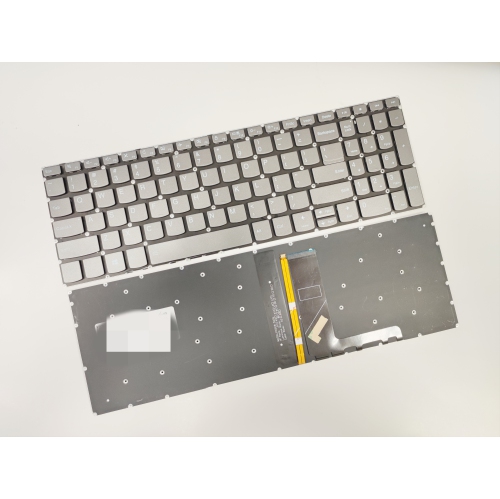
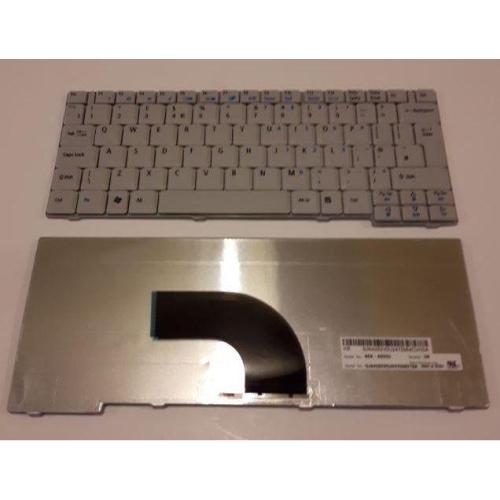
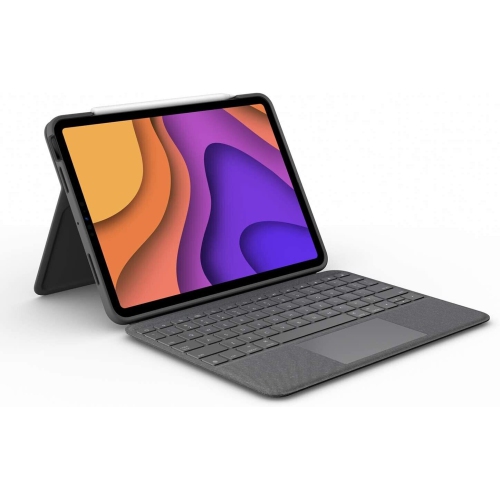
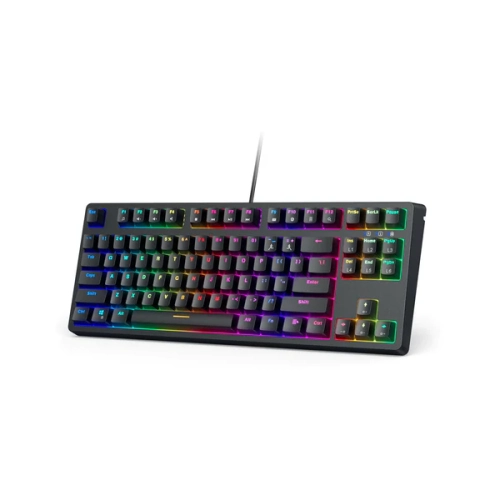
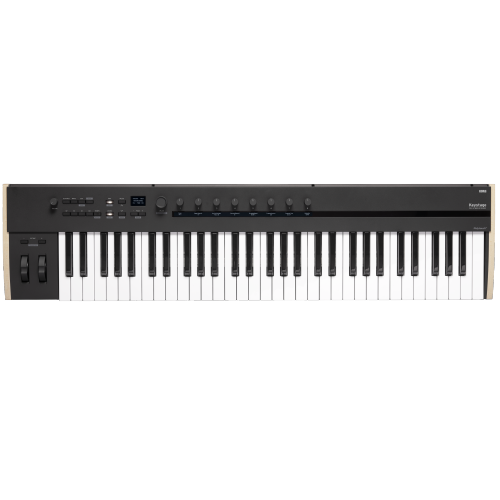
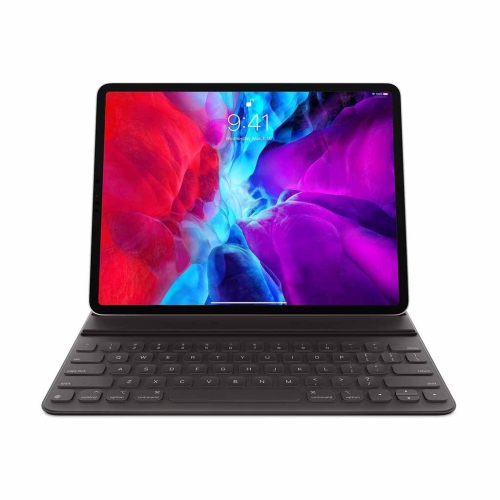
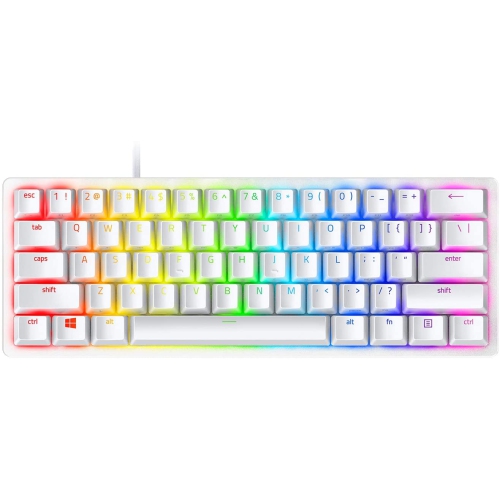
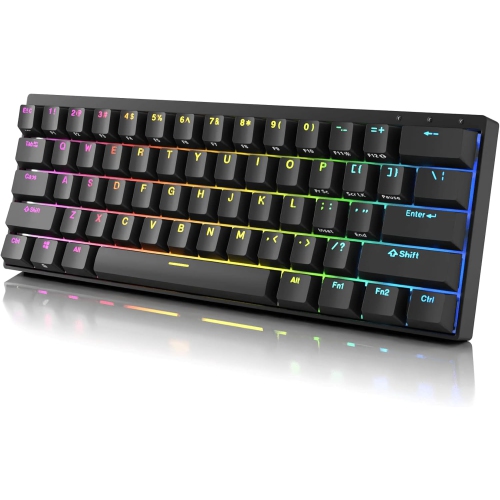
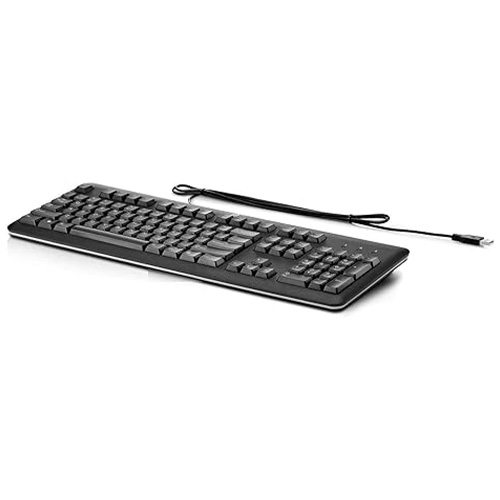
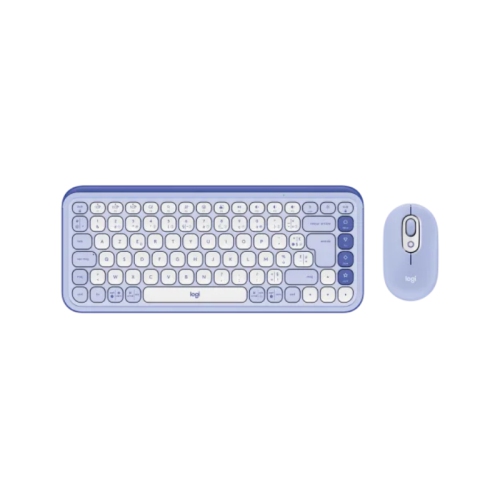
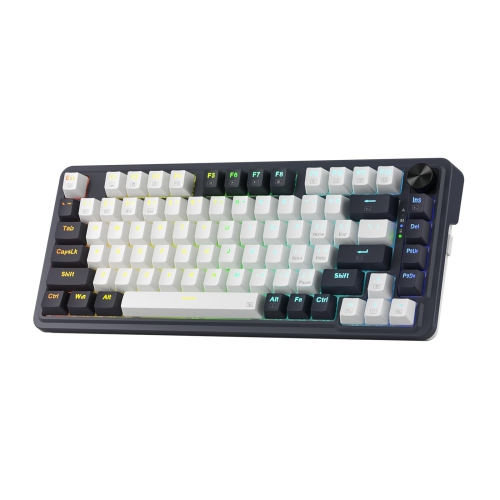
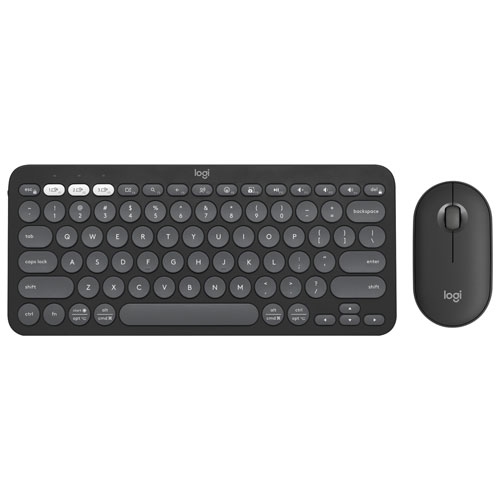
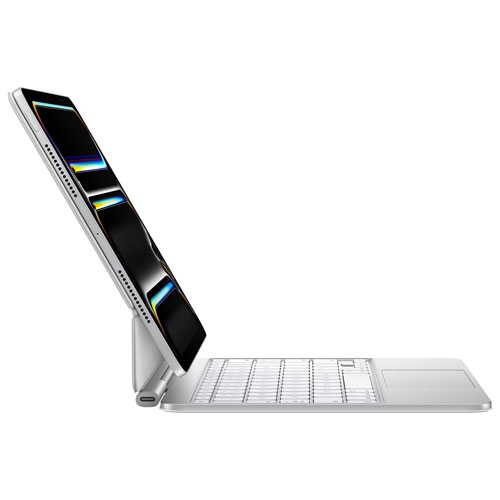
Keyboard brands span several overlapping categories, from mechanical keyboard specialists and gaming-focused manufacturers to companies known for office peripherals and portable accessories. The differences tend to show up in typing feel, layout, connection options, software, and construction rather than appearance alone. For someone writing reports all day, a predictable key response and comfortable spacing may matter more than lighting effects. A player making rapid directional changes may place greater value on input responsiveness and adjustable controls. A student moving between a laptop stand and a shared study table may appreciate a slim keyboard that slips easily into a bag. Mechanical keyboards use an individual switch beneath each key, with common switch types offering distinct sensations: linear switches travel smoothly, tactile switches have a noticeable bump, and clicky switches add a deliberate clicking sound. That sound can be satisfying at a personal desk but distracting beside a colleague taking calls. Membrane keyboards generally use a flexible membrane system, often paired with rubber domes, while many low-profile keyboards use scissor mechanisms to stabilize their shorter key travel. Neither construction alone determines comfort or quality; key resistance, spacing, stability, and typing technique all contribute. Some gaming keyboards use magnetic switches that allow adjustable actuation, although the available settings depend on the design and supporting software. Rapid-trigger functionality, where supported, lets a key reset based on its movement rather than a fixed reset point. Those features serve a different purpose from a quiet office keyboard’s subdued sound and familiar layout. Across keyboard brands, the most meaningful distinctions are therefore tied to intended use. A manufacturer may offer several very different keyboard families, so a reputation for gaming performance does not necessarily describe its compact travel designs or office models. For shared spaces, sound deserves particular attention: a keyboard’s case, keycaps, switches, and internal dampening all influence what nearby people hear. Even two keyboards using the same broad switch type can feel and sound noticeably different on a desk.
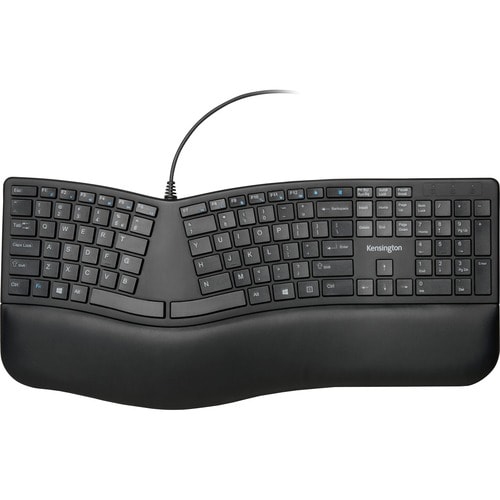
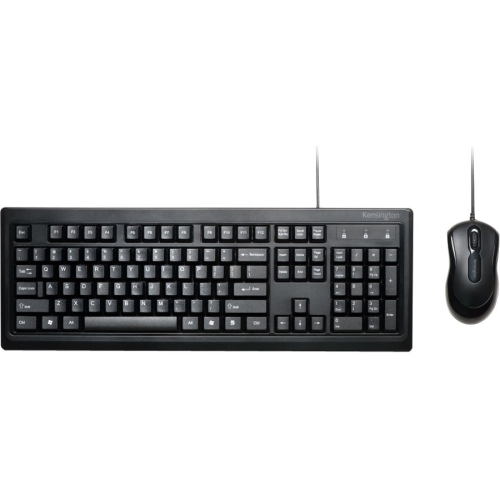
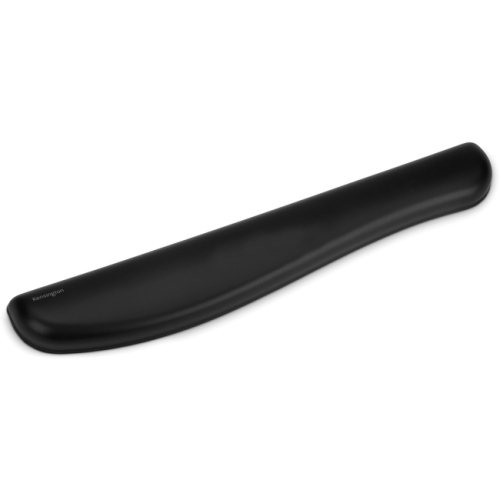
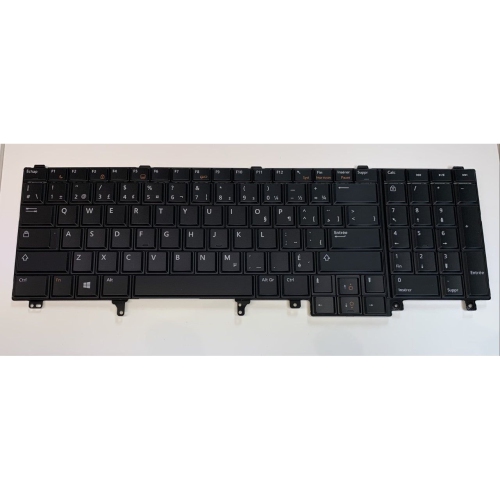
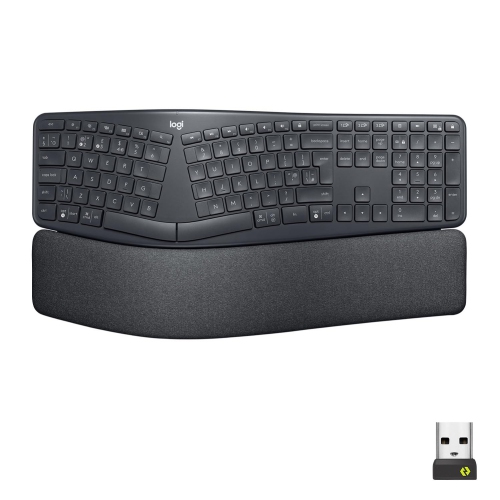
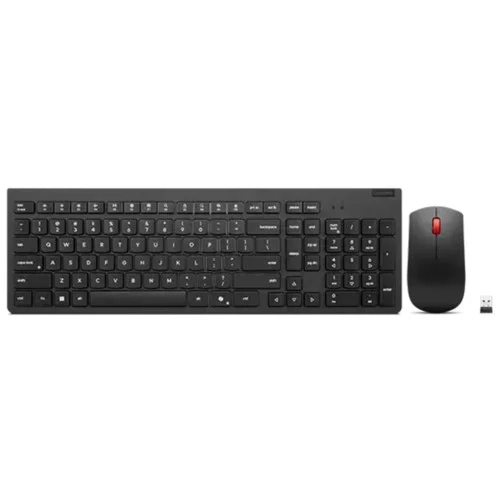
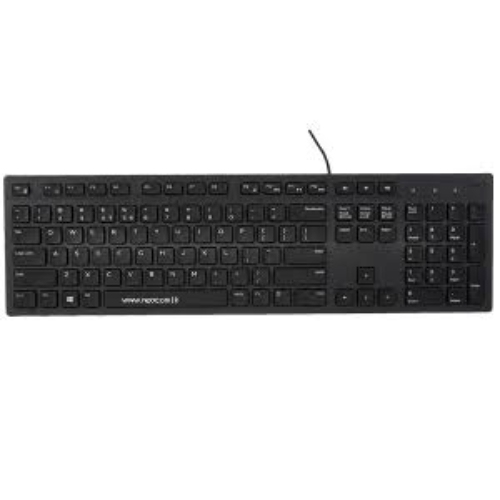
Layout shapes how a keyboard fits into everyday work as much as its overall dimensions. Full-size keyboards include a dedicated number pad, which is useful for entering invoices, updating spreadsheets, or working through calculations. Tenkeyless layouts remove that section while typically retaining the function row, arrow keys, and navigation cluster, leaving more room for mouse movement. Smaller layouts can save additional desk space, but some commands move to secondary layers accessed with a function key. That trade-off becomes noticeable when a familiar shortcut requires a new finger combination or a frequently used navigation key sits somewhere unexpected. Key legends also matter for Canadian households and workplaces using more than one language: the physical layout, printed characters, and operating system’s input settings need to suit the person typing. Compatibility extends beyond whether a keyboard connects. Modifier labels, media controls, programmable shortcuts, and configuration software may behave differently across operating systems. Wired keyboards offer a straightforward connection without a battery to manage, while Bluetooth keyboards can reduce cable clutter and, on supported designs, switch between multiple paired devices. Wireless keyboards using a USB receiver need a compatible port or suitable adapter; some designs provide both receiver-based wireless and Bluetooth connections. Battery life varies with usage, lighting, connection mode, and power settings, and rechargeable designs differ in whether they can be used while charging. For desks centred on writing, administration, coding, or other sustained computer work, Professional Keyboards brings the focus to productivity-oriented needs. Useful details can include readable legends, accessible shortcut keys, a stable base, and a layout that keeps frequent commands within easy reach. Ergonomic designs introduce further differences, such as split sections, curved key arrangements, or adjustable positioning. These features may help some users find a more comfortable posture, but fit remains individual. Keyboard height, chair position, desk depth, and the distance to the mouse all affect how naturally the hands rest during a long session. A compact footprint is especially helpful when it allows the mouse to sit closer without crowding the typing area.
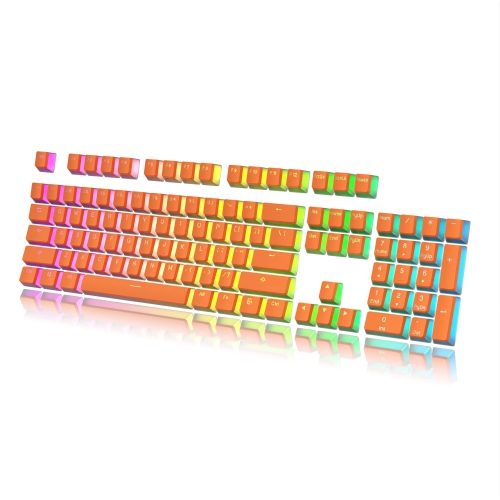
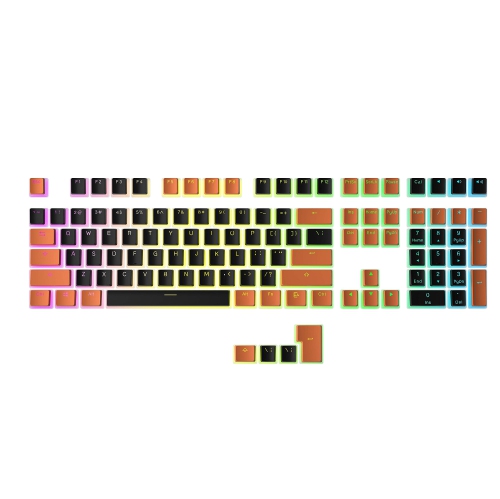
Materials and assembly influence how a keyboard feels after months of daily use. Plastic cases can keep weight manageable for travel, while metal top plates or housings may add rigidity and a more substantial feel. Weight alone is not a measure of durability: secure feet, sturdy connectors, consistent key stabilization, and a case that resists unwanted flex also matter. Keycaps are commonly made from ABS or PBT plastic. ABS often has a smoother surface and can develop shine through use, while PBT commonly has a more textured feel and tends to resist surface shine; the finish and manufacturing quality still vary. Printed, laser-marked, dye-sublimated, and double-shot legends differ in construction and wear characteristics, so clear lettering and an appropriate finish are worth considering alongside colour. Backlighting can make legends easier to distinguish in a dim room, although visibility depends on contrast and whether light passes through the characters. For people interested in personalizing typing feel, some mechanical keyboards support compatible replacement keycaps or hot-swappable switches. Compatibility is specific, however: switch sockets, keycap mounts, key sizes, and stabilizer arrangements are not universal. Everyday care is usually simple but should follow the manufacturer’s directions. Disconnecting the keyboard or turning it off before cleaning, removing loose debris gently, and keeping excess liquid away from openings can help prevent avoidable damage. Keycaps should only be removed where the design permits it, especially on low-profile mechanisms that may be delicate. Spill resistance, when stated, is not the same as waterproofing, and drinks are best kept away from the typing surface. A keyboard can also make a thoughtful gift for a student, writer, gamer, or someone setting up a home office, particularly when its layout and connection method match the recipient’s computer. Familiar preferences are useful clues: a well-used number pad, a preference for quiet keys, or a crowded desktop says more about a suitable fit than decorative details alone. The right match across keyboard brands combines those practical needs with a typing feel the recipient will enjoy using every day.
Layout shapes how a keyboard fits into everyday work as much as its overall dimensions. Full-size keyboards include a dedicated number pad, which is useful for entering invoices, updating spreadsheets, or working through calculations. Tenkeyless layouts remove that section while typically retaining the function row, arrow keys, and navigation cluster, leaving more room for mouse movement. Smaller layouts can save additional desk space, but some commands move to secondary layers accessed with a function key. That trade-off becomes noticeable when a familiar shortcut requires a new finger combination or a frequently used navigation key sits somewhere unexpected. Key legends also matter for Canadian households and workplaces using more than one language: the physical layout, printed characters, and operating system’s input settings need to suit the person typing. Compatibility extends beyond whether a keyboard connects. Modifier labels, media controls, programmable shortcuts, and configuration software may behave differently across operating systems. Wired keyboards offer a straightforward connection without a battery to manage, while Bluetooth keyboards can reduce cable clutter and, on supported designs, switch between multiple paired devices. Wireless keyboards using a USB receiver need a compatible port or suitable adapter; some designs provide both receiver-based wireless and Bluetooth connections. Battery life varies with usage, lighting, connection mode, and power settings, and rechargeable designs differ in whether they can be used while charging. For desks centred on writing, administration, coding, or other sustained computer work, Professional Keyboards brings the focus to productivity-oriented needs. Useful details can include readable legends, accessible shortcut keys, a stable base, and a layout that keeps frequent commands within easy reach. Ergonomic designs introduce further differences, such as split sections, curved key arrangements, or adjustable positioning. These features may help some users find a more comfortable posture, but fit remains individual. Keyboard height, chair position, desk depth, and the distance to the mouse all affect how naturally the hands rest during a long session. A compact footprint is especially helpful when it allows the mouse to sit closer without crowding the typing area.
Materials and assembly influence how a keyboard feels after months of daily use. Plastic cases can keep weight manageable for travel, while metal top plates or housings may add rigidity and a more substantial feel. Weight alone is not a measure of durability: secure feet, sturdy connectors, consistent key stabilization, and a case that resists unwanted flex also matter. Keycaps are commonly made from ABS or PBT plastic. ABS often has a smoother surface and can develop shine through use, while PBT commonly has a more textured feel and tends to resist surface shine; the finish and manufacturing quality still vary. Printed, laser-marked, dye-sublimated, and double-shot legends differ in construction and wear characteristics, so clear lettering and an appropriate finish are worth considering alongside colour. Backlighting can make legends easier to distinguish in a dim room, although visibility depends on contrast and whether light passes through the characters. For people interested in personalizing typing feel, some mechanical keyboards support compatible replacement keycaps or hot-swappable switches. Compatibility is specific, however: switch sockets, keycap mounts, key sizes, and stabilizer arrangements are not universal. Everyday care is usually simple but should follow the manufacturer’s directions. Disconnecting the keyboard or turning it off before cleaning, removing loose debris gently, and keeping excess liquid away from openings can help prevent avoidable damage. Keycaps should only be removed where the design permits it, especially on low-profile mechanisms that may be delicate. Spill resistance, when stated, is not the same as waterproofing, and drinks are best kept away from the typing surface. A keyboard can also make a thoughtful gift for a student, writer, gamer, or someone setting up a home office, particularly when its layout and connection method match the recipient’s computer. Familiar preferences are useful clues: a well-used number pad, a preference for quiet keys, or a crowded desktop says more about a suitable fit than decorative details alone. The right match across keyboard brands combines those practical needs with a typing feel the recipient will enjoy using every day.
Top selling and popular products
-
 Your price for this item is $39.99
 -
 Your price for this item is $49.72
 -
 Your price for this item is $159
 -
 Your price for this item is $219.99
 -
 Your price for this item is $199.99
 -
 Your price for this item is $44.69
 -
 Your price for this item is $29.99
 -
 Your price for this item is $169.99
Discover more categories related to Keyboard Brands
Top Collections:
Pokemon Centers, Budget 4K TVs, Kindle Devices, Canon G7X Cameras, Apple iPhones 16, iPhone 15 Apple, Laptops for Business Work, Flip Phones, Xiaomi Phones, Refurbished Apple Laptops
Some products may be subject to Environmental Handling Fees
(EHF) depending on your province.
Learn more about EHFs.