USB Electronics
Discover the convenience and versatility of USB electronics, where innovation meets everyday functionality. From charging devices to transferring data seamlessly, USB technology has become an essential part of modern life, catering to both personal and professional needs. Whether you're looking to enhance your workspace with efficient peripherals or seeking portable solutions for on-the-go connectivity, our diverse selection offers something for everyone. Embrace the future of technology with USB electronics that promise to simplify tasks and elevate your digital experience.
Sort

![LDAS ELECTRONICS Handheld Mini Fan, 3 In 1 USB Rechargeable Portable Fan [12-19 Working Hours] w Power Bank, Flashlight, Pocket Design For](https://multimedia.bbycastatic.ca/multimedia/products/500x500/199/19992/19992517.png)

![BROOK GAMING : X One Adapter Se USB-C [Electronics]](https://multimedia.bbycastatic.ca/multimedia/products/500x500/193/19383/19383313.jpeg)
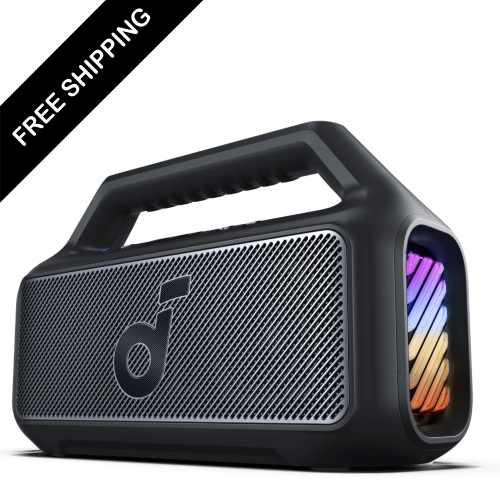
![THE VOICE : Electrify Tailgate Party Speaker With Led Lights [Electronics]](https://multimedia.bbycastatic.ca/multimedia/products/500x500/188/18884/18884569.jpeg)


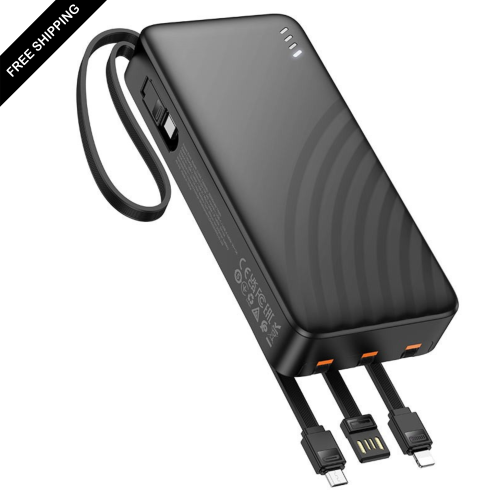
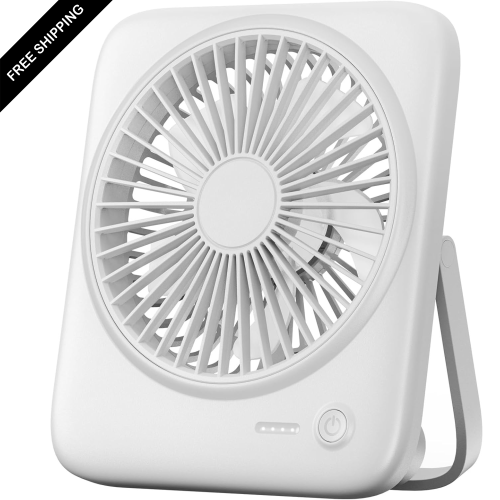
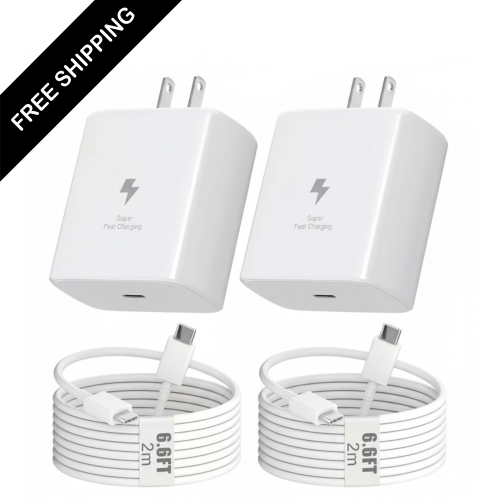
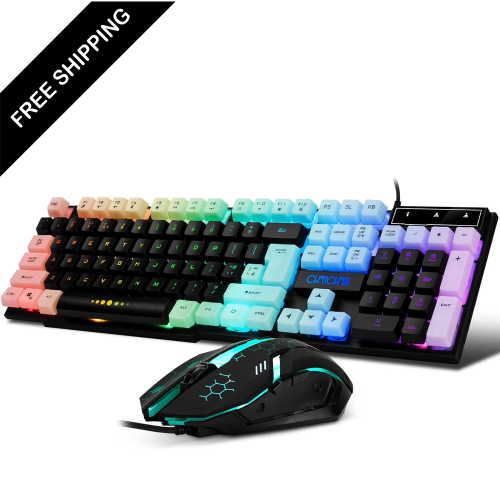


![LDAS ELECTRONICS 2-Pack USB C Car Charger Fast Charge, 48W Car Cigarette Lighter USB Charger[Mini&metal], Lisen USBc Fast Car Charger Adapter I also love the fact that the body is not plastic; it is metal](https://multimedia.bbycastatic.ca/multimedia/products/500x500/170/17078/17078130.png)
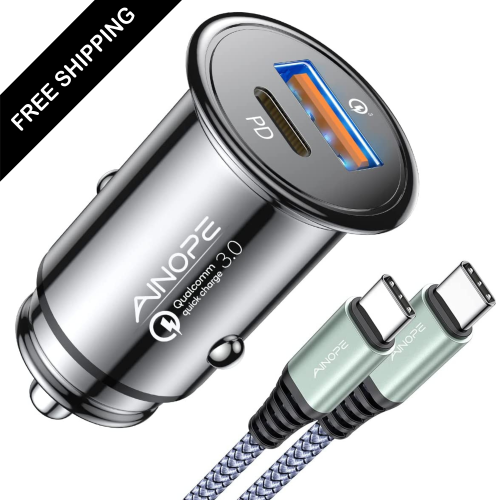

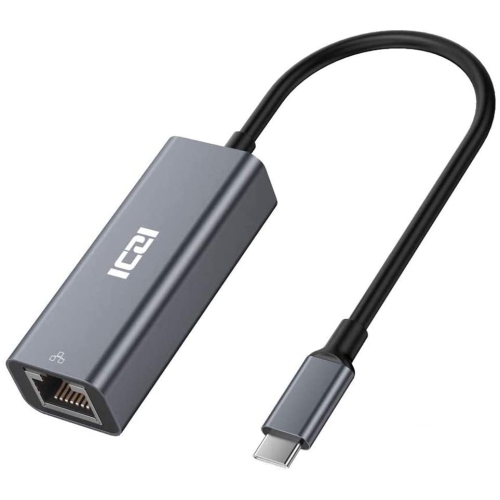
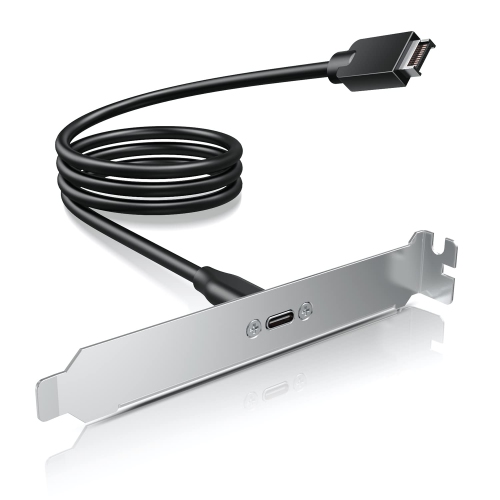
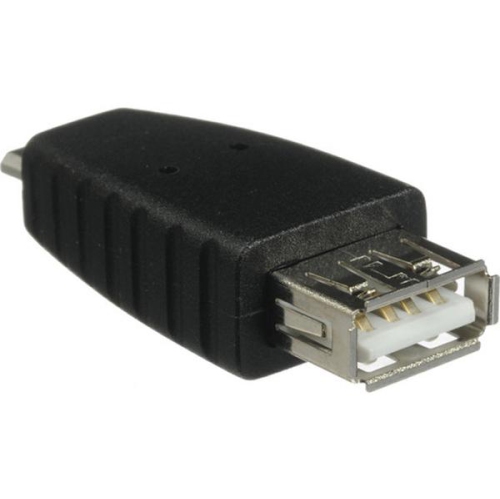


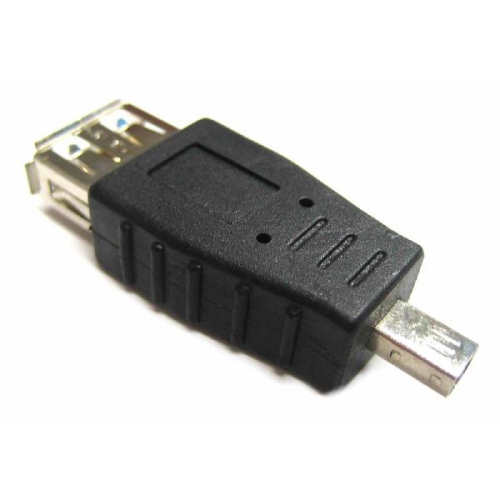
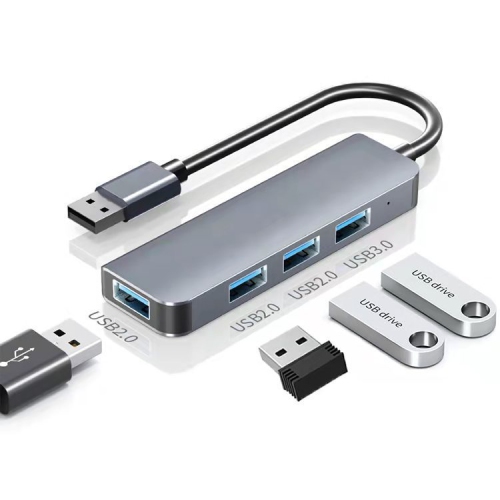
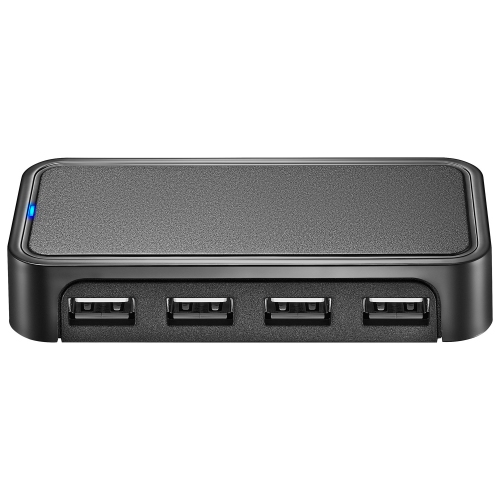
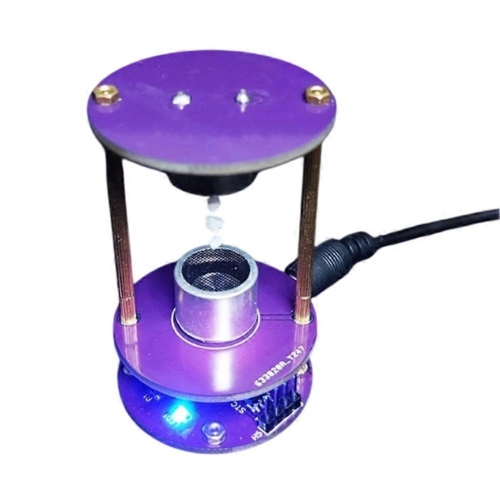
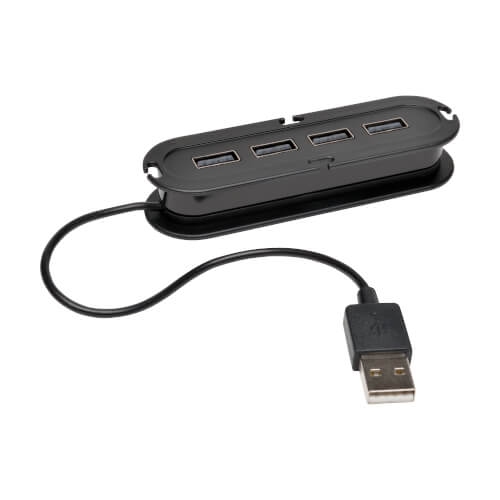
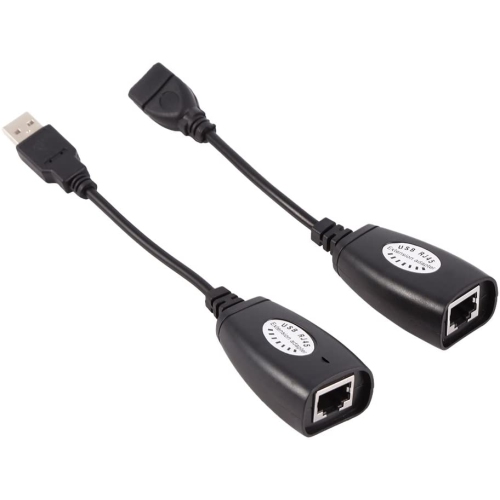
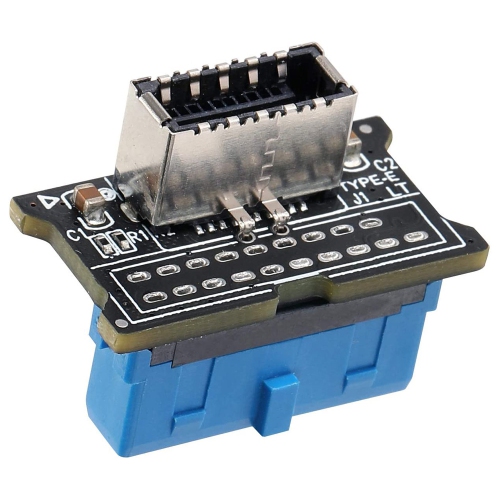

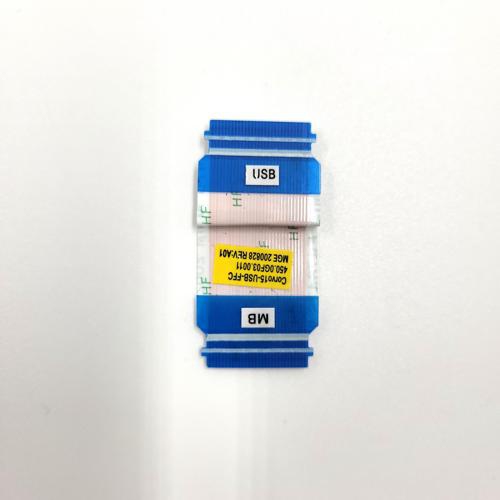
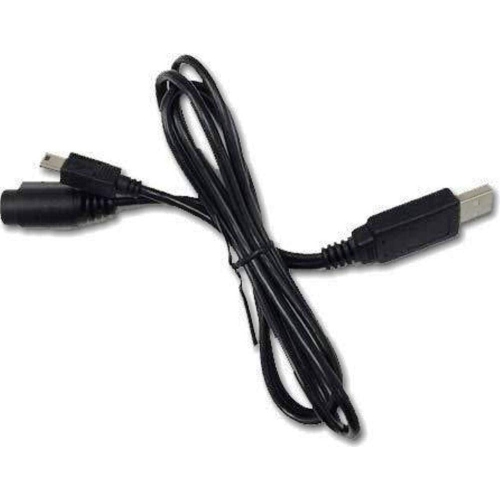
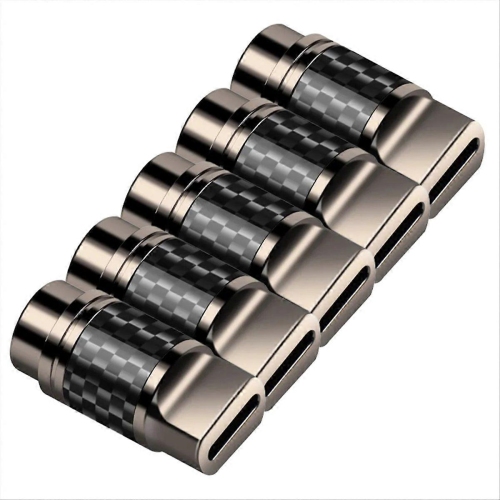
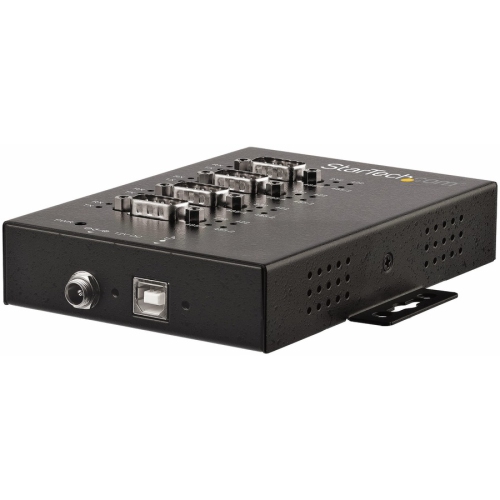
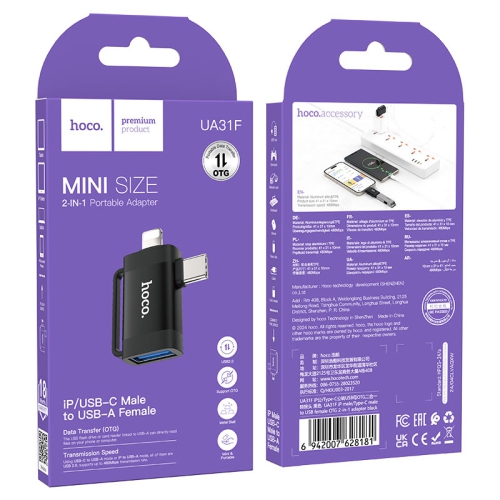
Understanding USB connections for charging, data, and compatibility
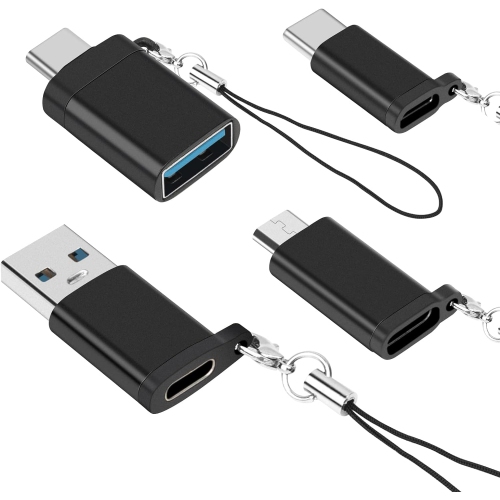
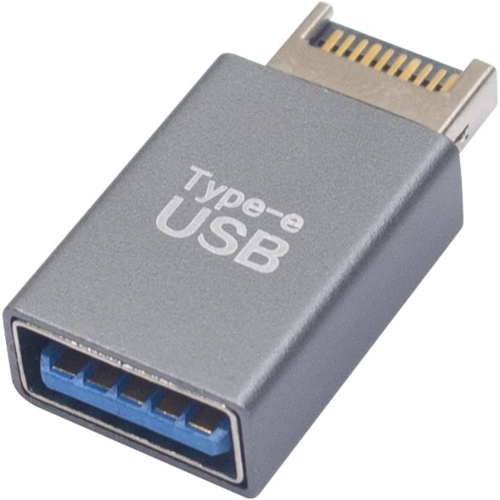
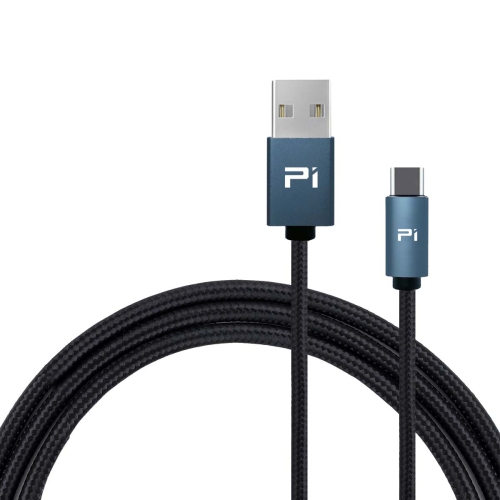
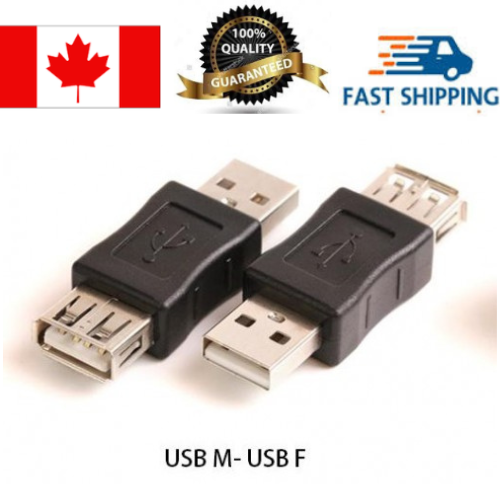
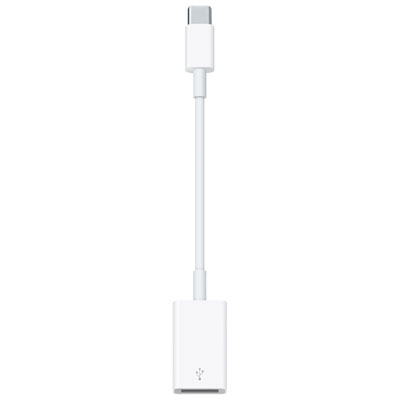
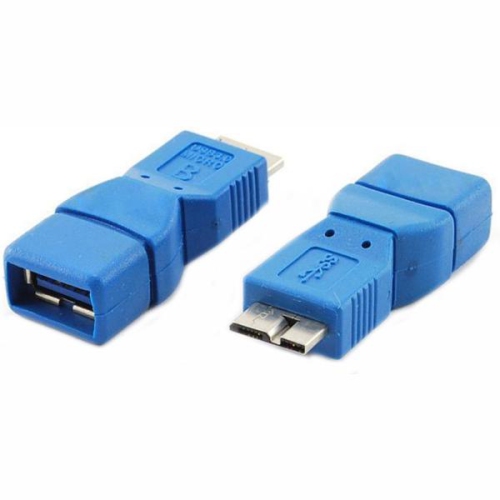
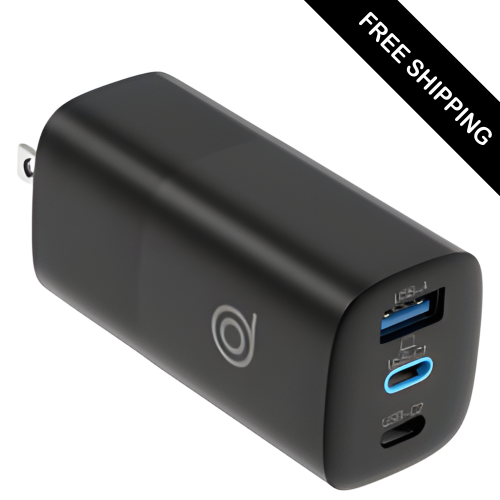
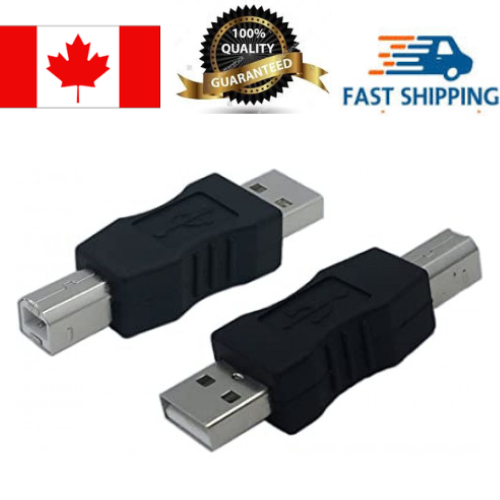
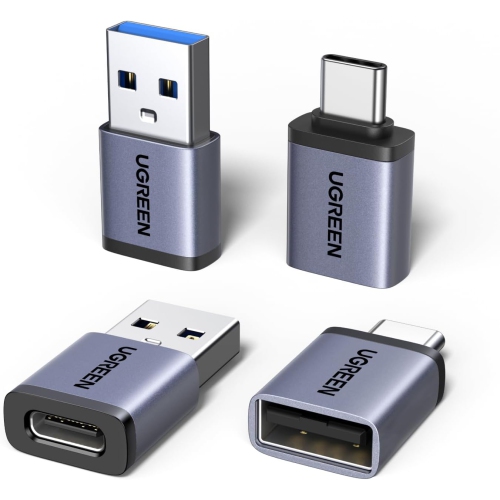
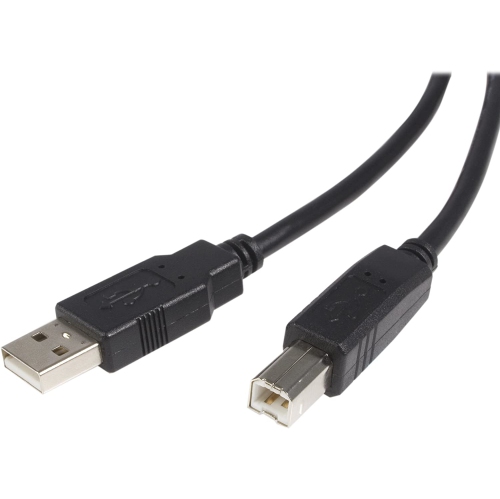
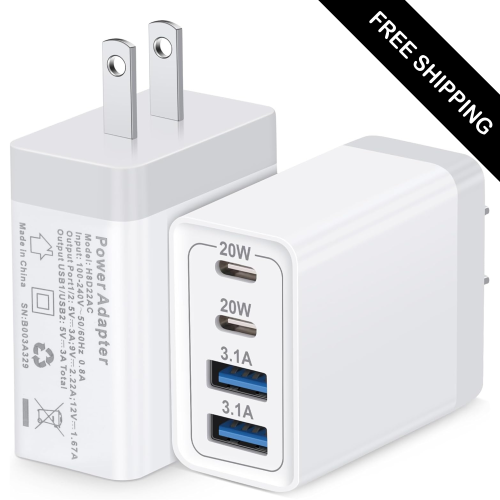
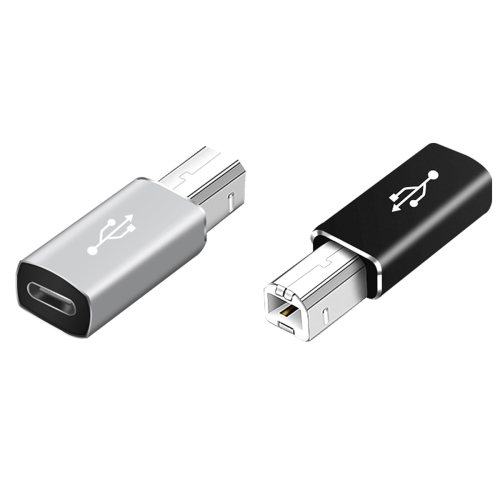
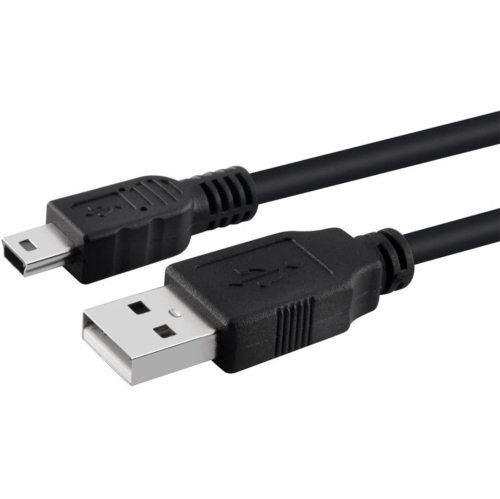
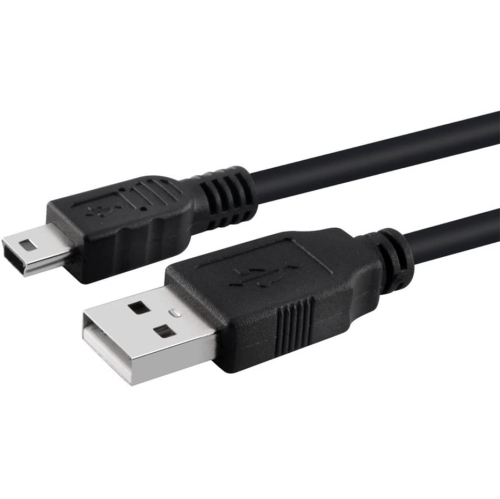
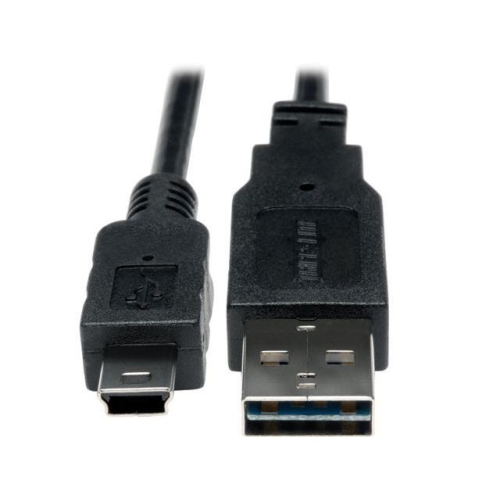
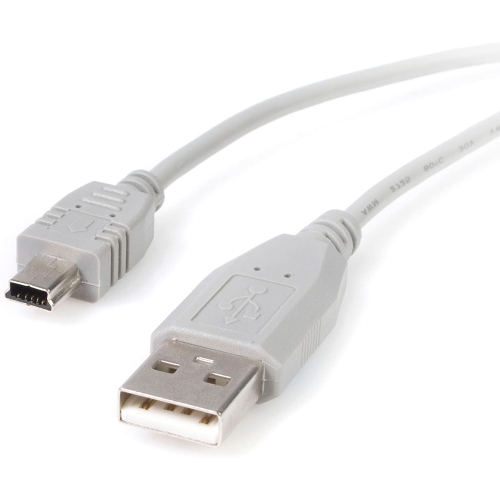
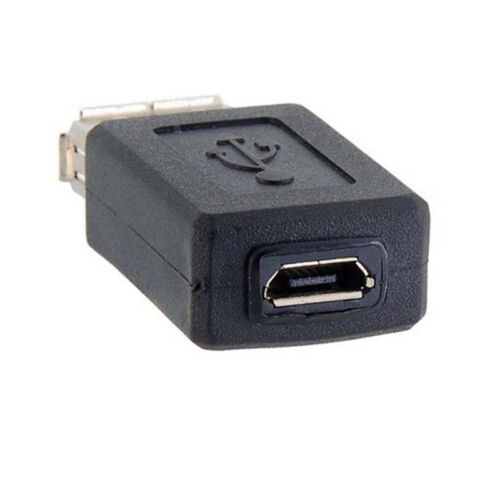
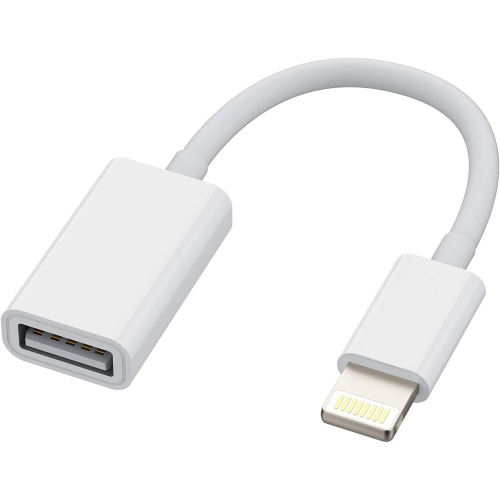
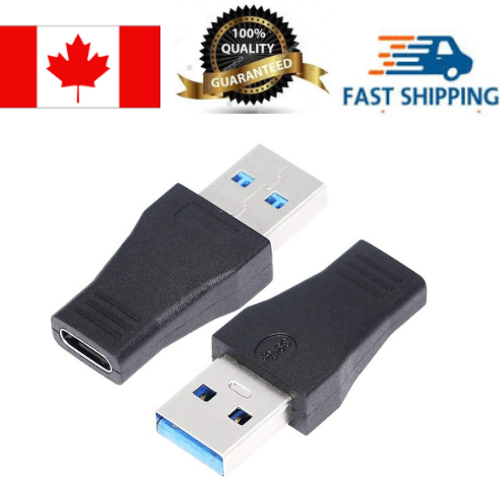
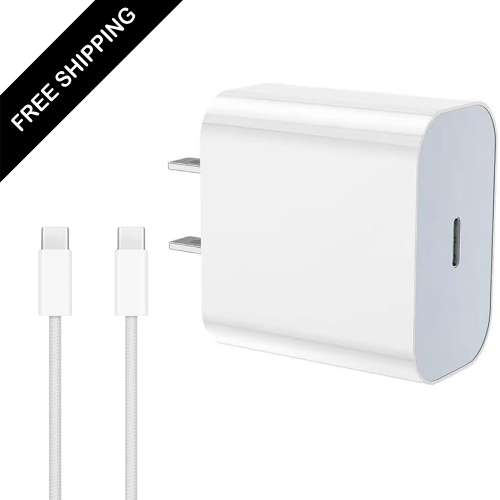
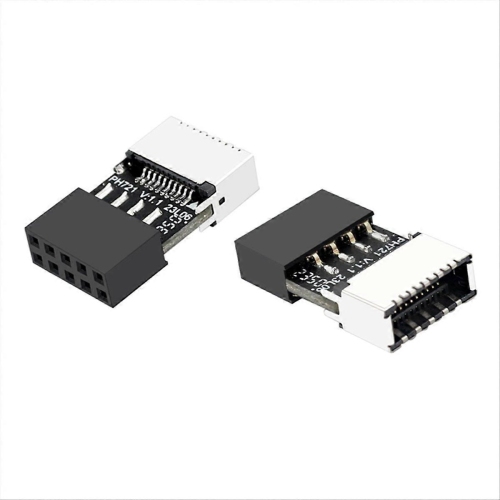
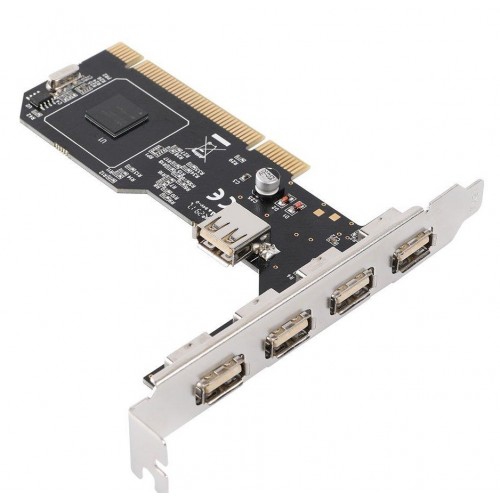
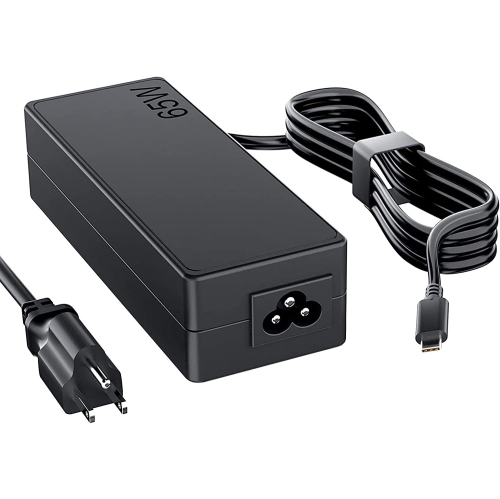
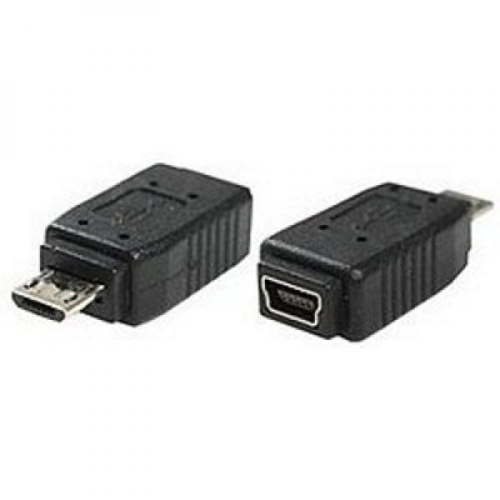
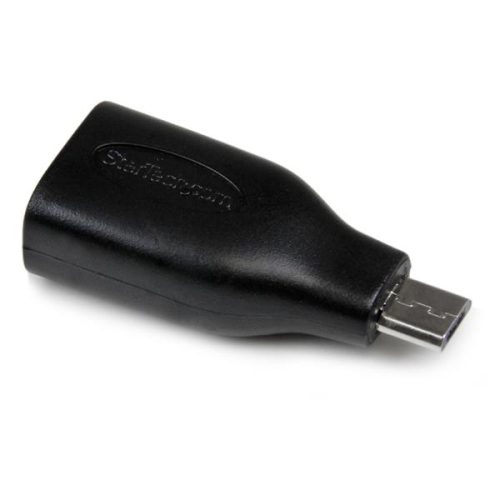
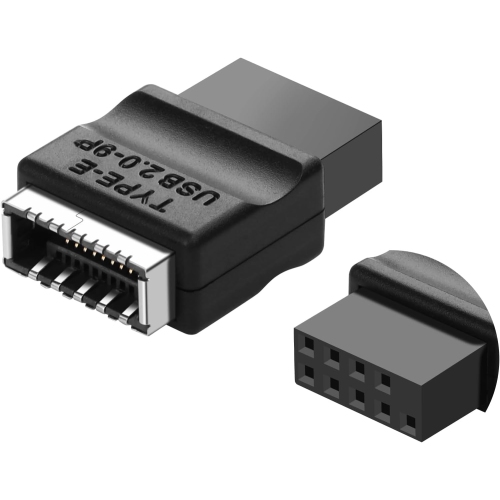
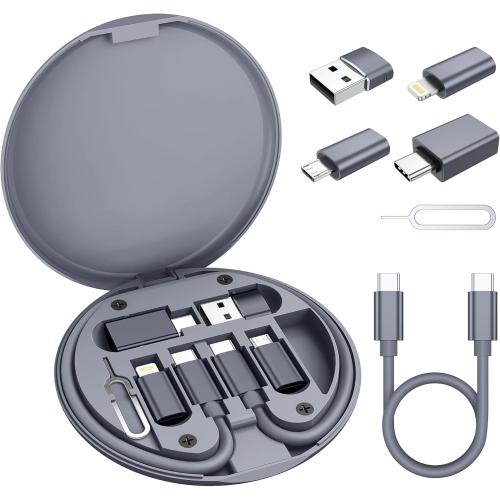
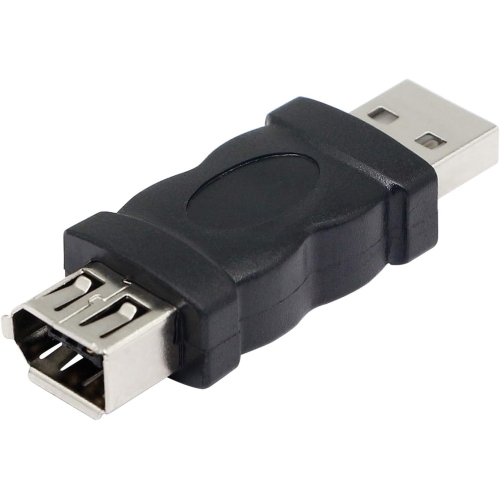
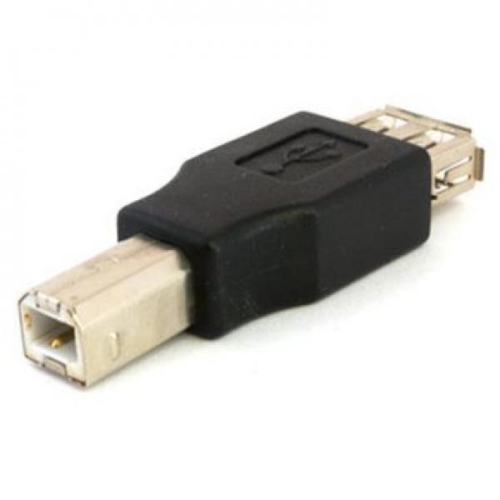
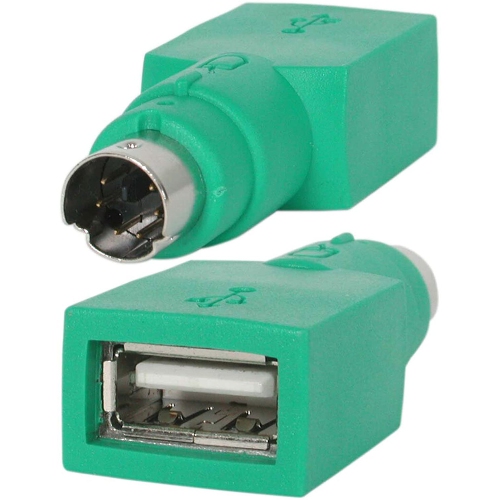
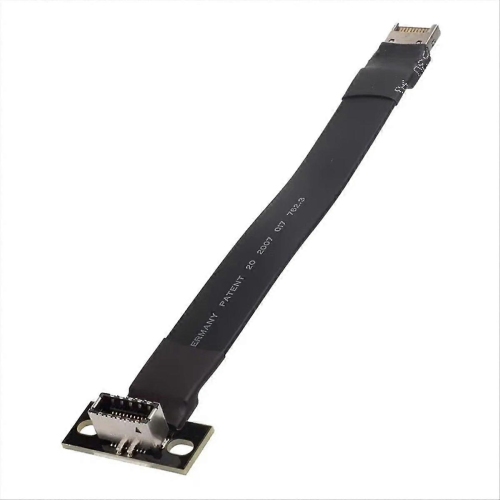
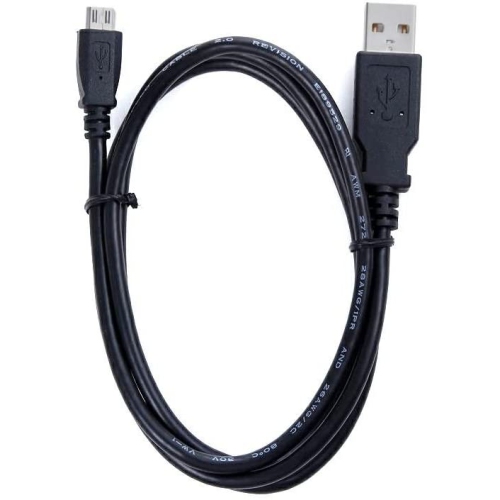
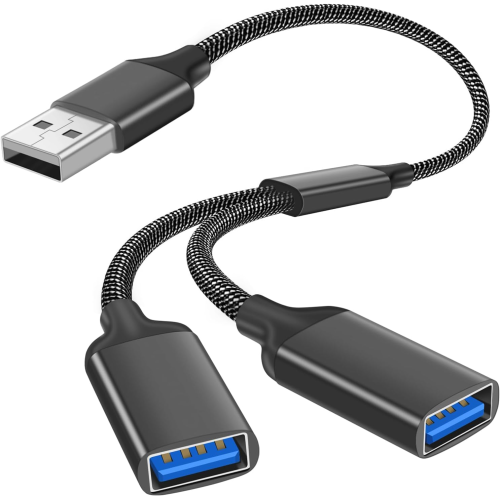
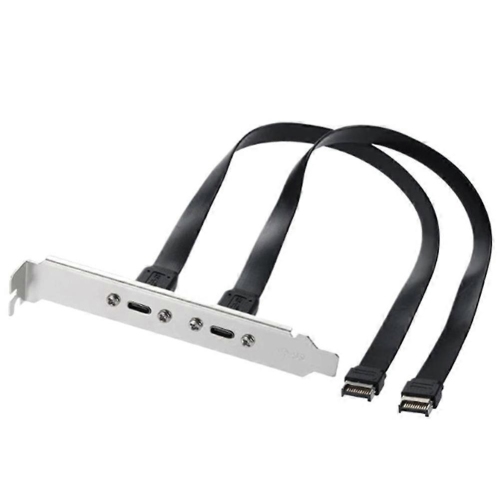
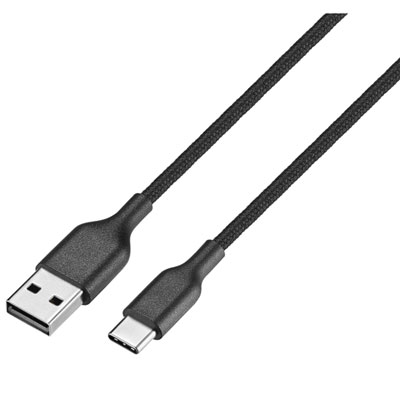
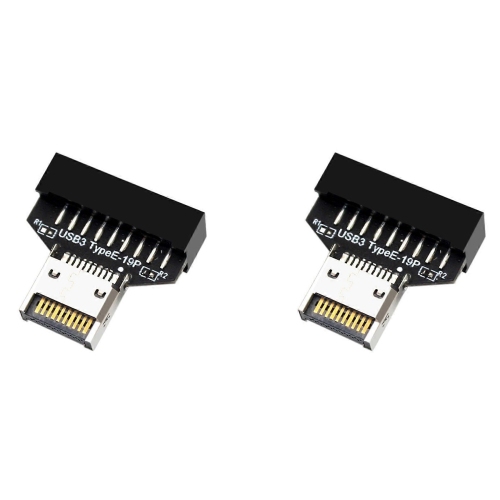
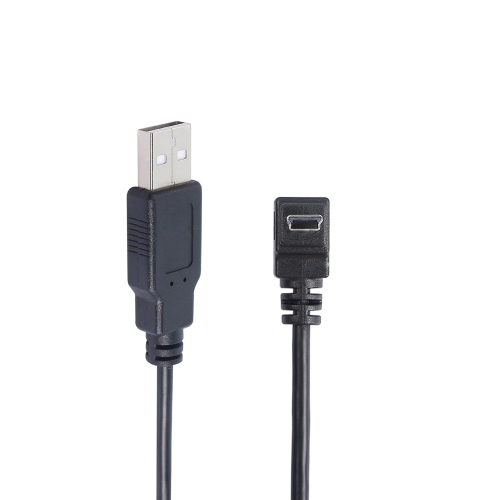
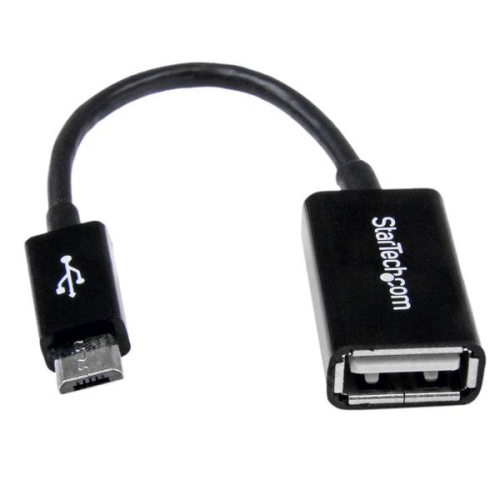
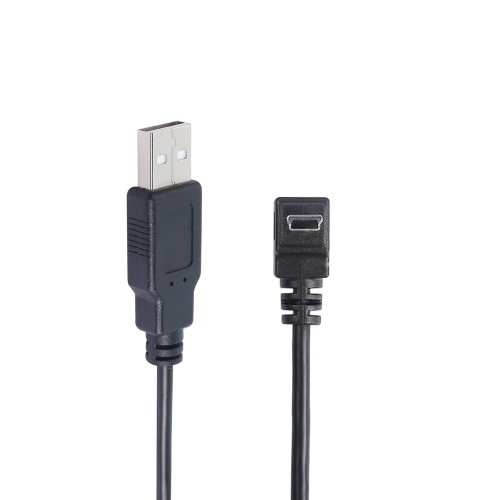
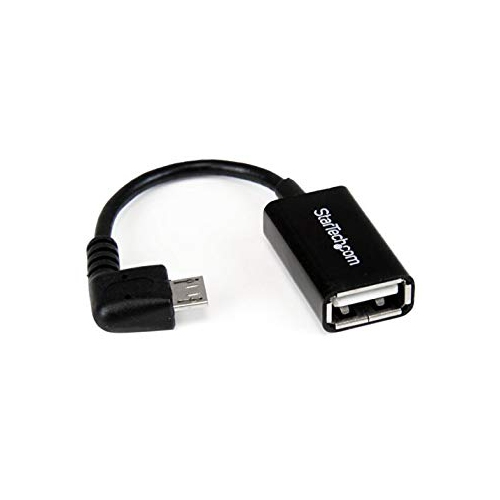
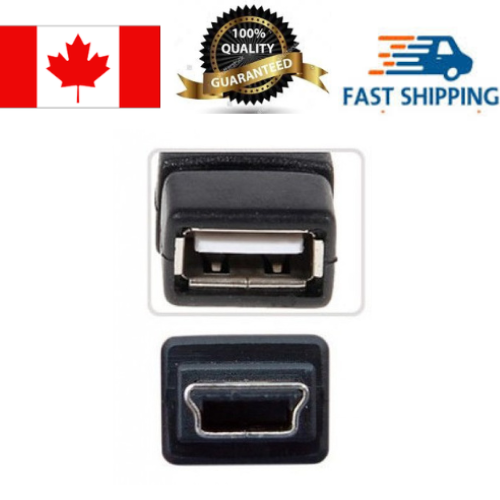
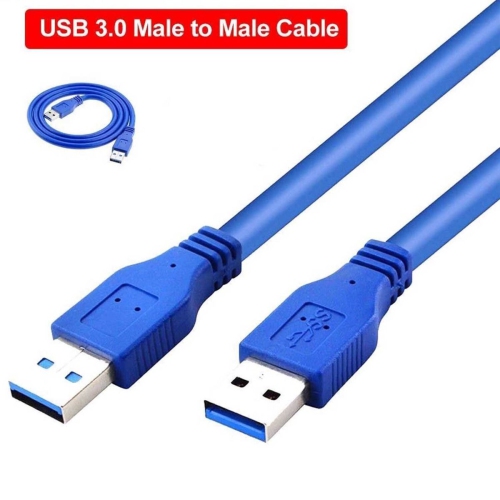
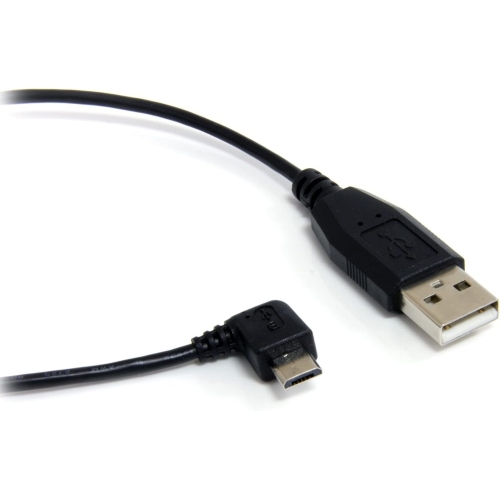
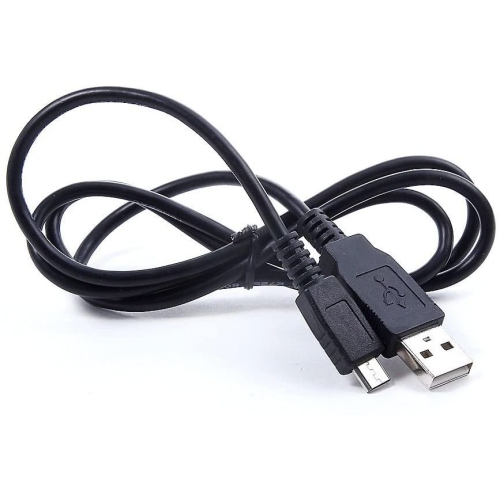
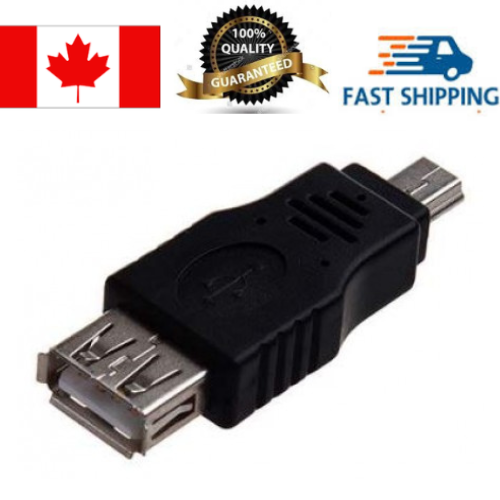
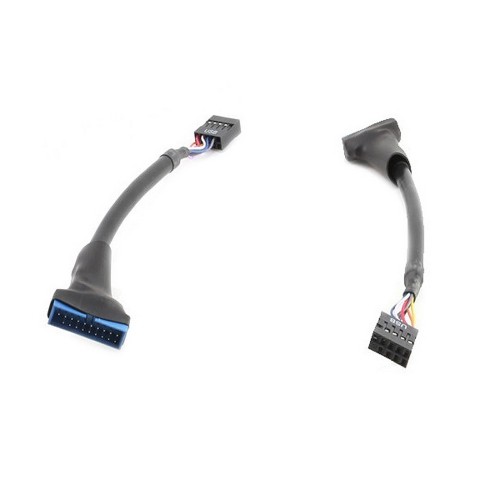
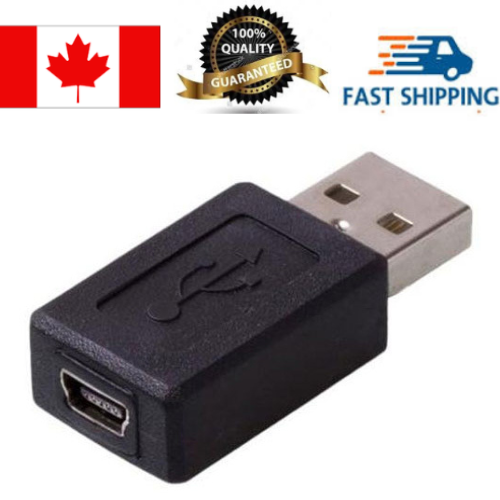
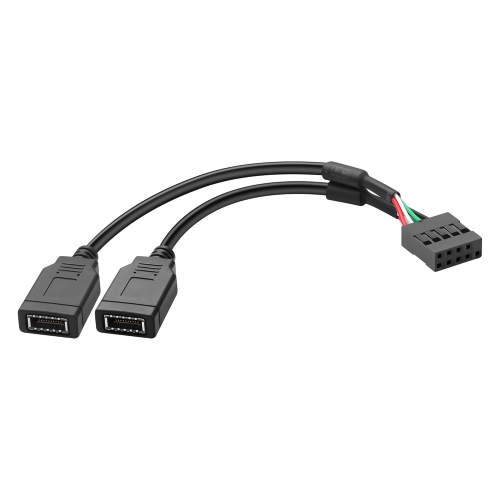
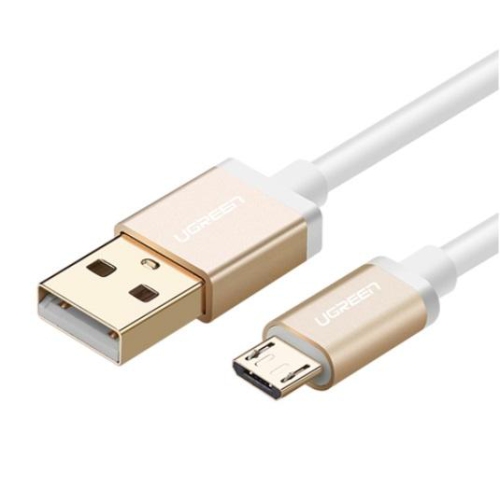
USB electronics make it easier to connect, power, charge, and move information between the devices used at home, at work, in the classroom, and on the go. The USB standard supports several types of connections, with USB-A remaining common on older computers, chargers, and accessories, while USB-C is increasingly used on newer laptops, tablets, phones, monitors, and other electronics. USB-C connectors are reversible, so they can be plugged in either way, and compatible connections may support fast data transfer, power delivery, or display output. Micro-USB is still found on some older electronics, compact accessories, and rechargeable devices. When choosing USB electronics, start by checking the ports on both devices and confirming that the cable or adapter matches each end. A cable that physically fits may not offer the same charging speed, data performance, or video capability as another cable with a similar connector. Product descriptions can also identify the USB generation, supported transfer rate, power rating, and compatibility details, which are useful when connecting a modern computer to older equipment or building a more flexible workspace. For households with a mix of new and older technology, keeping several connection options nearby can save time when setting up a printer, transferring photos, charging accessories, or connecting a peripheral to a computer.
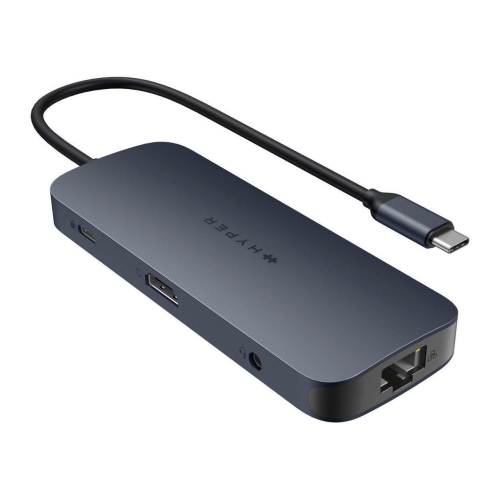
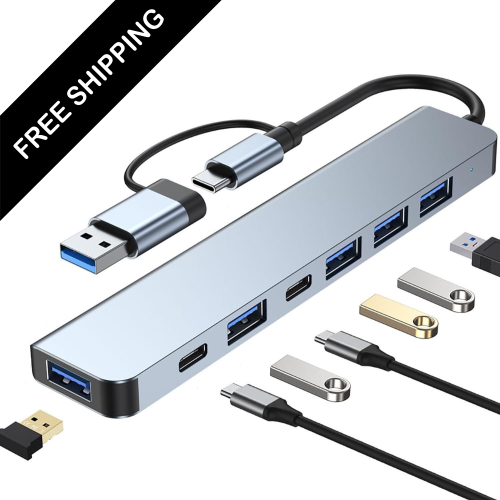
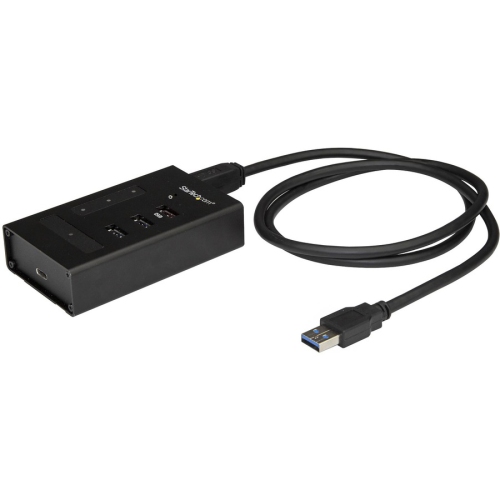
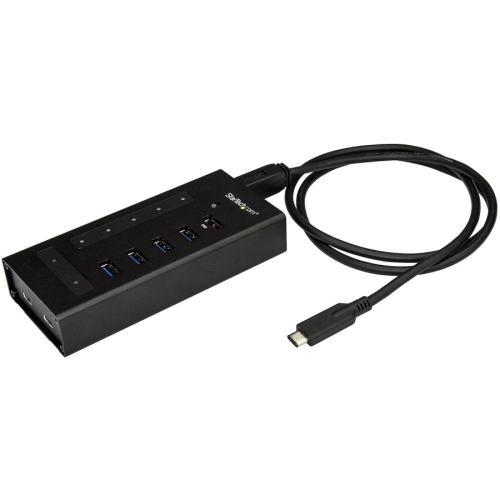
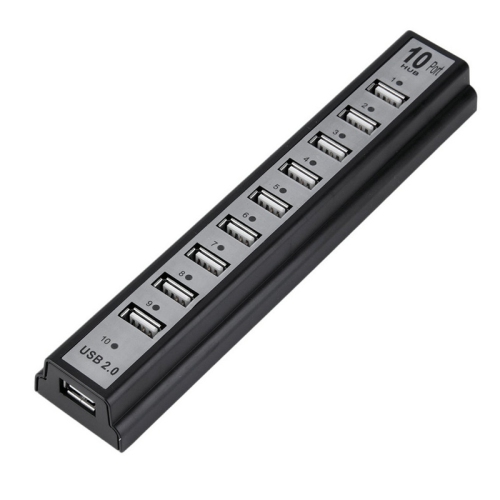
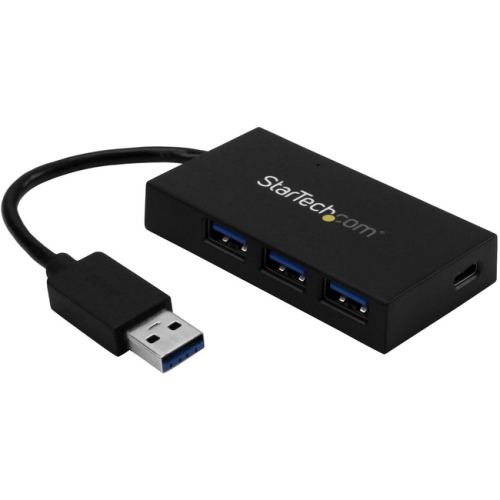
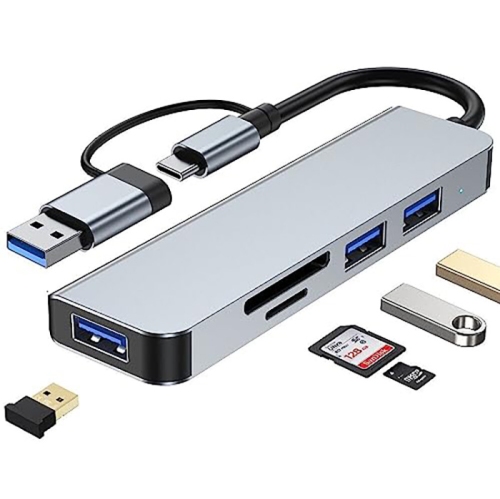
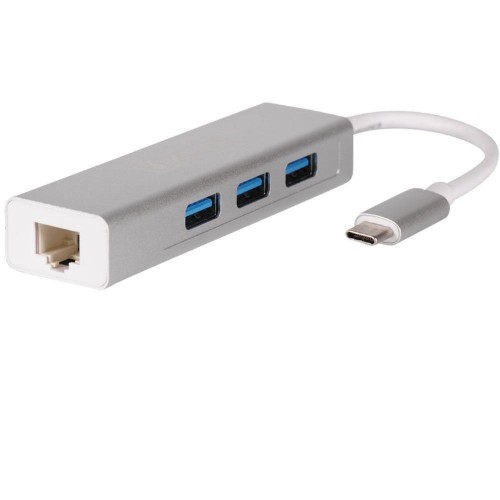
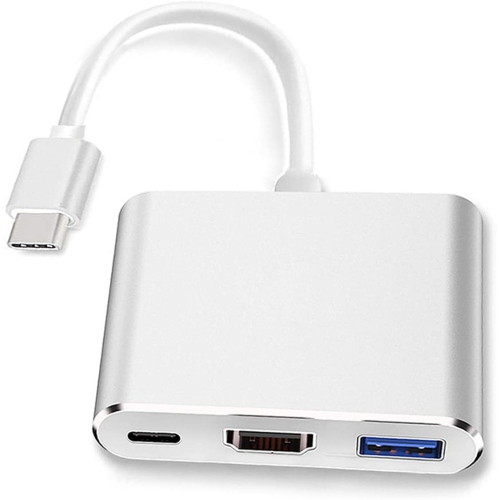
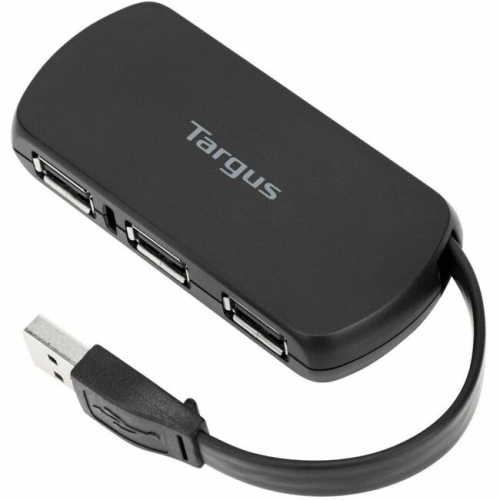
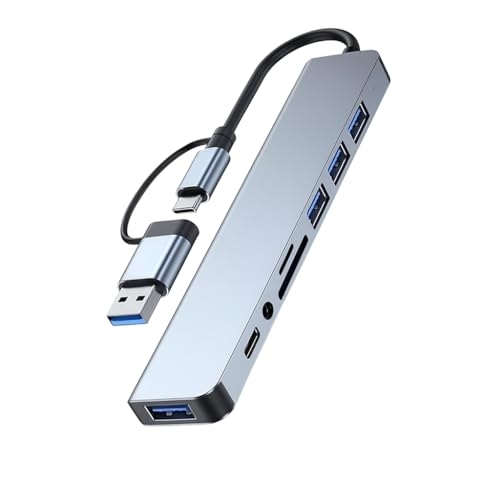
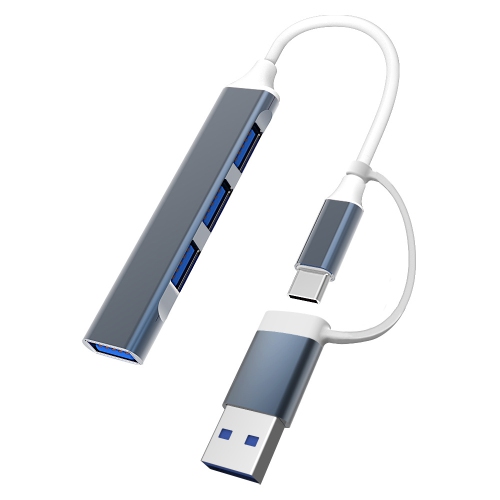
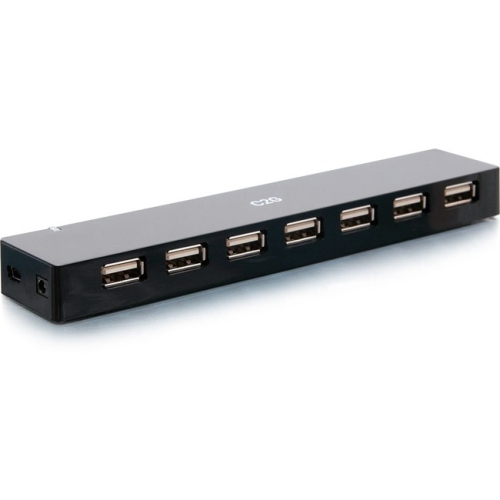
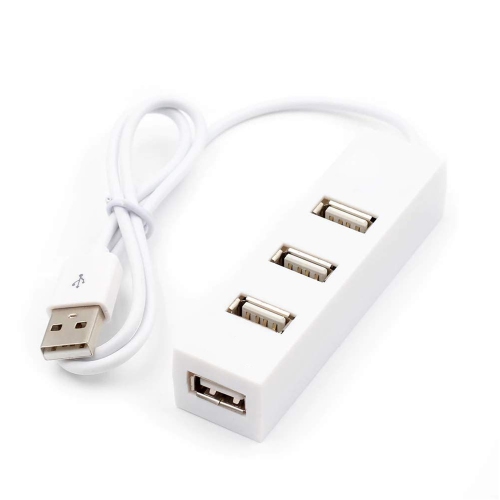
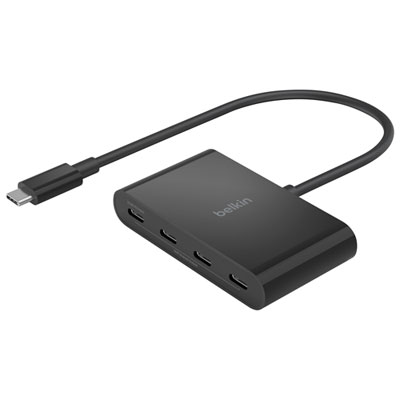
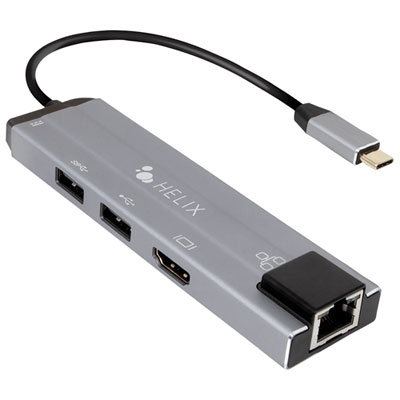
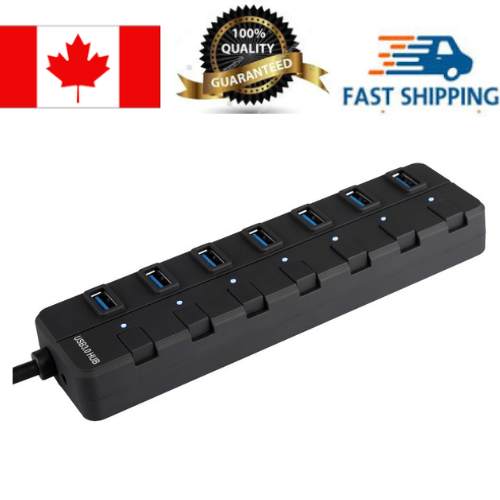
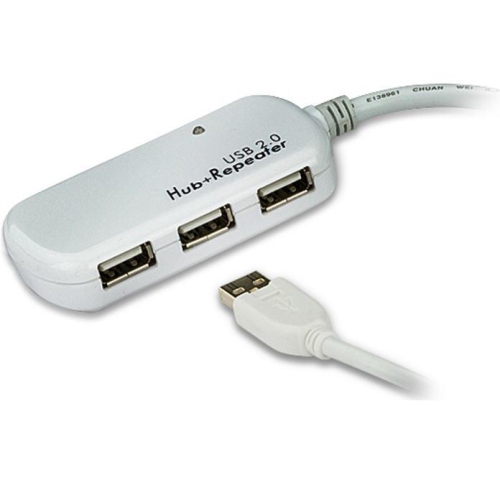
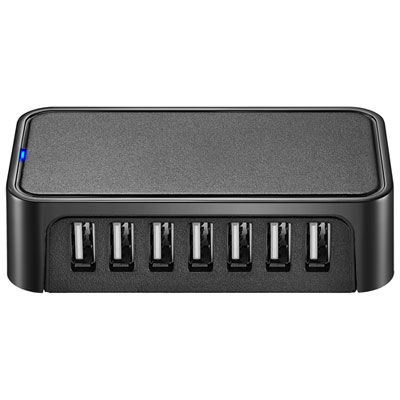
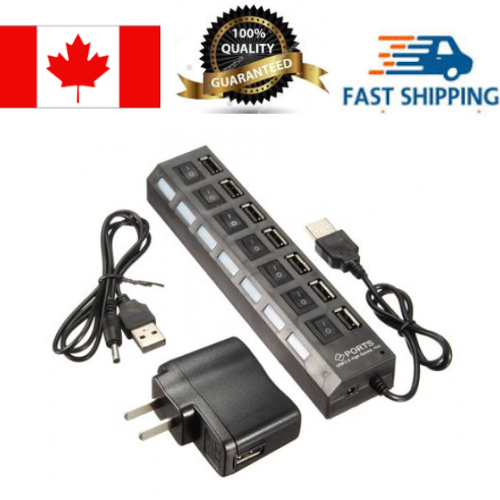
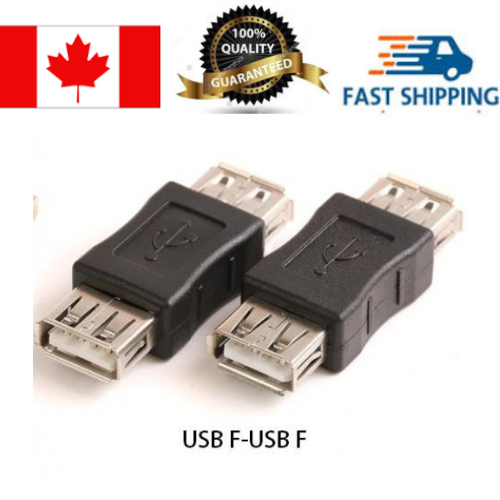
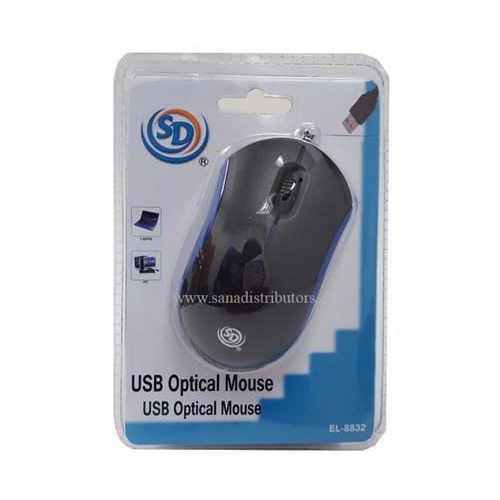
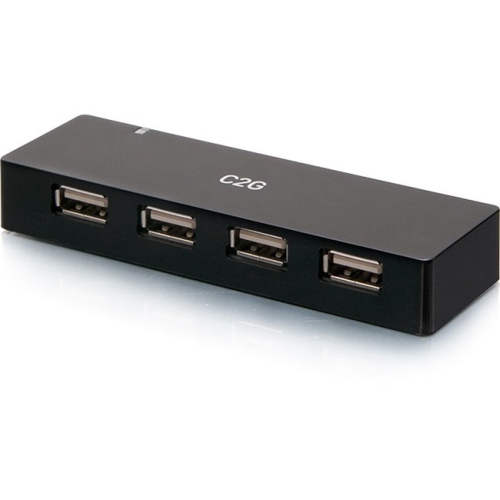
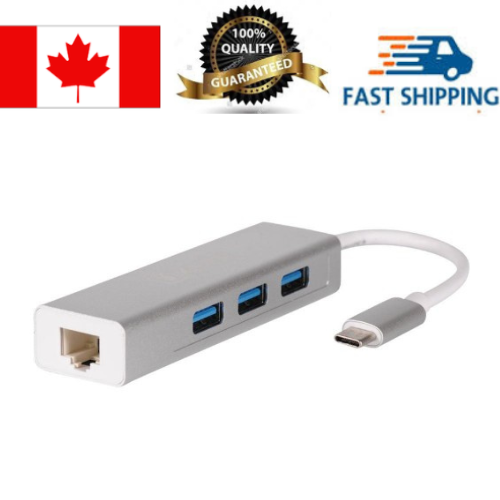
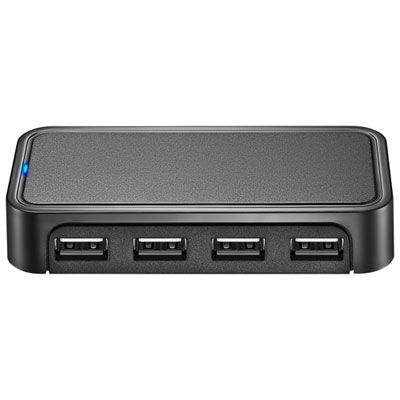
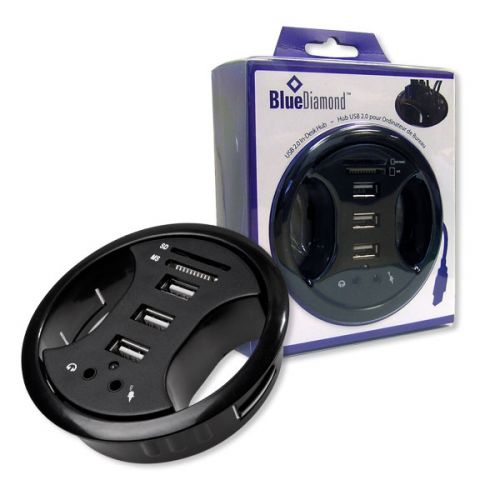
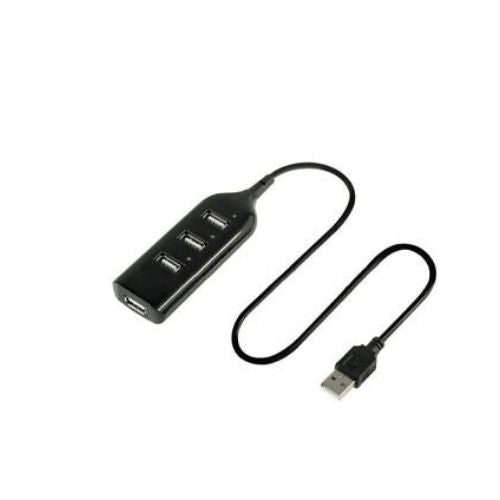
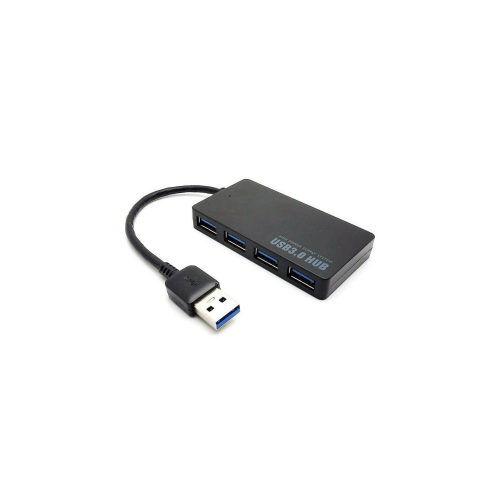
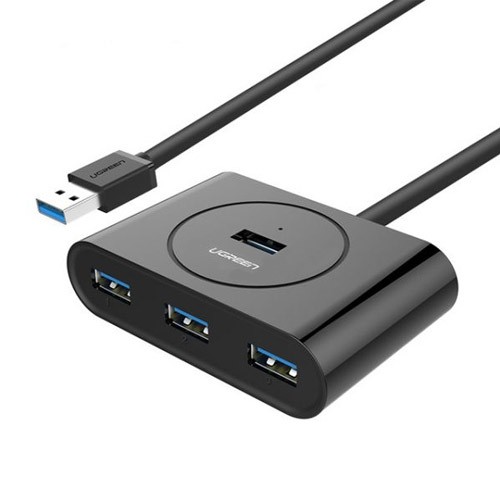
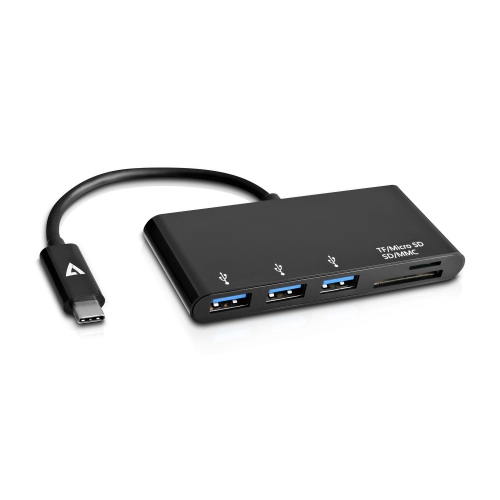
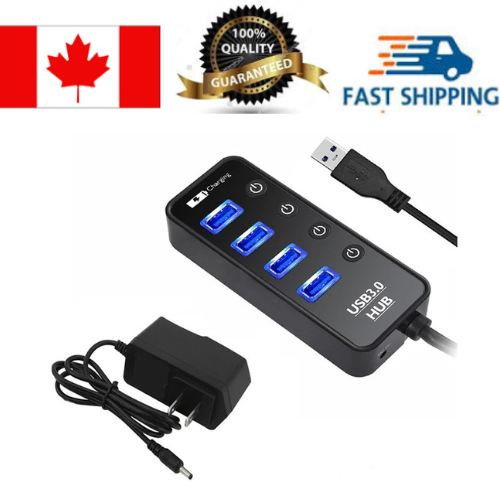
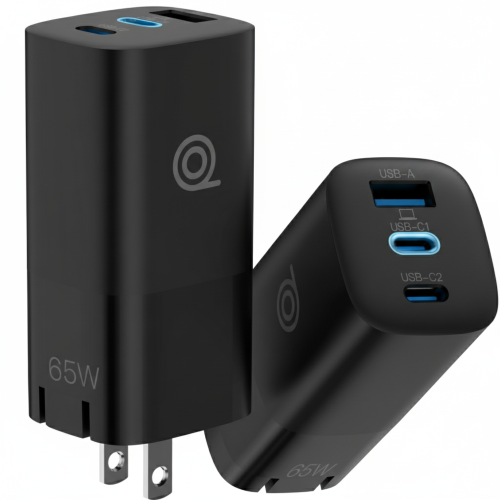
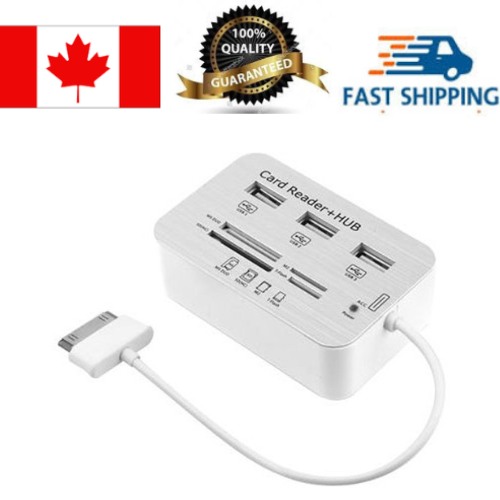
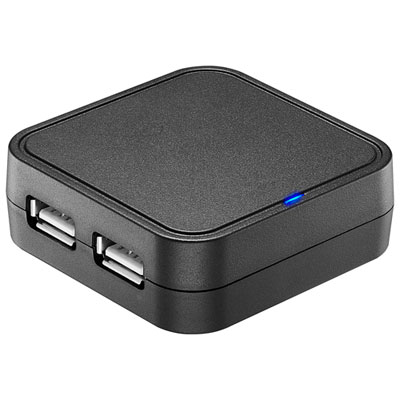
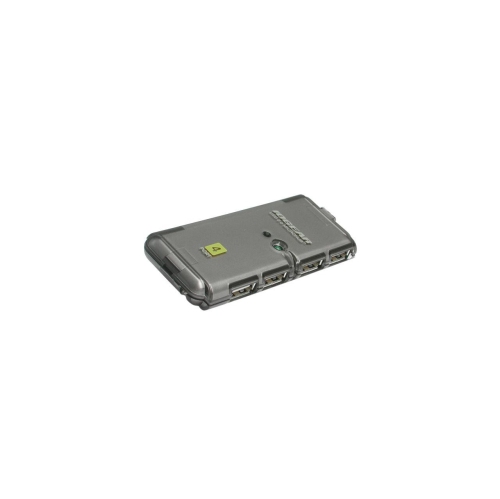
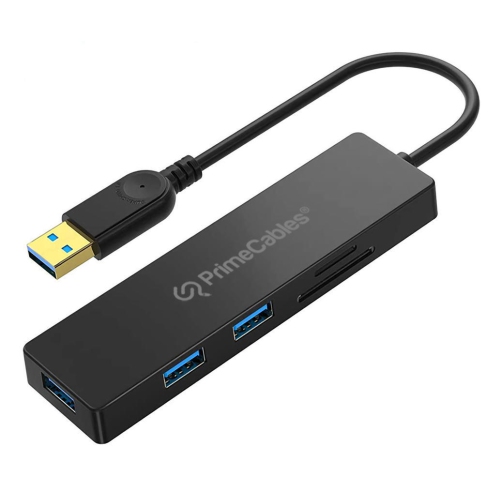
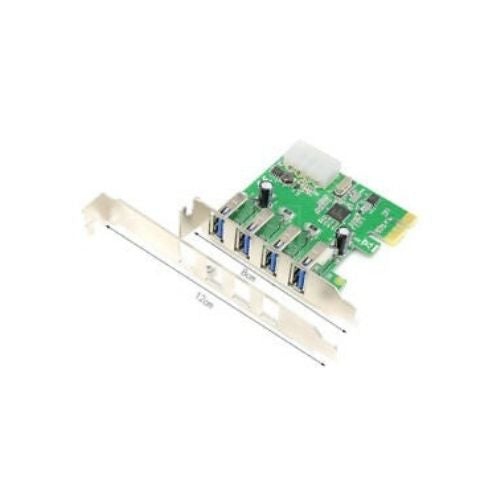
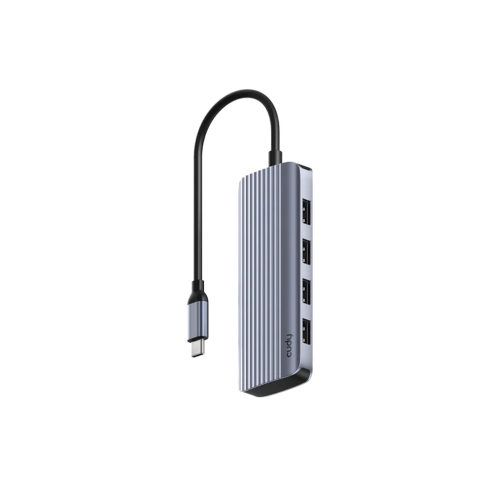
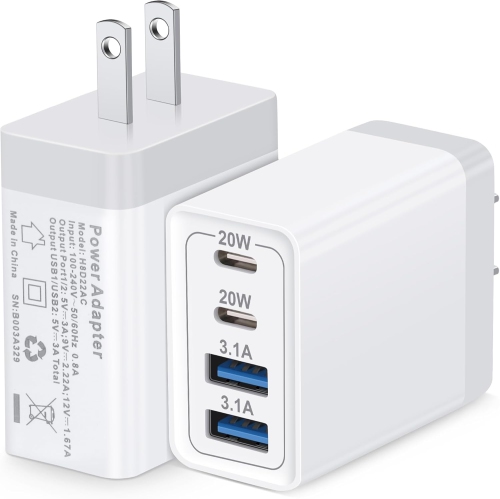
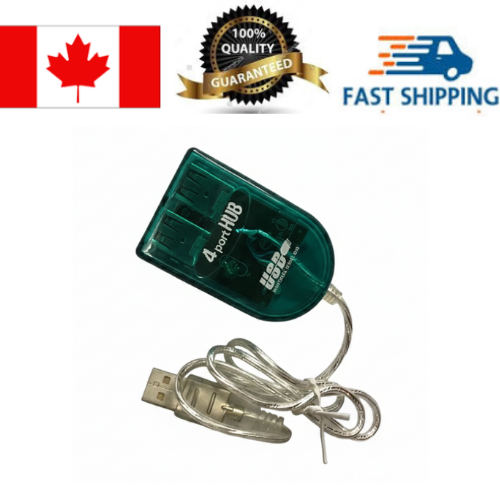
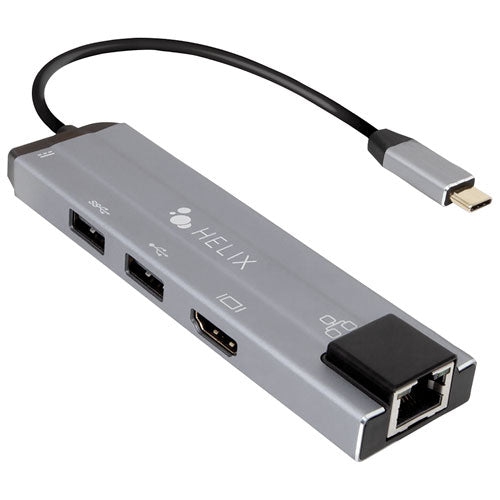
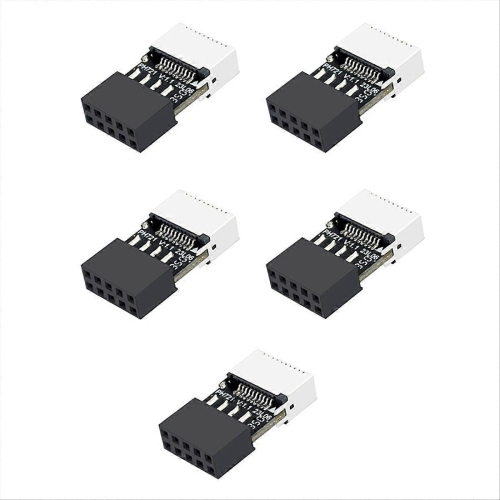
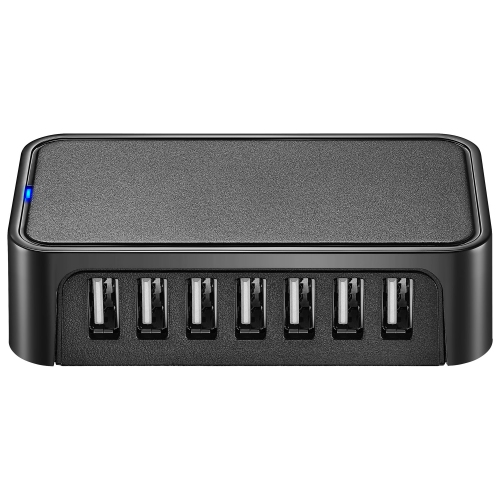
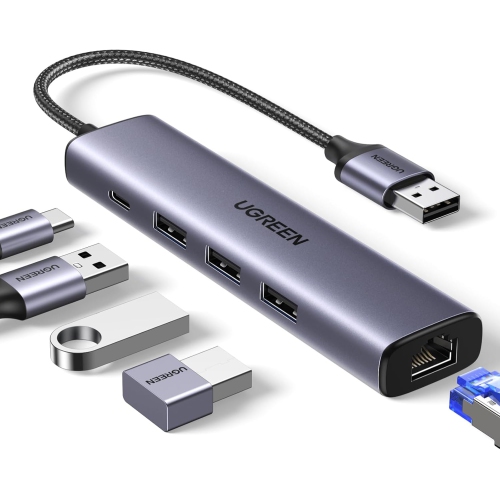
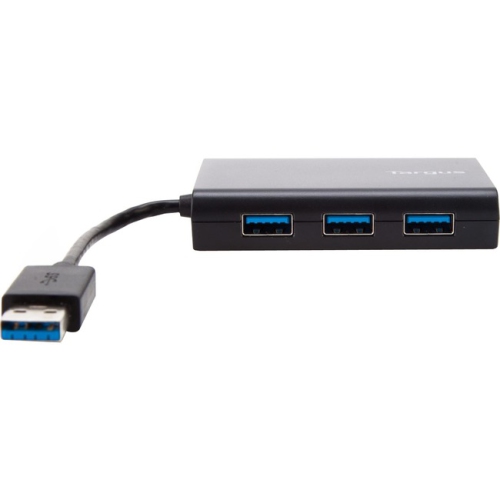
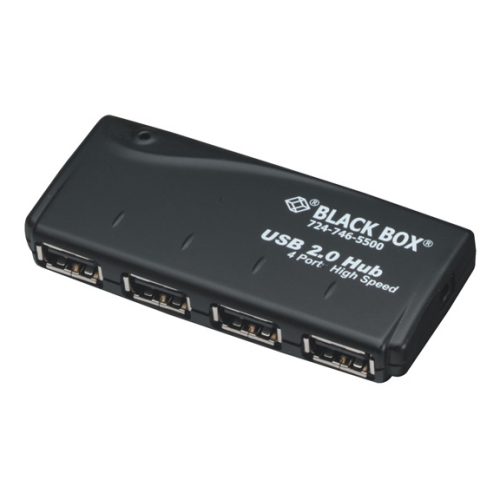
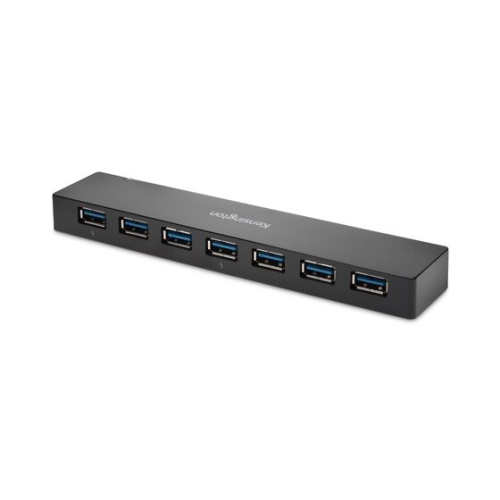
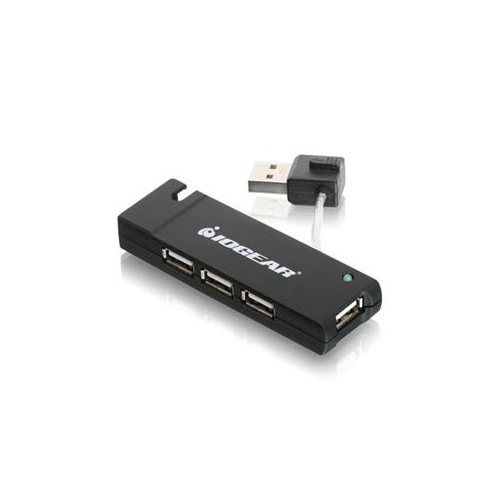
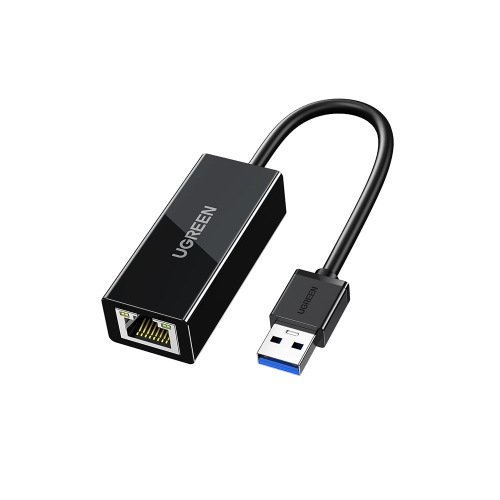
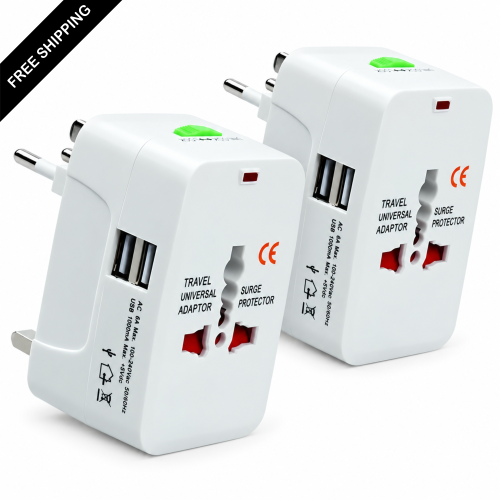
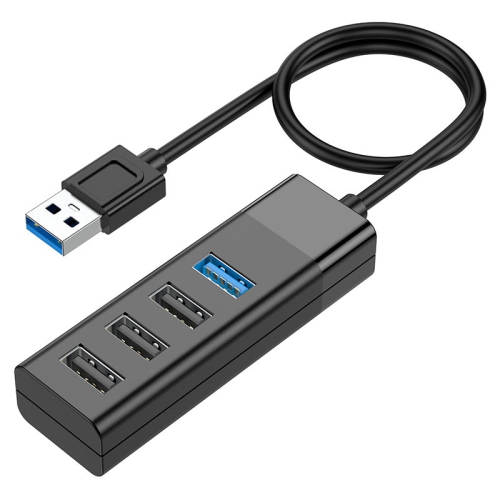
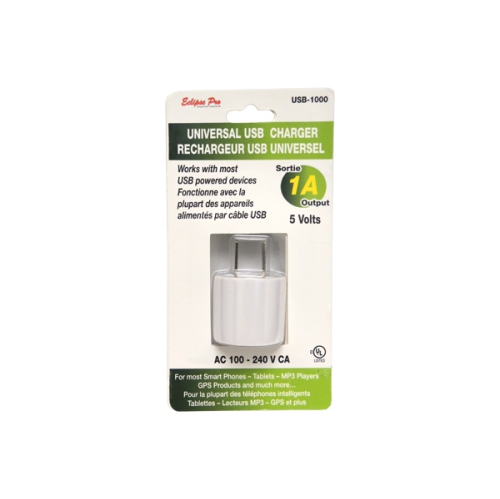
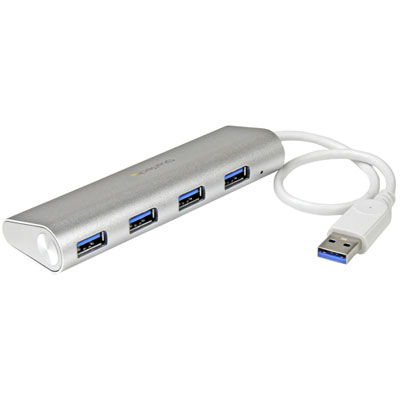
USB cables and hubs are practical choices for anyone who regularly works with multiple devices. A cable may be used to connect a computer to a printer, scanner, external storage device, keyboard, controller, camera, or mobile accessory, while a hub can expand the number of available ports when a laptop or desktop has limited connections. Some hubs are designed for simple plug-and-play access to extra USB ports, and others may include card readers, wired networking, audio connections, or video output. If a hub will be used with several bus-powered devices, look for details about its power requirements and whether an external power source is recommended. Cable length matters as well: a short cable can keep a compact desk tidy, while a longer option may be more convenient for a computer positioned beneath a desk or beside a television. For data transfers, pay attention to the advertised speed and use a cable that supports the capability of the connected devices. For charging, check whether the cable supports the required power level and whether the charger and device are compatible with the same charging standard. USB electronics can also make thoughtful gifts for students, remote workers, travellers, photographers, and anyone setting up a new computer. A well-matched cable, compact hub, or multi-port adapter can be especially useful when someone is preparing a study area, organizing a home office, or bringing electronics along during the cooler months.
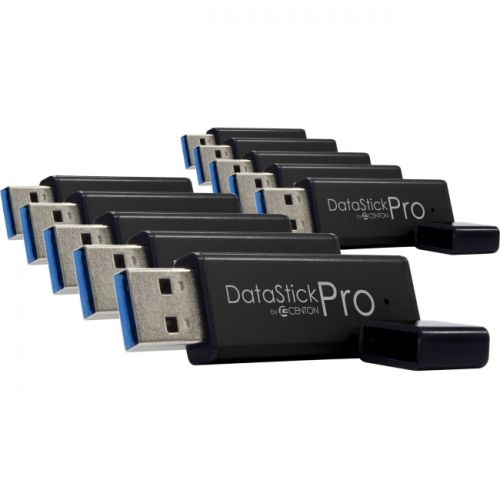
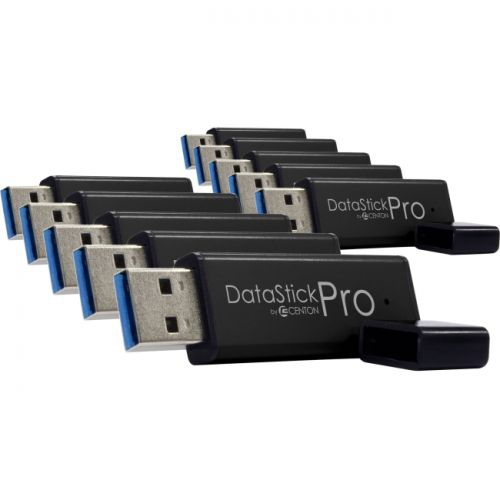
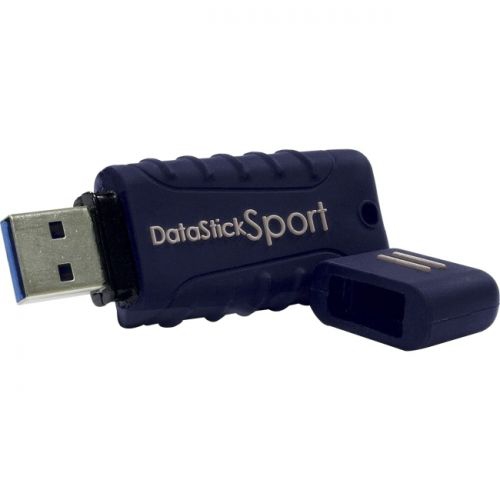
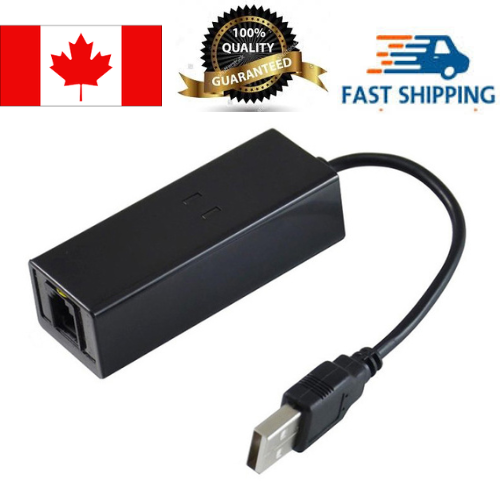
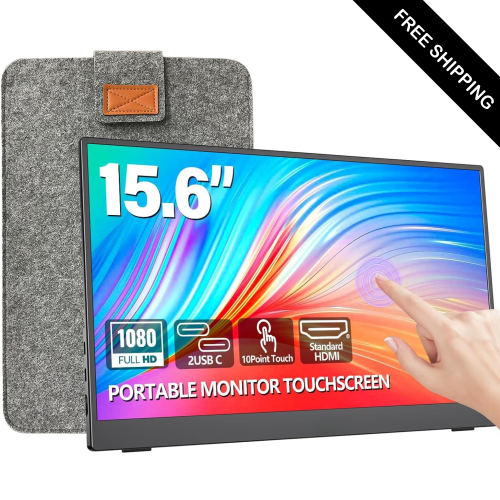
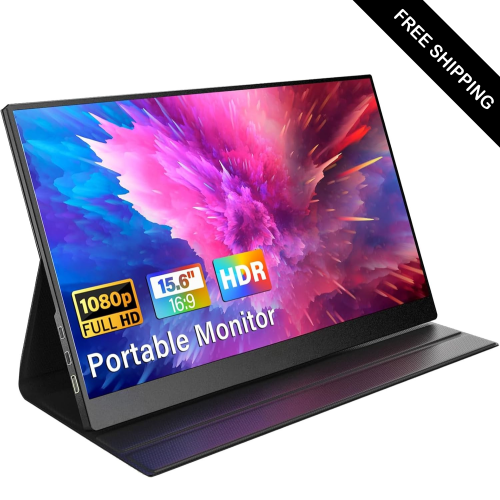
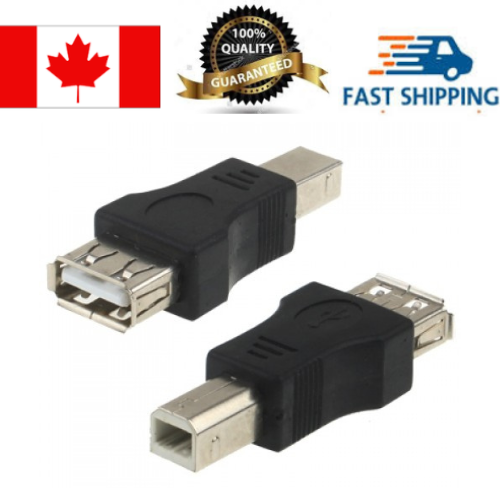
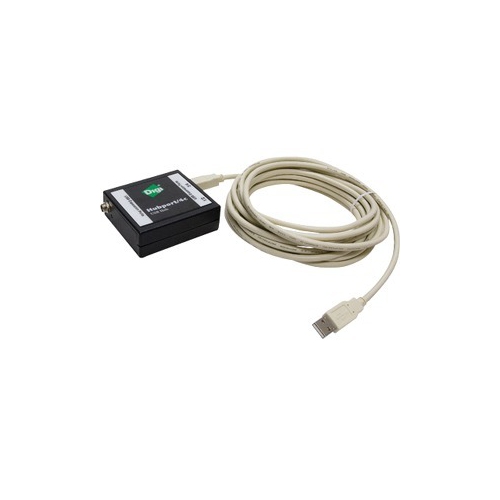
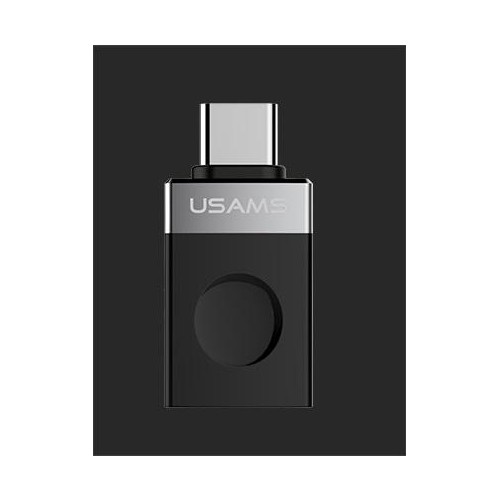
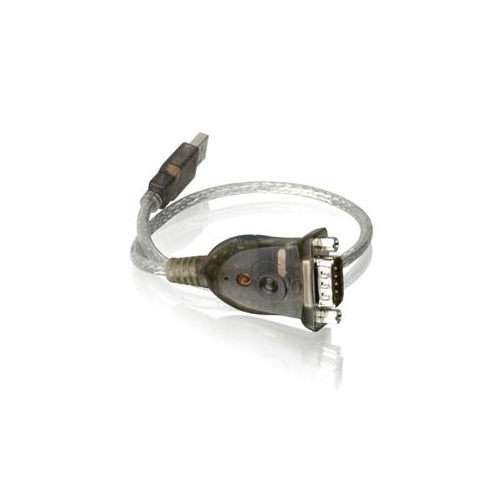
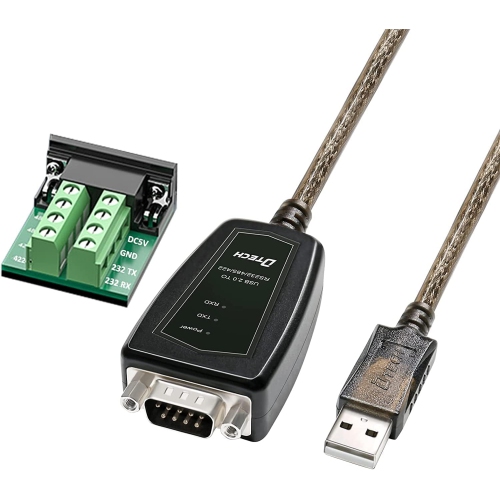
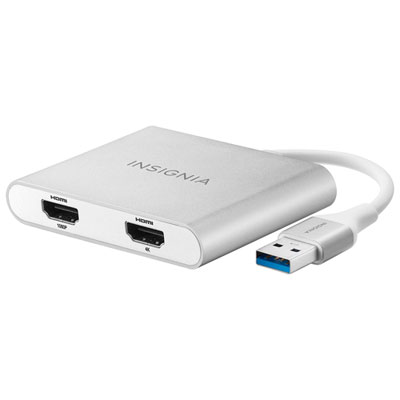
USB electronics also include specialized tools and adapters that help older and newer equipment work together. USB-to-serial adapters can connect computers with modern USB ports to compatible legacy equipment that uses an RS-232 or similar serial connection, making them useful in technical workspaces, industrial settings, classrooms, and electronics projects. A USB voltage or current meter can help users observe the electrical output of a USB port or charger while troubleshooting a connection, checking a setup, or learning more about how a device draws power. USB flash drives and other compact storage accessories provide a convenient way to carry documents, photos, presentations, and other files between compatible devices, although important files should also be backed up in another location. Users who need to connect a computer to a display should review the requirements for the computer, cable, adapter, and screen because not every USB-C port supports video output. Dedicated USB displays can be found in the selection of USB Displays, with compatibility details helping shoppers choose a suitable setup. Before completing a purchase, consider the devices being connected, the type of ports available, the required data speed, the amount of power involved, and whether the accessory needs to support charging, data transfer, audio, or video. These details help prevent mismatched connections and make USB electronics more useful across everyday routines, from transferring schoolwork at the kitchen table to connecting equipment in a busy office or refreshing a home setup when more time is spent indoors.
USB cables and hubs are practical choices for anyone who regularly works with multiple devices. A cable may be used to connect a computer to a printer, scanner, external storage device, keyboard, controller, camera, or mobile accessory, while a hub can expand the number of available ports when a laptop or desktop has limited connections. Some hubs are designed for simple plug-and-play access to extra USB ports, and others may include card readers, wired networking, audio connections, or video output. If a hub will be used with several bus-powered devices, look for details about its power requirements and whether an external power source is recommended. Cable length matters as well: a short cable can keep a compact desk tidy, while a longer option may be more convenient for a computer positioned beneath a desk or beside a television. For data transfers, pay attention to the advertised speed and use a cable that supports the capability of the connected devices. For charging, check whether the cable supports the required power level and whether the charger and device are compatible with the same charging standard. USB electronics can also make thoughtful gifts for students, remote workers, travellers, photographers, and anyone setting up a new computer. A well-matched cable, compact hub, or multi-port adapter can be especially useful when someone is preparing a study area, organizing a home office, or bringing electronics along during the cooler months.
USB electronics also include specialized tools and adapters that help older and newer equipment work together. USB-to-serial adapters can connect computers with modern USB ports to compatible legacy equipment that uses an RS-232 or similar serial connection, making them useful in technical workspaces, industrial settings, classrooms, and electronics projects. A USB voltage or current meter can help users observe the electrical output of a USB port or charger while troubleshooting a connection, checking a setup, or learning more about how a device draws power. USB flash drives and other compact storage accessories provide a convenient way to carry documents, photos, presentations, and other files between compatible devices, although important files should also be backed up in another location. Users who need to connect a computer to a display should review the requirements for the computer, cable, adapter, and screen because not every USB-C port supports video output. Dedicated USB displays can be found in the selection of USB Displays, with compatibility details helping shoppers choose a suitable setup. Before completing a purchase, consider the devices being connected, the type of ports available, the required data speed, the amount of power involved, and whether the accessory needs to support charging, data transfer, audio, or video. These details help prevent mismatched connections and make USB electronics more useful across everyday routines, from transferring schoolwork at the kitchen table to connecting equipment in a busy office or refreshing a home setup when more time is spent indoors.
Top selling and popular products
-
 Your price for this item is $49.99
 -
 Your price for this item is $65.99
 -
 Your price for this item is $19.98
 -
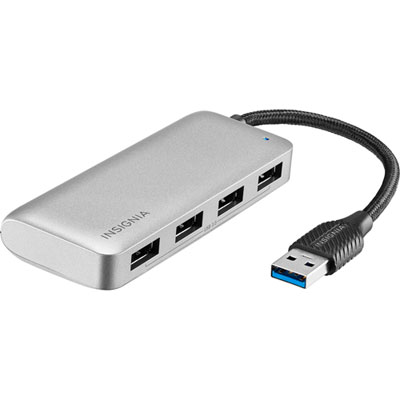 Your price for this item is $29.99
 -
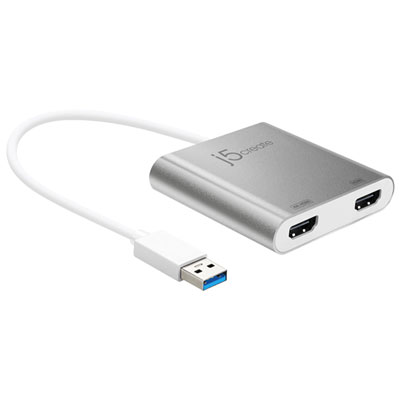 Your price for this item is $99.99
 -
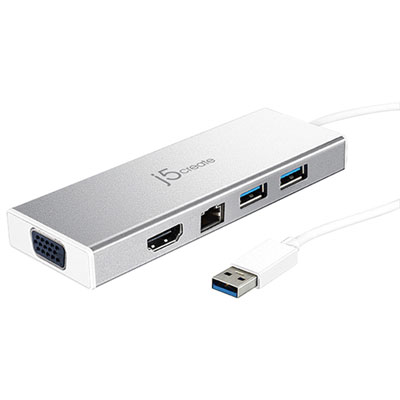 Your price for this item is $79.99
 -
 Your price for this item is $19.99
 -
 Your price for this item is $104.99
Discover more categories related to USB Electronics
Top Collections:
Pokemon Centers, Kindle Devices, Best Cameras for Sports Photography, Samsung Galaxy Phones, Laptops for Business Work, Canon G7X Cameras, Pokémon 30th Celebration Cards, Refurbished Apple Laptops, iPhone 15 Apple, Cordless Dyson Vacuums
Some products may be subject to Environmental Handling Fees
(EHF) depending on your province.
Learn more about EHFs.